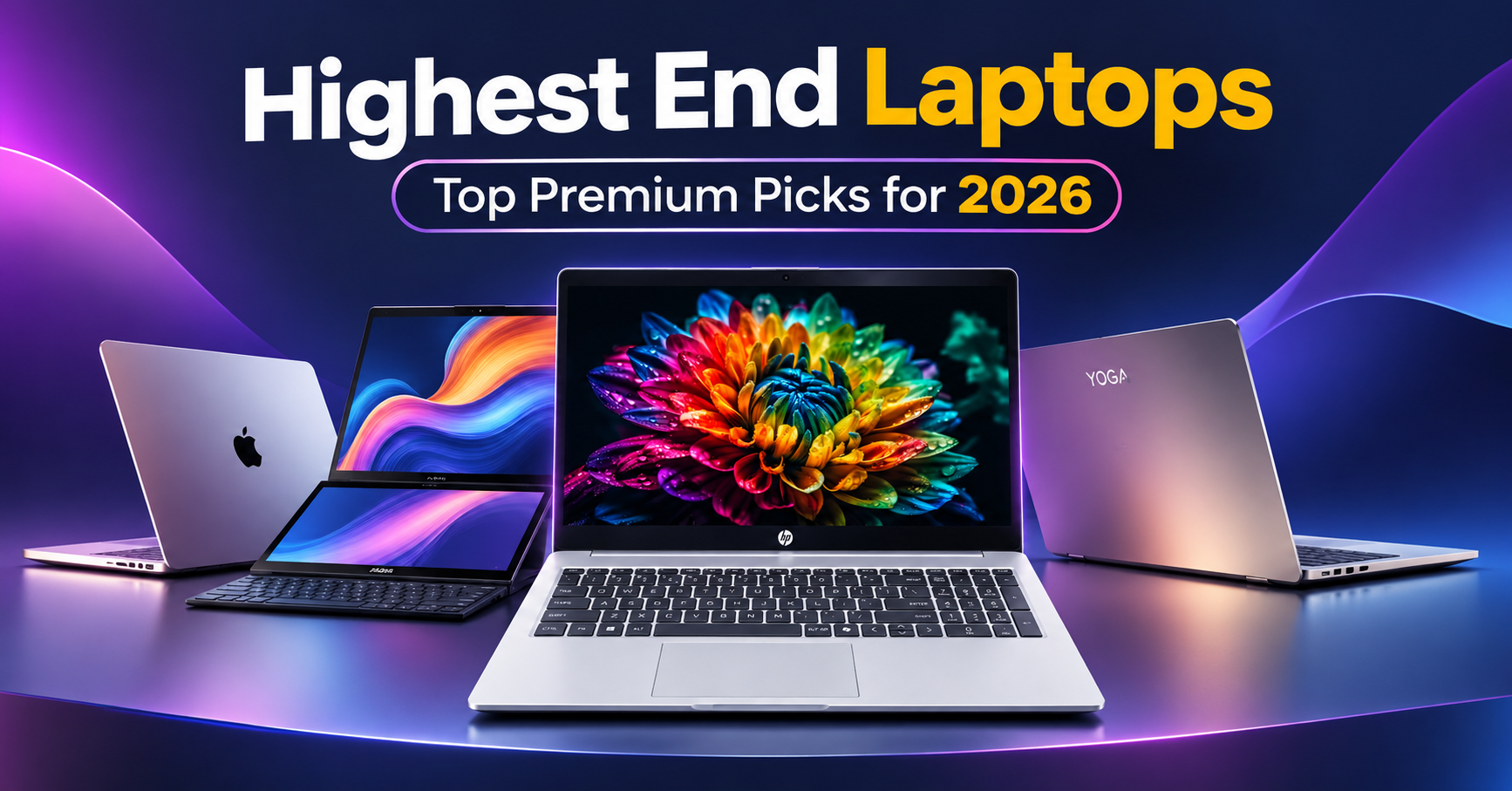
Shopping for one of the highest-end laptops in 2026 means looking beyond processor names and premium finishes. The right laptop should match your workload, display preferences, portability needs, battery expectations, and budget.
Some buyers need a powerful workstation for demanding creative work. Others want a premium everyday laptop, a dual-screen productivity machine, or a lightweight device for business travel.
This guide compares five laptops and laptop families:
- Apple MacBook Neo (A18 Pro)
- HP Professional 15 (2026)
- HP OmniBook 5 OLED
- ASUS Zenbook Duo (2026)
- Lenovo Yoga Slim 7 / Pro 7 Aura Edition
A note on the lineup: These products do not all occupy the same performance or price tier. The MacBook Neo is an entry-level Mac, while the Zenbook Duo is a premium dual-screen laptop. We include them because “high-end” can describe different priorities but we distinguish premium features from flagship performance.
Quick Picks: Top Highest-End Laptops in 2026
| Laptops | Best For | Standout feature |
| Apple MacBook Neo (A18 Pro) | Everyday macOS users and value-conscious buyers | Affordable entry into the Mac ecosystem |
| HP Professional 15 | Business users, subject to exact SKU verification | Business-oriented 15-inch format |
| HP OmniBook 5 OLED | Productivity and display quality | OLED display options |
| ASUS Zenbook Duo | Multitasking and creative workflows | Two 14-inch OLED touchscreens |
| Lenovo Yoga Slim 7 | Portable productivity and premium design | Slim design and configuration-dependent performance |
How We Compare These Laptops
This is a specification-based buying guide, not a hands-on test of every model. We compare manufacturers’ published specifications and available independent coverage. We do not claim battery, thermal, benchmark, or display measurements unless a cited source provides them.
When choosing a laptop, consider:
1.Apple MacBook Neo (A18 Pro): An Affordable Mac for Everyday Work
The Apple MacBook Neo is designed as an accessible entry point into macOS rather than a flagship laptop. It uses Apple’s A18 Pro chip and a 13-inch Liquid Retina display.
Apple lists an 8GB unified memory configuration and 256GB or 512GB storage options. Its compact design and macOS integration make it a potential fit for students, everyday users, and people whose work centers on browsing, documents, communication, and lighter creative tasks. Apple’s technical specifications provide the configuration details.

Apple MacBook Neo (A18 Pro) is a lightweight, budget-friendly MacBook designed for students and everyday users. It offers smooth performance for browsing, assignments, office work, and entertainment, with a premium design and sharp Liquid Retina display.
Apple MacBook Neo Key specifications
Specifications
| Processor | Apple A18 Pro |
|---|---|
| Display | 13-inch Liquid Retina, 2408 × 1506 |
| Memory | 8GB unified memory |
| Storage | 256GB or 512GB SSD |
| Ports | Two USB-C ports and headphone jack |
| Battery | 36.5Wh |
| Best for | Everyday computing and macOS users |
Who should consider it?
Choose the MacBook Neo if you want a compact Mac for everyday work and do not need the memory capacity or sustained performance of a MacBook Pro.
It is not a true highest-end performance laptop. Its place in this guide is as a lower-cost alternative for readers who value the Apple ecosystem more than flagship hardware.
2. HP Professional 15 (2026): Confirm the Exact Business Configuration
The name “HP Professional 15” is not sufficiently specific to establish a single verified configuration. HP sells different business laptop families and regional SKUs, and specifications can vary significantly.
Before publishing a detailed review or comparison, confirm the exact HP product family and model number. Processor, graphics, display, memory, storage, battery, ports, price, and availability all need to be checked against that SKU.
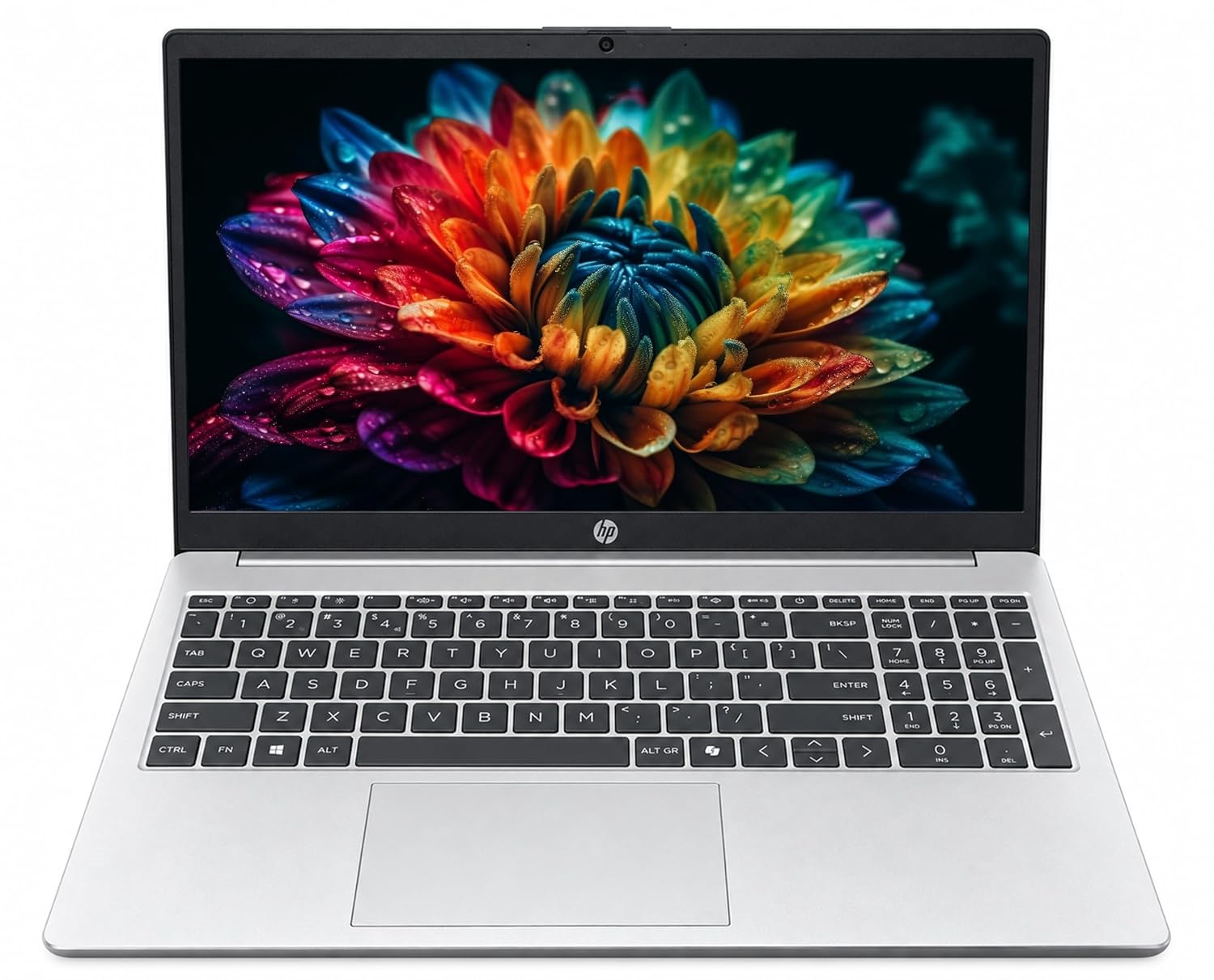
The HP Professional 15 is a reliable everyday laptop powered by Intel processors, offering smooth multitasking, fast SSD storage, and a spacious display.
HP Professional 15 Key specifications
| Specification | Details |
|---|---|
| Product name | HP Professional 15 (2026) – Intel Core i5-1334U |
| Processor | 13th Gen Intel Core i5-1334U, 10 Cores, 12 Threads, Up to 4.6 GHz |
| Graphics | Integrated Intel Iris Xe Graphics |
| Display | 15.6-inch Full HD (1920 x 1080), Anti-glare, 250 nits, 60Hz |
| Memory | 16GB DDR4 3200MHz RAM, Expandable up to 32GB |
| Storage | 512GB PCIe NVMe SSD, Expandable up to 1TB |
| Ports | 1 USB Type-C, 2 USB Type-A, 1 HDMI 1.4b, 1 Headphone/Microphone Combo Jack, AC Power Connector |
| Battery | 3-cell 41Wh Lithium-ion Battery |
| Connectivity | Wi-Fi 6, Bluetooth 5.3 |
| Operating System | Windows 11 Home 64-bit |
| Camera | 720p HD Webcam with Privacy Shutter |
| Keyboard | Full-size Backlit Keyboard with Numeric Keypad |
| Weight | Approximately 1.5 kg |
| Price | Approximately ₹69,500 (indicative listed price) |
| Warranty | 1-Year Manufacturer Warranty |
| Best for | Students, Business Professionals, Office Work, Multitasking, Online Classes and Everyday Productivity |
Pros and Cons HP Professional 15
Who might it suit?
- A 15-inch business laptop can be a practical choice for users who prioritize a larger workspace, office applications, video meetings, and business support options.
3. HP OmniBook 5 OLED: A Productivity Laptop with a Premium Display Option
The HP OmniBook 5 family includes OLED display configurations. HP’s support specifications for the 14-inch series list display options including 2.8K OLED at up to 120Hz and 2K OLED configurations. Exact processor, memory, and display options depend on the model.
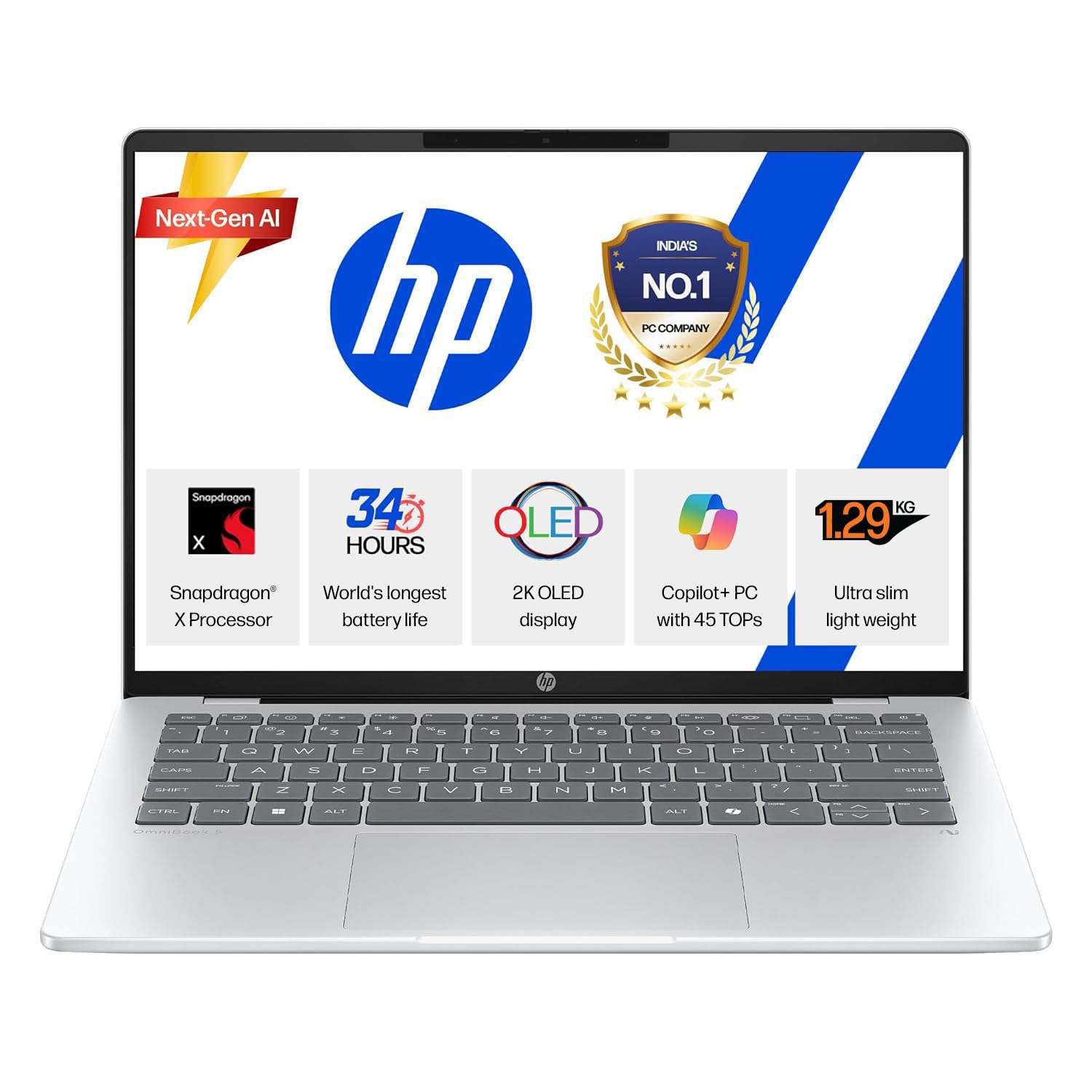
The HP OmniBook 5 OLED is a lightweight, powerful laptop featuring a stunning OLED display, smooth performance, and fast storage. Ideal for students, professionals, multitasking, and entertainment.
HP OmniBook 5 OLED Key Specifications
| Specification | Details |
|---|---|
| Product family | HP OmniBook 5 OLED (14-inch series) |
| Display | 14-inch OLED display, 2K (1920 x 1200) or 3K (2880 x 1800) options |
| Refresh rate | Up to 120Hz (3K OLED variant); 60Hz on 2K OLED variants |
| Processor | Intel Core 5 320 or Intel Core 7 350 (depending on configuration) |
| Graphics | Integrated Intel Graphics |
| Memory | 16GB / 32GB LPDDR5x RAM (onboard, non-upgradable) |
| Storage | 512GB / 1TB PCIe NVMe SSD |
| Ports | 2 USB Type-C, 2 USB Type-A, 1 HDMI 2.1, 1 Headphone/Microphone Combo Jack |
| Battery | 3-cell 59Wh Lithium-ion Polymer battery (select configuration) |
| Connectivity | Wi-Fi 7 and Bluetooth 6.0 (select configuration) |
| Operating System | Windows 11 Home Single Language |
| Camera | 1080p Full HD IR Webcam with Privacy Shutter (select configuration) |
| Audio | Dual Speakers with DTS:X Ultra Audio |
| Keyboard | Full-size Backlit Keyboard |
| Weight | Starting at approximately 1.33 kg (configuration dependent) |
| Warranty | 1-Year Manufacturer Warranty |
| Best for | Students, Professionals, Content Creators, Multitasking, Entertainment and Everyday Productivity |
Why consider an OLED laptop?
For productivity, a high-resolution display can also make text and detailed content more comfortable to view. Actual brightness, reflections, color accuracy, and battery impact depend on the panel and configuration.
Pros and Cons HP OmniBook 5 OLED
Who should consider it?
- The OmniBook 5 OLED may suit students, professionals, and everyday users who want a visually appealing laptop for office work, streaming, browsing, and light creative tasks.
- It should not automatically be ranked among the most powerful laptops: the processor and graphics configuration matter more than the OLED label alone.
Related Laptop Buying Guides
Explore more laptop buying guides, comparisons, and expert recommendations.
4. ASUS Zenbook Duo (2026): Best for Dual-Screen Productivity
The ASUS Zenbook Duo (UX8407) is one of the most distinctive laptops in this comparison. Its two 14-inch OLED touchscreens create a flexible workspace for multitasking, research, writing, and supported creative workflows.
ASUS lists configurations with Intel Core Ultra Series 3 processors, 32GB memory on select models, a 99Wh battery, and dual 3K OLED displays with a 144Hz refresh rate. ASUS’s launch announcement provides configuration and pricing details.
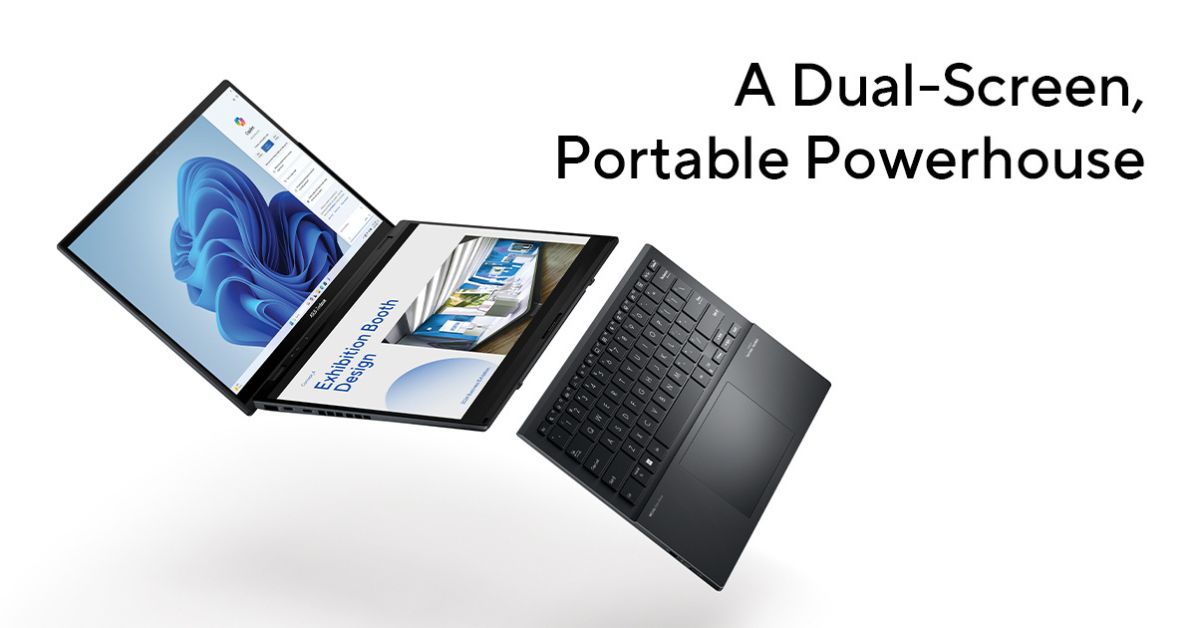
The ASUS Zenbook Duo is a premium dual-screen laptop featuring stunning 3K OLED touchscreens, powerful Intel Core Ultra processors, and seamless multitasking. Ideal for professionals, content creators, and productivity-focused users.
ASUS Zenbook Duo Key Specifications
| Specification | Details |
|---|---|
| Product name | ASUS Zenbook Duo |
| Displays | Dual 14-inch 3K OLED Touchscreens |
| Resolution | 2880 × 1800 pixels per display |
| Refresh rate | Up to 144Hz |
| Processor options | Intel Core Ultra Series 3 processors, depending on configuration |
| Graphics | Integrated Intel Arc Graphics (processor-dependent) |
| Memory | Up to 32GB LPDDR5x RAM |
| Storage | 1TB or 2TB PCIe NVMe SSD options |
| Battery | 99Wh Lithium-ion Battery |
| Ports | 2 Thunderbolt 4 USB-C ports, 1 USB Type-A port, 1 HDMI port, 1 Audio Combo Jack |
| Connectivity | Wi-Fi 7 and Bluetooth 6.0 |
| Operating System | Windows 11 Home |
| Keyboard | Detachable Bluetooth Keyboard with Touchpad |
| Weight | Approximately 1.65 kg with keyboard |
| Best for | Multitasking, Content Creation, Professionals, Productivity and Dual-Screen Workflows |
What makes the dual-screen design useful?
The second screen can provide space for reference documents, messaging, timelines, notes, or secondary application windows while the main screen remains focused on the primary task.
It may be especially useful for researchers comparing documents, writers working with source material, developers using documentation alongside an editor, professionals managing meetings, and creators who benefit from an expanded workspace.
5. Lenovo Yoga Slim 7 / Pro 7 Aura Edition: Portable Premium Productivity
The Lenovo Yoga Slim 7 and Yoga Pro 7 families cover different configurations and use cases. The exact “Aura Edition” model must be confirmed before assigning specifications or a price.
When comparing these Lenovo models, check processor generation and performance class, integrated versus discrete graphics, OLED versus IPS display, memory capacity and upgradeability, weight, battery capacity, ports, charging, and wireless connectivity.
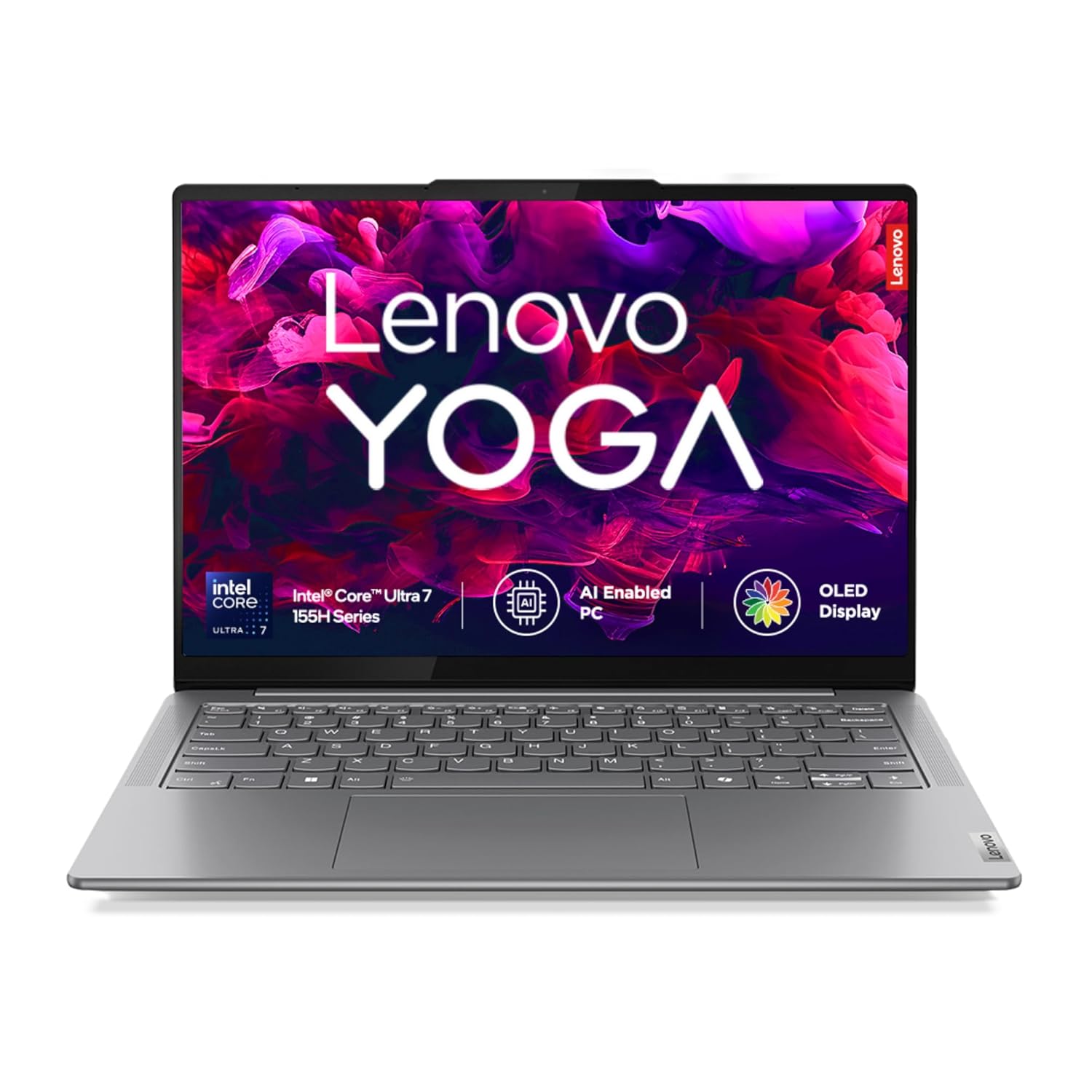
The Lenovo Yoga Slim 7 is a sleek and lightweight laptop offering powerful performance, a vibrant display, and long battery life. Ideal for professionals, students, multitasking, and everyday productivity.
Slim 7 vs. Pro 7: What should buyers compare?
A Slim-series laptop generally emphasizes portability and everyday productivity, while Pro-series configurations may prioritize higher performance or display options. That distinction is model-dependent, so compare exact SKUs rather than relying on the family name.
Lenovo Yoga Slim 7 Key Specifications
| Specification | Details |
|---|---|
| Product family | Lenovo Yoga Slim 7 / Yoga Pro 7 Aura Edition |
| Processor | Intel Core Ultra 5 / Core Ultra 7 or AMD Ryzen AI processors, depending on configuration |
| Graphics | Integrated Intel Arc Graphics or AMD Radeon Graphics; discrete NVIDIA GPU on select Pro models |
| Display | 14-inch or 15.3-inch OLED / IPS display, depending on model |
| Resolution | Up to 2.8K (2880 × 1800) |
| Refresh rate | Up to 120Hz or 144Hz, depending on display configuration |
| Memory | 16GB / 32GB LPDDR5x RAM |
| Storage | 512GB / 1TB PCIe NVMe SSD |
| Battery | Approximately 70Wh to 84Wh, depending on model |
| Ports | USB Type-C, USB Type-A, HDMI and 3.5mm audio jack, depending on model |
| Connectivity | Wi-Fi 6E / Wi-Fi 7 and Bluetooth 5.3 / 5.4 |
| Operating System | Windows 11 Home |
| Camera | 1080p or 5MP Webcam, depending on configuration |
| Weight | Starting at approximately 1.28 kg, depending on model |
| Best for | Students, Business Professionals, Content Creators, Multitasking and Portable Productivity |
Pros and Cons Lenovo Yoga Slim 7
Who should consider a Yoga laptop?
A verified Yoga Slim 7 configuration may suit users who value portability, premium design, and everyday productivity. A Yoga Pro 7 configuration may be worth considering for users who need more performance for creative or demanding workloads.
Comparison: Which Laptop Offers the Best Fit?
| Laptop | Main Strength | Main Consideration | Best-Fit Buyer |
|---|---|---|---|
| MacBook Neo | Affordable macOS experience | 8GB memory and entry-level positioning | Everyday User |
| HP Professional 15 (2026) | Business-oriented format | Exact SKU needs verification | Business Buyer |
| HP OmniBook 5 OLED | OLED display options | Performance varies by configuration | Productivity and Media |
| ASUS Zenbook Duo (2026) | Dual-screen workspace | Premium price and added weight | Multitasker |
| Lenovo Yoga Slim 7 / Pro 7 | Portable productivity options | Model-specific specifications vary | Mobile Professional |
Notice
How to Choose a High-End Laptop
Choose performance for your actual workload
For demanding video editing, 3D work, software development, or large datasets, prioritize CPU/GPU performance and memory capacity. For browsing, office work, and video calls, a more affordable configuration may be sufficient.
Choose the display you will use every day
OLED can be attractive for contrast and color, while other panel types may offer different advantages in cost, battery use, or matte finishes. Compare resolution, brightness, refresh rate, and color coverage—not just the panel name.
Think about portability as a complete package
Laptop weight is only part of the travel experience. Consider the charger, battery capacity, screen size, and whether the laptop fits your daily bag and workspace.
Check upgradeability and support
Some thin laptops use soldered memory. Confirm the configuration you need at purchase and review warranty, repair, and support options.
Frequently Asked Questions
Everything you need to know before choosing your next laptop.
The best high-end laptops depend on your workload. Premium options include workstation-class laptops, MacBook Pro models, dual-screen laptops like the ASUS Zenbook Duo, and powerful business laptops.
No. The MacBook Neo is an entry-level Mac designed for everyday computing. It is a more affordable alternative rather than a flagship performance laptop.
Yes, it is worth considering if you regularly use two screens for multitasking, research, writing, or creative workflows. If you rarely need a second display, a conventional laptop may offer better value and portability.
OLED displays offer rich colours, deep blacks, and excellent contrast, making them ideal for reading, presentations, and entertainment. However, OLED alone does not make a laptop faster.
For everyday productivity, 16GB RAM is a good starting point. For demanding creative work, development, and heavy multitasking, consider 32GB or more. Check memory upgradeability before buying.
Conclusion :
The highest-end laptops is the one that best matches your work—not necessarily the most expensive model.
The ASUS Zenbook Duo stands out for its dual-screen workspace. The MacBook Neo offers an accessible route into macOS. The HP OmniBook 5 OLED provides display-focused productivity options, while HP Professional and Lenovo Yoga models require exact configuration checks before a fair comparison.
Before buying, verify the model number, specifications, price, warranty, and availability. For business or creative work, prioritize performance and memory. For travel, consider weight and battery capacity. For multitasking, evaluate whether a second screen or convertible design will genuinely improve your workflow.