Choosing the wrong business laptop is a mistake that costs you more than money,it costs you time, productivity, and frankly, your professional credibility. If you’ve ever sat in a client meeting watching your machine freeze on a presentation, or waited four minutes for a video call to load, you already know what’s at stake. The right laptop transforms how you work. The wrong one quietly drains your day.
I’ve been reviewing laptops for professional and enterprise use for over two decades. I’ve stress-tested machines for executives, recommended configurations for IT departments, and personally used more business laptops than most people will ever own. Whether you’re searching for the best business laptop India or specifically looking at the best laptop for data science India, this guide is built on real-world testing and professional experience,not spec-sheet comparisons.
This isn’t a list padded with budget fillers and overpriced hype. Every laptop here has been chosen for a specific reason, with a specific type of professional in mind. From executives who need ultra-thin elegance to engineers running heavy analytics, from startup founders juggling tools to finance professionals handling sensitive data — there’s a machine for every serious professional in India’s market right now.
What Makes a Laptop Business-Grade in 2026?
Before diving into the list, let’s be clear about what separates a real business laptop from a consumer machine dressed up in dark aluminium:
Reliability — Business laptops are built to run 8–12 hours a day, five or more days a week, for years. They go through more rigorous quality testing.
Security — Features like fingerprint sensors, IR face recognition, TPM 2.0 chips, and hardware-level encryption aren’t optional in enterprise environments anymore.
Display quality — Long hours in front of a screen demand accurate, comfortable, bright displays. Your eyes will thank you for 300+ nit brightness and low blue-light options.
Keyboard and build — A business laptop you use daily needs a keyboard you can type on for hours without fatigue, and a build that survives bags, desks, and occasional bumps.
Support — Dell ProSupport, HP Care Pack, Lenovo ThinkShield — enterprise-grade warranty and support matters when your deadline doesn’t care that your machine died.
With that foundation set, here are the 30 best business laptops available in India in 2026.
30 Best Business Laptops in India (2026)
1. Lenovo ThinkPad X1 Carbon Gen 12
The ThinkPad X1 Carbon has been the gold standard of business laptops for nearly two decades — and the Gen 12 reminds you exactly why. This is the machine enterprise IT departments buy in bulk for C-suite executives and senior managers without a second thought, because it simply never lets you down. Weighing just 1.12 kg, it’s one of the lightest 14-inch performance laptops available anywhere in the world, yet it doesn’t sacrifice a single thing that business users actually care about.
The keyboard remains the best-in-class standard that every other manufacturer is still trying to match. Deep key travel, confident feedback, and a layout refined over decades of professional use — you’ll notice the difference after your first hour of extended typing. The Intel Core Ultra 7 inside handles business workloads, video conferencing, and multitasking simultaneously without any hesitation, and the battery regularly crosses 14 hours in mixed-use scenarios.
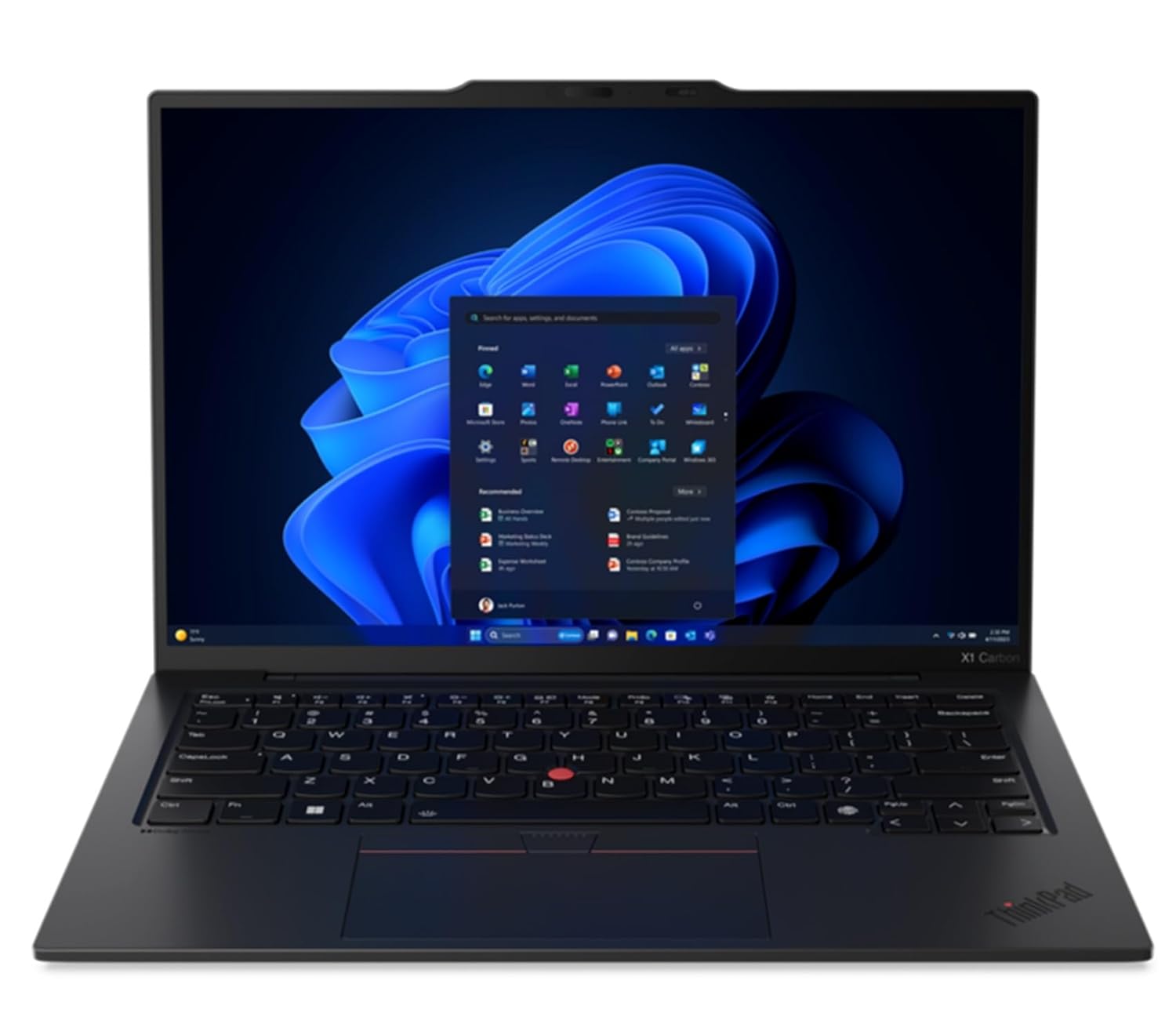
Unopened retail packaging, sold as configured by Lenovo. One Year Onsite Lenovo Warranty. Add up to 5 years of Lenovo Premier Support when you register your computer with Lenovo.
Full Specifications:
- Processor: Intel Core Ultra 7 155U (up to 4.8 GHz)
- RAM: 32GB LPDDR5
- Storage: 1TB NVMe PCIe Gen 4 SSD
- Display: 14″ 2.8K IPS, 120Hz, 400 nits
- Battery: 57WHr (~14 hours)
- Graphics: Intel Arc Integrated
- OS: Windows 11 Pro
- Weight: 1.12 kg
2. Dell Latitude 7450
Dell’s Latitude series is synonymous with corporate reliability, and the 7450 represents the best this line has ever been. Built for enterprise IT environments, it combines Intel Core Ultra processing power with Dell’s ProSupport ecosystem — arguably the best after-sales service network for business laptops in India. If you work in an organisation where IT manages a fleet of machines, the Latitude 7450 integrates seamlessly with Dell’s management tools.
What stands out practically is the display. The 14-inch 2.5K IPS panel with 500 nits brightness is genuinely excellent for professional use — whether you’re reviewing spreadsheets in a dim conference room or presenting slides in a brightly-lit office. The battery life is reliable, the build is sturdy without being heavy, and the fingerprint reader plus IR camera setup handles Windows Hello authentication quickly every time.
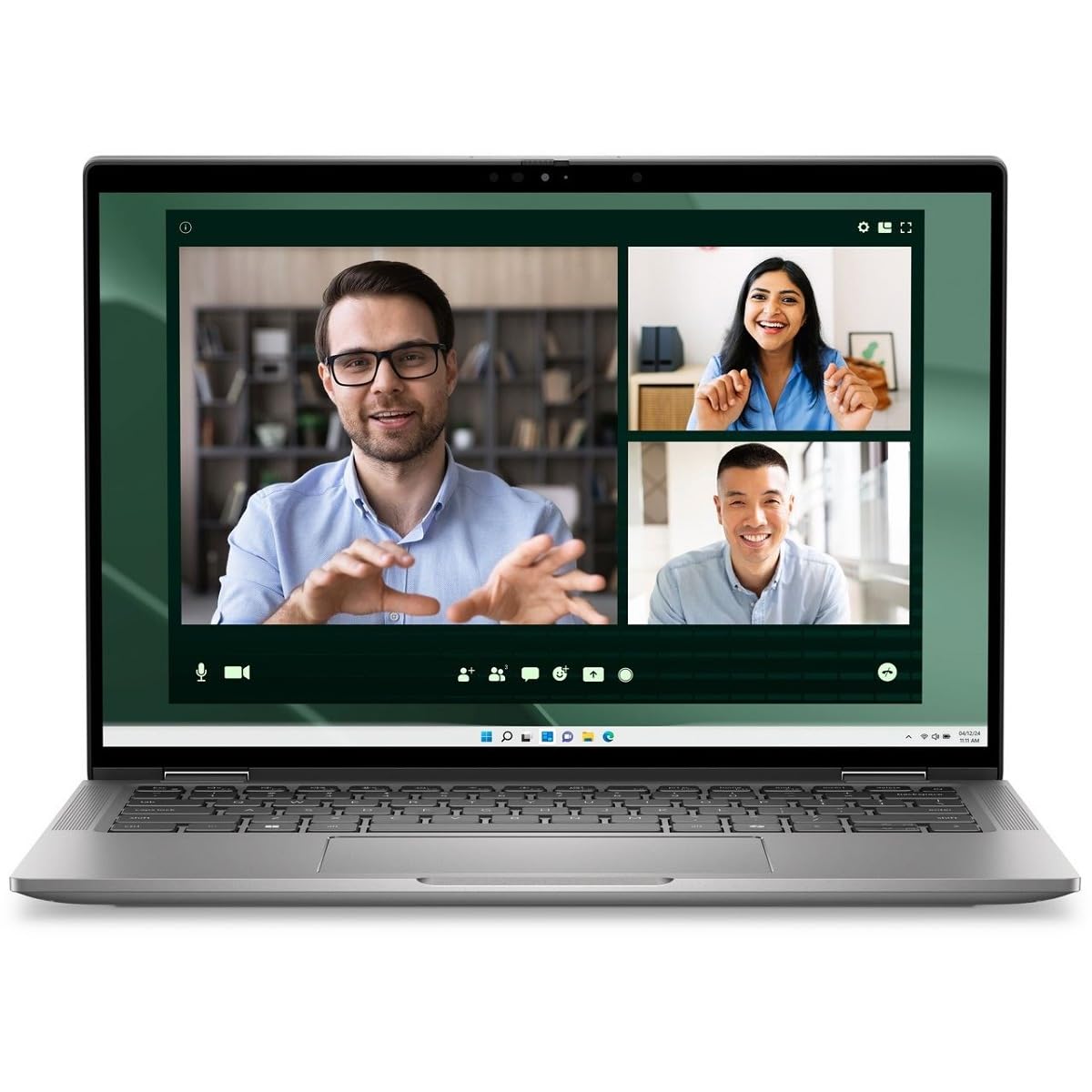
Intel Core Ultra 7 Processor 165U (12 Core, Up to 4.90GHz, 12MB Cache, 15W), Thunderbolt 4 – Palmrest with Fingerprint Reader and ControlVault 3+
Full Specifications:
- Processor: Intel Core Ultra 7 165U (up to 4.9 GHz)
- RAM: 32GB LPDDR5X
- Storage: 512GB NVMe SSD
- Display: 14″ 2.5K IPS, 500 nits, anti-glare
- Battery: 58WHr (~12 hours)
- Graphics: Intel Graphics integrated
- OS: Windows 11 Pro
- Weight: 1.37 kg
3. HP EliteBook 840 G11
HP’s EliteBook line is the company’s answer to the ThinkPad X1 — premium, professional, and built for enterprise deployment. The EliteBook 840 G11 is particularly impressive in 2026 because HP has refined every aspect of the design: the chassis is slimmer, the display is brighter, and the AI-assisted features (like HP Poly Camera’s automatic framing and noise cancellation) have become genuinely useful rather than marketing fluff.
The Sure Start BIOS protection, Sure Sense malware detection, and HP Wolf Security ecosystem make this one of the most comprehensively secured business laptops available in India. For organisations in banking, legal, healthcare, or any sector with strict data compliance requirements, the EliteBook 840 G11 ticks every security box. And with Intel Core Ultra 7 performance, it handles everything from complex Excel modelling to multi-app professional workflows smoothly.
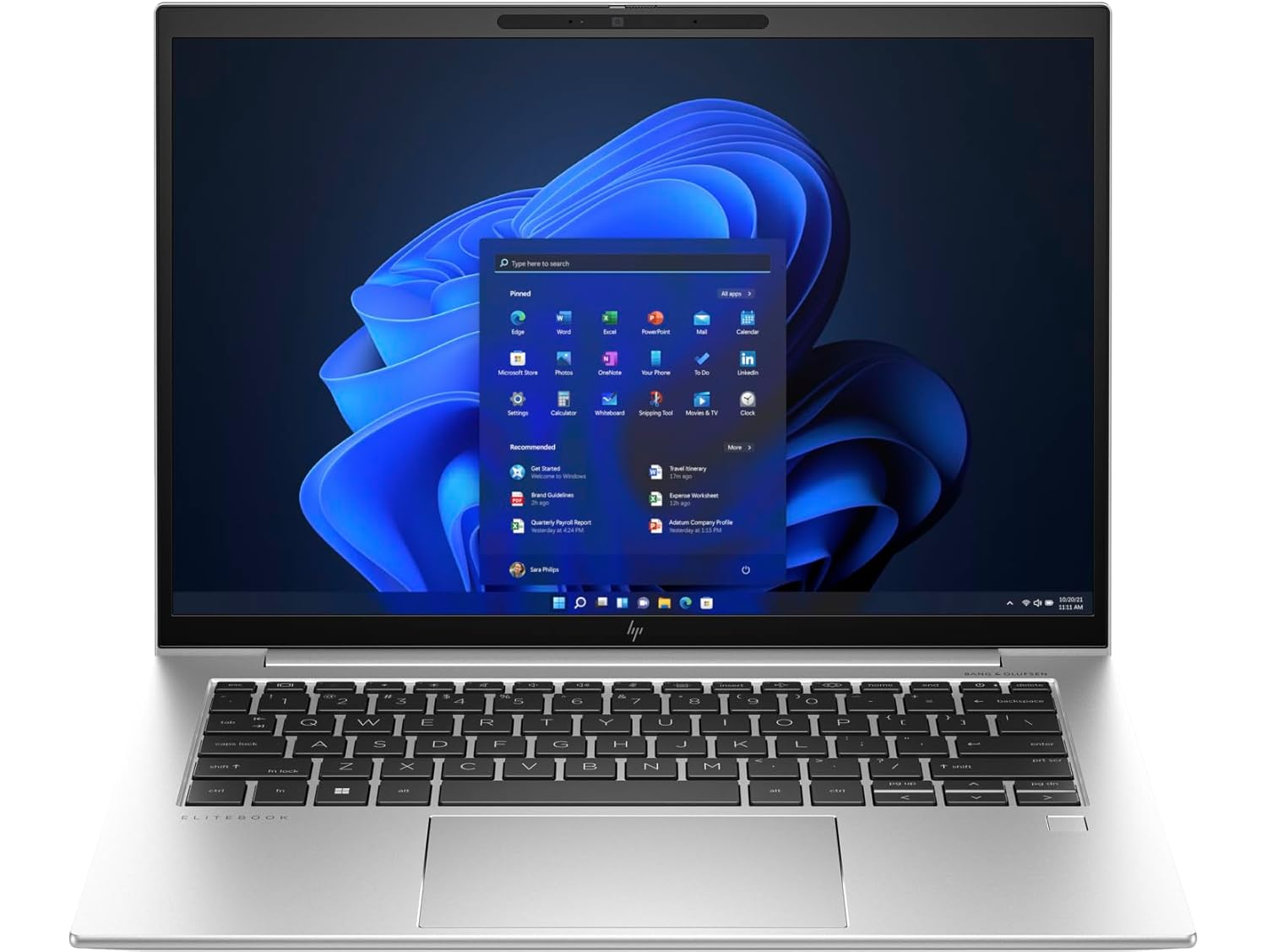
Intel Core Ultra 7 155H (up to 4.8 GHz with Intel Turbo Boost Technology, 24 MB L3 cache, 16 cores, 22 threads)
Full Specifications:
- Processor: Intel Core Ultra 7 165U (up to 4.9 GHz)
- RAM: 32GB LPDDR5
- Storage: 1TB NVMe SSD
- Display: 14″ WUXGA IPS, 400 nits, Sure View Reflect privacy screen
- Battery: 51WHr (~14 hours)
- Graphics: Intel Arc Integrated
- OS: Windows 11 Pro
- Weight: 1.34 kg
4. Apple MacBook Pro 14-inch (M4 Pro)
Yes, macOS belongs on a best business laptops list — and in 2026, it’s more justified than ever. Apple’s M4 Pro chip delivers a level of performance efficiency that no Intel or AMD competitor has matched. For business professionals in design, media, consulting, or tech who are comfortable in the Apple ecosystem, the MacBook Pro 14 M4 Pro is simply the best all-around professional laptop you can buy in India today.
The silence is one of the first things you’ll notice — the machine runs passively cool under most workloads, meaning no fan noise during calls or client meetings. Battery life is exceptional: 15–18 real-world hours means you’ll often survive two full workdays on a single charge. The Liquid Retina XDR display is reference-grade, and the build quality — solid CNC-machined aluminium — is a cut above everything else at this price.
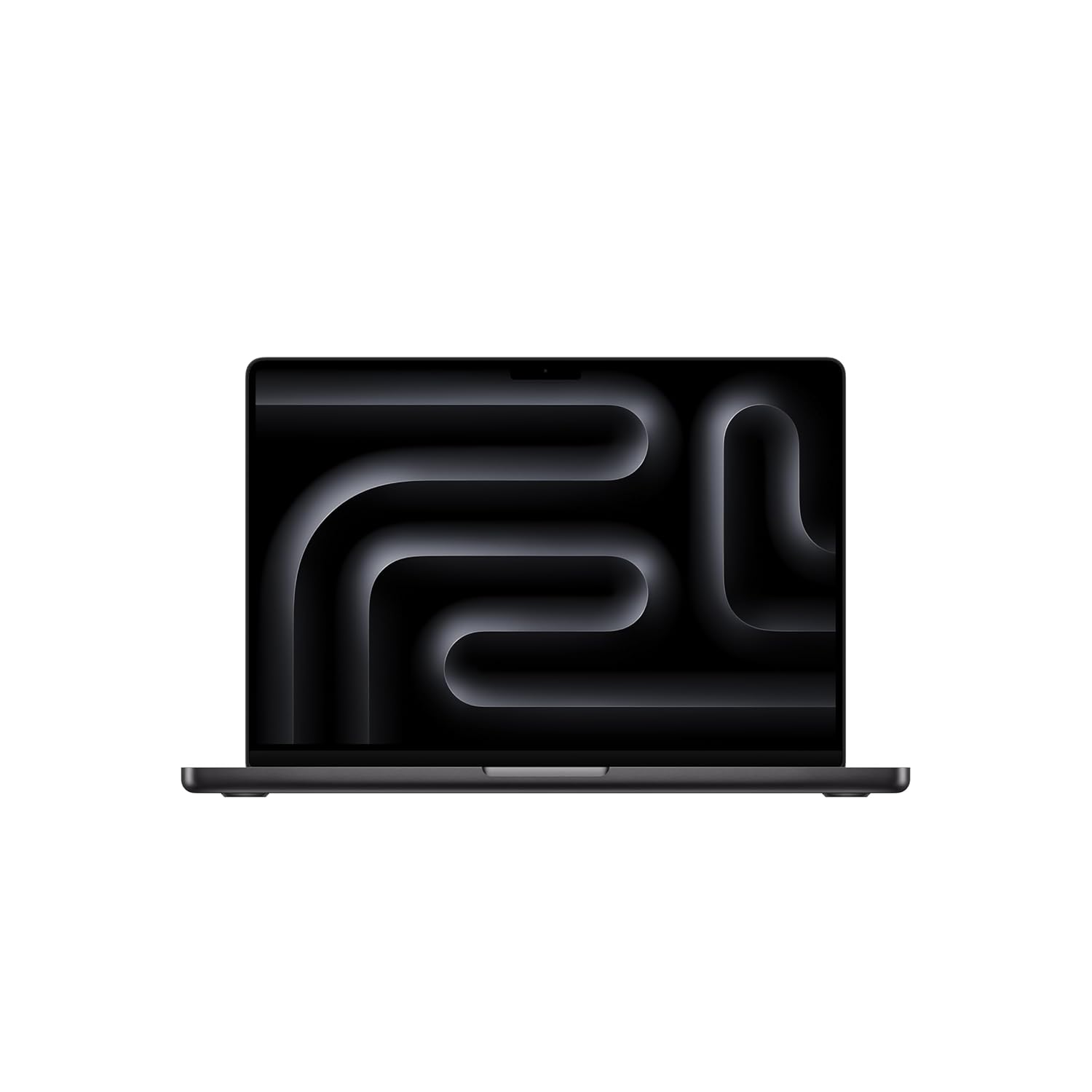
CHAMPION CHIP — The M4 chip brings spectacular speed and capability to blaze through everyday activities and multitask across multiple productivity and pro apps.
Full Specifications:
- Processor: Apple M4 Pro (12-core CPU)
- RAM: 24GB Unified Memory
- Storage: 512GB SSD
- Display: 14.2″ Liquid Retina XDR, 120Hz ProMotion, 1600 nits peak
- Battery: ~15–18 hours real-world
- Graphics: 20-core Apple GPU
- OS: macOS Sequoia
- Weight: 1.61 kg
5. Lenovo ThinkPad T14s Gen 6
The ThinkPad T-series has always been Lenovo’s “value enterprise” line — all the ThinkPad fundamentals at a slightly more accessible price. The T14s Gen 6 continues this tradition brilliantly. It’s the machine that mid-market businesses and growing companies in India tend to buy in volume for their professional workforce, and it earns that trust every single time.
Running on AMD Ryzen PRO 8000 series with integrated Radeon 890M graphics, it handles standard business workloads — Office 365, Zoom, Teams, Salesforce, web-based tools, PDF management — without breaking a sweat. The display is accurate and comfortable, the keyboard is excellent (it’s still a ThinkPad), and the AMD PRO security features add an enterprise-ready layer of protection. At its price point in India, it represents outstanding value for business use.
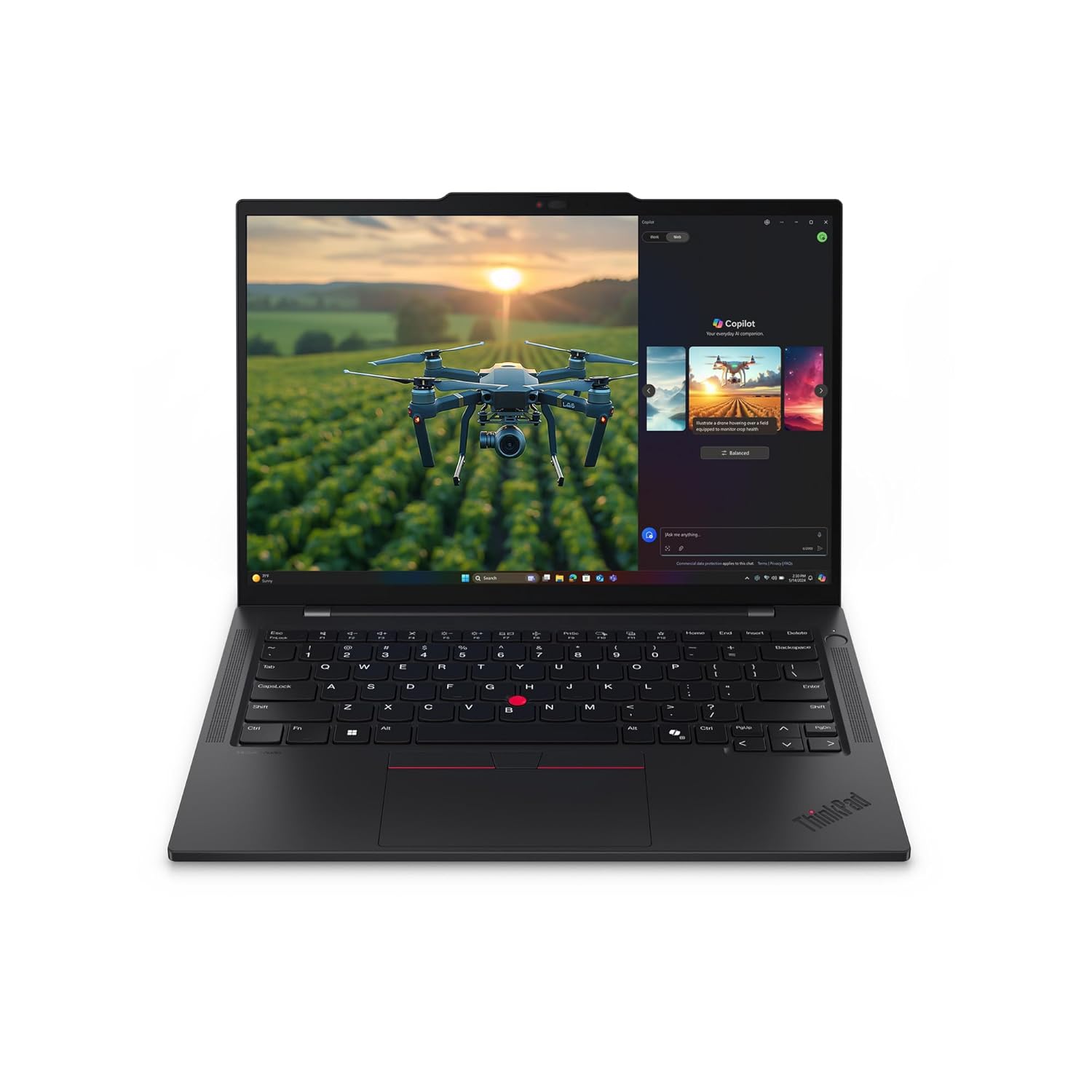
The display is accurate and comfortable, the keyboard is excellent (it’s still a ThinkPad), and the AMD PRO security features add an enterprise-ready layer of protection.
Full Specifications:
- Processor: AMD Ryzen 7 PRO 8840U (up to 5.1 GHz)
- RAM: 32GB DDR5
- Storage: 512GB NVMe SSD
- Display: 14″ WUXGA IPS, 400 nits, 100% sRGB
- Battery: 58WHr (~12 hours)
- Graphics: AMD Radeon 890M (integrated)
- OS: Windows 11 Pro
- Weight: 1.32 kg
6. Microsoft Surface Pro 10
Not everyone wants a traditional clamshell for business in 2026. The Surface Pro 10 is Microsoft’s flagship 2-in-1, and it’s a genuinely compelling choice for business professionals who move between desk work, meetings, and field visits. With the Surface Pro Keyboard detached, it’s a lightweight tablet for presentations and annotations. Attached, it becomes a capable business laptop for document work and applications.
The Intel Core Ultra 7 processor inside handles business applications with ease, and Microsoft’s latest Surface camera with auto-framing and studio-quality noise cancellation makes it exceptional for Teams and Zoom calls — which is most of what business professionals do all day. The built-in eSIM option in select configurations is perfect for India’s mobile-first business professionals who need always-on connectivity.
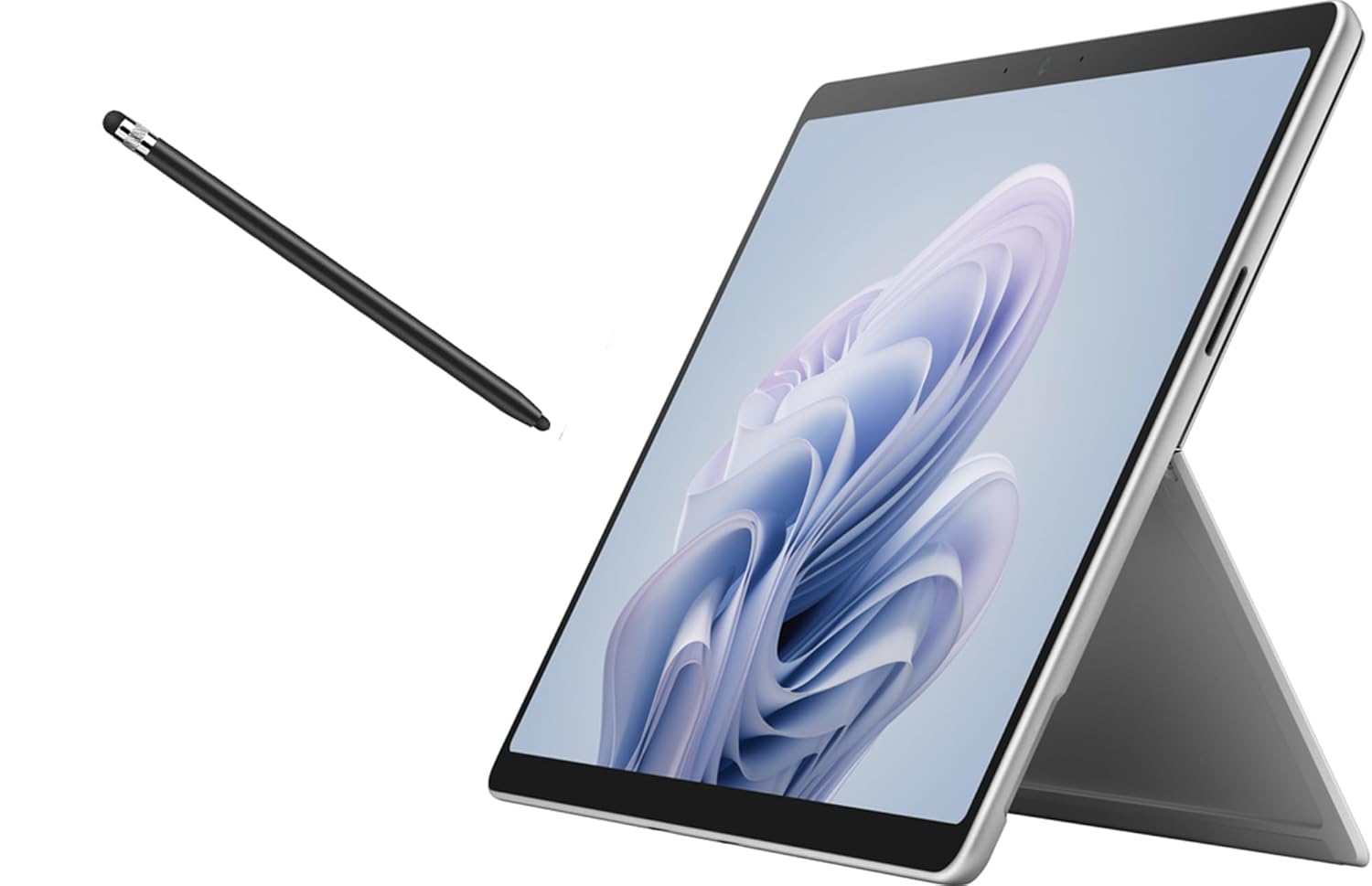
【13 Inch PixelSense 10-Point Multi-Touch Display】The Display of 13” Surface Pro 10 is not only 10-point multi touch, but also individually color-calibrated, which has greater precision, responsiveness and flexibility, adjust the color balance to best suit your environment. Besides it is produced with anti-reflective Corning Gorilla Glass 5 to protect your eyes while working.
Full Specifications:
- Processor: Intel Core Ultra 7 165U
- RAM: 32GB LPDDR5
- Storage: 512GB SSD
- Display: 13″ PixelSense Flow, 2880 x 1920, 120Hz
- Battery: 53WHr (~10 hours)
- Graphics: Intel Arc Integrated
- OS: Windows 11 Pro
- Weight: 879g (tablet only), ~1.2 kg with keyboard
7. ASUS ExpertBook B9 OLED (B9403)
The ASUS ExpertBook B9 OLED is one of the most remarkable business laptops available in India in 2026 — because it manages to combine ultrabook-class weight (under 1 kg!) with a stunning OLED display and genuine business-grade durability. Finding a sub-1 kg laptop that also has MIL-STD 810H certification, a solid keyboard, and a beautiful screen isn’t easy. The ExpertBook B9 pulls it off.
The OLED panel on the B9403 is phenomenal for a business laptop — deep blacks, vibrant colours, and an anti-glare coating that makes it usable in most lighting conditions. Intel Core Ultra 7 performance handles standard business tools extremely well, and the 63WHr battery is disproportionately large for such a light machine, translating to 12–14 hours of real-world business use. For executives and business travellers, this is a top-tier choice.
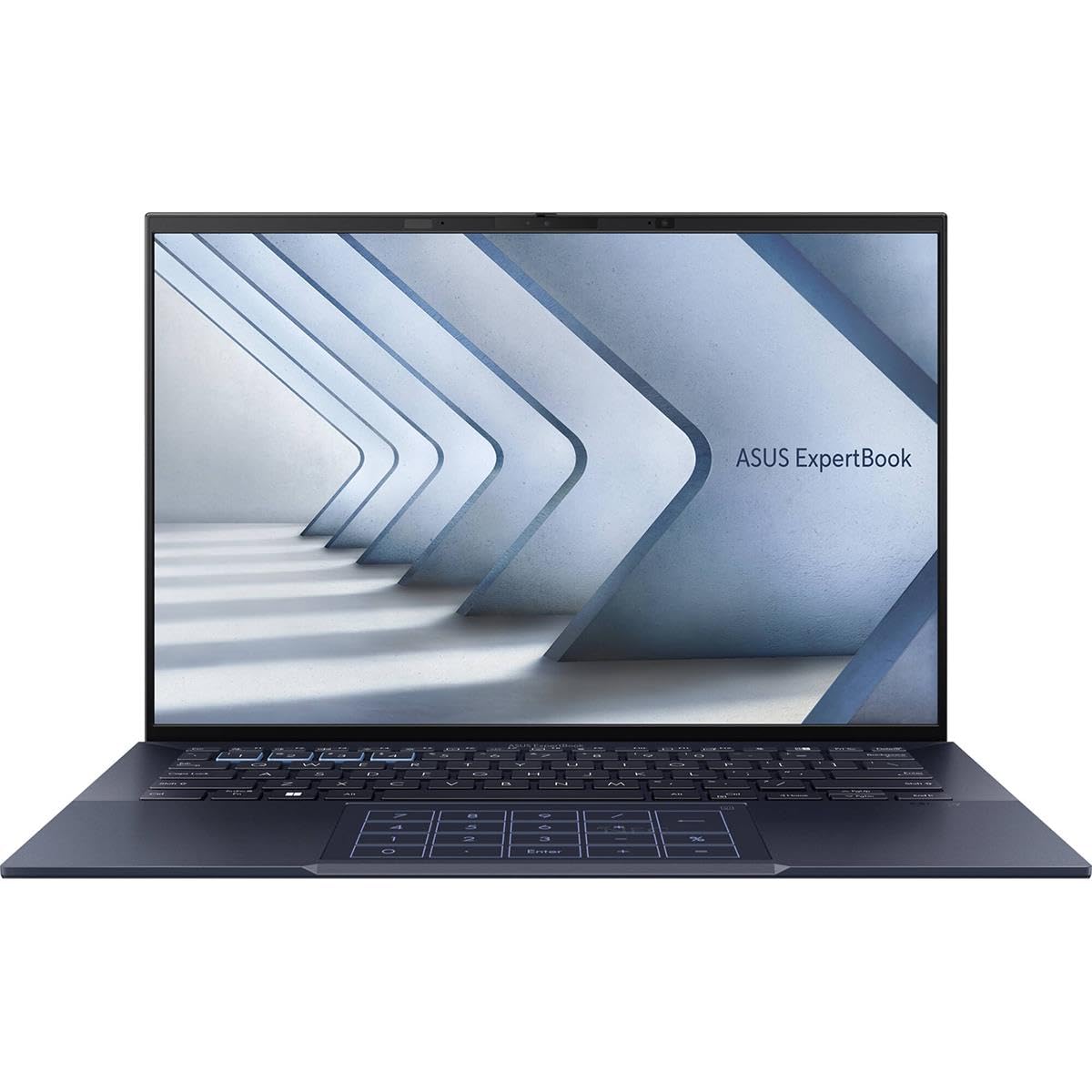
Intel vPro Essentials for built in security, optimized performance, premium connectivity, and essential PC management
Full Specifications:
- Processor: Intel Core Ultra 7 155H (up to 4.8 GHz)
- RAM: 32GB LPDDR5
- Storage: 1TB NVMe SSD
- Display: 14″ 2.8K OLED, 120Hz, 400 nits
- Battery: 63WHr (~13 hours)
- Graphics: Intel Arc Integrated
- OS: Windows 11 Pro
- Weight: 990g
8. Dell XPS 13 (9340)
The Dell XPS 13 has been the benchmark for premium compact laptops for years, and the 9340 doesn’t disappoint. It’s the laptop that professionals carry when they want a machine that looks exceptional in any meeting, operates silently in any environment, and handles every business task without drama. The edge-to-edge display, slim aluminium chassis, and refined design make it unmistakably premium.
Running on Intel Core Ultra 7 with Evo certification, the XPS 13 9340 breezes through business applications, browser-heavy workflows, and multitasking without thermal throttling. The FHD+ display is bright and accurate, and Intel’s optimised platform means battery management is excellent — typically reaching 12+ hours in real-world use. For business professionals who also value aesthetics, the XPS 13 is in a class of its own.
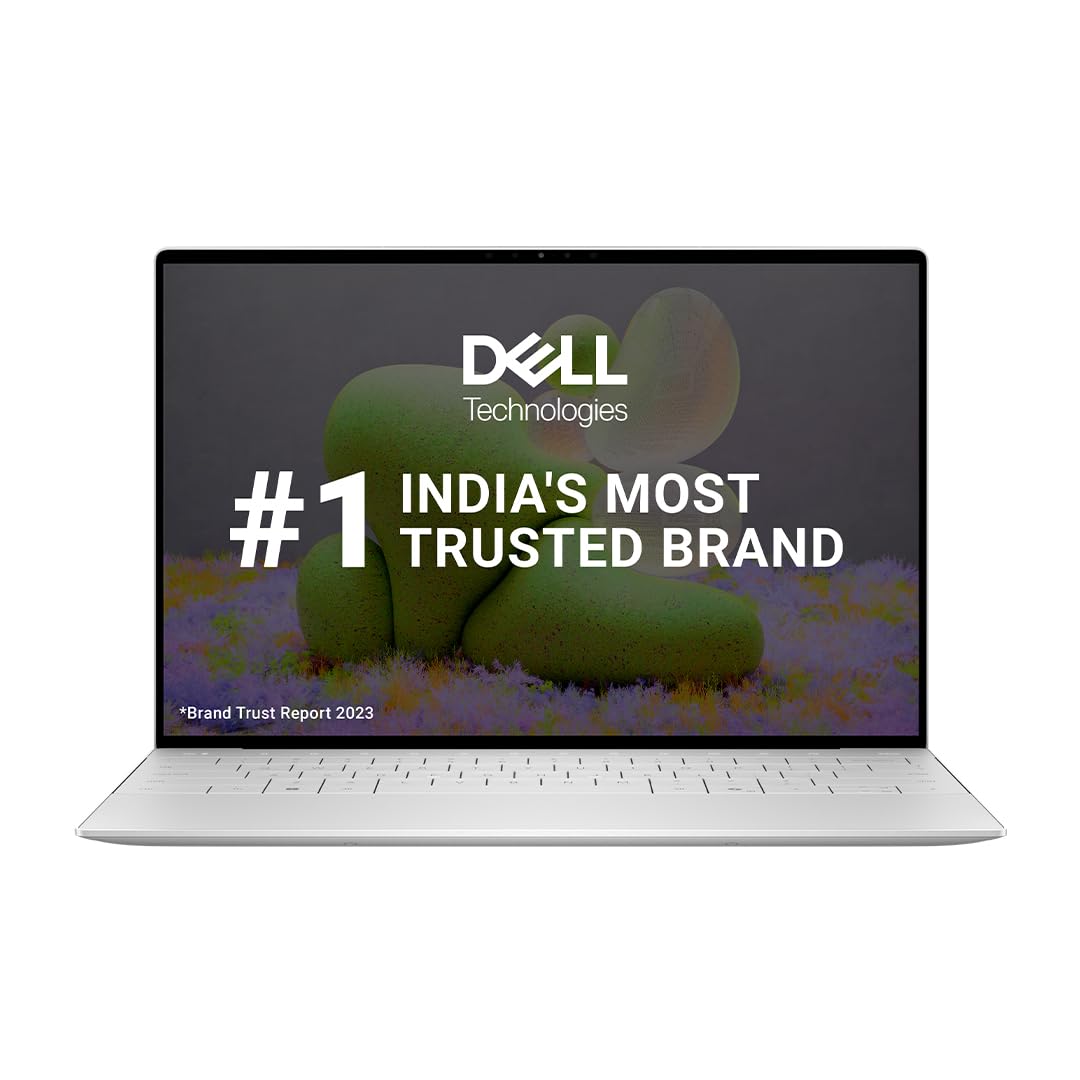
Software: Pre-Loaded Windows 11 Home with Lifetime Validity | MS Office Home and Student 2021 with lifetime validity| McAfee Multi Device Security 15-month subscription
Full Specifications:
- Processor: Intel Core Ultra 7 155H (up to 4.8 GHz)
- RAM: 32GB LPDDR5
- Storage: 1TB NVMe SSD
- Display: 13.4″ FHD+ IPS, 500 nits, anti-glare touch
- Battery: 55WHr (~12 hours)
- Graphics: Intel Arc Integrated
- OS: Windows 11 Pro
- Weight: 1.19 kg
9. HP Spectre x360 14 (2025)
The HP Spectre x360 14 occupies a unique space — it’s simultaneously the most elegant 2-in-1 HP has ever made and a genuinely capable business machine. The jewellery-inspired gem-cut chamfered edges, anodised aluminium finish, and thoughtful port placement make it feel less like a tool and more like a crafted product. But underneath the gorgeous exterior is a serious Intel Core Ultra 7 machine with OLED display option and all-day battery life.
For business professionals in creative, consulting, or client-facing roles, the Spectre x360 14 strikes the right balance between style and substance. The 360-degree hinge enables tablet mode for presentations, annotations, and digital signatures. HP Pen support adds precision for note-taking in meetings. And HP’s privacy features — including a physical camera kill switch and Sure View privacy screen — make it appropriate for confidential work in public spaces.
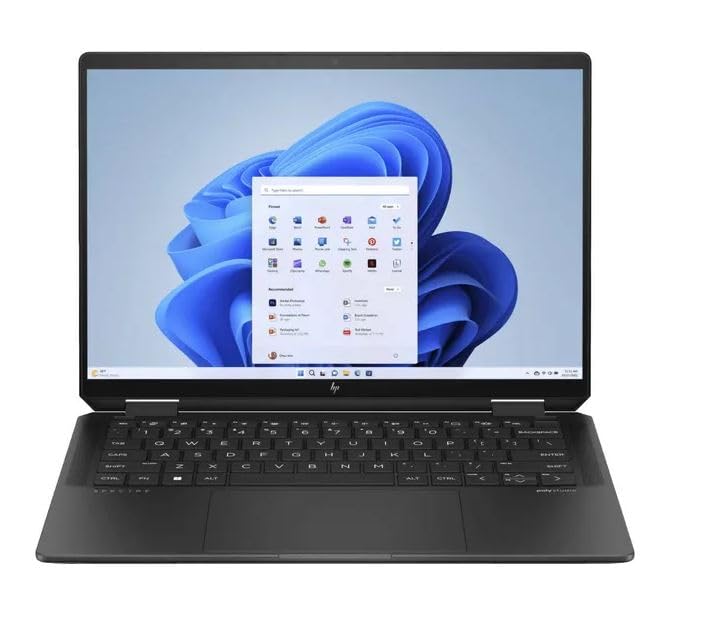
Powerful Performance: Equipped with Intel Core Ultra 7-155H processor and 32GB LPDDR5x RAM for smooth multitasking and high-speed performance.
Full Specifications:
- Processor: Intel Core Ultra 7 155H (up to 4.8 GHz)
- RAM: 32GB LPDDR5
- Storage: 1TB NVMe SSD
- Display: 13.5″ 2.8K OLED Touch, 120Hz
- Battery: 68WHr (~15 hours)
- Graphics: Intel Arc Integrated
- OS: Windows 11 Pro
- Weight: 1.41 kg
10. Lenovo ThinkPad X1 Extreme Gen 6
When business professionals need serious performance without leaving the ThinkPad ecosystem, the X1 Extreme Gen 6 is the answer. This is the machine for data analysts, engineers, architects, and power users who need business-grade reliability and enterprise-grade security, but also need a dedicated GPU for graphics, modelling, or heavy data processing workflows.
The Intel Core Ultra 9 with NVIDIA RTX 4070 combination makes it one of the most capable professional laptops available in India. It handles everything from standard business tools to Python-based analytics, CAD modelling, video editing, and machine learning model training. And it does all of this inside a chassis that still passes MIL-STD durability testing and carries the full ThinkShield security stack. For professionals who won’t compromise on either performance or professionalism, this is it.
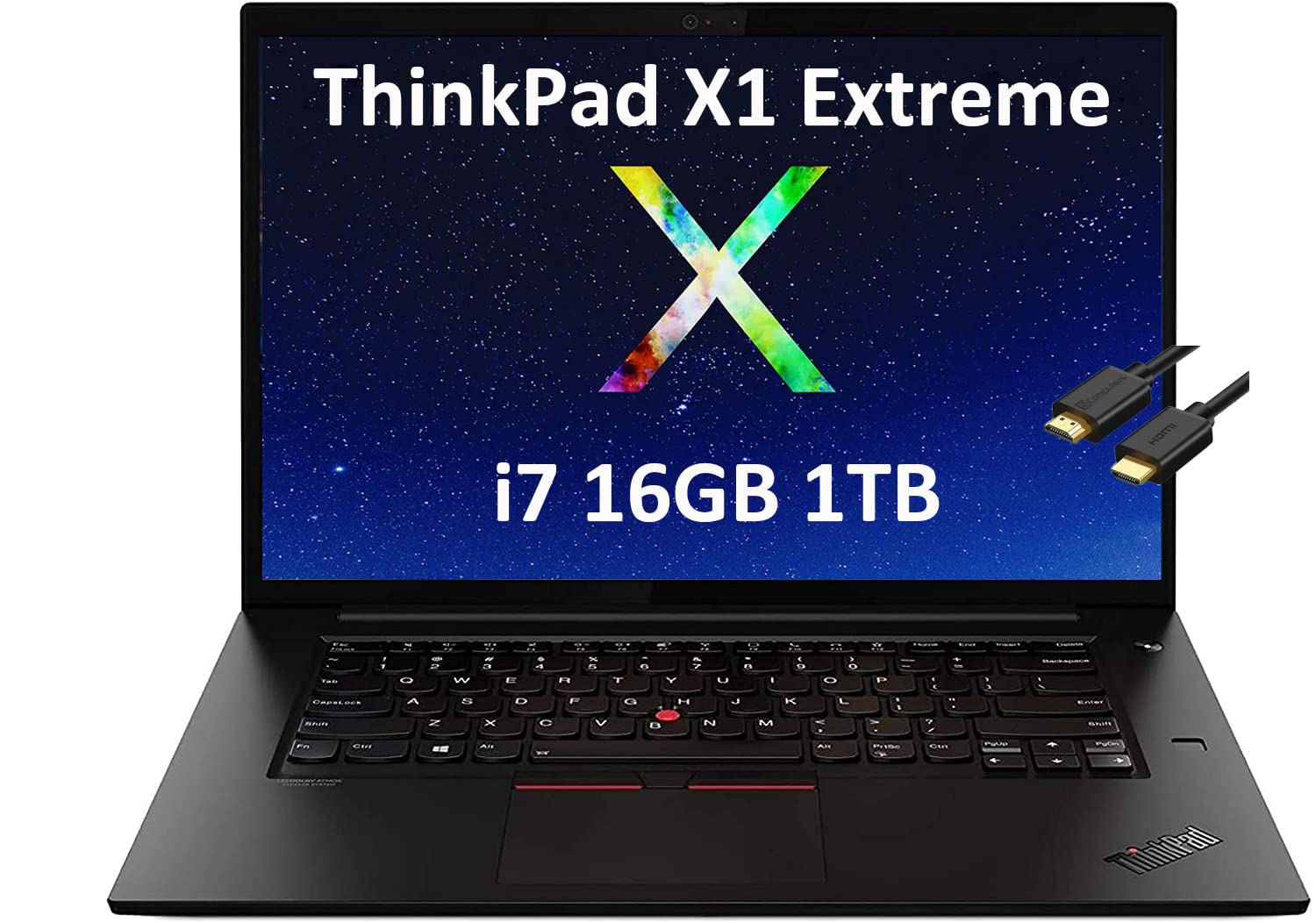
▌Please Read Before Purchasing ▌This laptop is upgraded from a brand-new base model. The manufacturer box is opened and resealed to install the parts to achieve the specifications as advertised. One-year warranty from Manufacturer. Three-year warranty for upgraded RAM / SSD from Issaquah Highlands Tech. Please contact us if the laptop warranty was less than 12 months when purchase, we can help you to renew the warranty. 16GB DDR4 2933MHz, 1TB PCIe SSD
Full Specifications:
- Processor: Intel Core Ultra 9 185H (up to 5.1 GHz)
- RAM: 32GB DDR5
- Storage: 1TB NVMe PCIe Gen 4 SSD
- Display: 16″ 4K OLED, 60Hz, 100% DCI-P3
- Battery: 90WHr (~10 hours)
- Graphics: NVIDIA GeForce RTX 4070 (8GB GDDR6)
- OS: Windows 11 Pro
- Weight: 1.81 kg
11. Samsung Galaxy Book4 Pro 360
Samsung’s Galaxy Book4 Pro 360 is the flagship 2-in-1 that shows what happens when a company applies premium display expertise to a business laptop. The 2.8K AMOLED 360-degree convertible display is stunning — Samsung’s panel technology is simply at a different level in terms of contrast, colour accuracy, and responsiveness. For professionals who frequently present, review visual content, or work in design-adjacent roles, this display is transformative.
Intel Core Ultra 7 with Intel Arc graphics handles business workloads reliably, and the deep integration with Samsung’s Galaxy ecosystem (Galaxy phones, Galaxy Tab, SmartThings) creates a genuinely cohesive workflow for Samsung device users. The included S Pen adds precision note-taking and markup capabilities that are hard to match. At its price, it competes strongly with the Surface Pro and HP Spectre.
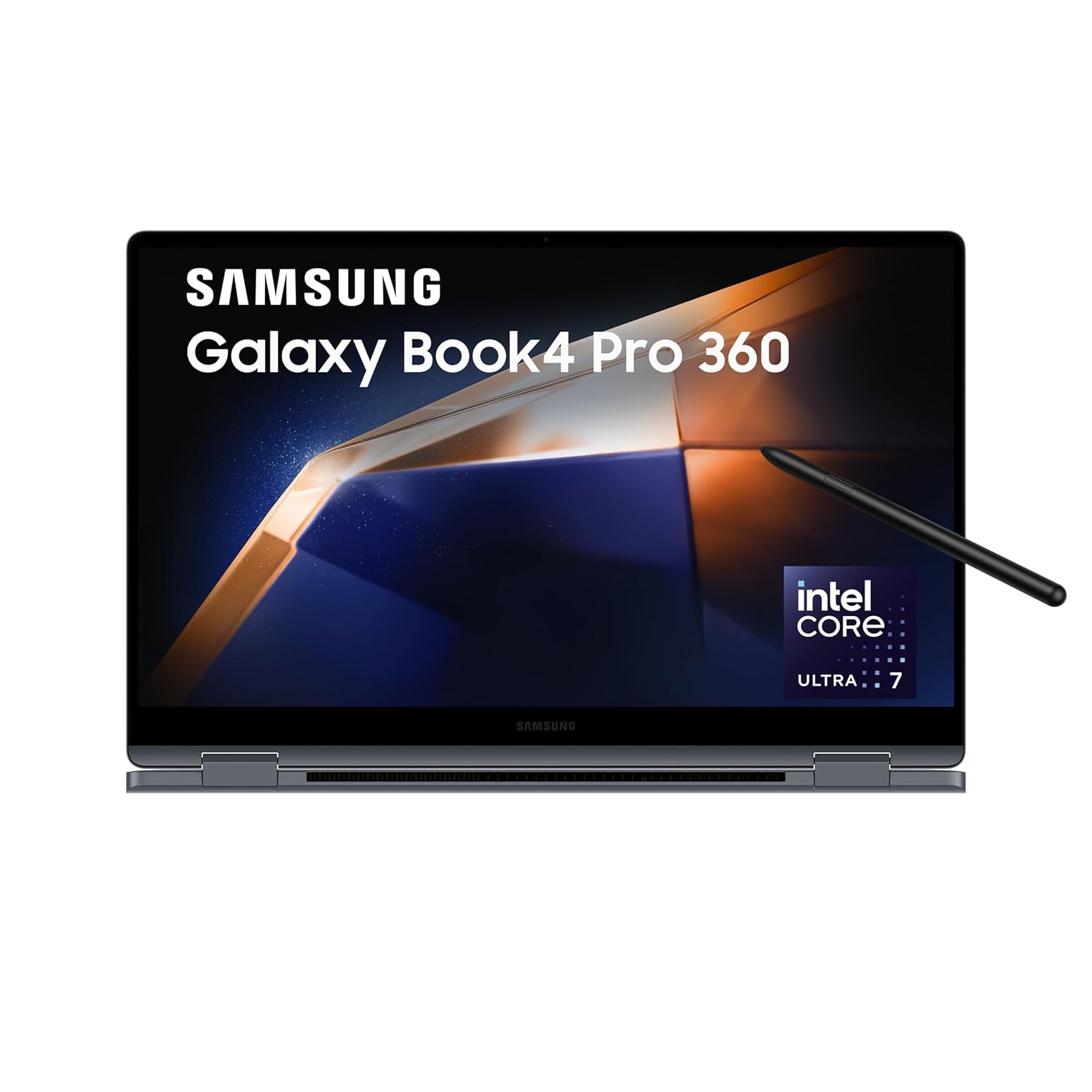
Processor: AI enabled Intel Evo Core Ultra 7 155H (3.8 GHz base clock, up to 4.8 GHz max boost clock, 24 MB L3 cache, 16 cores(6P + 8E + 2LPE) | Memory: 16GB DDR5X RAM, Expandable upto 32 GB | Storage: 512GB SSD
Full Specifications:
- Processor: Intel Core Ultra 7 155H
- RAM: 32GB LPDDR5X
- Storage: 512GB NVMe SSD
- Display: 16″ 2.8K AMOLED 360° Touch, 120Hz
- Battery: 76WHr (~12 hours)
- Graphics: Intel Arc Integrated
- OS: Windows 11 Pro
- Weight: 1.67 kg
12. Acer Swift Go 16 (SFG16-71)
The Acer Swift Go 16 is one of those quiet overachievers that rarely gets the attention it deserves. Priced well below the major brand premiums of Dell, HP, and Lenovo, it delivers a large 16-inch 3.2K OLED display, Intel Core Ultra 7 processor, and a genuinely slim, lightweight design that suits professional use remarkably well. For business professionals in India who want a large screen without paying ₹1.5 lakh+, the Swift Go 16 makes a compelling case.
The OLED display — rare at this price — delivers the kind of contrast and colour depth that makes extended document work, video conferencing, and presentations genuinely more pleasant. The slim profile and under-2 kg weight make it portable enough for daily commuting. It lacks the enterprise security stack of premium business laptops, but for SME professionals or self-employed consultants who don’t need IT-managed security features, it’s an exceptional value proposition.
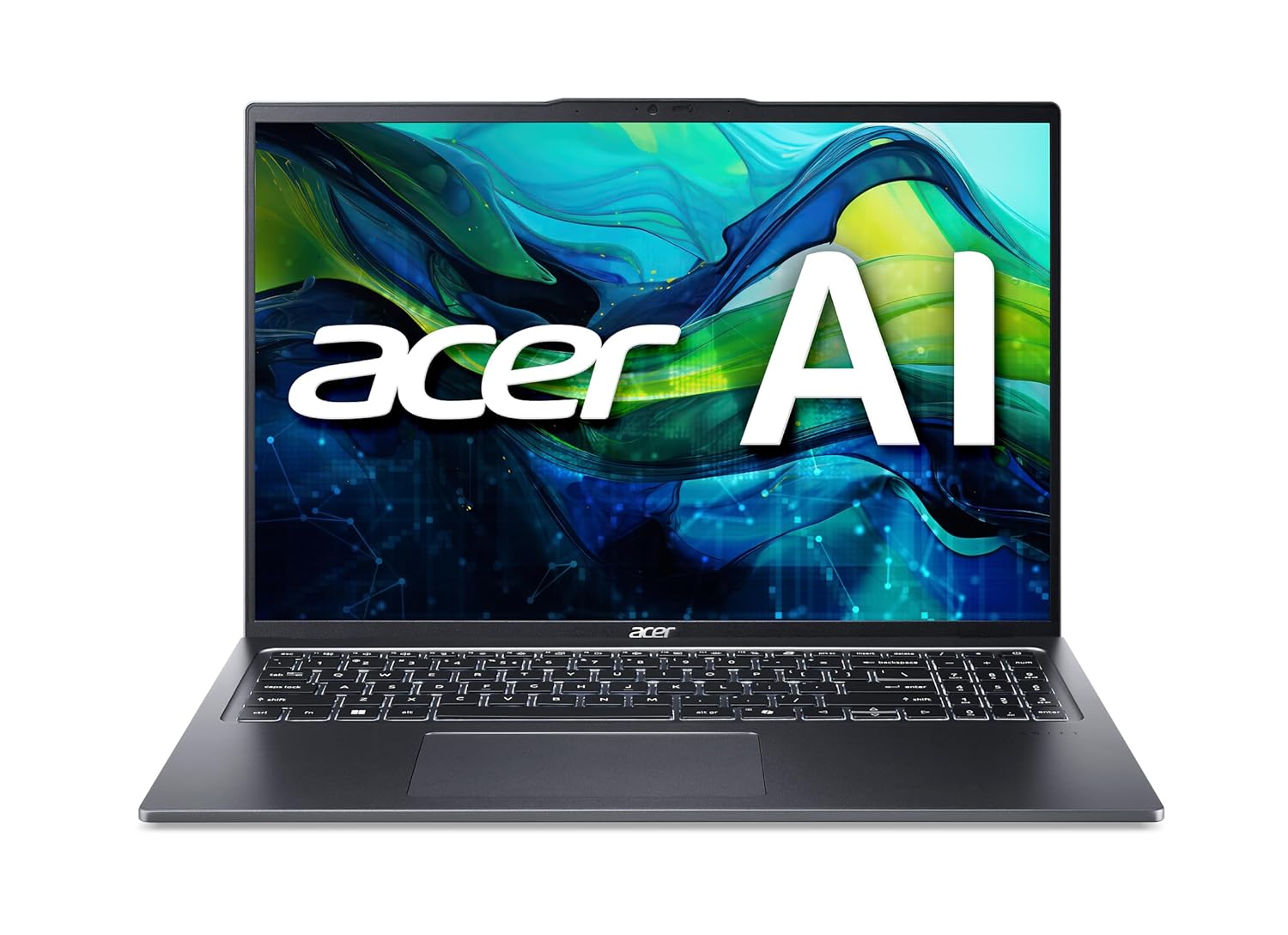
Ready, Set Go!: Say hi to the all-new Swift Go—your AI ready laptop featuring the latest Intel Core Ultra 7 processor 155H and verified as an Intel Evo Edition thin and light with Windows 11 and Copilot for Windows. A visually brilliant 16″ WUXGA (1920 x 1200) 100% sRGB touch display and designed in an eye-catching, thin-and-light body with Windows 11 that’s great on the go!
Full Specifications:
- Processor: Intel Core Ultra 7 155H (up to 4.8 GHz)
- RAM: 16GB LPDDR5
- Storage: 512GB NVMe SSD
- Display: 16″ 3.2K OLED, 120Hz
- Battery: 65WHr (~9 hours)
- Graphics: Intel Arc Integrated
- OS: Windows 11 Home
- Weight: 1.74 kg
13. HP ZBook Firefly 14 G11
The HP ZBook Firefly 14 G11 earns its place on this list as the business professional’s performance laptop — thin enough to feel like a premium ultrabook, powerful enough to handle creative, analytical, and technical workflows that standard business laptops can’t touch. The NVIDIA RTX 2000 Ada Generation GPU inside provides serious graphics capability in a machine that weighs under 1.5 kg, which is a genuinely impressive engineering achievement.
For business professionals who also run data analytics in Python, handle architectural or engineering drawings in AutoCAD, do video production, or work with GPU-accelerated machine learning tools, the ZBook Firefly 14 removes the need to carry a separate machine. HP’s DreamColor display option provides professional colour accuracy, and the HP Wolf Security platform ensures enterprise-grade data protection throughout.
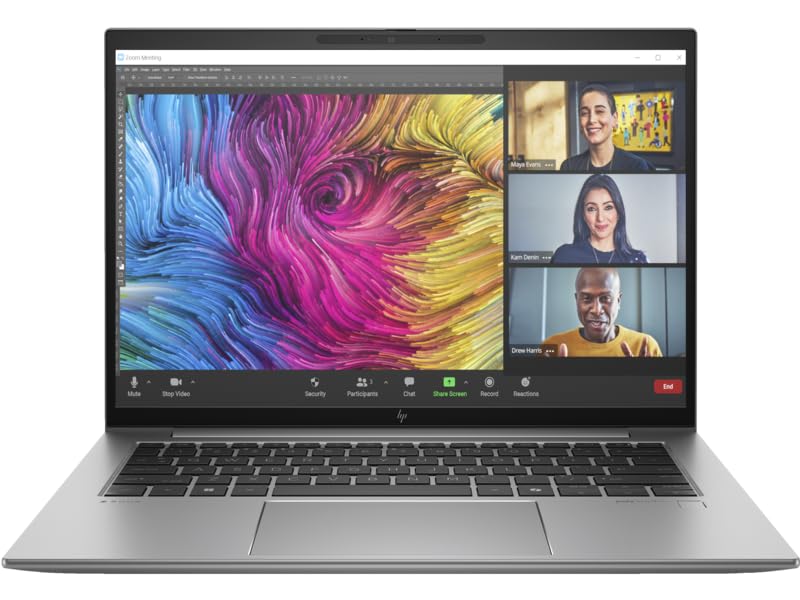
Operating system – Windows 11 Pro. Work anywhere without compromising on performance or security with Windows 11 powered by HP’s collaboration and connectivity technology.
Full Specifications:
- Processor: Intel Core Ultra 7 165U (up to 4.9 GHz)
- RAM: 32GB DDR5 LPDDR5
- Storage: 1TB NVMe SSD
- Display: 14″ FHD IPS, 400 nits
- Battery: 68WHr (~10–12 hours)
- Graphics: NVIDIA RTX 2000 Ada (8GB GDDR6)
- OS: Windows 11 Pro
- Weight: 1.44 kg
14. Lenovo IdeaPad Slim 5 Pro (16-inch)
For business professionals at SMEs, startups, or self-employed consultants who need a large productive display without paying enterprise premiums, the Lenovo IdeaPad Slim 5 Pro 16 is one of the smartest purchases available in India in 2026. The 16-inch 2.5K display hits above its weight class in quality, and the overall package — AMD Ryzen 7, 16GB RAM, slim chassis — is well-matched for general business use.
Where it really stands out is practicality. The keyboard is comfortable for extended typing, the display is large enough to have multiple windows open simultaneously without everything feeling cramped, and the battery life of around 9 hours covers a standard working day. It doesn’t have enterprise security features or military-grade durability testing, but for a founder, freelancer, or business professional at a growing company, it’s a highly liveable daily machine.
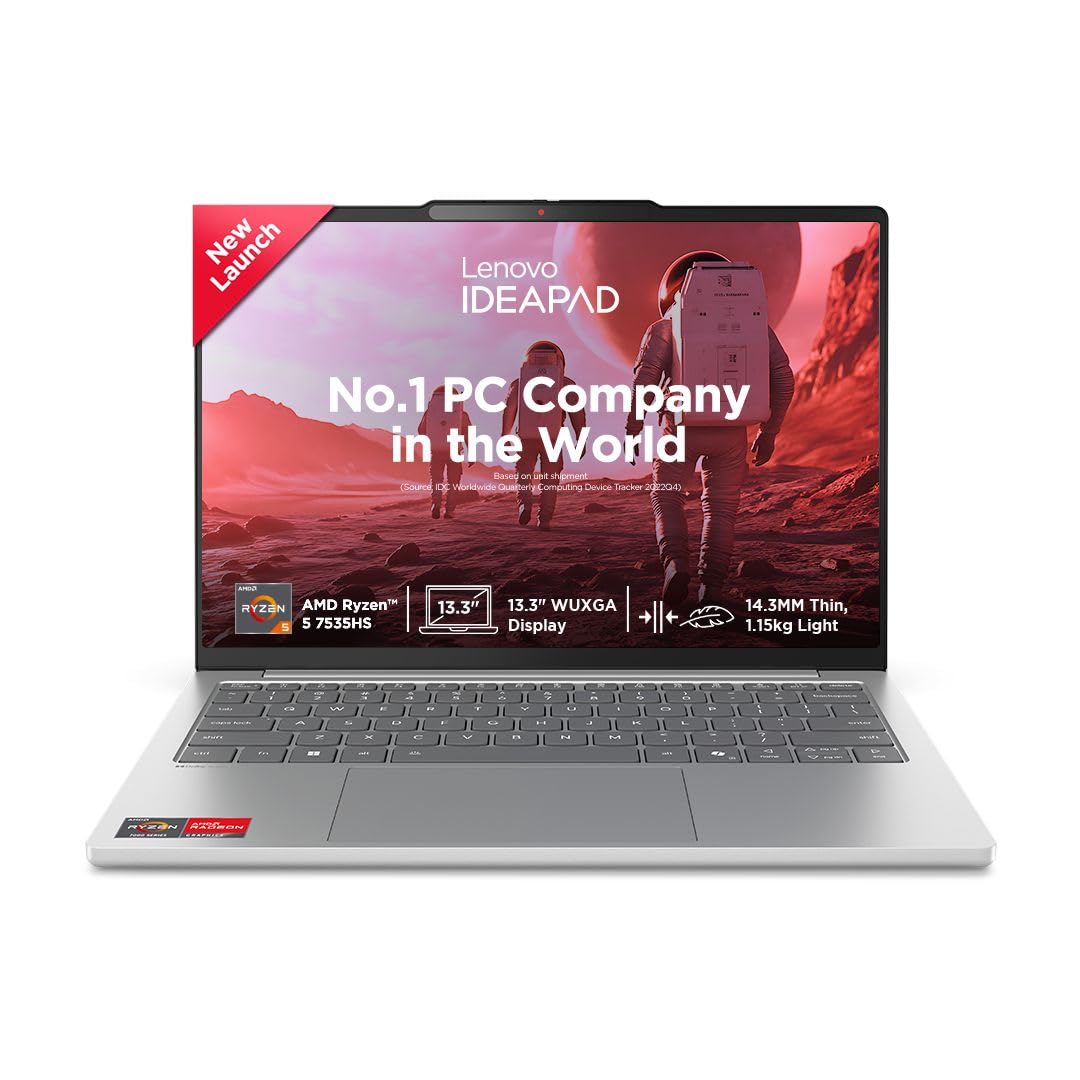
Processor: AMD Ryzen 5 7535HS | Speed: 3.3GHz (Base) – 4.55GHz (Max), 3MB L2 /16MB L3)
Full Specifications:
- Processor: AMD Ryzen 7 7745H (up to 5.1 GHz)
- RAM: 16GB DDR5
- Storage: 512GB NVMe SSD
- Display: 16″ 2.5K IPS, 120Hz, 100% sRGB
- Battery: 75WHr (~9 hours)
- Graphics: AMD Radeon (integrated)
- OS: Windows 11 Home
- Weight: 1.85 kg
15. Dell Vostro 5640
Dell’s Vostro line serves the small and medium business market in India extremely well — and the Vostro 5640 is the most polished version of this formula yet. It looks and feels significantly more premium than its price suggests, with a clean aluminium design, good keyboard, and a display that stands well above the category average. For business owners and professionals at SMEs who need reliability without enterprise-tier pricing, the Vostro 5640 is a consistently excellent choice.
The Intel Core Ultra 5/7 processor handles everyday business computing with ease — Office, browser-based applications, Zoom, accounting software, ERP tools. The 16-inch QHD display is sharp and comfortable for extended working hours, and Dell’s nationwide service network means warranty support is accessible even in tier-2 and tier-3 cities. A dependable, well-priced business laptop.
Processor: Intel Core 5 120U (up to 5.00 GHz, 10 Cores, 12MB Cache)
Full Specifications:
- Processor: Intel Core Ultra 7 155H (up to 4.8 GHz)
- RAM: 16GB DDR5
- Storage: 512GB NVMe SSD
- Display: 16″ QHD+ IPS, 300 nits
- Battery: 54WHr (~8 hours)
- Graphics: Intel Arc Integrated
- OS: Windows 11 Pro
- Weight: 1.78 kg
Also Read Suggested Articles :
Best Laptops for For Engineering Students
Best gaming laptop under 70000
30 Best Laptops For Students In India
Best Lightweight Laptops for College Students in India
50 Best Laptops for Video Editing in India
30 Best Laptops for Music Production
16. ASUS Zenbook 14 OLED (UX3405)
The ASUS Zenbook 14 OLED is a slim, elegant ultrabook that brings OLED display quality to the ₹90,000–₹1,10,000 price range — a segment where most competitors are still offering standard IPS panels. For business professionals who spend hours reviewing documents, presentations, and content, an OLED display at this price point is a genuinely meaningful upgrade that improves daily comfort.
Intel Core Ultra 7 with Intel Arc graphics handles all standard business workloads efficiently, and the MIL-STD 810H tested chassis means it’s more durable than its slim profile suggests. The 2.8K OLED panel at 120Hz looks spectacular, the keyboard is comfortable, and the 75WHr battery regularly delivers 12+ hours in real office workflows. One of the best mid-range business laptop values available in India right now.
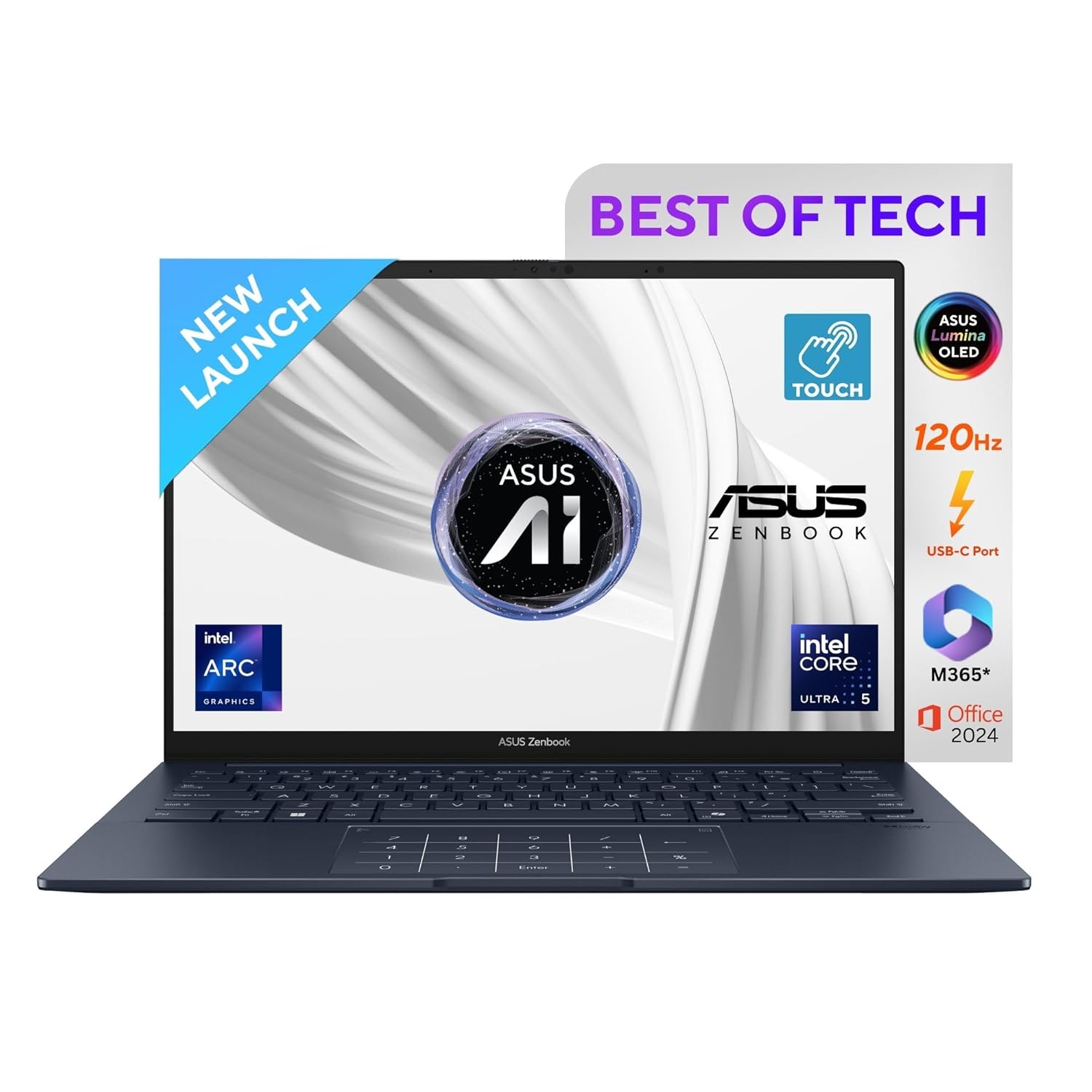
Processor : Intel Core Ultra 5 Processor 225H 1.7 GHz (18MB Cache, up to 4.9 GHz, 14 cores, 16 Threads) Intel AI Boost NPU up to 13
Full Specifications:
- Processor: Intel Core Ultra 7 155H (up to 4.8 GHz)
- RAM: 32GB LPDDR5
- Storage: 1TB NVMe SSD
- Display: 14″ 2.8K OLED, 120Hz, PANTONE Validated
- Battery: 75WHr (~12 hours)
- Graphics: Intel Arc Integrated
- OS: Windows 11 Pro
- Weight: 1.2 kg
17. HP EliteBook 1040 G11
The HP EliteBook 1040 G11 is HP’s premier ultra-thin business laptop — positioned above the EliteBook 840 for senior executives and professionals who demand the absolute best from HP’s enterprise lineup. The 14-inch chassis is exceptionally thin at under 17mm, and the machine weighs just 1.25 kg while still packing Intel Core Ultra 9 performance and HP’s complete Wolf Security suite.
The optional OLED display configuration delivers reference-quality colour accuracy that executives reviewing brand materials, creative directors checking campaigns, or legal professionals handling sensitive documents will genuinely appreciate. HP’s AI Assistant integration accelerates common tasks, and the premium aluminium finish with sapphire-blue colour option is an understated luxury that stands apart from the standard silver-and-black business laptop aesthetic.
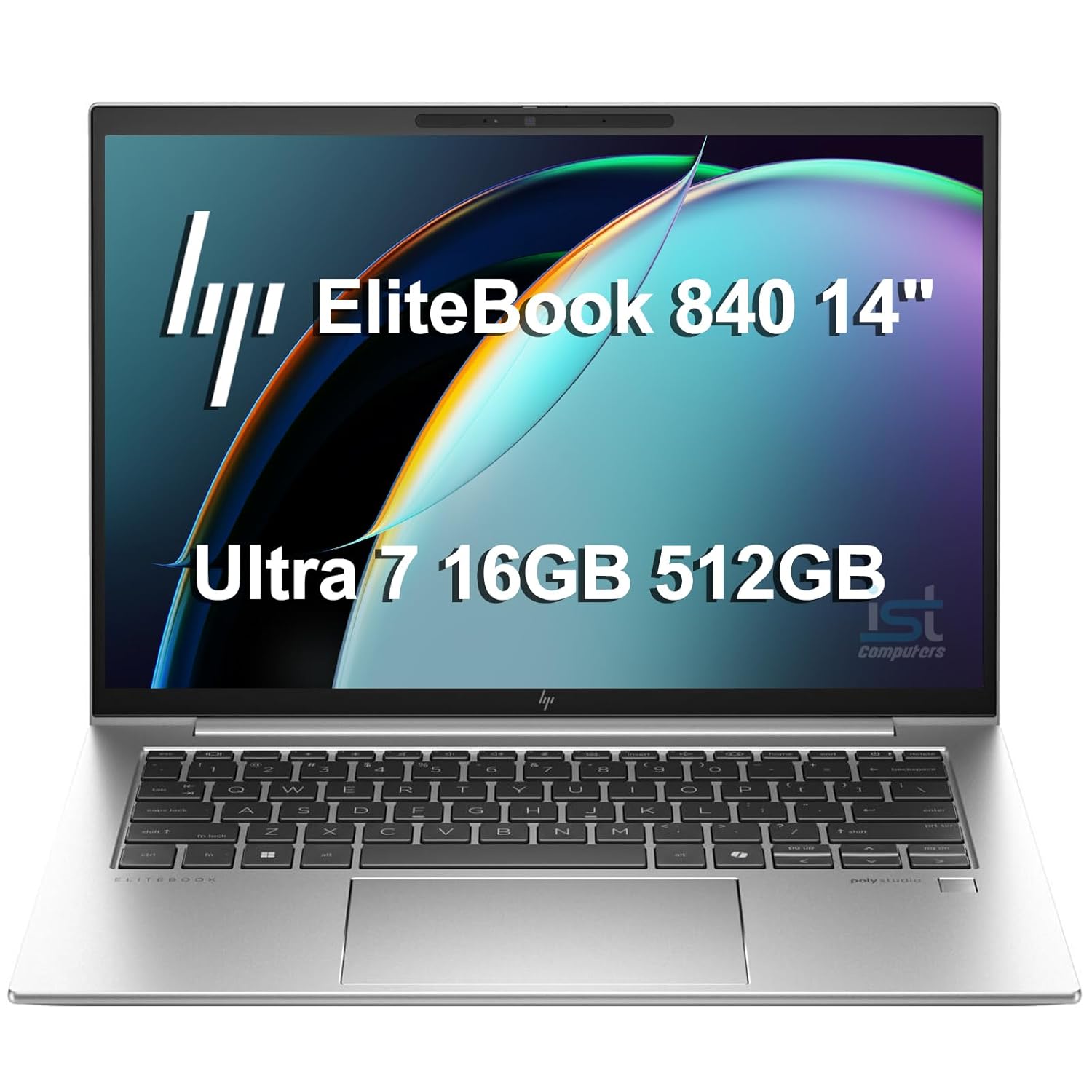
RELIABLE DESIGN – As part of the HP EliteBook family, alongside the EliteBook 845, 840, and 640, the EliteBook 1040 is built for premium commercial use. Enhanced by AI, this system dynamically anticipates and adjusts settings for power, audio, and video features to deliver the performance. The 68 Wh battery also ensures long battery life and lightweight design at just 2.6 pounds. With HP Wolf Security, this device offers cutting-edge protection against modern threats.
Full Specifications:
- Processor: Intel Core Ultra 9 185H (up to 5.1 GHz)
- RAM: 32GB LPDDR5X
- Storage: 1TB NVMe SSD
- Display: 14″ 2.8K OLED or WUXGA IPS, 400 nits
- Battery: 68WHr (~14 hours)
- Graphics: Intel Arc Integrated
- OS: Windows 11 Pro
- Weight: 1.25 kg
18. Lenovo Yoga 9i (Gen 9)
The Lenovo Yoga 9i Gen 9 is Lenovo’s flagship convertible laptop — a machine that blends the consumer-grade refinement of the Yoga design language with genuine professional performance. The rotating soundbar hinge is a signature feature that delivers dramatically better audio than any standard laptop speaker, which matters for business professionals who frequently participate in remote meetings, webinars, and presentations.
The 14-inch 2.8K OLED 120Hz display is exceptional for a convertible, and the 360-degree hinge enables smooth transitions between laptop, tent, stand, and tablet modes. The Intel Core Ultra 7 handles multitasking workflows well, and the battery life of 13+ hours means you can genuinely leave the charger at home for most business days. A premium, well-rounded convertible that suits executives who want flexibility.
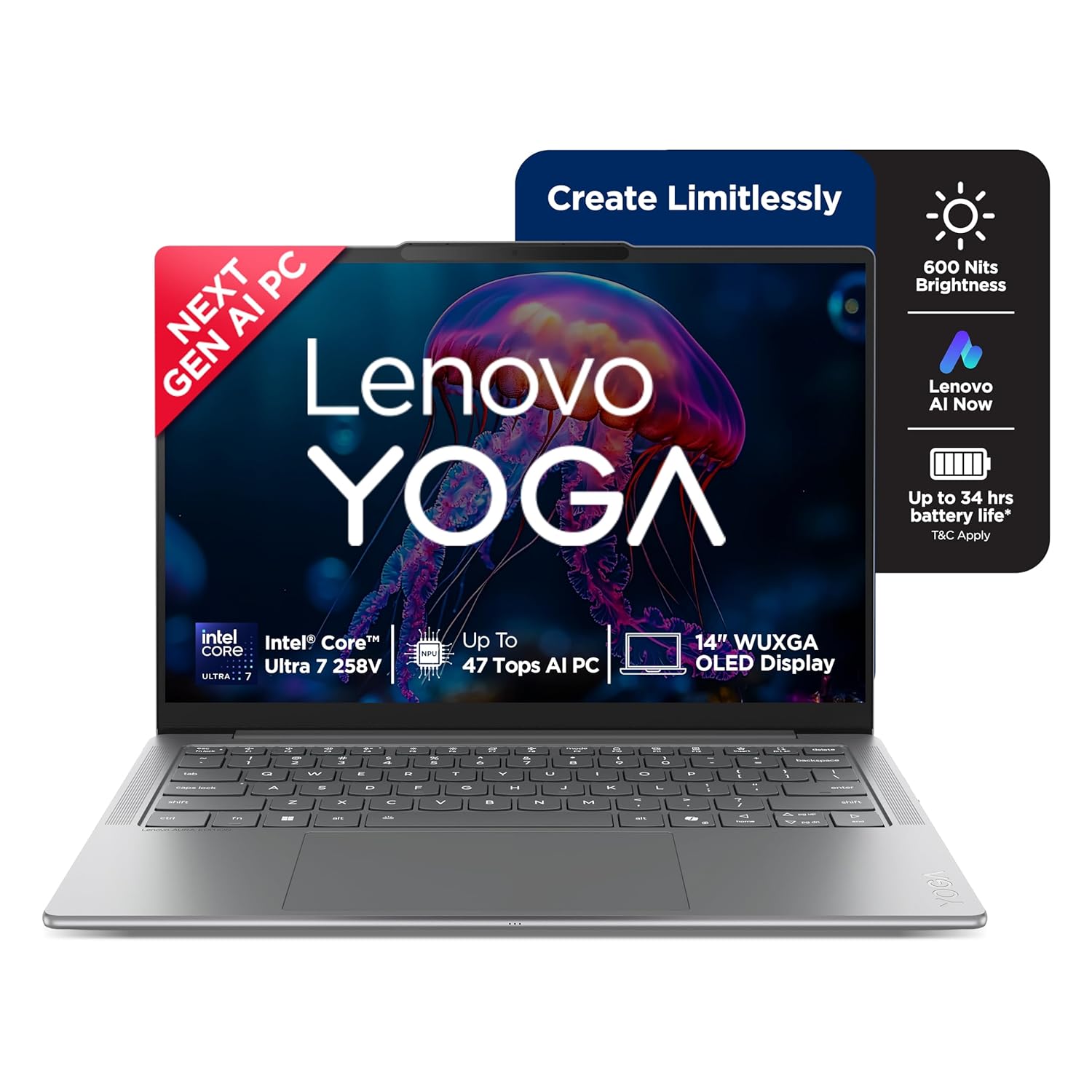
Processor: Intel Evo Core Ultra 7 258V | 8C (4P + 4LPE) / 8T, Max Turbo upto 4.8GHz | 8 Cores | 8 Threads | Cache: 12MB || NPU: Integrated Intel AI Boost, up to 47 TOPS
Full Specifications:
- Processor: Intel Core Ultra 7 258V (up to 4.8 GHz)
- RAM: 32GB LPDDR5X
- Storage: 1TB NVMe SSD
- Display: 14″ 2.8K OLED Touch, 120Hz, 100% DCI-P3
- Battery: 70WHr (~13 hours)
- Graphics: Intel Arc Integrated
- OS: Windows 11 Pro
- Weight: 1.39 kg
19. Microsoft Surface Laptop 7
Microsoft’s Surface Laptop 7 is the company’s cleanest, purest laptop design — no convertible gimmicks, no detachable keyboard, just an elegantly simple clamshell built to run Windows 11 better than any other hardware on the market. The Snapdragon X Elite processor inside is ARM-based, which means blazing speed, fanless operation, and genuinely impressive battery life — all day and then some.
For business professionals who live in Microsoft 365, Teams, Edge, and standard productivity applications, the Surface Laptop 7 is a remarkable experience. The Copilot+ AI features built into Windows 11 are optimised specifically for Snapdragon X hardware, giving this machine capabilities — like real-time translation, AI photo enhancement, and enhanced Windows Recall — that Intel equivalents simply can’t match yet.
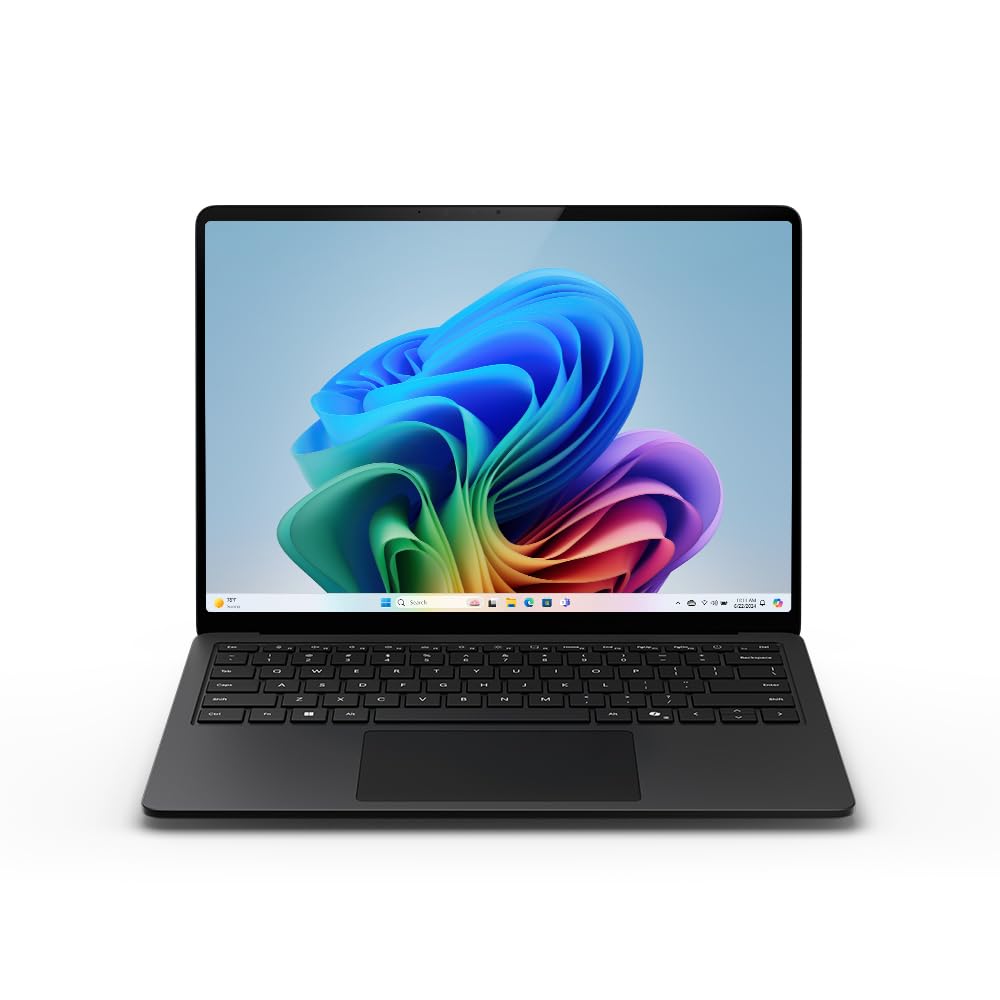
Copilot+ PC: A new era of AI: The fastest, most intelligent Surface Laptop ever
Also read: 30 Best Laptops For Students In India (2026)
Full Specifications:
- Processor: Snapdragon X Elite X1E-80-100 (up to 4.0 GHz)
- RAM: 32GB LPDDR5
- Storage: 512GB SSD
- Display: 15″ PixelSense touchscreen, 2496 x 1664, 120Hz
- Battery: ~20 hours real-world
- Graphics: Qualcomm Adreno Integrated
- OS: Windows 11 Pro (Copilot+)
- Weight: 1.66 kg
20. ASUS ProArt Studiobook 16 (H7604)
For business professionals who straddle the line between enterprise productivity and creative work — brand managers, marketing directors, product designers, senior architects — the ASUS ProArt Studiobook 16 is an exceptional all-in-one professional machine. The 4K OLED 120Hz display is reference-grade in colour accuracy, and the NVIDIA RTX 4060 handles both creative GPU workloads and professional application acceleration seamlessly.
The ProArt Dial — a physical rotary controller on the palm rest — sounds like a novelty until you use it daily across Premiere, Photoshop, After Effects, and AutoCAD. Then it becomes indispensable. For business users who present, create, and analyse in equal measure, the Studiobook 16 is a genuinely versatile professional tool that replaces multiple dedicated machines.
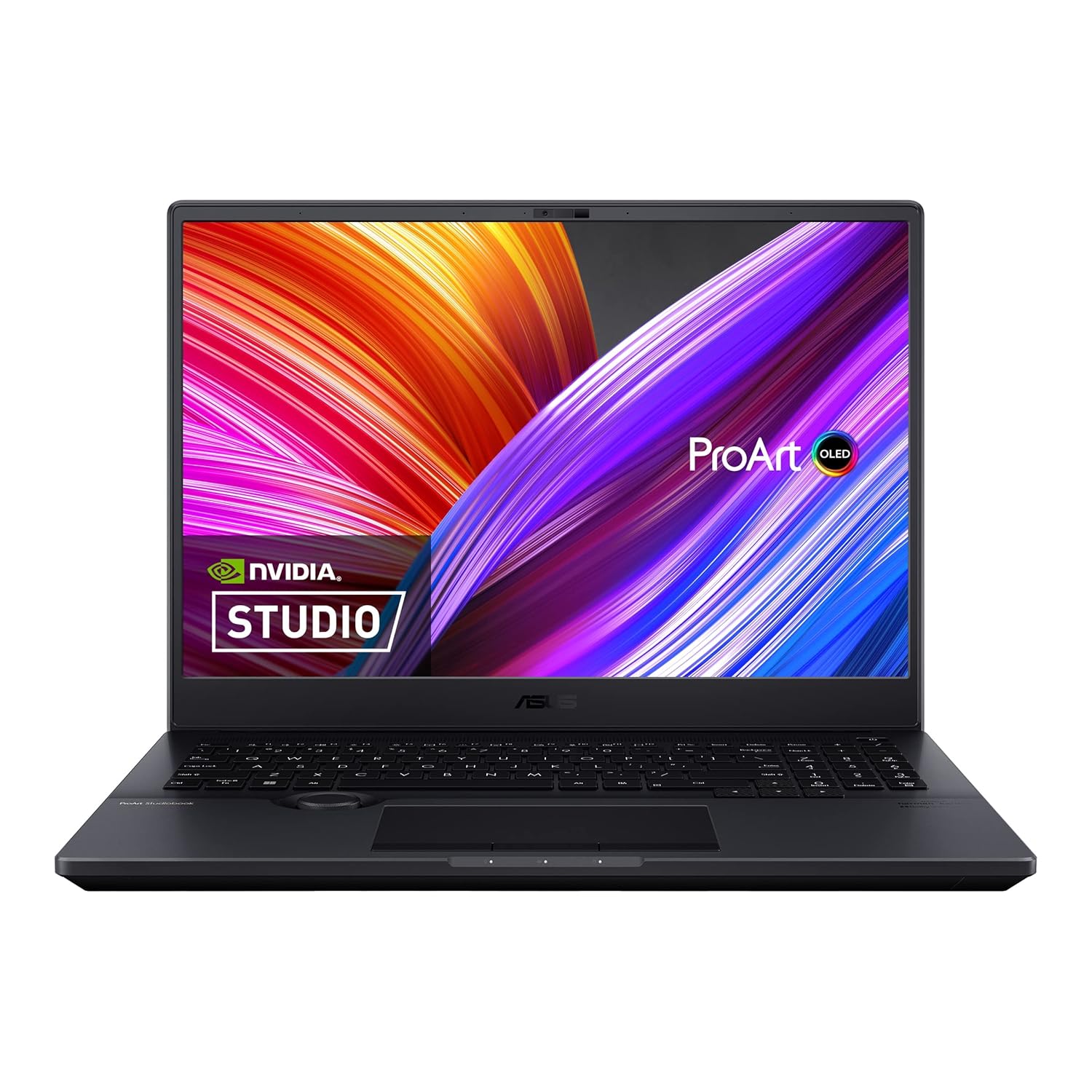
Memory: 16GB (8GB SO-DIMM *2) DDR5 4800MHz RAM, Support Up to 64GB using 2x SO-DIMM slots | Storage: 1TB SSD M.2 NVMe PCIe 4.0 SSD, Support Up to 4TB SSD using 2x M.2 2280 Slot
Also read: Best laptops for video editing
Full Specifications:
- Processor: Intel Core i9-13980HX (up to 5.6 GHz)
- RAM: 32GB DDR5
- Storage: 1TB NVMe SSD
- Display: 16″ 4K OLED, 120Hz, 100% DCI-P3, PANTONE Validated
- Battery: 96WHr (~6–7 hours)
- Graphics: NVIDIA GeForce RTX 4060 (8GB GDDR6)
- OS: Windows 11 Pro
- Weight: 2.4 kg
21. Dell Precision 3591
When business professionals need ISV-certified workstation performance in a portable form factor, the Dell Precision 3591 is the machine that delivers. Designed for engineers, architects, data scientists, and technical analysts who require Autodesk, SolidWorks, or MATLAB certification alongside enterprise security and management capabilities, this machine bridges the gap between corporate IT requirements and technical computing demands.
The NVIDIA RTX 500 Ada Generation GPU provides workstation-grade graphics acceleration that consumer RTX cards can’t match in terms of driver stability and professional application certification. Combined with Intel Core Ultra 7 and 32GB DDR5, the Precision 3591 handles demanding professional applications without compromise. For IT departments managing technical workstations, this is the gold standard in portable form.
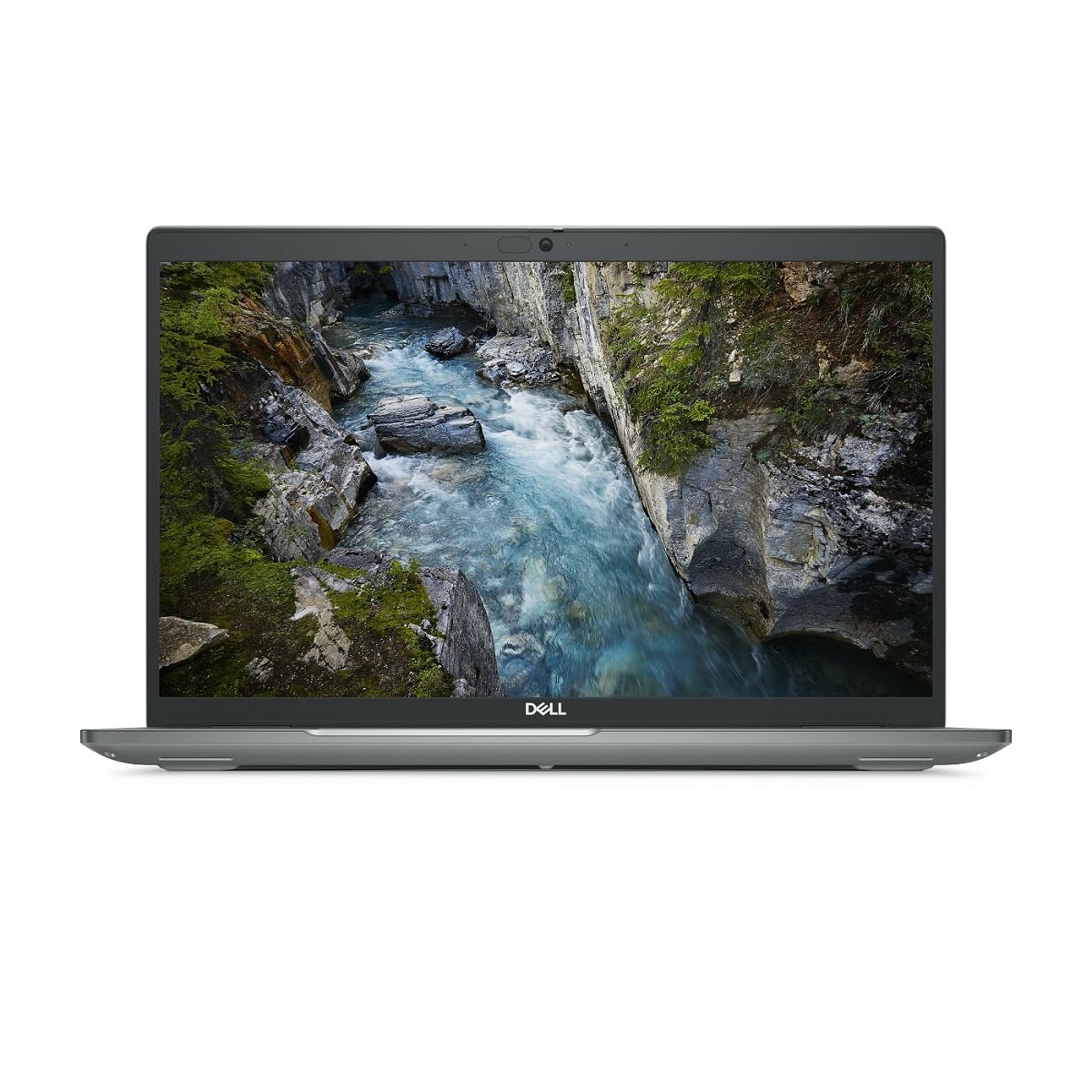
1.4 GHz Intel Core Ultra 7 vPro 32GB of DDR5 RAM | 512GB M.2 SSD 15.6″ 1920 x 1080 LCD Display NVIDIA RTX 1000 microSD Card Slot 2 x Thunderbolt 4 | 2 x USB-A 3.2 Gen 1 Wi-Fi 6E | RJ45 LAN | Bluetooth HDMI | 3.5mm Audio Fingerprint Reader | Nano Lock Windows 11 Pro
Full Specifications:
- Processor: Intel Core Ultra 7 165H (up to 5.0 GHz)
- RAM: 32GB DDR5
- Storage: 1TB NVMe PCIe Gen 4 SSD
- Display: 15.6″ FHD IPS Anti-Glare, 60Hz
- Battery: 86WHr (~8 hours)
- Graphics: NVIDIA RTX 500 Ada (4GB GDDR6)
- OS: Windows 11 Pro
- Weight: 1.86 kg
22. HP Pavilion Plus 14 (2025)
The HP Pavilion Plus 14 is one of the best laptops for professionals entering the workforce or running small businesses in India — it genuinely overdelivers for its price. The OLED display option at this segment is remarkable, and the overall package of Intel Core Ultra 5/7, 16–32GB RAM, and solid build quality makes it a highly liveable business machine.
For young professionals, startup founders, sales executives, or consultants who need a capable business machine without a corporate IT budget, the Pavilion Plus 14 is ideal. It handles video calls, Office 365, CRM tools, browser-based apps, and light content creation comfortably. The 14-inch form factor is perfectly portable, and HP’s build quality at this tier has improved noticeably in the 2025 lineup.
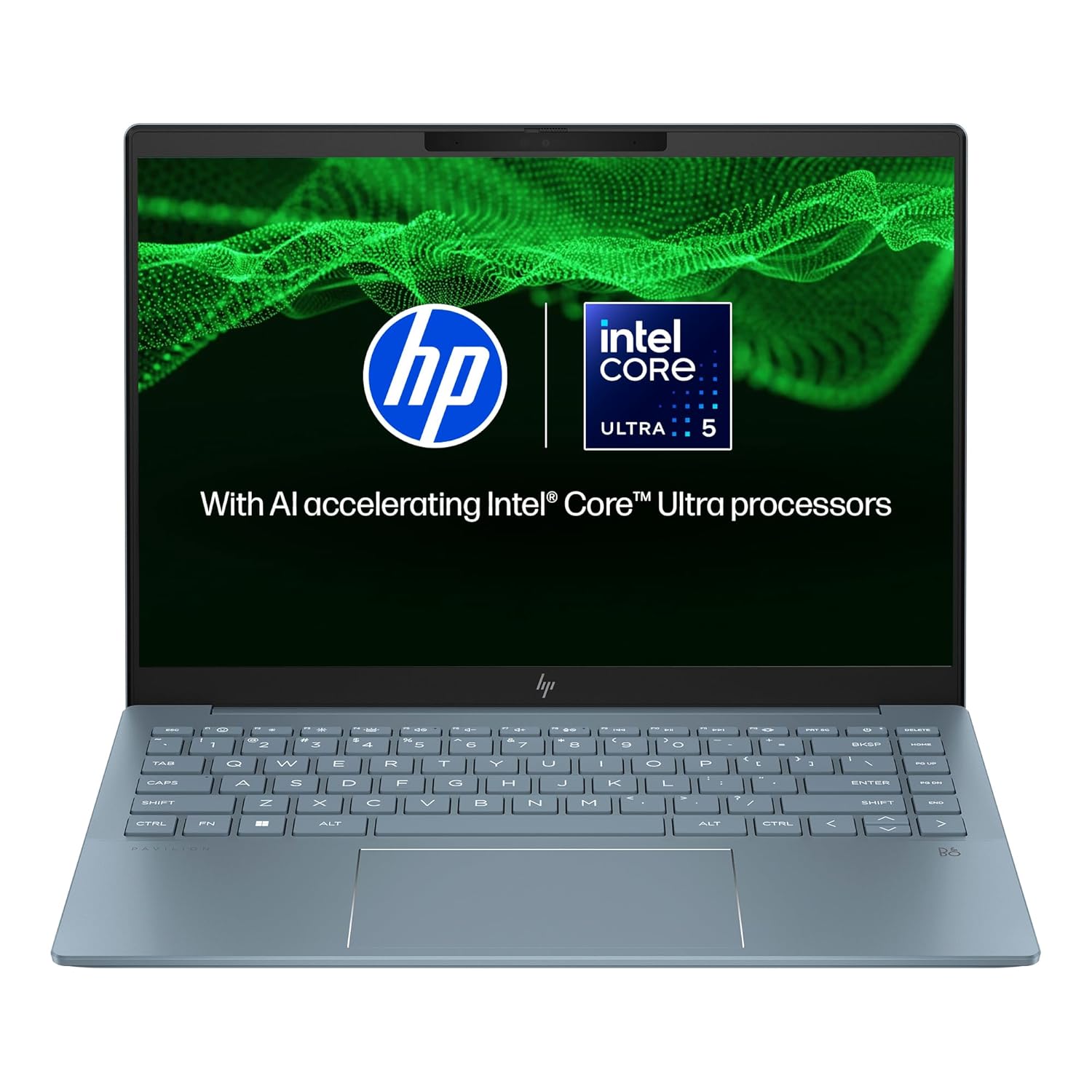
Engage in clear video calls with HP Wide Vision 5 MP IR camera, with temporal noise reduction, HP Presence, and audio by polystudio highlight your presence in any conference setting.
Full Specifications:
- Processor: Intel Core Ultra 7 155H (up to 4.8 GHz)
- RAM: 16GB LPDDR5
- Storage: 512GB NVMe SSD
- Display: 14″ 2.8K OLED, 90Hz
- Battery: 59WHr (~10 hours)
- Graphics: Intel Arc Integrated
- OS: Windows 11 Home
- Weight: 1.41 kg
23. Lenovo ThinkBook 14 Gen 6+
The Lenovo ThinkBook 14 Gen 6+ is designed specifically for modern SMEs — companies that want ThinkPad-inspired reliability and security without the full enterprise price tag. It’s positioned as a professional laptop for the new generation of business professionals: those who want solid performance, good design, and smart features at a price that doesn’t require board approval.
The AMD Ryzen 7 processor handles business workloads efficiently, and Lenovo has included useful AI-enhanced features like Lenovo AI Core 2.0 for smart noise cancellation in calls and intelligent performance switching. The 14-inch 2.8K OLED display option is excellent, and the build quality — aluminium lid and deck — feels more premium than the price suggests. A strong choice for growing businesses equipping a professional team.
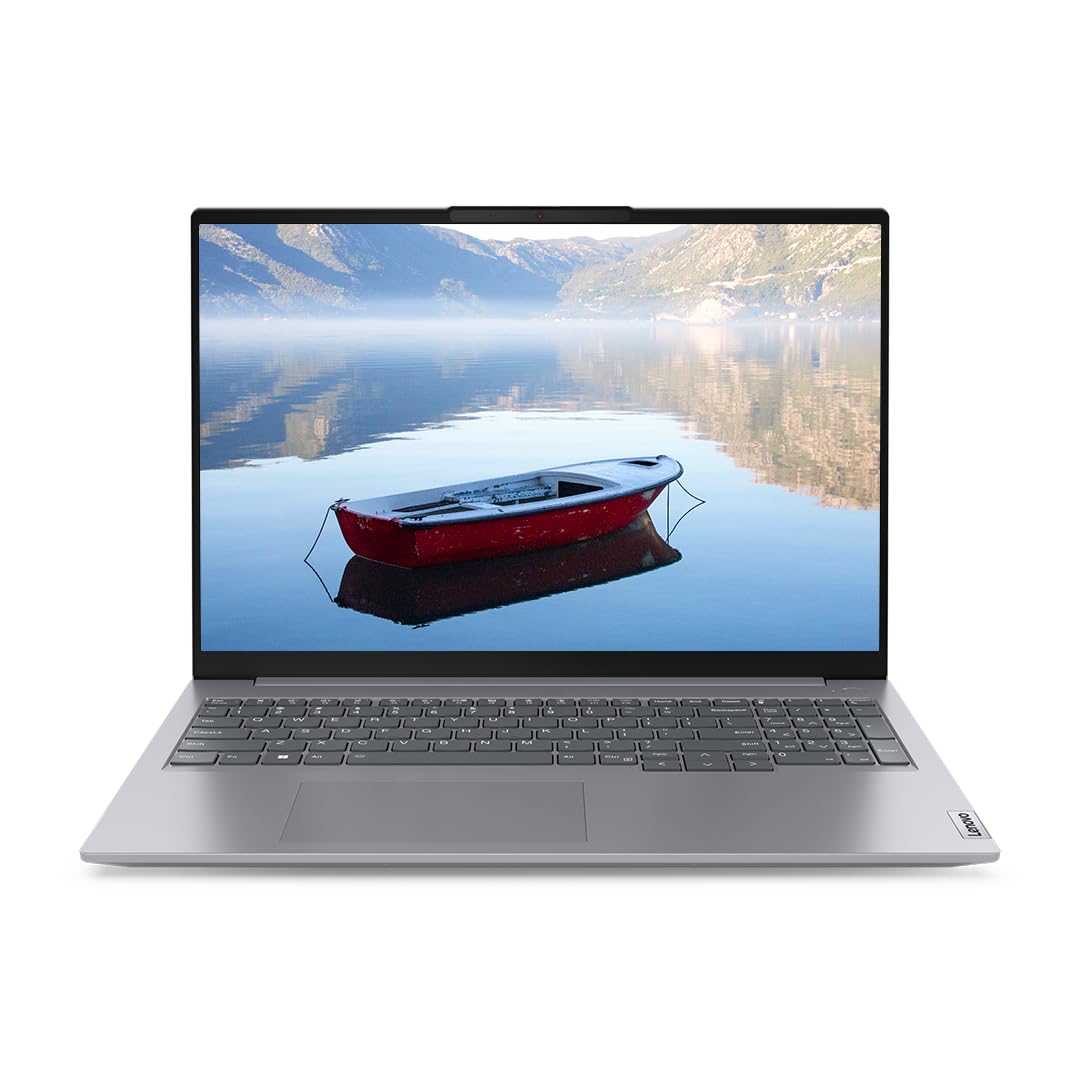
ThinkBook 14 Reliability tested on 12 MIL-STD-810H Methods and 22 Procedures | Body Material: Aluminium (Top) | Surface Treatment: Anodizing sandblasting | Built to withstand rugged usage and can handle accidental knocks, drops, and even spills
Full Specifications:
- Processor: AMD Ryzen 7 8845H (up to 5.1 GHz)
- RAM: 32GB DDR5
- Storage: 1TB NVMe SSD
- Display: 14″ 2.8K OLED, 90Hz, 100% DCI-P3
- Battery: 60WHr (~11 hours)
- Graphics: AMD Radeon 780M (integrated)
- OS: Windows 11 Pro
- Weight: 1.38 kg
24. Acer Swift X 14 (SFX14-71G)
The Acer Swift X 14 is a genuine rarity — an ultrabook-profile machine with a discrete NVIDIA RTX 4050 GPU that doesn’t cost a fortune. For business professionals who occasionally need GPU performance (data visualisation, lightweight video editing, AutoCAD 2D, or accelerated ML tasks) but don’t want to carry a 2 kg gaming laptop to work, the Swift X 14 is an elegant solution.
Intel Core Ultra 5/7 paired with RTX 4050 in a 1.4 kg chassis is a combination that very few laptops achieve at this price level. The 14.5-inch 2.5K OLED display is sharp and accurate, and Acer’s slim design means it genuinely fits the professional setting. For founders, consultants, and analysts who blend office productivity with occasional technical computing, this is a remarkably well-rounded machine.
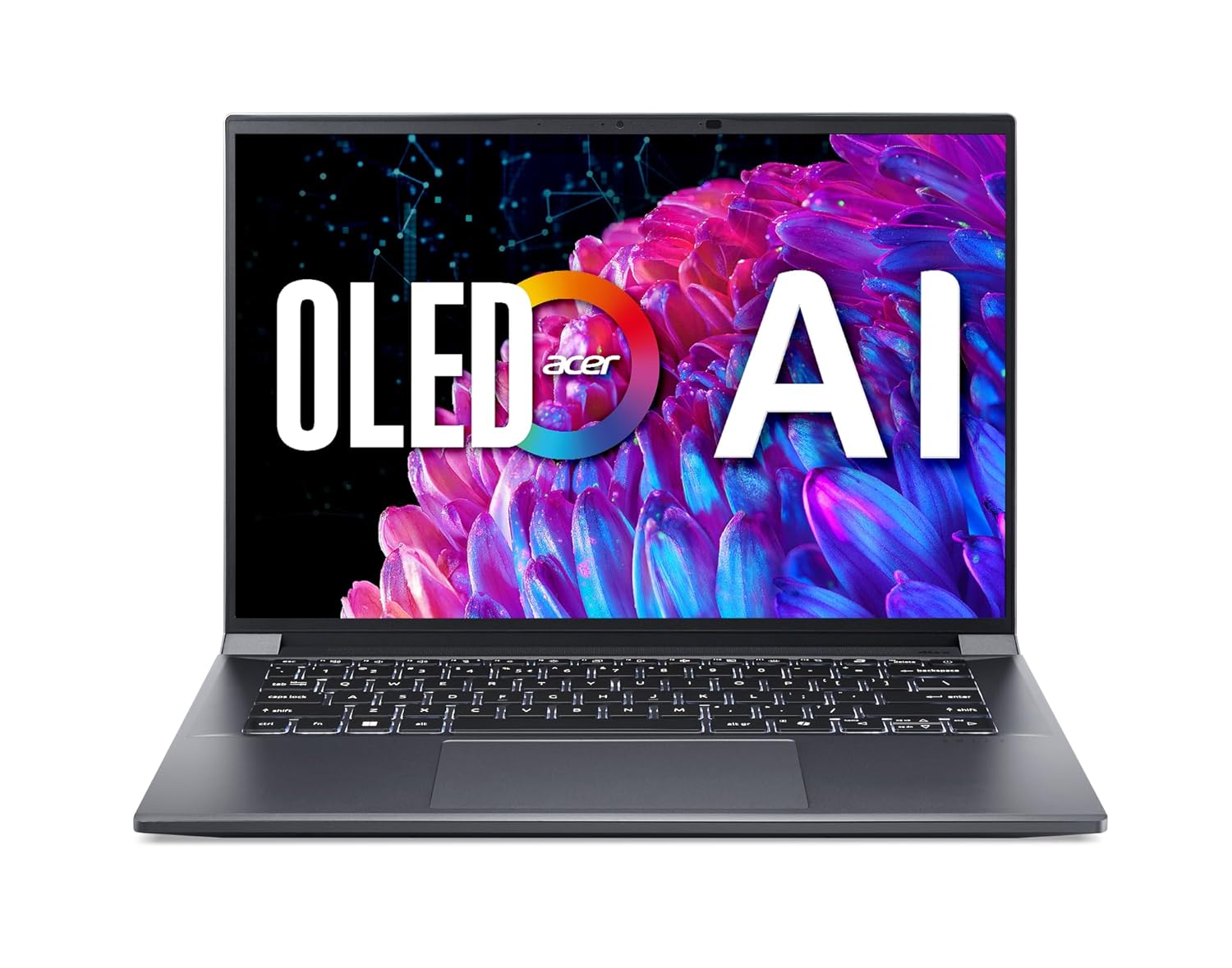
A Powerhouse of Performance: Intel Core Ultra 7 processor with Intel AI Boost delivers a dedicated engine to help unlock AI experiences on the PC, the next level in immersive graphics, and high-performance low power processing, so you can confidently get more done in less times while unplugged.
Full Specifications:
- Processor: Intel Core Ultra 7 155H (up to 4.8 GHz)
- RAM: 16GB LPDDR5
- Storage: 1TB NVMe SSD
- Display: 14.5″ 2.5K OLED, 120Hz
- Battery: 65WHr (~9 hours)
- Graphics: NVIDIA GeForce RTX 4050 (6GB GDDR6)
- OS: Windows 11 Home
- Weight: 1.46 kg
25. Samsung Galaxy Book4 360
The Samsung Galaxy Book4 360 sits below the Pro 360 in Samsung’s lineup but still delivers an exceptional blend of style, display quality, and everyday business performance at a more accessible price. The 2.8K OLED 360-degree convertible display is the centrepiece — sharp, vibrant, and excellent for both work and presentations. The S Pen integration makes it a natural choice for business professionals who annotate documents, sign contracts digitally, or sketch ideas in meetings.
For professionals already using Galaxy smartphones, the continuity features — Link to Windows, Samsung DeX compatibility, clipboard sharing, and hotspot handoff — create a seamlessly integrated productivity ecosystem that Windows PC competitors struggle to replicate. It’s a premium product that rewards users within Samsung’s world.
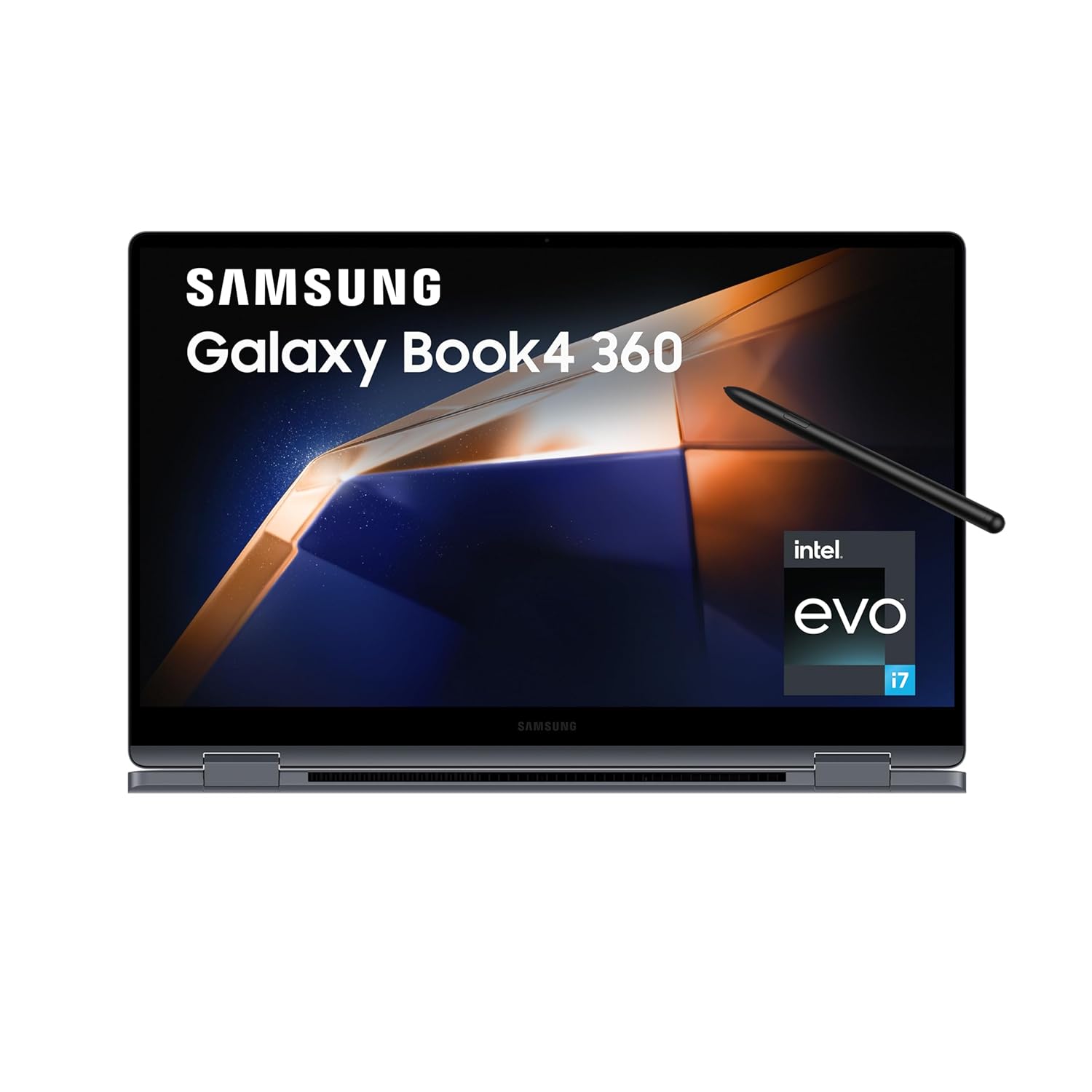
Processor: Intel Core 7 Processor 150U (1.8 GHz Up to 5.4 GHz 12 MB Smart Cache) | Memory: 16 GB LPDDR5 Memory | Storage: 512GB SSD| Intel Iris XE Graphics
Full Specifications:
- Processor: Intel Core Ultra 5 125H (up to 4.5 GHz)
- RAM: 16GB LPDDR5X
- Storage: 512GB NVMe SSD
- Display: 15.6″ 2.8K OLED 360° Touch, 120Hz
- Battery: 68WHr (~12 hours)
- Graphics: Intel Arc Integrated
- OS: Windows 11 Home
- Weight: 1.75 kg
26. Xiaomi Redmi Book 14 (2025)
For business professionals and young entrepreneurs in India operating on a tight budget, the Xiaomi Redmi Book 14 2025 edition punches significantly above its price. At under ₹55,000, it delivers a thin, clean design, a solid IPS display, Intel Core i5/i7 processors, and a battery that covers a full working day. It doesn’t have enterprise security stacks or military-grade durability, but for daily professional computing it handles the job well.
Xiaomi’s focus on value-for-money is evident throughout the Redmi Book 14. The build quality is clean and professional, the keyboard is comfortable, and the display — while not OLED — is sharp and adequately bright for office environments. For freshers, young professionals, and freelancers who need a business-capable machine under ₹55,000, this is one of the most honest choices available.
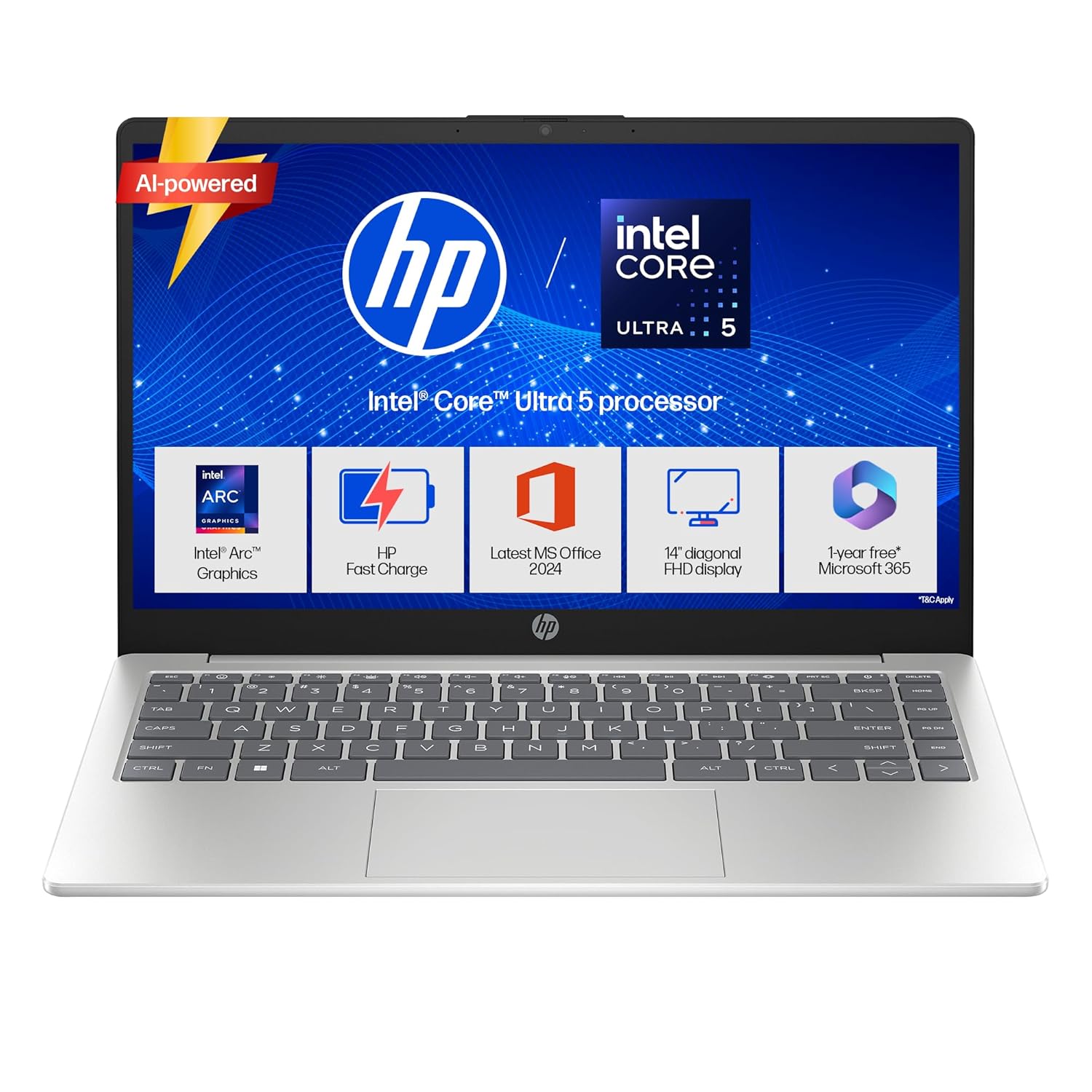
Processor, Memory & Storage: Intel Core Ultra 5 125H (up to 4.5 GHz with Intel Turbo Boost Technology, 18 MB L3 cache, 14 cores, 18 threads)| Memory: 24 GB DDR5-5600 MT/s (1 x 24 GB)| Storage: 1 TB PCIe NVMe M.2 SSD
Full Specifications:
- Processor: Intel Core i7-12700H (up to 4.7 GHz)
- RAM: 16GB LPDDR5
- Storage: 512GB NVMe SSD
- Display: 14″ FHD IPS, 100% sRGB, 300 nits
- Battery: 70WHr (~10 hours)
- Graphics: Intel Iris Xe
- OS: Windows 11 Home
- Weight: 1.4 kg
27. Dell Latitude 5550
The Dell Latitude 5550 is Dell’s mid-range business laptop and a genuine workhorse for corporate environments across India. In the ₹85,000–₹1,00,000 range, it offers the full Latitude package — business-grade build, enterprise security, Dell ProSupport, and consistent performance — at a price point that’s accessible for mid-market companies. IT departments across India’s banking, manufacturing, and services sectors have deployed this machine in volume.
The Intel Core Ultra 7 handles corporate workloads reliably, and Dell’s Latitude-class security features — TPM 2.0, IR camera, fingerprint reader, SmartCard reader option — cover enterprise compliance requirements. The 15.6-inch FHD display is adequate, and the full-size keyboard with numpad is a practical advantage for finance and data-entry-heavy roles.
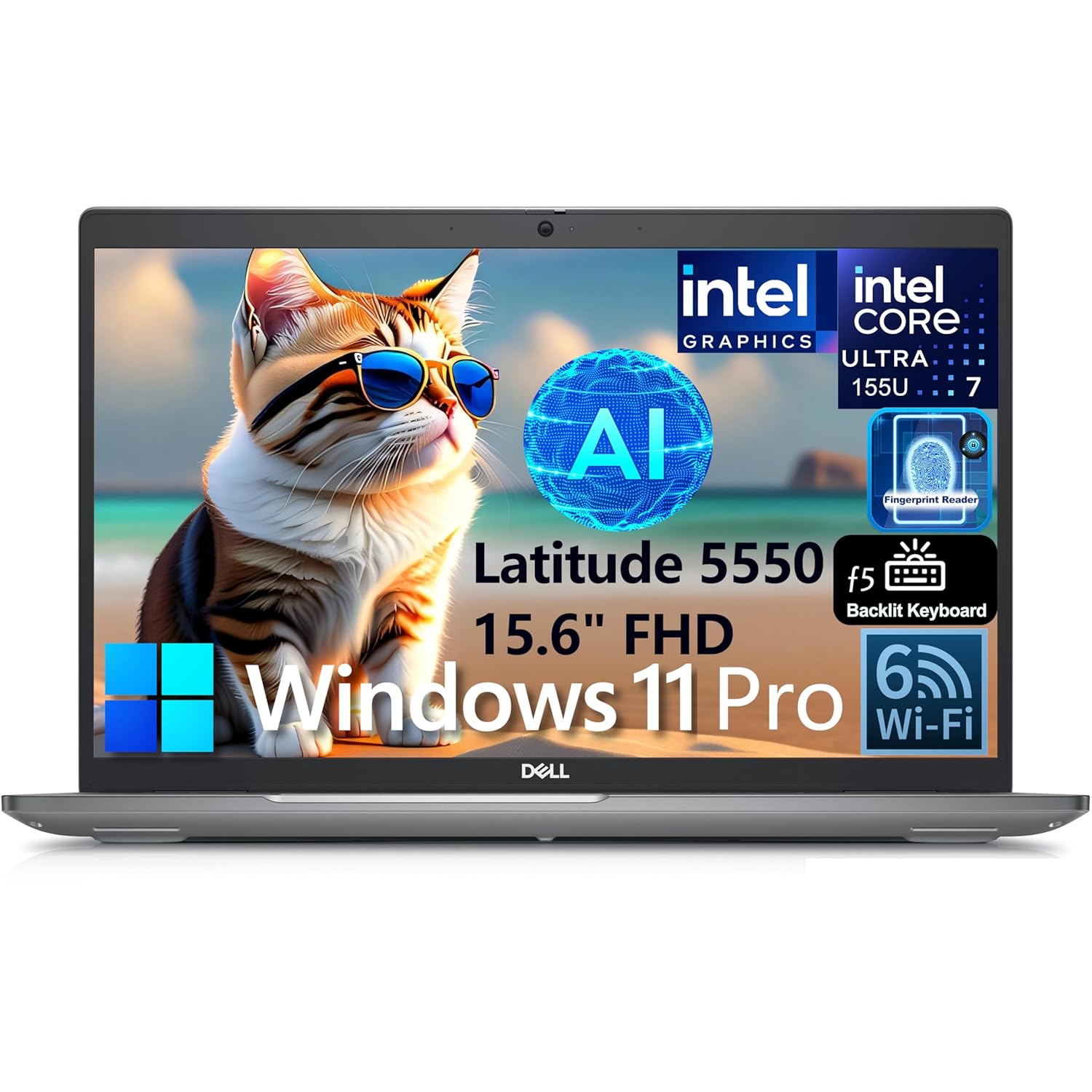
Intel Core Ultra 7 155U, 12C (2P + 8E + 2LPE) / 14T, Max Turbo up to 4.8GHz, 12MB. This 1st Gen Core Ultra processor has come to replace 13th generation Core processors; it has 12 cores (2 + 8 + 2) and 14 threads at its disposal. Its Performance cores, of which there are 2, are HT-enabled and run at up to 4.8 GHz while its Efficient cores, of which there are 10 (8 main cores plus 2 extra ones found in the Low Power Island) run at up to 3.8 GHz.
Full Specifications:
- Processor: Intel Core Ultra 7 165U (up to 4.9 GHz)
- RAM: 16GB DDR5
- Storage: 512GB NVMe SSD
- Display: 15.6″ FHD IPS, 300 nits
- Battery: 54WHr (~9 hours)
- Graphics: Intel Graphics Integrated
- OS: Windows 11 Pro
- Weight: 1.78 kg
28. ASUS ExpertBook B7 Flip (B7402)
The ASUS ExpertBook B7 Flip is ASUS’s enterprise-tier 2-in-1 — designed specifically for business deployment with MIL-STD 810H durability, TPM 2.0, fingerprint reader, IR camera, and full Windows Hello support. Unlike many premium convertibles that prioritise consumer aesthetics, the B7 Flip is purpose-built for business: durable, secure, and reliable across varied working environments.
The 14-inch 2K IPS touchscreen works well with the included ASUS Pen for meeting notes and digital signatures. Intel Core Ultra 7 handles standard business workloads comfortably, and the 360-degree hinge transitions smoothly between laptop, tent, stand, and tablet modes. For IT managers looking for a convertible that fits enterprise deployment standards, the ExpertBook B7 Flip is a credible, well-supported option.
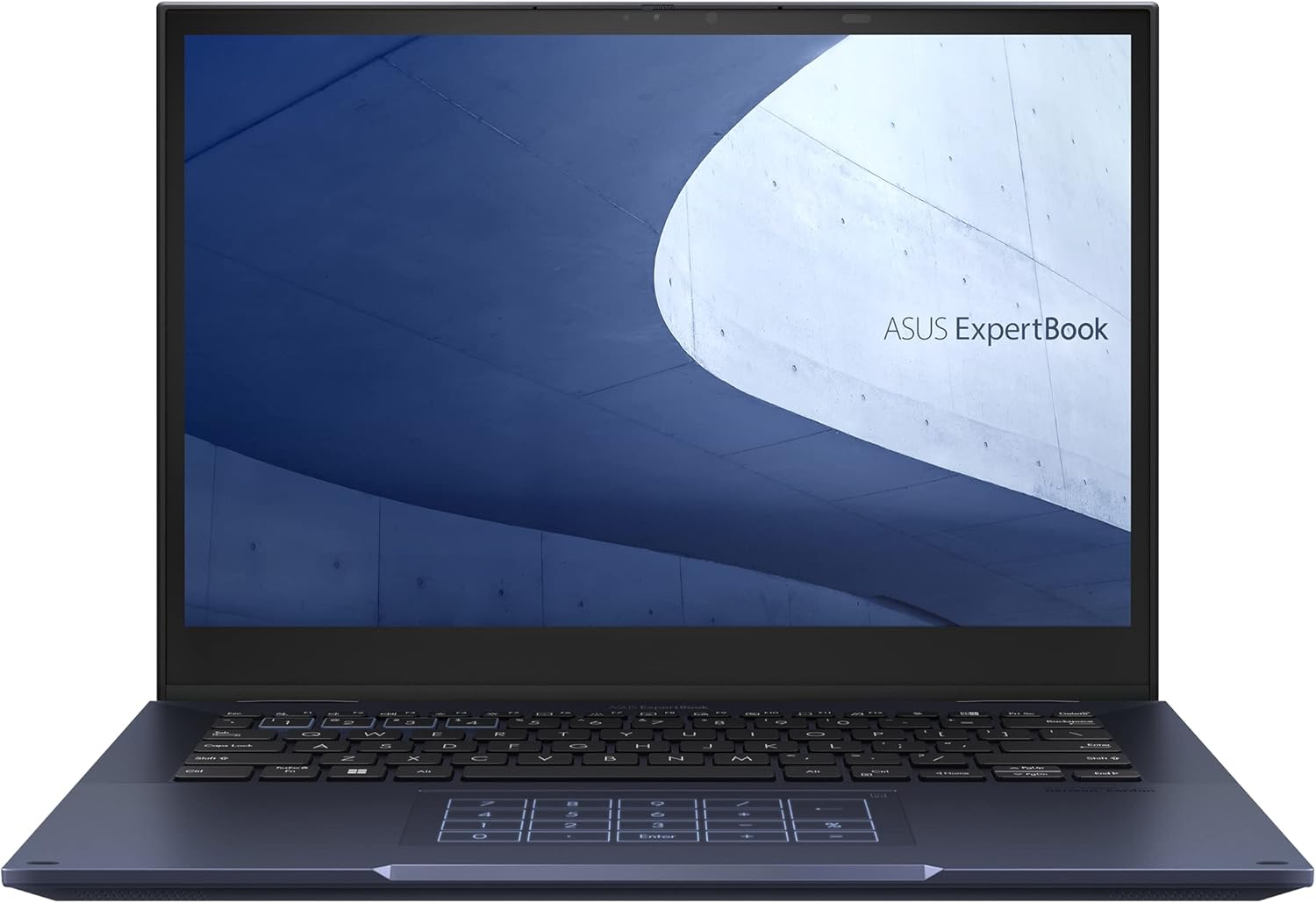
35.6 cm (14 inches) WQXGA 16:10 touch display (anti-glare), webcam
Full Specifications:
- Processor: Intel Core Ultra 7 165H (up to 5.0 GHz)
- RAM: 32GB LPDDR5
- Storage: 1TB NVMe SSD
- Display: 14″ 2K IPS Touch, 120Hz
- Battery: 63WHr (~10 hours)
- Graphics: Intel Arc Integrated
- OS: Windows 11 Pro
- Weight: 1.49 kg
29. Apple MacBook Air 15-inch (M3)
The MacBook Air 15 M3 is the rare large-screen laptop that doesn’t require a power brick at every meeting. Fanless, silent, and powered by Apple’s M3 chip, it delivers reliable all-day battery life (15+ hours real-world), a large Liquid Retina display, and macOS’s clean, distraction-free environment for business productivity. For professionals who live in Google Workspace, Notion, Slack, and browser-based tools, it’s an excellent choice.
The 15.3-inch display gives you substantially more screen real estate than typical 14-inch business laptops, which is a genuine productivity advantage for multi-window workflows. The fanless design means zero noise — in any meeting, any environment, always silent. For founders, consultants, and creative professionals in India’s growing startup ecosystem, the MacBook Air 15 M3 is a very compelling recommendation.
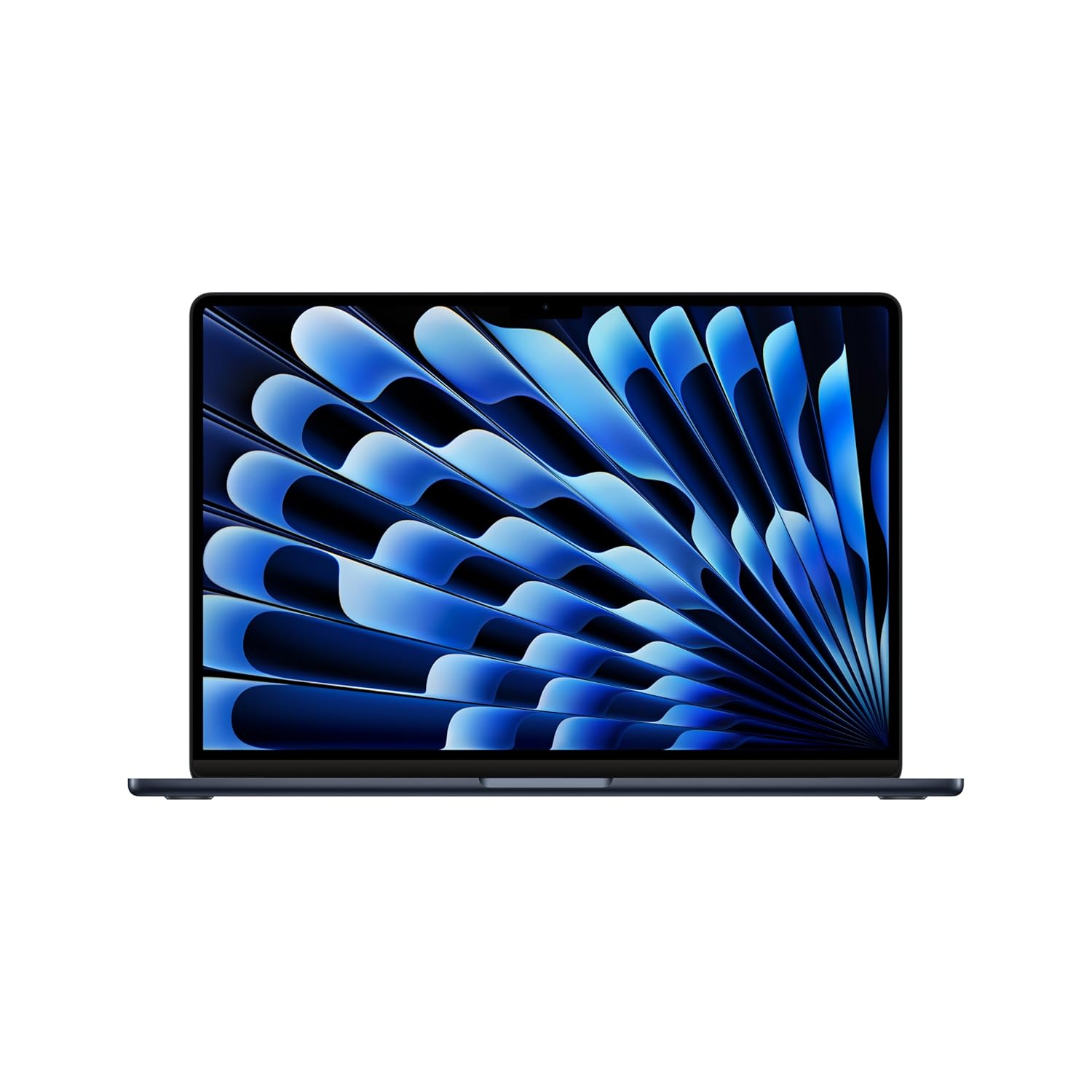
Supercharged by M3 — The blazing-fast MacBook Air with the M3 chip is a super-portable laptop that sails through work and play.
Full Specifications:
- Processor: Apple M3 (8-core CPU)
- RAM: 16GB Unified Memory
- Storage: 512GB SSD
- Display: 15.3″ Liquid Retina, 2880 x 1864, 500 nits
- Battery: ~15–18 hours real-world
- Graphics: 10-core Apple GPU
- OS: macOS Sequoia
- Weight: 1.51 kg
30. Infinix InBook X3 Slim
Wrapping up this list with the most accessible business laptop recommendation — the Infinix InBook X3 Slim for professionals who need the absolute basics covered on a minimal budget. At under ₹40,000, it offers a slim 15.6-inch design, Intel Core i5 processor, FHD IPS display, and solid battery life. It lacks the premium features of machines above it, but for data entry roles, sales executives in the field, or small business owners managing basic operations, it reliably delivers.
The build quality is decent for the price, the keyboard is functional, and the 46WHr battery covers 7–8 hours of standard business use. For first-time laptop buyers at small businesses or young professionals in their first job, the InBook X3 Slim provides a genuine, usable business computing experience without stretching a tight budget.
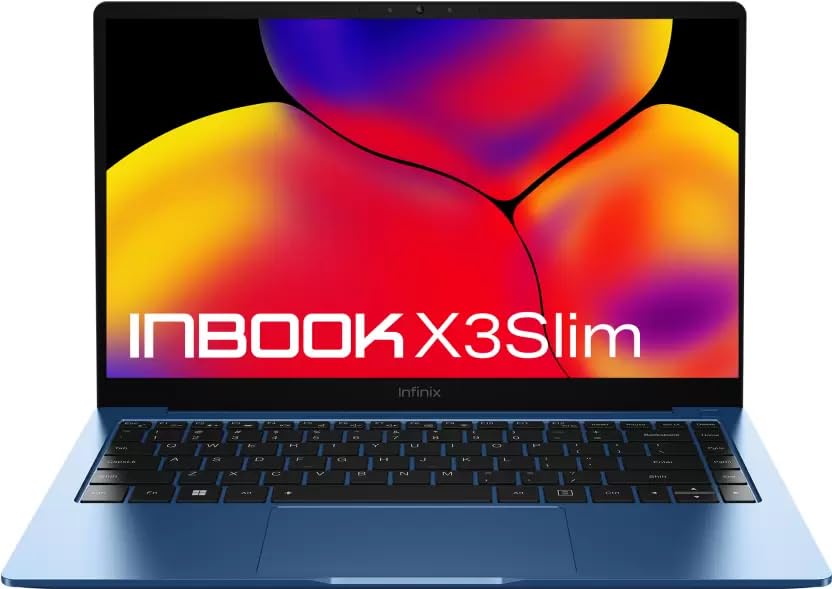
Elevate your presence with the INBook X3 Slim’s slender silhouette. At a mere 1.24 kg and 14.8 mm slim, its Al-Alloy metal body redefines lightweight luxury. A true masterpiece that not only fits effortlessly into your bag but effortlessly into your world, an eye-catching masterpiece that you’ll proudly showcase wherever you go.
Full Specifications:
- Processor: Intel Core i5-1235U (up to 4.4 GHz)
- RAM: 16GB DDR4
- Storage: 512GB NVMe SSD
- Display: 15.6″ FHD IPS, 300 nits
- Battery: 46WHr (~7–8 hours)
- Graphics: Intel Iris Xe
- OS: Windows 11 Home
- Weight: 1.48 kg
Best Business Laptop India 2026: Quick Comparison Table
| Category | Best Pick | Price Range |
| Best Overall | Lenovo ThinkPad X1 Carbon Gen 12 | ₹1,50,000+ |
| Best for Executives | HP EliteBook 1040 G11 | ₹1,60,000+ |
| Best Mac Option | MacBook Pro 14 M4 Pro | ₹1,60,000+ |
| Best Convertible | HP Spectre x360 14 | ₹1,30,000+ |
| Best Value Under ₹1 Lakh | ASUS Zenbook 14 OLED | ₹90,000–₹1,00,000 |
| Best for SMEs | Dell Vostro 5640 | ₹70,000–₹85,000 |
| Best Budget Business | Xiaomi Redmi Book 14 | ₹45,000–₹55,000 |
| Best Workstation | Dell Precision 3591 | ₹1,40,000+ |
| Lightest Option | ASUS ExpertBook B9 OLED | ₹1,20,000+ |
| Best Battery Life | Microsoft Surface Laptop 7 | ₹1,20,000+ |
FAQ: People Also Ask About Best Business Laptops in India 2026
Q1. Which is the best business laptop in India under ₹1 lakh in 2026?
The ASUS Zenbook 14 OLED stands out as the top choice under ₹1 lakh. It combines a PANTONE Validated 2.8K OLED display, Intel Core Ultra 7 performance, MIL-STD 810H durability, and excellent 12-hour battery life in a 1.2 kg chassis. The Lenovo IdeaPad Slim 5 Pro 16 is a close second if you prefer a larger screen, while the Dell Vostro 5640 is best if Dell’s after-sales service network is important to you.
Q2. Is a MacBook better than Windows laptop for business use in India?
It depends entirely on your workflow and organisation. MacBooks offer unmatched battery life, silent operation, premium build quality, and excellent performance efficiency. However, many India-specific enterprise applications, government portals, accounting software (Tally, Busy), and ERP systems are Windows-only. If your work is primarily in Microsoft 365, Google Workspace, or international SaaS tools, a MacBook Pro or Air is excellent. If you use specialised Indian software, Windows is the safer choice.
Q3. How much RAM is recommended for a business laptop in India in 2026?
16GB RAM is adequate for standard business tasks — email, Office 365, video calls, browser-heavy workflows, and basic data work. However, 32GB is increasingly the recommended standard for professionals who multitask heavily, use Slack alongside multiple browser tabs, run virtual machines, or work with data analytics tools. With RAM prices in 2026 being very reasonable, choosing 32GB when available is a wise long-term investment.
Q4. Should I choose Intel or AMD for a business laptop in 2026?
Both Intel Core Ultra and AMD Ryzen PRO series are excellent for business use in 2026. Intel Core Ultra offers strong single-core performance and excellent Intel vPro management features for enterprise IT. AMD Ryzen PRO provides outstanding efficiency, competitive performance, and AMD PRO security features. Intel is preferred if your IT department uses vPro-based management tools; AMD is preferred for performance-per-rupee efficiency. For most users, the difference in real-world business performance is minimal.
Q5. Which business laptop has the best battery life in India?
The Microsoft Surface Laptop 7 (Snapdragon X Elite) leads with approximately 20 real-world hours, making it the best choice for professionals who travel frequently and can’t always access power outlets. The Apple MacBook Air 15 M3 follows closely at 15–18 hours. For Windows Intel alternatives, the HP Spectre x360 14 and ASUS ExpertBook B9 OLED both deliver 13–15 hours in mixed business use. Battery life claims should always be treated as approximations — real-world numbers vary by workload intensity.
Q6. What is the most important feature to look for in a business laptop in India?
It varies by professional profile, but display quality is consistently underrated. Most professionals spend 8+ hours per day looking at their screen — investing in a 2.8K or 4K OLED panel directly improves daily comfort, reduces eye strain, and enhances presentation quality in ways that a CPU upgrade simply doesn’t. After display quality, prioritise keyboard comfort for extended typing, battery life for portability, and security features if you handle sensitive data. RAM and storage can often be upgraded; display quality cannot.
Q7. Is a 2-in-1 convertible practical for business use in India?
Yes — with the right expectations. Convertibles like the HP Spectre x360, Microsoft Surface Pro, and Samsung Galaxy Book4 Pro 360 are genuinely useful for professionals who present in meetings, annotate PDF contracts, sketch ideas, or use digital signatures frequently. The added versatility comes at a slight performance or price premium. If you primarily work at a desk and rarely need tablet mode, a traditional clamshell at the same budget will offer better value and usually better keyboard quality.
Q8. What is the best business laptop for startups and entrepreneurs in India?
The ASUS Zenbook 14 OLED (under ₹1 lakh) or HP Pavilion Plus 14 (under ₹80,000) offer the best balance of professional performance, display quality, and value for startup founders and entrepreneurs. If budget allows, the MacBook Pro 14 M4 Pro is a phenomenal choice for founders in tech, design, or consulting who work internationally and want the best all-round professional tool. For team deployments on a budget, the Lenovo ThinkBook 14 Gen 6+ provides business-grade reliability at SME-friendly pricing.\
Conclusion
India’s business laptop market in 2026 is the best it’s ever been, with genuine options across every budget, from sub-₹50,000 daily drivers to sub-1 kg enterprise powerhouses. For most business professionals, the sweet spot is a 14-inch laptop with an OLED display, 32GB RAM, Intel Core Ultra 7 or AMD Ryzen 7 processor, and at least 10 hours of battery life and you’ll find those specs in multiple options between ₹80,000 and ₹1,20,000. Focus on what you actually use daily — display, keyboard, battery, and reliability and buy accordingly. The right business laptop doesn’t just help you work; it quietly helps you work better every single day.
Last Updated: 2026 | Covers laptops available in India through authorised retailers, Amazon.in, Flipkart, and brand direct channels.