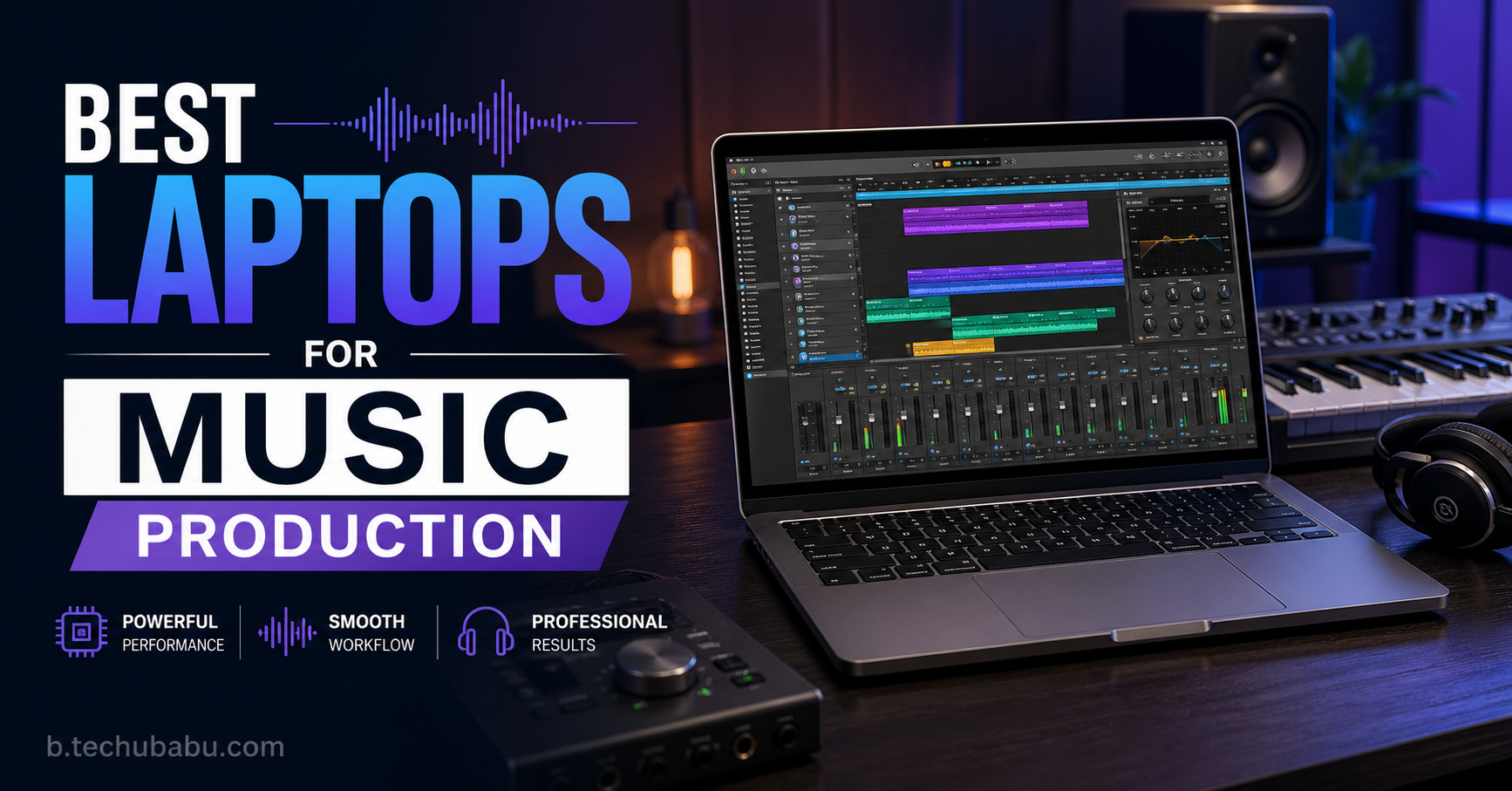
Music production needs a different type of laptop compared to normal office or student use. When you open a DAW like FL Studio, Ableton Live, Logic Pro, or Cubase with 60+ tracks, multiple VST instruments, and heavy effects, the CPU, RAM, and SSD all get stressed at the same time. A weak machine will start crackling, freezing, or delaying your ideas, which is the worst thing when inspiration hits.
At the same time, not every producer has the same workflow. Some Indian producers mostly make beats “in the box” with MIDI and samples, while others record live vocals, guitars, or full bands. If you travel for gigs, DJ sets, or studio sessions, you need a laptop that is powerful but still portable, with good battery backup for composing on trains or flights. For home‑studio producers, silent cooling, enough ports for audio interfaces and MIDI controllers, and support for your favourite DAW matter more than RGB lights or gaming performance.
This guide lists 30 of the best laptops for music production that work well for Indian creators – from premium MacBook Pros and ProArt machines to more affordable Windows and gaming laptops that still run big projects smoothly. For each laptop, you’ll see a clear paragraph explaining who it suits plus 5 pros and 3 cons, in simple English. Use this as a shortlist: pick 3–5 models that fit your budget and DAW, then check current prices and availability on Indian sites.
Whether you produce Bollywood‑style tracks, EDM, hip‑hop, lo‑fi, worship, regional film music, or independent singer‑songwriter material, a stable and powerful laptop will let you run more plugins, record without glitches, and finish songs faster. The goal is simple: buy a laptop that stays fast for 4–5 years, so you can focus on learning mixing, sound design, and arrangement instead of fighting lag.
Top 30 Best Laptops for Music Production (With Pros & Cons)
1. Apple MacBook Pro 14 (M4)
The MacBook Pro 14 (M4) is widely rated as the best all‑round laptop for music production in 2026. It runs DAWs like Logic Pro, Ableton, and Pro Tools with huge plugin counts and low latency, even on 44.1/48 kHz projects with lots of instruments. The M‑series chip is extremely efficient, so the fans stay quiet while you record vocals or acoustic instruments. The mini‑LED display is sharp and bright, making it easier to edit audio and MIDI. If you want a portable but very powerful music production machine, this is an excellent choice.
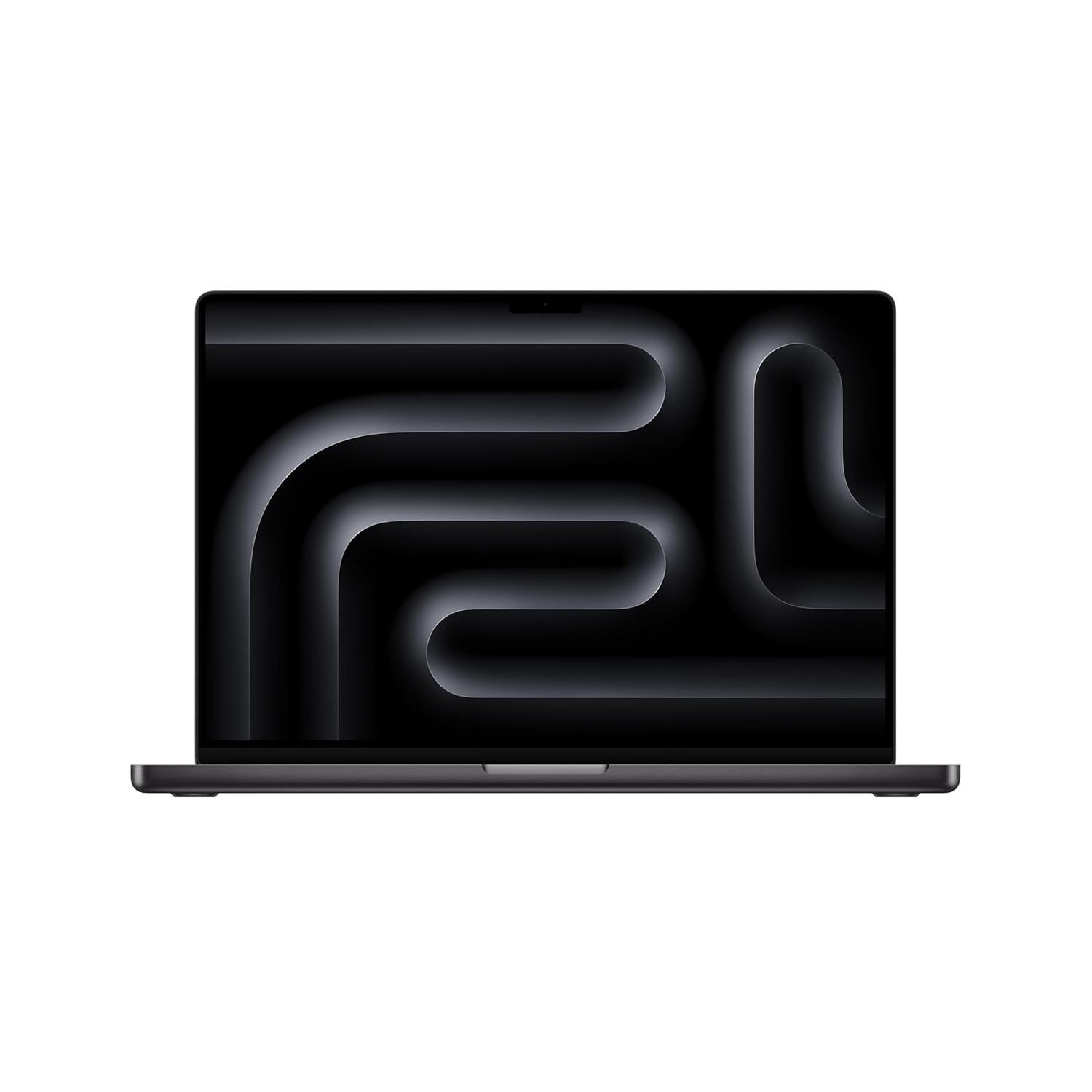
SUPERCHARGED BY M4 PRO OR M4 MAX — The 16″ MacBook Pro with the M4 Pro or M4 Max chip gives you outrageous performance in a powerhouse laptop built for Apple Intelligence. With all-day battery life and a breathtaking Liquid Retina XDR display with up to 1,600 nits peak brightness, it’s pro in every way.
2. Apple MacBook Pro 16 (M4 Pro / Max)
The 16‑inch MacBook Pro is a desktop‑class production studio for professionals who work on huge projects daily. With M4 Pro or Max, you can run very large templates, orchestral libraries, and many heavy plug‑ins without dropouts. The larger screen helps arrange complex sessions and mix with more tracks visible. Built‑in speakers are among the best in any laptop, useful when you don’t have monitors handy. This is ideal for full‑time producers, composers, and mix engineers.
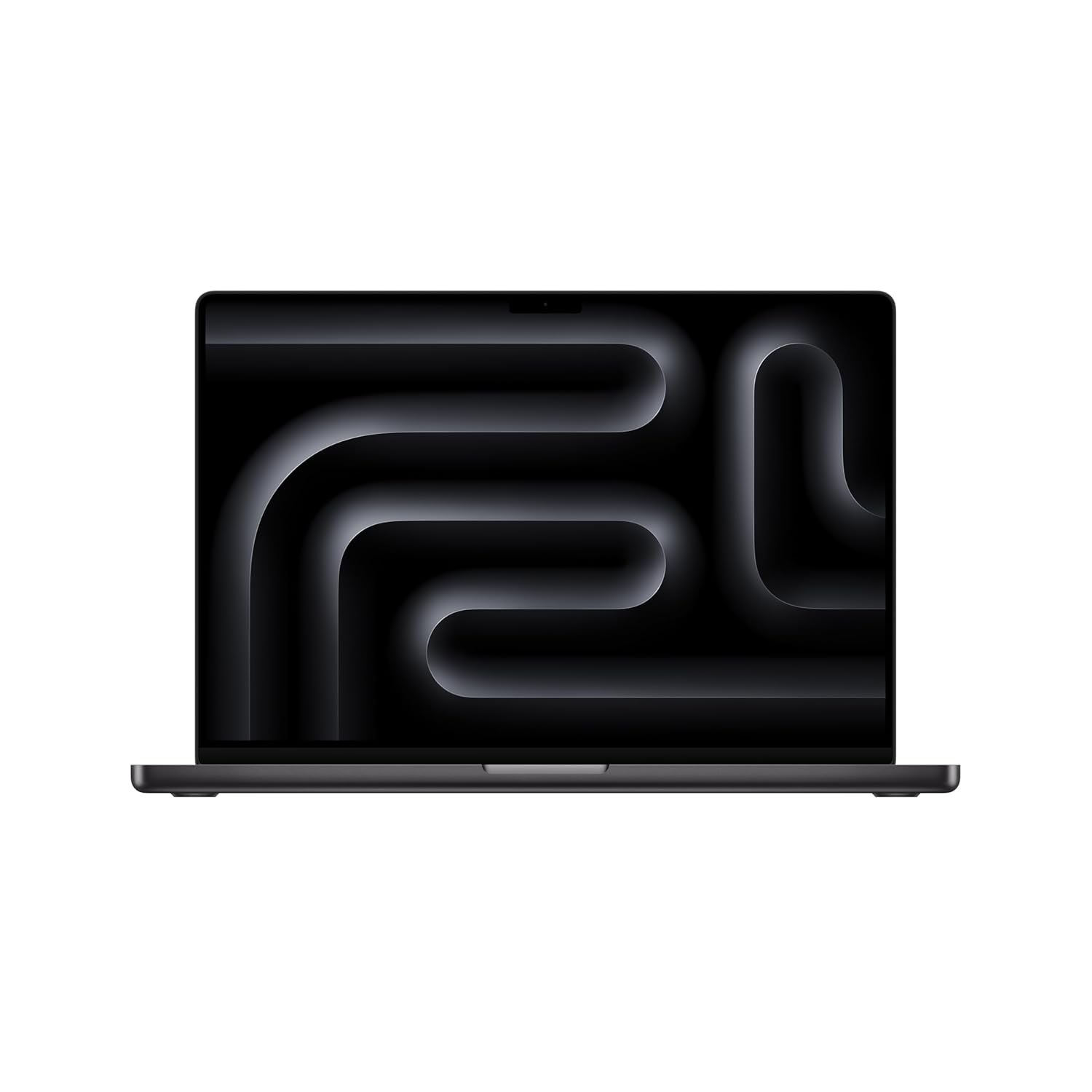
SUPERCHARGED BY M4 PRO OR M4 MAX — The 16″ MacBook Pro with the M4 Pro or M4 Max chip gives you outrageous performance in a powerhouse laptop built for Apple Intelligence. With all-day battery life and a breathtaking Liquid Retina XDR display with up to 1,600 nits peak brightness, it’s pro in every way.
3. Apple MacBook Air 15 (M4)
The MacBook Air 15 (M4) is a sweet spot for many independent producers who need power but don’t want a heavy laptop. It can handle medium to large projects in Logic or Ableton with plenty of audio and MIDI tracks, as long as you don’t stack too many CPU‑heavy plug‑ins. The 15‑inch display provides more room for your mixer and arrangement. It is fanless, so completely silent when recording voice or acoustic instruments with a microphone.
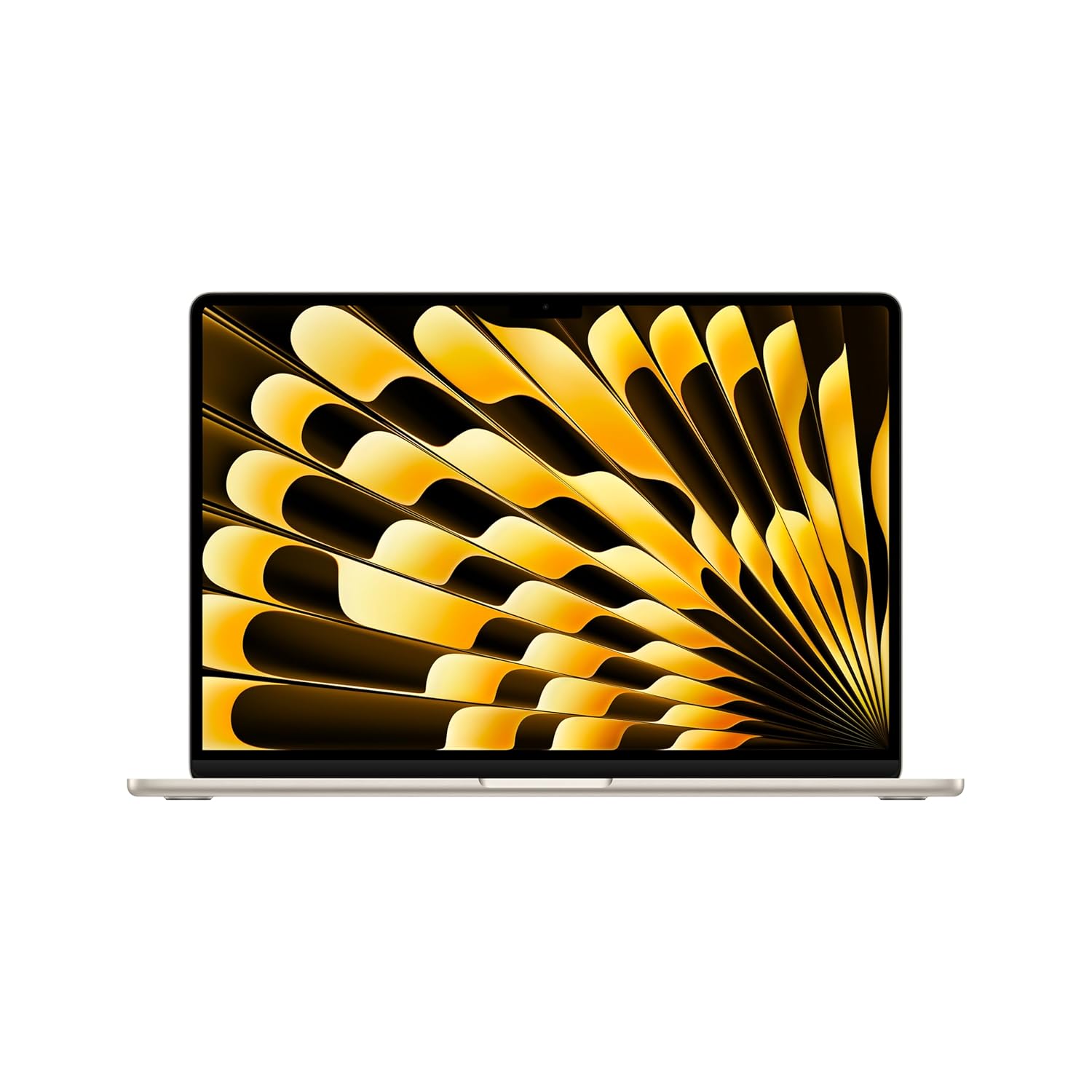
SPEED OF LIGHTNESS — MacBook Air with the M4 chip lets you blaze through work and play. With Apple Intelligence,* up to 18 hours of battery life* and an incredibly portable design, you can take on anything, anywhere.
4. Apple MacBook Air 13 (M2/M3)
The 13‑inch MacBook Air (M2/M3) is one of the best entry‑level laptops for music production. It stays completely silent and cool while running medium‑sized DAW sessions and can easily handle beat‑making, songwriting, and live performance sets. For Indian producers working in FL Studio, Logic, or Ableton with moderate plug‑in usage, this is more than enough. You get long battery life, a sharp display, and a very portable form factor.
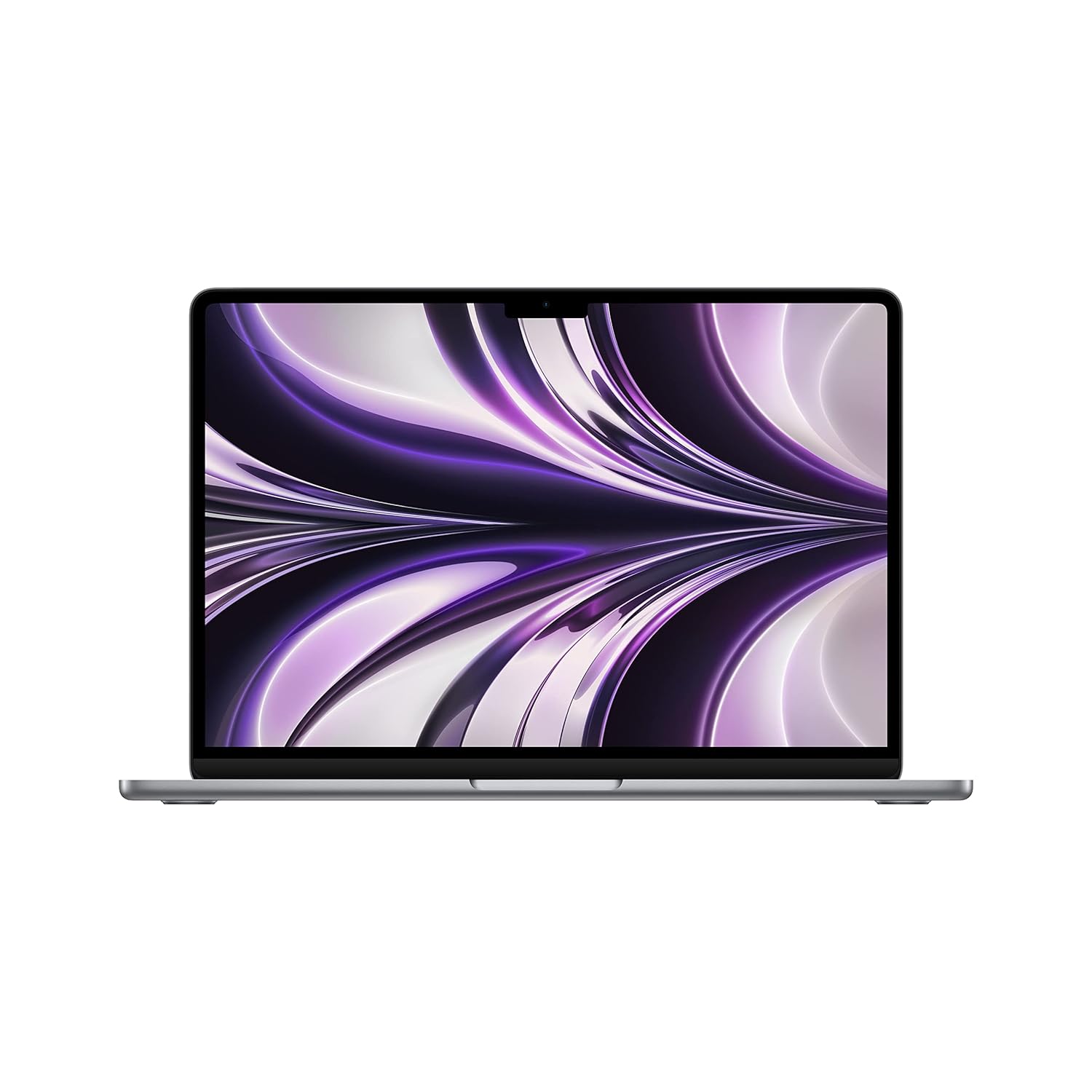
STRIKINGLY THIN DESIGN – The redesigned MacBook Air is more portable than ever and weighs just 1.24 kg (2.7 pounds). It’s the ultra-capable laptop that lets you work, play or create just about anything — anywhere.
5. Asus ProArt P16
The Asus ProArt P16 is a Windows powerhouse designed for creators, including music producers. It packs modern high‑core CPUs, lots of RAM, fast SSDs, and usually a dedicated GPU in a 16‑inch chassis. While GPU is not critical for audio, it helps with video work if you also make music videos. The big, colour‑accurate screen and strong cooling make it great for long production and mixing sessions.
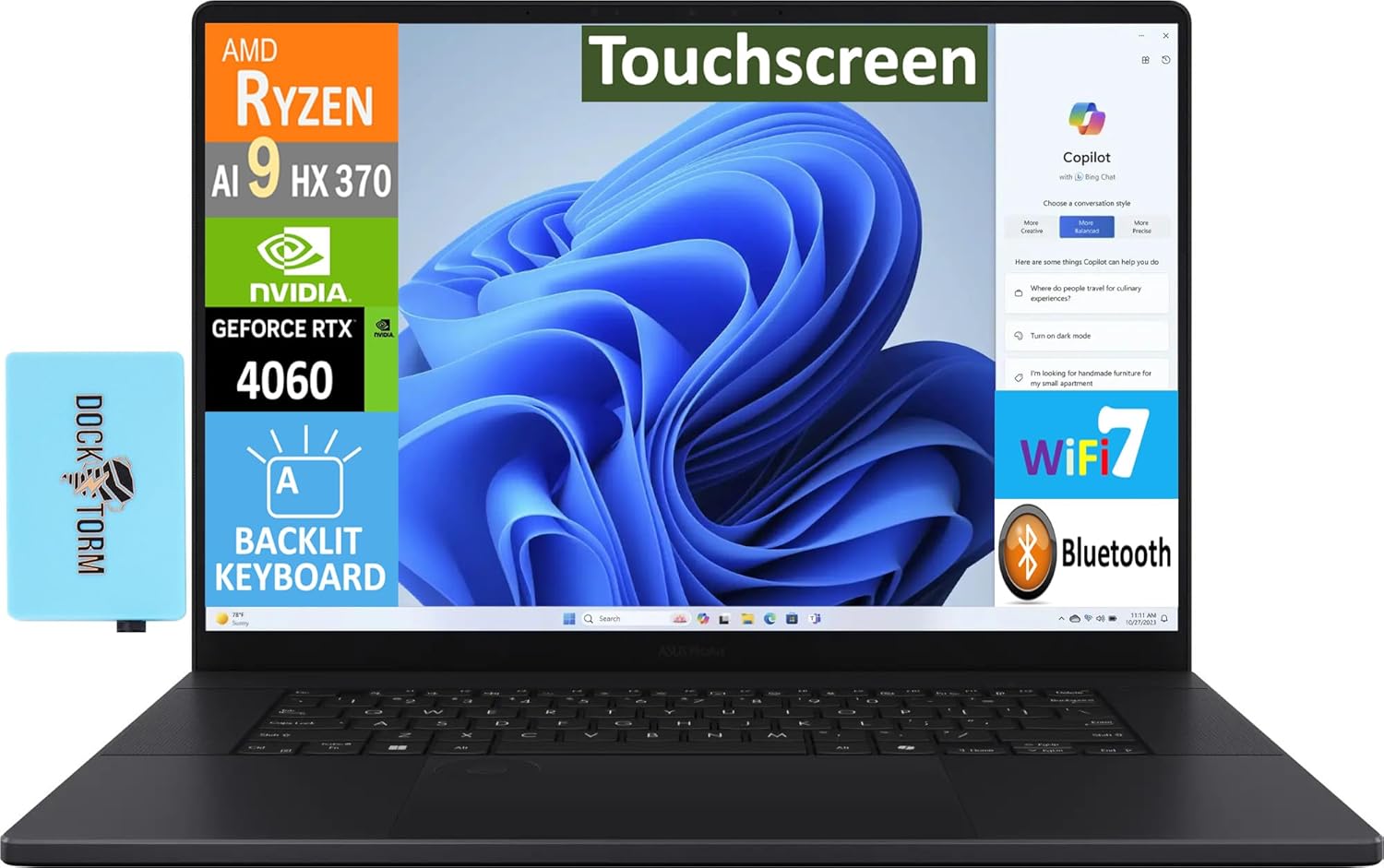
【Upgraded】 Seal is opened for Hardware/Software upgrade only to enhance performance. 16.0″ AMOLED 4K (3840×2400) 60Hz Touchscreen Display; 802.11be, Bluetooth 5.4, Webcam, Backlit KB Standard Keyboard
6. Acer Swift X 14
Acer Swift X 14 is a slim Windows laptop with strong performance and an OLED display. It combines efficient CPUs with discrete GPUs in a thin body, making it great for producers who travel a lot. The bright OLED screen is nice for editing and watching reference videos, and the laptop has enough power to run modern DAWs with many tracks. It’s ideal if you want something lighter than a bulky gaming laptop but still powerful.
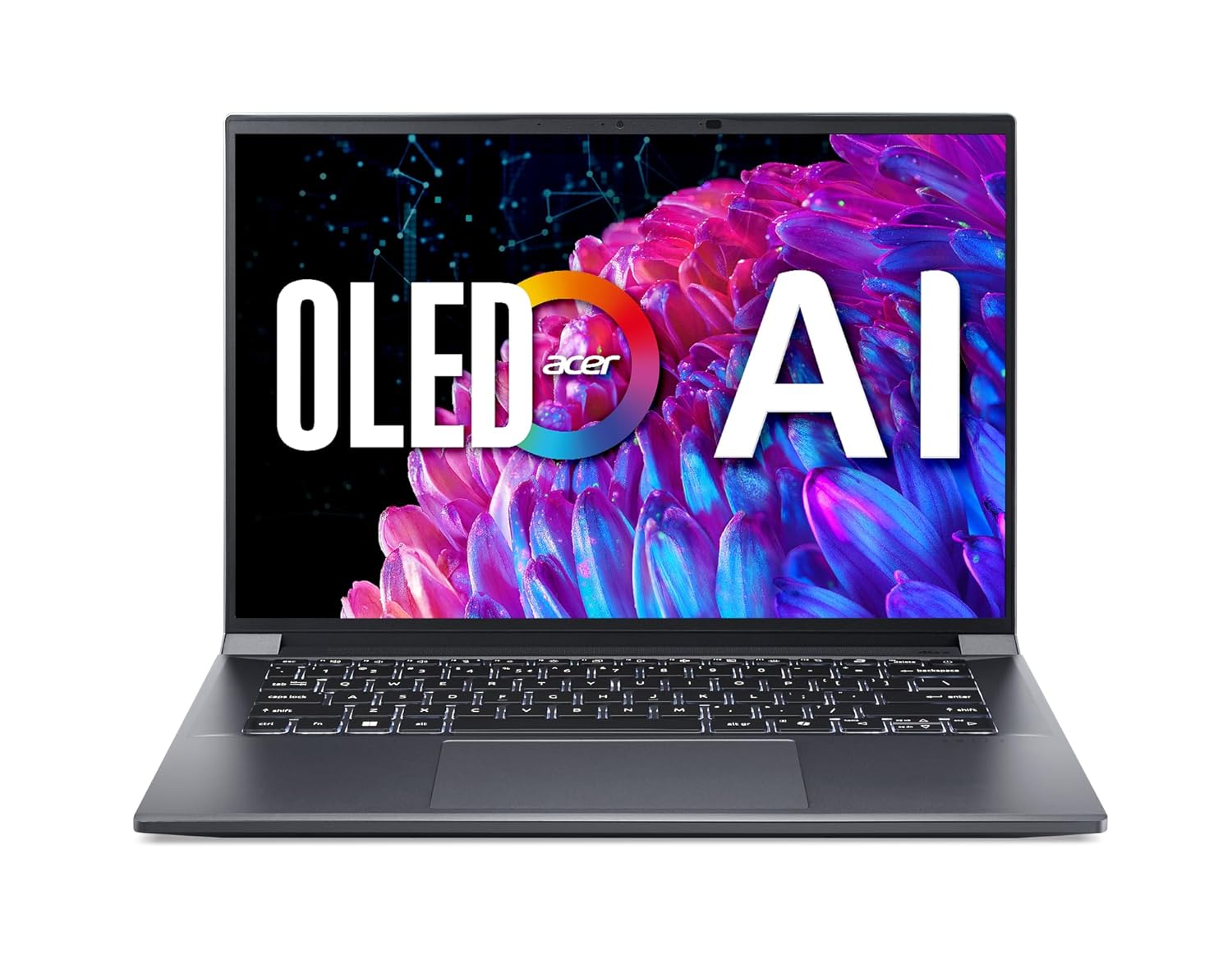
A Powerhouse of Performance: Intel Core Ultra 7 processor with Intel AI Boost delivers a dedicated engine to help unlock AI experiences on the PC, the next level in immersive graphics, and high-performance low power processing, so you can confidently get more done in less times while unplugged.
7. Dell XPS 15
Dell XPS 15 is a long‑time favourite among producers for its combination of power and premium design. It offers Intel i7/i9 CPUs, up to 32–64 GB RAM, and very fast SSDs, making it ideal for DAWs with many tracks and instruments. The optional 4K or OLED screen is fantastic for working on detailed arrangements and waveforms. If you want a Windows equivalent to the MacBook Pro that also looks good in any studio, XPS 15 is a safe bet.

Processor: AI Enabled Intel Core Ultra7 256V Series 2, (Up to 4.80GHz) 12MB Cache, 8 Cores // RAM & Storage: 16GB, LPDDR5X, 8533MT/s, 512 GB SSD
8. Dell XPS 13
The XPS 13 is a more compact version suited for producers who prioritize portability. It still offers enough CPU and RAM to handle medium‑sized projects in most DAWs, especially if you go for 16+ GB RAM. The compact size is perfect for mobile producers, DJs, or those who work often in cafés or co‑working spaces. It’s a stylish machine that can handle serious work when paired with a good audio interface.

Processor: AI Enabled Intel Core Ultra7 256V Series 2, (Up to 4.80GHz) 12MB Cache, 8 Cores // RAM & Storage: 16GB, LPDDR5X, 8533MT/s, 512 GB SSD
9. Microsoft Surface Laptop
The latest Surface Laptop (Copilot+ generation) is a clean, premium Windows machine that works well for music production. It features modern CPUs and good RAM/SSD combos, making it smooth with DAWs like Ableton and Studio One. The screen is sharp and colour‑accurate, and the keyboard is comfortable for long sessions. It’s a great option if you want a simple, modern Windows laptop with enough power for serious production work.
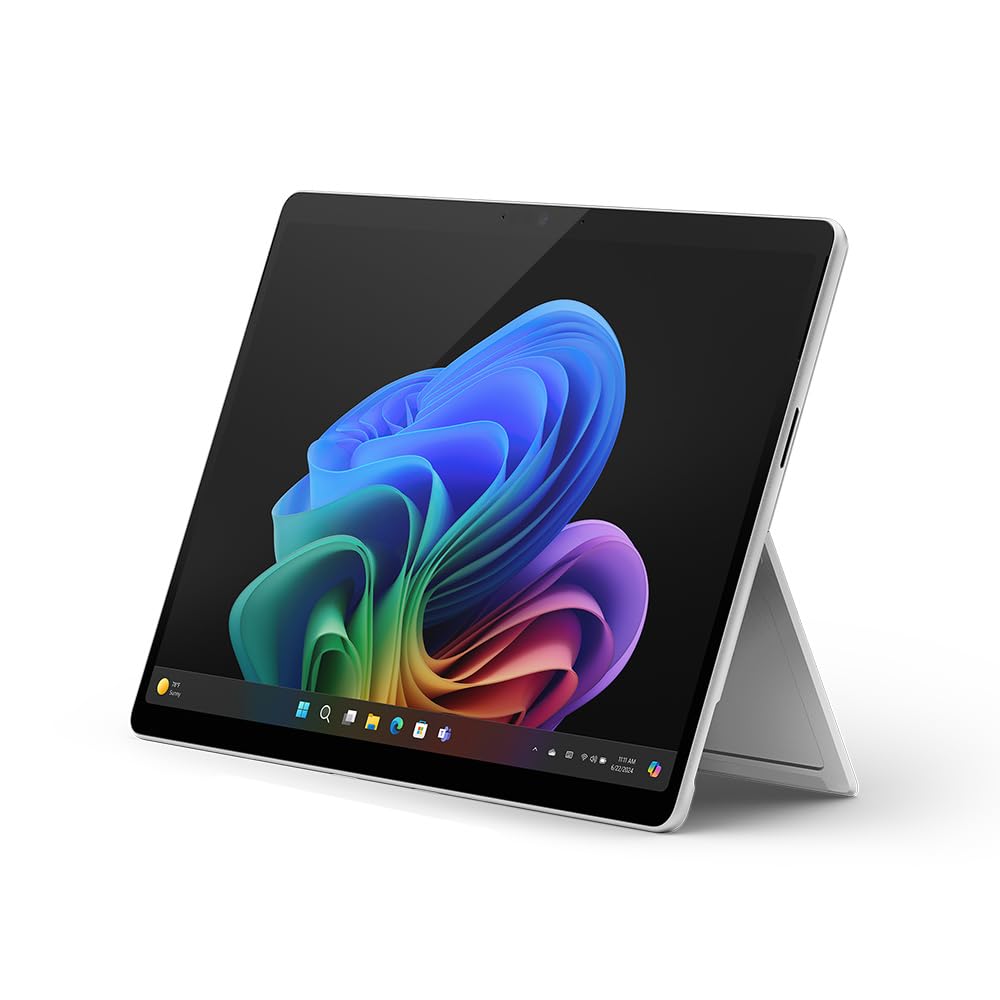
Copilot+ PC: A new era of AI. The fastest, most intelligent Surface ever
10. Microsoft Surface Pro 9
Surface Pro 9 is a 2‑in‑1 tablet‑laptop that surprisingly handles music production very well. With Intel i7 and enough RAM, it can run Ableton or FL Studio with decent track counts. The tablet form factor is great for sketching ideas, controlling touch‑friendly plug‑ins, or using it as a secondary mixer screen. It’s perfect for producers who travel a lot or perform live and want a flexible device.
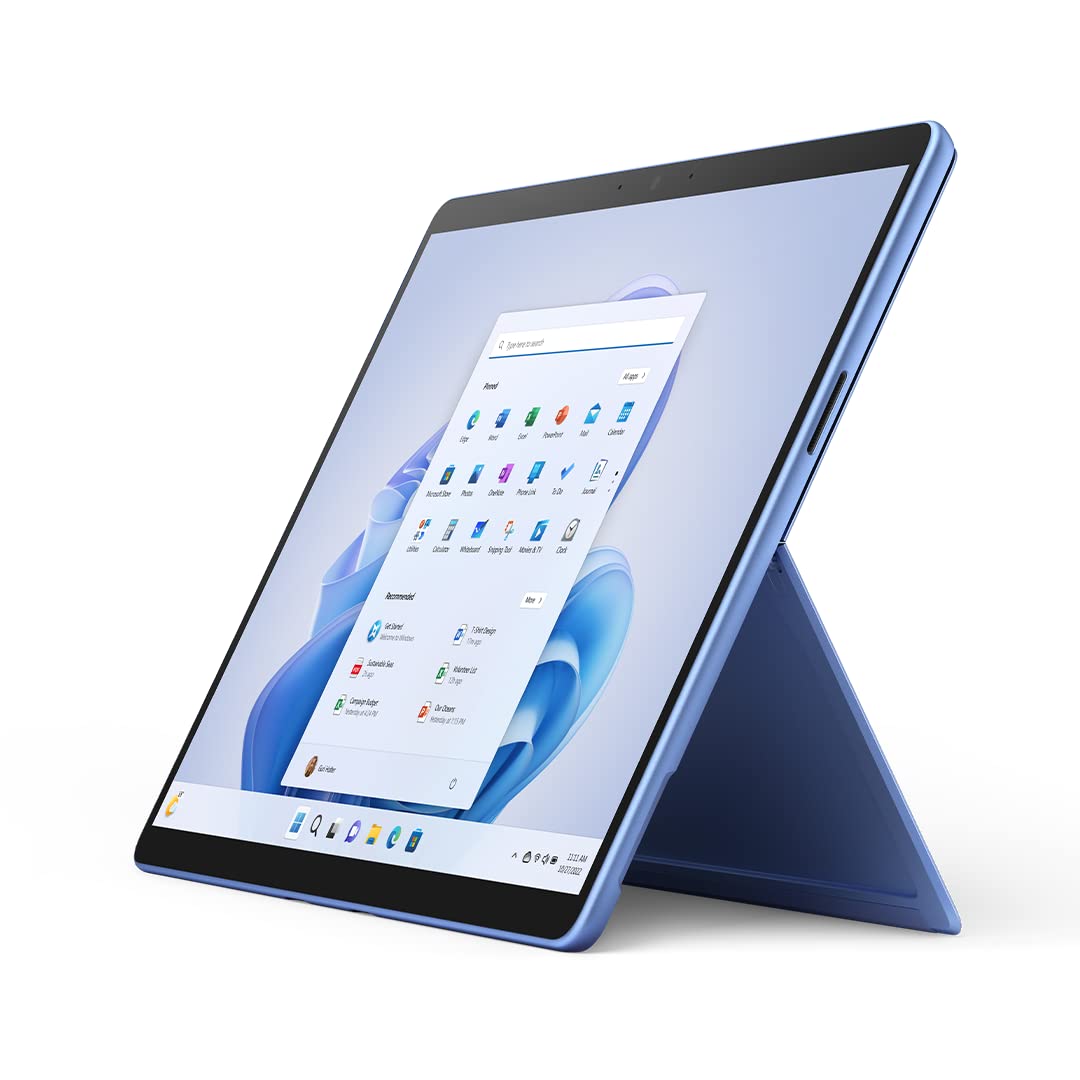
The power of a laptop with the flexibility of a tablet, and every angle in between, with 13″ touchscreen, iconic built-in Kickstand, and detachable Keyboard.
11. Razer Blade 15 / 16
Razer Blade laptops are gaming‑class machines that also work brilliantly for music production. They pack high‑end CPUs, lots of RAM, and fast SSDs into a thin metal chassis, giving desktop‑level performance. While the GPU is more for gaming, it doesn’t hurt audio performance and can help if you also edit videos. Sleek design and good build quality make them fit nicely in serious studios.
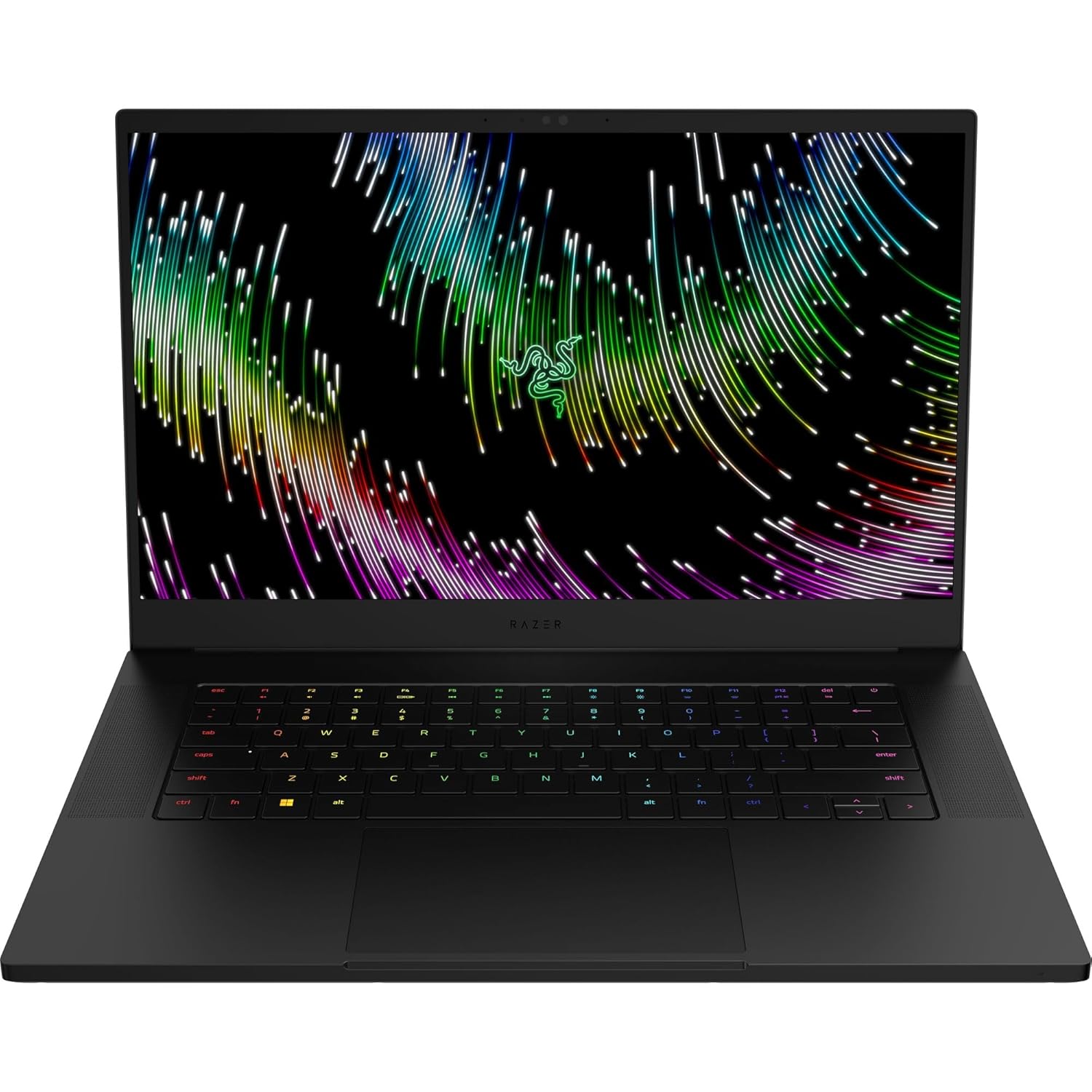
NVIDIA GEFORCE RTX 40 SERIES GRAPHICS – Built on NVIDIA’s award-winning 3rd -gen RTX architecture, these GPUs provide the most realistic ray-traced graphics and cutting-edge AI features for the most powerful graphics in a gaming laptop.
12. Razer Blade 15 Studio Edition
The Studio Edition is a version of the Blade specifically tuned for creative professionals. It pairs high‑end Intel CPUs with plenty of RAM and a calibrated 4K OLED display. For music producers, this means you can run large orchestral sessions, heavy synth stacks, and many plug‑ins without lag. It’s arguably more than what most purely audio workflows need, but for hybrid audio‑video creators, it’s excellent.
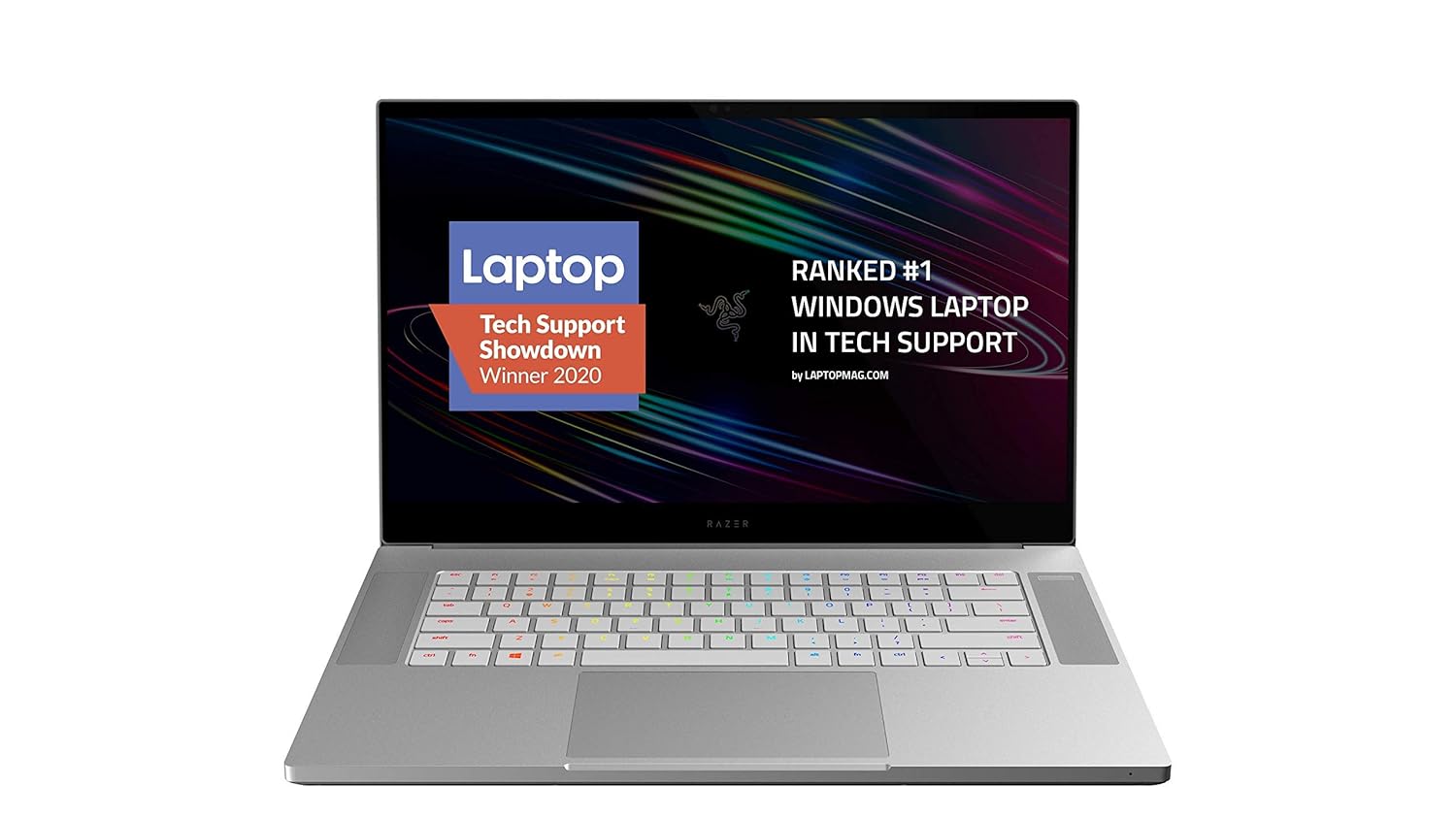
More Power, More Cores: The 8-Core 10th Gen Intel Core i7-10875H processor provides the ultimate level of performance with up to 5. 1GHz Max Turbo.
13. Gigabyte Aero 15 OLED
Gigabyte Aero 15 OLED is a creator‑focused laptop with powerful hardware and a colour‑accurate OLED panel. It’s great for music producers who also care about visual work, such as making video content or designing covers. With strong CPUs and lots of RAM, it easily runs DAWs with many tracks and plug‑ins. It’s a good Windows alternative to a MacBook Pro for hybrid creators.
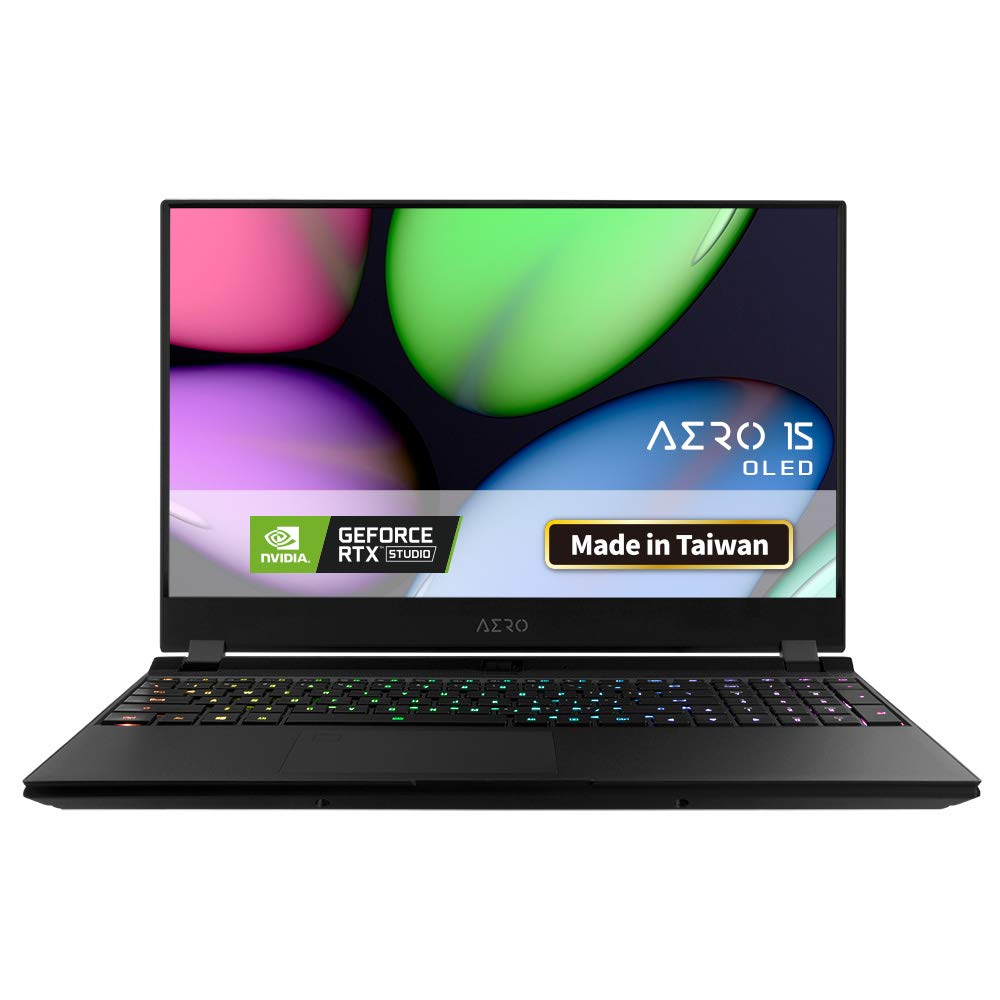
15.6″ 0.11 inch ultra-thin bezel | Samsung UHD 3840×2160 AMOLED display | X-Rite Pantone Certified for color calibration
14. Acer Swift X (Ryzen 7 + RTX)
The Swift X with Ryzen 7 and RTX 3050 is a budget‑friendly powerhouse recommended often for creators. It offers strong CPU performance, discrete GPU, and good port selection in a relatively affordable package. For music producers, the CPU and RAM matter most, and Swift X handles DAWs plus browser and extra tools well. It’s suitable if you want performance but can’t stretch to MacBook Pro or ProArt pricing.
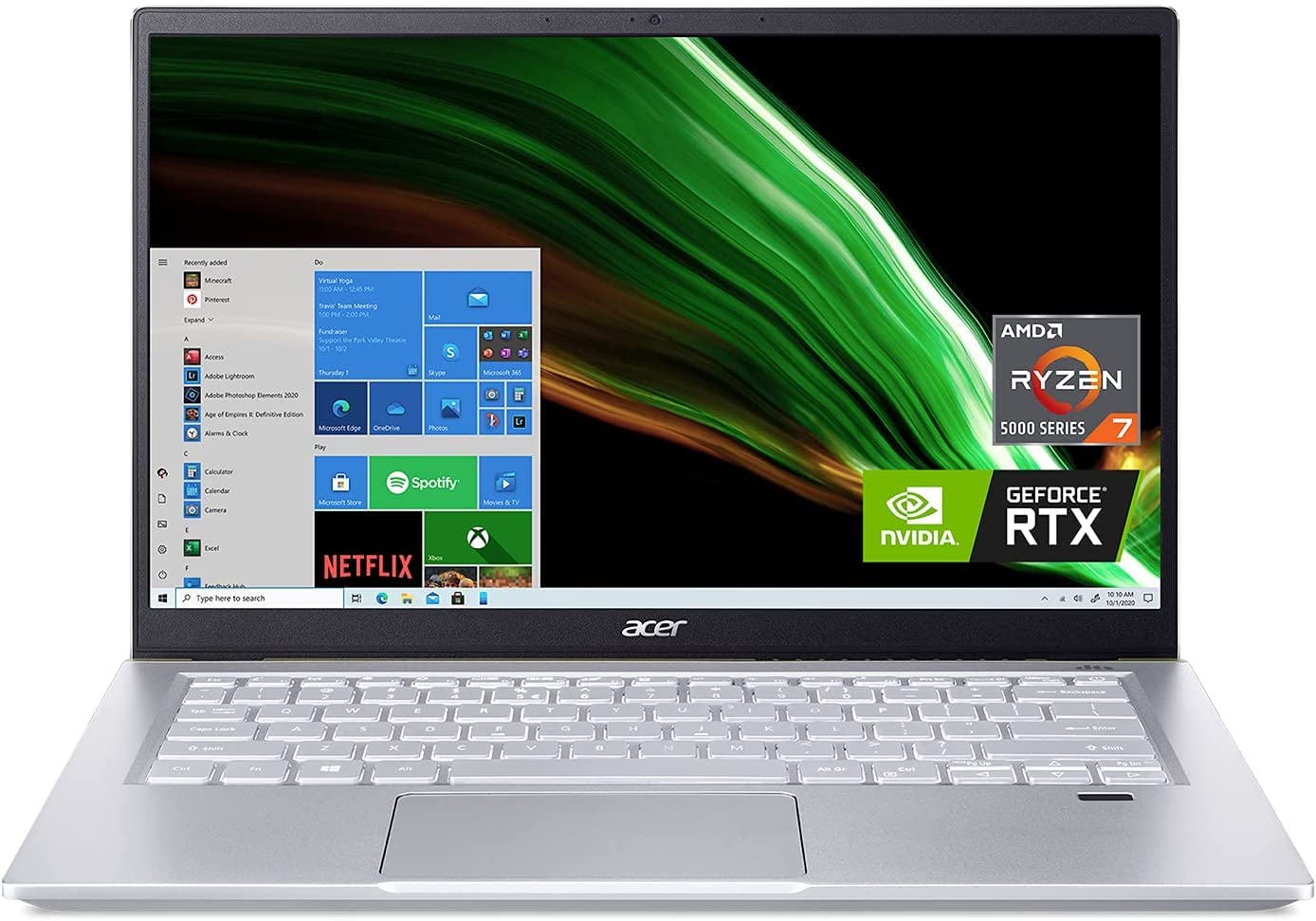
Ultimate Performance. Uncompromised Battery Life: Speed up tasks with AMD Ryzen 7 5800U processor with Zen 3 Core Architecture, available for ultrathin laptops, so you can save time and get back to creating
15. Dell Inspiron 15 (5000/7000 Series)
Dell Inspiron 15 series offers practical mid‑range laptops that can double as music production machines. With i5 or i7 CPUs and upgradable RAM, they can run DAWs comfortably for beginner to intermediate producers. The 15.6‑inch screen gives enough space for arranging and mixing, and the build is sturdy enough for regular travel. Great for students and those starting in production who want a reliable Windows machine.

Processor: 13th Generation Intel Core i5-1334U (Up to 4.60GHz, 10 Cores, 12MB Cache)
Also Read Suggested Blogs
5 Best Gaming Laptops Under 70000
30 Best laptops under ₹80,000 in India
Best Laptops Under ₹90,000 in India
Top 50 Best Laptops for Video Editing
16. Asus ROG Zephyrus G14
The Zephyrus G14 is a compact gaming laptop that’s very popular with creators. It pairs Ryzen 9 CPUs with up to 32 GB RAM, delivering desktop‑like performance in a 14‑inch body. For music producers, this means you can run complex projects and heavy plug‑ins without worrying about CPU spikes. It’s especially good for those who also game or do some 3D/graphics work.
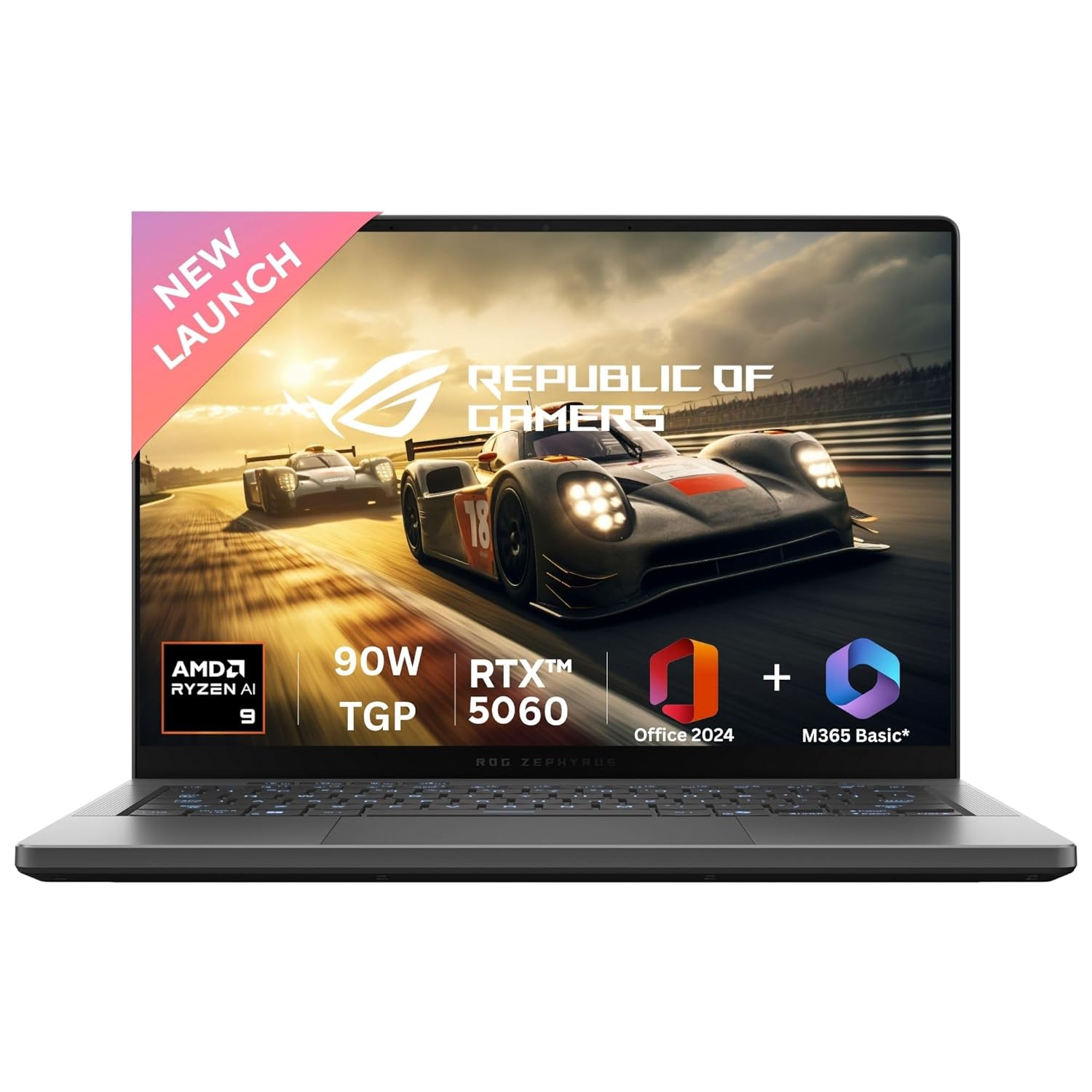
Processor : AMD Ryzen 9 270 Processor 4.0GHz (24MB Cache, up to 5.2GHz, 8 cores, 16 Threads) AMD XDNA NPU up to 16TOPS
17. Lenovo IdeaPad 5 Pro / Slim 5
Lenovo IdeaPad 5 Pro (and Slim 5 variants) are strong mid‑range machines that handle music production well. They come with modern Ryzen/Intel CPUs, 16+ GB RAM, and decent displays, giving more than enough power for most independent producers. They’re cheaper than ThinkPads or Legion but still have good keyboards and build quality. Recommended often as budget alternatives to MacBook Pros.
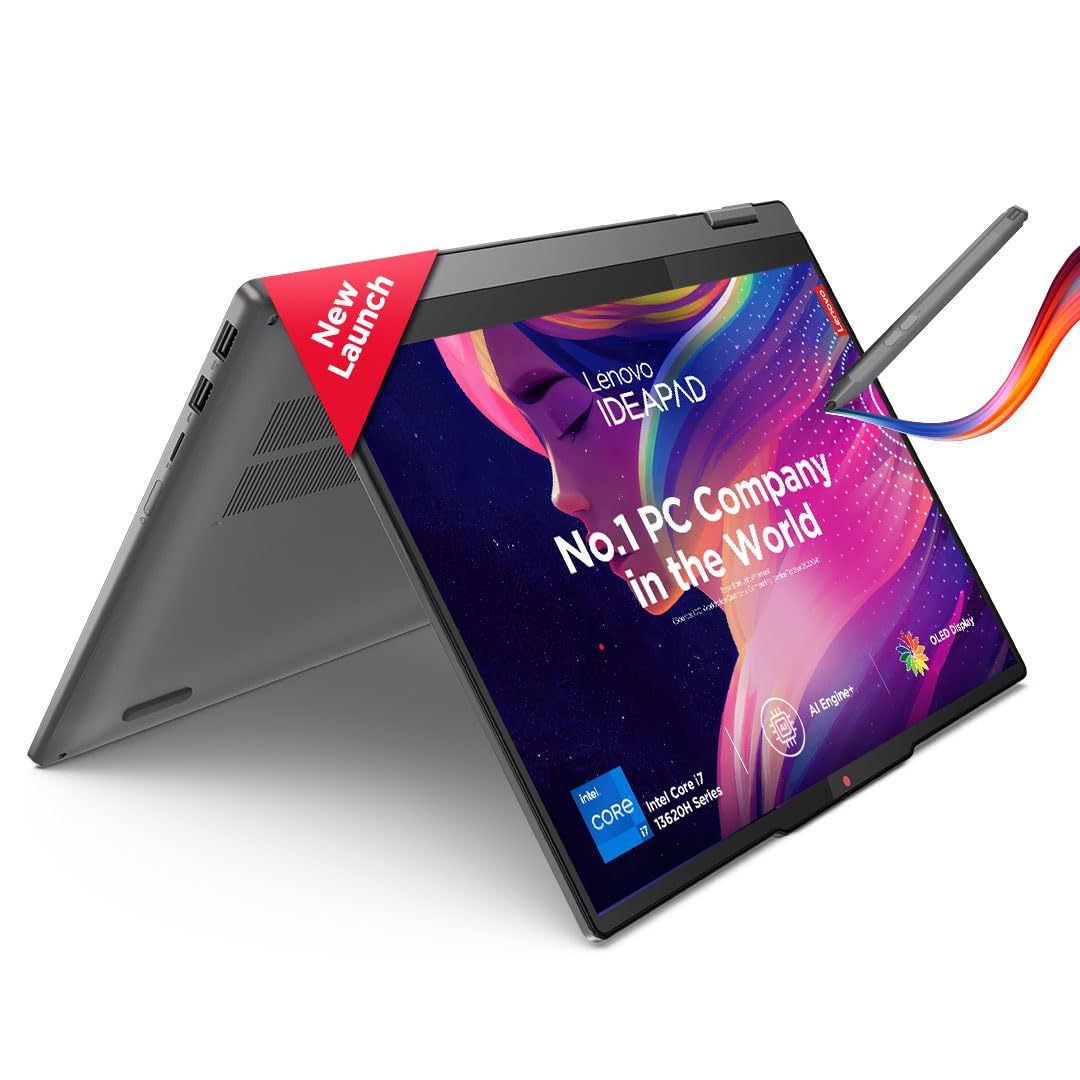
Processor: Intel Core i7 13620H | Speed: 2.4 GHz (Base) – 4.9 GHz (Max) | 10 Cores | 16 Threads | 24MB Cache
18. Asus Vivobook Pro (15/16)
Vivobook Pro series with OLED displays and strong CPUs make great creator laptops on a budget. They can include Ryzen or Intel H‑series chips and RTX GPUs, giving more than enough performance for music production. The OLED screen looks fantastic, and the keyboard is comfortable, making them suitable for long studio nights.
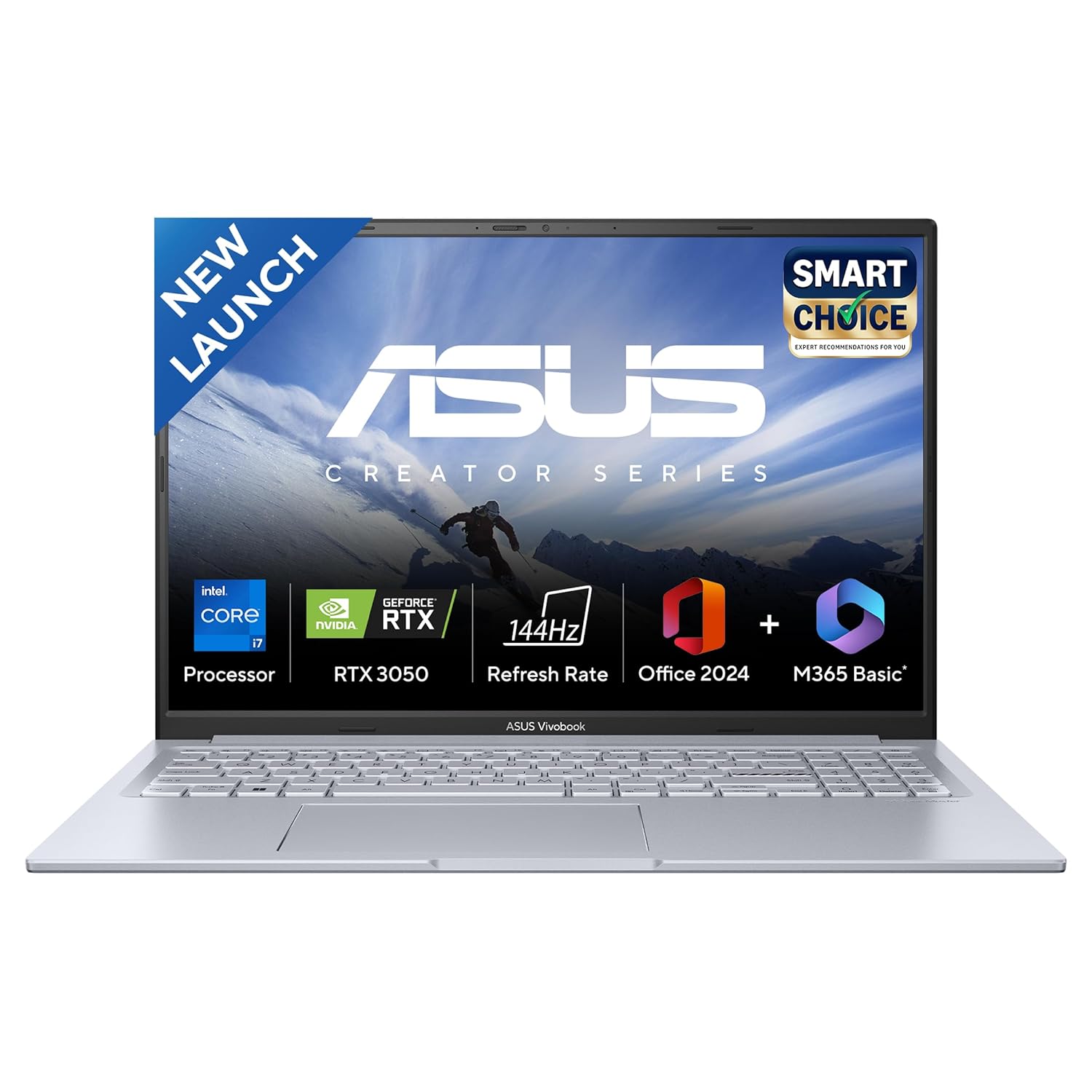
Processor : Intel Core i7-13620H Processor 2.4 GHz (24MB Cache, up to 4.9 GHz, 10 cores, 16 Threads)
19. Samsung Galaxy Book4 Pro
Galaxy Book4 Pro offers a thin, light Windows laptop with OLED screen and strong Intel CPUs. For music producers, it provides enough power for large projects while remaining highly portable. It also integrates nicely with Samsung phones for quick file sharing. It’s good for producers who travel and need a sleek machine that can still run heavy DAW sessions.
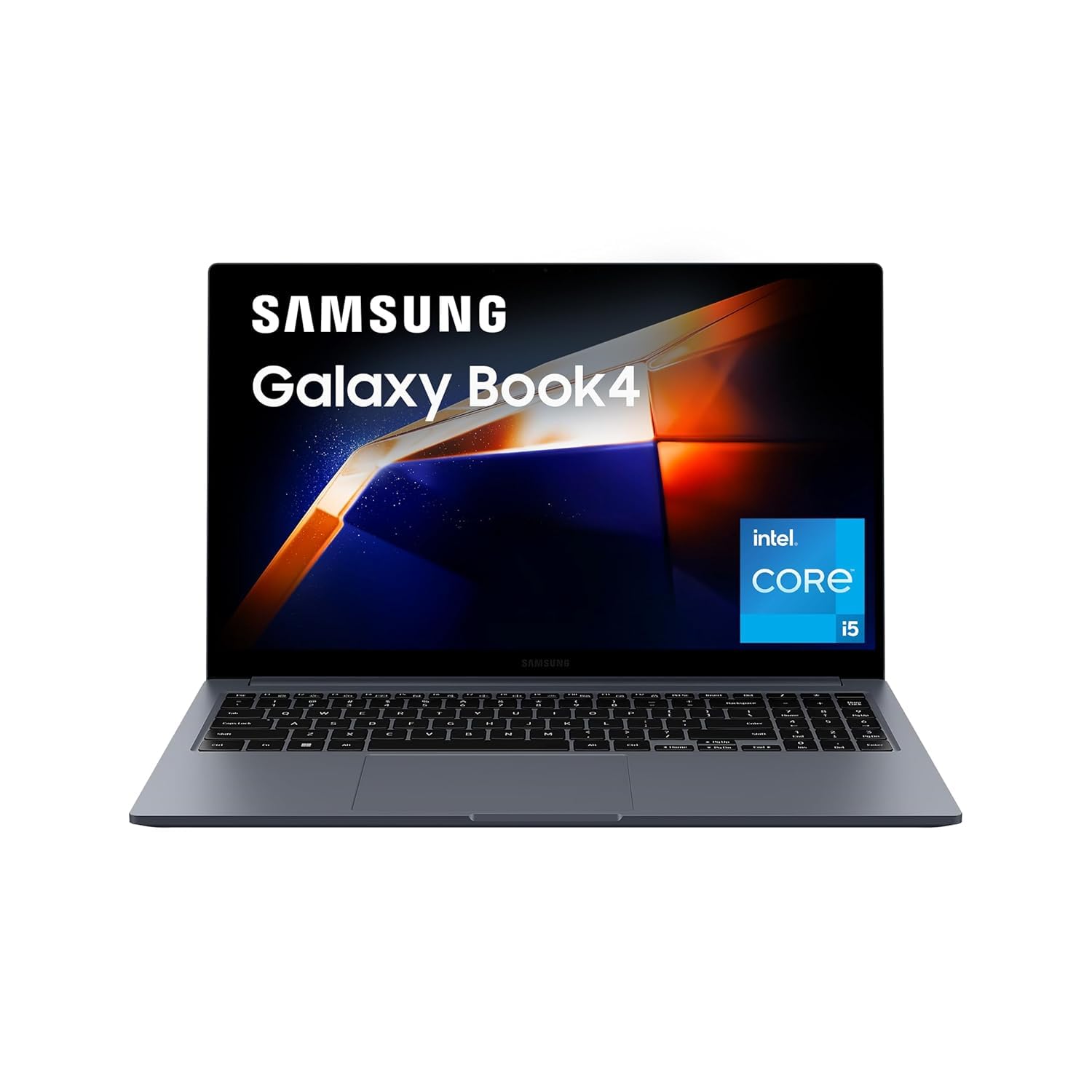
【Processor】: Intel Core i5 Processor 1335U (1.3 GHz Up to 4.6 GHz 12 MB Smart Cache) | Memory: 16 GB LPDDR4X Memory | Storage: 512GB SSD| Intel Iris XE Graphics
20. Samsung Galaxy Book4 Ultra
Galaxy Book4 Ultra adds more CPU and GPU power for creatives who need extra headroom. It can function like a Windows equivalent of a MacBook Pro: slim but very powerful. For music production, you can run big sessions, heavy sample libraries, and many plug‑ins smoothly. It’s a premium choice for hybrid creators.
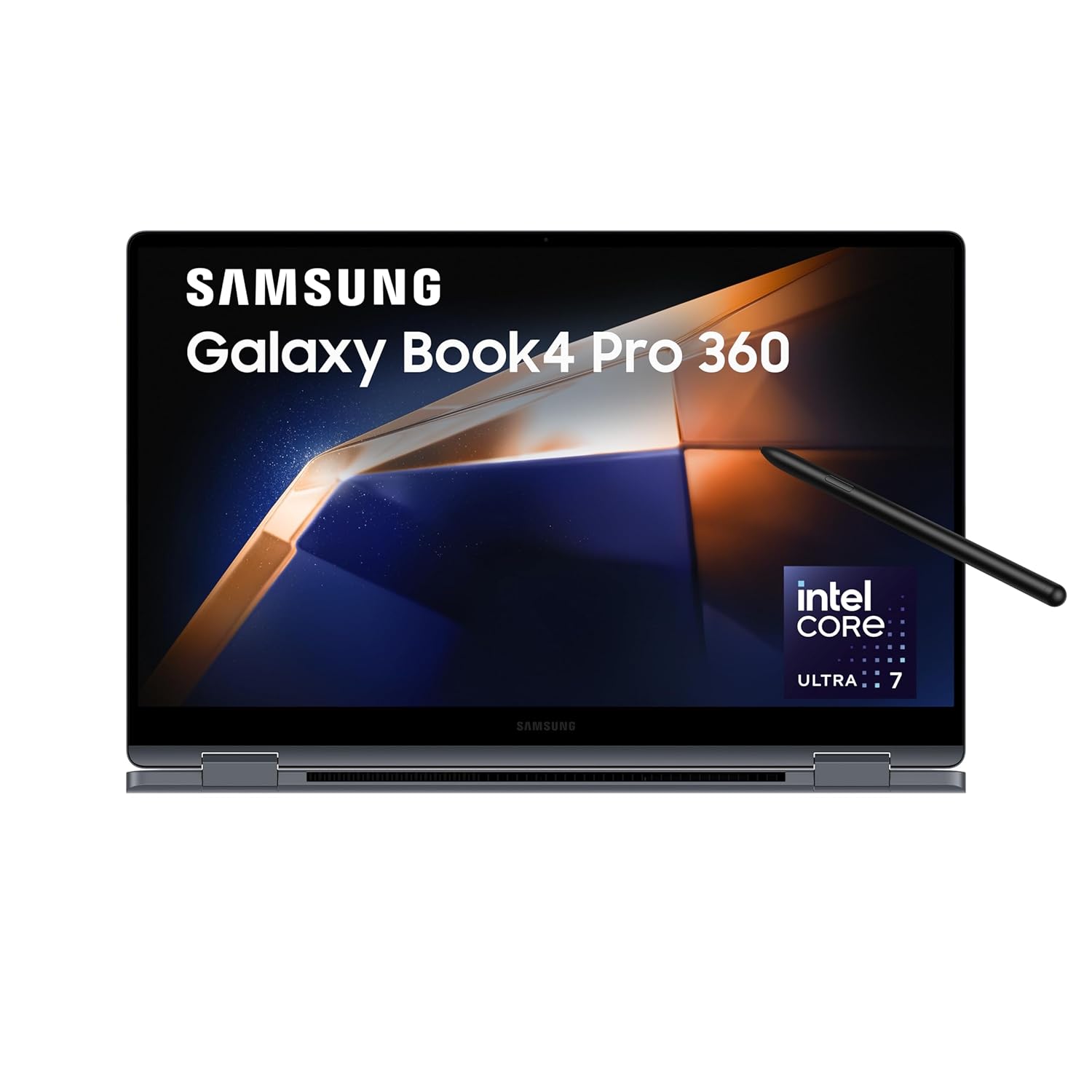
Processor: AI enabled Intel Evo Core Ultra 7 155H (3.8 GHz base clock, up to 4.8 GHz max boost clock, 24 MB L3 cache, 16 cores(6P + 8E + 2LPE) | Memory: 16GB DDR5X RAM, Expandable upto 32 GB | Storage: 1TB SSD
21. Apple MacBook Pro 13 (M2, legacy)
Older 13‑inch MacBook Pro with M2 is still a very capable music production laptop. It handles medium to large projects in Logic, Ableton, and other DAWs without issues, especially with 16+ GB RAM. If you find it at a discount in India, it’s a solid way to get into the Apple ecosystem for production.
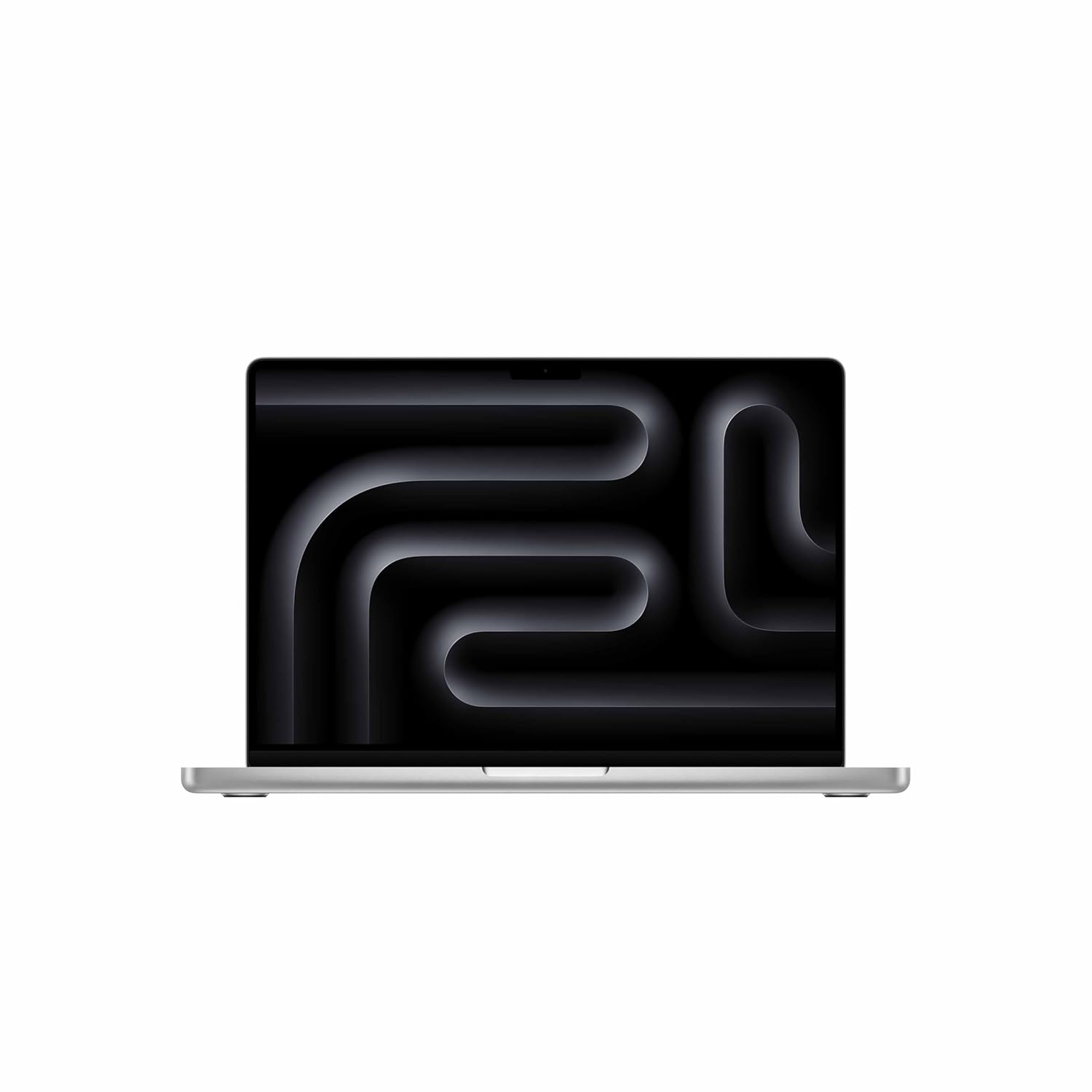
SUPERCHARGED BY M5 — The 14″ MacBook Pro with M5 brings next-generation speed and powerful on-device AI to personal, professional and creative tasks. Featuring all-day battery life and a breathtaking Liquid Retina XDR display with up to 1,600 nits peak brightness, it’s pro in every way.
22. Apple MacBook Air (M1, budget pick)
The MacBook Air M1, though older, is still highly recommended as an entry‑level music production laptop. It easily handles small to medium projects and is incredibly efficient and silent. For Indian producers on a budget who can find M1 Air around mid‑range prices, this is a great decision.
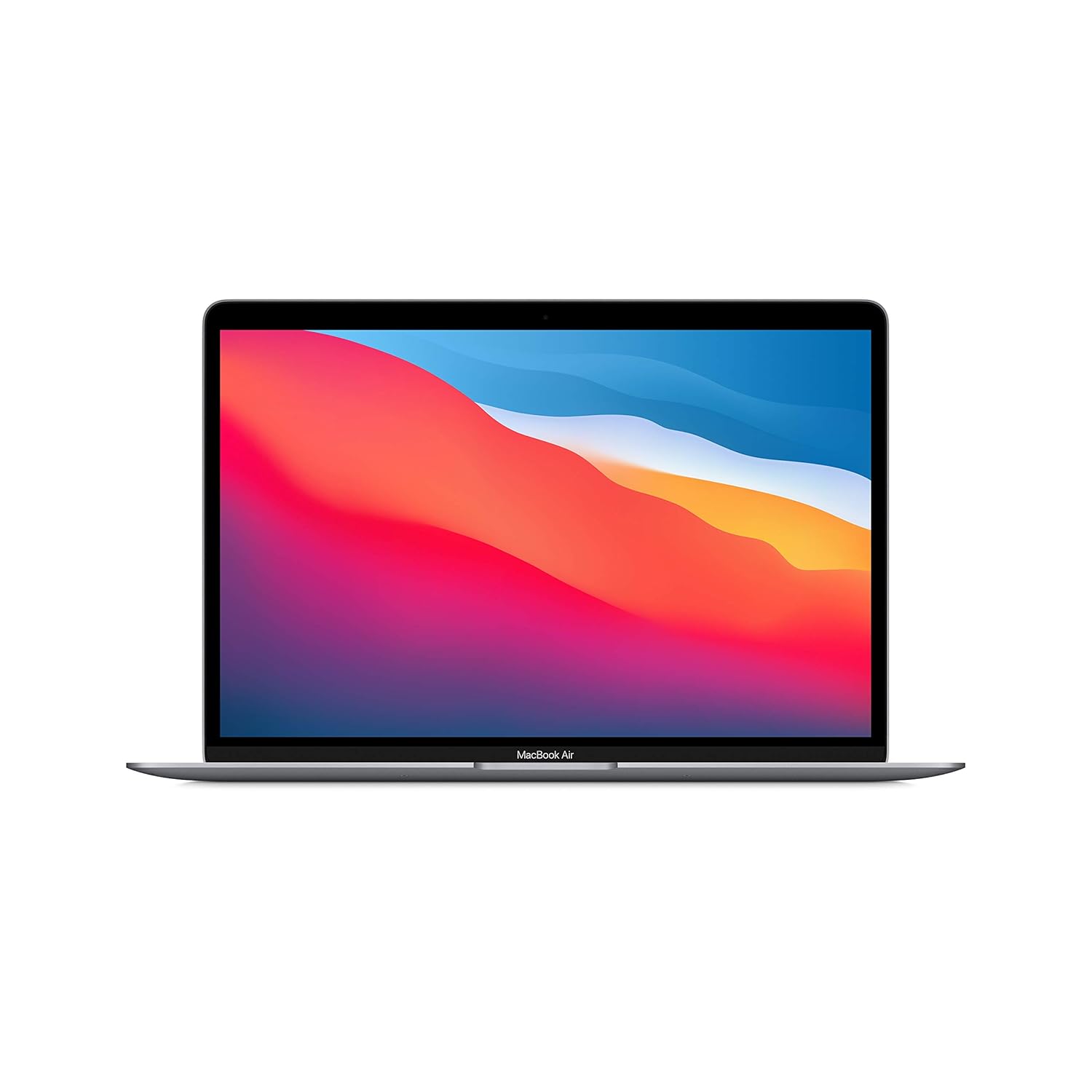
All-Day Battery Life – Go longer than ever with up to 18 hours of battery life.
23. Lenovo ThinkPad X1 Carbon
ThinkPad X1 Carbon is a business ultrabook that works very well for music producers who want reliability and a great keyboard. With modern Intel CPUs and enough RAM, it can run DAWs smoothly, especially for MIDI‑heavy work. The laptop is light, durable, and has good battery life. Ideal for producers who travel and value a robust machine with a more professional look.
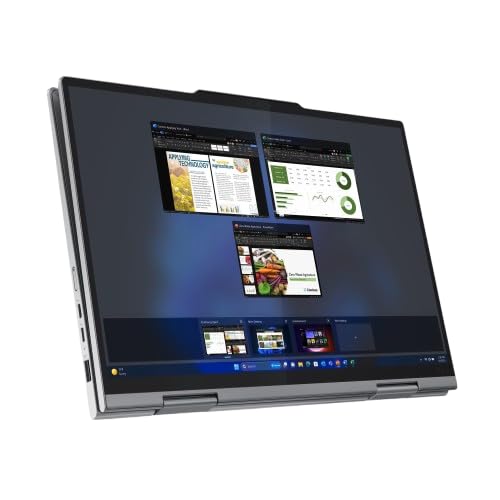
ThinkPad Reliability tested on 12 MIL-STD-810H Methods and 22 Procedures | Body Material: Aluminium (Top), Aluminium (Bottom) | Built to withstand rugged usage and can handle accidental knocks, drops, and even spills
24. HP Spectre x360
HP Spectre x360 is a 2‑in‑1 premium ultrabook with strong specs and a flexible design. It’s well‑suited for producers who want touch and pen input to control DAWs, scribble notes, or sketch arrangements. Performance is good enough for most music projects, and the build quality is high. Great hybrid device for creative professionals.
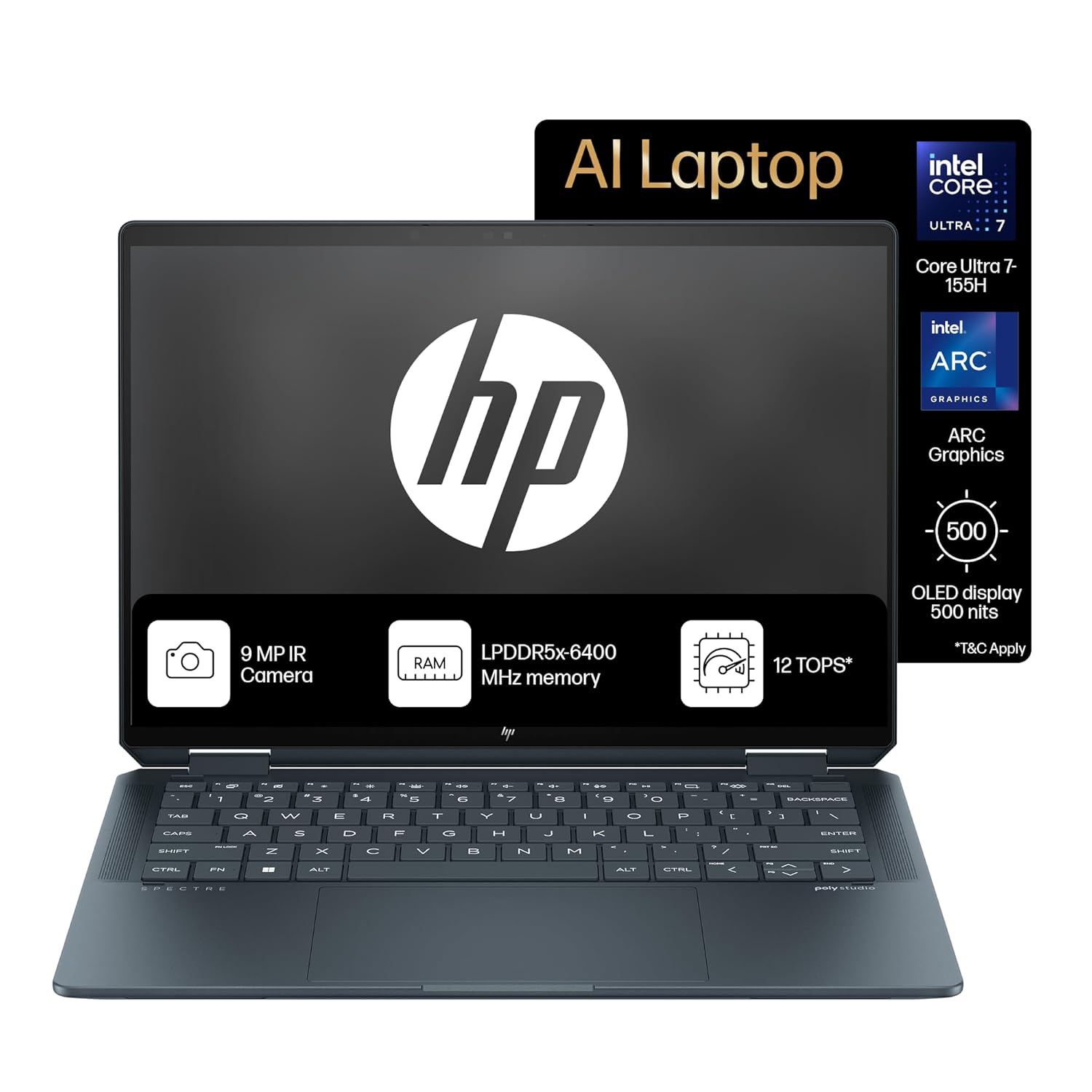
【16-core Intel Core Ultra 7 155H】Experience task-crushing performance and the power of built-in AI technology with the latest Intel processor featuring 22 threads and 24MB L3 cache.
25. HP Envy x360 15
HP Envy x360 15 is a mid‑range 2‑in‑1 with bigger screen and solid performance. It can handle DAWs comfortably and offers a large touch screen that’s convenient for controlling virtual mixers and plug‑ins. It’s good for producers who want one machine for media, work, and production.
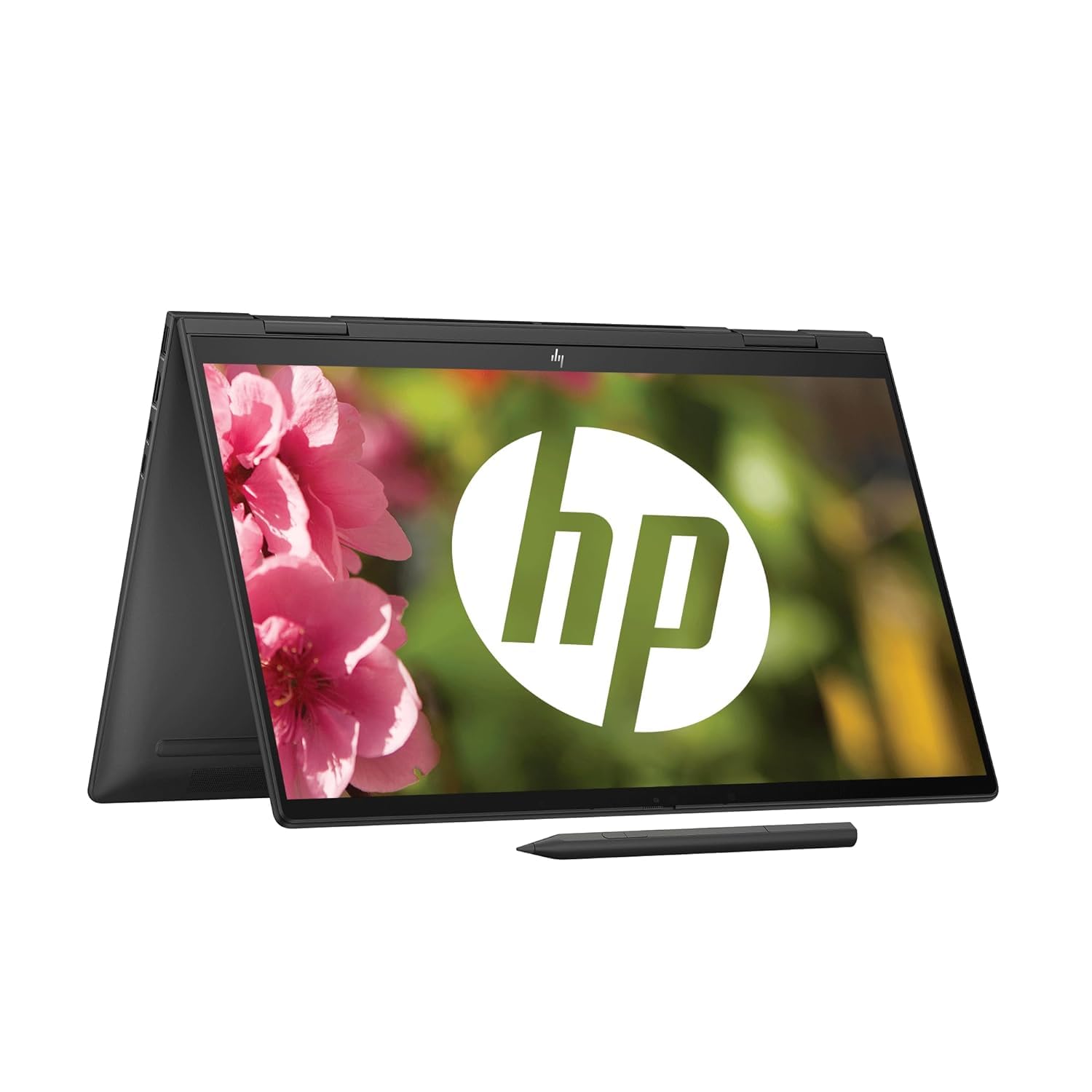
Processor: AMD Ryzen 5 7530U (up to 4.5 GHz max boost clock, 16 MB L3 cache, 6 cores, 12 threads)| Memory: 16 GB LPDDR5-5200 MHz RAM (onboard)|Storage: 512 GB M.2 PCIe NVMe SSD
26. Lenovo Legion Slim / Legion 5
Legion gaming laptops are powerful and well‑cooled, which also makes them great for music production. With high‑core CPUs, lots of RAM, and fast SSDs, they can handle huge DAW projects and loads of plug‑ins. The design is subtler than many gaming laptops, so it still looks fine in studios. For producers who also game or run other heavy software, this is a good choice.
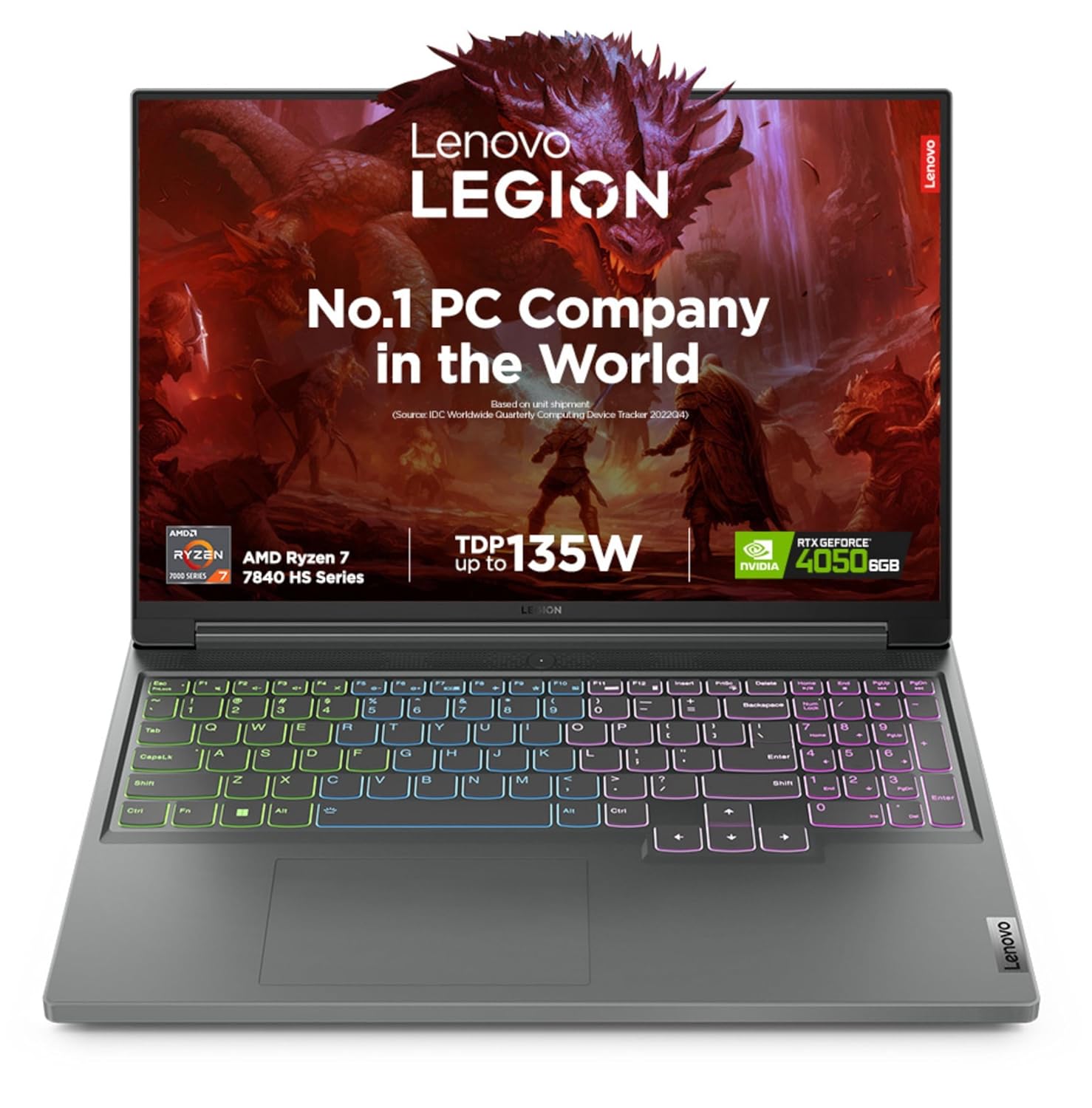
Processor: AMD Ryzen 7 7840HS | Speed: 3.8 GHz (Base) – 5.1 GHz (Max) | 8 Cores | 16 Threads | 16 MB Cache
27. MSI Modern / Prestige Series
MSI Modern and Prestige lines aim at creators, with slim designs and good hardware. They offer modern Intel/AMD CPUs and 16+ GB RAM, enough for big music projects. Screens and keyboards are usually above average, and the machines look professional. Great for producers who prefer MSI and want something lighter than gaming laptops.
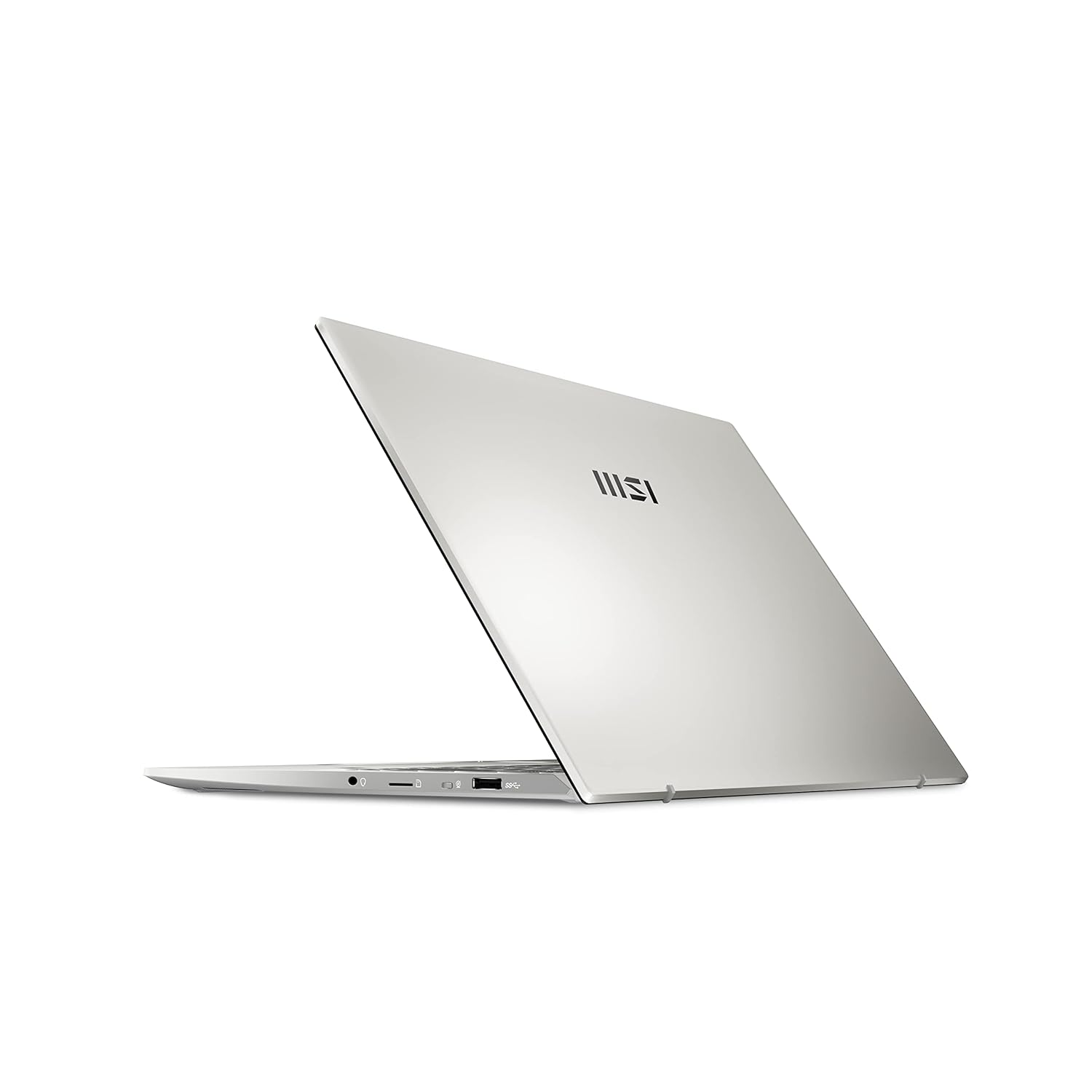
Processor: 12th Generation Intel Core i5-1240P Up To 4.4GHz
28. Gateway / Other Value Laptops With i5/Ryzen 5 + 16 GB
Some brands like Gateway (and similar value lines) offer very strong specs at lower prices: e.g., i5/Ryzen 5, 16 GB RAM, 512 GB SSD. These can be excellent for budget‑conscious producers, as long as you check reviews for build quality and noise. They are ideal if you prioritise raw specs over brand names.

Processor: 13th Generation Intel Core i5-1334U (Up to 4.60GHz, 10 Cores, 12MB Cache)
29. Any Laptop With Apple Silicon M1 or Above
As producers on forums note, almost any MacBook with Apple Silicon (M1 and newer) offers a big leap in audio performance versus older Intel models. Even base M1 machines can run many tracks and plug‑ins smoothly. If you find any M1/M2/M3 MacBook within your budget in India, it’s usually a very solid music production choice.
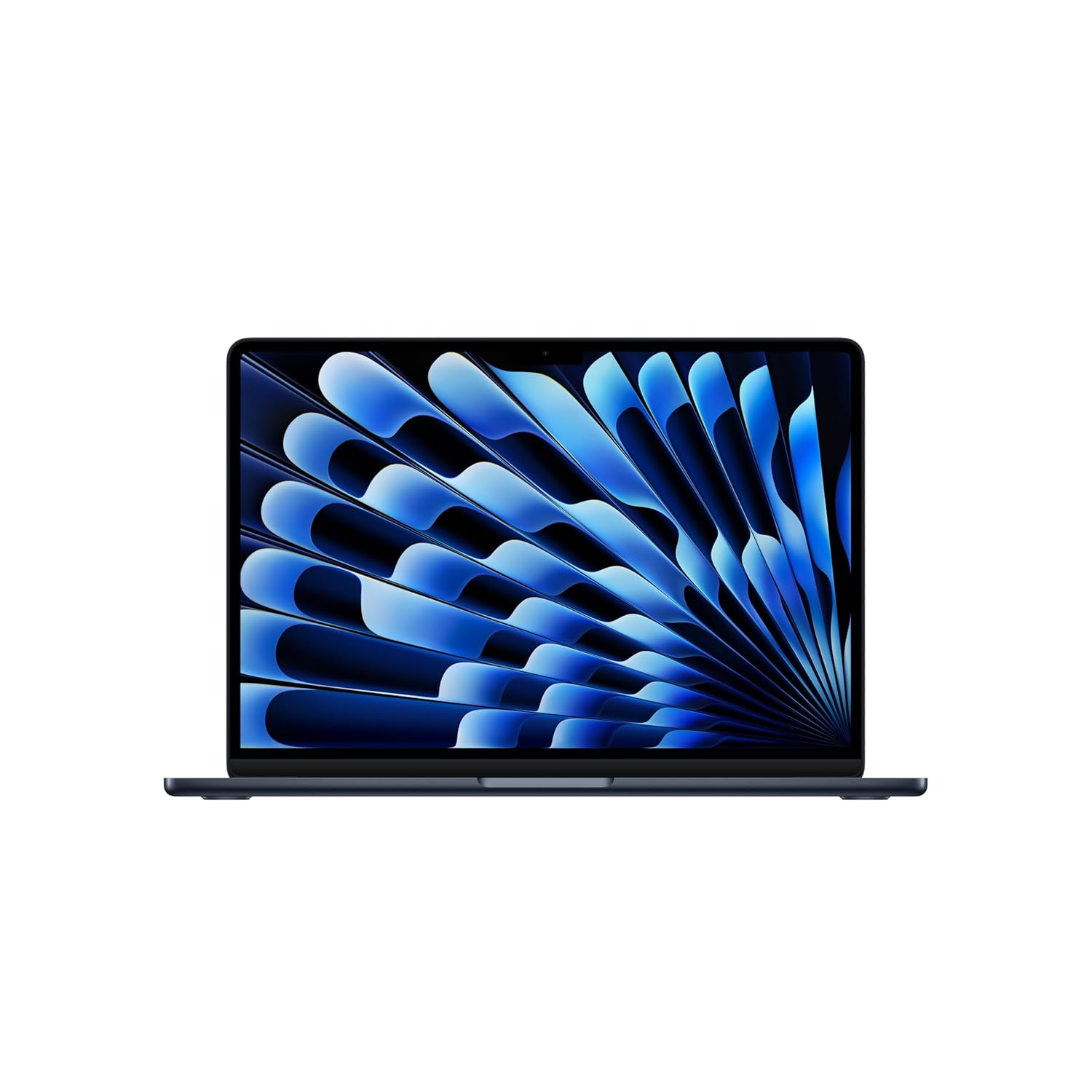
MIGHT TAKES FLIGHT — MacBook Air with the M5 chip packs blazing speed and powerful AI capabilities into an incredibly portable design. With Apple Intelligence, up to 18 hours of battery life and fast SSD storage starting from 512GB, you can work, create and play anywhere life takes you.
30. Spec Template: i7/Ryzen 7, 16–32 GB RAM, 1 TB SSD (Windows)
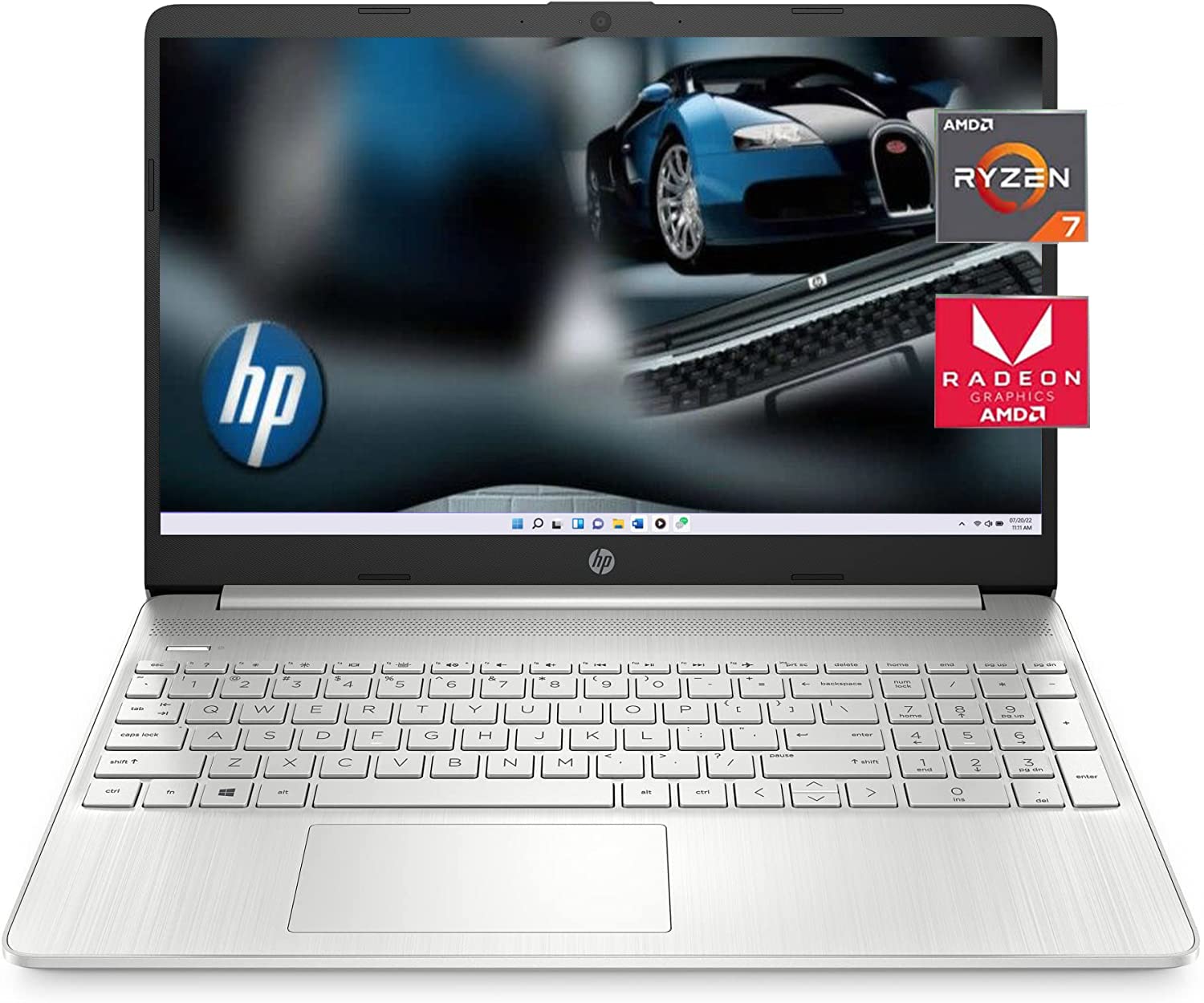
【Statement】Original Seal is opened for upgrade ONLY. If the computer has modifications, then the manufacturer box is opened for it to be tested and inspected and to install the upgrades to achieve the specifications as advertised.
FAQs – Best Laptops for Music Production
1. How much RAM do I need for music production?
For serious music production, 16 GB RAM is the minimum recommended; 32 GB is ideal if you use big sample libraries (Kontakt, orchestral, multi‑layer synths). 8 GB will feel tight very quickly once your projects grow.
2. Is Mac or Windows better for music production?
Both can work great. MacBooks with M‑series chips are extremely efficient and popular for Logic, Ableton, and other DAWs, especially for in‑the‑box workflows. Windows laptops offer more hardware choices and better value at mid‑range prices, plus some audio interfaces and plug‑ins are more tested on Windows. Choose based on your DAW, plug‑ins, and budget.
3. Do I need a dedicated GPU for music production?
For pure audio work, you don’t strictly need a dedicated GPU – CPU, RAM, and SSD are more important. A GPU is useful if you also do video editing, 3D visuals, or heavy GUI tasks, but it’s not the main factor for DAW performance.
4. What processor is best for DAWs?
Look for modern multi‑core CPUs: Intel i7/i9 12th gen or newer, AMD Ryzen 7/9, or Apple M‑series (M1, M2, M3, M4). More performance cores mean better handling of many tracks and plug‑ins at low buffer sizes.
5. How much storage do I need for music production?
At least 512 GB SSD is recommended, but 1 TB is much more comfortable if you install large sample libraries and keep many project files locally. You can always add external SSDs later for archived projects and additional sample packs.
6. Does the laptop’s sound card matter for music production?
Most built‑in laptop sound chips are okay for casual listening but not great for serious production. For proper recording and low‑latency performance, use an external USB audio interface from brands like Focusrite, Audient, MOTU, etc.
7. Can gaming laptops be used for music production?
Yes, many gaming laptops are powerful enough for heavy DAW sessions because they have strong CPUs, lots of RAM, and good cooling. The main downsides are extra weight, louder fans, and sometimes less‑accurate screens, which you can offset with an external monitor and careful placement in the studio.
Conclusion
Choosing the best laptop for music production means focusing on what really affects your sessions: CPU cores, RAM, SSD speed, cooling, and how quiet the machine is when you record. You don’t necessarily need the most expensive MacBook Pro or workstation, but you do need a laptop that can hold a stable low buffer, open your favourite VSTs, and keep projects responsive even when they get heavy.
Use this top‑30 list as a practical roadmap: if you’re a beginner beat‑maker or bedroom producer, start with MacBook Air M‑series or mid‑range Windows machines with at least 16 GB RAM; if you’re a professional composer or mixing engineer, consider MacBook Pro 14/16, ProArt, XPS, or Blade‑class workhorses. Once your laptop stops being a bottleneck, you’ll spend more time writing, arranging, and finishing tracks – which is what actually grows your catalog, your client base, and your career as a music producer