Quick Overview
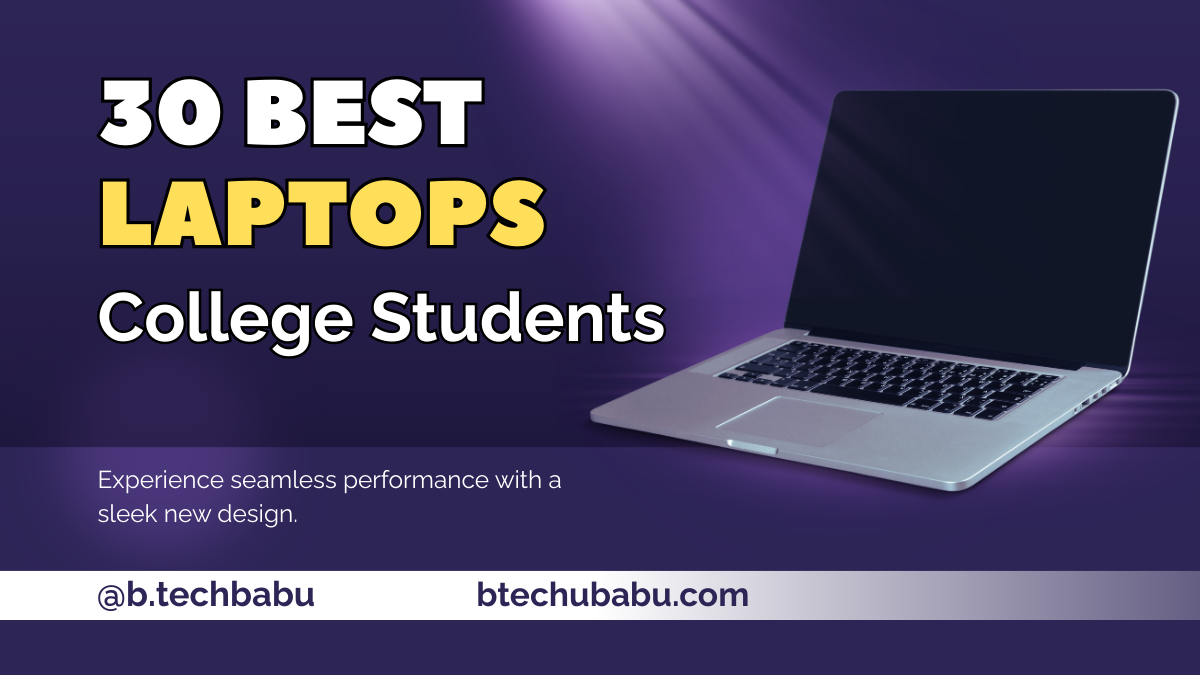
Choosing the best laptops for college students in India is about finding the right balance between performance, battery life, portability, and budget. Students need a reliable machine for browsing, online classes, assignments, coding, entertainment, and light gaming without unnecessary slowdowns. This guide covers 30 carefully selected laptops across different budgets, including affordable models, premium ultrabooks, and MacBooks. It also explains important buying decisions like RAM requirements, SSD benefits, and whether a dedicated graphics card is actually needed.
Introduction
Choosing the best laptops for college students in India is not just about buying the most expensive machine; it is about getting the right balance of performance, battery life, portability, and price. Student workloads usually include browsing, note‑taking, assignments, coding, and some OTT or light gaming, so you need a laptop that handles all this smoothly without lag.
In this guide for Indian students and parents, you will see 30 carefully‑selected laptops across budgets, from budget picks to premium ultrabooks and MacBooks. You will also learn simple selection rules, money‑saving tips, and answers to common doubts like RAM size, SSD need, and whether you really need a dedicated graphics card.
Why College Students Need The Right Laptop
Modern college life depends heavily on digital tools, making a reliable laptop essential for studying, collaboration, and projects.
Why college students need the right laptop Study, projects, and online classes
Why College Students Need The Right Laptop
Indian use cases – coding, design, Netflix, side hustle
What Students Need From A Laptop
How to choose the best laptop for college
Processor, RAM, storage – simple rules
Processor, RAM & Storage – Simple Rules
Choosing the right specifications matters more than just buying the most expensive laptop. For most students in 2026, a modern processor, enough RAM, and fast SSD storage provide the best everyday experience for classes, coding, projects, and entertainment.
Battery, weight, and display
Battery, Display & Port Checklist
A college laptop should be comfortable for all-day carrying and daily productivity. Battery life, weight, display quality, and connectivity play an important role when you use your laptop across classrooms, libraries, hostels, and travel.
Budget ranges for Indian students
Laptop Price Range Guide
In India, choosing the right laptop budget depends on your workload. From basic student needs to premium professional machines, each price range offers different levels of performance, portability, and features.
1. Apple MacBook Air 13 (M4, 2025)
The Apple MacBook Air 13 with M4 chip is a premium choice for college students who want a fast, silent, and long‑lasting laptop. It handles coding, design, office work, browsing, and media with ease. The slim, light design makes it perfect for carrying across campus or to coaching classes. macOS is smooth, stable, and gets long‑term updates, so you can keep this machine for many years. It is especially attractive for students already using an iPhone or iPad because of strong ecosystem features like AirDrop and iCloud.
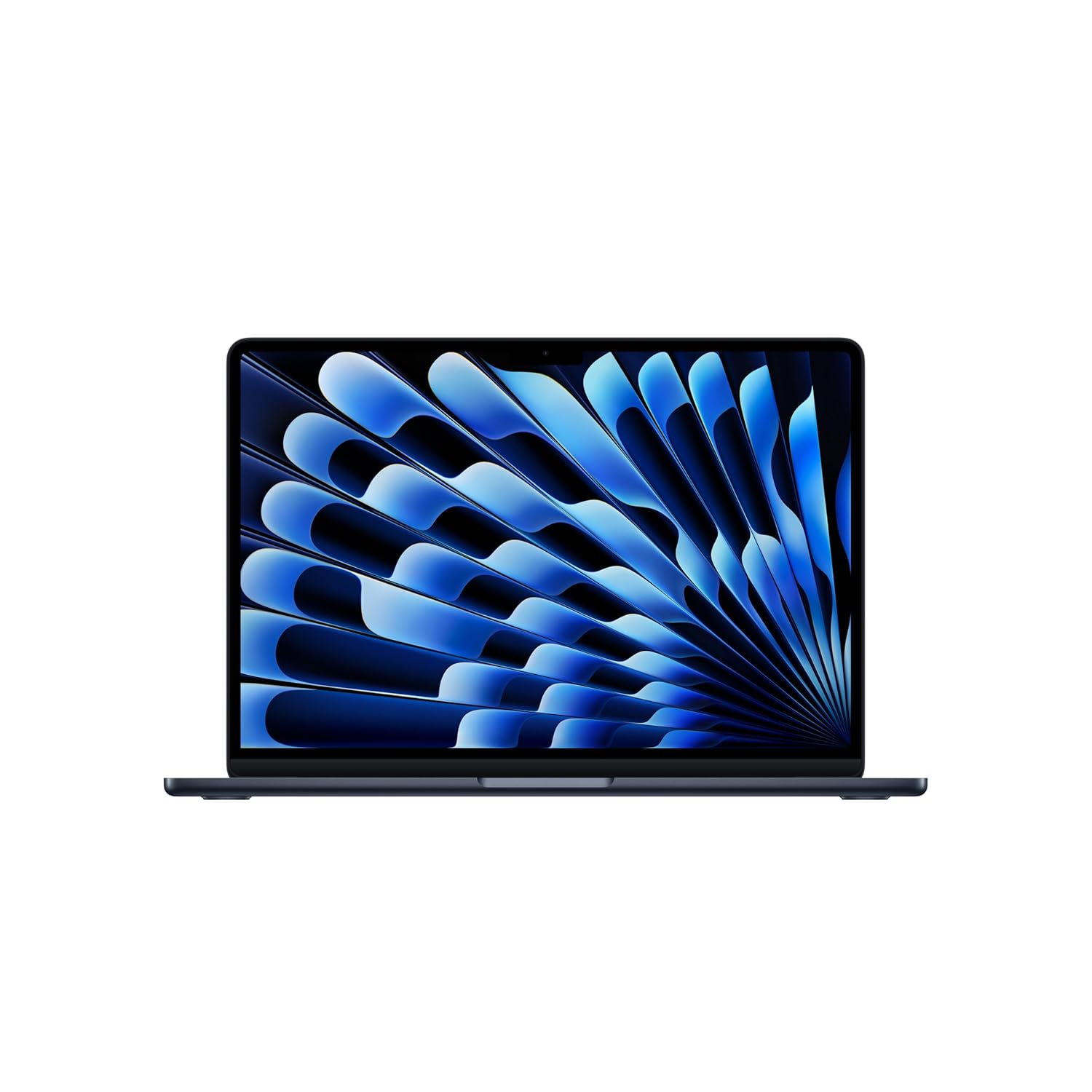
BRILLIANT DISPLAY — The 34.46 cm (13.6″) Liquid Retina display supports 1 billion colours.* Photos and videos pop with rich contrast and sharp detail, and text appears super crisp.
2. Apple MacBook Air 13 (M2)
The MacBook Air 13 M2 is a slightly older model but still powerful and ideal for college work. For students who want the Mac experience at relatively lower cost, this model often appears with good discounts. It can easily handle online classes, digital notes, light video editing, and everyday multitasking. Battery life remains strong, so you do not have to carry the charger in your backpack daily. Overall, it is a smart buy if you want a premium experience without going for the latest chip.
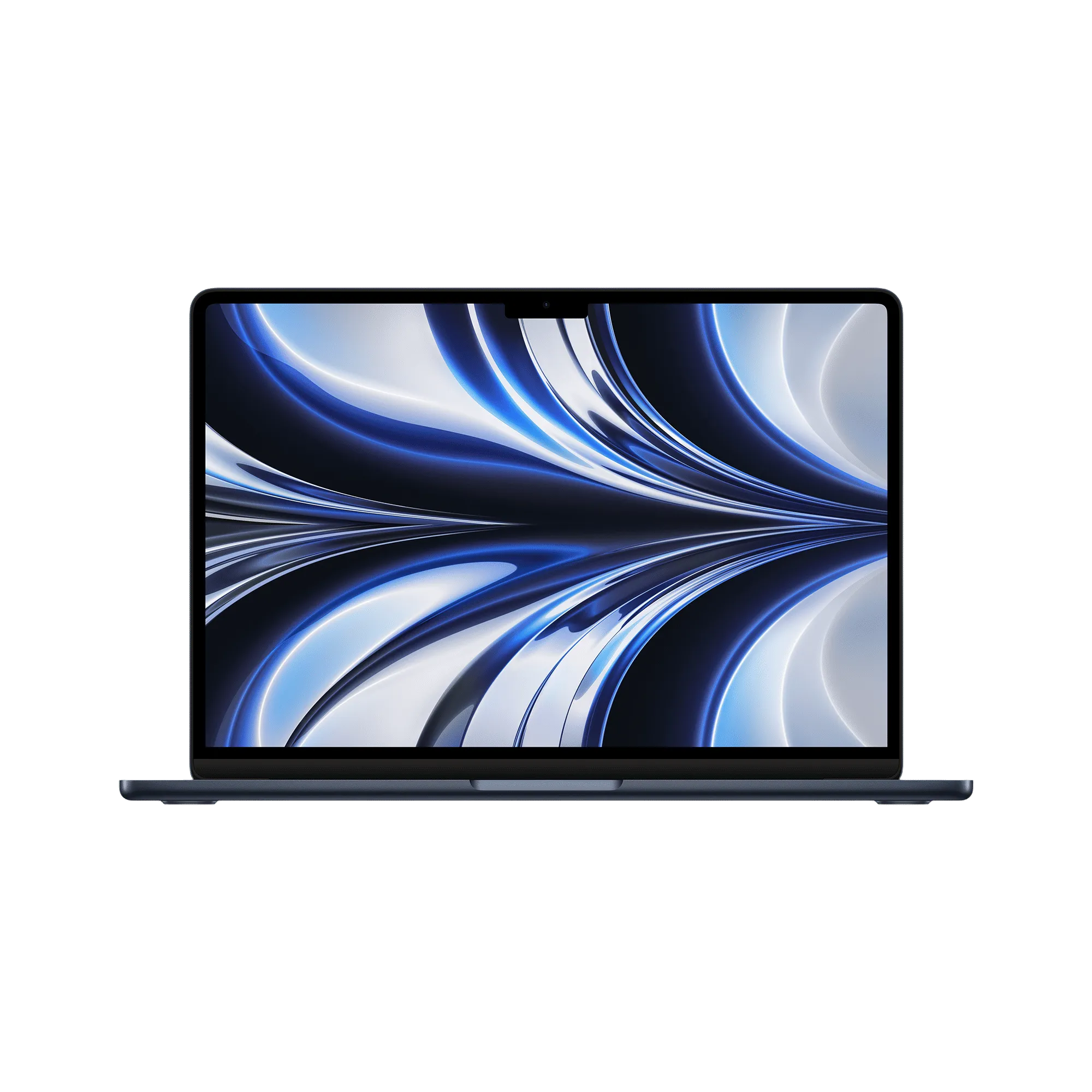
STRIKINGLY THIN DESIGN – The redesigned MacBook Air is more portable than ever and weighs just 1.24 kg (2.7 pounds). It’s the ultra-capable laptop that lets you work, play or create just about anything
3. Apple MacBook Air 15
The MacBook Air 15 is designed for students who love bigger screens for multitasking. The larger display gives more space for coding windows, lecture notes, and browser tabs side‑by‑side. Even with the bigger panel, the laptop stays relatively light and thin compared to many 15‑inch Windows devices. It is great for content‑heavy courses, design work, or binge‑watching shows after class. If you spend many hours looking at the screen daily, the extra size helps reduce strain and improves productivity.
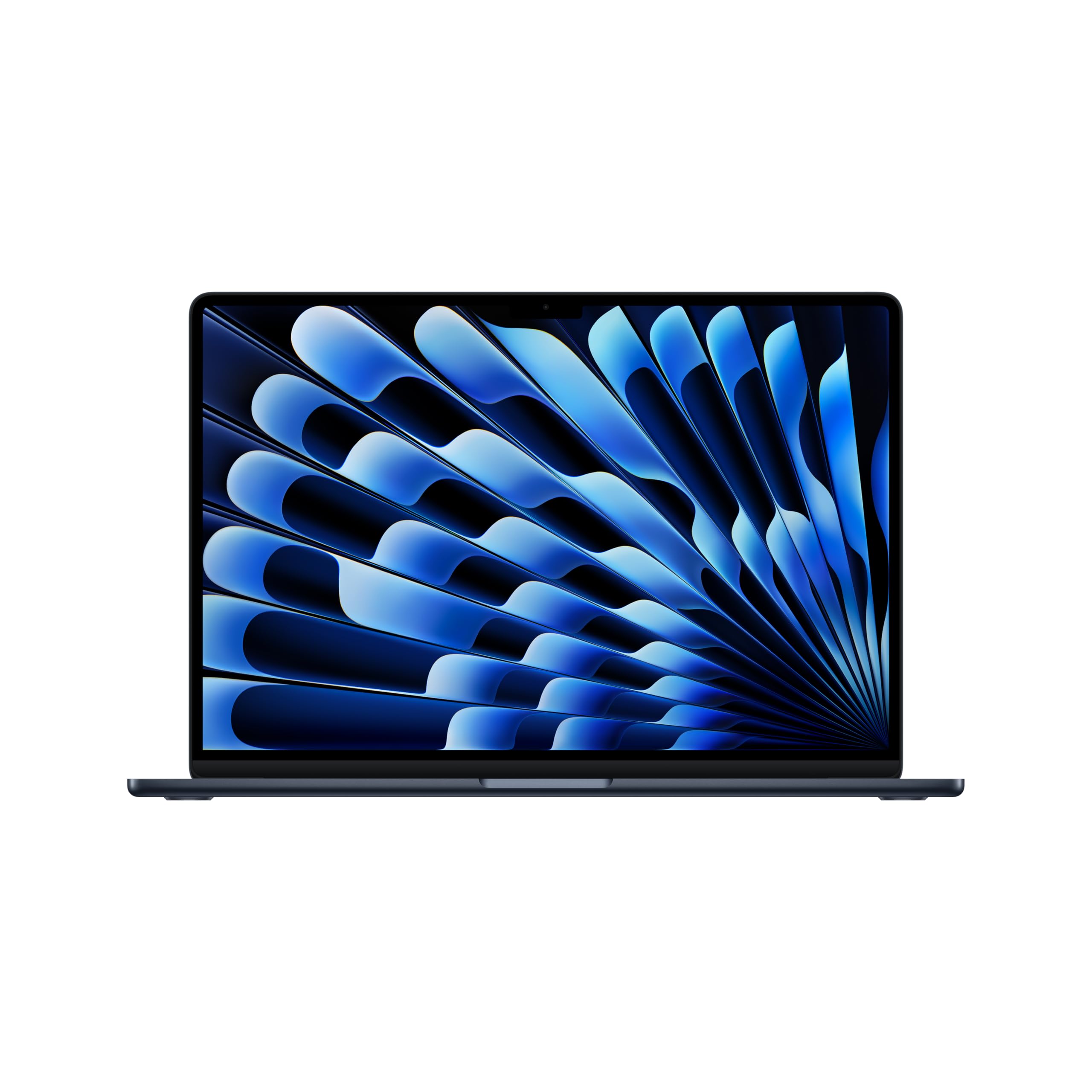
SUPERCHARGED BY M4 — The Apple M4 chip brings even more speed and fluidity to everything you do, like working between multiple apps, editing videos or playing graphically demanding games.
4. Dell 14 Plus (DB14250)
The Dell 14 Plus DB14250 is a powerful 14‑inch Windows laptop suitable for engineering and technical students. It offers strong processors and good RAM options, making it comfortable for IDEs, compiling code, and running analytical tools. The 14‑inch size is a nice compromise between portability and screen space. Build quality is solid, giving confidence for long‑term college use. This laptop is a good pick for those who want performance in a compact Windows machine rather than a gaming‑style device.
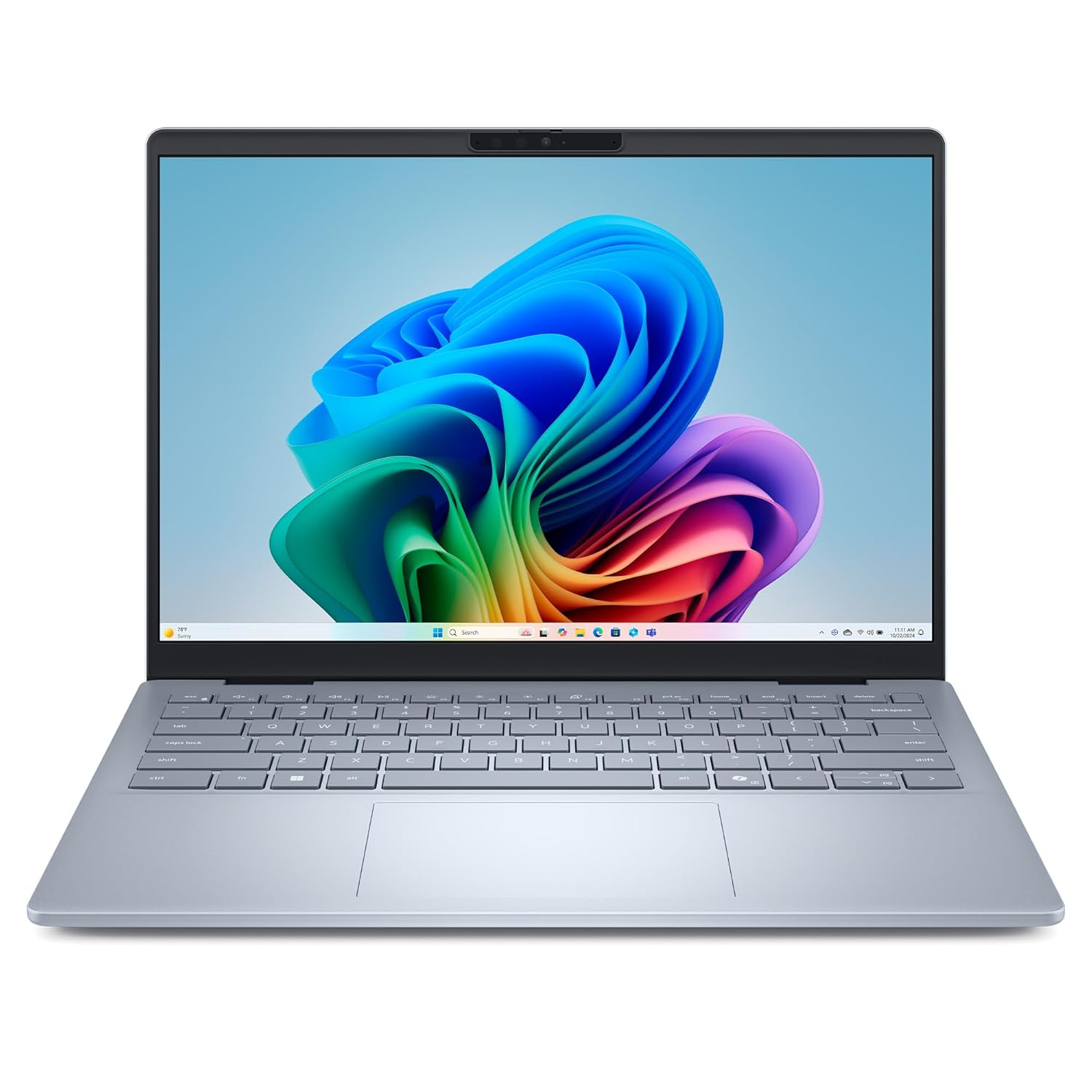
Effortlessly tackle the newest AI experiences: Built from the ground up with Intel’s latest and most advanced client compute engines designed to deliver the newest AI experiences, ultimate power efficiency, and full day cooler and quieter performance that creators and workers need, wherever they are.
5. Asus Zenbook 14 OLED
The Asus Zenbook 14 OLED is ideal for students who want a beautiful screen in a slim ultrabook. The OLED panel makes movies, photos, and design work look vibrant and sharp. This laptop is light and stylish, so it fits easily in a backpack and looks premium in class or at internships. Performance is strong enough for multitasking, productivity, and moderate creative work. It is a great all‑rounder for students who value both looks and performance.
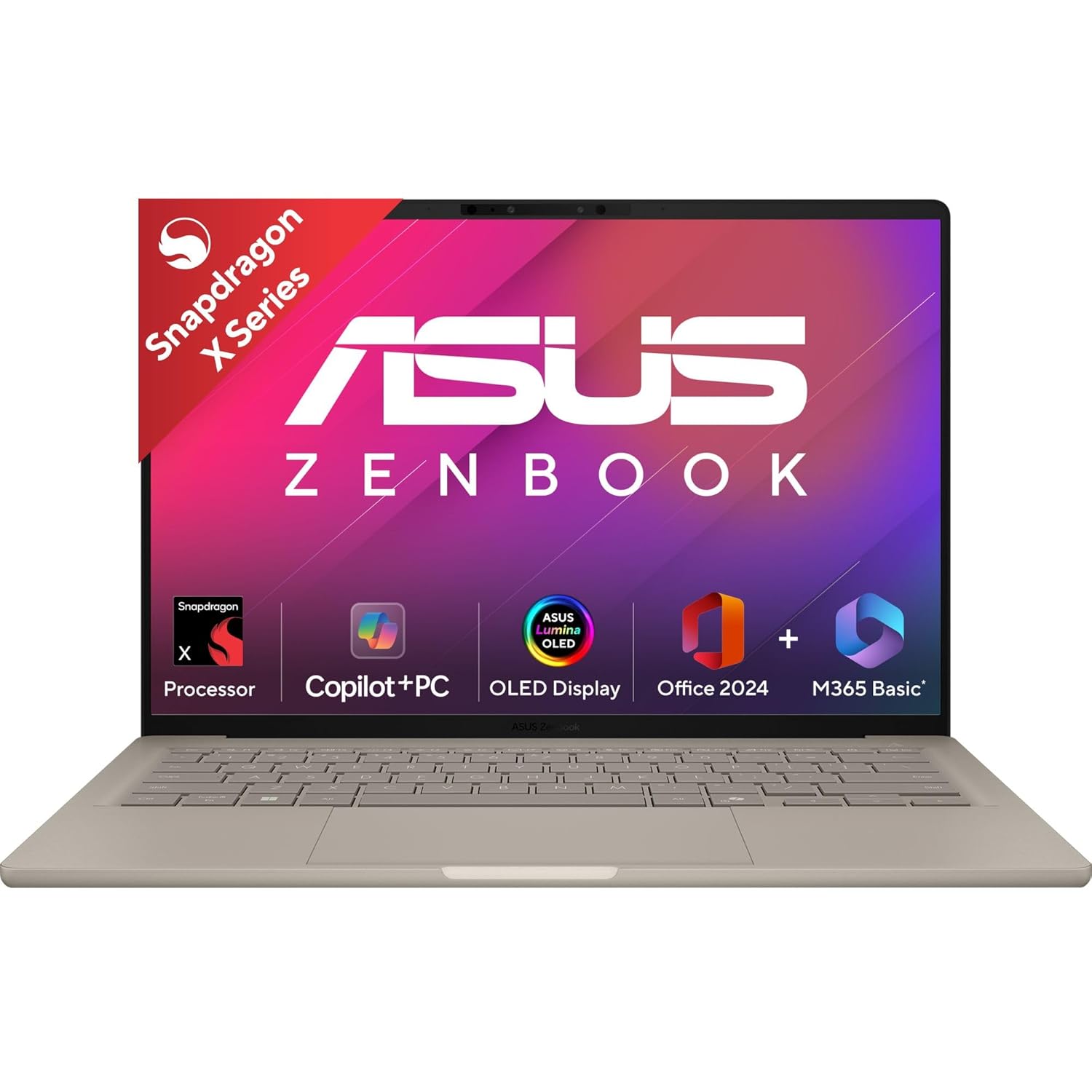
Processor : Snapdragon X X1 26 100 Processor (30MB Cache, up to 2.97GHz, 8 cores, 8 Threads) Qualcomm Hexagon NPU up to 45TOPS.
6. Lenovo Yoga 9i 14 Gen 9
The Lenovo Yoga 9i 14 is a premium 2‑in‑1 laptop for students who want flexibility. You can use it as a regular laptop, fold it into tablet mode, or keep it in tent mode for presentations and movies. It often comes with a stylus, which is helpful for handwritten notes, sketches, or annotating PDFs. Performance is strong, so it can handle heavy multitasking and creative tasks easily. This is a great pick for design, architecture, or media students who benefit from touch and pen input.
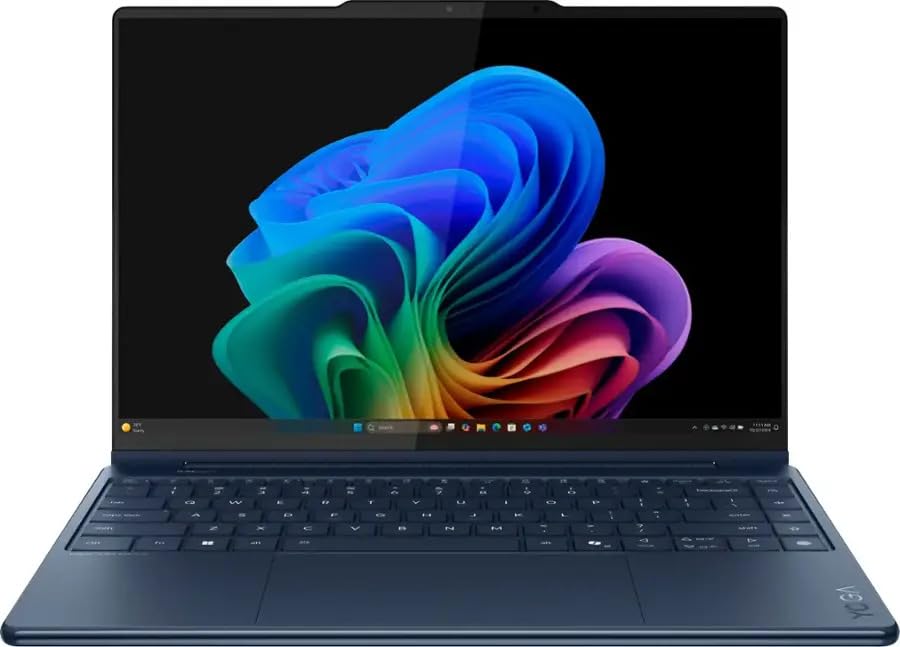
Display – 14″ 2.8K WQXGA+ (2880×1800) OLED 1100nits (peak) / 500nits (typical) Glossy / Anti-fingerprint, 100% DCI-P3, 120Hz, Eyesafe, Dolby Vision, DisplayHDR True Black 1000, Glass, Touch
7. Acer Swift 14 AI
The Acer Swift 14 AI is made for students who want a modern, efficient laptop with excellent battery life. It focuses on being thin, light, and silent while delivering snappy performance for everyday tasks. The machine is great for note‑taking, browsing, online classes, and office work. Some variants also come with high‑quality displays that are pleasant for long reading sessions. If you travel frequently or have long college days, this laptop can easily keep up without constant charging.
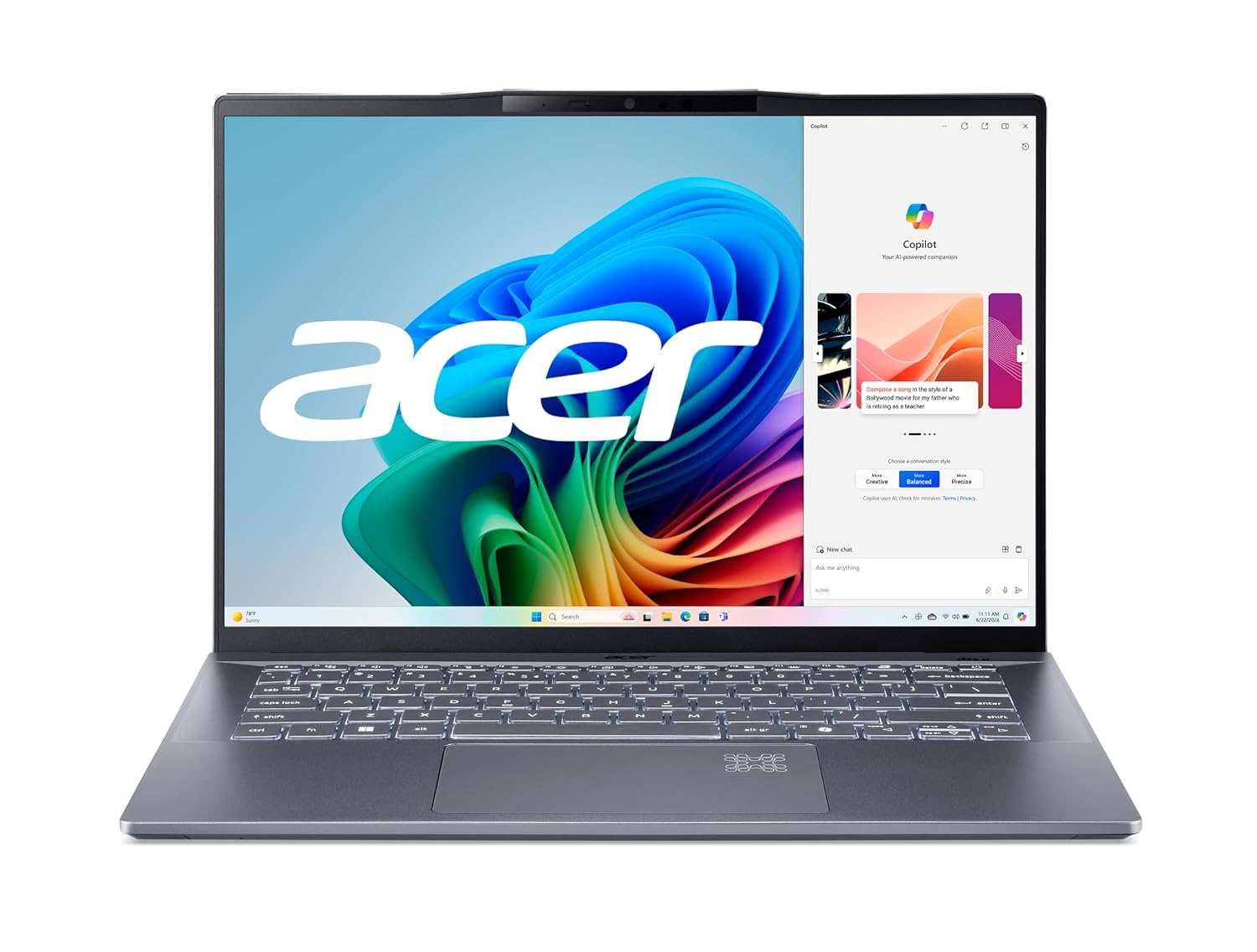
Buy Acer Swift 14 AI Intel Core Ultra 5 – (16 GB/512 GB SSD/Windows 11 Home) SF14-51 Thin and Light Laptop Online For Rs.121999 , Also get Acer Swift 14 AI
8. HP Envy x360 14 :
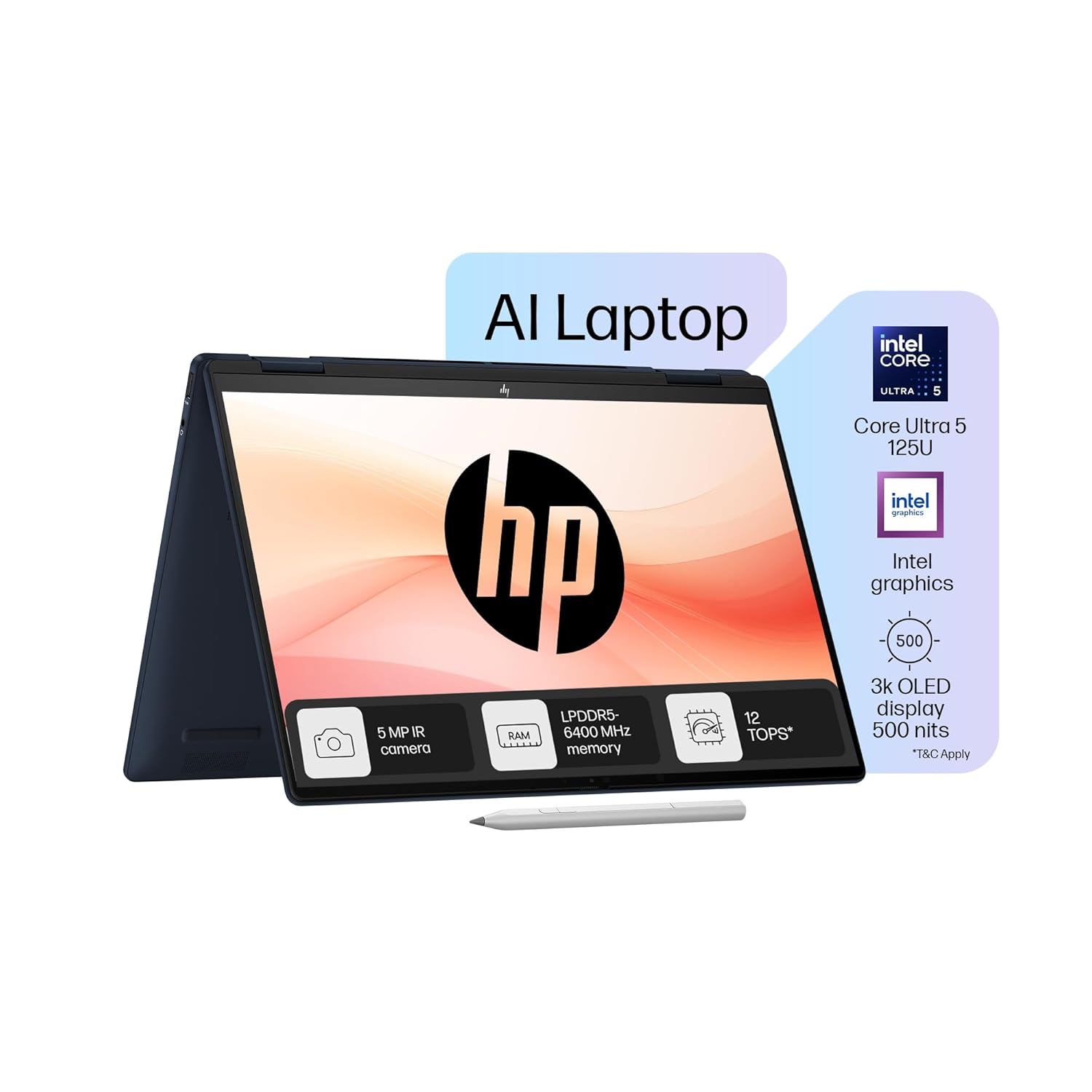
The HP Envy x360 14 is a 2‑in‑1 laptop that targets creators and productivity‑focused students. Its convertible design allows laptop, stand, tent, and tablet modes for different scenarios. The touch screen works well with drawing, marking up PDFs, or quickly scrolling through notes. With capable processors and decent GPUs in some models, it can handle editing photos and videos at student level. This laptop is a strong choice if you want one device for both study and creative hobbies.
You can have short product description here. It can be added as and enable/disable toggle option from which user can have control on it.
9. Dell XPS 13
The Dell XPS 13 is known as one of the most premium compact Windows laptops. It uses slim bezels to fit a good‑sized display into a very small body, making it highly portable. Performance is solid for all the usual student workloads, including office apps, browsing, and light creative tasks. The build quality feels luxurious, with metal and glass elements. It is ideal for students who need a professional‑looking laptop for internships, campus placements, and daily use.
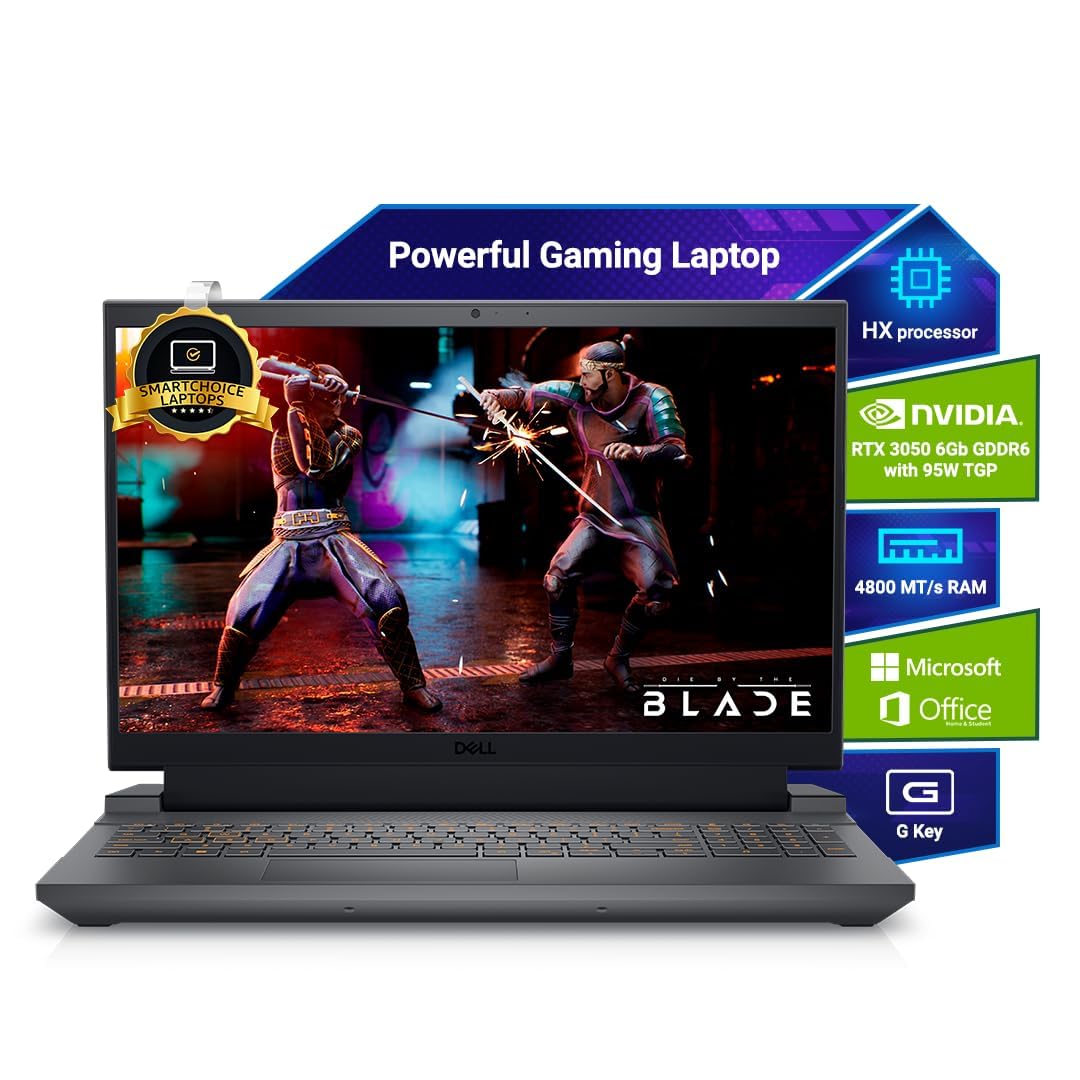
You can have short product description here. It can be added as and enable/disable toggle option from which user can have control on it.
10. Samsung Galaxy Book4
The Samsung Galaxy Book4 is a sleek Windows laptop that integrates well with Samsung smartphones. You can easily share files, sync notes, and answer calls using Samsung’s ecosystem features. The machine offers a large display, which is good for watching lectures and entertainment content. Performance is suitable for regular student work, including browsing, docs, and some light creative tasks. If you are already using a Galaxy phone, this laptop can make your overall experience more connected.
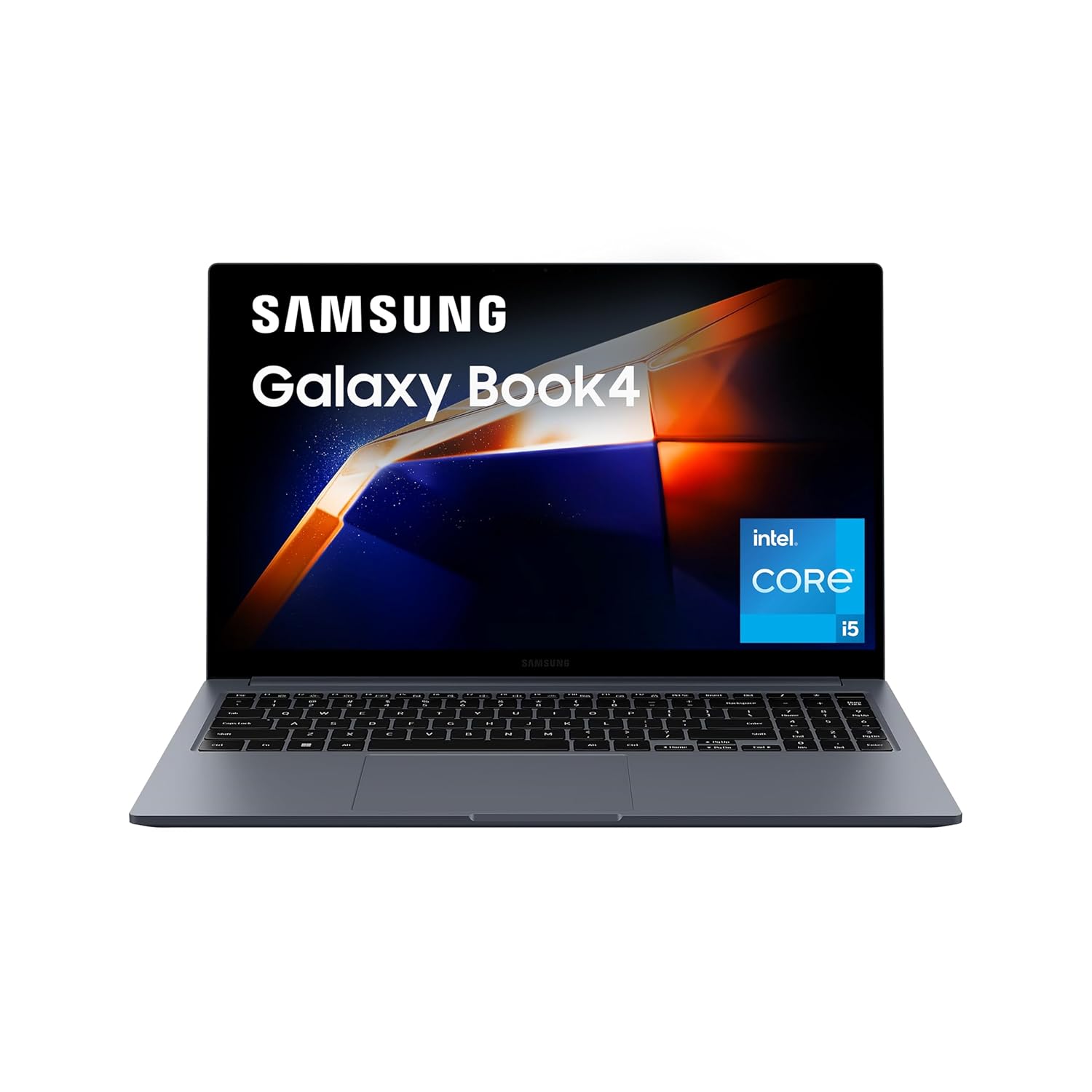
You can have short product description here. It can be added as and enable/disable toggle option from which user can have control on it.
11. Asus Vivobook 16
The Asus Vivobook 16 gives students a big 16‑inch display at a reasonable price. This size is useful for reading PDFs, working on split‑screen layouts, and handling complex spreadsheets or code. The laptop offers modern processors and enough RAM for multitasking without lag. It suits students who mostly study at a desk or in hostel rooms and value screen size over ultra‑portability. If you want a workhorse with a large canvas, this is a practical choice.
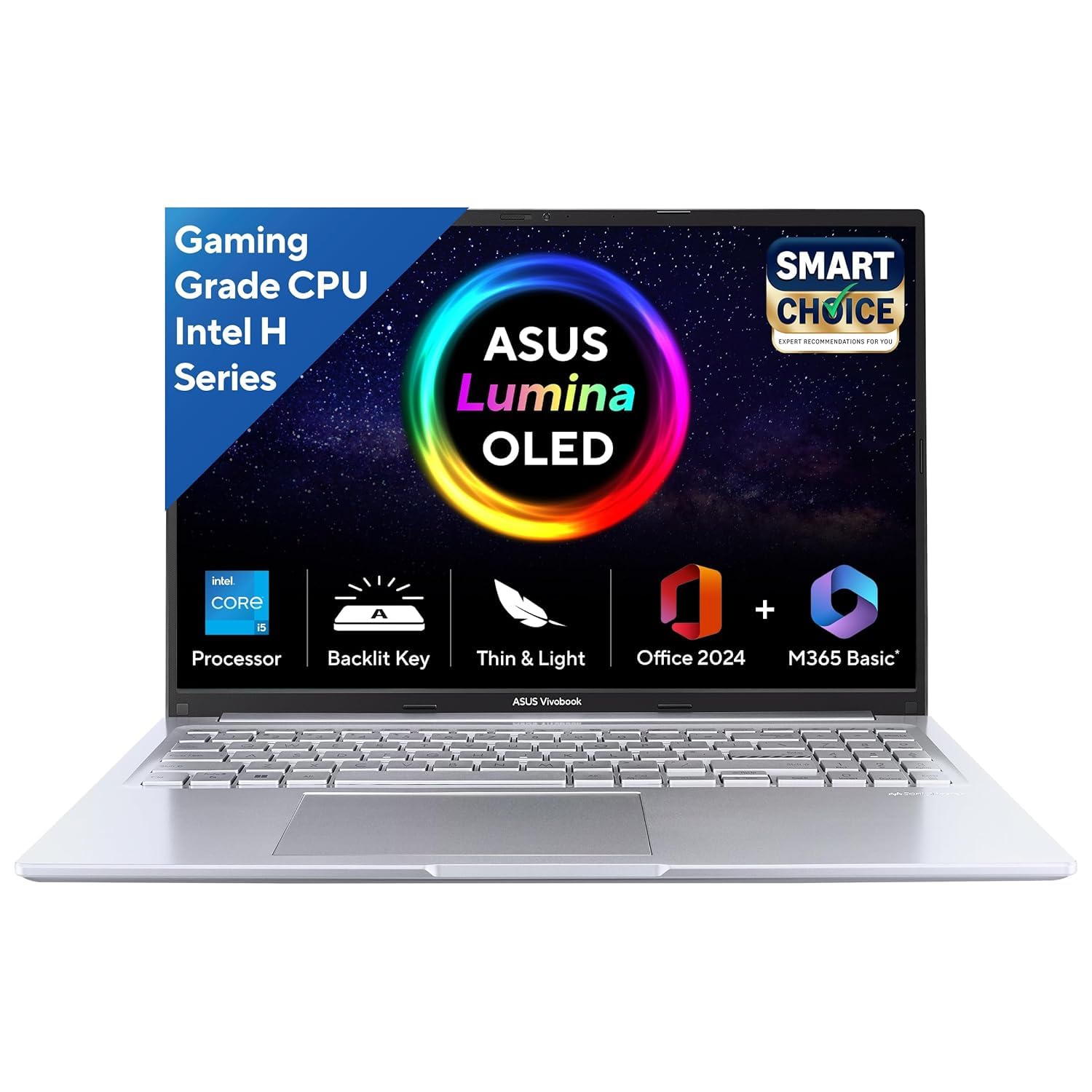
You can have short product description here. It can be added as and enable/disable toggle option from which user can have control on it.
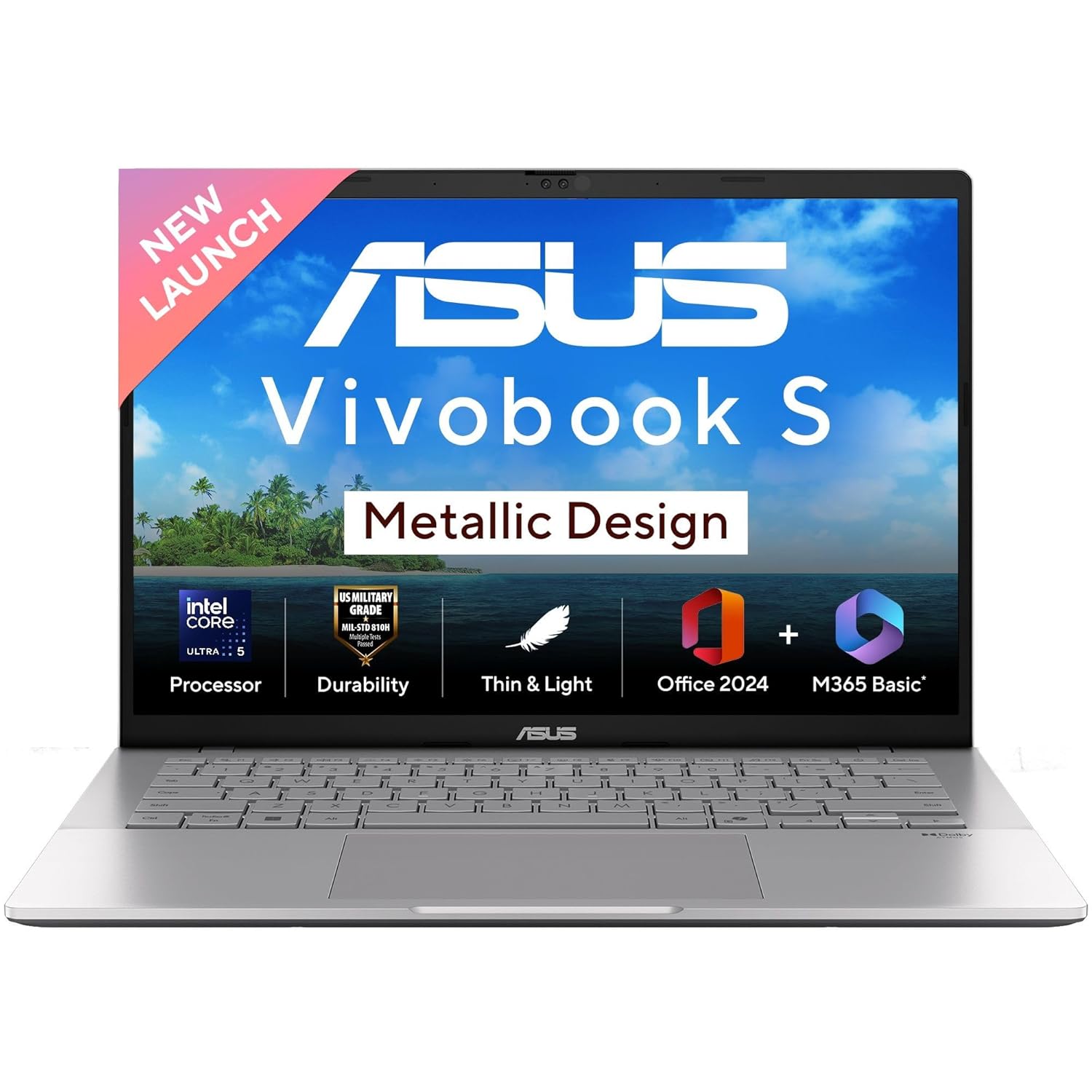
12. Asus Vivobook S14
The Asus Vivobook S14 is a thin‑and‑light laptop designed for students who attend college daily and travel often. It focuses on portability without sacrificing too much performance. Modern Intel or AMD processors keep the system responsive for browsing, office apps, and some creative tools. The 14‑inch display offers enough space while remaining easy to carry. It is a good fit for students who want one do‑it‑all machine that is comfortable in both classrooms and cafes.
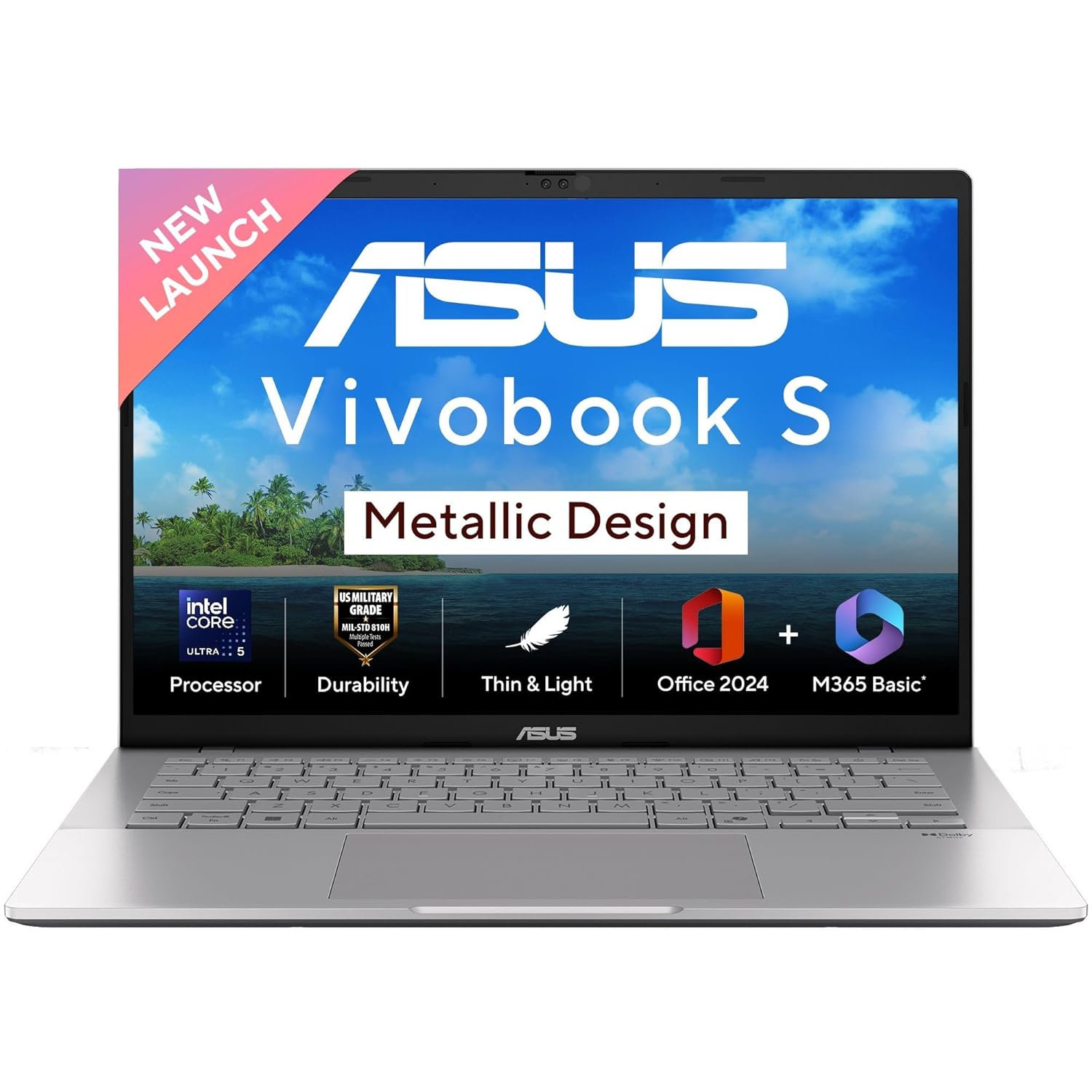
You can have short product description here. It can be added as and enable/disable toggle option from which user can have control on it.
13. Acer Swift Go 14
The Acer Swift Go 14 offers a nice mix of power and portability, especially in Ryzen‑based variants. It can comfortably handle coding, office work, and multitasking with many browser tabs. The laptop is fairly light and easy to carry, making it convenient for daily commutes to college. Some models offer good displays that are pleasant for content consumption and reading. It is a strong option if you want performance without a gaming‑style design.
You can have short product description here. It can be added as and enable/disable toggle option from which user can have control on it.
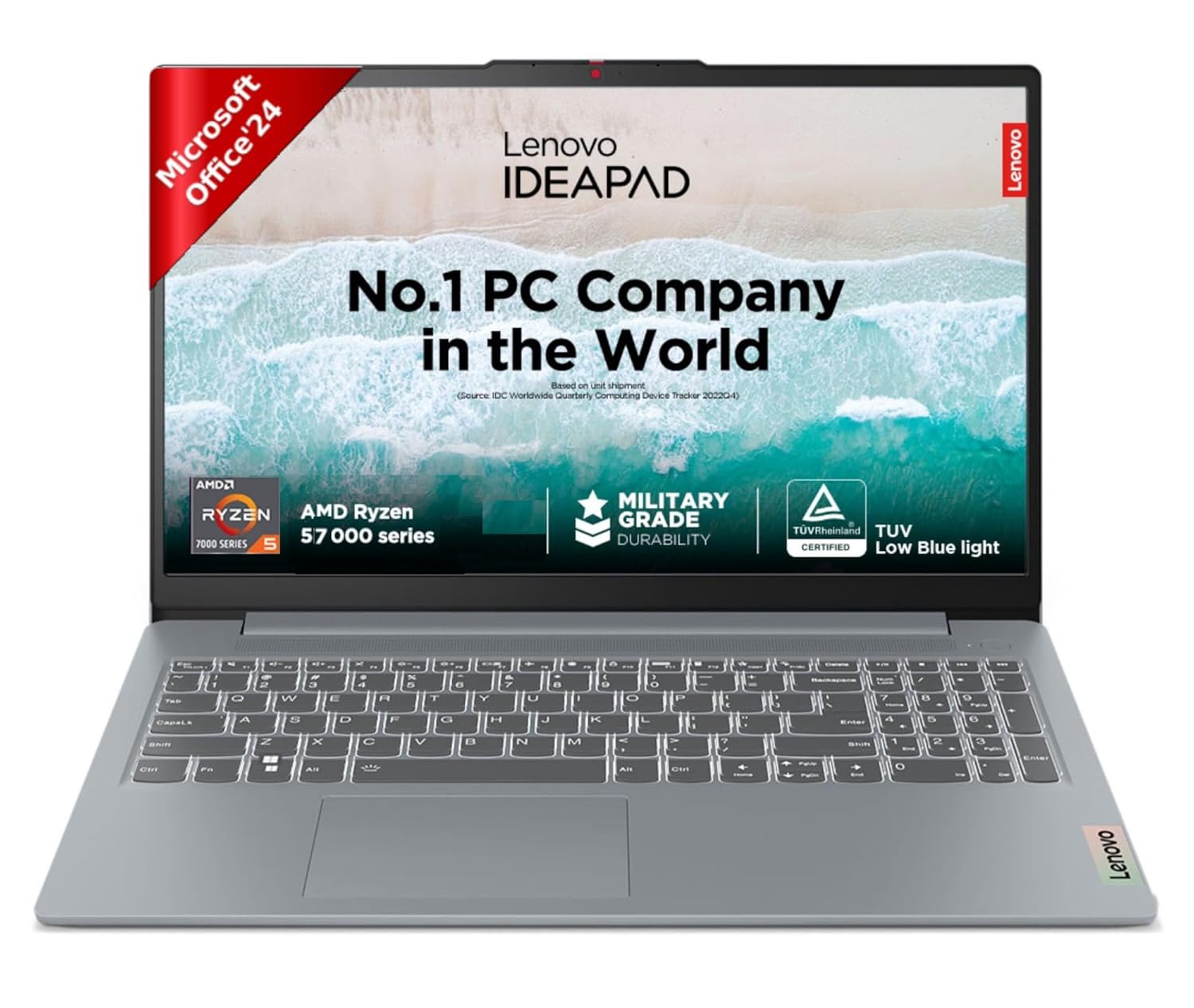
14. Lenovo IdeaPad Slim 3
The Lenovo IdeaPad Slim 3 is a popular choice among Indian students for its value. It provides a good balance of performance, build quality, and price. With modern Intel or AMD processors, it manages everyday tasks like browsing, documents, and classes smoothly. The design is simple and practical, making it suitable for both students and entry‑level professionals. For many families, this laptop hits the sweet spot of affordability and usability.
You can have short product description here. It can be added as and enable/disable toggle option from which user can have control on it.
15. Lenovo IdeaPad Slim 5
The Lenovo IdeaPad Slim 5 steps up the experience with better materials and often better displays. It is suitable for students who can spend a bit more for a more polished machine. The hardware configurations usually include stronger processors and more RAM, improving multitasking and heavier workloads. This laptop works well for students mixing study, coding, and occasional content creation. It is a sensible mid‑range option with a professional look.

You can have short product description here. It can be added as and enable/disable toggle option from which user can have control on it.
Related Laptop Buying Guides
Explore more laptop buying guides, comparisons, and expert recommendations.
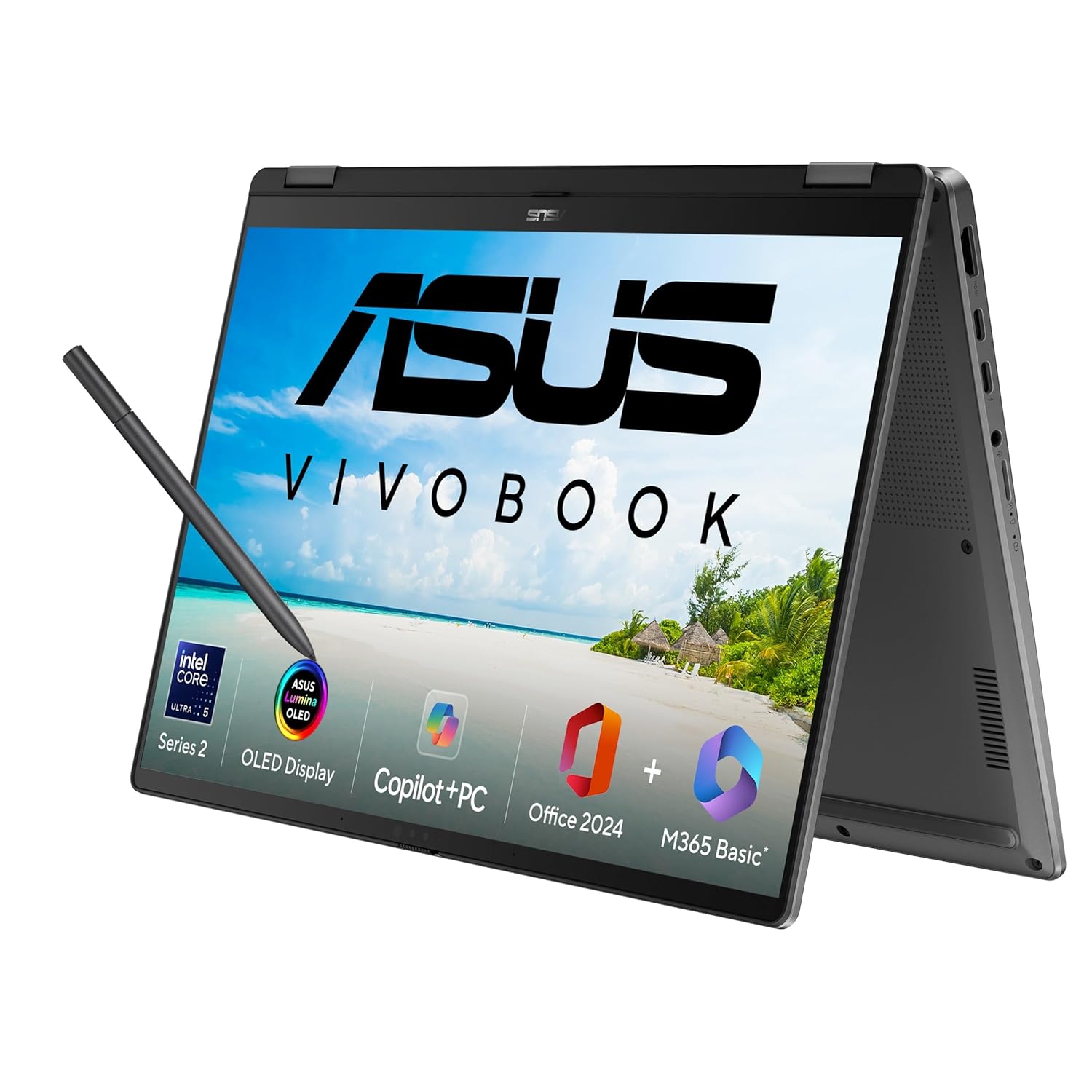
16. Asus Vivobook 14 Flip
The Asus Vivobook 14 Flip is a 2‑in‑1 laptop that can switch between laptop and tablet modes. The touch screen makes it easy to scroll through notes, annotate PDFs, or sketch ideas. Some models include OLED panels, giving deep colours and better contrast. It is a good choice for students who read a lot of ebooks or want flexible viewing angles for movies and classes. The machine is light enough to carry around campus without feeling bulky.
You can have short product description here. It can be added as and enable/disable toggle option from which user can have control on it.
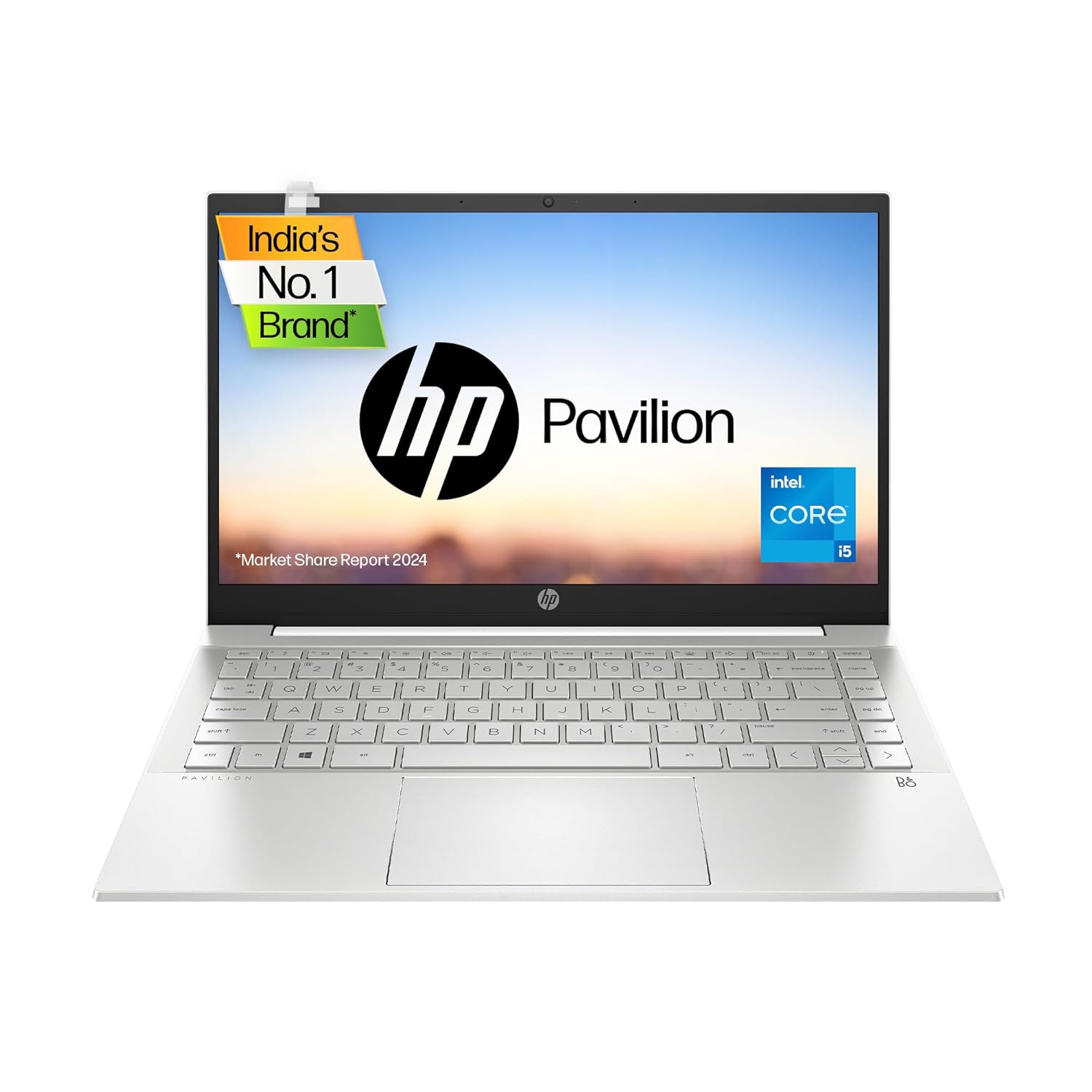
17. HP Pavilion 14
The HP Pavilion 14 is a balanced mid‑range laptop that appeals to many Indian students. It combines decent performance, a compact form factor, and a professional design. This laptop handles typical college workloads like documents, presentations, and online classes without issues. It also looks presentable for internships and office settings. For those who want a reliable, mainstream laptop from a known brand, Pavilion 14 is a safe choice.
You can have short product description here. It can be added as and enable/disable toggle option from which user can have control on it.
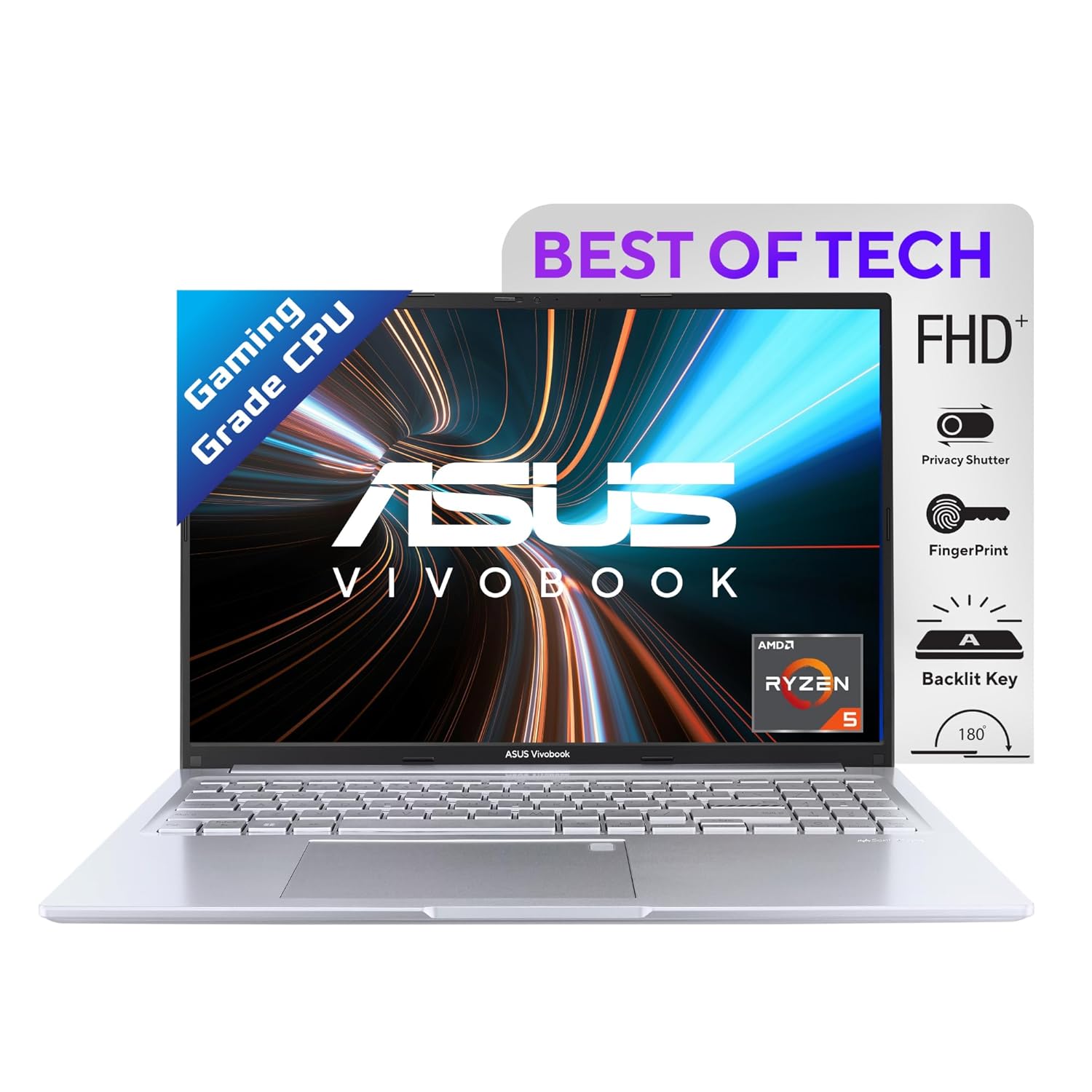
18. Asus Vivobook 16X
The Asus Vivobook 16X offers more power and a bigger screen than typical mid‑range laptops. It is a strong pick for engineering students or those running heavy applications. Some versions include discrete graphics, making it capable of light to moderate gaming and creative tasks. The 16‑inch panel helps with multitasking and detailed work like coding or design. It is better suited to hostel or home use rather than daily metro commute due to its size.
You can have short product description here. It can be added as and enable/disable toggle option from which user can have control on it.
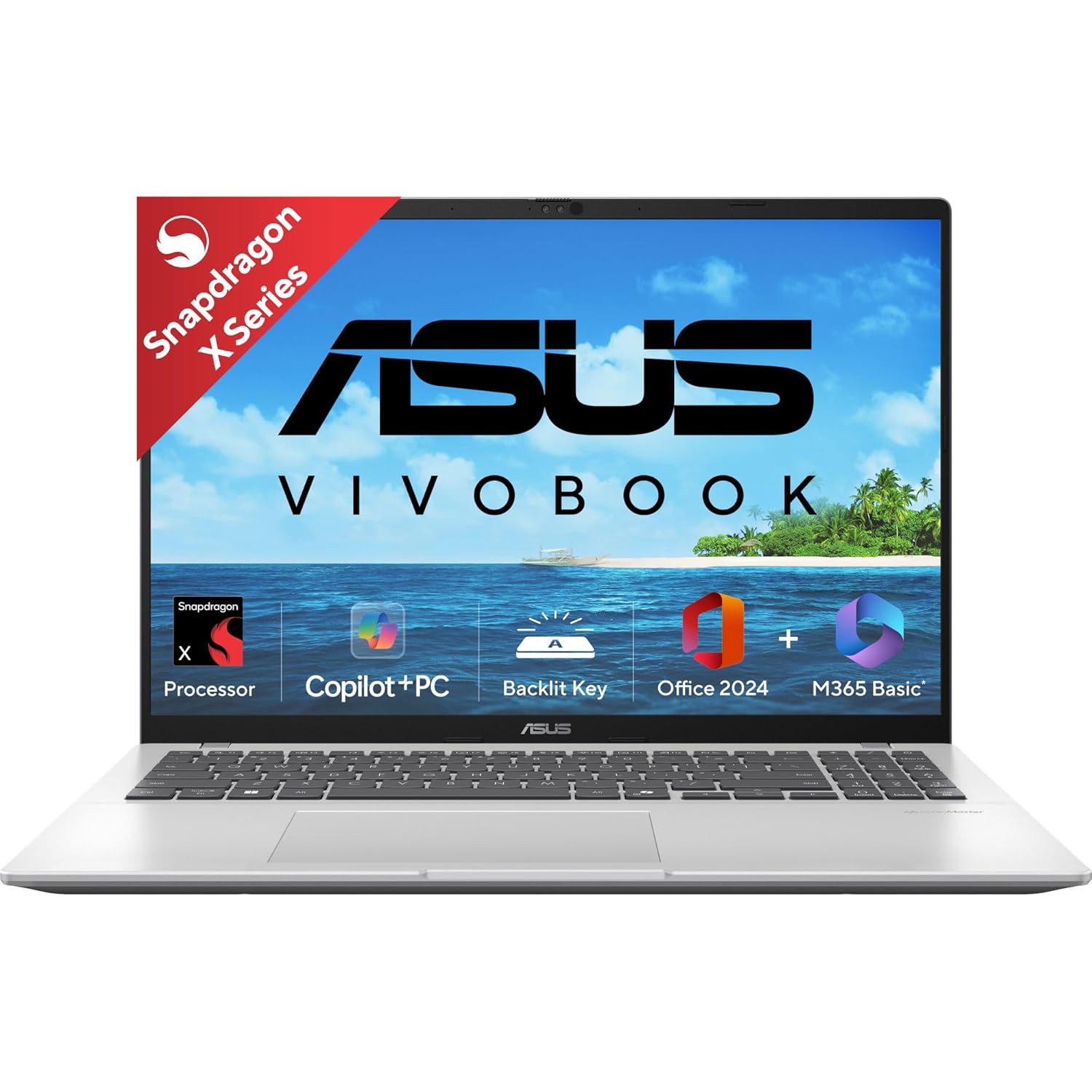
19. Asus Vivobook 16 Snapdragon X
The Asus Vivobook 16 Snapdragon X focuses on efficiency and long battery life with ARM‑based chips. It is great if your work is mainly web‑based, office apps, and media. The laptop runs cool and quiet, ideal for classroom and library environments. The bigger screen size helps in reading, coding, and multitasking. It is a strong student option if your key priorities are silence, battery, and comfort instead of heavy gaming.
You can have short product description here. It can be added as and enable/disable toggle option from which user can have control on it.
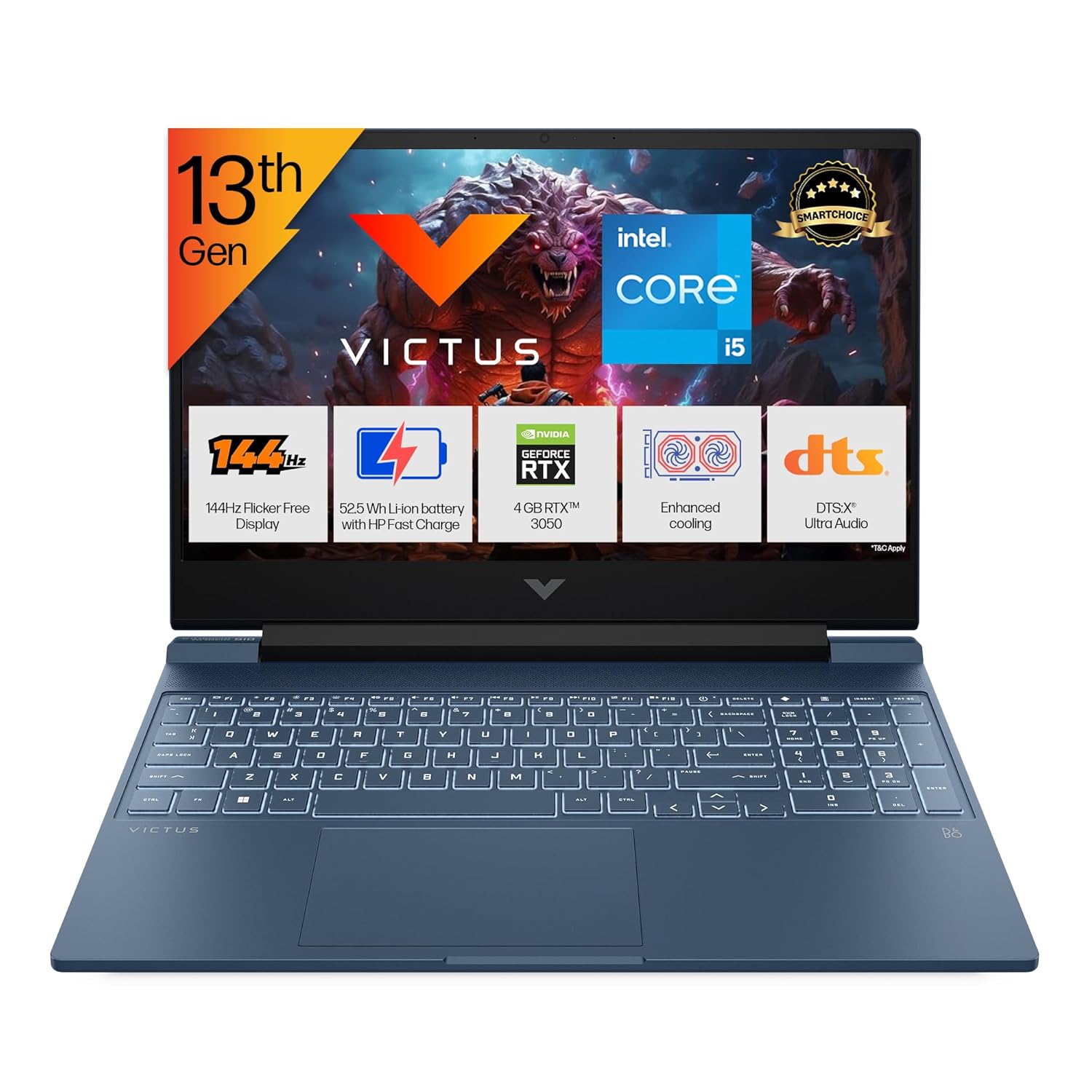
20. HP Victus 15
The HP Victus 15 is a gaming‑oriented laptop that doubles as a powerful study machine. It features discrete graphics and strong processors, making it ideal for students who game and also run heavy engineering or creative software. The design is more subtle than some gaming laptops, so it still looks okay in class. The bigger chassis allows better cooling for longer sessions. It is a solid option if you want entertainment and power in one machine.
You can have short product description here. It can be added as and enable/disable toggle option from which user can have control on it.
21. Acer Aspire Go 14
The Acer Aspire Go 14 is an affordable laptop with modern components that keep things smooth for basic workloads. It is aimed at students who mainly need a machine for notes, browsing, and streaming. The 14‑inch size is easy to carry, and the weight is manageable for daily travel. With SSD and enough RAM, it feels more responsive than older budget laptops. It is a good starting point if your budget is limited but you still want a decent experience.
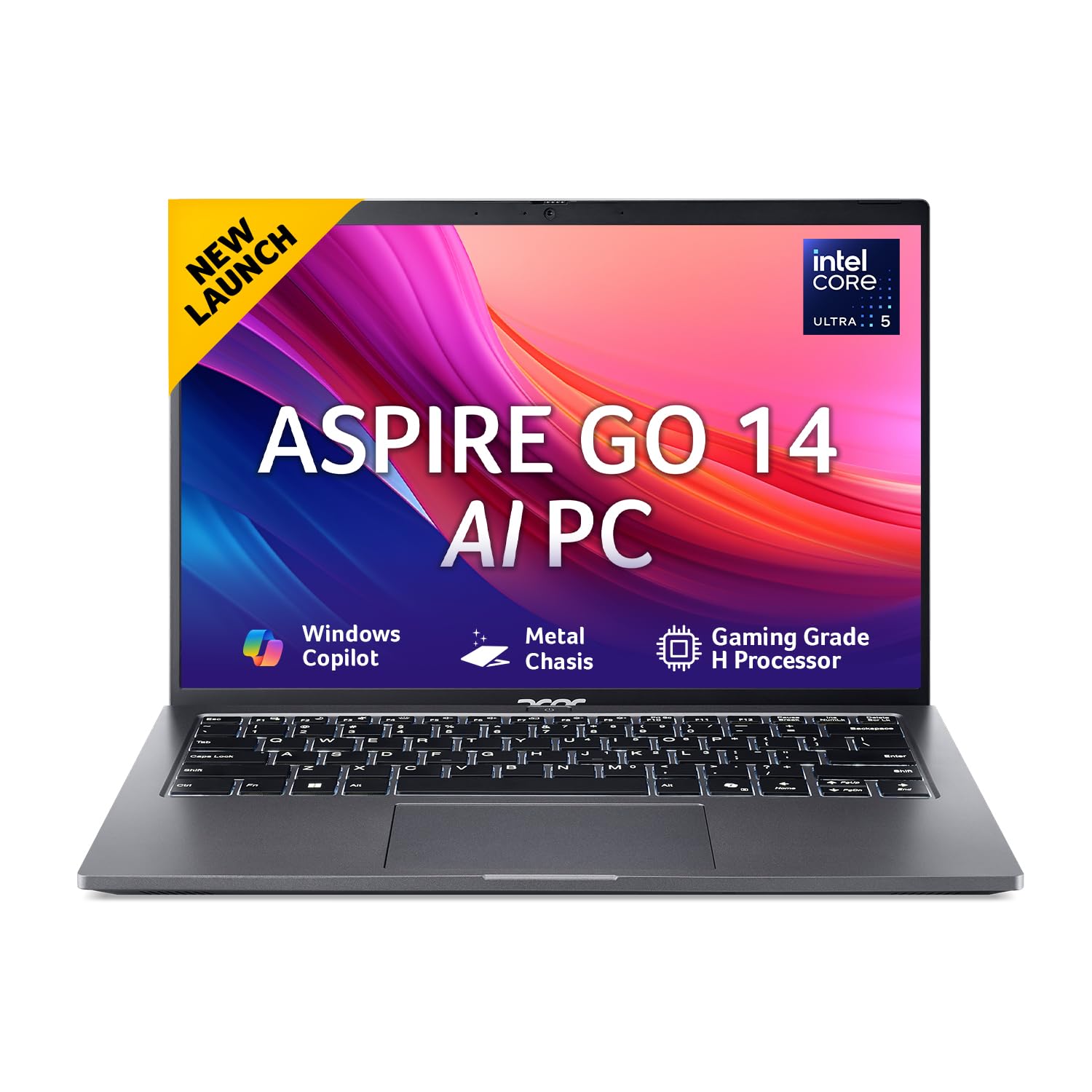
Intel Core Ultra 5 125H processor(3.6 GHz base clock, up to 4.5 GHz max boost clock, 18 MB L3 cache, 14 cores) | Memory: 16 GB of DDR5 system memory, Upgradable to 32 GB using two soDIMM modules | Storage: 512 GB, PCIe Gen3, 8 Gb/s up to 4 lanes, NVMe; upgradable up to 1TB with M.2
22. Asus Vivobook 15 X1504
The Asus Vivobook 15 X1504 is a student‑friendly 15‑inch laptop with strong specs for the price. Many variants offer Intel Core 5 (Series 1), 16 GB RAM, and 512 GB SSD, which are excellent for multitasking. The larger screen is great for side‑by‑side windows and comfortable reading. This laptop fits well for students doing basic to moderate workloads, including coding and small creative projects. It brings a good balance between price and performance.

12th Gen IntelCore i5-1235U, 1.3 GHz base speed, Up to 4.4 GHz Turbo Max Speed, 10MB Cache, 10 cores
23. Asus Vivobook Go 14
The Asus Vivobook Go 14 targets students who need a very lightweight and affordable laptop. It is suitable for school, early college years, and basic workloads like writing, browsing, and video calls. The small 14‑inch size makes it easy to carry, even if you walk or take public transport. Performance is tuned for light tasks, so it works best when you do not overload it with too many heavy apps. It is a sensible choice as a first laptop or secondary device.
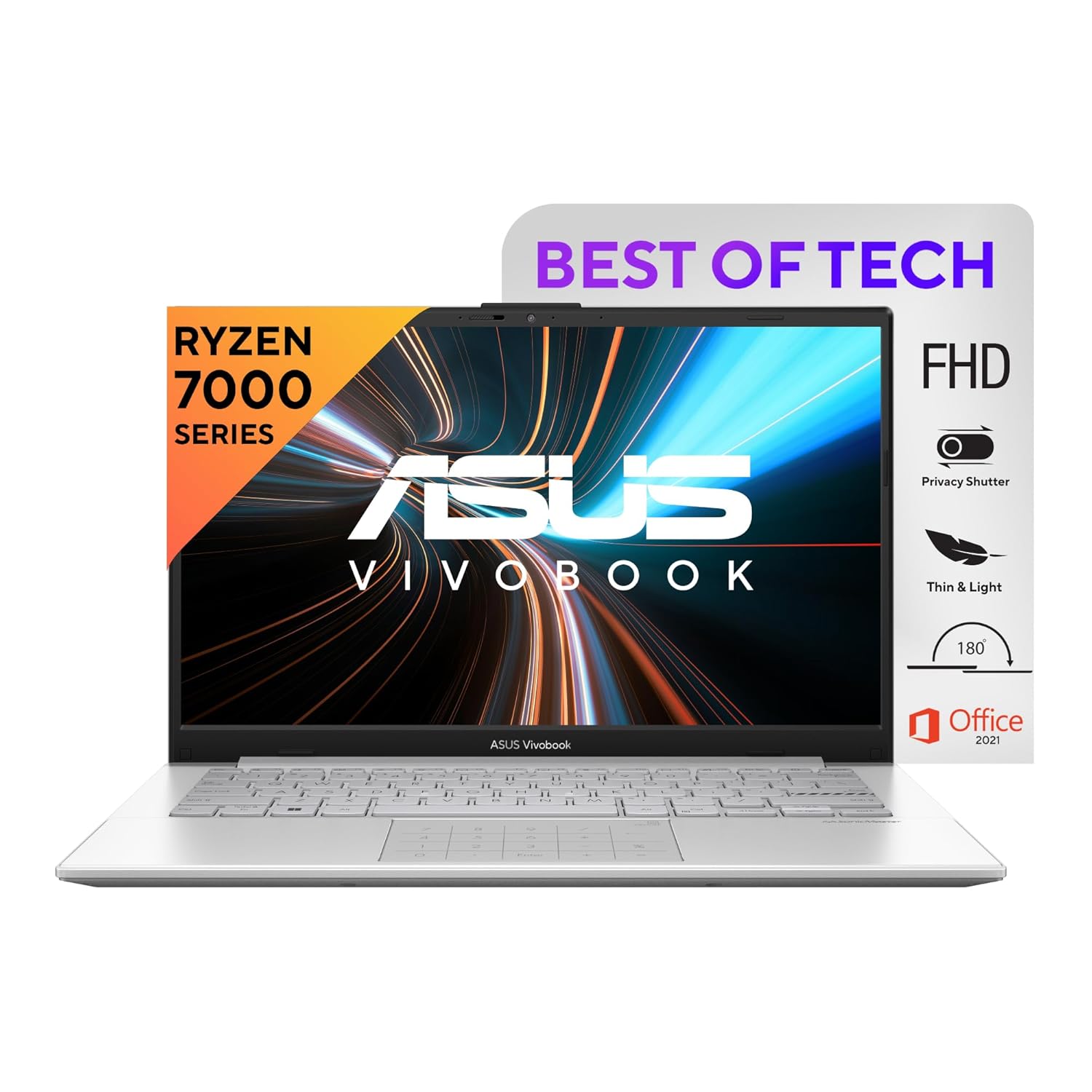
Processor: AMD Ryzen 5 7520U Mobile Processor (4-core/8-thread, 4MB cache, up to 4.3 GHz max boost) Energy-efficient processing.
24. HP 15 AMD Ryzen 5
The HP 15 with Ryzen 5 is a straightforward 15‑inch laptop popular in the Indian market. The Ryzen processor provides smooth performance for everyday student usage. The larger screen is comfortable for long study sessions and watching videos. The laptop is suitable for students who want a stable, no‑nonsense computer for college life. It works well for assignments, web research, and basic programming.
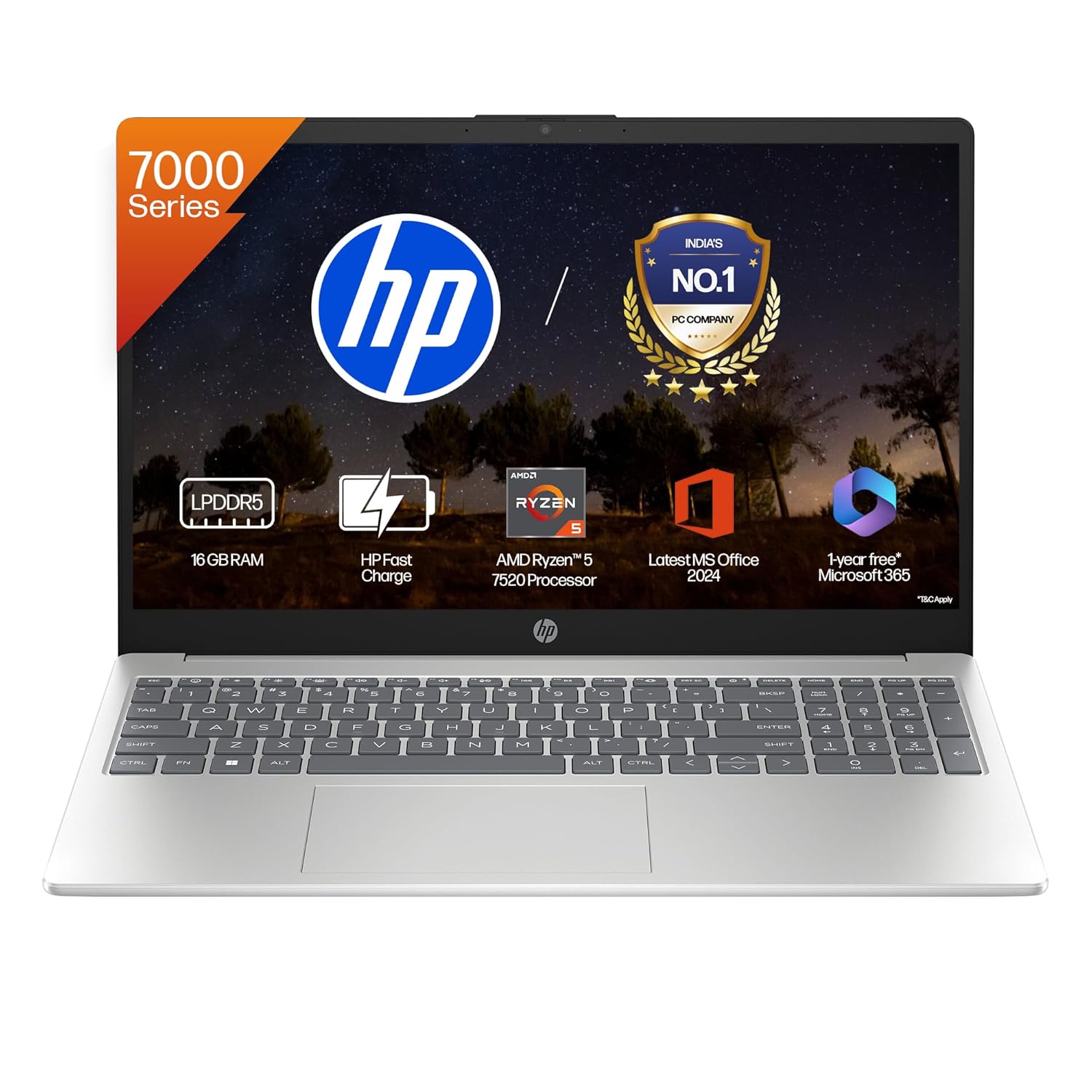
Unleash superior performance with a processor optimized for efficiency. Its 8 threads, and 4MB L3 cache offer smooth multitasking and quick response times.
25. Lenovo IdeaPad 1
The Lenovo IdeaPad 1 is a very budget‑friendly series suited for light duties. It is ideal for students who mainly attend online lectures, write documents, and browse the web. The laptop is compact and often quite lightweight, making it easy to carry every day. Performance is modest but acceptable if you keep your usage simple. It is best considered as an entry‑level or secondary machine rather than a long‑term power system.

Processor: AMD Ryzen 5 5500U | Speed: 2.1 GHz (Base) – 4.0 GHz (Max) | 6 Cores | 12 Threads | 3MB L2 & 8MB L3 Cache
26. Infinix InBook X2 Plus
The Infinix InBook X2 Plus is aimed at students who want modern specs at aggressive pricing. It usually offers a slim design and a decent display for media and study. Performance is good enough for regular student workloads such as assignments, browsing, and light creative work. The design looks more premium than many similarly priced options. It is a good choice if you want maximum specs per rupee and are okay with a newer laptop brand.
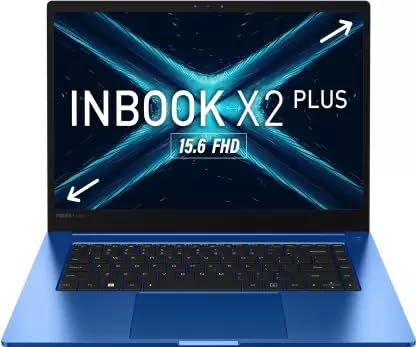
The Infinix INBook X2 Plus laptop features a large 39.62 cm (15.6) FHD Display with 100% sRGB Color Gamut and a maximum brightness of 300 nits, which produces vivid, precise, and 100% true colours. Additionally, this gadget’s ultra-thin bezel display lets you access more.
27. Realme Book (Slim)
The Realme Book Slim is a thin and light laptop with a design inspired by premium ultrabooks. It is targeted at students who care about looks and portability. Performance is solid for standard college tasks, and the display quality is usually better than typical budget laptops. The metal‑like finish makes it feel more expensive than it is. This laptop suits students who want something stylish without going to very high budgets.
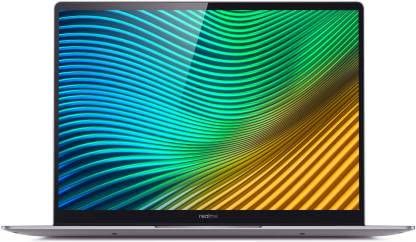
realme Book (Slim) Core i3 11th Gen,8 GB/256 GB SSD/Windows 10 Home,Crafted to perfection, this will be an excellent pick for you.
28. Xiaomi RedmiBook 15
The Xiaomi RedmiBook 15 brings Xiaomi’s value‑driven approach to laptops. It offers solid everyday performance at a competitive price. The 15‑inch display is helpful for students who prefer more screen space for notes and multiple windows. Battery life is generally good enough for long study sessions. This laptop works best for students whose priority is getting good specs at a lower price point.
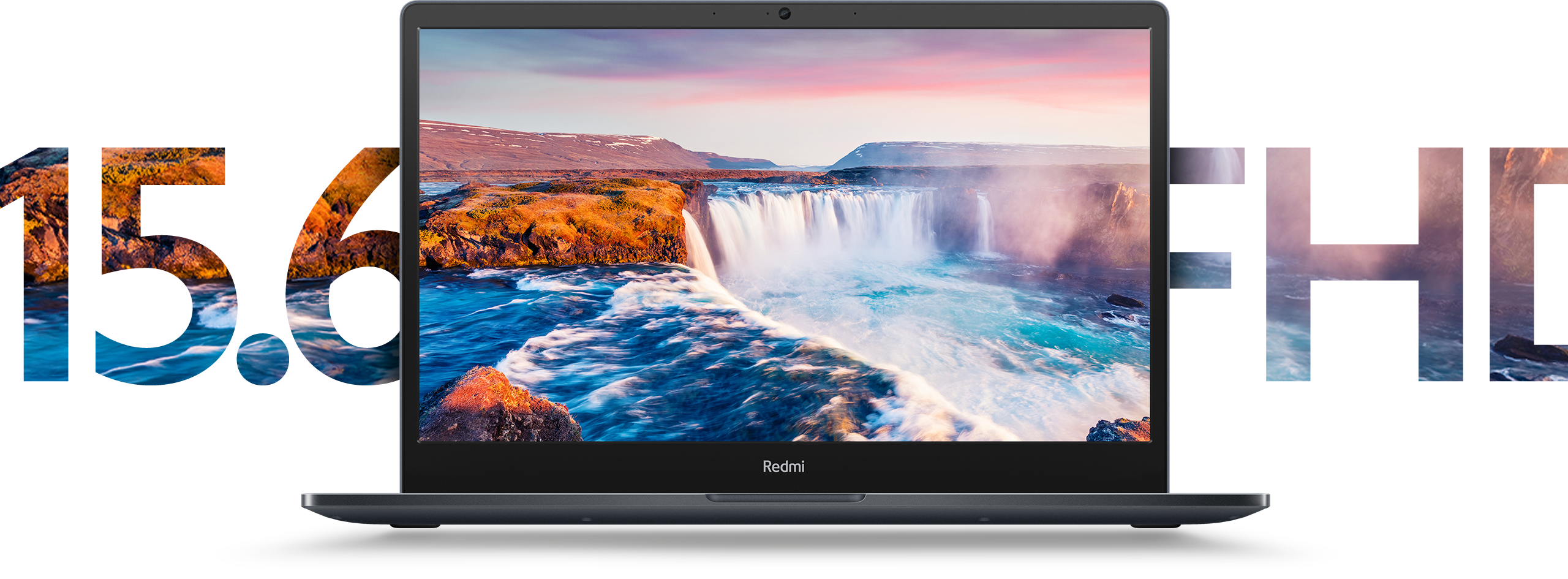
You can have short product description here. It can be added as and enable/disable toggle option from which user can have control on it.
29. Acer Aspire 3
The Acer Aspire 3 is a common budget and lower mid‑range series in India. With the right configuration (modern Ryzen or Intel), it can handle college tasks without much lag. The laptop is a good option for students who mainly need browsing, documents, and online class support. It is also widely available on major Indian e‑commerce platforms. For many first‑time buyers, Aspire 3 is a practical and affordable starting point.
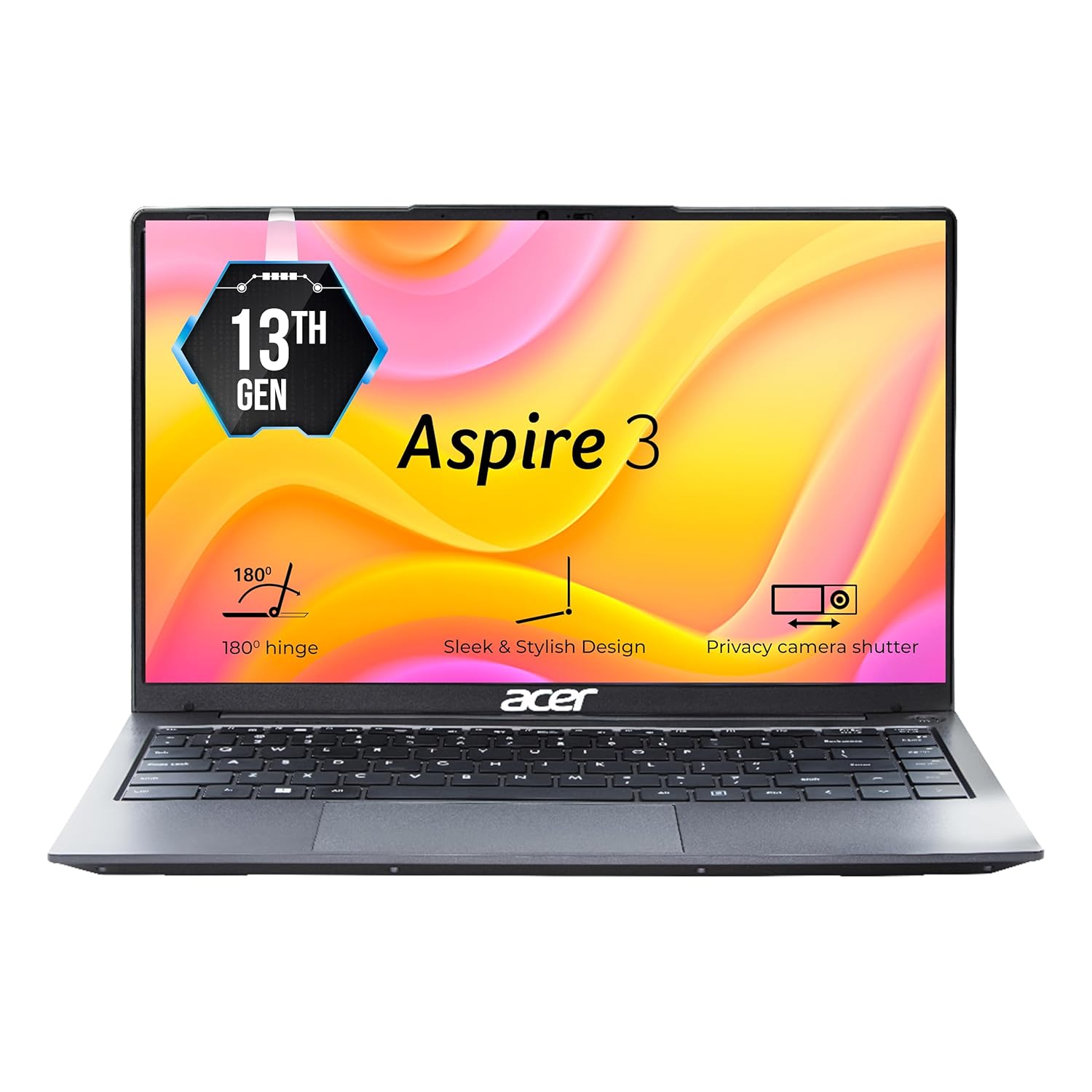
Processor: Intel Core i3-1305U Processor | Memory : Dual-channel DDR4 SDRAM support, 8 GB of DDR4 system memory, Upgradable up to 32 GB using two SO-DIMM modules| Storage: 512 GB, PCIe Gen4.0x 4, NVMe, Support up to 1 TB.
30. Dell Inspiron 14
The Dell Inspiron 14 is a compact laptop that balances brand trust and practicality. It is designed as a reliable everyday machine for students and home users. The 14‑inch size keeps it portable while still offering a usable work area. With decent processors and SSD, it can comfortably handle notes, projects, and light coding. It is a good option if you value Dell’s support and want a simple, dependable laptop for college years.
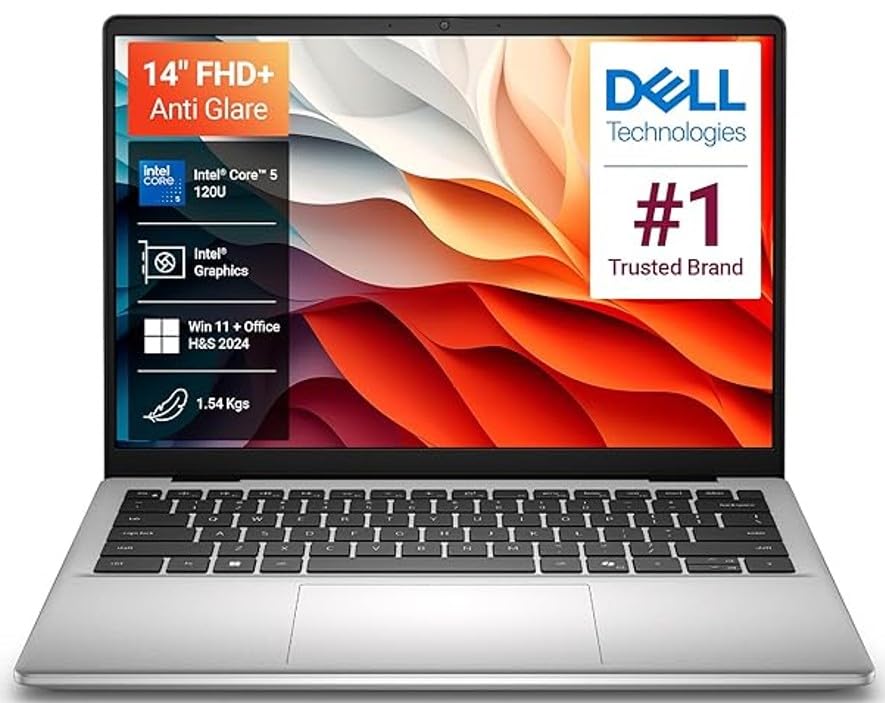
You can have short product description here. It can be added as and enable/disable toggle option from which user can have control on it.
Extra tips to save money (student discounts & EMI)
Bank offers, no‑cost EMI, and student deals
Many Indian banks and brands run student and card‑based offers, including no‑cost EMI on laptops across websites and offline stores. For example, brands like Apple in India offer education pricing and EMI schemes on their education store, helping students and parents spread the cost over months.
Always check for instant discounts with major cards (HDFC, SBI, ICICI, Kotak, Axis) during sales on platforms, and compare effective cost before choosing EMI. Also, some banks and brands promote no‑cost EMI for laptops specifically aimed at students and professionals, making premium options more reachable.
Credit Cards for Beginners in India 💰 | How to Choose the Best Card & Build Credit Fast
What to prioritise if budget is tight
What To Prioritise If Budget Is Tight
When money is limited, focus on features that improve everyday experience. A balanced laptop with enough RAM, fast storage, and reliable hardware will usually serve students better than an expensive model with one standout specification.
Common mistakes students make while buying a laptop
- Choosing only by looks or brand name and ignoring RAM and SSD, which directly affect daily smoothness.
- Buying heavy gaming laptops without real need, then struggling with weight and poor battery in college.
- Ignoring student discounts and card offers from banks and brands, which could have saved several thousand rupees.
- Compromising too much on RAM (e.g., 8 GB with no upgrade option) and facing lag within 1–2 years of use.
FAQ Best Laptops For Students :
College Laptop FAQs
Conclusion :
Choosing the best laptop for college students in India comes down to balancing performance, battery life, portability, and budget. For most students, a laptop with 16 GB RAM, 512 GB SSD, and a modern Intel Core i5, Ryzen 5, or Apple M-series processor will handle everyday tasks like assignments, coding, online classes, and entertainment smoothly.
Before buying, consider your course requirements, daily usage, and budget range, and always check for student discounts, bank offers, and sale deals. The right laptop should be reliable, fast, and comfortable to use throughout your entire college journey.