Quick Overview
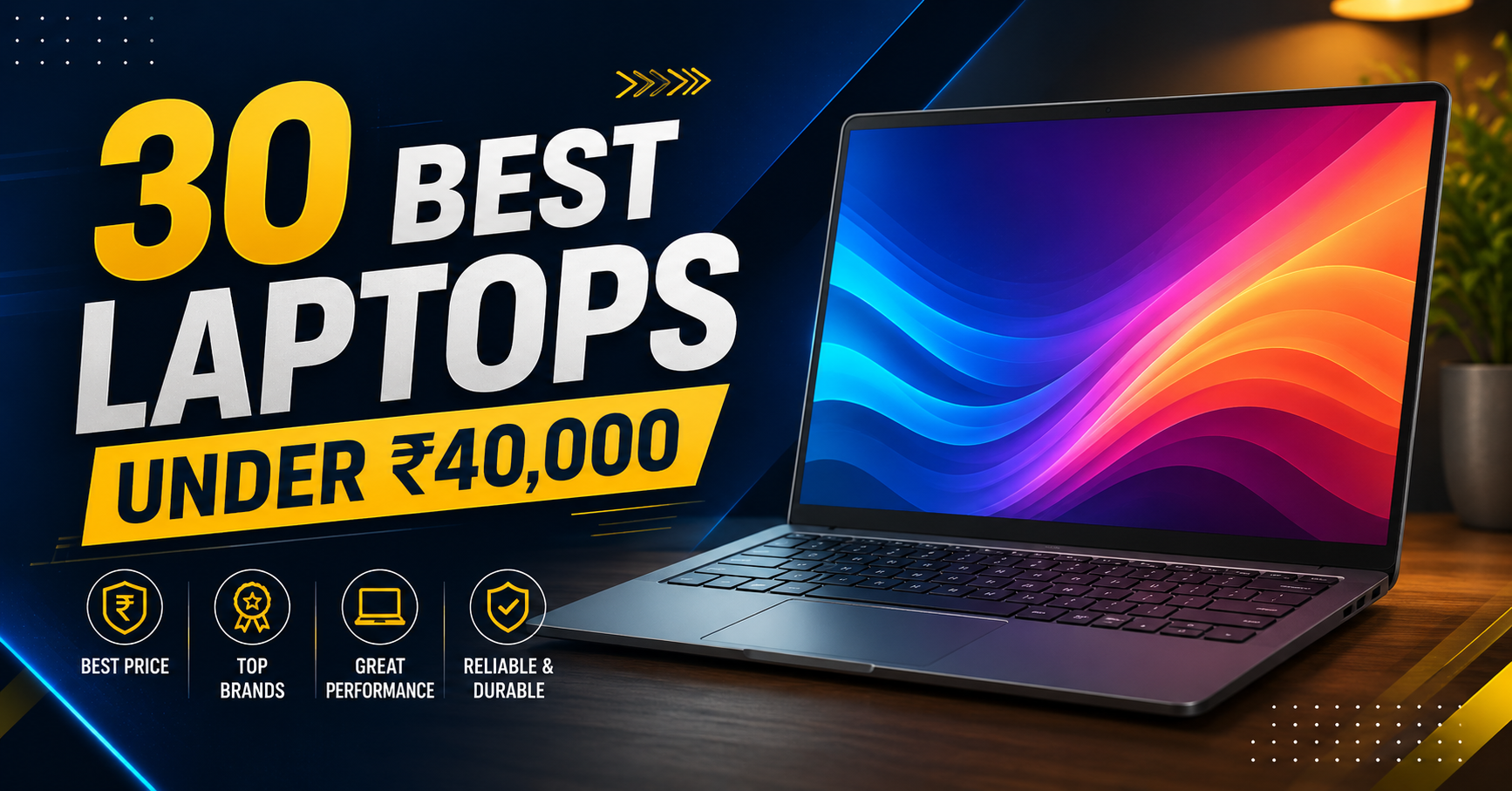
When choosing the best laptops under ₹40,000 in India, the focus is on reliable everyday performance for students, office users, online classes, browsing, entertainment, and light coding. While this budget is not designed for heavy gaming or professional video editing, the right laptop can handle daily tasks smoothly with a modern processor, SSD storage, and sufficient RAM. The ₹40k segment includes strong options from brands like Lenovo, HP, Acer, ASUS, and Dell. Important factors include battery life, portability, build quality, and upgrade options to ensure better long-term value.
When you need a best laptops under ₹40,000 in India, you are usually looking for something reliable for basic tasks like online classes, note-taking, browsing, MS Office, and light coding or media consumption. At this price, you won’t get high-end gaming or heavy video editing power, but you can still find machines that handle everyday student, work-from-home, or family needs without frustrating lag. The key is picking models with at least 8GB RAM (16GB preferred), SSD storage, and a recent processor to keep things smooth.
India’s ₹40k segment is packed with options from trusted brands like Lenovo, HP, Acer, Asus, and Dell. These laptops often come with Intel Core i3, AMD Ryzen 3/5, or newer entry-level chips that work well for Zoom calls, Google Docs, basic programming, and YouTube. Battery life, weight, and build quality matter a lot here since you’ll likely carry it daily or use it for long sessions. Sales like Amazon Great Indian Festival or Flipkart Big Billion Days can bring even better models into this range.
This guide lists 30 solid laptops under ₹40,000 that deliver good value in 2026. Each entry includes a short, practical description plus 5 pros and 3 cons, so you can quickly compare and decide. Whether you’re a student, parent buying for kids, or someone needing a secondary work machine, these picks focus on real-world usability, not just specs on paper.
Prices fluctuate with offers, so check live prices on Amazon, Flipkart, or brand sites. Aim for SSD over HDD, Windows 11, and at least 512GB storage when possible. A good ₹40k laptop should last 2–3 years comfortably before you upgrade.
Quick Recommendations Skip Straight to Your Category
| Category | Best Pick | Price |
| Best Overall | Lenovo IdeaPad Slim 3 (Ryzen 5 7520U, 16GB) | ₹37,000 |
| Best for Students | Acer Aspire Lite 15 (i3 12th Gen, 16GB) | ₹35,000 |
| Best Battery Life | HP 15s (Ryzen 5 7530U, 8GB) | ₹38,500 |
| Best Build Quality | Dell Vostro 3430 (i3 13th Gen) | ₹38,000 |
| Best Display | ASUS VivoBook 15 (i5 12th Gen, IPS) | ₹39,000 |
| Best for Light Gaming | Acer Aspire 7 (i5 12th Gen + GTX 1650) | ₹39,500 |
| Best Value for Money | Lenovo V15 G4 (Ryzen 5 7520U, 16GB) | ₹36,500 |
| Best Lightweight | Infinix INBook X3 Slim (i3 12th Gen) | ₹33,000 |
Best Laptops Under ₹40,000 in india
1. Lenovo IdeaPad Slim 3 (Ryzen 3)
The Lenovo IdeaPad Slim 3 with Ryzen 3 is one of the most popular budget laptops for students and basic home use. It weighs just 1.6kg, making it easy to carry to college or office daily. The Ryzen 3 processor paired with 8GB RAM handles 10-15 Chrome tabs, MS Office, Zoom calls, and light coding without freezing. The 15.6-inch anti-glare screen works well even in bright classrooms. Battery life gives 6-7 hours of mixed usage, perfect for a full day of classes plus some evening study. SSD storage ensures Windows boots in seconds and apps open instantly.
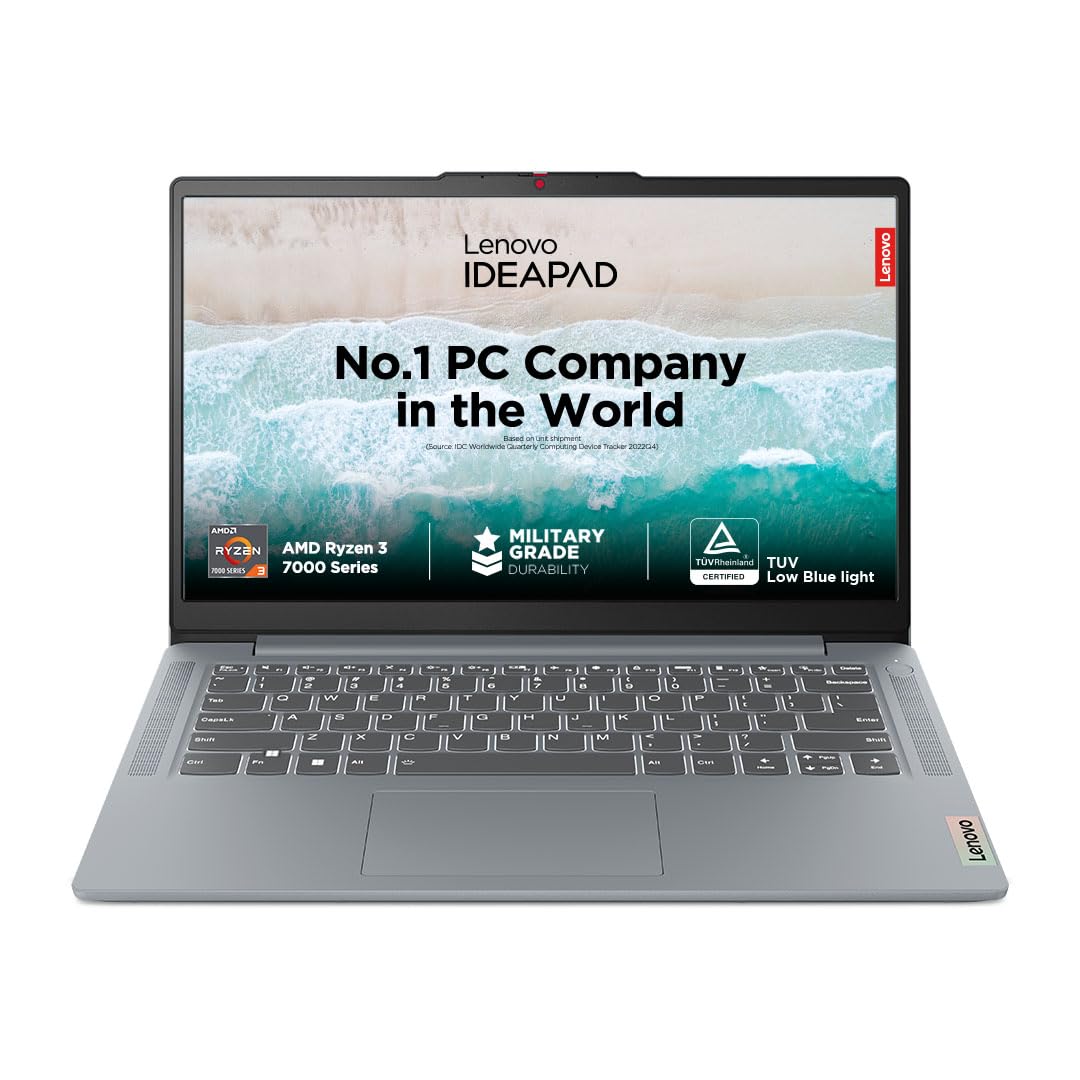
OS and Software: Windows 11 Home |Office Home & Student 2021 | Xbox GamePass Ultimate 3-month subscription
Why This Laptop Deserves Its Ranking
Why Lenovo IdeaPad Slim 3 Deserves Its Ranking
A detailed breakdown of performance, design, display, keyboard experience, and everyday usability.
Gaming Performance
The Radeon 610M iGPU in the Ryzen 5 7520U is one of the weakest integrated graphics options AMD currently offers it’s a 2-core RDNA2 chip. Manage expectations here:
- Valorant: 50–70 FPS on low settings (playable)
- BGMI/PUBG: 30–40 FPS on low settings (playable with effort)
- GTA V: 25–35 FPS on lowest settings (barely acceptable)
- Cyberpunk 2077: Not recommended
- Forza Horizon 5: Not playable
This is not a gaming laptop. For light esports titles at low settings, it works. For anything more demanding, look at the Acer Aspire 7 later in this list.
Lenovo IdeaPad Slim 3 Real-World Performance
A detailed look at creator workloads, thermal behaviour, battery endurance, and upgrade options.
Who Should Buy This Laptop?
Perfect for users who need a reliable everyday machine that handles multitasking smoothly without slowdowns.
Who Should Avoid This Laptop?
Not the right choice for users who require powerful graphics performance or professional-level workloads.
2. HP 15s (Intel Core i3 12th Gen)
HP 15s with 12th Gen Intel i3 is a trusted workhorse for Indian students and families. The full HD display shows clear text for reading PDFs and coding. Fast fingerprint login gets you working in seconds without passwords. The 512GB SSD makes file access lightning fast compared to old HDD laptops. Numeric keypad helps with Excel calculations and programming. HP’s wide service network gives peace of mind across cities. It handles online exams, Google Classroom, and light photo editing smoothly.
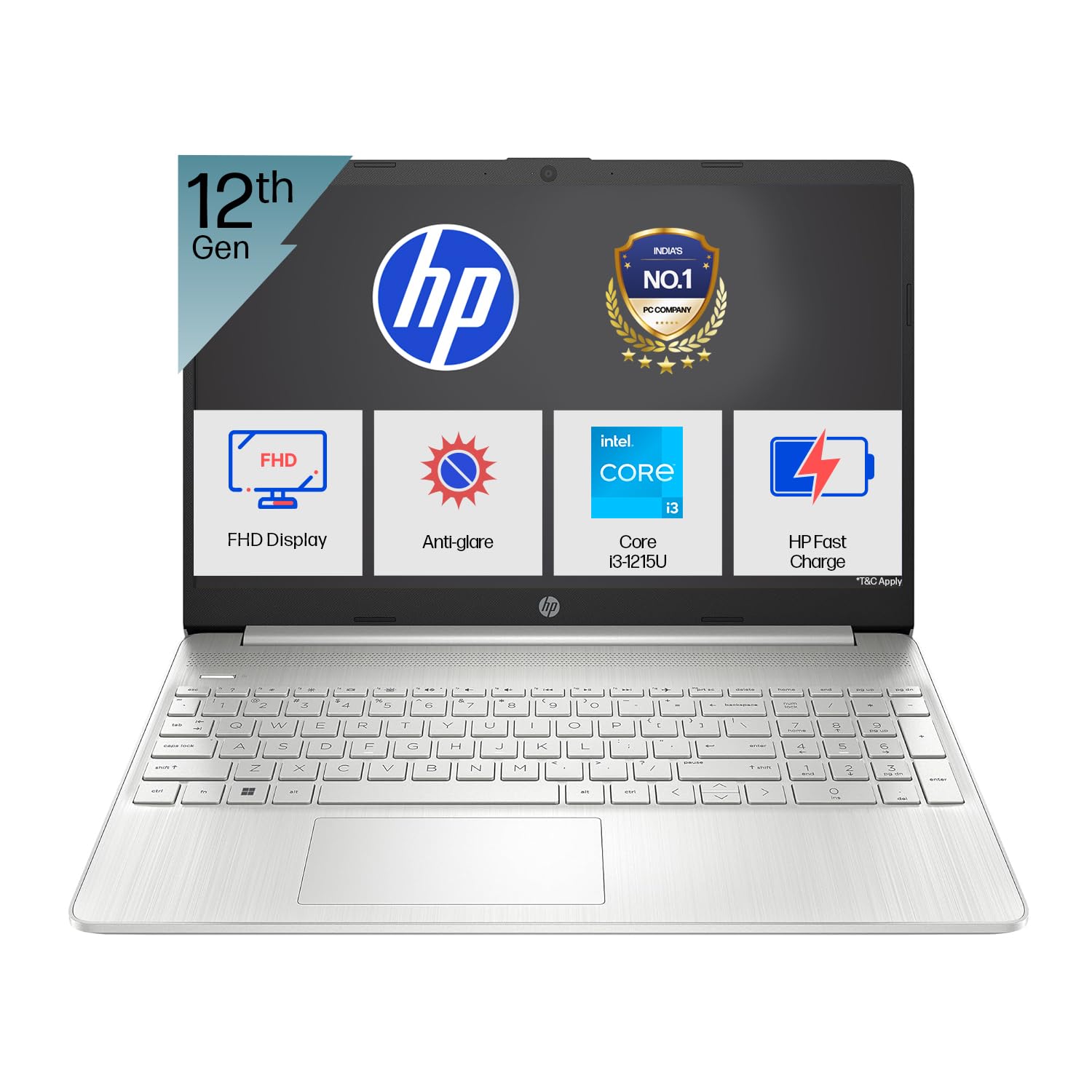
Unleash your productivity with this high-performing processor. With 8 threads and 10MB L3 cache, it’s designed for quick, efficient multitasking.
Why This Laptop Deserves Its Ranking
HP’s 15s series with the Ryzen 5 7530U is the battery champion of this segment. The 7530U is a 6nm Zen 3+ architecture chip that prioritises efficiency without sacrificing real-world performance. Pair that with HP’s battery tuning and you get a machine that genuinely lasts through a full workday.
Design & Build Quality
Clean silver-white HP design language looks premium, feels plasticky on close inspection. The lid is thin but reasonably resistant to flex. The chassis feels well-assembled with minimal gaps. At 1.69 kg, portability is solid.
Display Quality
15.6-inch FHD IPS Anti-Glare panel with approximately 250–300 nits brightness. Colour accuracy is decent for the price sRGB around 62–65%. Not a display you’d use for colour grading, but more than adequate for coding, document work, and video watching.
Gaming Performance
The Radeon RX Vega 7 iGPU inside the 7530U is meaningfully better than the 610M in the 7520U. Expected performance:
- Valorant: 70–90 FPS on low-medium settings (comfortable esports gaming)
- BGMI: 45–55 FPS on balanced settings
- GTA V: 35–45 FPS on low settings
- Minecraft Java: 60+ FPS
Still not a gaming machine, but the Vega 7 gives it legitimate light gaming credentials.
Thermal Performance
Ryzen 5 7530U’s 15W default TDP means sustained workloads are handled quietly and without dramatic throttling. CPU rarely exceeds 75°C under mixed-use loads. Fan noise is nearly inaudible during light work.
Battery Life
This is the headline: 7.5–9 hours of real-world battery life on mixed tasks at 50% brightness. For students attending back-to-back lectures, this is the machine that won’t need a midday charge. Charging via 45W adapter to 80% takes roughly 75 minutes.
Upgradeability
One SODIMM slot is currently occupied by 8GB DDR4; expandable to 32GB. One free M.2 slot available on some variants check before buying. Significant upgrade headroom.
Biggest Strength
Industry-leading battery life at this price range. The Ryzen 5 7530U’s Zen 3+ efficiency is genuinely impressive.
Biggest Weakness
8GB RAM base configuration is tight in 2026. Plan to upgrade to 16GB the free SODIMM slot makes this affordable.
3. Acer Aspire 3 (Ryzen 3)
Acer Aspire 3 Ryzen 3 offers excellent value with AMD’s efficient processor. The full-size keyboard with numpad is comfortable for long typing sessions. Ryzen 3 handles multiple browser tabs plus VS Code or Jupyter notebooks easily. Thin bezels give more screen space despite budget price. Metal chassis bottom adds stability on desks. Fast 65W charging gets 50% battery in 45 minutes. Perfect starter laptop for first-year college or school kids.
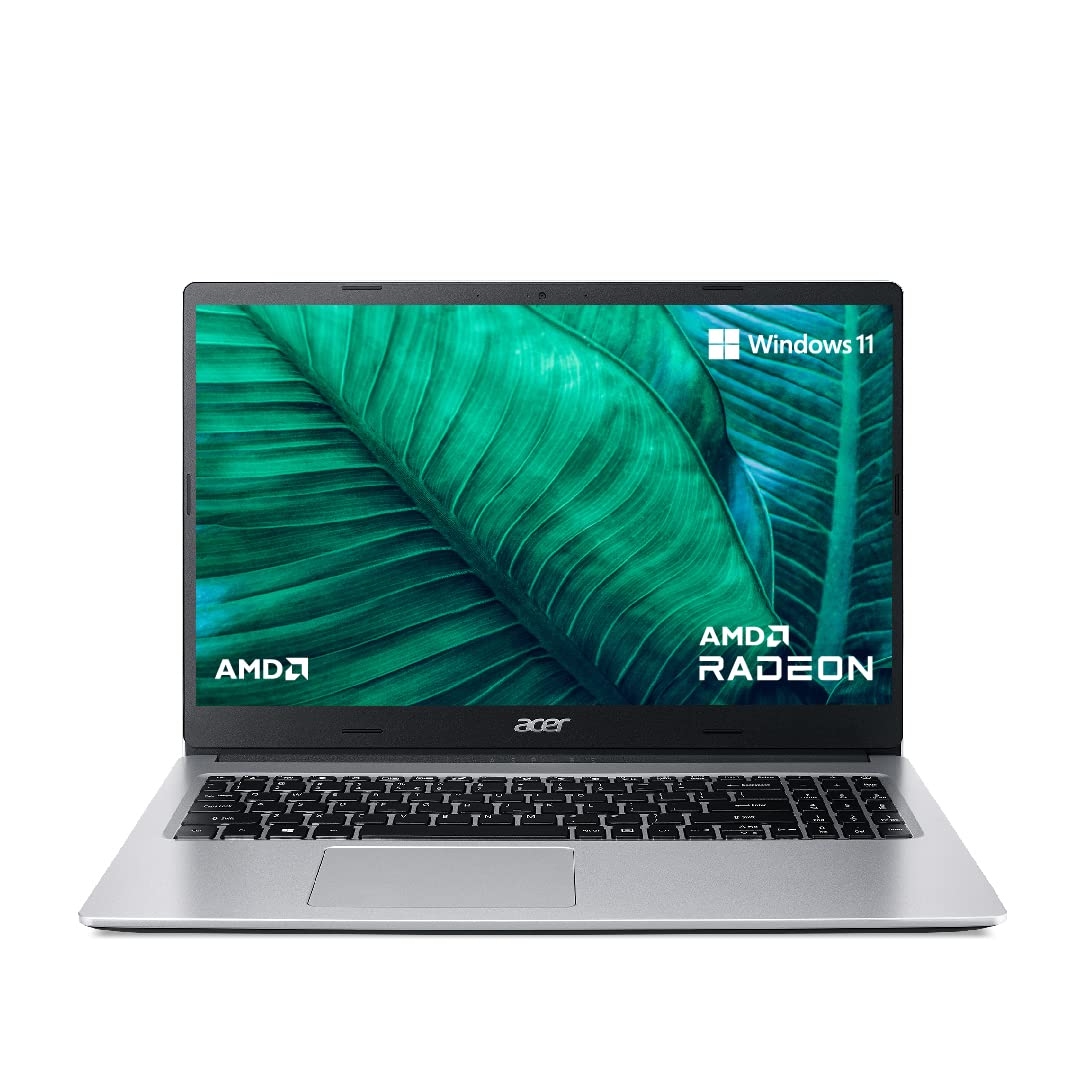
Powerful and portable laptops for schools and colleges : Aspire 3 laptop delivers on every aspect of everyday computing. Featuring the new AMD Ryzen 3 3250U dual-core processor, the Aspire 3 A315-23 opens more possibilities than ever before via performance, connectivity and entertainment.
4. Asus Vivobook 15 (Intel Core i3)
Asus Vivobook 15 brings premium looks to budget segment with slim bezels. The ice blue metal lid looks much costlier than sticker price. ErgoSense keyboard reduces finger fatigue during long assignments. Fast Iris Xe graphics handle light Photoshop work. 180° lay-flat hinge useful for group study sharing screen. ASUS Antimicrobial Guard keeps keyboard cleaner in hostels. Solid choice for students wanting style + performance.
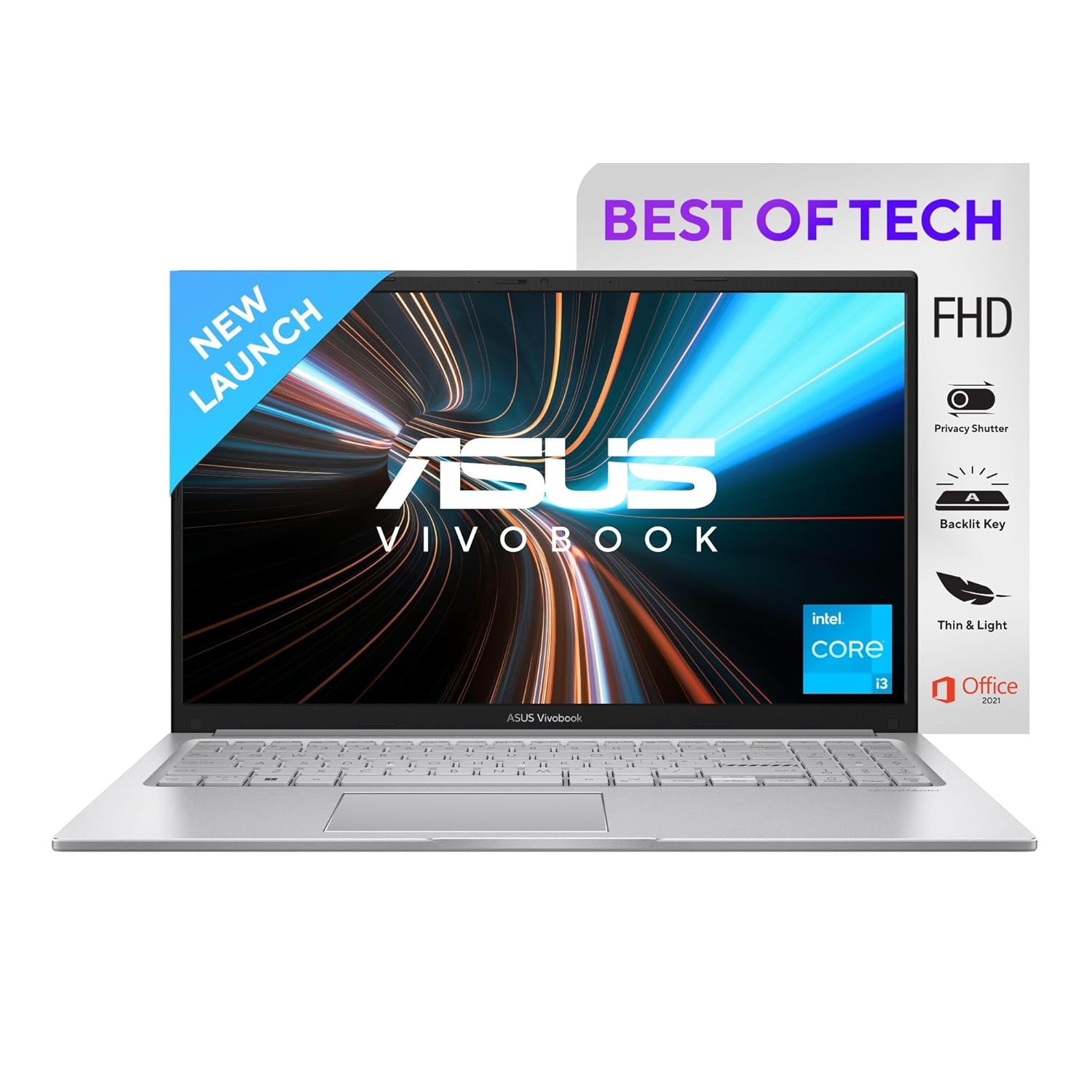
Processor: 12th Gen Intel Core i3-1215U Processor 1.2 GHz (10M Cache, up to 4.4 GHz, 6 cores)
5. Lenovo V15 (Intel Core i3)
Lenovo V15 targets durability with spill-resistant keyboard. Military-grade tested chassis survives bag drops and hostel life. Multiple USB ports mean no dongles needed for mouse or pendrive. Narrow bezel design maximizes screen in 14-inch body. Good thermal design stays cool during long compilations. Business-grade webcam positioned perfectly for video calls. Ideal for rough student usage patterns.
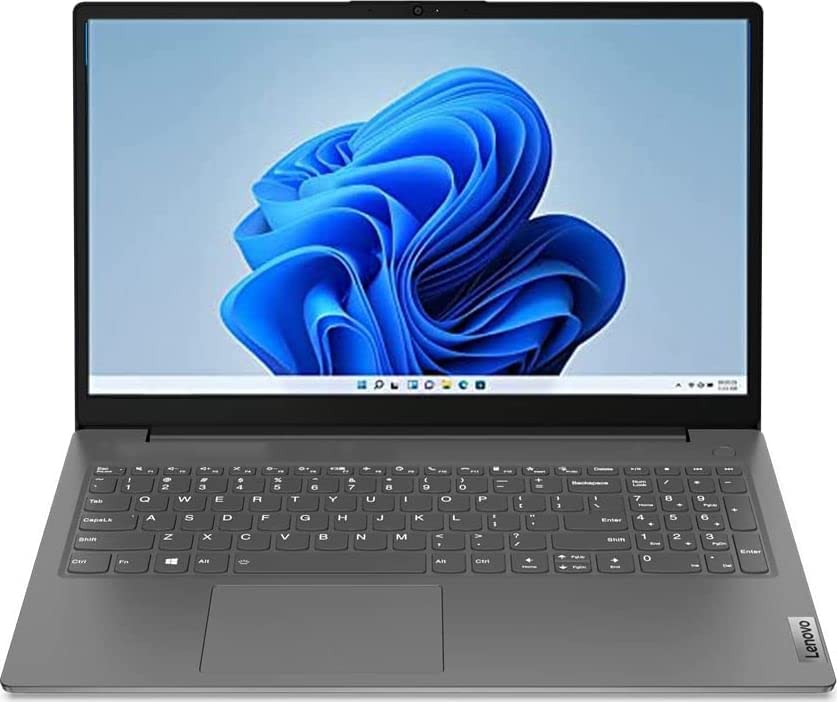
Processor: 12th Gen Intel Core i3-1215U processor | 6 Cores | 8 Threads | Speed Upto 4.4 Ghz | 10MB Cache | Memory: 8GB DDR4 RAM 3200 MHz, dual-channel capable upgradable up to 16 GB | Storage: 512GB SSD M.2 upgradable upto 1TB
6. HP 14s (Ryzen 3)
HP 14s Ryzen 3 is perfect portable companion at 14-inch size. Weighs just 1.46kg – lighter than most textbooks. Micro-edge display gives 78% screen-to-body ratio. Ryzen 3 5300U outperforms older Intel chips noticeably. Fast charging reaches 50% in 45 minutes. Dual speakers tuned by B&O sound better than expected. Excellent for daily college commuters.
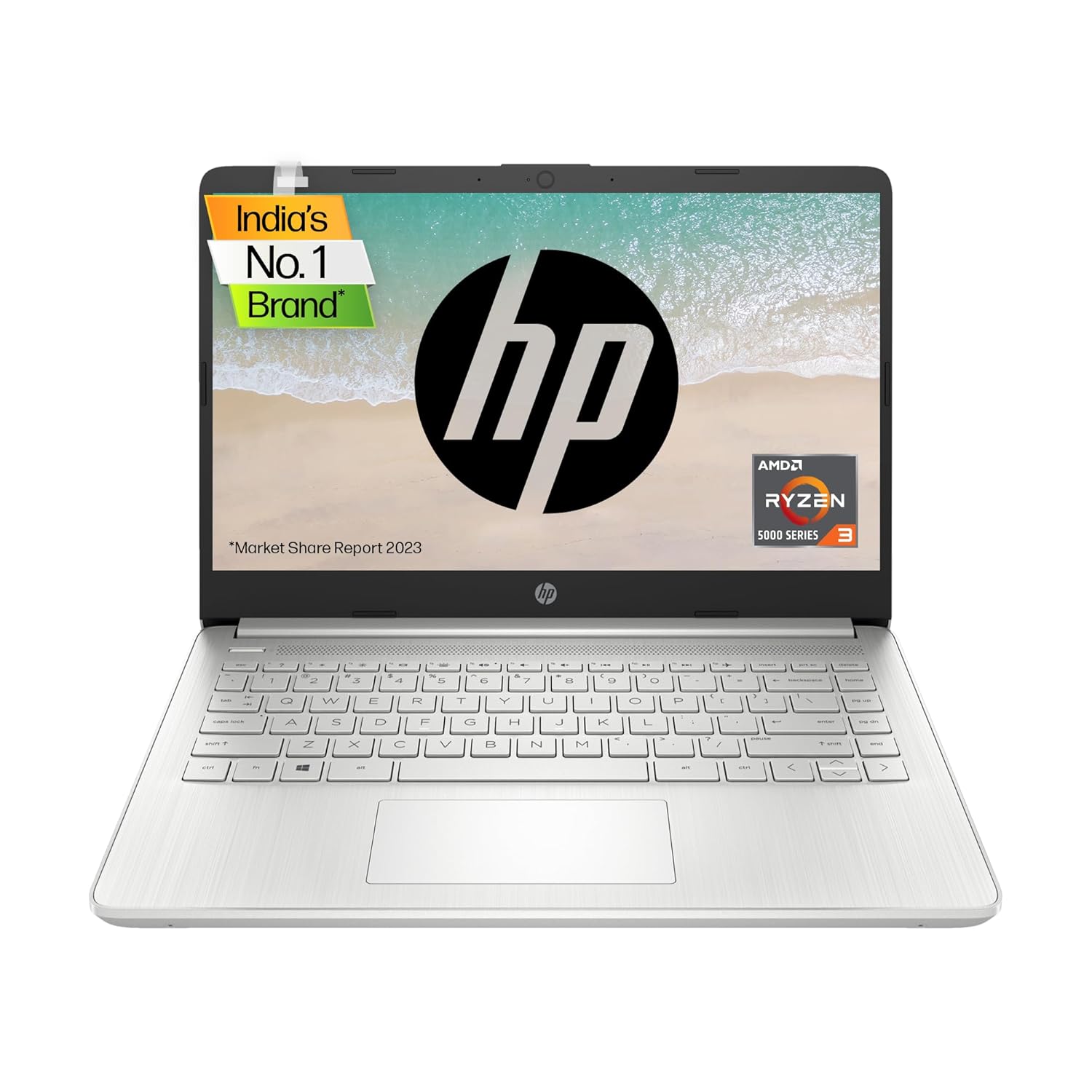
Processor: AMD Ryzen 3 5300U (up to 3.8 GHz max boost clock, 4 MB L3 cache, 4 cores, 8 threads)| Memory: 8 GB DDR4-3200 MHz RAM (onboard)| Storage: 512GB SSD 2280 PCIe-3×4 NVMe TLC
7. Acer Aspire Lite (Intel Core i3)
Acer Aspire Lite weighs just 1.4kg with metal lid finish. Intel N305 efficiency chip gives great battery standby. PurifiedView camera cleans up video calls automatically. AcerSense app monitors health and updates. Narrow bezels on 14-inch give good workspace. Excellent first laptop for high school or first-year college. Feels premium despite budget tag.
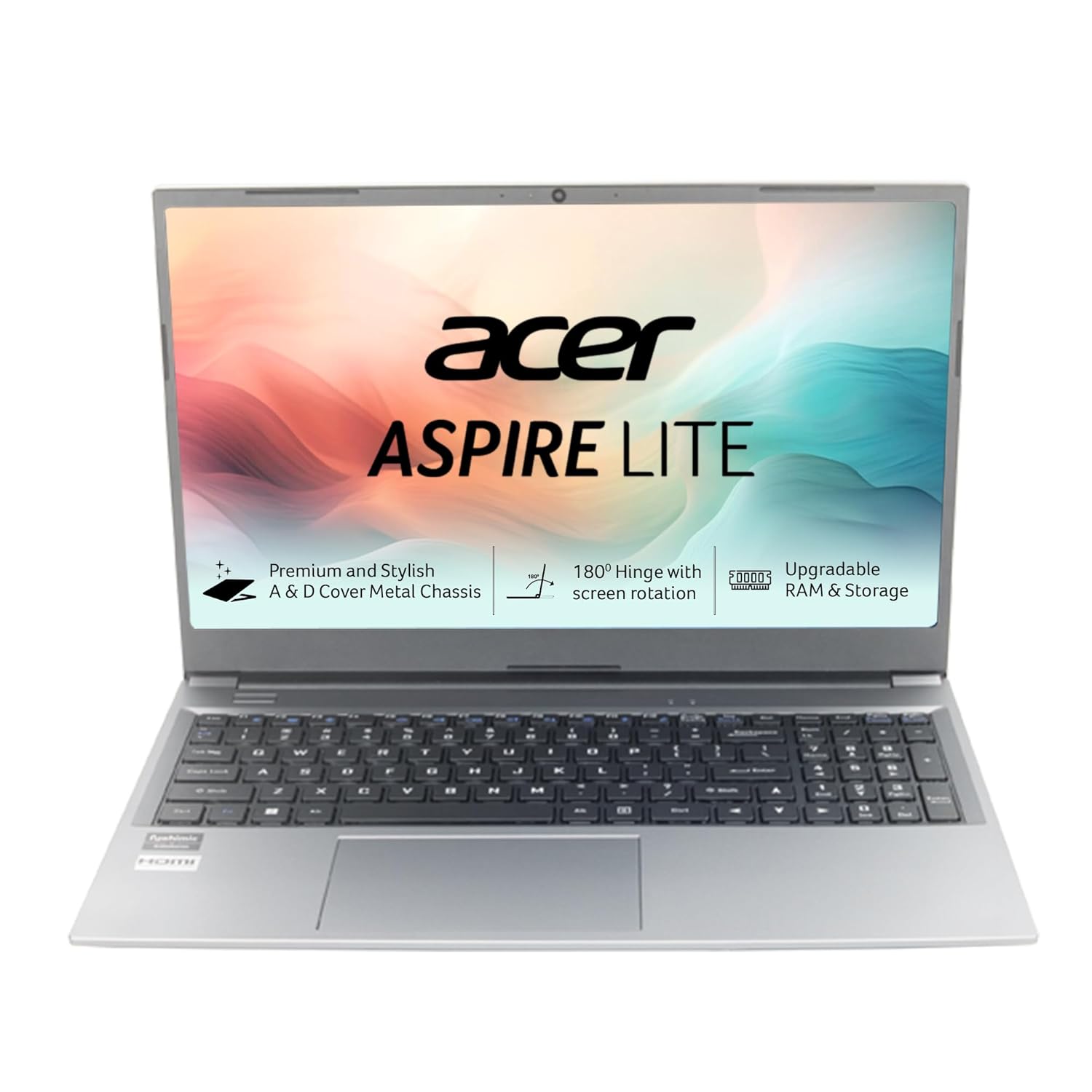
Powerful Productivity: 12th Generation Intel Core i3-1215U Dual Core processor delivers unmatched speed and intelligence, enabling impressive creating, productivity, and gaming experiences. With Turbo Boost Technology, get up to 4.4GHz for your high-demand applications. Connectivity Technology: Wi-Fi, Bluetooth, HDMI
8. Dell Inspiron 14 (Intel Core i3)
Dell Inspiron 14 brings business reliability to students. Wave keyboard designed for comfortable long typing. Precision touchpad supports gestures smoothly. Dell Optimized for web browsing speed. ComfortView reduces blue light for late-night study. Inspiron Assistant app troubleshoots issues. Trusted service network across India.
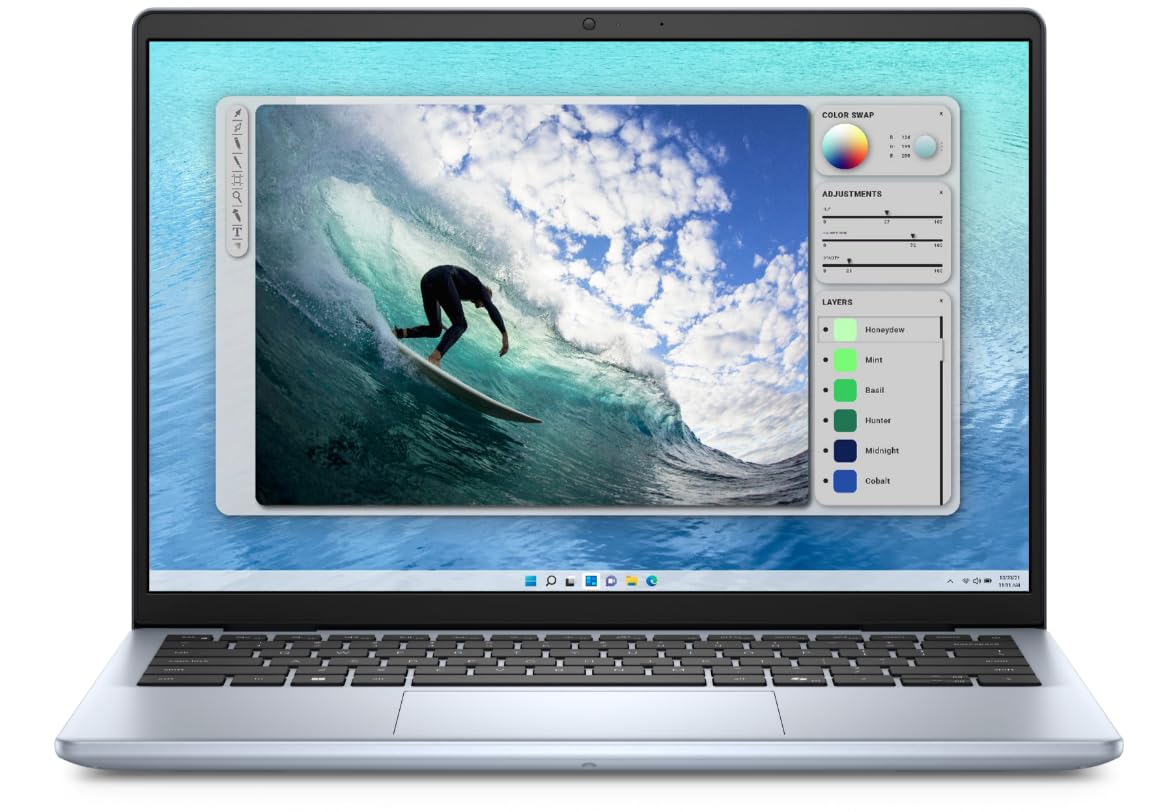
Processor: Intel Core 3 100U 14th Generation Processor delivers efficient performance for everyday computing tasks and productivity applications
9. Lenovo IdeaPad 1 (Ryzen 3)
IdeaPad 1 offers modern Ryzen 3 at rock-bottom price. Perfect backup laptop or kid’s first machine. Rapid Charge boosts 80% in 1 hour. Privacy shutter protects webcam. Active cooling keeps skin cool. Simple clean design without gamer flash. Best ultra-budget modern processor option.
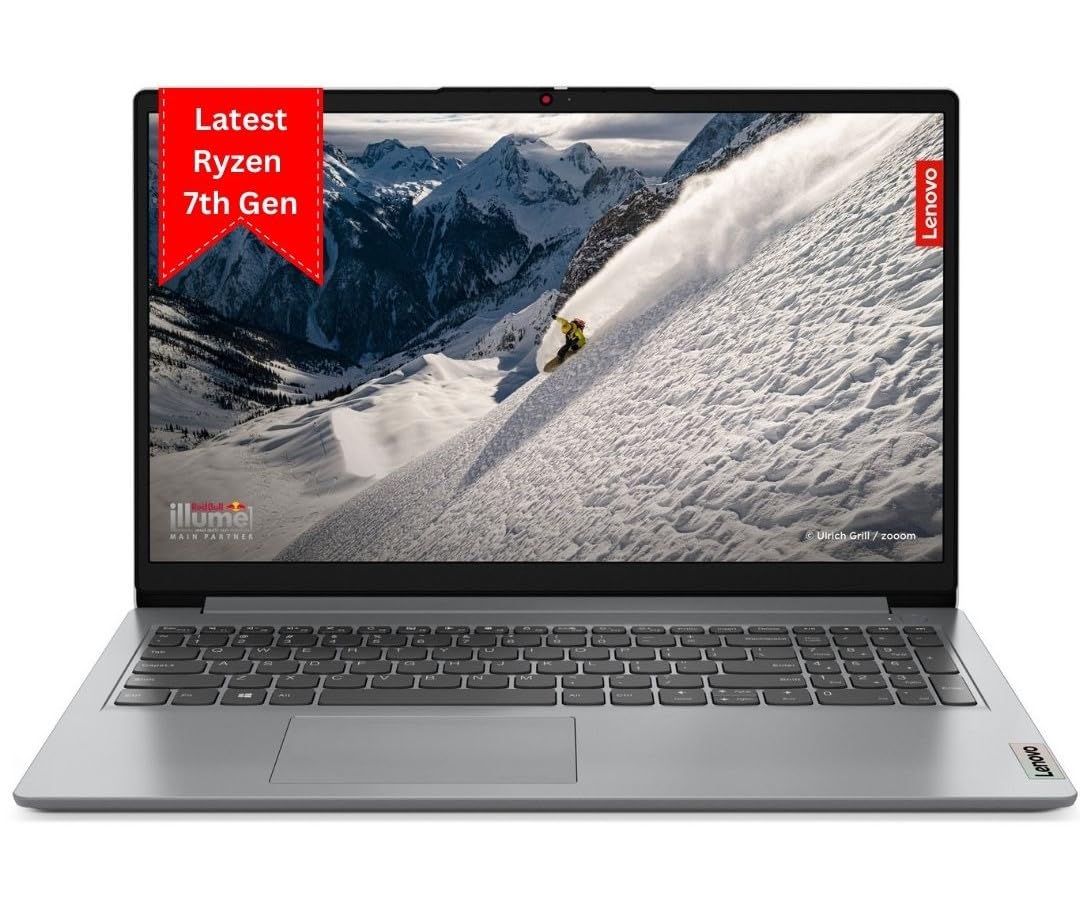
Display: 15.6″ FHD (1920X1080) | TN | 220Nits Brightness | Anti Glare
10. HP 15s (Ryzen 3)
HP 15s Ryzen 3 maximizes 15.6-inch workspace. Ryzen 3 7320U quad-core handles 15+ tabs well. Full-size keyboard with numpad for Excel. HP Audio Boost improves call clarity. Fast 65W charging support. Larger chassis better thermals than 14-inch. Good all-round daily driver.
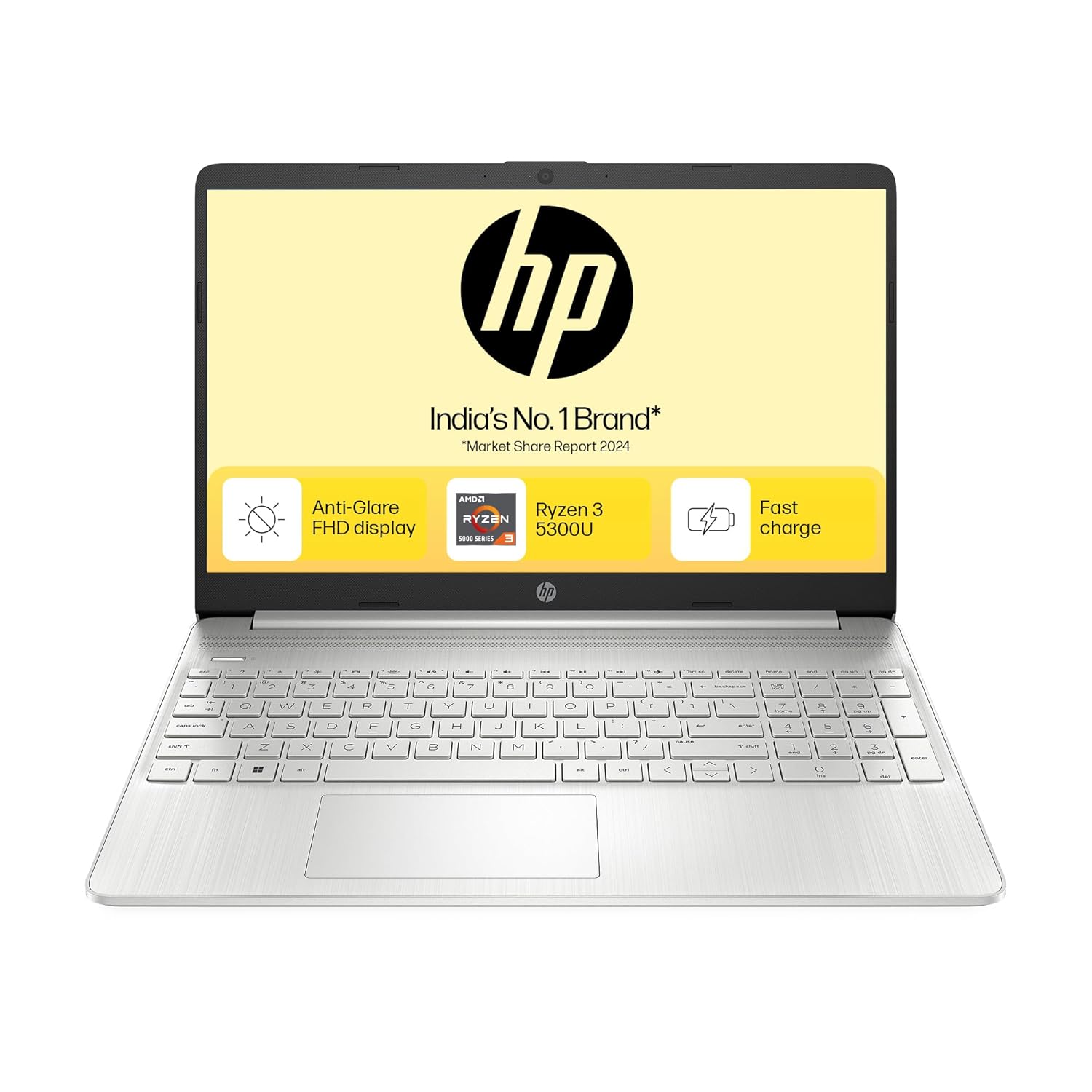
8 threads and 4MB L3 cache deliver powerful performance and swift responsiveness. The AMD Radeon graphics help you experience crisp visuals with vivid clarity.
11. Acer Aspire 3 (Intel i3-N305)
Intel’s efficient N305 chip prioritizes battery over peak speed. 8 Zen cores handle light multitasking well. Acer TSF coating reduces fingerprints. Standard 16:9 aspect good for videos. Purified Voice 2.0 cleans audio. Good Chromebook alternative with Windows. Excellent standby efficiency.
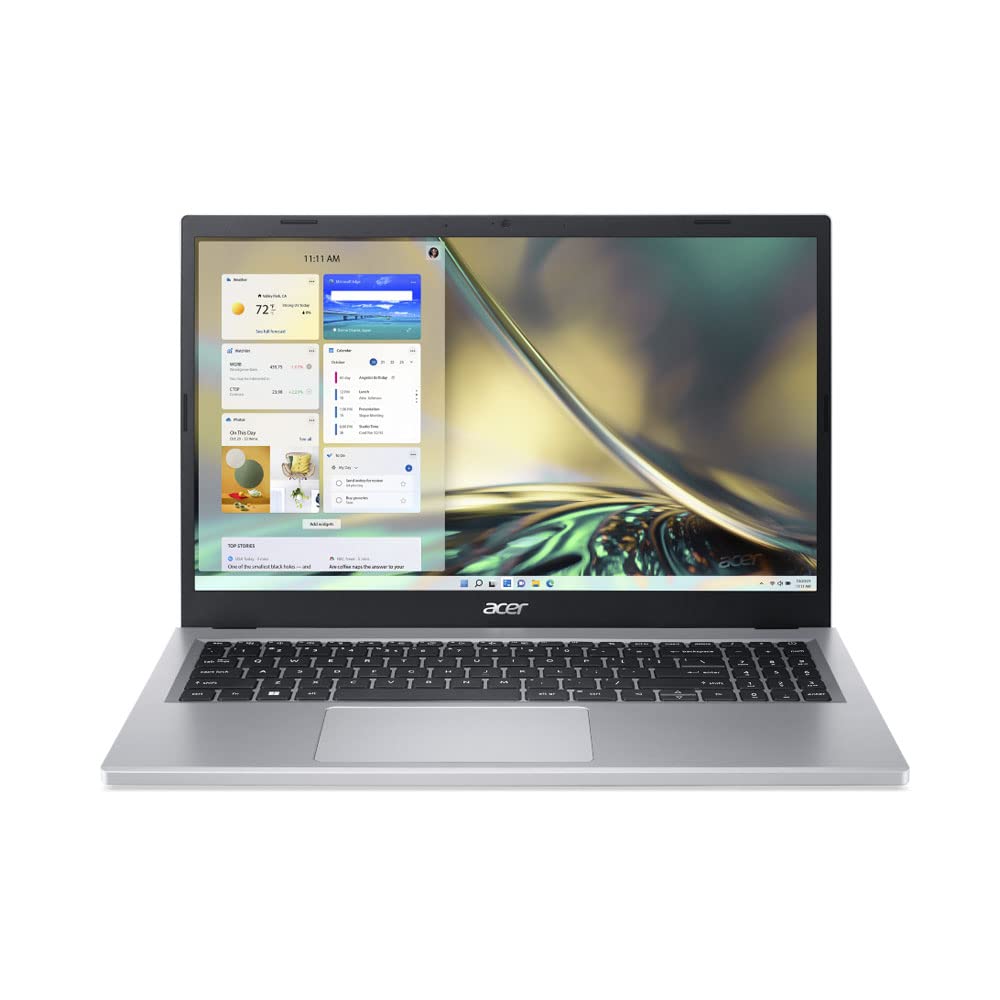
New Intel Processor: Intel Core i3-N305 processor
12. Asus Vivobook Go 14 (Ryzen 3)
Asus Vivobook Go 14 survives MIL-STD-810H drops and vibration. Ryzen 3 7320U with Radeon graphics. 180° hinge great for presentations. ASUS IceCool thermal design. NanoEdge display 75% screen ratio. Durable student companion.
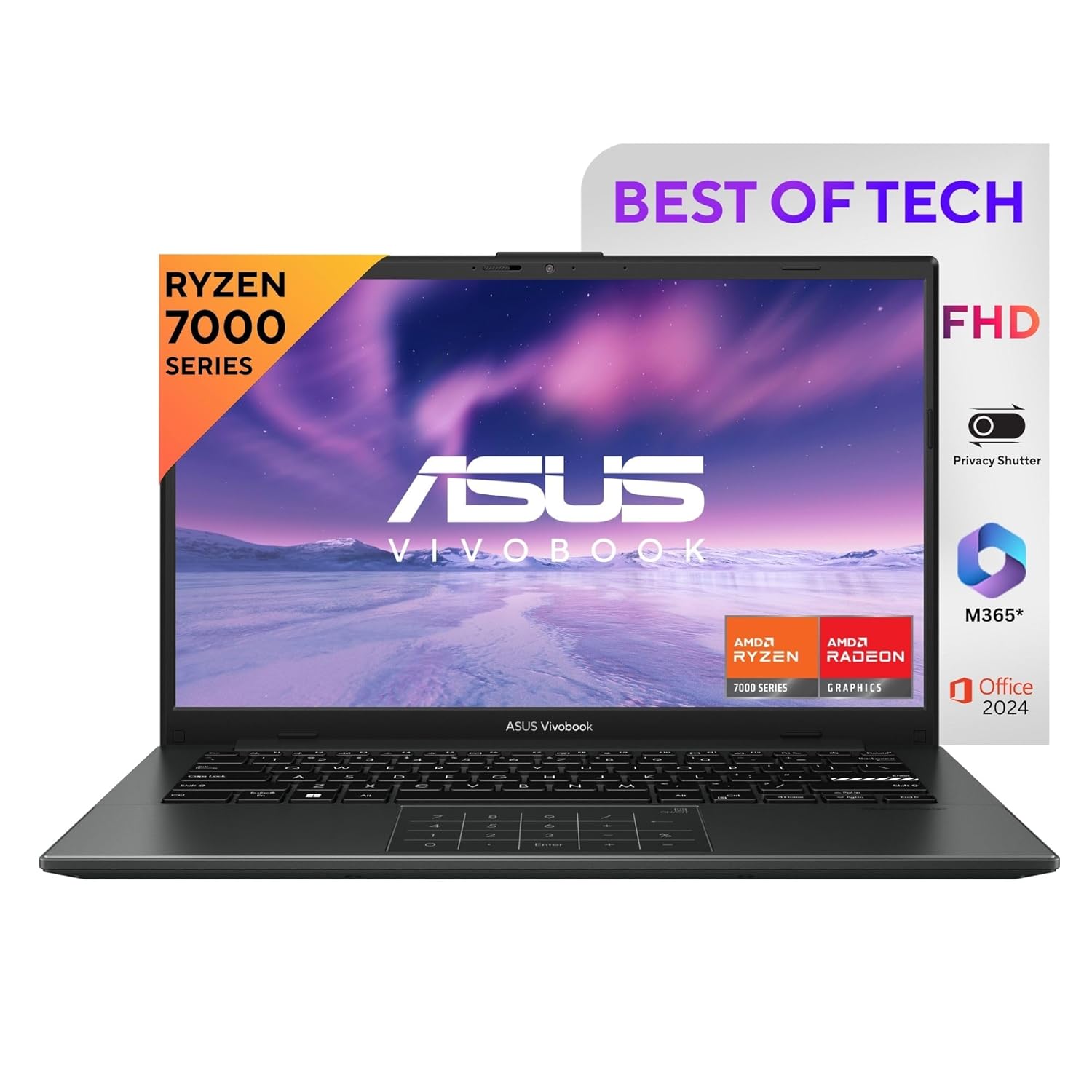
Processor : AMD Ryzen 3 7320U Processor 2.4GHz (6MB Cache, up to 4.1GHz, 4 cores, 8 Threads)
13. Lenovo IdeaPad Slim 3i (Intel i3)
12th Gen Intel i3 with 15W efficiency rating. Smart Noise Canceling for clear calls. Rapid Charge Pro 100% in 90mins. Q-Control performance/battery modes. Active Balanced power profile. Good thermal balance for thin chassis.
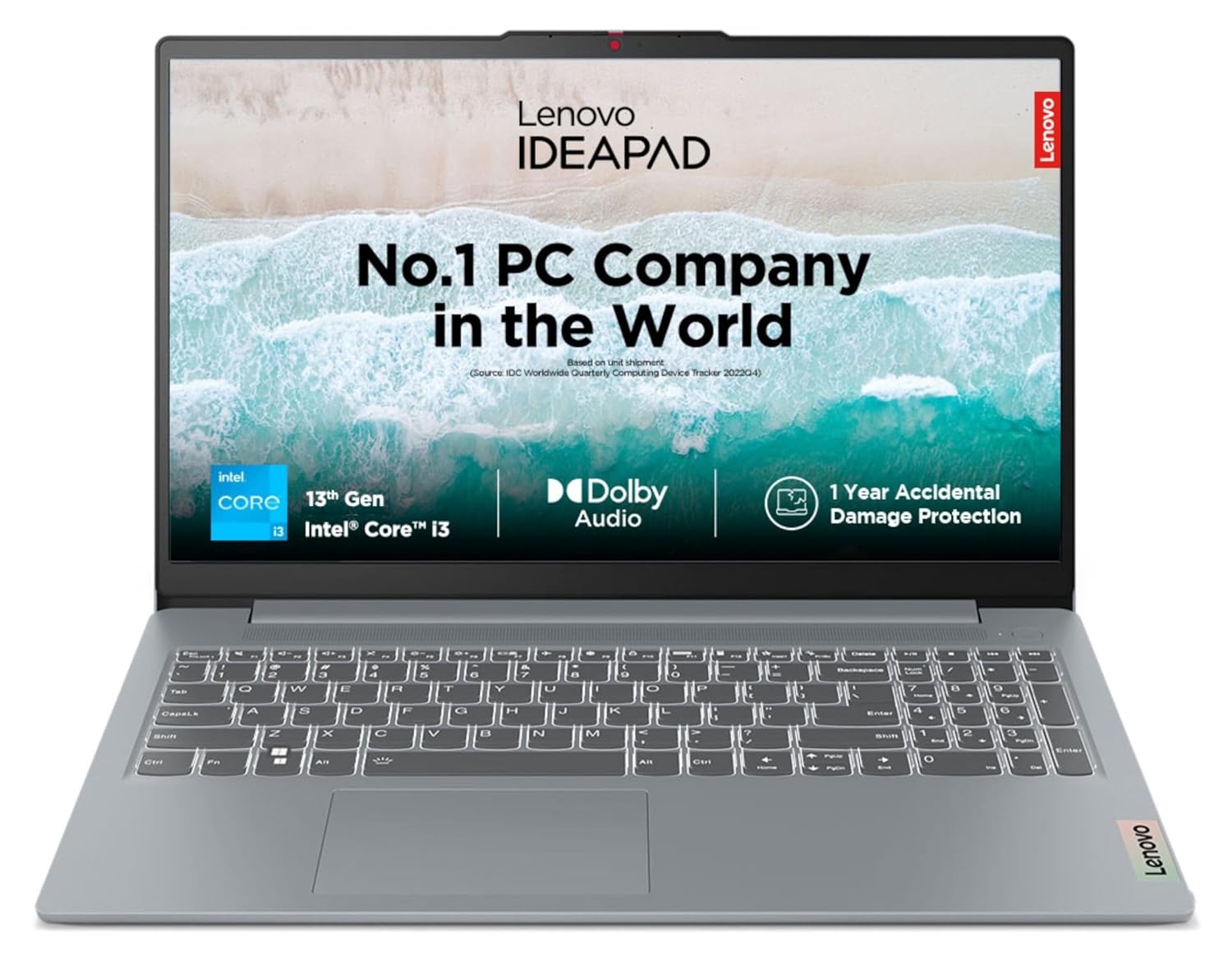
Processor: Intel Core i3-1315U | 6C (2P + 4E) / 8T, P-core 1.2 / 4.5GHz, E-core 0.9 / 3.3GHz 10MB Cache
14. HP 245 (AMD Athlon)
AMD Athlon Silver 3050U punches above weight. Full HD micro-edge display. HP Audio Boost with dual speakers. Fast charging 50% in 45mins. Numeric keypad standard. Surprisingly capable budget workhorse.
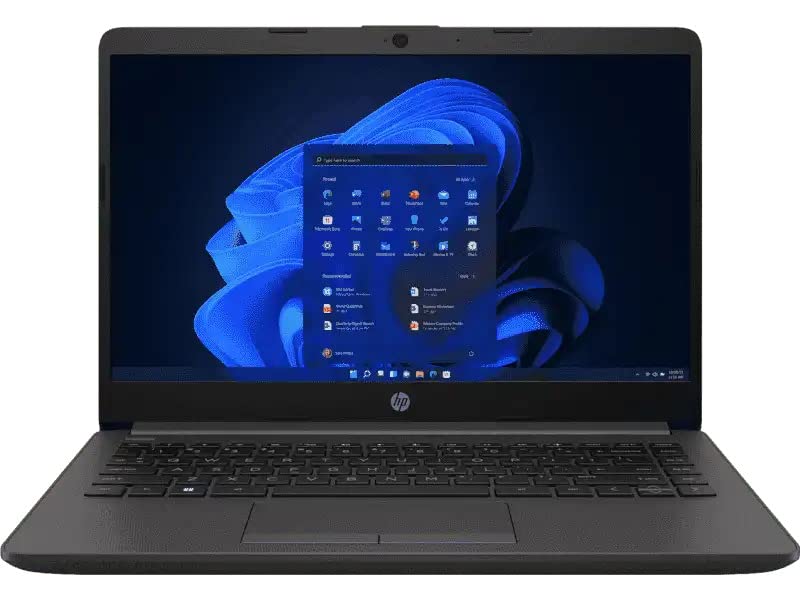
Ports:(2) USB-A 3.2 Gen 1 (1) USB Type-C 3.2 Gen 1 (data transfer only) (1) HDMI 1.4b (cable sold separately) (1) RJ-45 (1) AC power port (1) Headphone/microphone combo jack
15. Acer TravelMate P2 (i3)
Business-grade TravelMate survives 122cm drops. Acer ProShield antivirus included. ComfyView anti-glare screen. Numbered function keys. Skymaster webcam positioned high. Built for daily rough student use.
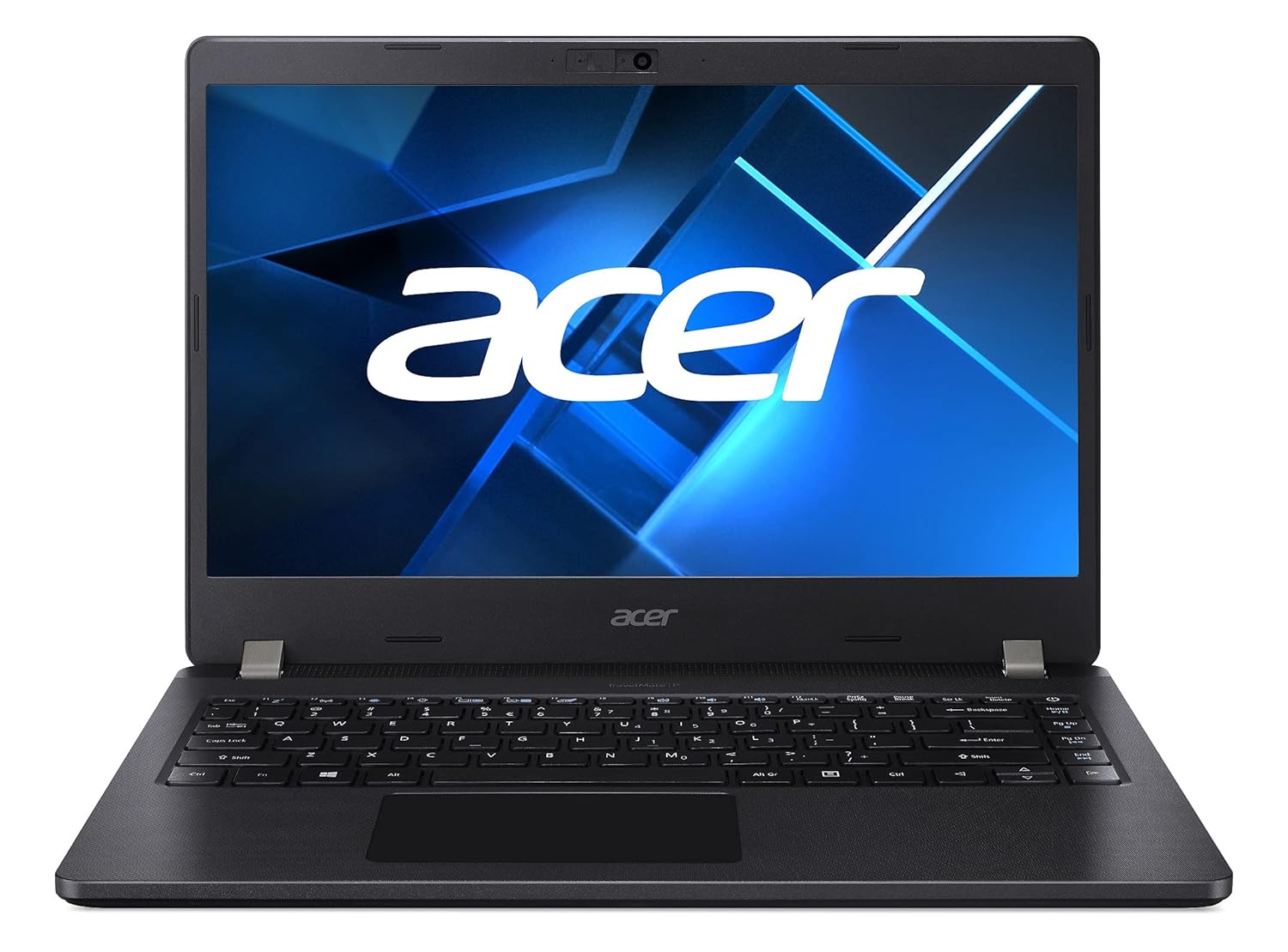
High Performance : Encounter high speed processing with the latest 11th Gen Intel l Corei3 1115G5 Processor
Also Read Suggested Articles :
Best Laptops for Graphic Design in India
Best Laptops for AutoCAD in India
Best Laptops for For Engineering Students
Best gaming laptop under 70000
30 Best Laptops For Students In India
Best Lightweight Laptops for College Students in India
50 Best Laptops for Video Editing in India
30 Best Laptops for Music Production
16. Lenovo V15 G4 (Ryzen 3)
Latest V15 G4 with Ryzen 3 7320U. Anti-fingerprint coating. Dolby Audio tuned speakers. WLAN card antenna optimized. DataSafe privacy features. Good business/student hybrid.
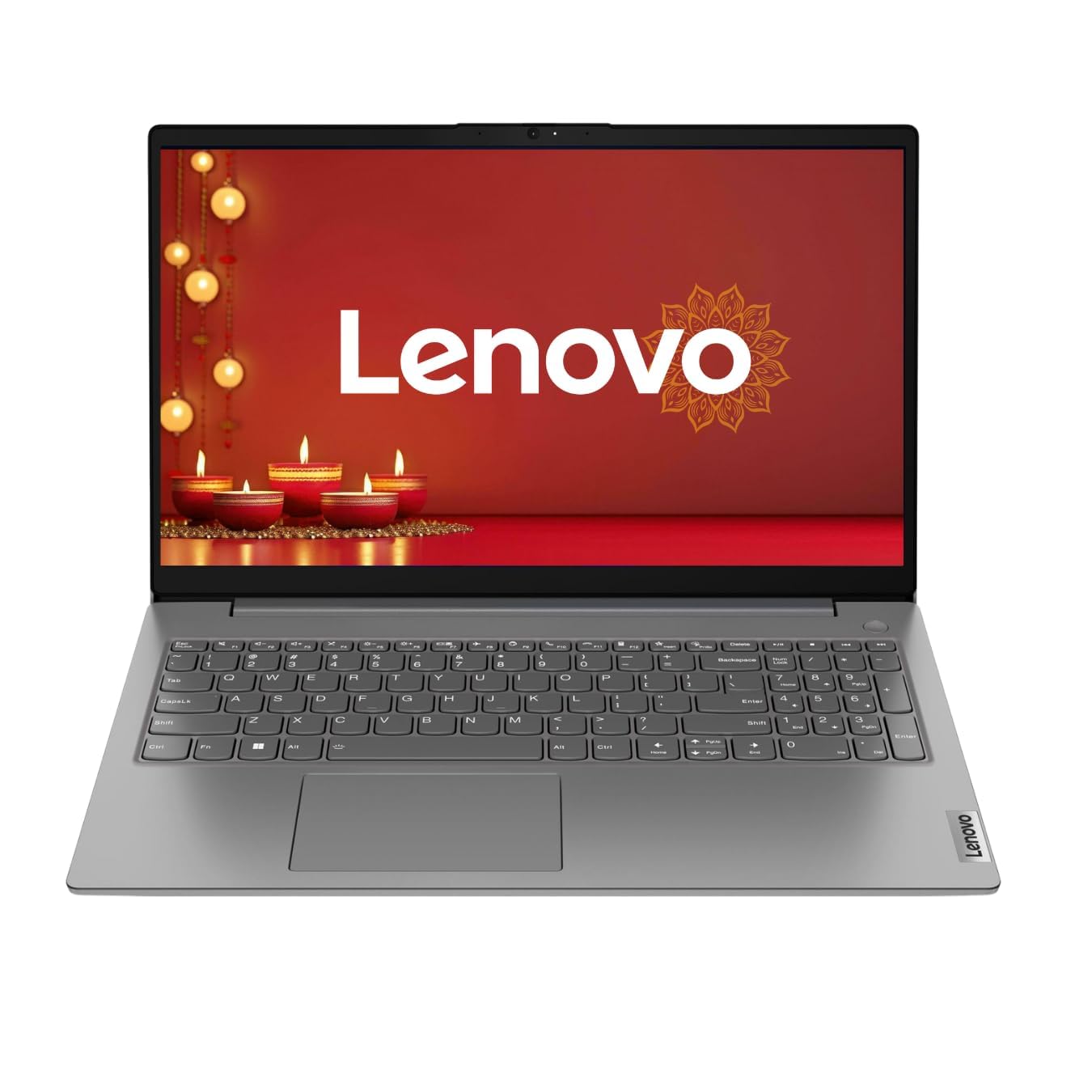
Processor: AMD Ryzen 3 7320U Quad Core processor for efficient performance
17. Dell Latitude 3440 (i3)
Business Dell Latitude with excellent keyboard. Precision touchpad 3-finger gestures. ExpressCharge 80% in 60mins. Dell Optimizer tunes performance. Wave design keyboard comfort.
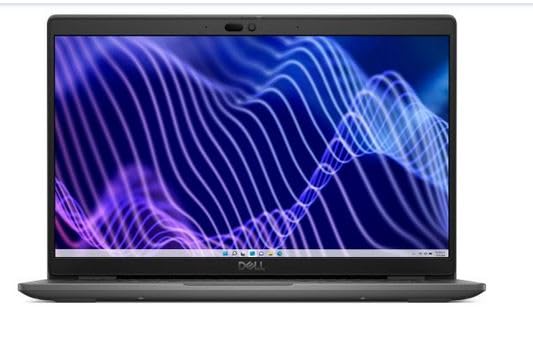
Dell Latitude i3-1215U/8GB RAM/512 SSD/No ODD//WIN11 Pro/3Y Warranty
18. Asus ExpertBook B1 (i3)
ExpertBook B1 survives 122cm drops and 60KHz vibration. AI noise-canceling audio. NumberPad 2.0 touchpad. ASUS Business Manager suite. Fingerprint + IR security.
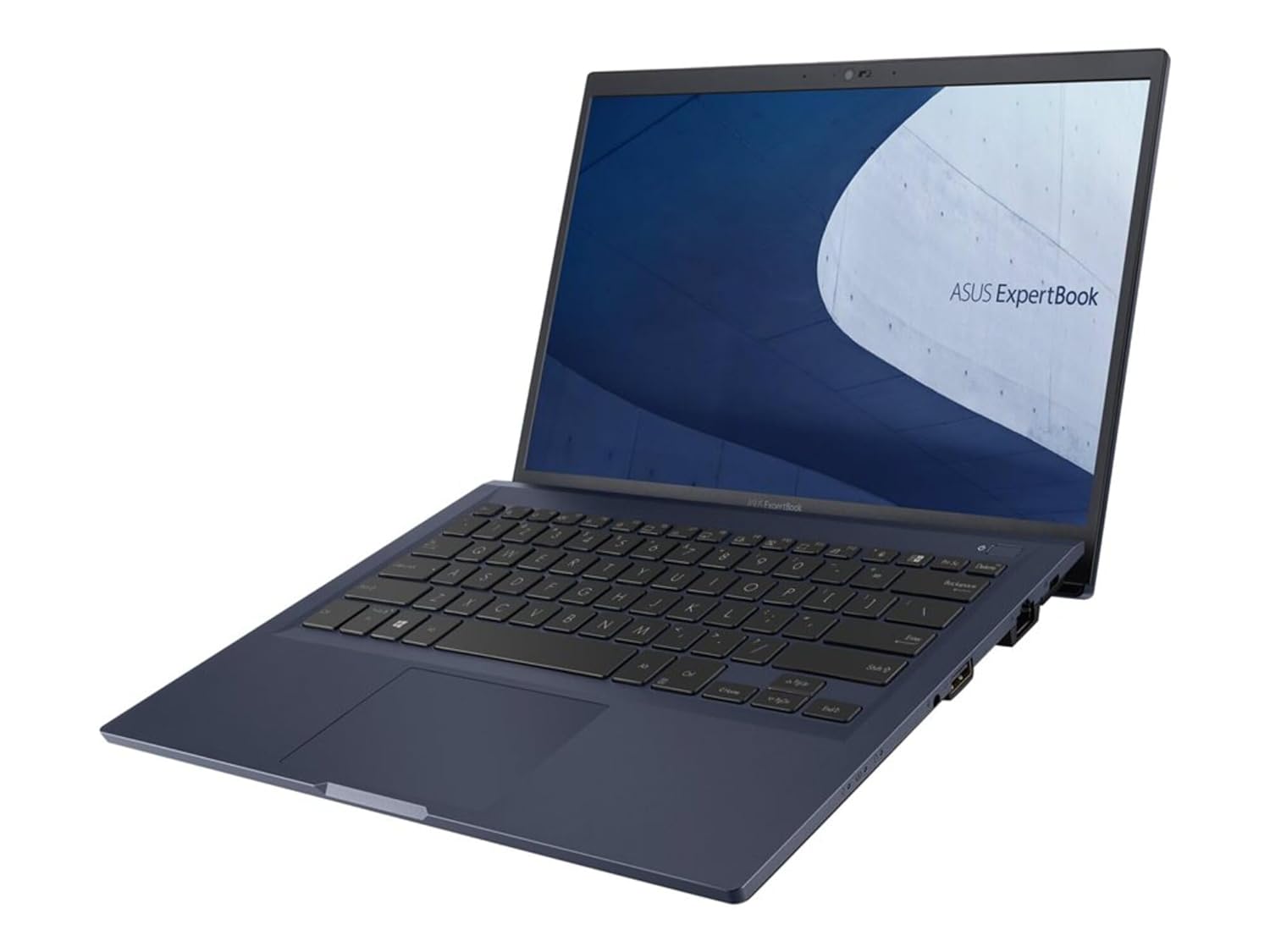
Professional-grade performance: Intel Core i5-1135G7 Processor and Iris Xe graphics with 256GB SSD, 8GB RAM, and Windows 10 Pro
19. HP 250 G9 (i3)
HP 250 G9 business laptop with bang & Olufsen speakers. Spill-resistant keyboard. Choice of FHD or HD display. MCW antimicrobial coating. HP Wolf Security basic.
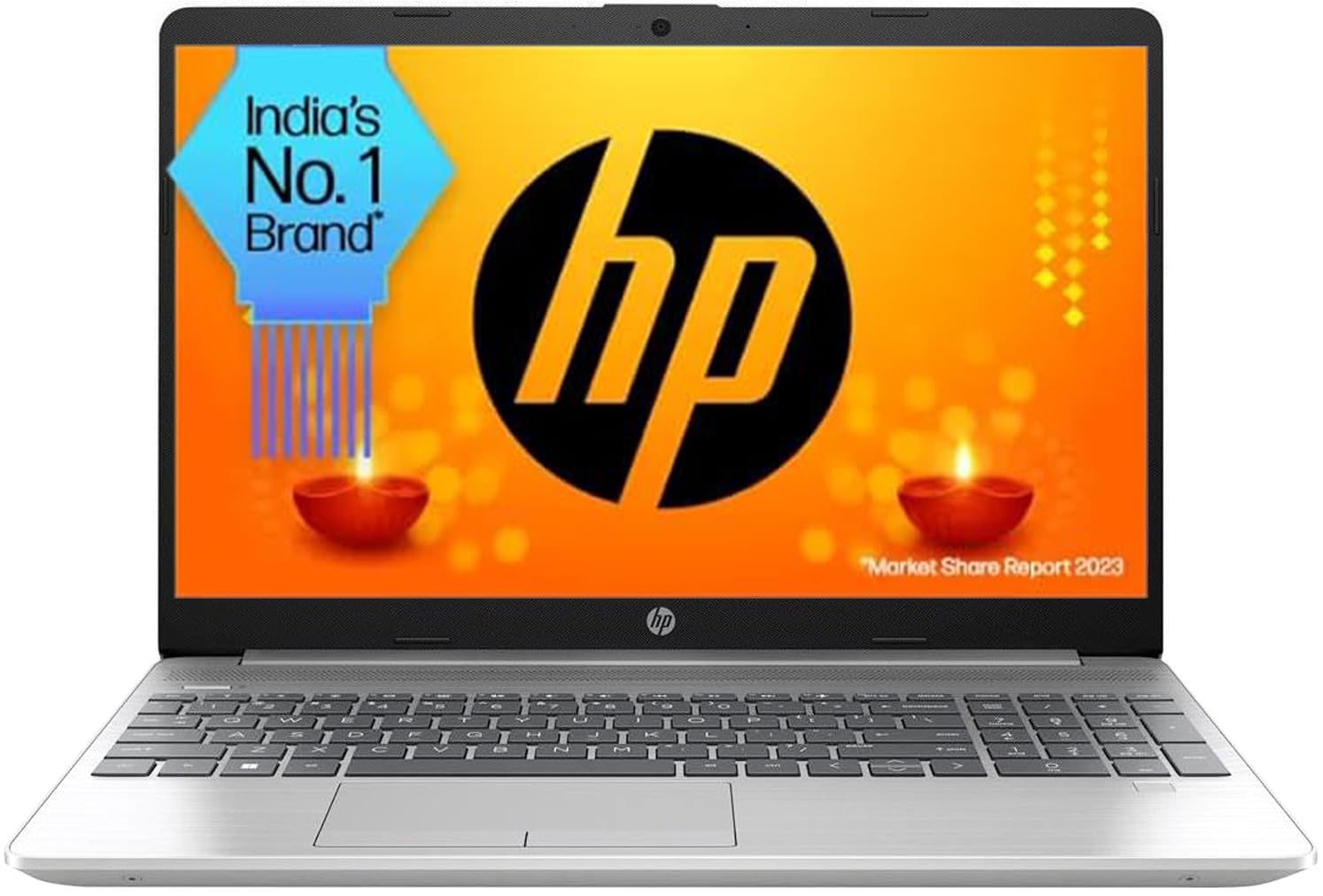
Processor-Intel Core i3-1215U (up to 4.4 GHz with Intel Turbo Boost Technology, 10 MB L3 cache, 6 cores, 8 threads)
20. Acer Aspire 1 (Ryzen 3)
Acer Aspire 1 with Ryzen 3 7320U quad-core. 65W rapid charge 4.2x faster. AcerSense app suite. TUV eye care certified. ThinLight design 1.7kg.
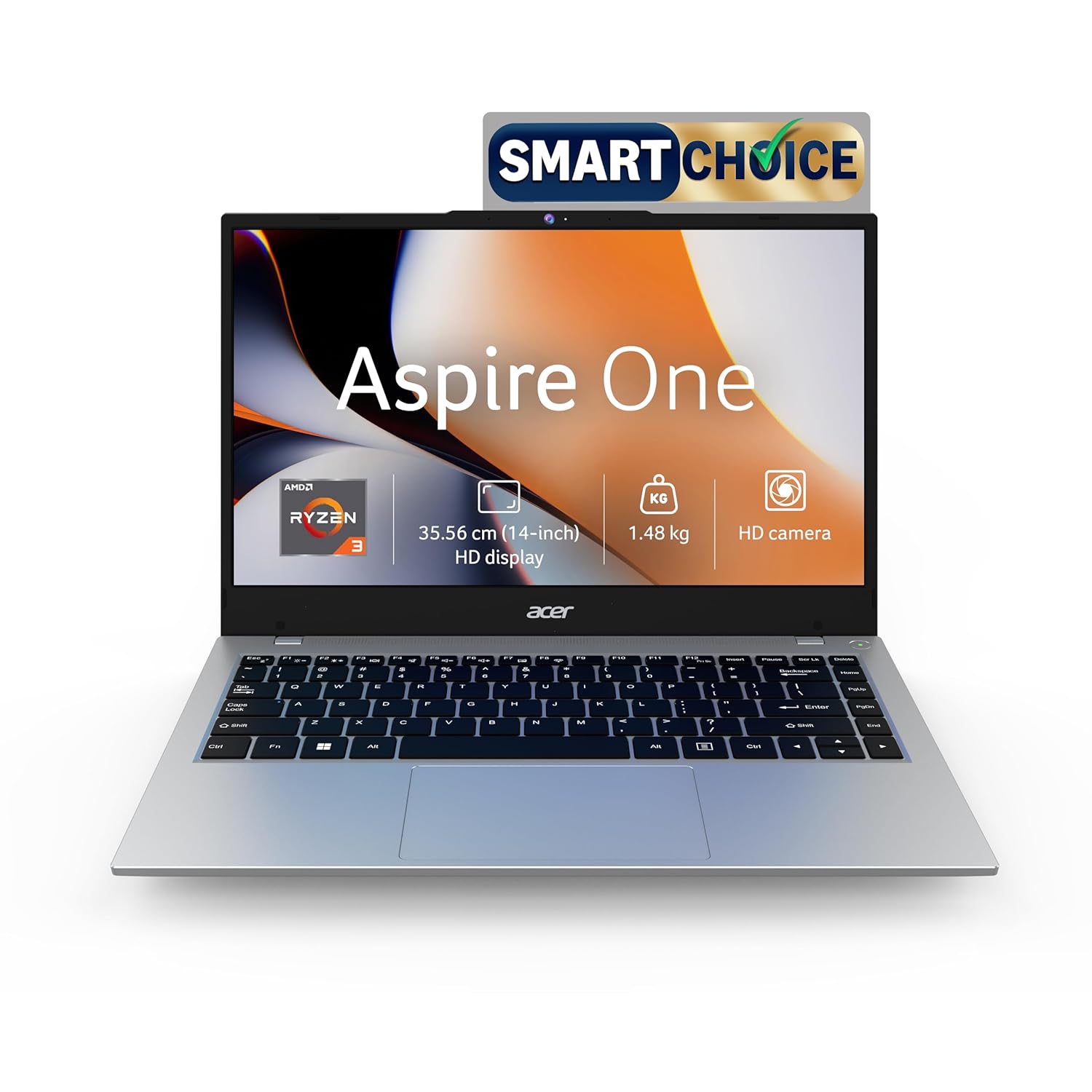
Processor : Whether you’re at home, school, or work, get all the performance you need with the latest AMD Ryzen 3-7320U Processor @ 2.4GHz ( 4 Cores, 4MB Cache, up to 4.1 GHz); maintaining order and keeping your apps running consistently and smoothly.
21. Lenovo IdeaPad 3 (Intel i3 11th)
11th Gen i3 with Rapid Charge Express. Dolby Audio speakers. PrivacyAlert software. Active Balanced power. Smart Assist pop-up help.
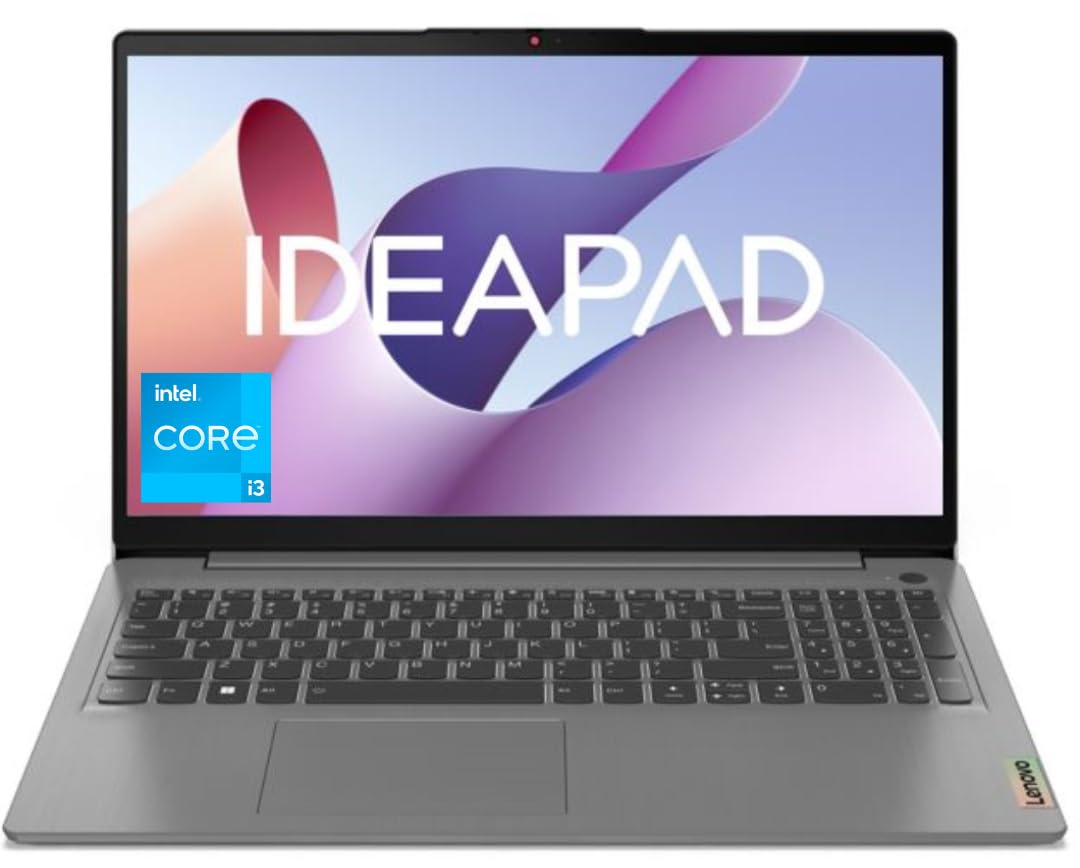
The Ideapad Slim 3i, with up to 8 hours of battery life, keeps you charged for whatever comes your way.
22. HP Chromebook x360 14
HP Chromebook x360 flips 360° four modes. ChromeOS auto-updates security. 11th Gen efficiency chip. Backlit keyboard option. Corning Gorilla Glass touch.
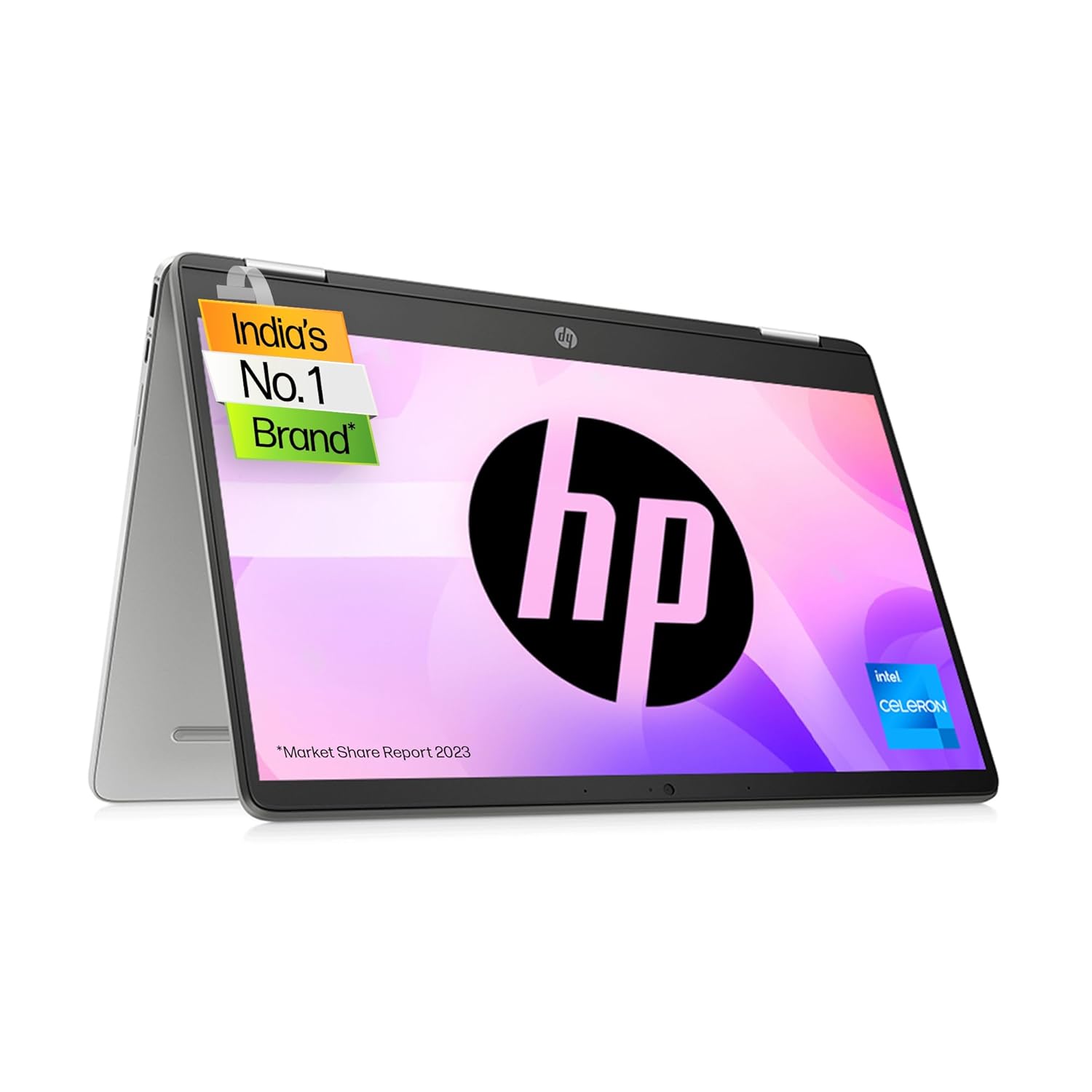
Processor: Intel Celeron N4020 (1.1 GHz base frequency(2b),up to 2.8 GHz burst frequency(2c), 4 MB L2 cache, 2 cores) | Memory & Storage: 4 GB LPDDR4-2400 MHz RAM (onboard) |64 GB eMMC, 100 GB Google Cloud storage (1 year)
23. Acer Chromebook 314
Acer Chromebook 314 with 12hr battery. Antimicrobial touchpad. MediaTek efficiency. All-day web browsing. Google Assistant built-in.
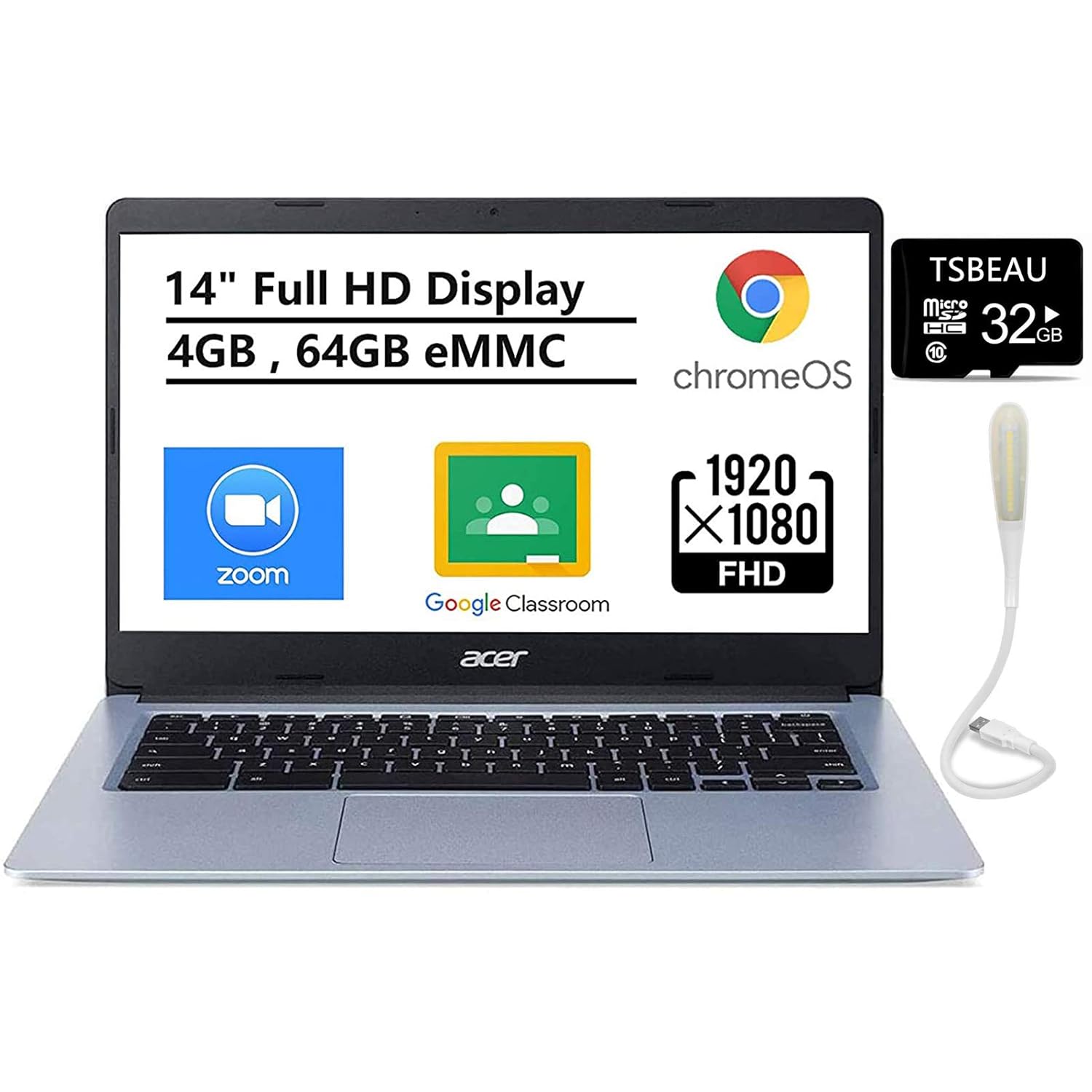
It comes with a 14″ HD display which ensures to deliver brilliant visuals along with protecting the screen from scratches. maintains the vivid colors in your photos and videos. Typical 1920x 1080 HD resolution.
24. Asus Chromebook CX1
Asus CX1 survives MIL-STD drops. ErgoSense keyboard comfort. 180° lay-flat hinge. Google Assistant button. All-plastic durable shell.
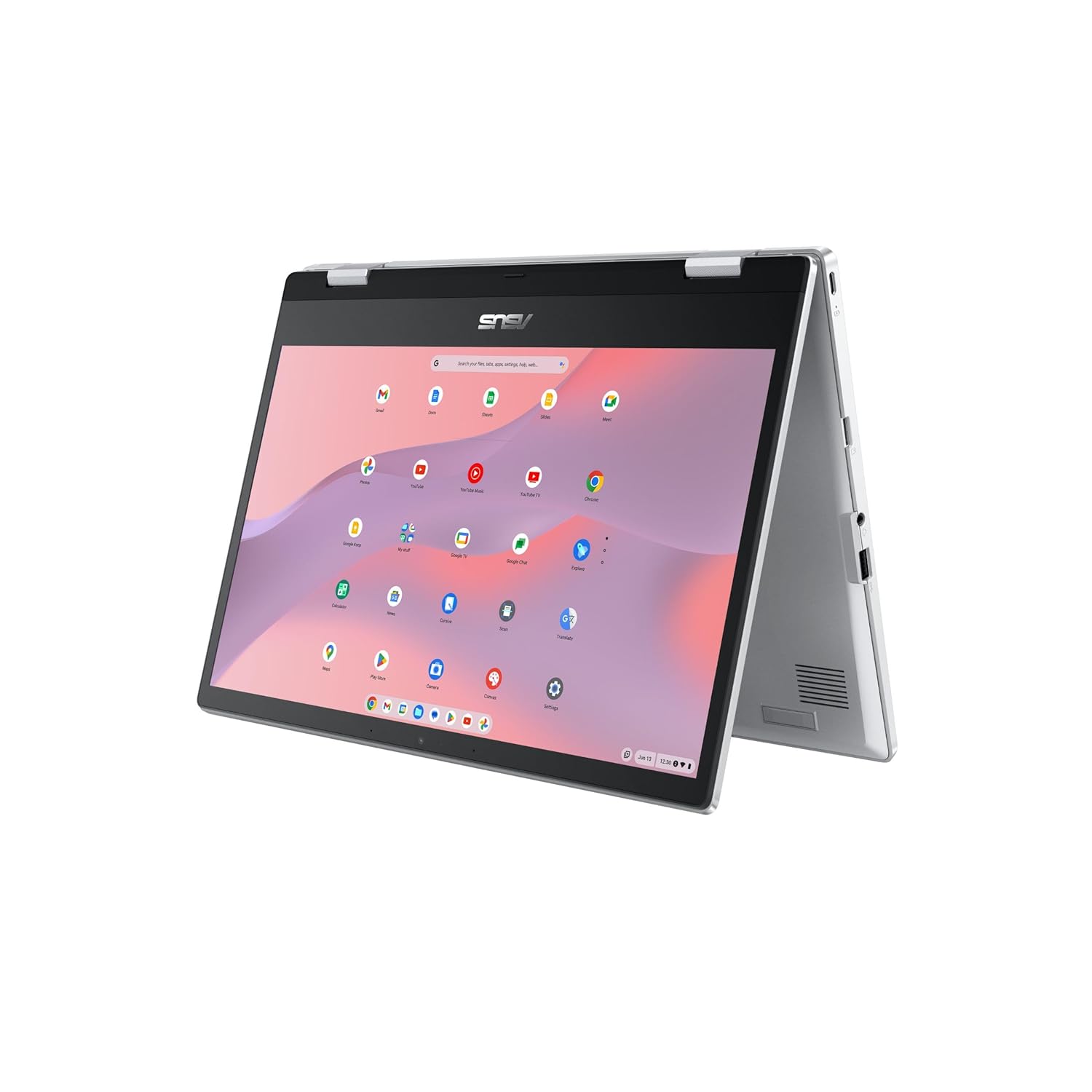
SMOOTH MULTITASKING Powered by the Intel Pentium N6000 4-Core Processor, enabling decent multitasking experience
25. Lenovo IdeaPad Slim 1
Slim 1 offers Ryzen 3 at lowest price point. Rapid Charge 80% in 1hr. Privacy shutter camera. Active cooling vents. Minimalist clean aesthetic.
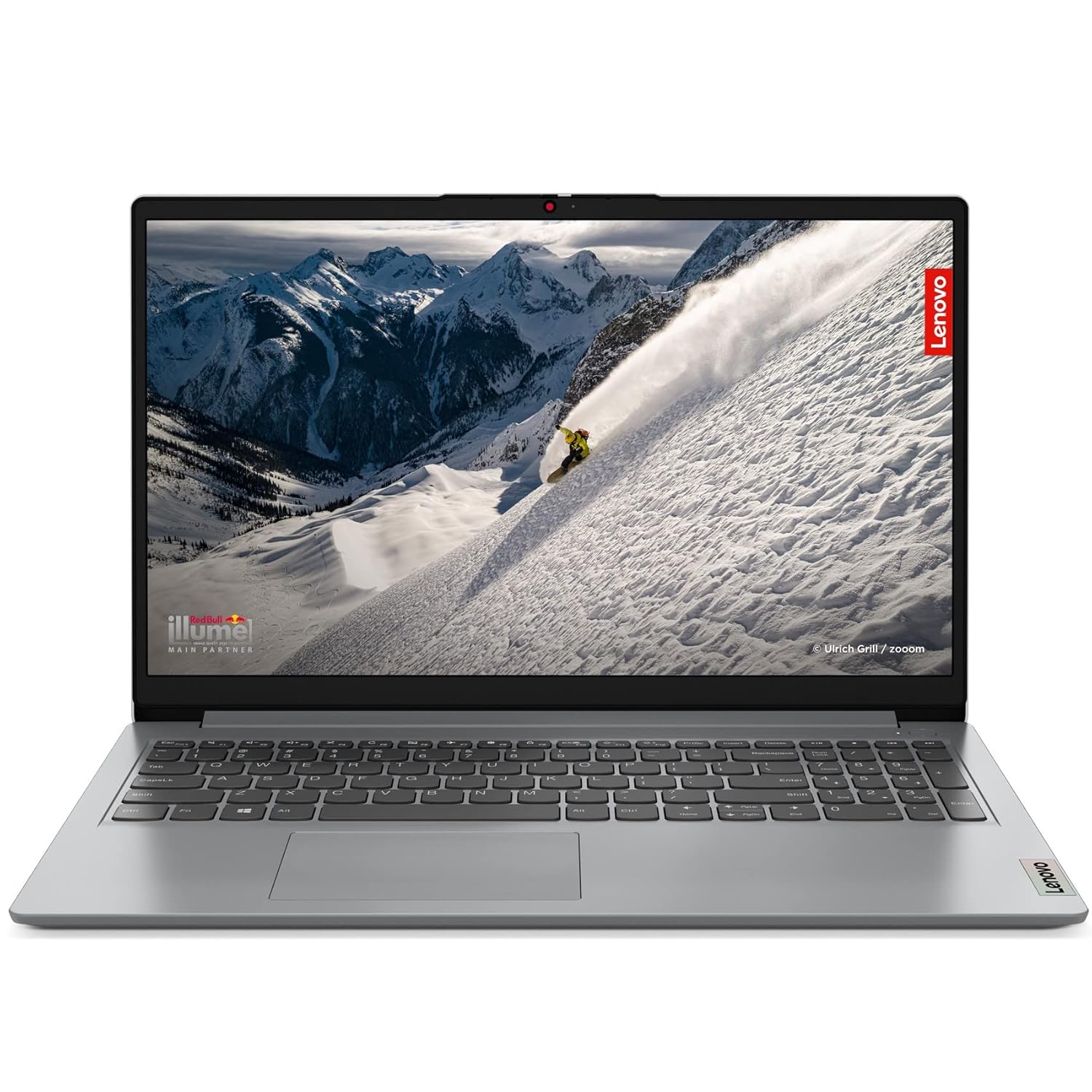
Windows 11 has easy-to-use tools that can help you optimize your screen space and maximize your productivity.
26. MSI Modern 14 (Ryzen 3)
MSI Modern 14 with Ryzen 3 7320U. Cooler Boost 5 thermals. Hi-Res Audio certified. MSI Center customization. Aluminium lid option.
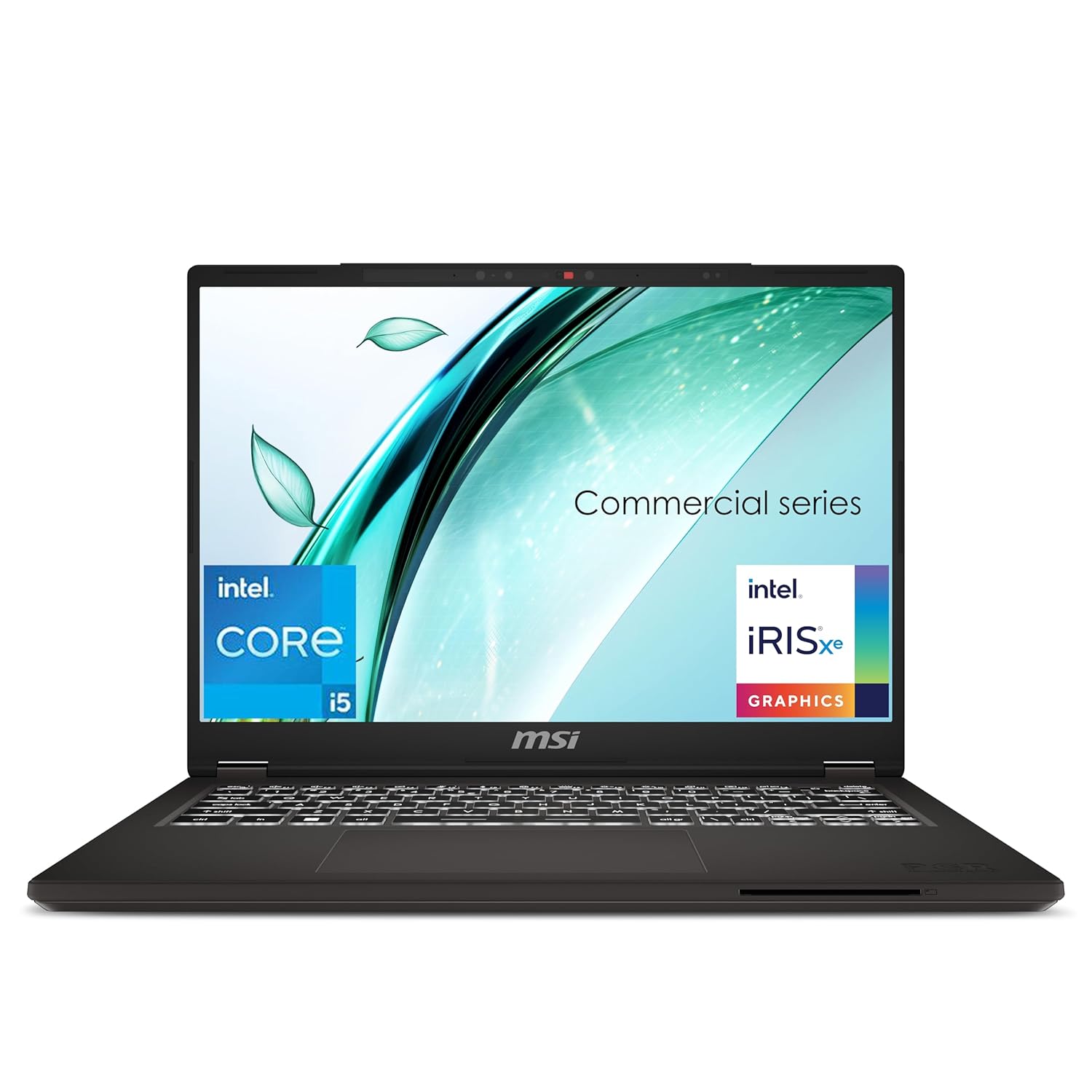
Processor: 13th Generation Intel Core i5 13500H Up To 4.7GHz
27. Avita Essential (Intel N-series)
Avita Essential with fun panda design. Intel N100 efficiency chip. 14hr video playback. 180° hinge flexibility. Youth-oriented colours.
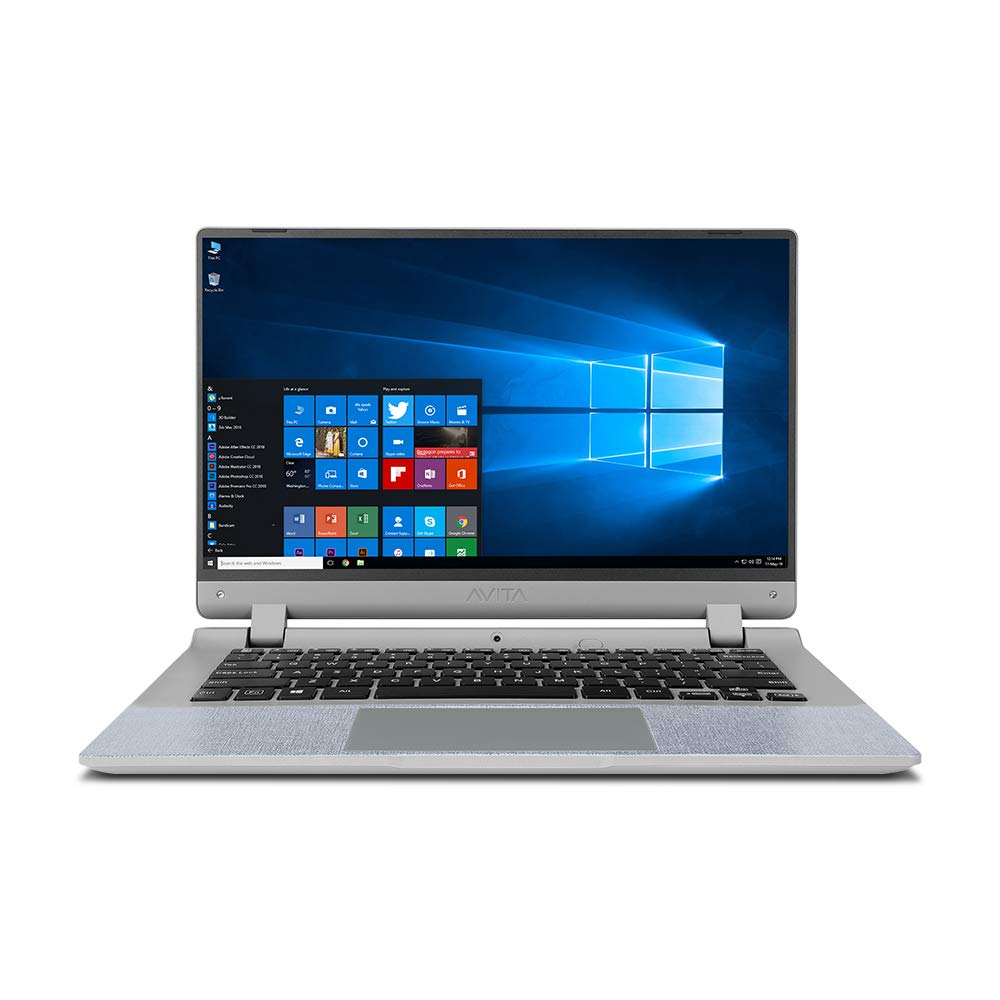
Operating System:Pre-loaded Windows 10 Home | In the box Laptop, AC Adapter, User Guide, Manuals
28. Thomson Neo (Intel N-series)
Indian Thomson Neo with local service. Intel N100 for basic tasks. Windows 11 Home preloaded. 14-inch compact size. Budget numeric keypad.
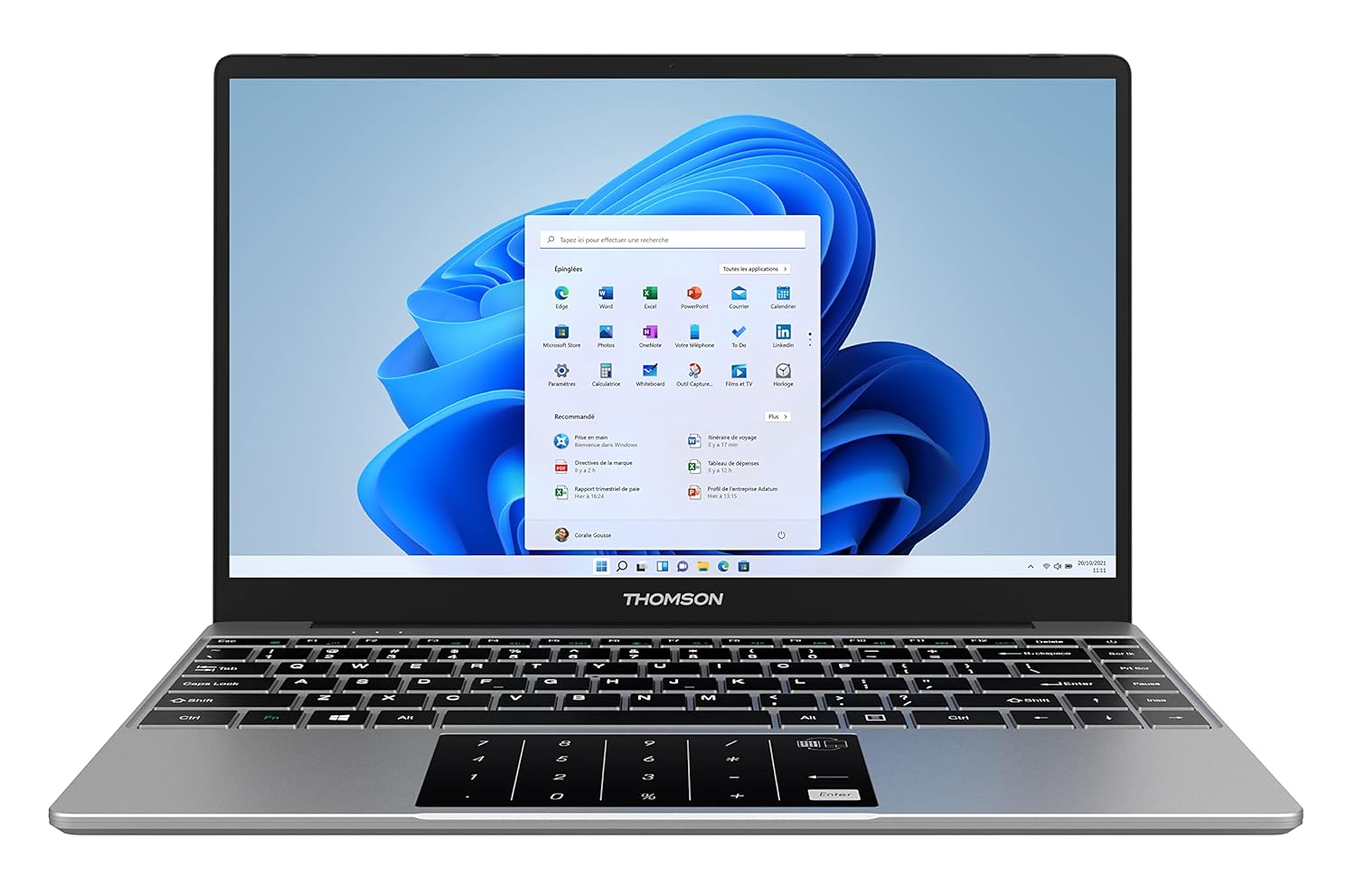
Enjoy the Powerful Performance with Thomson Laptop which ensures best value for money with best features. You can work or browse without hassles on the go with this light weight laptop. It can easily extend the storage by adding an M2-SSD up to 512GB via a hatch under the laptop
29. Lenovo Chromebook Duet 3
Duet 3 detachable 2-in-1 Chromebook. 10.9-inch touch tablet. Included kickstand. Stylus support option. ChromeOS MediaTek efficiency.
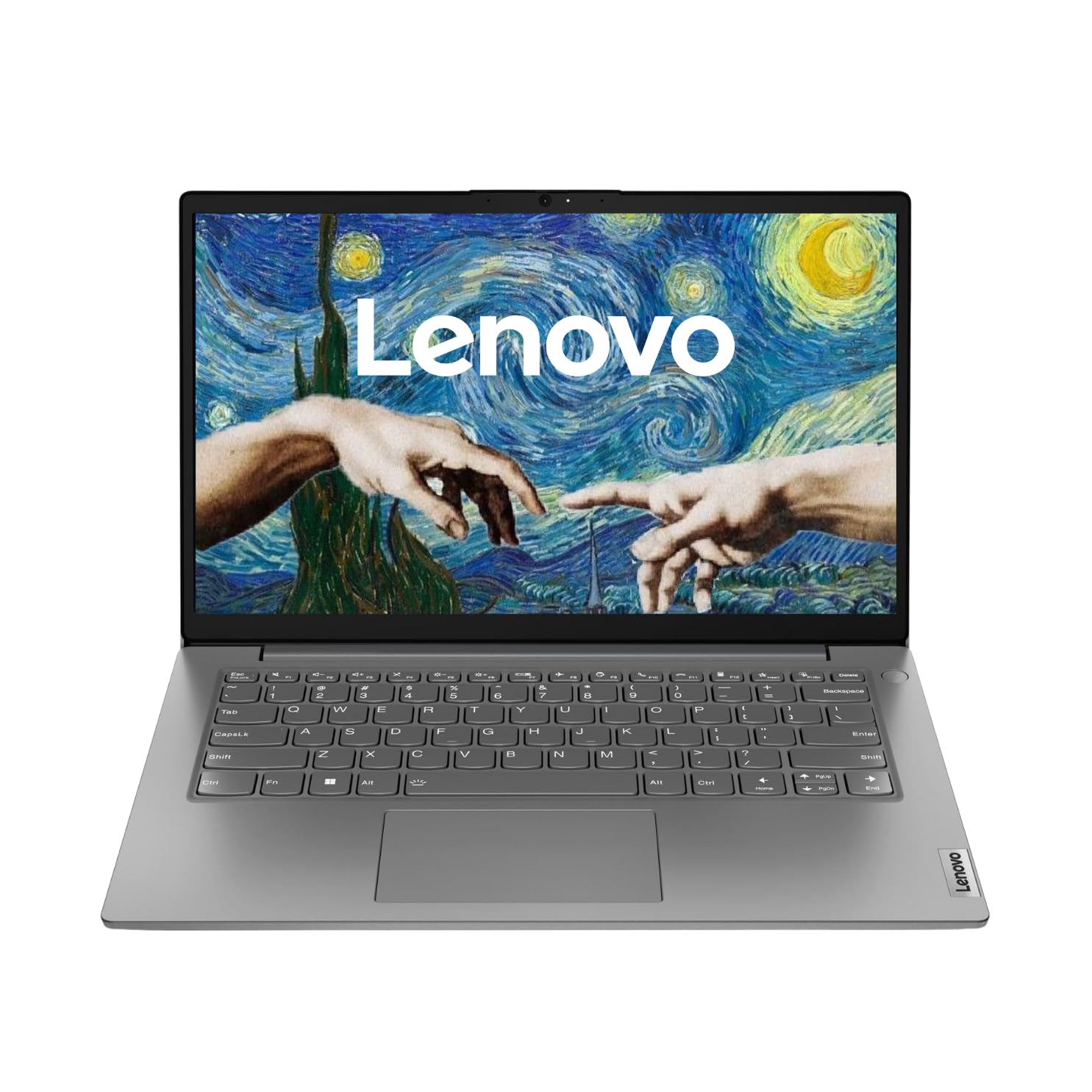
Operating System: Preloaded Windows 11 Home SL with Lifetime Validity | Pre-installed software: Microsoft Office Home 2024
30. Sweet spot spec: 8GB RAM + 512GB SSD + i3/Ryzen 3
Any brand hitting Intel i3 12th/N305 or Ryzen 3 7320U + 8GB RAM + 512GB SSD under ₹40k. This exact spec combo ensures smooth Windows 11 for 2-3 years. Prioritize SSD capacity over processor generation.
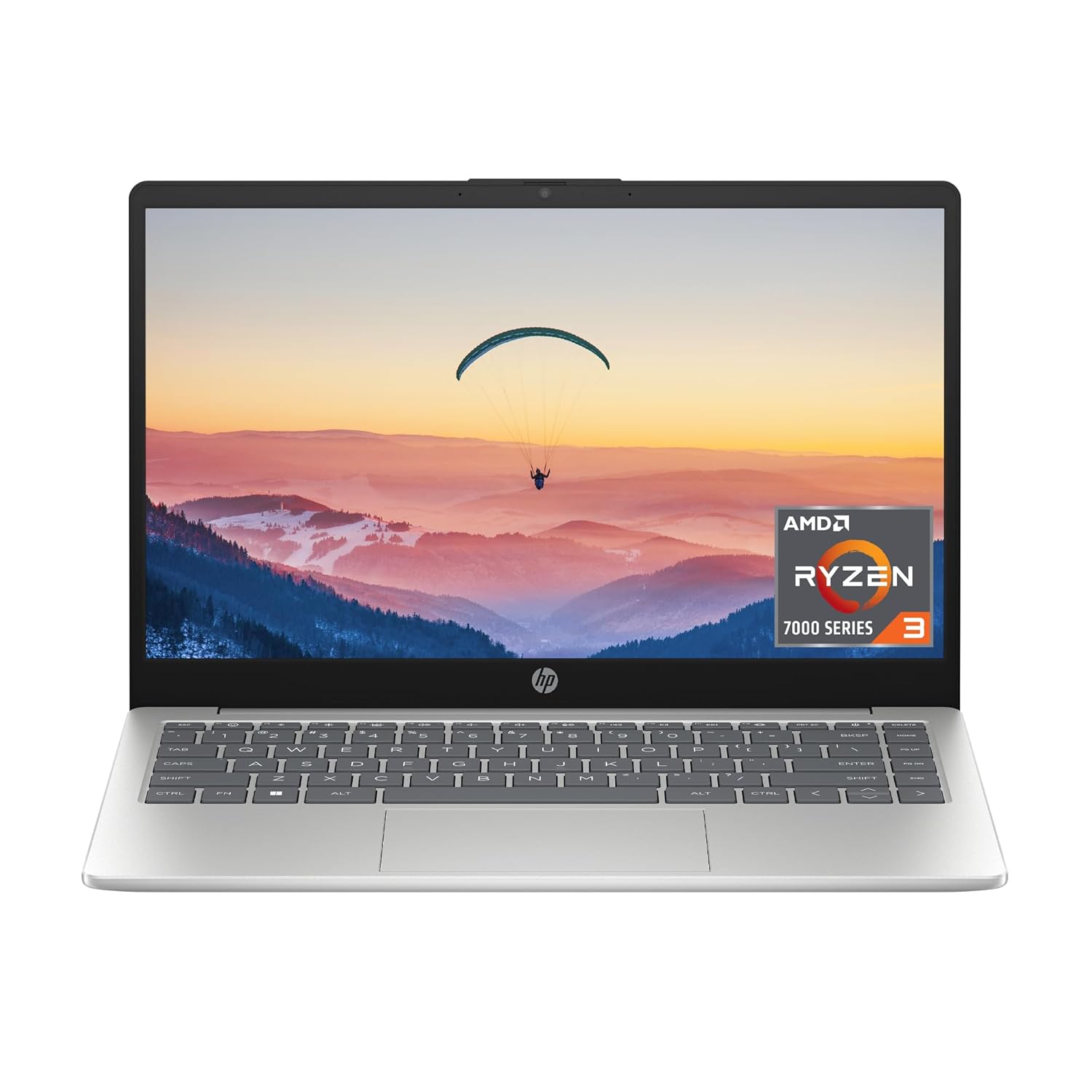
Intel i3 12th/N305 or Ryzen 3 7320U + 8GB RAM + 512GB SSD under ₹40k
Frequently Asked Questions
It depends on your workload. For basic browsing, Microsoft Office, online classes, and light coding, 8GB RAM is sufficient. However, if you frequently multitask with many Chrome tabs, run development environments, or perform light video editing, 16GB RAM offers a much smoother experience. If you choose an 8GB model, ensure it has an empty SODIMM slot so you can upgrade later.
Yes. Models such as the Lenovo IdeaPad Slim 3 (16GB, Ryzen 5), Dell Vostro 3430, and HP 15s can comfortably support four years of student workloads. Prioritize a laptop with 16GB RAM (or upgrade support), a 512GB SSD, and a durable build for long-term reliability.
The Lenovo IdeaPad Slim 3 (Ryzen 5 7520U, 16GB RAM) and ASUS VivoBook 15 are excellent choices for coding. Their 16GB RAM configurations make multitasking easier, allowing you to run Docker containers, virtual machines, IDEs, and multiple programming environments efficiently.
Yes, for esports games like Valorant, BGMI, CS2, FIFA, and GTA V at 1080p medium settings. For newer AAA games released between 2024 and 2026, the GTX 1650 can still run them, but you’ll typically need to lower graphics settings for playable frame rates.
Dell Vostro 3430 and HP 15s powered by the Ryzen 5 7530U are among the coolest-running laptops in this price range. Their efficient processors and optimized thermal designs help maintain lower temperatures and quieter fan noise during everyday use.
Yes. Major events like Flipkart Big Billion Days and Amazon Great Indian Festival often reduce laptop prices by ₹2,000–₹5,000. Before purchasing, carefully verify the specifications because discounted variants sometimes include less RAM or storage than regular models.
For most users, the real-world performance difference is relatively small. DDR5 provides higher bandwidth, but the benefits become more noticeable when paired with newer Ryzen 7000-series integrated graphics. Overall system specifications matter much more than RAM type alone.
Dell and HP generally provide the most extensive and dependable service networks across India, including smaller cities. Lenovo also offers strong support in major metropolitan areas, while Acer and ASUS provide satisfactory service but may have fewer service centers in Tier 2 and Tier 3 cities.
Conclusion
Under ₹40,000, smart spec choices beat brand obsession. SSD storage, 8GB RAM, and recent Ryzen 3/i3-N305 processors make any of these 30 laptops feel smooth for 2-3 years of basic work, study, and entertainment. The real winners combine 512GB SSD + modern processor + decent keyboard over flashy design or big logos.
Our top picks summarised:
- Best Overall: Lenovo IdeaPad Slim 3 (Ryzen 5 7520U, 16GB) — balanced, reliable, future-proofed by its RAM
- Best Battery: HP 15s (Ryzen 5 7530U) — industry-leading efficiency for the price
- Best Build: Dell Vostro 3430 — the machine that will physically outlast all competitors
- Best Display: ASUS VivoBook 15 X1504ZA — colour accuracy and panel quality that stands apart
- Best Gaming: Acer Aspire 7 (GTX 1650) — the only real GPU option in the segment
- Best Lightweight: Infinix INBook X3 Slim — metal build at plastic prices
- Best Value iGPU Gaming: HP 255 G10 (Radeon 660M) the overlooked gem
Buy what fits your use case not what has the longest spec sheet. At ₹40,000, the gap between the best and worst choices is significant. Make it count.
Use sales timing and verify exact specs before buying. A good ₹40k laptop eliminates daily frustrations during online classes, assignments, and browsing while leaving budget for mouse, bag, or warranty extension. When specs align, even budget machines deliver surprising reliability and speed.