Searching for the Best Laptops Under 1 Lakh in India is hard enough but when your budget stretches to one lakh, the choices multiply fast, and so does the confusion. Too many specs, too many brands, too many “expert” lists recycling the same outdated picks. That’s where most buyers get stuck.
I have[ spent over two decades testing laptops across every price segment in India. I know what a college student in Pune actually needs versus what a freelance video editor in Bangalore is hunting for. This guide cuts through the noise.
Every laptop here has been evaluated for real-world performance not just benchmark scores. You’ll find honest pros and cons, clear specifications, and straight-up recommendations so you can stop overthinking and start doing.
Best Laptops Under 1 Lakh in India (2026)
1.Apple MacBook Air M2 (8GB/256GB)
If there’s one laptop that changed the game entirely, it’s the MacBook Air with Apple’s M2 chip. Designed for users who want blazing performance without a fan yes, it’s completely fanless this machine handles everything from college assignments to light video editing without breaking a sweat. It’s ideal for students, writers, developers, and creative professionals who live in the Apple ecosystem. The battery life is genuinely jaw-dropping, and the build quality feels premium in every sense. At this price point, nothing else in India touches its efficiency-per-rupee ratio.
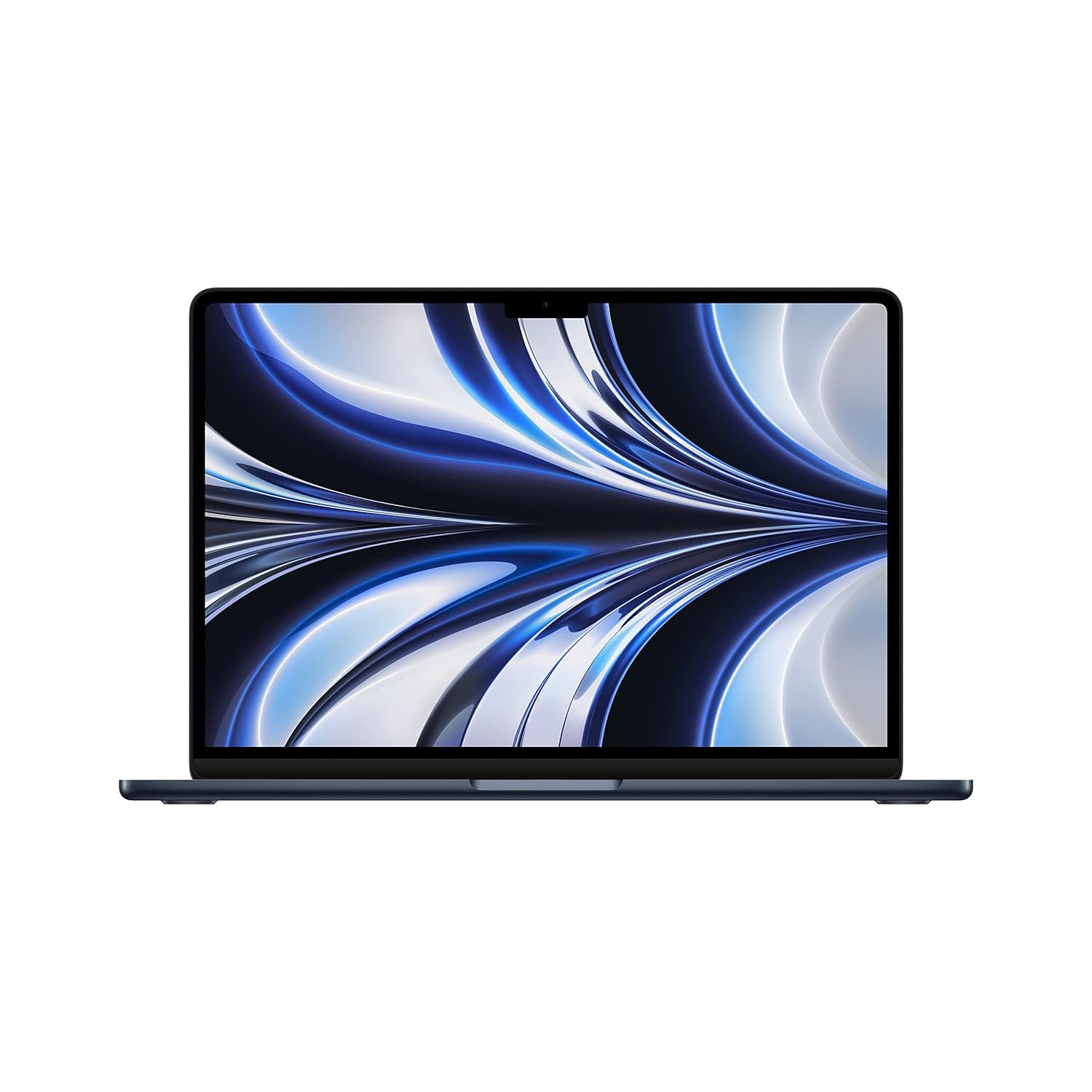
UP TO 18 HOURS OF BATTERY LIFE – Go all day and into the night, thanks to the power-efficient performance of the Apple M2 chip.
| Specification | Details |
| Processor | Apple M2 (8-core CPU, 8-core GPU) |
| RAM | 8GB Unified Memory |
| Storage | 256GB SSD |
| Display | 13.6-inch Liquid Retina, 2560×1664 |
| Battery | Up to 18 hours |
| Graphics | 8-core integrated GPU |
| OS | macOS Ventura / Sonoma |
| Weight | 1.24 kg |
2.ASUS Vivobook 16X (Intel Core i7-13700H)
ASUS Vivobook 16X has quietly become one of the most reliable laptop brands in India, and the Vivobook 16X proves exactly why. This is a powerhouse for students who multitask heavily, professionals who work with large Excel files, or developers who run virtual machines without wanting to spend MacBook money.
The 16-inch display gives you serious screen real estate. Paired with an Intel 13th Gen processor and a dedicated GPU, this handles coding environments, moderate photo editing, and even some casual gaming with ease.
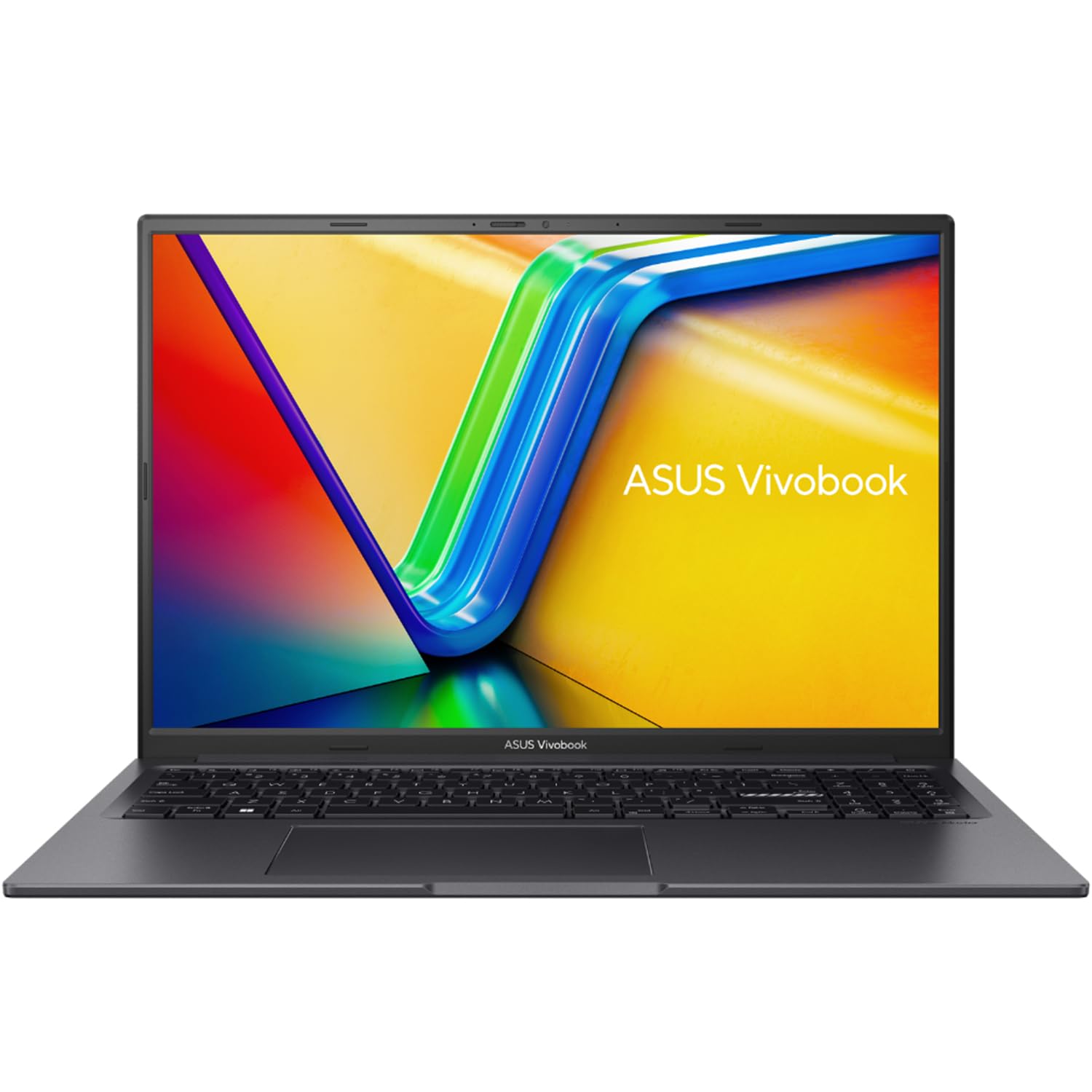
16GB high-bandwidth DDR4 RAM to smoothly run multiple applications and browser tabs all at once; 1TB PCIe M.2 Salid Stato Drive provides fast bootup, ample storage space and speedy data transfer
| Specification | Details |
| Processor | Intel Core i7-13700H (13th Gen) |
| RAM | 16GB DDR4 |
| Storage | 512GB NVMe SSD |
| Display | 16-inch FHD IPS, 144Hz |
| Battery | Up to 10 hours |
| Graphics | NVIDIA GeForce RTX 2050 4GB |
| OS | Windows 11 Home |
| Weight | 1.88 kg |
3.Dell Inspiron 15 3520 (Core i7 / 16GB)
Dell’s Inspiron 15 3520 line has always been the go-to for reliable office work and college use — and the 2026 edition doesn’t disappoint. If you’re looking for a solid all-rounder that handles MS Office, Zoom calls, browser-heavy workflows, and some coding without drama, this is it.
The build is sturdy, the keyboard is comfortable for long typing sessions, and Dell’s after-sales service network across India is one of the best in the business. For working professionals who want a trustworthy daily machine, this delivers consistently.
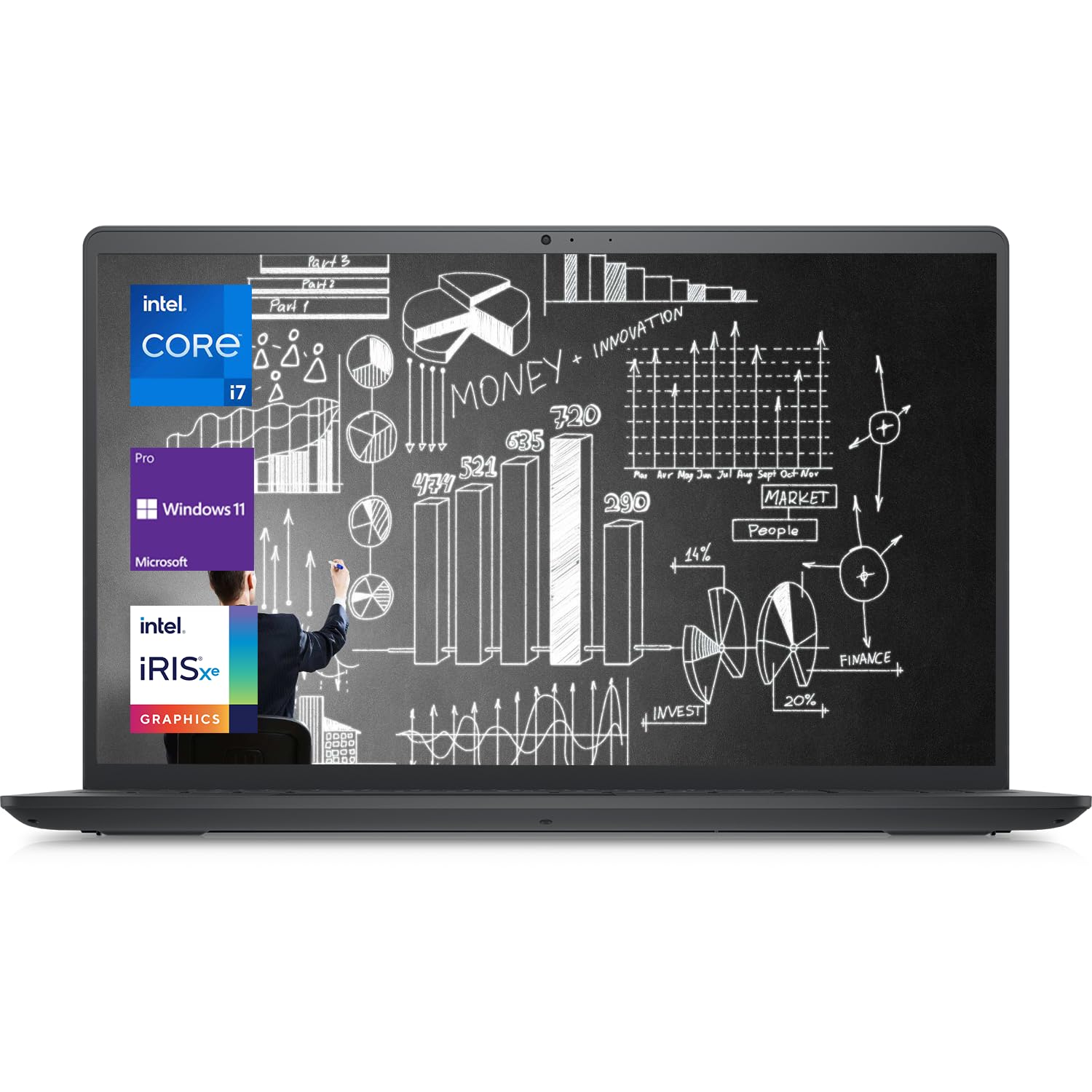
16GB high-bandwidth RAM to smoothly run multiple applications and browser tabs all at once; 1TB PCIe NVME M.2 Solid State Drive allows fast bootup and data transfer
| Specification | Details |
| Processor | Intel Core i7-1255U (12th Gen) |
| RAM | 16GB DDR4 |
| Storage | 512GB SSD |
| Display | 15.6-inch FHD Anti-glare |
| Battery | Up to 8 hours |
| Graphics | Intel Iris Xe Integrated |
| OS | Windows 11 Home |
| Weight | 1.73 kg |
4.Lenovo IdeaPad Slim 5 (AMD Ryzen 7 7730U)
Lenovo’s IdeaPad Slim 5 with AMD Ryzen 7 is one of the most underrated laptops in this segment. AMD’s Ryzen processors offer outstanding multi-core performance at lower power consumption, which directly translates to better battery life without sacrificing speed.
This laptop is perfect for students pursuing engineering, developers who use Linux, or professionals who want snappy performance without carrying a heavy bag. The slim form factor makes it genuinely portable, and Lenovo’s build quality has improved dramatically over the past few years.
If you’re considering something in the lower range too, check out our guide on the [Best Laptops Under ₹40,000 in India] for budget-conscious options.
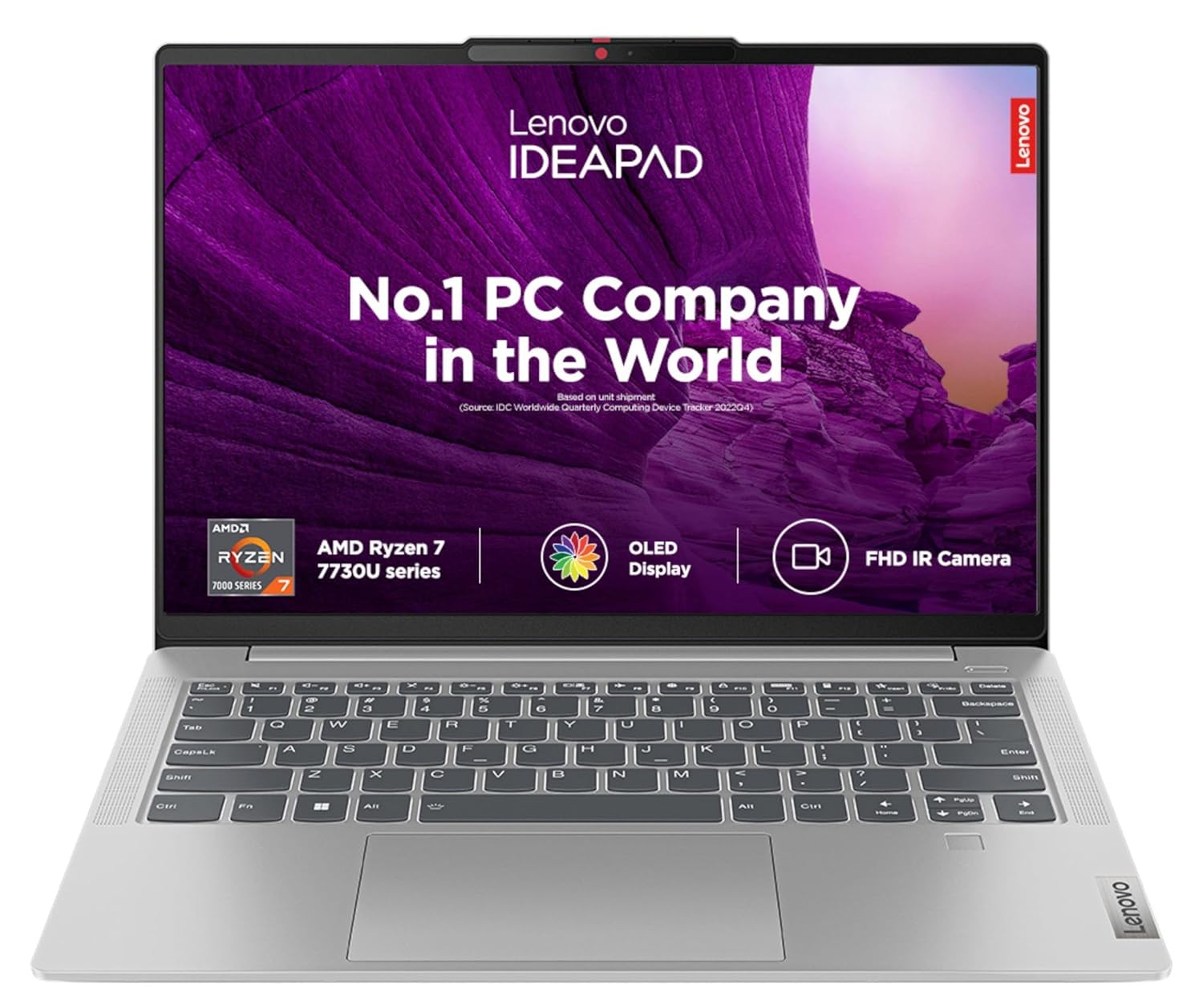
Processor: AMD Ryzen 7 7730U | Speed: 2.0 GHz (Base) – 4.5 GHz (Max) | 6 Cores | 12 Threads | 16 MB Cache
| Specification | Details |
| Processor | AMD Ryzen 7 7730U |
| RAM | 16GB LPDDR4x |
| Storage | 512GB NVMe SSD |
| Display | 14-inch FHD IPS, 300 nits |
| Battery | Up to 12 hours |
| Graphics | AMD Radeon Integrated |
| OS | Windows 11 Home |
| Weight | 1.46 kg |
5.HP Pavilion 15 (Intel Core i5-13500H + RTX 3050)
HP’s Pavilion line has always hit the sweet spot between price and performance. This particular configuration with an Intel 13th Gen H-series chip and RTX 3050 is a genuine budget gaming and content creation machine that sits comfortably under ₹1 lakh.
If you’re a student who games on weekends, or a creative professional doing video editing on a budget, the RTX 3050 gives you hardware-accelerated rendering and playable frame rates in most eSports titles. It’s also surprisingly well-built for the price.
For more options in this range, our detailed list of [Best Laptops Under ₹90,000 in India] covers even more configurations worth exploring.
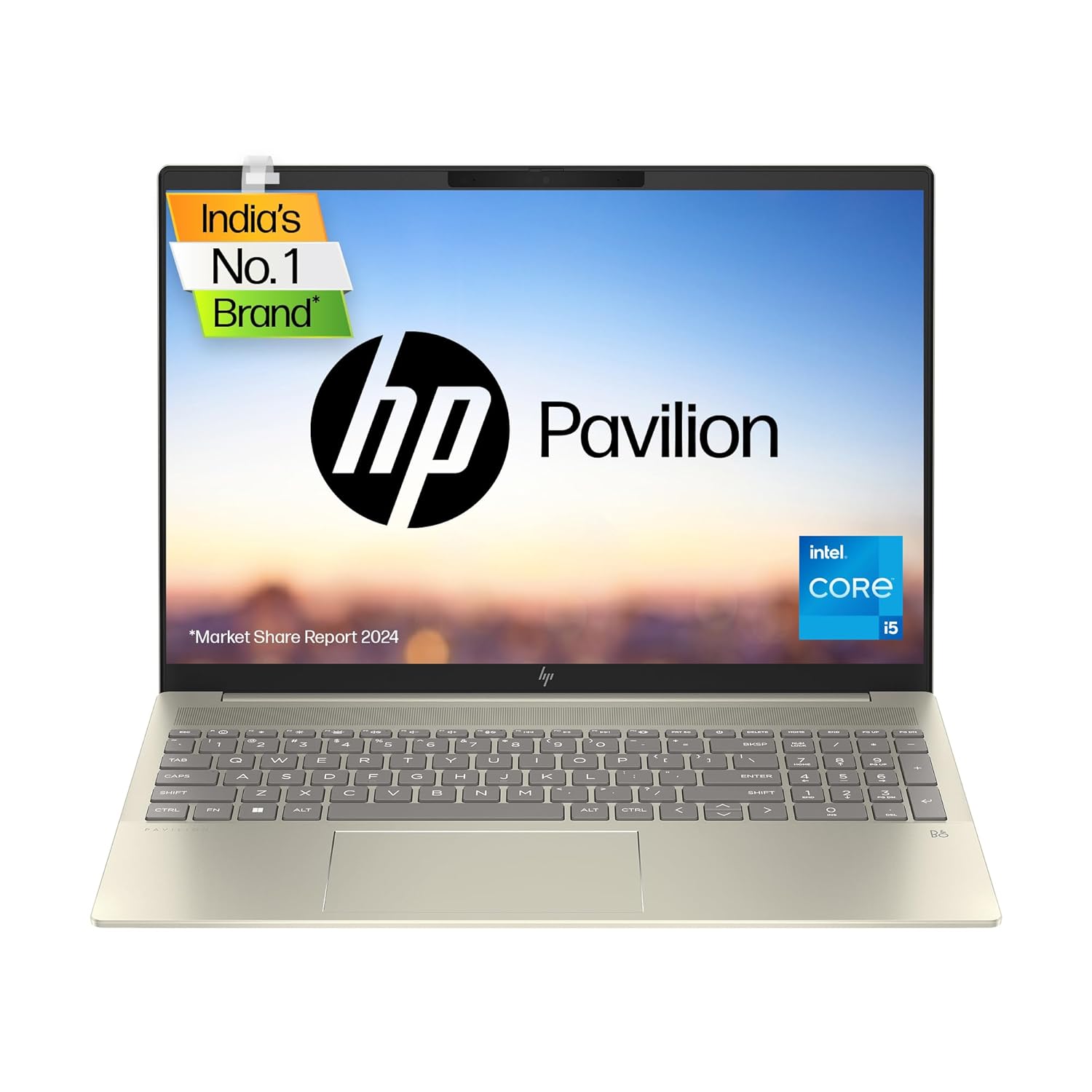
Experience unbeatable speed and efficiency with 16 threads and 18MB L3 cache, enhancing your multi-tasking capabilities for demanding tasks.
| Specifications | Details |
| Processor | Intel Core i5-13500H |
| RAM | 16GB DDR4 |
| Storage | 512GB SSD |
| Display | 15.6-inch FHD IPS, 144Hz |
| Battery | Up to 7 hours |
| Graphics | NVIDIA GeForce RTX 3050 4GB |
| OS | Windows 11 Home |
| Weight | 1.98 kg |
Also Read Recommend Blogs
30 Best Laptops For Students In India (2026)
Best Lightweight Laptops for College Students in India
Best Laptops Under ₹90,000 in India (2026 Guide – Top 30 Picks)
Best laptops under ₹80,000 in India
Best laptops for video editing
40 Best Laptops for Office Use in India
Top 30 Best Laptops for Music Production (With Pros & Cons)
best laptop under 50000 India
best laptop under 60000
6.ASUS ROG Zephyrus G14 (AMD Ryzen 7 / RTX 4060) — Premium Pick
If your budget stretches to the upper end of ₹1 lakh, the ROG Zephyrus G14 is one of the most impressive thin-and-light gaming laptops ever made. It’s compact, powerful, and surprisingly battery-efficient for a gaming machine.
Writers, developers, and gamers who refuse to compromise will love this. The build is exceptional, the display is gorgeous, and AMD’s Ryzen paired with RTX 4060 makes this a legitimate workstation you can carry in a backpack. This is the laptop you buy when you’re serious.
You might also want to explore our [Best Laptops for Engineering Students] guide if this type of performance is what you need for technical coursework.
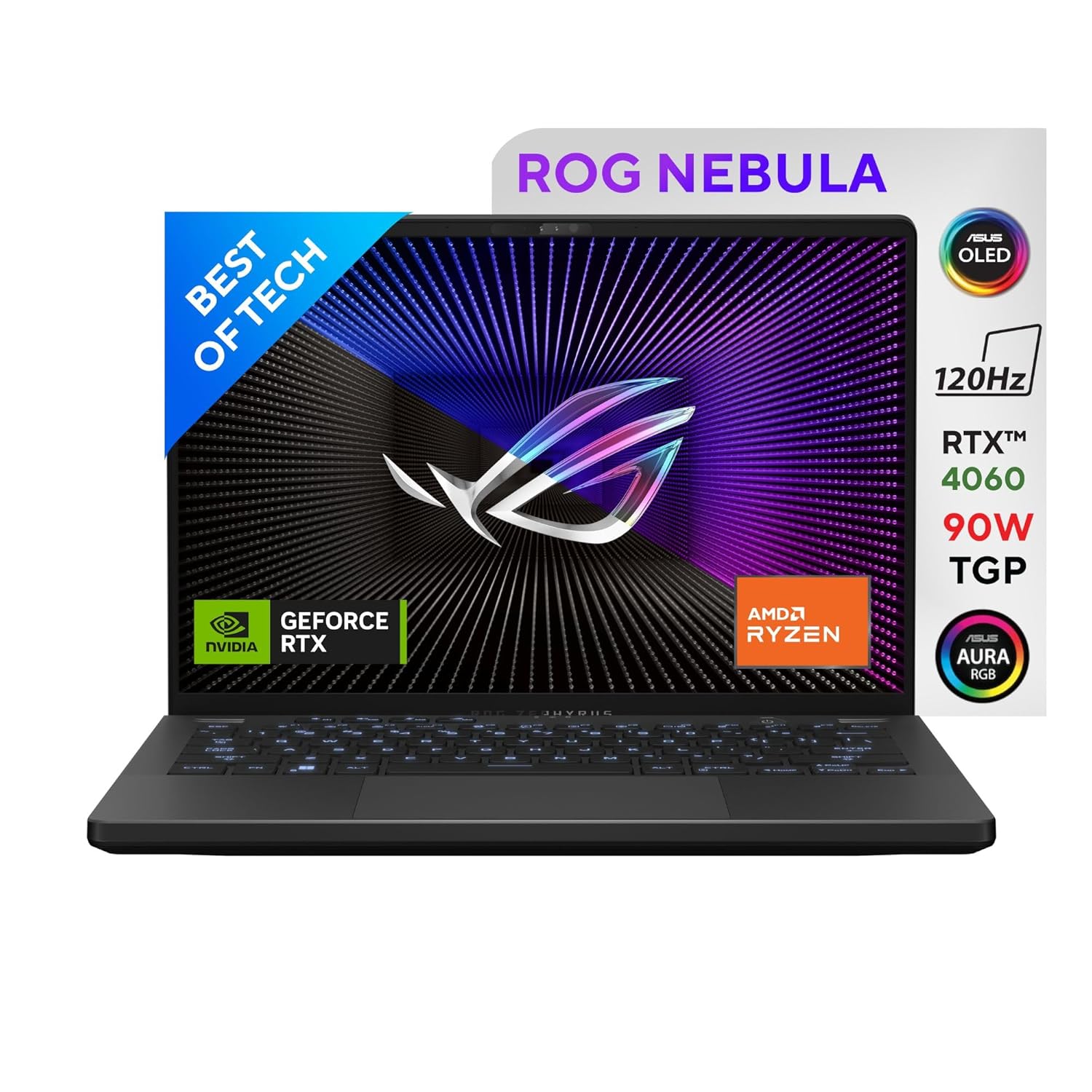
Processor : AMD Ryzen 9 8945HS Processor 4GHz (24MB Cache, up to 5.2 GHz, 8 cores, 16 Threads); AMD Ryzen AI up to 39 TOPs
| Specifications | Details |
| Processor | AMD Ryzen 7 7745HX |
| RAM | 16GB DDR5 |
| Storage | 512GB NVMe SSD |
| Display | 14-inch QHD+ 165Hz |
| Battery | Up to 10 hours (balanced mode) |
| Graphics | NVIDIA GeForce RTX 4060 8GB |
| OS | Windows 11 Home |
| Weight | 1.65 kg |
7.Samsung Galaxy Book3 (Core i5 / 13th Gen)
Samsung Galaxy Book3 doesn’t get enough credit in the Indian laptop market, but the Galaxy Book3 deserves serious attention. It’s sleek, it’s fast, and it integrates beautifully with Android phones — a huge plus if you’re deep in Samsung’s ecosystem.
For office professionals, content writers, and people who move between devices constantly, the Galaxy Book3 offers excellent build quality, a bright AMOLED display option, and genuine productivity performance. Dell and Lenovo should be watching this one closely.
For those focused on workplace productivity, our roundup of [40 Best Laptops for Office Use in India] has extensive coverage of office-centric configurations across all budgets.
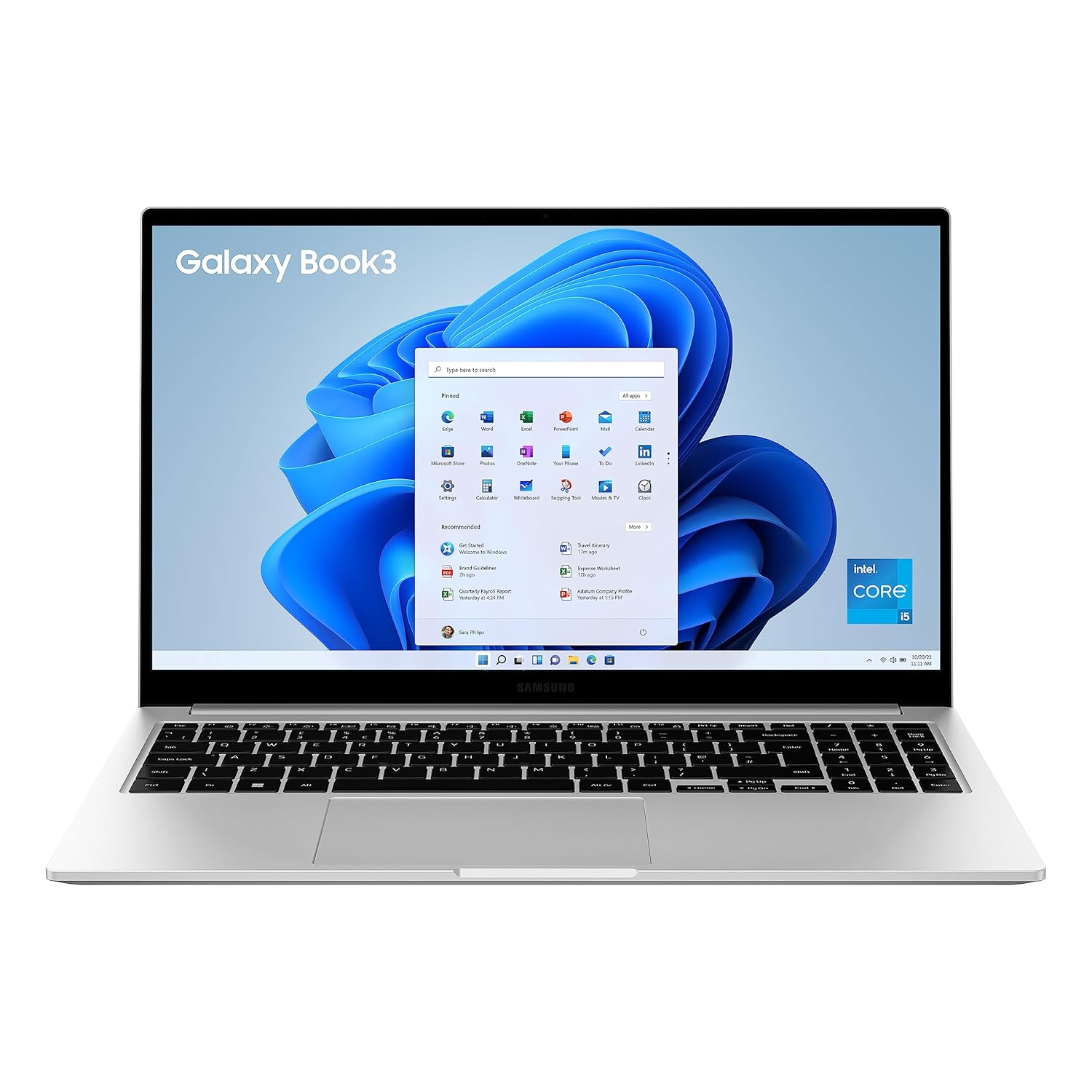
Processor: 13th Generation Intel Core i5-1335U processor (up to 4.6 GHz 12 MB L3 Cache) | Memory: 8 GB LPDDR4x Memory | Storage: 512 GB NVMe SSD, additional slot- expandable upto 1TB | Intel Iris Xe Graphics
| Specifications | Details |
| Processor | Intel Core i5-1335U (13th Gen) |
| RAM | 8GB LPDDR4x |
| Storage | 256GB NVMe SSD |
| Display | 15.6-inch FHD |
| Battery | Up to 12 hours |
| Graphics | Intel Iris Xe |
| OS | Windows 11 Home |
| Weight | 1.59 kg |
8.MSI Modern 15 (AMD Ryzen 7 / 512GB)
MSI Modern 15 is known for gaming laptops, but the Modern 15 is their productivity-focused line — and it’s remarkably well-executed. Thin, fast, and with a surprisingly good keyboard, this is a laptop that works hard during office hours and doesn’t look out of place in a boardroom.
The Ryzen 7 processor keeps things snappy, and the 512GB SSD ensures you won’t run out of space for a good while. If you need a professional-looking machine that still has teeth under the hood, this deserves a spot on your shortlist.
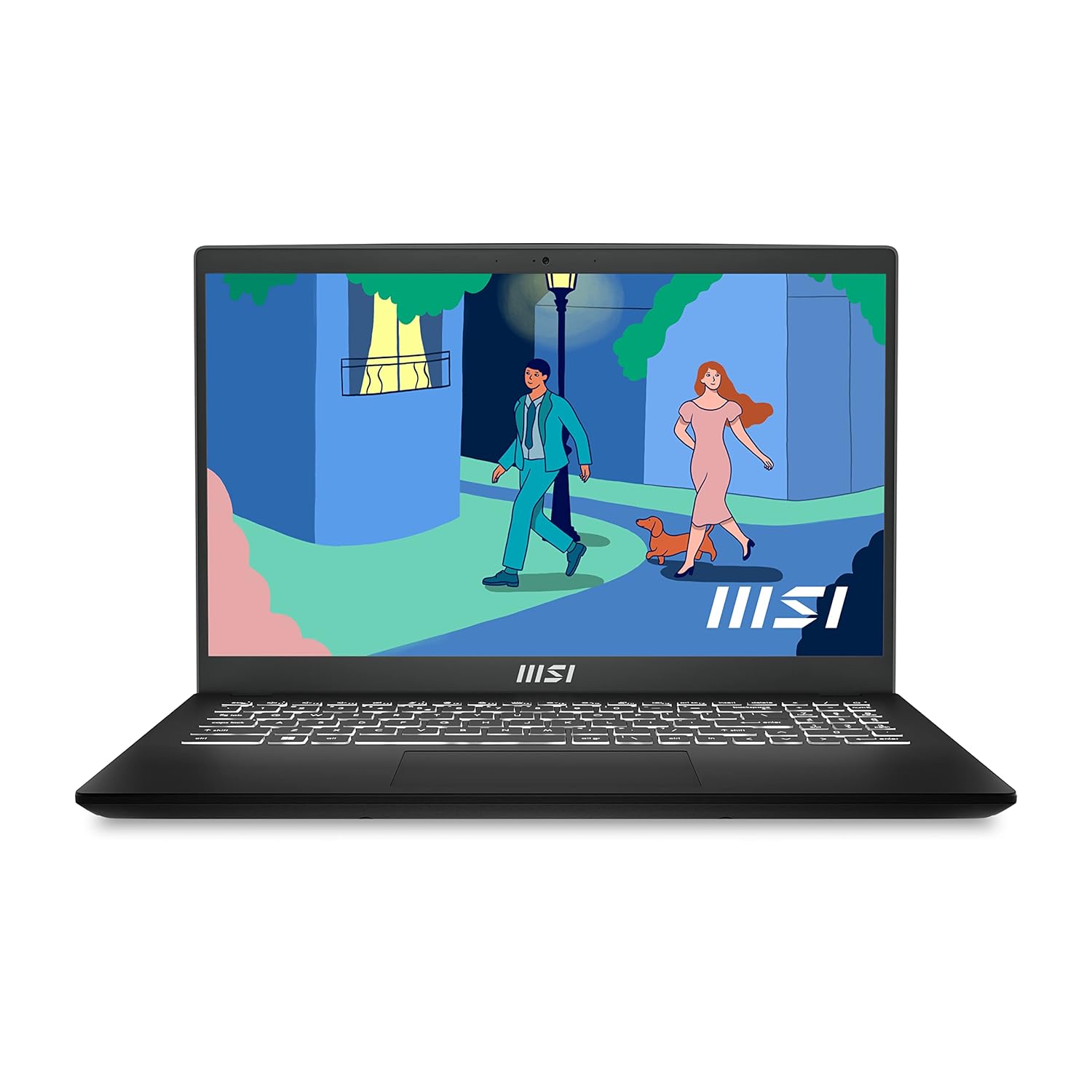
Processor: 7th Generation Ryzen 5 7530U upto 4.5 GHz
| Specifications | Details |
| Processor | AMD Ryzen 7 7730U |
| RAM | 16GB DDR4 |
| Storage | 512GB NVMe SSD |
| Display | 15.6-inch FHD IPS |
| Battery | Up to 11 hours |
| Graphics | AMD Radeon Integrated |
| OS | Windows 11 Home |
| Weight | 1.6 kg |
9.Acer Swift Go 14 (Intel Evo / OLED Display)
For those who refuse to compromise on display quality, the Acer Swift Go 14 with its OLED panel is a visual revelation. Text looks crisper, colors pop, and watching any content on this screen feels noticeably different from standard IPS panels.
This is the laptop for writers, designers, photographers, and anyone who stares at a screen for eight-plus hours daily. Pair that with Intel Evo certification — which guarantees fast wake times, all-day battery, and Thunderbolt 4 — and you’ve got a seriously capable ultrabook.
Students looking for lightweight options should also check our guide on [Best Lightweight Laptops for College Students in India] for more portable picks across all price ranges.
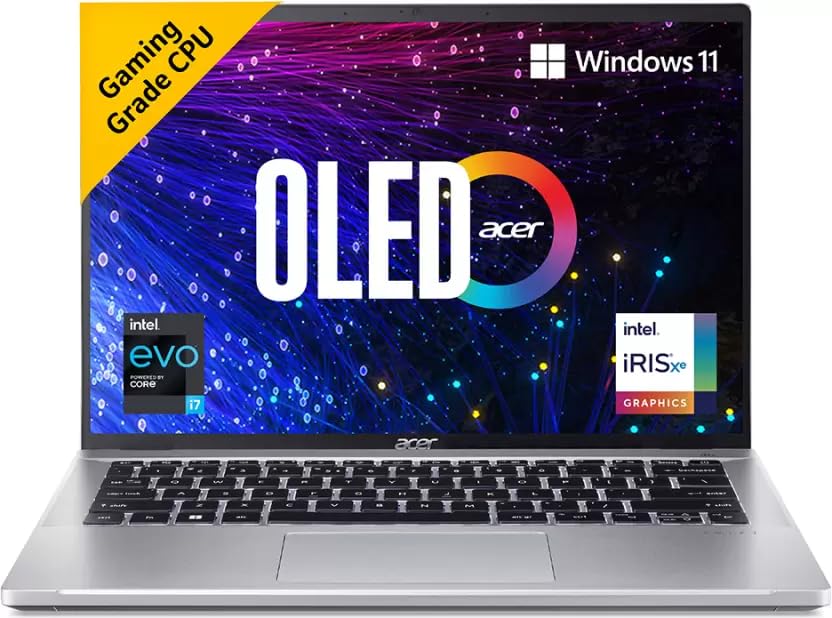
Processor: Intel Core i7-13700H processor with integrated Intel Iris Xe Graphics
| Specifications | Details |
| Processor | Intel Core i5-1335U (Intel Evo) |
| RAM | 16GB LPDDR4x |
| Storage | 512GB NVMe SSD |
| Display | 14-inch 2.8K OLED, 90Hz |
| Battery | Up to 10 hours |
| Graphics | Intel Iris Xe |
| OS | Windows 11 Home |
| Weight | 1.25 kg |
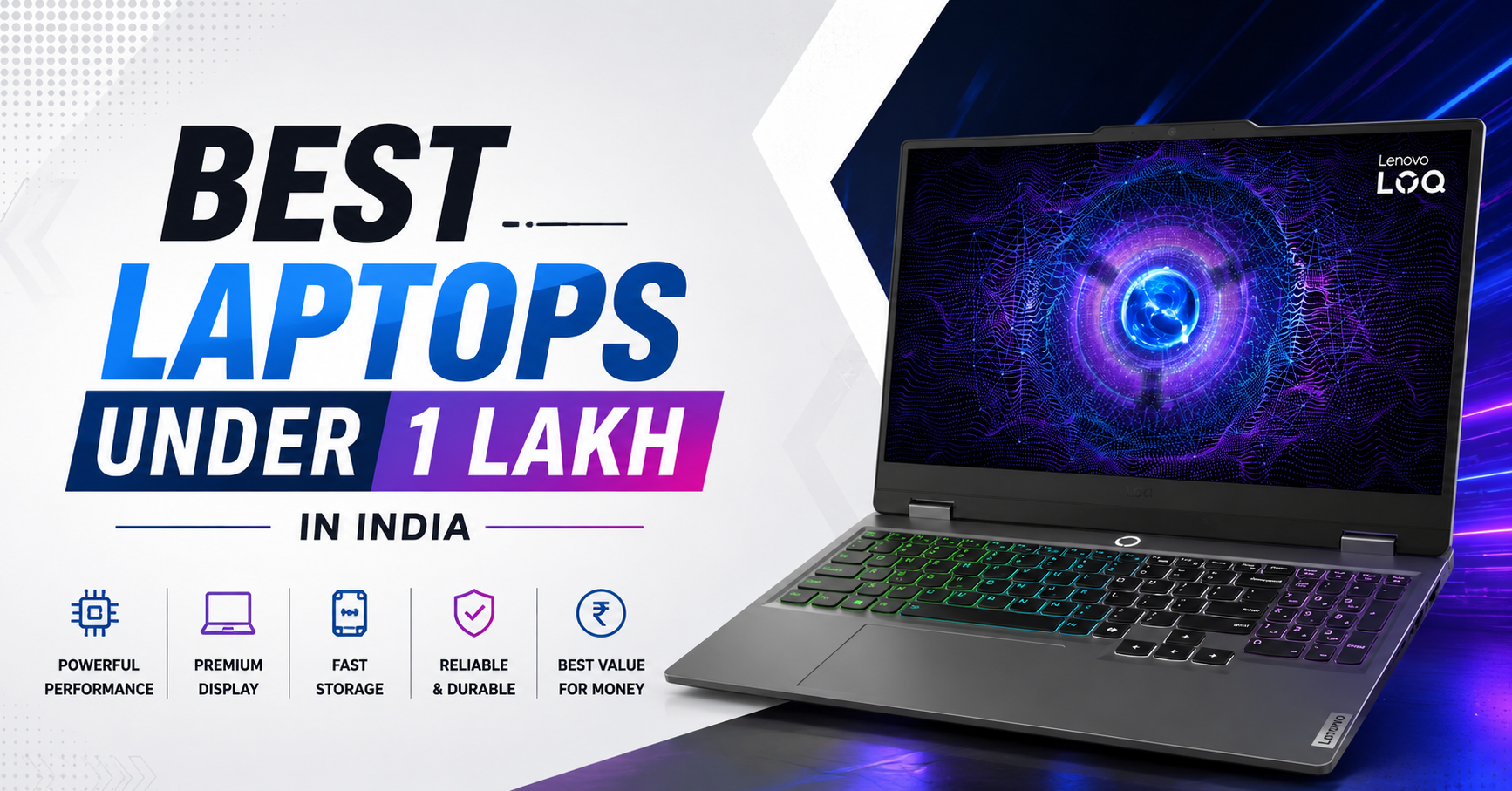
10. Lenovo LOQ 15IRX9 (Intel Core i7 + RTX 4060)
The Lenovo LOQ 15IRX9 has quickly become one of the strongest value-for-money performance laptops in India under ₹1 lakh. It is built for students, gamers, developers, and creators who need serious power without paying premium ROG or Legion pricing. With Intel’s powerful H-series processor and NVIDIA RTX 4060 graphics, this laptop handles AAA gaming, 3D rendering, coding environments, and video editing comfortably.
Unlike flashy gaming laptops, the LOQ keeps a cleaner and more professional design, which makes it suitable for both classrooms and office environments. The cooling system is surprisingly efficient for the price, and Lenovo’s keyboard experience remains one of the best in the segment.
If you want a laptop that can handle both work and gaming for the next 4–5 years, the Lenovo LOQ is one of the safest choices under ₹1 lakh in India.
| Specification | Details |
|---|---|
| Processor | Intel Core i7-13650HX |
| RAM | 16GB DDR5 |
| Storage | 512GB NVMe SSD |
| Display | 15.6-inch FHD IPS, 144Hz |
| Battery | Up to 6–7 hours |
| Graphics | NVIDIA GeForce RTX 4060 8GB |
| OS | Windows 11 Home |
| Weight | 2.4 kg |
How to Choose the Right Laptop Under ₹1 Lakh
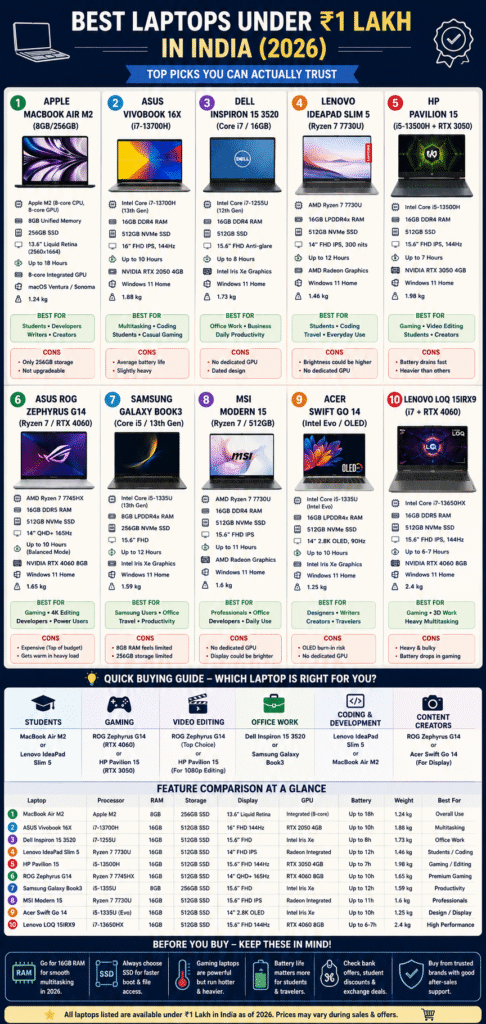
With so many options, here’s a quick framework to help you decide:
For Students: Go with the MacBook Air M2 or Lenovo IdeaPad Slim 5. Both offer great battery life and handle academic workloads effortlessly.
For Gaming: The HP Pavilion 15 (RTX 3050) or ROG Zephyrus G14 (RTX 4060) are your best bets depending on how serious you are about gaming.
For Video Editing: ROG Zephyrus G14 leads here. If budget is tighter, the HP Pavilion with RTX 3050 handles 1080p editing well. Also explore our [Best Laptops for Video Editing] roundup for more specialized recommendations.
For Office Work: Dell Inspiron or Samsung Galaxy Book3. Reliable, professional, and backed by good service networks.
For Music Production: The MacBook Air M2 is unmatched for low-latency audio work. Our [Top 30 Best Laptops for Music Production] guide covers DAW-specific requirements in more depth.For Coding and
Development: Lenovo IdeaPad Slim 5 or MacBook Air M2 — both handle IDEs, Docker, and terminal work with ease.
FAQ: People Also Ask
Q1. Which is the best laptop under 1 lakh for students in India?
The Apple MacBook Air M2 is the top pick for most students — especially those in design, media, or general academics. For students who need Windows and a dedicated GPU, the ASUS Vivobook 16X offers excellent value. Our detailed guide on [30 Best Laptops For Students In India (2026)] covers budget-specific options too.
Q2. Is MacBook Air M2 worth buying under 1 lakh in India?
Absolutely — if you’re comfortable with macOS. The M2 chip offers performance that rivals much more expensive Windows laptops, and the battery life is genuinely class-leading. The only real concern is the 256GB storage on the base model, which fills up quickly.
Q3. Which is better for gaming under ₹1 lakh — ROG Zephyrus G14 or HP Pavilion?
If budget allows, the ROG Zephyrus G14 with RTX 4060 is far superior. It handles AAA titles and heavy creative workloads. The HP Pavilion with RTX 3050 is a more affordable compromise — great for eSports titles and 1080p editing, but won’t run demanding games at high settings.
Q4. Should I buy a laptop with 8GB or 16GB RAM under 1 lakh?
Always go for 16GB in 2026 if the option exists. With Chrome, Slack, VS Code, and a few browser tabs open simultaneously, 8GB gets tight quickly. 16GB ensures your laptop stays fast and relevant for at least 4–5 years.
Q5. Is AMD Ryzen better than Intel Core i7 for laptops under ₹1 lakh?
It depends on the generation and use case. AMD Ryzen 7000-series processors generally offer better multi-core performance and efficiency. Intel’s 13th Gen H-series chips excel in single-core tasks and pair well with dedicated GPUs. For battery-focused use, AMD wins. For gaming builds, Intel H-series is often the better platform.
Q6. Which laptop has the best display under 1 lakh in India?
The Acer Swift Go 14 with its 2.8K OLED panel takes the crown for display quality. OLED panels offer true blacks, vibrant colors, and sharper contrast compared to IPS alternatives. The MacBook Air M2’s Liquid Retina display is a close second for its color accuracy.
Q7. Can I do professional video editing on a laptop under ₹1 lakh?
Yes with the right machine. The ROG Zephyrus G14 (RTX 4060) handles 4K video editing in DaVinci Resolve and Premiere Pro. For simpler 1080p workflows, the HP Pavilion with RTX 3050 works well. Avoid integrated-GPU laptops for serious editing work.
Q8. Which laptop brand has the best after-sales service in India?
Dell and Lenovo consistently rank highest for service network coverage across India, including tier-2 and tier-3 cities. HP follows closely. Apple’s service centers are excellent but limited to major metros. For students in smaller cities, Dell or Lenovo is the safer long-term bet.
Conclusion
The best laptop under 1 lakh in India isn’t a single answer it’s the one that matches your specific workflow, priorities, and lifestyle. Whether you lean toward the silent brilliance of the MacBook Air M2, the gaming muscle of the ROG Zephyrus G14, or the reliable workhorse that is the Dell Inspiron, there’s a genuinely great option waiting at this price point. Stop waiting for the “perfect” deal — these machines are already excellent. Pick the one that fits your needs, buy it, and get to work.