If you’ve ever tried running AutoCAD on an underpowered machine, you already know the pain — lagging renders, frozen screens, and projects that should take minutes turning into hour-long ordeals. Finding the best laptops for AutoCAD in India isn’t just about picking the most expensive machine; it’s about matching the right specs to your specific workflow, whether you’re a first-year architecture student sketching floor plans or a senior civil engineer handling complex 3D models.
As someone who has tested and reviewed laptops for over two decades across engineering, design, and production workflows, I can tell you this: the Indian market in 2026 is genuinely exciting. You get serious workstation-grade performance at prices that would have been unthinkable five years ago.
In this guide, I’ve personally curated 30 of the best laptops for AutoCAD available in India right now — spanning budget picks under ₹50,000 all the way to full-blown professional workstations. Each recommendation comes with real-world context, not just spec sheets.
Whether you’re also looking for the best laptop for data science India, the best laptop for graphic design India, or the Best Laptops for Engineering Students, this guide will help you cut through the noise and spend your money wisely.
What Makes a Laptop Good for AutoCAD?
Before we jump into the list, let’s quickly cover what AutoCAD actually needs:
- Processor: AutoCAD is heavily single-core dependent. A fast Intel Core i7/i9 or AMD Ryzen 7/9 with high clock speeds matters more than core count.
- RAM: 16GB is the sweet spot for 2D work. For 3D modelling or large assemblies, go 32GB or more.
- GPU: AutoCAD uses the GPU for display rendering. A dedicated NVIDIA or AMD card helps, especially for 3D. Certified workstation GPUs (NVIDIA RTX A-series) are ideal but not mandatory.
- Storage: NVMe SSD is non-negotiable. AutoCAD files are large and your system will feel sluggish on HDD or SATA SSD.
- Display: A Full HD IPS display is minimum. For precision drafting, colour accuracy and sharpness matter. QHD or 4K panels are a bonus.
With that foundation in place, let’s get into the list.
30 Best Laptops for AutoCAD in India (2026)
1. Dell Precision 3591 Mobile Workstation
If professional-grade reliability and ISV-certified performance are your priorities, the Dell Precision 3591 is the machine to start with. Designed specifically for CAD and engineering workflows, this workstation-class laptop handles even the most demanding AutoCAD Civil 3D and Revit projects without breaking a sweat. The build quality is exceptional — solid, premium, and built to last through years of professional use. It’s ideal for architects, civil engineers, and mechanical designers who need their tools to just work, every single time.
The Precision 3591 runs on Intel’s latest Core Ultra 7 processor paired with an NVIDIA RTX 500 Ada Generation GPU. This combination is specifically optimised for professional applications like AutoCAD, SolidWorks, and CATIA. You get ISV certification, which essentially means Autodesk has tested and approved this machine for their software stack — that’s peace of mind you simply can’t put a price on.
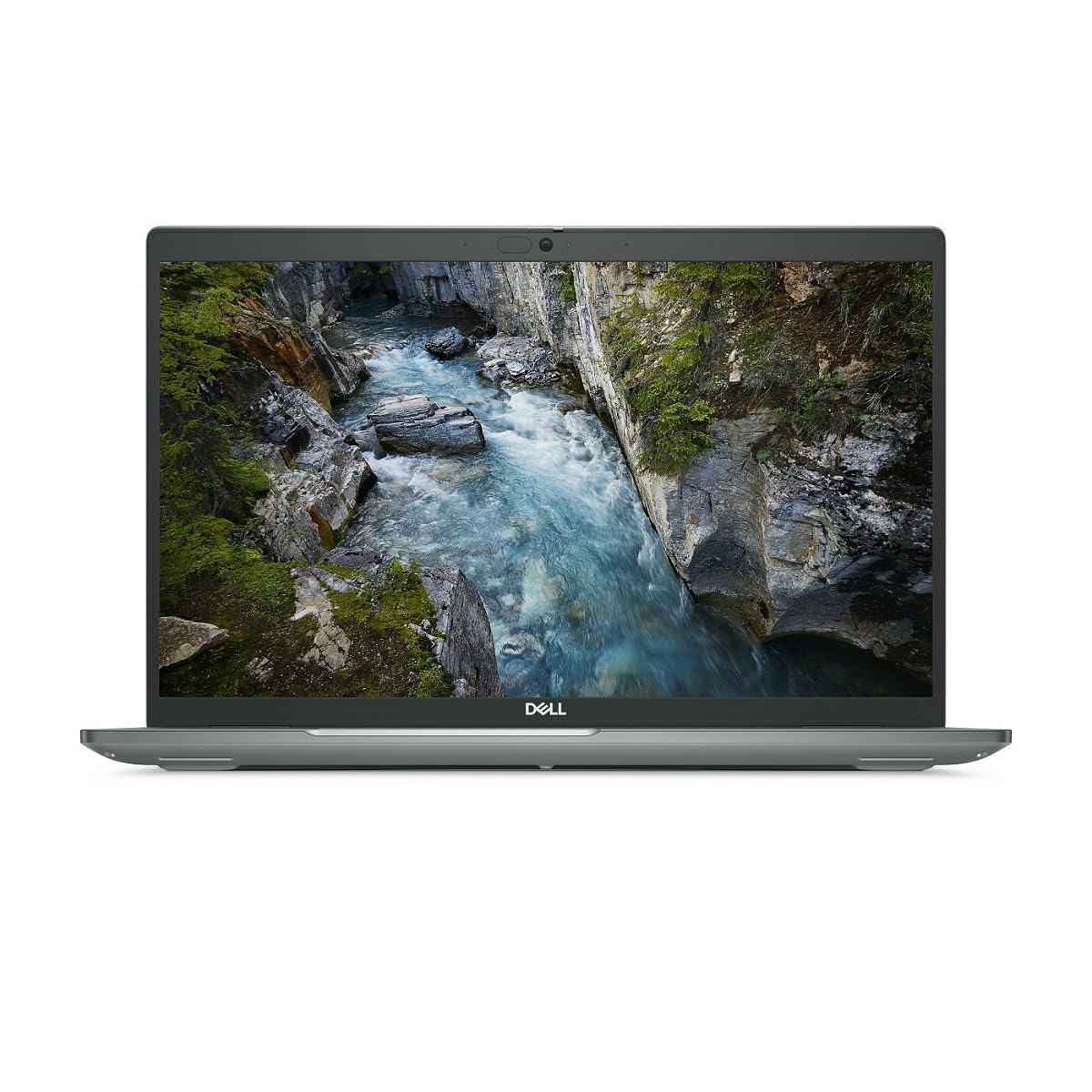
1.4 GHz Intel Core Ultra 7 vPro 32GB of DDR5 RAM | 512GB M.2 SSD 15.6″ 1920 x 1080 LCD Display NVIDIA RTX 1000 microSD Card Slot 2 x Thunderbolt 4 | 2 x USB-A 3.2 Gen 1 Wi-Fi 6E | RJ45 LAN | Bluetooth HDMI | 3.5mm Audio Fingerprint Reader | Nano Lock Windows 11 Pro
Full Specifications:
- Processor: Intel Core Ultra 7 165H (up to 5.0 GHz)
- RAM: 32GB DDR5
- Storage: 1TB NVMe PCIe Gen 4 SSD
- Display: 15.6″ FHD IPS Anti-Glare, 60Hz
- Battery: 86WHr (~8 hours general use)
- Graphics: NVIDIA RTX 500 Ada Generation (4GB GDDR6)
- OS: Windows 11 Pro
- Weight: 1.86 kg
2. HP ZBook Firefly 14 G11
The HP ZBook Firefly 14 G11 is proof that a thin, lightweight laptop can still be a serious professional tool. Weighing under 1.5 kg with a chassis that fits neatly into any backpack, this machine is built for engineers and architects who are constantly on the move — traveling between project sites, client meetings, and the office. Don’t let the slim form factor fool you, though. Under the hood, it packs genuine workstation-class performance.
Powered by Intel Core Ultra 7 and equipped with NVIDIA RTX 2000 Ada Generation graphics, the ZBook Firefly handles AutoCAD, Civil 3D, and even light BIM workflows without lag. HP’s DreamColor display option (available on select configurations) delivers outstanding colour accuracy, which matters when you’re reviewing architectural renderings or detailed design documentation. The battery life is equally impressive, often crossing 10 hours in real-world use.
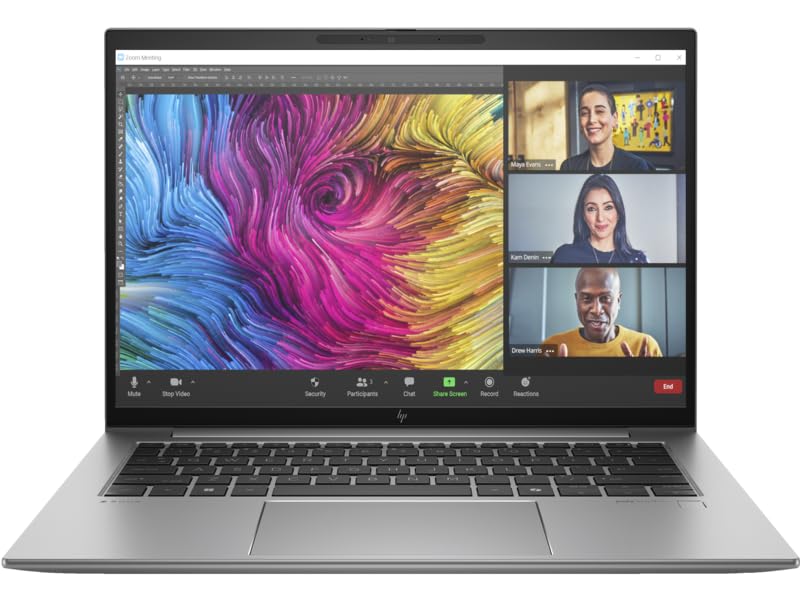
Operating system – Windows 11 Pro. Work anywhere without compromising on performance or security with Windows 11 powered by HP’s collaboration and connectivity technology.
Full Specifications:
- Processor: Intel Core Ultra 7 165U (up to 4.9 GHz)
- RAM: 32GB DDR5 LPDDR5
- Storage: 1TB NVMe SSD
- Display: 14″ FHD IPS, 400 nits brightness
- Battery: 68WHr (~10–12 hours)
- Graphics: NVIDIA RTX 2000 Ada (8GB GDDR6)
- OS: Windows 11 Pro
- Weight: 1.44 kg
3. Lenovo ThinkPad P16s Gen 3
The Lenovo ThinkPad P16s Gen 3 carries forward everything engineers have loved about the ThinkPad line for decades — legendary keyboard feel, rock-solid build quality, and serious performance — and wraps it all in a redesigned 16-inch chassis. For AutoCAD users who spend long hours drafting, the keyboard alone is worth talking about. It’s arguably the best typing experience on any laptop in this price range, with deep key travel and excellent feedback.
Beyond the keyboard, the P16s Gen 3 is a genuine workhorse. Running on AMD Ryzen PRO 8000 series processors with integrated AMD Radeon 890M graphics, it handles 2D AutoCAD drafting beautifully and even manages basic 3D workflows. The AMD architecture also brings excellent thermal management and impressive power efficiency. For students at IITs, NITs, or architecture colleges, this is a fantastic choice that doesn’t require an external GPU to run AutoCAD well.

Unopened retail packaging, sold as configured by Lenovo. One Year Onsite Lenovo Premier Support Warranty Included. Add up to 5 years of Lenovo Premier Support when you register your computer with Lenovo.
Full Specifications:
- Processor: AMD Ryzen 7 PRO 8840U (up to 5.1 GHz)
- RAM: 32GB DDR5
- Storage: 512GB NVMe SSD
- Display: 16″ WUXGA IPS, 100% sRGB
- Battery: 68WHr (~9 hours)
- Graphics: AMD Radeon 890M (integrated) / Optional NVIDIA T550
- OS: Windows 11 Pro
- Weight: 1.76 kg
4. ASUS ProArt Studiobook 16 OLED
For designers and architects who care deeply about what they see on screen, the ASUS ProArt Studiobook 16 OLED is in a class of its own. The 16-inch 4K OLED display is jaw-droppingly beautiful — with true blacks, vibrant colours, and a Delta E < 1 colour accuracy rating that makes every line and detail pop. If you’re using AutoCAD alongside Photoshop, Illustrator, or 3ds Max, the display alone justifies the investment.
Internally, the ProArt Studiobook 16 runs on an Intel Core i9 H-series processor paired with NVIDIA RTX 4060 graphics, making it genuinely capable for heavy 3D modelling, photorealistic rendering, and multi-application workflows. ASUS has also included a physical dial (ProArt Creator Hub dial) on the palm rest that lets you adjust brush sizes, zoom levels, and other parameters without reaching for keyboard shortcuts — a surprisingly useful addition for design-heavy work.
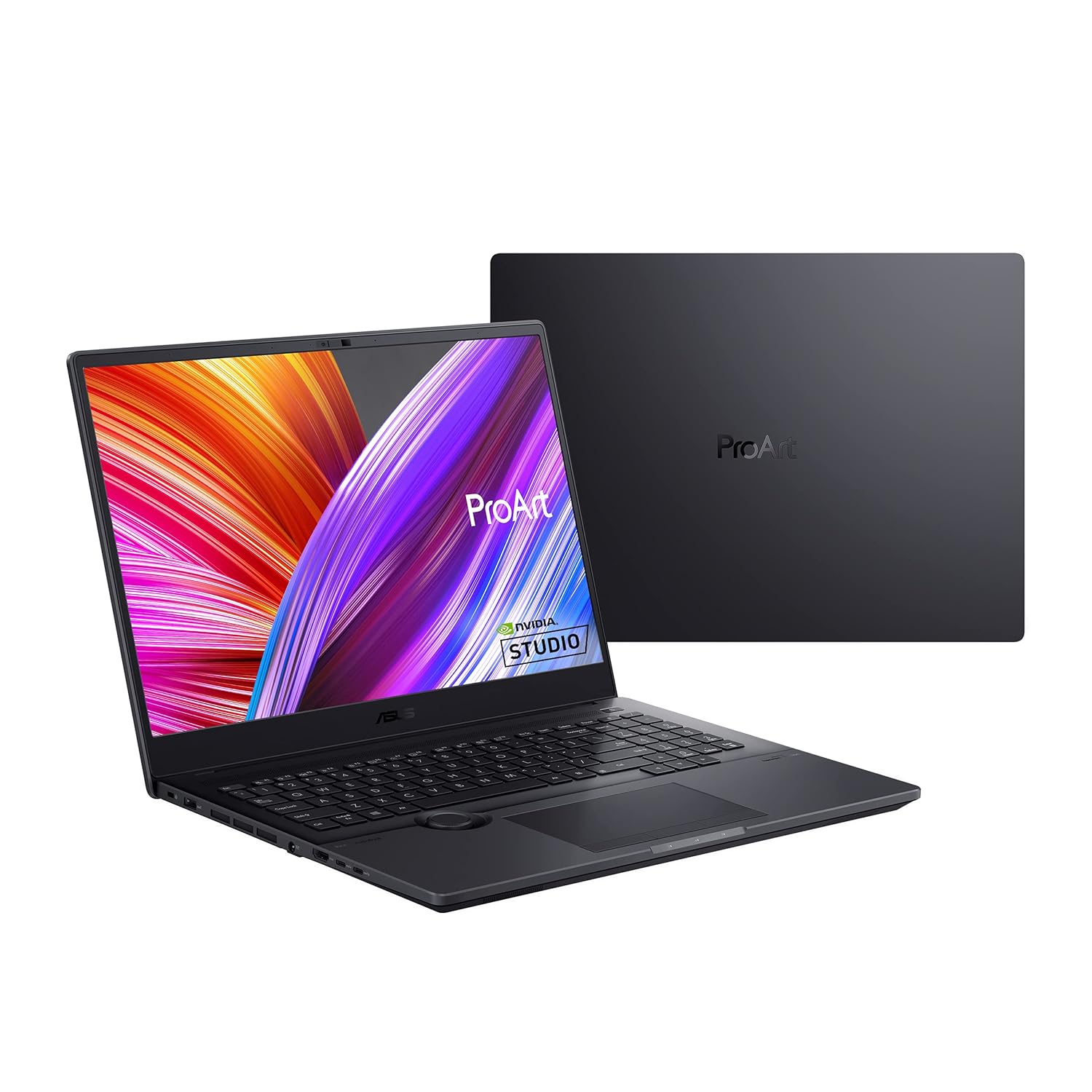
AMD R7 5800H processor 3.2 GHz(16M Cache, up to 4.4GHz) with Windows 11 Home
Full Specifications:
- Processor: Intel Core i9-13980HX (up to 5.6 GHz)
- RAM: 32GB DDR5
- Storage: 1TB NVMe SSD
- Display: 16″ 4K OLED Touch, 120Hz, 100% DCI-P3
- Battery: 96WHr (~6–7 hours)
- Graphics: NVIDIA GeForce RTX 4060 (8GB GDDR6)
- OS: Windows 11 Pro
- Weight: 2.4 kg
5. Apple MacBook Pro 14-inch (M4 Pro)
Yes, AutoCAD officially runs on macOS now — and if you’re open to using Parallels or the native macOS version of AutoCAD LT, the MacBook Pro M4 Pro is arguably the most powerful compact laptop you can buy in 2026. Apple Silicon’s efficiency means you get workstation-level performance in a machine that runs cool, silent, and for hours on a single charge. For architects who also use Vectorworks, ArchiCAD, or Rhino on Mac, this makes complete sense as a primary machine.
The M4 Pro chip brings a 12-core CPU and 20-core GPU under the hood, with unified memory architecture that eliminates the traditional bottleneck between CPU and GPU RAM. AutoCAD for Mac, while not 100% feature-equivalent to the Windows version, handles all core 2D drafting and most 3D workflows perfectly. The Liquid Retina XDR display is reference-grade for colour accuracy, making this a fantastic all-rounder for design professionals.
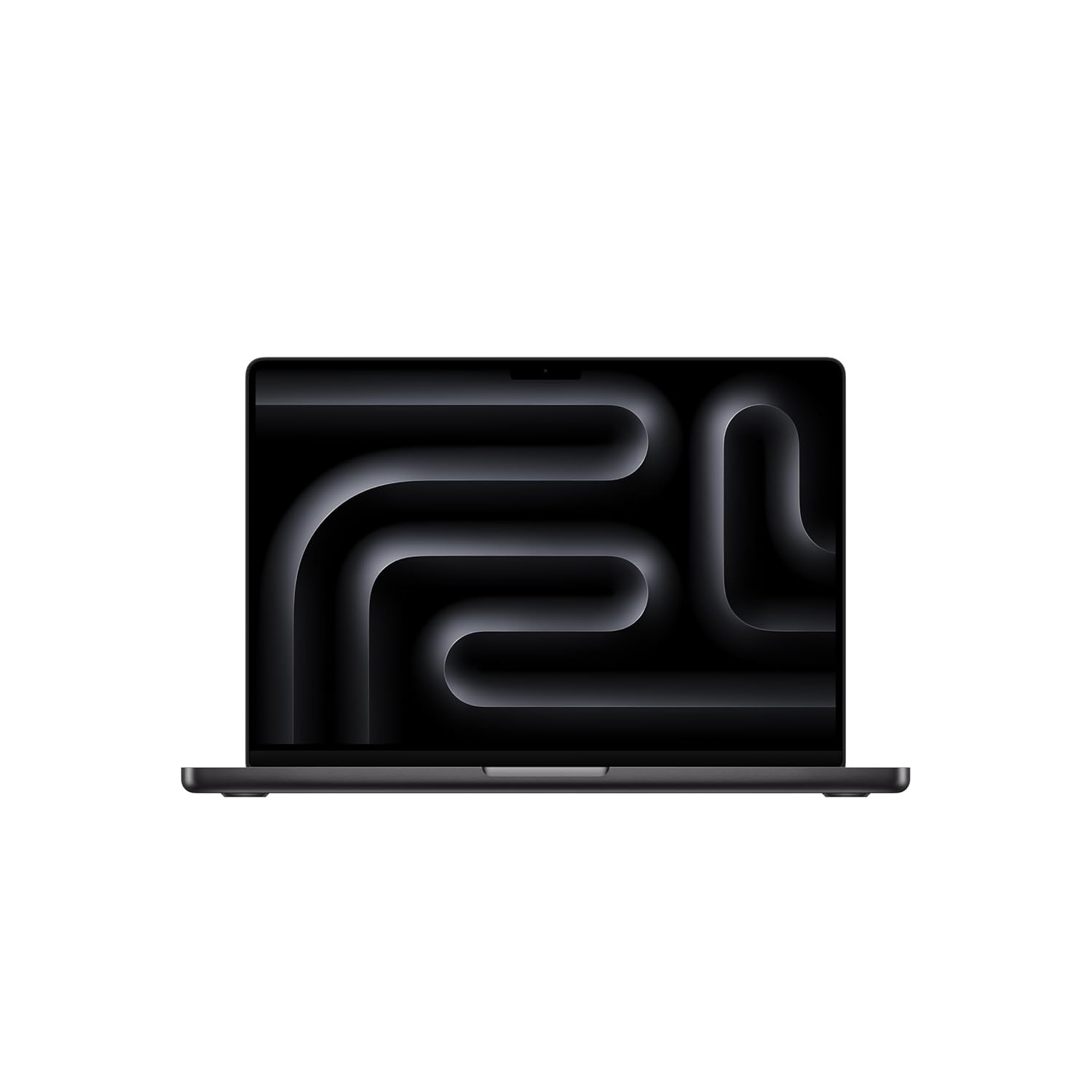
CHAMPION CHIP — The M4 chip brings spectacular speed and capability to blaze through everyday activities and multitask across multiple productivity and pro apps.
Full Specifications:
- Processor: Apple M4 Pro (12-core CPU)
- RAM: 24GB Unified Memory
- Storage: 512GB SSD
- Display: 14.2″ Liquid Retina XDR, 120Hz ProMotion
- Battery: ~15–18 hours real-world
- Graphics: 20-core Apple GPU
- OS: macOS Sequoia
- Weight: 1.61 kg
6. MSI CreatorPro X17
The MSI CreatorPro X17 takes a different approach to the professional laptop market — instead of the typical subdued workstation aesthetic, it brings a sleek dark chassis with some edge, while packing genuine professional-grade internals. For AutoCAD users who also work with rendering engines like V-Ray or Lumion, the RTX 4070 GPU inside this machine is a significant advantage. You’re getting gaming-GPU performance in a professional-focused package.
The 17-inch QHD 240Hz display is outstanding for precision work — sharp enough that individual line weights in AutoCAD drawings are clearly distinguishable, and wide enough that you can have your drawing open alongside your layer panel, properties bar, and toolset without things feeling cramped. The CreatorPro X17 is a statement machine — powerful, fast, and built for professionals who also value aesthetics.
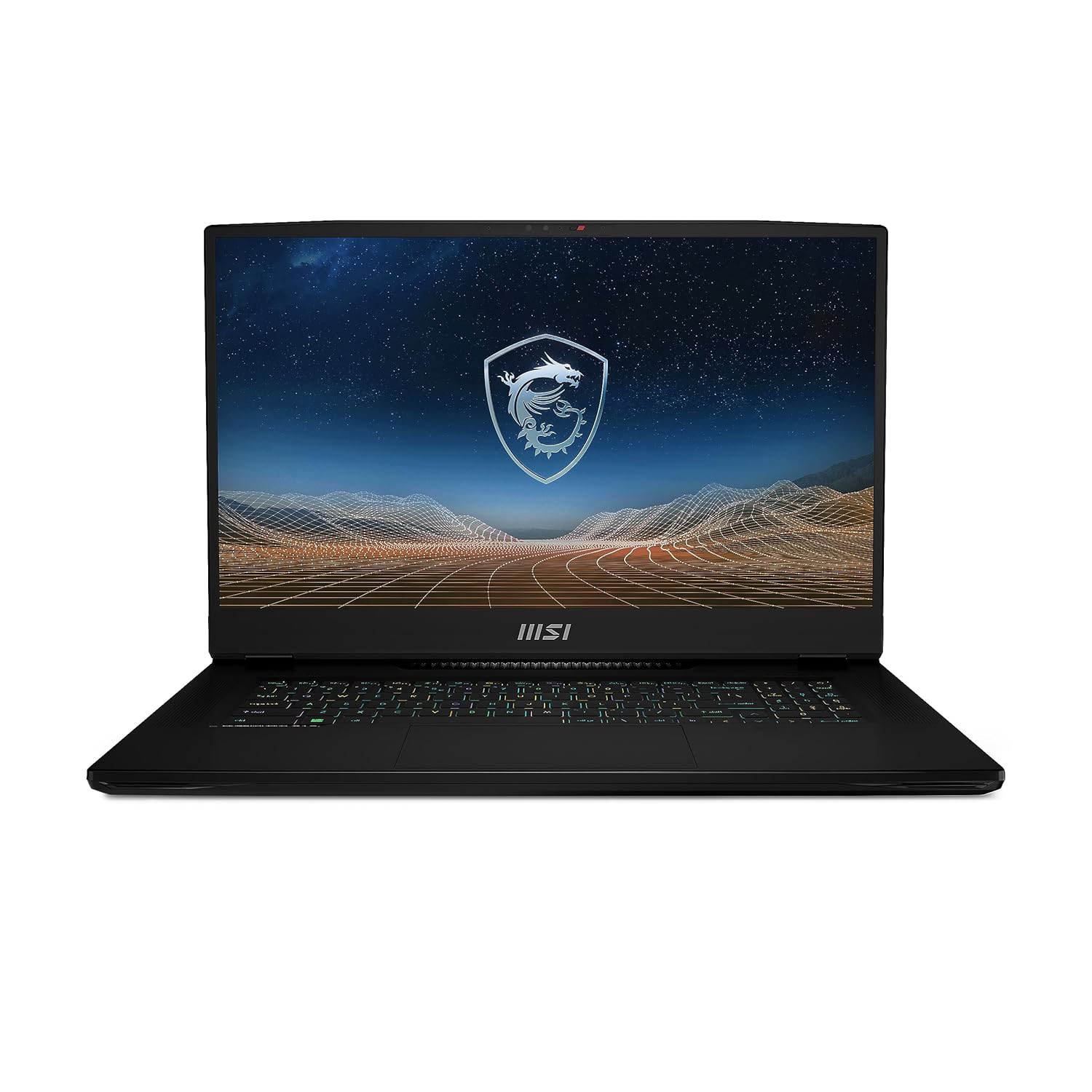
Processor: 13th Generation Intel Core i9-13980HX Up To 5.60GHz
Full Specifications:
- Processor: Intel Core i9-13980HX (up to 5.6 GHz)
- RAM: 64GB DDR5
- Storage: 2TB NVMe SSD
- Display: 17.3″ QHD IPS, 240Hz, 100% DCI-P3
- Battery: 99.9WHr (~4–5 hours under load)
- Graphics: NVIDIA GeForce RTX 4070 (8GB GDDR6)
- OS: Windows 11 Pro
- Weight: 2.85 kg
7. Dell XPS 15 (9530)
The Dell XPS 15 has been the go-to choice for professionals who refuse to compromise on aesthetics or performance — and the 9530 continues that tradition beautifully. It’s the kind of laptop that looks equally at home in a boardroom presentation and on a cluttered engineering desk. The near-borderless OLED display option delivers colours so accurate that architectural visualisations look almost photographic, and the overall build quality is among the best in the industry.
For AutoCAD specifically, the XPS 15 with Intel Core i7 H-series and NVIDIA RTX 4060 is a excellent combination. It handles 2D drafting flawlessly and 3D modelling competently — with enough headroom for occasional Lumion or Enscape rendering jobs. The thermal management has improved significantly over previous generations, meaning sustained workloads no longer lead to the throttling that plagued older XPS models.
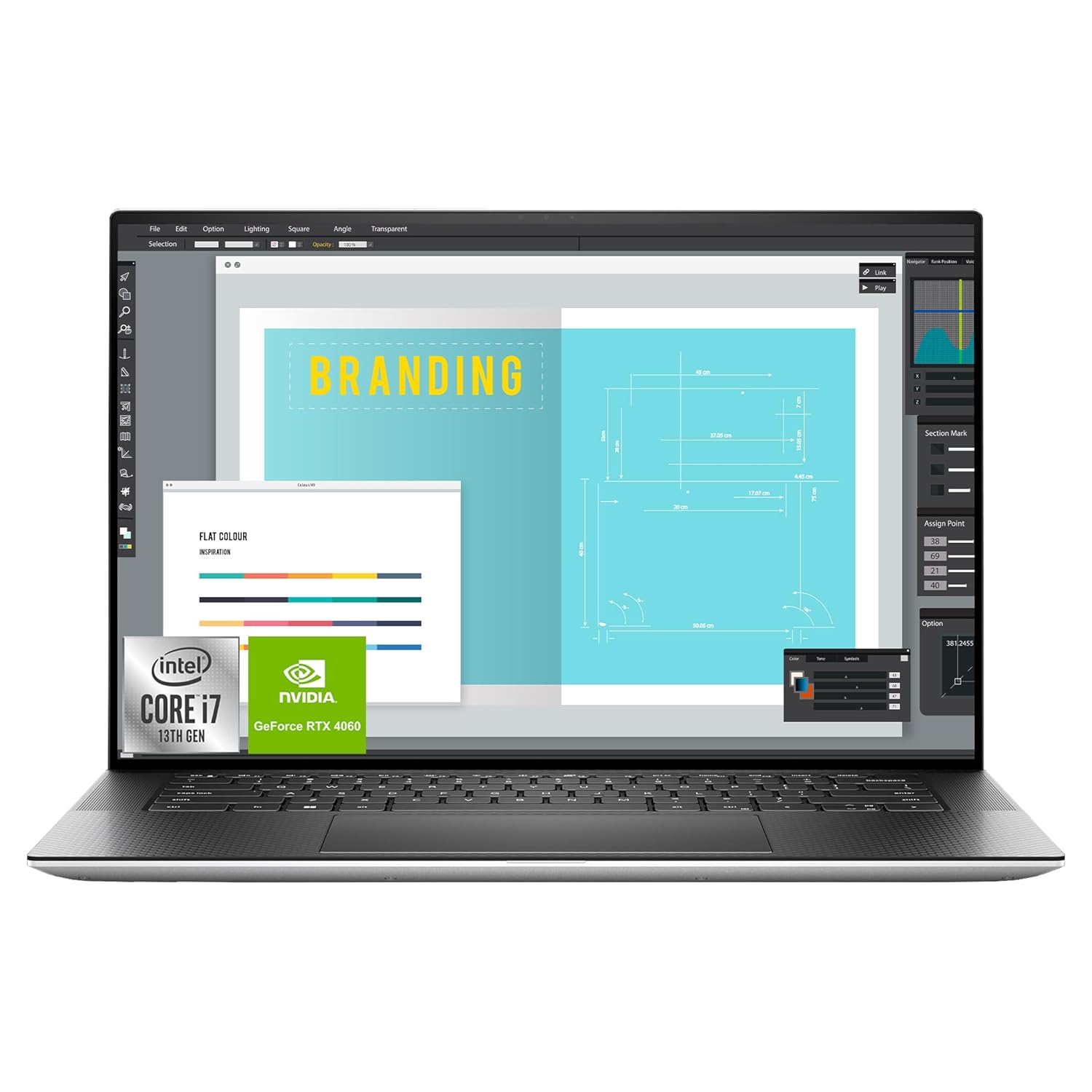
【Instant Gratification】 A perfect balance of power and portability, the XPS 15 laptop delivers stellar visuals and incredible sound.
Full Specifications:
- Processor: Intel Core i7-13700H (up to 5.0 GHz)
- RAM: 32GB DDR5
- Storage: 1TB NVMe SSD
- Display: 15.6″ 3.5K OLED Touch, 60Hz
- Battery: 86WHr (~8–10 hours)
- Graphics: NVIDIA GeForce RTX 4060 (8GB GDDR6)
- OS: Windows 11 Home
- Weight: 1.86 kg
8.Lenovo Legion Pro 5i Gen 9
Don’t let the “gaming” label put you off — the Lenovo Legion Pro 5i Gen 9 is a powerhouse that AutoCAD users on a tighter budget absolutely should consider. At its price point in India, it delivers more raw performance than almost any competing “professional” laptop. The combination of Intel Core i7 HX processor and NVIDIA RTX 4060 gives you serious muscle for both 2D drafting and 3D modelling workflows.
The Legion Pro 5i’s thermal design is one of its standout strengths. Lenovo’s Coldfront 5.0 cooling system keeps the CPU and GPU running at sustained high frequencies without throttling, which matters enormously for large AutoCAD files with hundreds of entities. The 165Hz QHD display is also a pleasant surprise — sharp, accurate, and smooth enough that panning and zooming through complex drawings feels completely fluid.
Also read: Best Laptops for Engineering Students | Best Laptops Under ₹90,000 in India

【Instant Gratification】Designed specifically for gamers, it delivers immersive 3D audio that enhances your in-game journey. Communicate with your teammates in crystal-clear quality or mix and share audio streams like a professional. Nahimic doesn’t just enhance your gaming it immerses you in it.
Full Specifications:
- Processor: Intel Core i7-14700HX (up to 5.5 GHz)
- RAM: 32GB DDR5
- Storage: 1TB NVMe PCIe Gen 4 SSD
- Display: 16″ QHD IPS, 165Hz, 100% sRGB
- Battery: 80WHr (~5–6 hours)
- Graphics: NVIDIA GeForce RTX 4060 (8GB GDDR6)
- OS: Windows 11 Home
- Weight: 2.4 kg
9. ASUS VivoBook Pro 16 OLED
The ASUS VivoBook Pro 16 OLED is one of the best-value creative laptops available in India in 2026, sitting in the ₹80,000–₹1,00,000 price range where it genuinely punches above its weight. The highlight is clearly the 16-inch 4K OLED display with PANTONE Validated colour accuracy a feature you’d normally expect to find only on machines costing significantly more. For architecture students or junior designers who want professional-level display quality without breaking the bank, this is a compelling option.
Performance is handled by AMD Ryzen 9 with NVIDIA RTX 3050 graphics — a combination that handles standard AutoCAD 2D drafting with absolute ease. For moderate 3D work like basic Revit models or simple Civil 3D terrain, it performs adequately. Where it shines brightest is in multitasking: having AutoCAD, a browser with reference images, and a PDF viewer open simultaneously causes no noticeable slowdown.
Also read: Best laptops under ₹80,000 in India | best laptop under 1 lakh
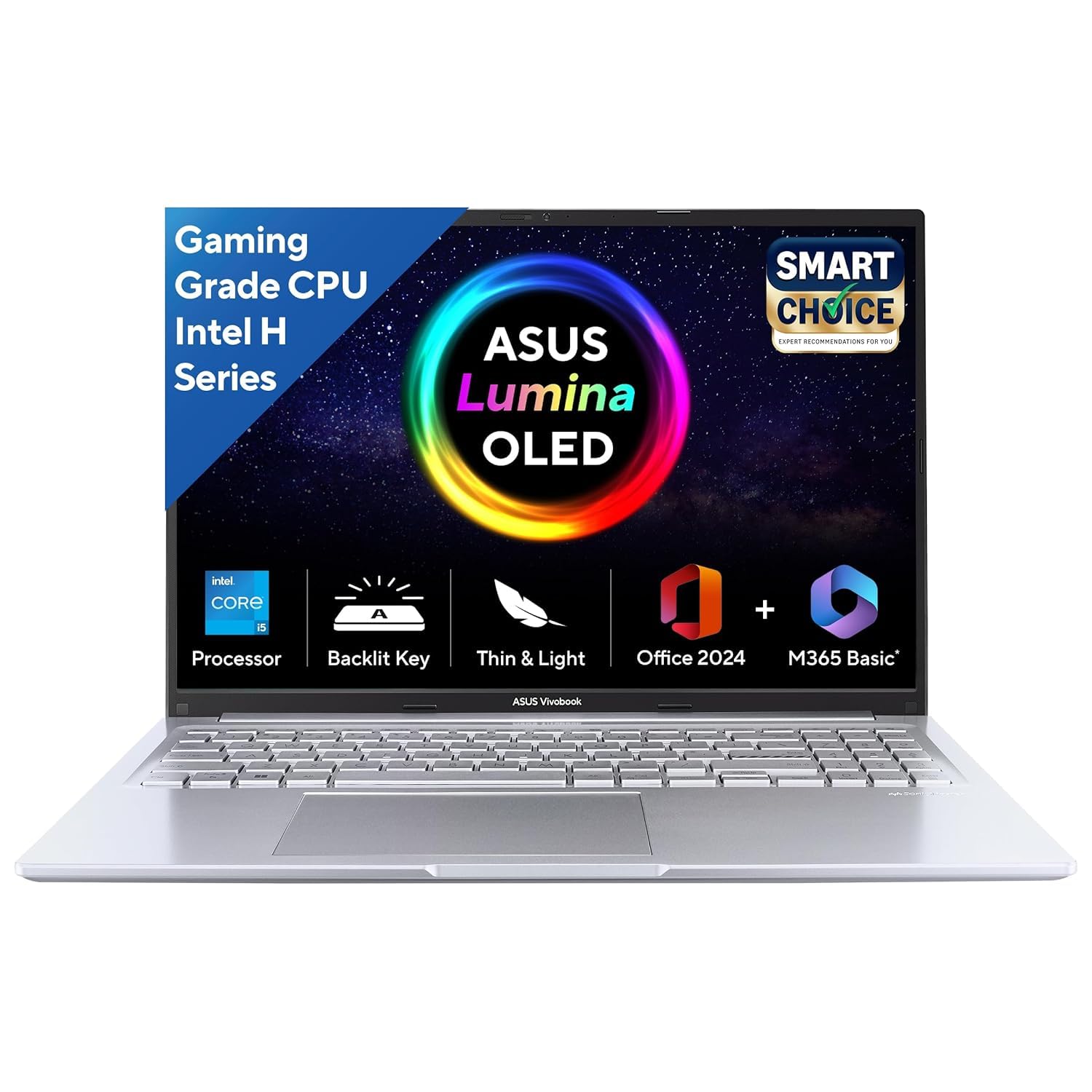
Operating System & Software : Windows 11 Home | Software : Microsoft 365 Basic with 100GB Cloud Storage for 1 Year + Office Home 2024 with lifetime validity, McAfee 1 year
Full Specifications:
- Processor: AMD Ryzen 9 7945HX (up to 5.4 GHz)
- RAM: 16GB DDR5 (expandable to 32GB)
- Storage: 512GB NVMe SSD
- Display: 16″ 4K OLED, 120Hz, 100% DCI-P3, PANTONE Validated
- Battery: 90WHr (~8 hours)
- Graphics: NVIDIA GeForce RTX 3050 (6GB)
- OS: Windows 11 Home
- Weight: 1.85 kg
10. HP Envy 16 (2025)
HP’s Envy 16 strikes a remarkable balance between professional capability and everyday usability. It’s not a workstation and it doesn’t try to be — but for AutoCAD users who need a reliable, well-built machine that can handle their work without feeling like a compromise, the Envy 16 is genuinely excellent. The aluminium chassis feels premium, the 16-inch IPS display is sharp and colour-accurate, and the Intel Core i7 H-series processor ensures AutoCAD operations run quickly.
What sets the Envy 16 apart in India’s competitive market is its combination of value and completeness. You get a good keyboard, a large precise trackpad, solid audio from Bang & Olufsen speakers, and a capable NVIDIA RTX 4060 GPU — all in one well-rounded package. For architects working on medium-complexity 3D models or engineers handling standard drafting tasks, the Envy 16 covers all the bases without requiring you to go to extremes on budget.
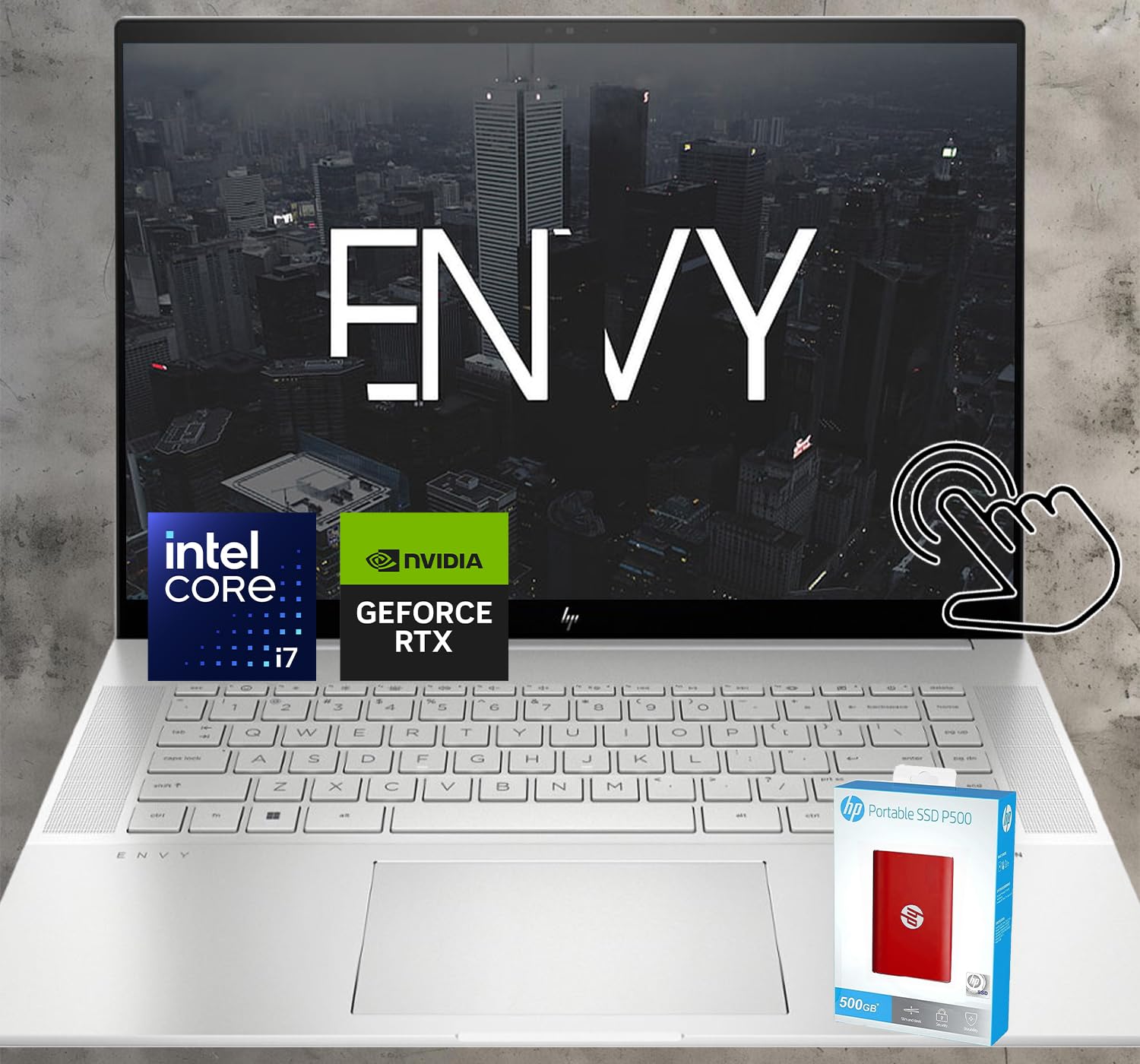
【Powerful Processor and Graphics】 Equipped with a 13th Gen Intel Core i7-13700H Processor clocked at 5.0 GHz with Intel Turbo Boost Technology (24MB Cache, 14cores, 20 Threads), enjoy efficient and responsive computing. The NVIDIA GeForce RTX 4060 graphics are beyond fast for gamers and creators. Experience lifelike virtual worlds, ultra-high FPS gaming, revolutionary new ways to create, and unprecedented workflow acceleration.
Full Specifications:
- Processor: Intel Core i7-14700HX (up to 5.5 GHz)
- RAM: 32GB DDR5
- Storage: 1TB NVMe SSD
- Display: 16″ QHD+ IPS, 165Hz, 100% sRGB
- Battery: 83WHr (~8 hours)
- Graphics: NVIDIA GeForce RTX 4060 (8GB GDDR6)
- OS: Windows 11 Home
- Weight: 2.29 kg
11. Acer ConceptD 3 Pro
Acer’s ConceptD line was built specifically for creative professionals, and the ConceptD 3 Pro is one of the best-kept secrets in India’s professional laptop market. With a clean white design that stands apart from every other laptop in the room, ISV-certified NVIDIA RTX A-series graphics, and a Pantone validated display, it’s designed to meet the exact requirements of AutoCAD, SolidWorks, and other engineering applications.
The ConceptD 3 Pro is especially well-suited for dual-use professionals — those who use AutoCAD for drafting but also rely on Adobe Creative Cloud for visualisation and presentation. The display covers 100% sRGB and DCI-P3 colour spaces, which means what you see on screen is precisely what your clients will see in print or on their screens.
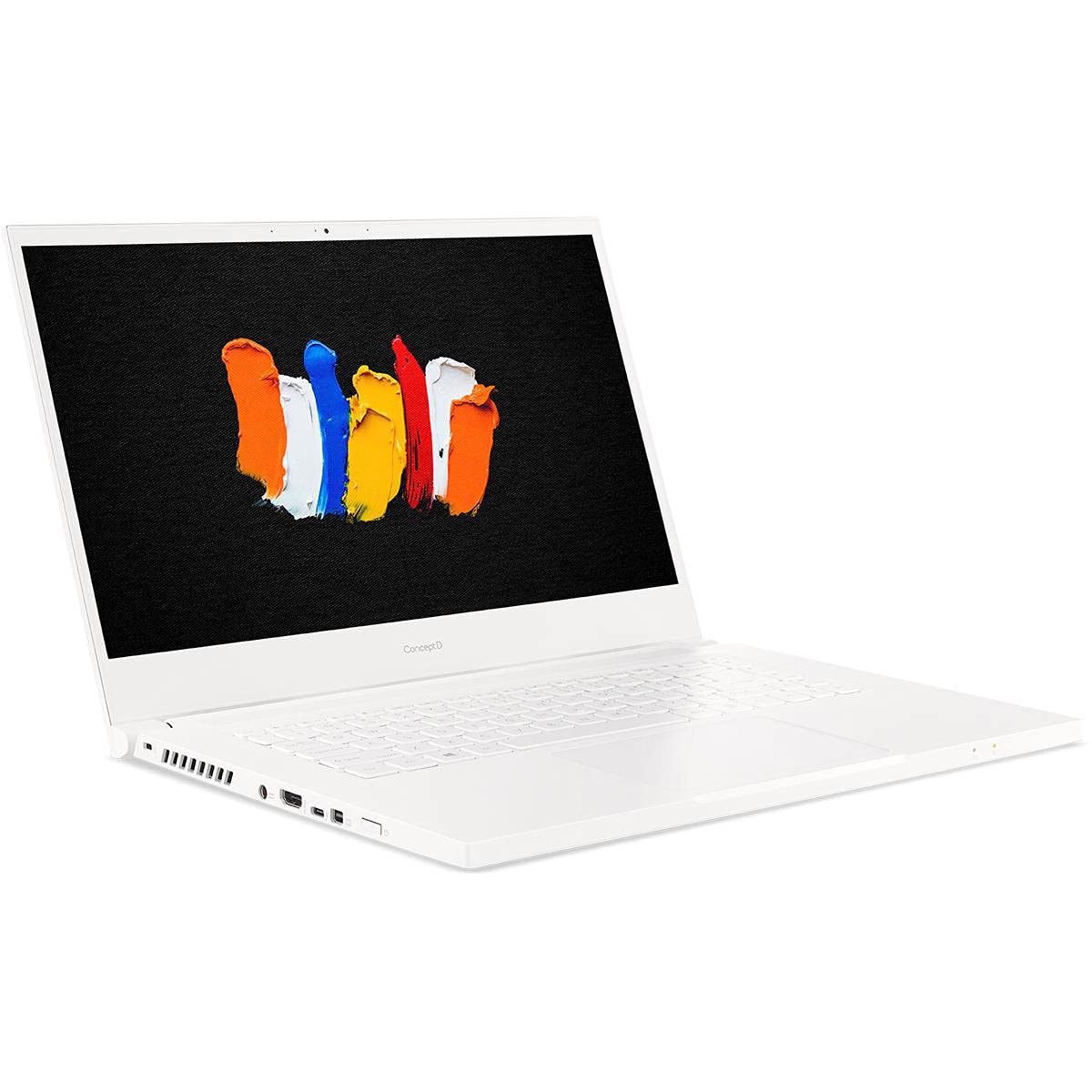
9th Generation Intel Core i5-9300H 4-Core Processor (Up to 4.1GHz) with Windows 10 Professional 64 Bit
Full Specifications:
- Processor: Intel Core i7-12700H (up to 4.7 GHz)
- RAM: 32GB DDR5
- Storage: 1TB NVMe SSD
- Display: 15.6″ QHD IPS, 60Hz, 100% sRGB, Pantone Validated
- Battery: 72WHr (~8 hours)
- Graphics: NVIDIA RTX A2000 (4GB GDDR6)
- OS: Windows 11 Pro
- Weight: 1.9 kg
12. Microsoft Surface Laptop Studio 2
The Surface Laptop Studio 2 is Microsoft’s most ambitious laptop design, and for AutoCAD users who work with a stylus or tablet-based input, it’s genuinely in a category of its own. The unique pull-forward hinge design lets you transform it from a traditional laptop into a canvas-mode tablet, bringing the display almost flat for precise stylus-based drafting. Paired with the Microsoft Surface Slim Pen 2, the drawing experience rivals a dedicated graphics tablet.
Under the hood, the Core i7 H-series processor and NVIDIA RTX 4060 handle AutoCAD comfortably in both 2D and 3D modes. The 14.4-inch PixelSense Flow display runs at 120Hz with 2400 x 1600 resolution, delivering sharp, clear drawings with accurate colours. If you’ve ever wanted your laptop and your Wacom tablet to be the same device, the Surface Laptop Studio 2 is your answer.
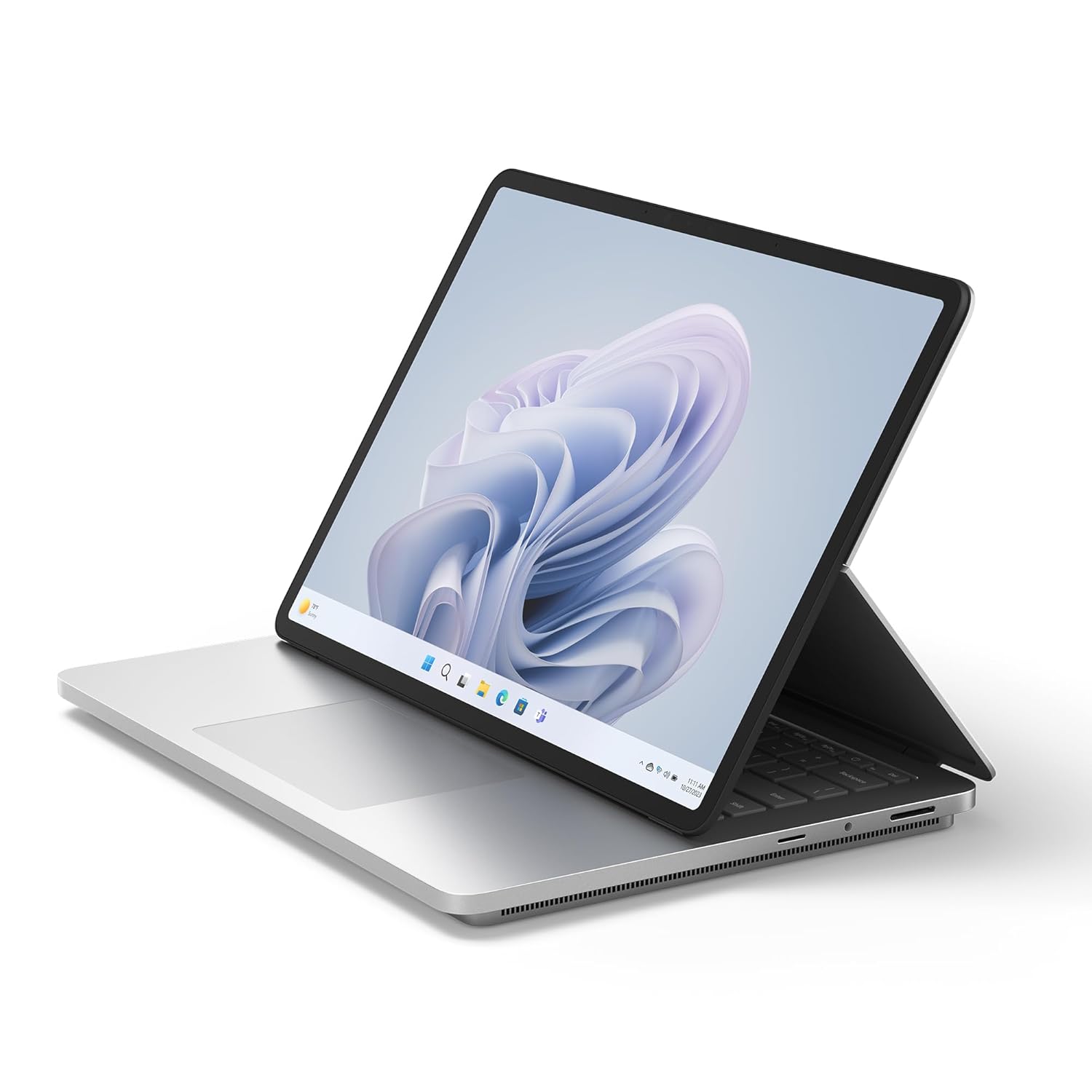
Built to power your biggest ideas – Get incredible performance for the most demanding workloads with Intel Core processors built on the Intel Evo platform, delivering over 2x more power than before.
Full Specifications:
- Processor: Intel Core i7-13700H (up to 5.0 GHz)
- RAM: 32GB LPDDR5
- Storage: 1TB SSD
- Display: 14.4″ PixelSense Flow Touch, 120Hz, 2400 x 1600
- Battery: 58WHr (~8–9 hours)
- Graphics: NVIDIA GeForce RTX 4060 (8GB GDDR6)
- OS: Windows 11 Pro
- Weight: 1.98 kg
13. Lenovo ThinkBook 16p Gen 4
For mid-range AutoCAD users in India who want professional-level performance without paying workstation prices, the Lenovo ThinkBook 16p Gen 4 is one of the most sensible choices you can make. It threads the needle perfectly between ThinkPad-class build quality and consumer-accessible pricing. The AMD Ryzen 9 processor delivers exceptional single-core speeds that AutoCAD loves, and the NVIDIA RTX 4060 handles 3D tasks without protest.
The 16-inch 3.2K IPS display at 165Hz is one of the better screens you’ll find in this price bracket — sharp, accurate, and smooth. Lenovo has also done an impressive job with the keyboard, which features good travel and comfortable key spacing for long drafting sessions. It doesn’t have ISV certification, but real-world AutoCAD performance is excellent.
Also read: best laptop under 1 lakh
Best laptops under ₹90,000 in India

Processor: 13th Generation Intel Core i7-13700H Processor (E-cores up to 3.70 GHz P-cores up to 5.00 GHz)
Full Specifications:
- Processor: AMD Ryzen 9 7945HX (up to 5.4 GHz)
- RAM: 32GB DDR5
- Storage: 1TB NVMe PCIe Gen 4 SSD
- Display: 16″ 3.2K IPS, 165Hz, 100% sRGB
- Battery: 96WHr (~8 hours)
- Graphics: NVIDIA GeForce RTX 4060 (8GB GDDR6)
- OS: Windows 11 Home
- Weight: 2.1 kg
14. ASUS TUF Gaming A16
The ASUS TUF Gaming A16 is an underdog pick that deserves serious attention from AutoCAD users on a tight budget. Built to MIL-STD 810H military durability standards, it can take more real-world punishment than many so-called professional laptops twice its price. For engineering students at field-intensive programmes, or anyone who doesn’t treat their laptop with kid gloves, that durability is genuinely valuable.
The AMD Ryzen 9 and NVIDIA RTX 4070 combination inside the TUF A16 is frankly stunning for the price. AutoCAD even with 3D Civil or Mechanical toolsets runs with zero hesitation. Large DWG files that would bring budget machines to their knees load quickly and pan smoothly. This is genuinely one of the best bang-for-buck AutoCAD laptops available in India right now.
Also read:
Best laptop under 60000
Best laptop under 50000 India

16″ QHD+ 165Hz 16:10 Display: The ASUS TUF Gaming A16 boasts a stunning 16-inch display with a blazing-fast 165Hz refresh rate, delivering ultra-smooth gameplay and immersive visuals. Whether you’re battling foes in fast-paced shooters or exploring vast open worlds, every frame comes to life with exceptional clarity and fluidity.
Full Specifications:
- Processor: AMD Ryzen 9 8945HS (up to 5.2 GHz)
- RAM: 16GB DDR5 (expandable to 32GB)
- Storage: 512GB NVMe SSD
- Display: 16″ FHD IPS, 165Hz
- Battery: 90WHr (~6–7 hours)
- Graphics: NVIDIA GeForce RTX 4070 (8GB GDDR6)
- OS: Windows 11 Home
- Weight: 2.2 kg
15. HP Omen 16 (2025 Edition)
HP’s Omen 16 follows the same logic as the Legion Pro and TUF — gaming DNA, professional performance. But the Omen 16 adds a layer of premium build quality and display excellence that puts it a notch above entry-level gaming machines. The QHD 240Hz display is arguably overkill for AutoCAD’s 60fps demands, but the resolution and colour accuracy make it excellent for precision drafting and design review.
The Omen 16 runs on Intel Core i9 HX series with NVIDIA RTX 4070, delivering peak single-core speeds that translate directly into snappy AutoCAD response. The cooling system is well-tuned — the machine sustains high frequencies under prolonged workloads, which matters when you’re processing large terrain models in Civil 3D or running parametric updates in Inventor.

NEXT-GEN GAMING DOMINANCE – The new OMEN 16 not only has the power of the latest next-gen AMD and NVIDIA components, but it also has the proper thermal innovations to keep them from burning out. Pair that with OMEN AI for maximum possible FPS at the click of a button and Unleashed Mode for that extra boost in performance, and you have our most reliably powerful laptop yet.
Full Specifications:
- Processor: Intel Core i9-14900HX (up to 5.8 GHz)
- RAM: 32GB DDR5
- Storage: 1TB NVMe SSD
- Display: 16.1″ QHD IPS, 240Hz, 100% sRGB
- Battery: 83WHr (~5–6 hours)
- Graphics: NVIDIA GeForce RTX 4070 (8GB GDDR6)
- OS: Windows 11 Home
- Weight: 2.4 kg
Also Read Suggested Articles :
Best Laptops for For Engineering Students
Best gaming laptop under 70000
30 Best Laptops For Students In India
Best Lightweight Laptops for College Students in India
50 Best Laptops for Video Editing in India
30 Best Laptops for Music Production
16. Acer Aspire 7 (A715-76G)
For students and early-career engineers looking for the best laptop under 50000 India, the Acer Aspire 7 is one of the most honest options available. It doesn’t pretend to be something it’s not — it’s a mid-range machine with a dedicated GPU, solid build quality, and enough performance to handle standard AutoCAD 2D drafting and light 3D work reliably.
The Intel Core i5 with NVIDIA GTX 1650 might look modest on paper, but AutoCAD 2D workflows floor plans, structural drawings, MEP schematics — run completely smoothly on this hardware. The 15.6-inch FHD display is sharp and adequately bright, and the 512GB SSD keeps things moving. For first-year architecture or civil engineering students just starting with AutoCAD, this machine will get you through years of coursework without problems.

Equipped with the power of a 12th Gen Intel Core processor and NVIDIA GeForce GTXTM 3050 with 4G-GDDR6 memory you can explore a whole new world of gaming. You can upgrade this Acer laptop up to 32 GB with the applications you like, thanks to the Dual Channel DDR4 and 512 SSD.
Full Specifications:
- Processor: Intel Core i5-12450H (up to 4.4 GHz)
- RAM: 16GB DDR4
- Storage: 512GB NVMe SSD
- Display: 15.6″ FHD IPS, 144Hz
- Battery: 58WHr (~5–6 hours)
- Graphics: NVIDIA GeForce GTX 1650 (4GB GDDR6)
- OS: Windows 11 Home
- Weight: 2.1 kg
17. Lenovo IdeaPad Slim 5 Pro 16
The Lenovo IdeaPad Slim 5 Pro 16 is one of those rare laptops that gives you more than you expect for the money. The 16-inch 2.5K display with 120Hz refresh rate is the star of the show crisp, colour-accurate, and large enough that AutoCAD’s interface doesn’t feel cramped. Paired with an AMD Ryzen 7 processor and Radeon RX 6600M graphics, it handles AutoCAD 2D and moderate 3D tasks competently.
What makes the Slim 5 Pro 16 stand out is how liveable it is as a daily machine. The slim profile, quiet fans, and good battery life mean you can use it comfortably in class, at a café, or in the library, and then come home and fire up a complex AutoCAD project without switching to a second machine. It’s a practical, well-thought-out choice.Also read:
30 Best Laptops For Students In India (2026)
Best Lightweight Laptops for College Students in India

Free upgrade to Windows 11 when available* Disclaimer-*The Windows 11 upgrade will be delivered late 2021 into 2022. Specific timing varies by device. Certain features require specific hardware.
Full Specifications:
- Processor: AMD Ryzen 7 7745H (up to 5.1 GHz)
- RAM: 16GB DDR5
- Storage: 512GB NVMe SSD
- Display: 16″ 2.5K IPS, 120Hz, 100% sRGB
- Battery: 75WHr (~9 hours)
- Graphics: AMD Radeon RX 6600M (8GB GDDR6)
- OS: Windows 11 Home
- Weight: 1.85 kg
18. Dell Inspiron 15 3000 Series (i5/i7 Variants)
The Dell Inspiron 15 3000 is the reliable workhorse of budget AutoCAD laptops in India. Dell’s build quality and driver support are consistent, the Intel Core i5/i7 processors deliver predictable AutoCAD performance, and the laptop is widely available at authorised Dell retailers and online with easy warranty support. For government employees, PSU engineers, or students in tier-2 and tier-3 cities where service centre access matters, Dell’s after-sales support network is a genuine advantage.
With integrated Intel Iris Xe graphics, the Inspiron 15 handles AutoCAD 2D drafting without any issues. It’s not built for 3D heavy workflows, but for standard draughting — producing construction drawings, MEP layouts, structural plans — it’s perfectly adequate. At prices under ₹55,000, it’s often the most sensible entry point.

PEAK PERFORMANCE: Experience unrivaled power with the Dell Inspiron 15 laptop, driven by Intel Core i7 (10 cores, 4.7GHz Turbo Boost) for blazing-fast, seamless multitasking.
Full Specifications:
- Processor: Intel Core i7-1255U (up to 4.7 GHz)
- RAM: 16GB DDR4
- Storage: 512GB NVMe SSD
- Display: 15.6″ FHD IPS, 120Hz
- Battery: 54WHr (~7 hours)
- Graphics: Intel Iris Xe (integrated)
- OS: Windows 11 Home
- Weight: 1.73 kg
19. Gigabyte AERO 16 (2025)
The Gigabyte AERO 16 is a creative powerhouse that stands out with its Samsung OLED display — one of the best displays you’ll find on any laptop in India at this price level. The X-Rite Pantone Calibration ensures colour accuracy that meets professional standards out of the box, which matters for architects and designers who need to trust what they see. The machine targets the same audience as the ASUS ProArt but comes in slightly more competitively priced.
Inside, the Core i9 and RTX 4070 deliver top-tier AutoCAD performance. Large Civil 3D terrain models, complex MEP assemblies, and heavy BIM workflows all run well. The AERO 16 also has Thunderbolt 4 and SD card slot — useful connectivity for creative professionals who work with large project assets.

Expansive Memory & Storage: DDR5 5600 16GB*2 (32GB), 1TB Storage (Gen4 M.2 SSD), supports up to 64GB of DDR5 and up to 4TB of SSD Storage with additional expansion slots
Full Specifications:
- Processor: Intel Core i9-13980HX
- RAM: 32GB DDR5
- Storage: 1TB NVMe SSD
- Display: 16″ 4K AMOLED OLED, 60Hz, 100% DCI-P3
- Battery: 99WHr (~6 hours)
- Graphics: NVIDIA GeForce RTX 4070 (8GB GDDR6)
- OS: Windows 11 Pro
- Weight: 2.0 kg
20. HP Victus 16 (i7 Edition)
The HP Victus 16 occupies a sweet spot in India’s laptop market — it’s a gaming laptop by marketing but an excellent budget AutoCAD machine in practice. Priced in the ₹65,000–₹75,000 range depending on configuration, it delivers NVIDIA RTX 4060 performance at a price that was associated with GTX 1650 machines just a few years ago. For AutoCAD users who can’t stretch to ₹1 lakh but need dedicated GPU performance, the Victus 16 is a strong argument.
The 16-inch FHD 144Hz display is functional and smooth, and the Intel Core i7-13700H handles AutoCAD command processing quickly. Thermal performance is competent — the machine sustains good frequencies under moderately heavy loads, though it’ll get noticeably warm on the keyboard deck during extended renders.
Also read:
Best laptop under 60000
Best Laptops Under ₹40,000 in India
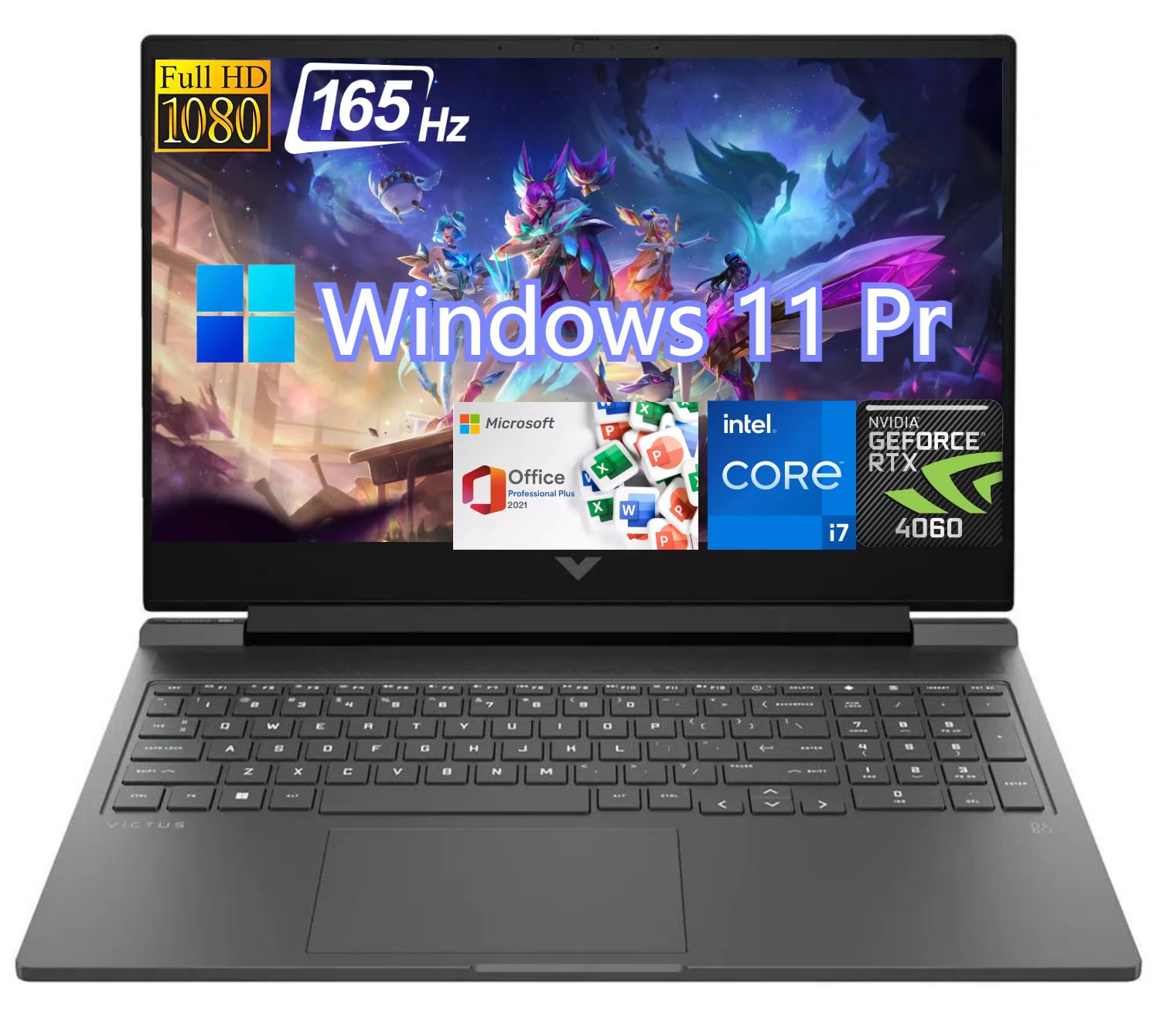
Powerful Performance for HP Victus – Experience unparalleled power with the HP Victus Gaming Laptop, fueled by an i7-13700HX processor that can turbo boost up to an impressive 5GHz with Intel Turbo Boost Technology.
Full Specifications:
- Processor: Intel Core i7-13700H (up to 5.0 GHz)
- RAM: 16GB DDR5
- Storage: 512GB NVMe SSD
- Display: 16.1″ FHD IPS, 144Hz
- Battery: 70WHr (~5–6 hours)
- Graphics: NVIDIA GeForce RTX 4060 (8GB GDDR6)
- OS: Windows 11 Home
- Weight: 2.3 kg
21. ASUS ROG Zephyrus G14 (2025)
The ROG Zephyrus G14 is one of the most impressive compact laptops available anywhere in the world, and it’s a fantastic AutoCAD machine for engineers and designers who prioritise portability above everything else. At under 1.6 kg with a 14-inch form factor, it packs an AMD Ryzen 9 processor and NVIDIA RTX 4070 into a chassis that’s smaller than many 15-inch “standard” laptops.
The 2.8K OLED 120Hz display on the 2025 model is exceptional — precise, accurate, and beautiful. For AutoCAD work, the high resolution makes fine details in complex drawings clearly visible, and the OLED panel ensures contrast is perfect. If you commute heavily, travel frequently, or simply hate carrying heavy bags, the G14 is a machine that doesn’t force you to choose between portability and power.
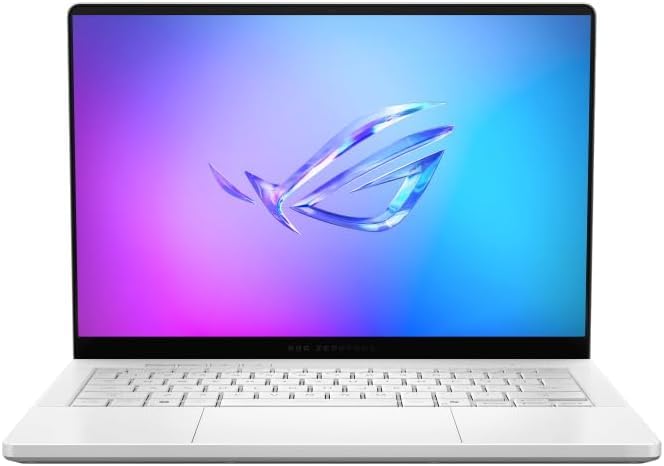
The AMD Ryzen AI 9 HX 370 Processor Blends Power and Performance with Ease Armed with 12 cores and 24 threads, AMD Ryzen AI 9 HX 370 Processor powers your laptop with ease. With up to 50 TOPS in AI Performance, its integrated AI Accelerators are ready to enhance your experience.
Full Specifications:
- Processor: AMD Ryzen 9 8945HS (up to 5.2 GHz)
- RAM: 32GB LPDDR5X
- Storage: 1TB NVMe PCIe Gen 4 SSD
- Display: 14″ 2.8K OLED, 120Hz
- Battery: 73WHr (~8–10 hours)
- Graphics: NVIDIA GeForce RTX 4070 (8GB GDDR6)
- OS: Windows 11 Home
- Weight: 1.59 kg
22. Lenovo ThinkPad X1 Extreme Gen 6
The ThinkPad X1 Extreme Gen 6 is Lenovo’s flagship performance ultrabook — a machine that manages to combine the legendary ThinkPad reliability and keyboard quality with genuine workstation-level performance. For senior engineers, project managers, and architects who travel often but refuse to leave performance behind, this is the machine. It’s premium in every way from the carbon fibre lid to the OLED display to the detailed keyboard with trackpoint.
The Intel Core Ultra 9 processor paired with NVIDIA RTX 4070 makes this one of the most capable 16-inch laptops in India. AutoCAD, Revit, and even demanding rendering workflows run with headroom to spare. The X1 Extreme also benefits from ThinkShield enterprise
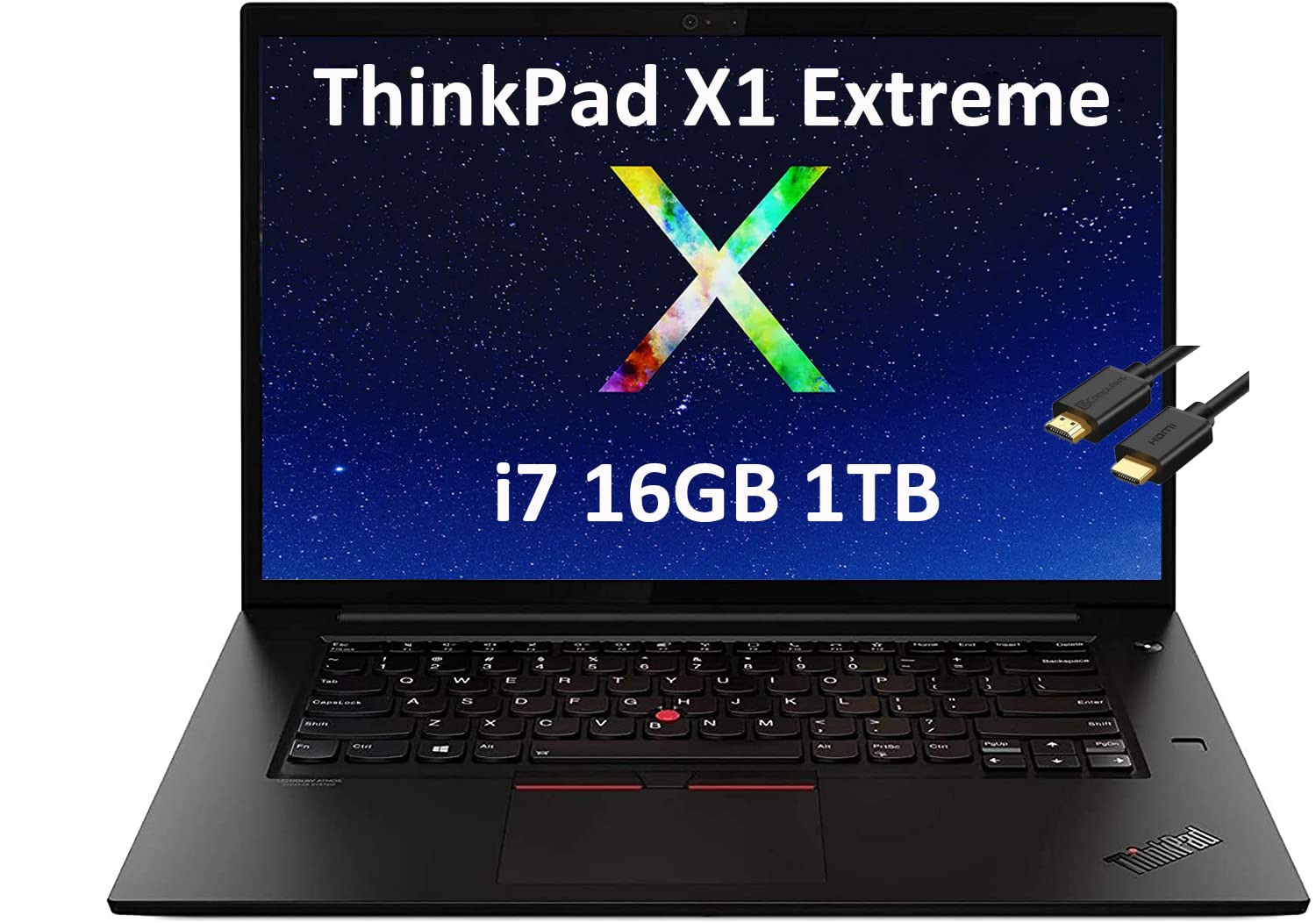
10th Generation Intel Core i7-10750H Processor (2.60 GHz, up to 5.0 GHz with Turbo Boost, 6 Cores, 12 Threads, 12 MB Cache); Intel Wi-Fi 6E AX201 802.11AX (2 x 2) & Bluetooth 5.2; 720p HD with ThinkShutter webcam privacy cover
Full Specifications:
- Processor: Intel Core Ultra 9 185H (up to 5.1 GHz)
- RAM: 32GB DDR5
- Storage: 1TB NVMe PCIe Gen 4 SSD
- Display: 16″ 4K OLED, 60Hz, 100% DCI-P3
- Battery: 90WHr (~10 hours)
- Graphics: NVIDIA GeForce RTX 4070 (8GB GDDR6)
- OS: Windows 11 Pro
- Weight: 1.81 kg
23. Acer Nitro V 15 (ANV15-51)
The Acer Nitro V 15 is one of India’s best-selling budget gaming laptops — and for good reason. At its price point (often under ₹70,000), it delivers performance that would have been considered mid-high range just a couple of years ago. For AutoCAD students or early-career professionals who need reliable dedicated GPU performance without spending a fortune, the Nitro V 15 is a consistently solid choice.
The Intel Core i5 H-series with NVIDIA RTX 4050 combination is genuinely capable for AutoCAD’s requirements. 2D drafting is flawlessly smooth, and moderate 3D work — architectural walkthroughs, basic Civil 3D terrain, simple Inventor assemblies — runs without significant lag. The IPS display is sharp and the 144Hz refresh rate makes working in AutoCAD feel noticeably more fluid than standard 60Hz screens.
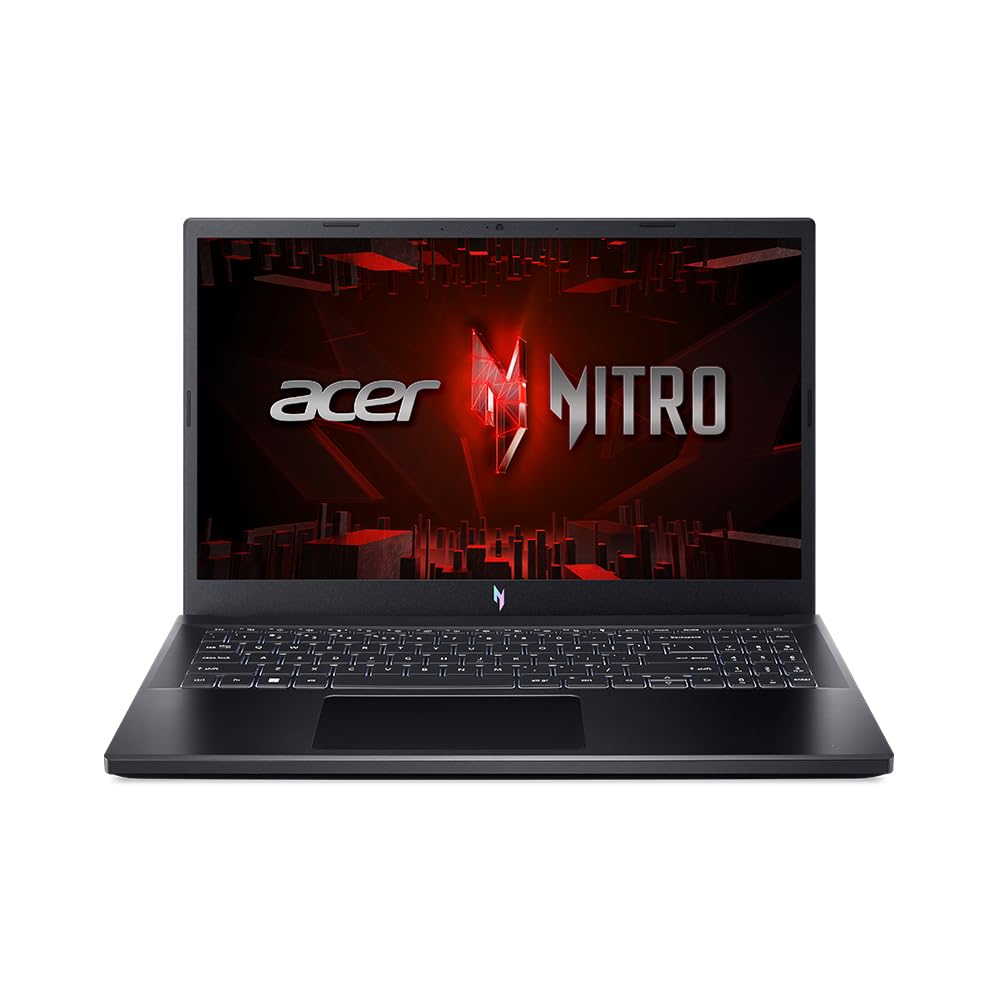
Processor: Intel Core i5-13420H processor – 8 cores, max turbo up to 4.60 Ghz | RAM : 8 GB of DDR5 system memory, upgradable to 32 GB (Memory Frequency: Up to 5200 MT/s)
Full Specifications:
- Processor: Intel Core i5-13420H (up to 4.6 GHz)
- RAM: 16GB DDR5
- Storage: 512GB NVMe SSD
- Display: 15.6″ FHD IPS, 144Hz
- Battery: 57WHr (~5 hours)
- Graphics: NVIDIA GeForce RTX 4050 (6GB GDDR6)
- OS: Windows 11 Home
- Weight: 2.3 kg
24. Dell Vostro 5620
The Dell Vostro 5620 is Dell’s business-targeted mid-range laptop, and it’s an excellent choice for professionals in SMEs or early-stage startups who want business-grade features without enterprise pricing. The slim 16-inch design, island-style keyboard, and clean aesthetic make it feel more premium than its price suggests. For AutoCAD 2D drafting in a professional office environment, it performs reliably and consistently.
What makes the Vostro 5620 stand out is its combination of display quality, port selection, and build consistency. The QHD+ display is well above average for this price tier, and the comprehensive port selection including HDMI 2.0, Thunderbolt 4, and multiple USB-A ports — means you don’t need a dock for a typical office setup. A solid, sensible choice for mid-level engineering professionals.
Also read:
40 Best Laptops for Office Use in India
Best laptops under ₹80,000 in India
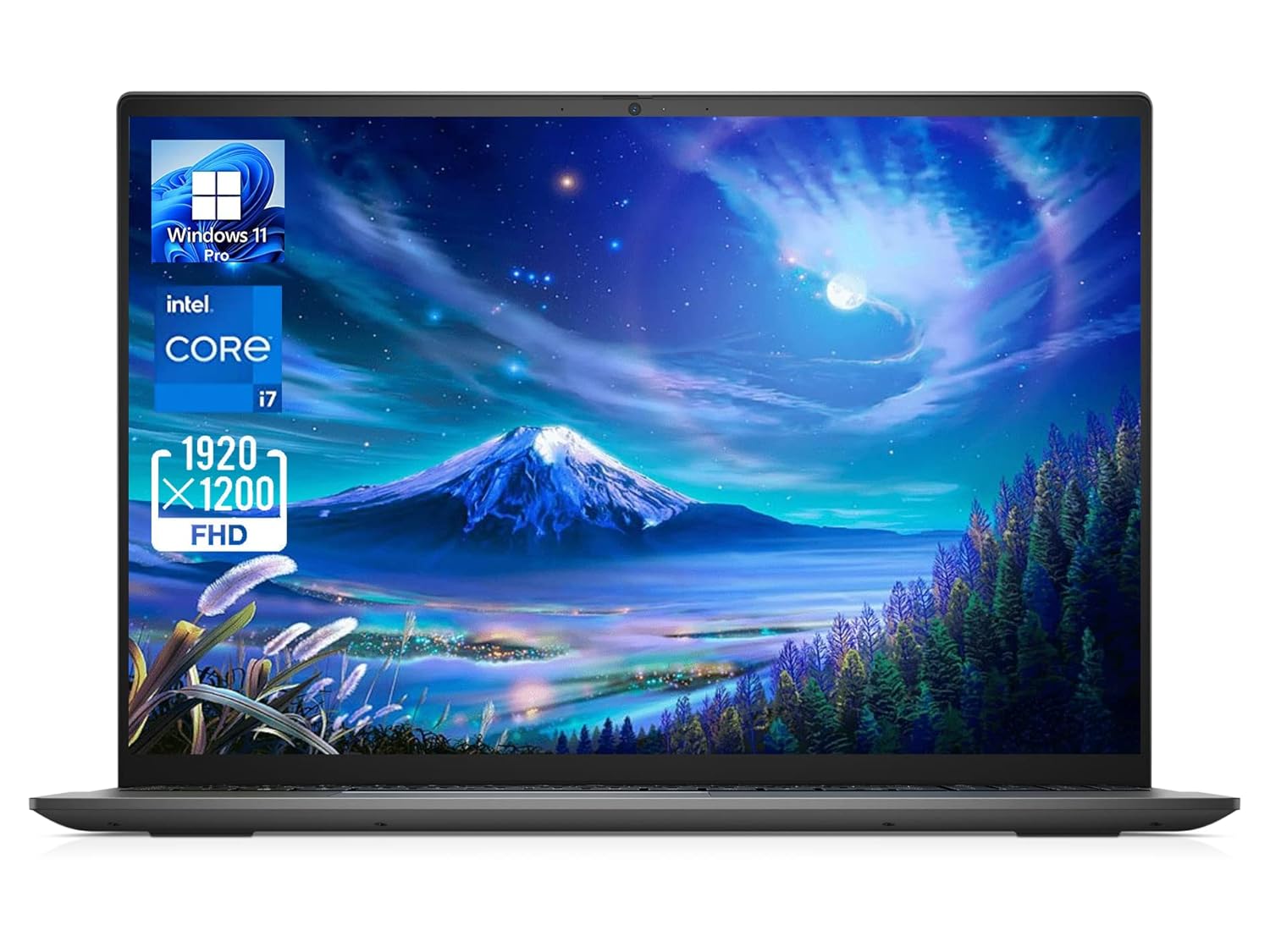
12th Gen Intel Core i7-1260P (18 MB cache, 12 cores, 16 threads, up to 4.70 GHz Turbo)
Full Specifications:
- Processor: Intel Core i7-1260P (up to 4.7 GHz)
- RAM: 16GB DDR4
- Storage: 512GB NVMe SSD
- Display: 16″ QHD+ IPS, 60Hz, 100% sRGB
- Battery: 56WHr (~7 hours)
- Graphics: NVIDIA MX550 (2GB GDDR6)
- OS: Windows 11 Pro
- Weight: 1.8 kg
25. ASUS ZenBook Pro 16X OLED
The ASUS ZenBook Pro 16X OLED is a statement laptop it looks incredible, performs powerfully, and features one of ASUS’s most creative engineering innovations: the ASUS Dial, a physical rotary controller embedded in the trackpad area. For AutoCAD users who also work in Photoshop, Premiere, or 3ds Max, the Dial integration across these applications genuinely speeds up workflows. It’s the kind of feature that sounds gimmicky until you use it daily and realise you can’t live without it.
Performance-wise, the Intel Core i9 and NVIDIA RTX 4070 combination handles everything AutoCAD can throw at it. The 4K OLED 120Hz display is among the best screens available on any laptop in India, period. This is the machine for design professionals who want their tools to inspire them, not just function.

Display : FHD+ (1920 x 1200) 16:10 aspect ratio, 60Hz refresh rate, 300nits Brightness| Keyboard : Backlit Chiclet Keyboard with Num-key
Full Specifications:
- Processor: Intel Core i9-13980HX (up to 5.6 GHz)
- RAM: 32GB DDR5
- Storage: 2TB NVMe SSD
- Display: 16″ 4K OLED, 120Hz, 100% DCI-P3
- Battery: 96WHr (~6–7 hours)
- Graphics: NVIDIA GeForce RTX 4070 (8GB GDDR6)
- OS: Windows 11 Pro
- Weight: 2.45 kg
26. Razer Blade 15 (2025)
The Razer Blade 15 is the definition of understated premium. In a sea of gaming laptops that scream for attention with aggressive angular designs and RGB lighting, the Blade 15 looks like a premium ultrabook. The anodised aluminium unibody chassis is flawless, and the machine is thin enough to genuinely pass as a business laptop in a client meeting.
Under that clean exterior is a Core i7 HX processor and RTX 4070 that handles AutoCAD with complete authority. The 15.6-inch QHD 240Hz display is excellent for precision drafting, and Razer’s attention to build quality means the laptop feels rock-solid in every interaction. For design professionals who also game occasionally (or who just want a machine that looks incredible), the Blade 15 is exceptional — though you will pay a significant premium for the brand.
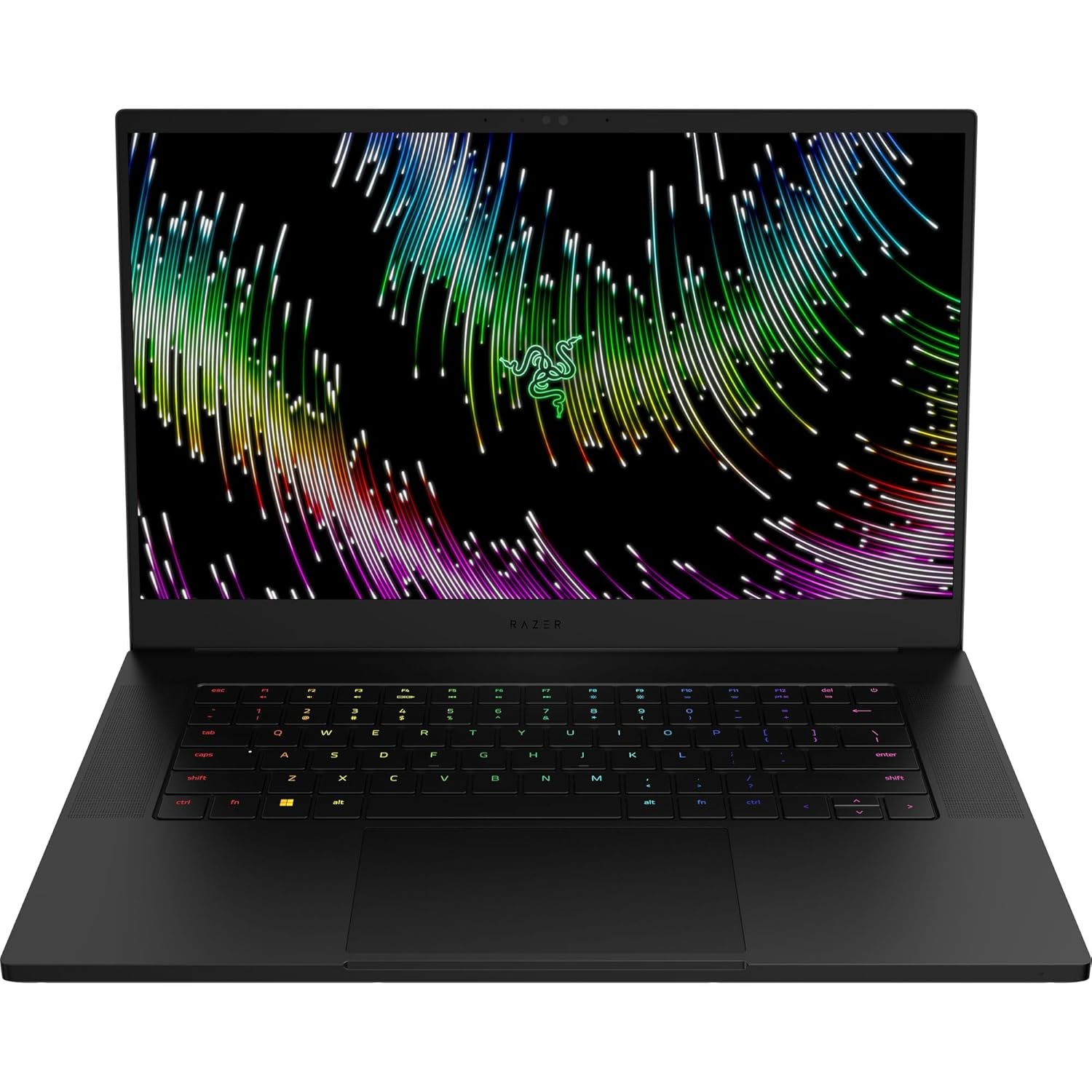
NVIDIA GEFORCE RTX 40 SERIES GRAPHICS – Built on NVIDIA’s award-winning 3rd -gen RTX architecture, these GPUs provide the most realistic ray-traced graphics and cutting-edge AI features for the most powerful graphics in a gaming laptop.
Full Specifications:
- Processor: Intel Core i7-14700HX (up to 5.5 GHz)
- RAM: 32GB DDR5
- Storage: 1TB NVMe SSD
- Display: 15.6″ QHD IPS, 240Hz, 100% sRGB
- Battery: 80WHr (~5–6 hours)
- Graphics: NVIDIA GeForce RTX 4070 (8GB GDDR6)
- OS: Windows 11 Home
- Weight: 2.01 kg
27. Acer Swift X 16 (SFX16-61G)
The Acer Swift X 16 is specifically designed for creators and engineers who want maximum GPU performance in a thin-and-light form factor, and it delivers on that promise remarkably well. Running AMD Ryzen 7 with NVIDIA RTX 4070 in a 1.8 kg package sounds almost too good to be true, but Acer has achieved it through careful thermal engineering. For AutoCAD users who travel regularly, this is one of the best combinations of portability and power available in India.
The 16-inch 2.5K IPS 120Hz display is well-calibrated and sharp, and the battery life — around 8–9 hours for mixed workloads is impressive given the RTX 4070 inside. The keyboard is comfortable and the build quality, while not matching Dell or Lenovo’s premium feel, is solid and functional.
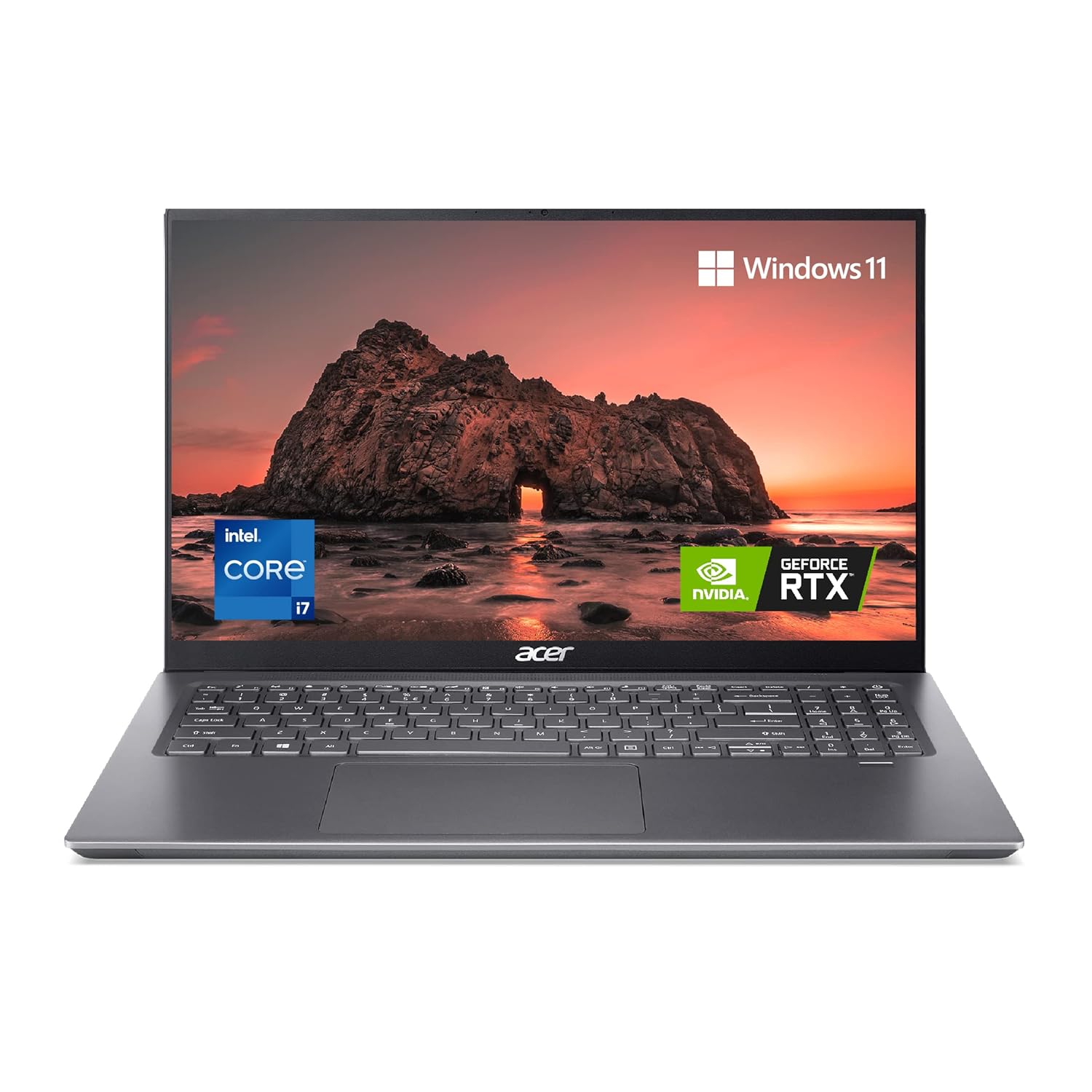
High Performance : Encounter high speed processing with the latest 12th Gen Intel Core i7-11390H Processor
Full Specifications:
- Processor: AMD Ryzen 7 7840U (up to 5.1 GHz)
- RAM: 32GB LPDDR5
- Storage: 1TB NVMe SSD
- Display: 16″ 2.5K IPS, 120Hz
- Battery: 76WHr (~8–9 hours)
- Graphics: NVIDIA GeForce RTX 4070 (8GB GDDR6)
- OS: Windows 11 Home
- Weight: 1.8 kg
28. Lenovo IdeaPad Gaming 3 (16-inch, Ryzen Edition)
The Lenovo IdeaPad Gaming 3 is one of the most popular budget laptops in India, and for students needing a best laptop under 50000 India option with dedicated GPU support for AutoCAD, it’s hard to beat. The build quality is functional rather than elegant, but it’s solid enough for daily campus use, and Lenovo’s consistent driver support means AutoCAD runs reliably without surprise compatibility issues.
AMD Ryzen 5 or Ryzen 7 configurations with NVIDIA RTX 3050 hit a sweet spot for AutoCAD 2D work and light 3D tasks. The 16-inch FHD 120Hz display is adequately bright and sharp for drafting, and having 16GB RAM ensures multitasking stays smooth. It’s not glamorous, but it gets the job done reliably — which is ultimately what matters for a student on a budget.
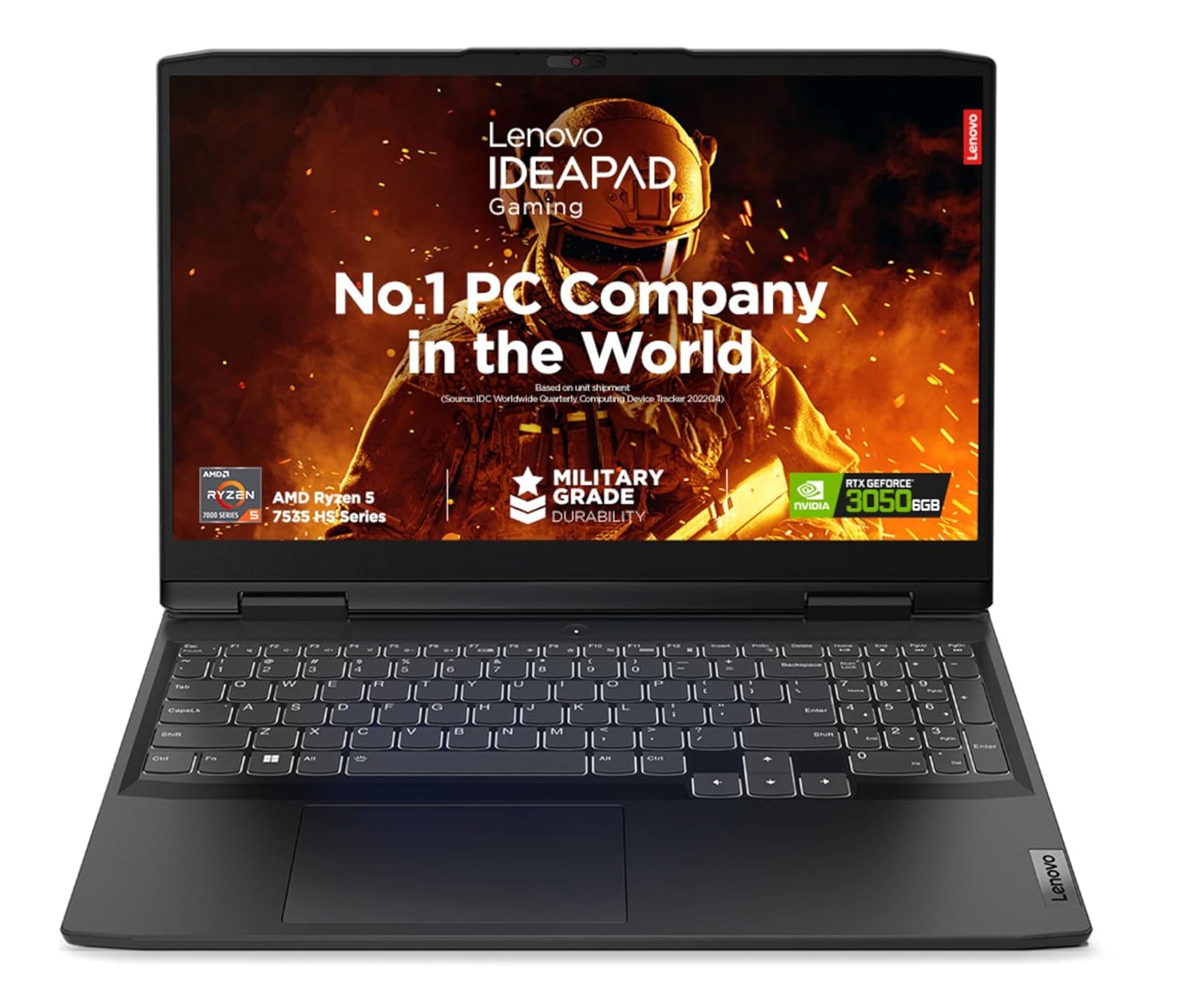
The 16-inch FHD 120Hz display is adequately bright and sharp for drafting, and having 16GB RAM ensures multitasking stays smooth.
Full Specifications:
- Processor: AMD Ryzen 7 7745HX (up to 5.1 GHz)
- RAM: 16GB DDR5
- Storage: 512GB NVMe SSD
- Display: 16″ FHD IPS, 120Hz
- Battery: 45WHr (~4–5 hours)
- Graphics: NVIDIA GeForce RTX 3050 (6GB)
- OS: Windows 11 Home
- Weight: 2.2 kg
29. Samsung Galaxy Book4 Ultra
Samsung’s Galaxy Book4 Ultra is a statement of intent — proof that the Korean tech giant can produce a laptop that competes directly with Apple’s MacBook Pro and Dell’s XPS line. The AMOLED display is exceptional, the build quality is premium, and the integration with Samsung’s ecosystem (DeX, Samsung phones, Galaxy Tab) is seamless. For AutoCAD professionals already in Samsung’s ecosystem, it’s a natural choice.
The Intel Core Ultra 9 with NVIDIA RTX 4070 inside the Book4 Ultra is powerful enough for demanding AutoCAD workflows, Revit BIM projects, and occasional 3D rendering. The 16-inch 3K AMOLED 120Hz display renders AutoCAD drawings with beautiful sharpness, and the slim 1.86 kg chassis makes it genuinely portable. One of the more underrated premium laptops in India’s market.
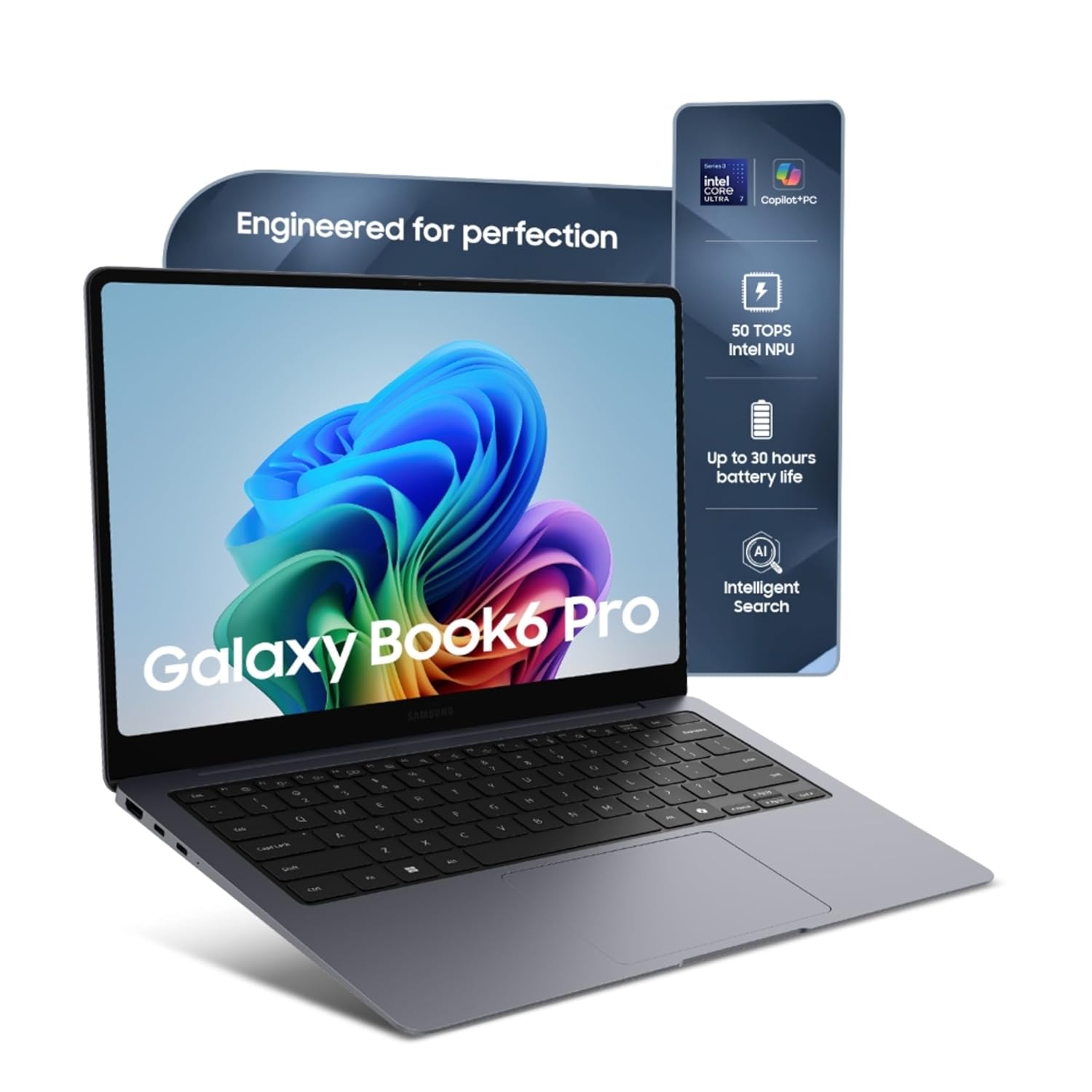
Engineered for Perfection – Ultra-slim premium design with powerful 30 hours battery life.
Full Specifications:
- Processor: Intel Core Ultra 9 185H
- RAM: 32GB LPDDR5X
- Storage: 1TB NVMe SSD
- Display: 16″ 3K AMOLED, 120Hz
- Battery: 76WHr (~8 hours)
- Graphics: NVIDIA GeForce RTX 4070 (8GB GDDR6)
- OS: Windows 11 Pro
- Weight: 1.86 kg
30. Mi NoteBook Pro X 14 (Xiaomi Laptop Pro X)
Rounding out this list with a genuinely surprising entry — the Xiaomi Laptop Pro X 14 proves that you don’t always need a Western brand for serious performance. With an Intel Core i7 HX processor and NVIDIA RTX 3050 in a slim 14-inch package, it competes directly with machines from established players at a lower price point. For Indian users who want value-first, Xiaomi has delivered a machine that handles AutoCAD 2D and light 3D work well.
The 14-inch 2.8K OLED 90Hz display is the highlight feature — genuinely spectacular for a machine at this price, with accurate colours and deep contrast that makes AutoCAD drawings look precise and clean. If you’re a student or junior engineer on a tight budget who still wants a premium display experience, the Xiaomi Pro X 14 deserves serious consideration.
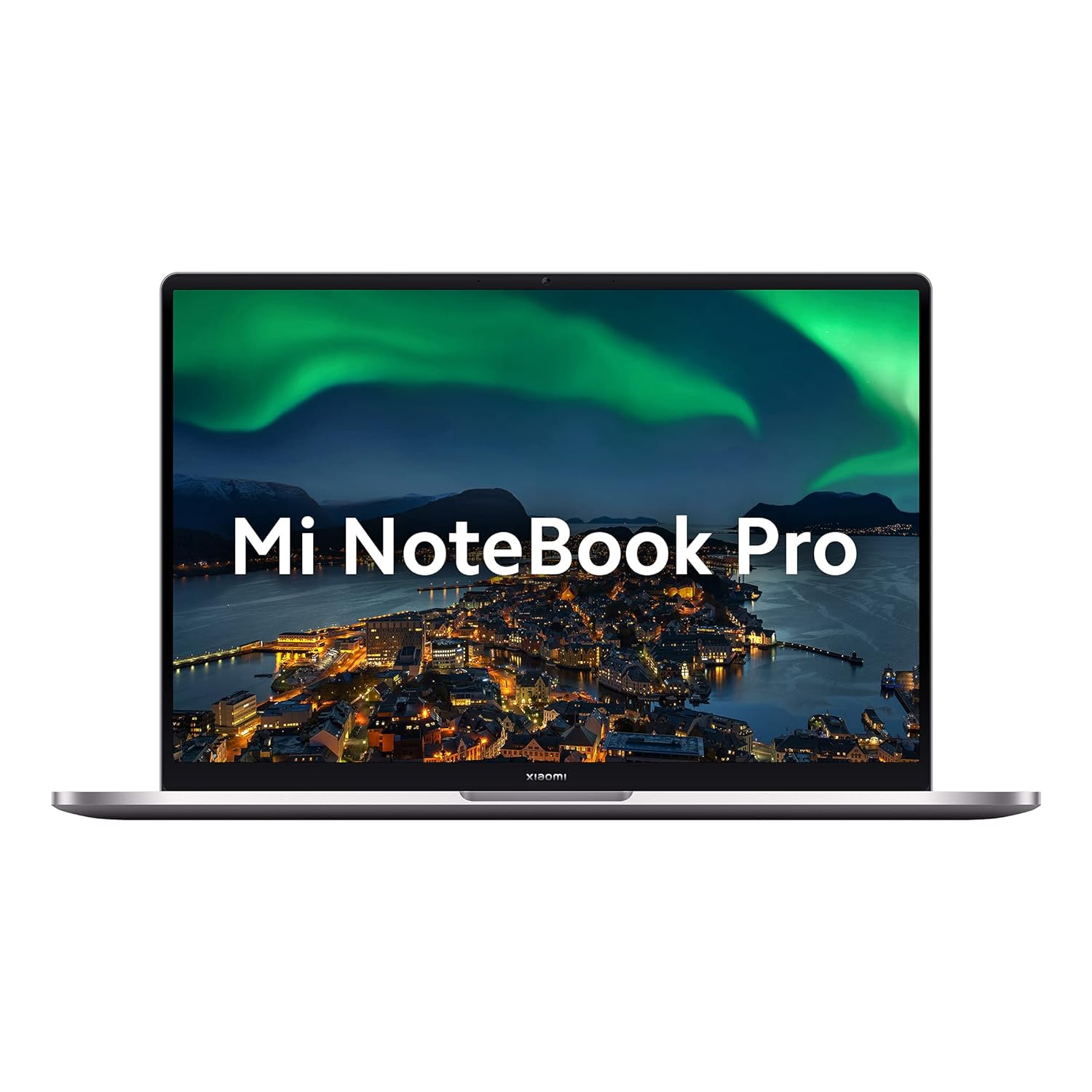
Processor: 11th Gen Intel Tiger Lake Core i5-11300H processor| Speed: 3.1 GHz(base) – 4.4 GHz(max) | 4 cores | 8 Threads | 8 MB Cache
Full Specifications:
- Processor: Intel Core i7-12700H (up to 4.7 GHz)
- RAM: 16GB LPDDR5
- Storage: 512GB NVMe SSD
- Display: 14″ 2.8K OLED, 90Hz
- Battery: 70WHr (~8 hours)
- Graphics: NVIDIA GeForce RTX 3050 (4GB)
- OS: Windows 11 Home
- Weight: 1.69 kg
Quick Comparison: Best Laptops for AutoCAD in India by Use Case
| Use Case | Best Pick | Budget Range |
| Professional Workstation | Dell Precision 3591 | ₹1,40,000+ |
| Best OLED Display | ASUS ProArt Studiobook 16 | ₹1,20,000+ |
| Best Portable Powerhouse | ASUS ROG Zephyrus G14 | ₹1,10,000+ |
| Best for Students | Acer Aspire 7 | ₹55,000–₹65,000 |
| Best Budget Pick | Acer Nitro V 15 | ₹60,000–₹70,000 |
| Best Value Under ₹1 Lakh | Lenovo Legion Pro 5i | ₹85,000–₹95,000 |
| Best Ultra-portable | HP ZBook Firefly 14 G11 | ₹1,50,000+ |
| Best Mac Option | MacBook Pro 14 M4 Pro | ₹1,60,000+ |
FAQ: People Also Ask About Best Laptops for AutoCAD in India
Q1. What is the minimum RAM required for running AutoCAD smoothly in India?
For basic 2D AutoCAD drafting, 8GB RAM is technically sufficient, but it leaves very little headroom. 16GB is the practical minimum for smooth performance — especially if you run Chrome, a PDF viewer, and other tools alongside AutoCAD. For 3D modelling with AutoCAD Civil 3D, Inventor, or Revit, 32GB is strongly recommended. In 2026, 16GB is the sweet spot for students and 32GB is the standard for professionals.
Q2. Is a dedicated GPU necessary for AutoCAD?
For 2D AutoCAD work, a dedicated GPU is helpful but not strictly necessary — modern integrated GPUs like Intel Iris Xe or AMD Radeon 780M handle 2D drafting well. However, if you use 3D AutoCAD, Civil 3D terrain modelling, AutoCAD Architecture, or BIM-heavy workflows, a dedicated NVIDIA GPU (RTX 3050 or better) makes a significant difference in viewport performance and rendering speed.
Q3. Which is better for AutoCAD — Intel or AMD processor in 2026?
Both are excellent in 2026. AutoCAD is primarily single-core dependent, so clock speed matters more than core count. Intel’s Core i7/i9 HX series offers the highest single-core speeds, while AMD’s Ryzen 9 HX series is competitive and often offers better price-to-performance. In practice, both platforms deliver comparable AutoCAD experience — choose based on overall value and the GPU combination available.
Q4. Can I run AutoCAD on a MacBook in India?
Yes. AutoCAD LT is available natively for macOS on Apple Silicon (M-series chips), and the full AutoCAD version runs excellently via Parallels Desktop. The MacBook Pro M4 Pro is a legitimate professional AutoCAD machine. However, certain specialised toolsets (Civil 3D, MEP, Electrical) are Windows-only and require Parallels or Boot Camp equivalent workarounds.
Q5. What display specs should I look for in an AutoCAD laptop?
Look for at minimum a Full HD (1920×1080) IPS display with good colour accuracy (sRGB 100%). For professional use, a QHD (2560×1440) or higher resolution significantly improves detail visibility in complex drawings. Colour accuracy matters if you’re also doing design visualisation. A 120Hz or higher refresh rate makes panning and zooming feel smoother — a small quality-of-life upgrade that adds up over hours of work.
Q6. Which AutoCAD laptop is best for architecture students in India under ₹70,000?
The best options in the ₹60,000–₹70,000 range for architecture students are the ASUS TUF Gaming A16, Acer Nitro V 15, and HP Victus 16. All three offer dedicated NVIDIA RTX 4050 or RTX 4060 GPUs, capable Intel or AMD processors, and enough RAM to handle 2D drafting and moderate 3D architectural work. The TUF A16 is especially impressive given its RTX 4070 in the higher configurations.
Q7. How much storage is recommended for AutoCAD projects?
AutoCAD project files themselves aren’t enormous, but the cumulative storage of reference DWG files, xrefs, rendered images, plot files, and associated project documentation adds up quickly. A minimum of 512GB NVMe SSD is recommended, with 1TB being ideal for professionals. If you work with large geospatial datasets in Civil 3D or detailed mesh models, 2TB becomes worthwhile.
Q8. Should I buy a laptop with NVIDIA RTX or NVIDIA RTX Ada (workstation) GPU for AutoCAD?
For most AutoCAD users, standard consumer RTX cards (4050, 4060, 4070) are perfectly fine and offer excellent value. NVIDIA RTX Ada Lovelace workstation GPUs (RTX A2000, RTX 500 Ada) are ISV-certified and offer guaranteed driver stability for professional applications — which matters in mission-critical environments where stability is paramount. For students and general professionals, consumer RTX is the better value; for ISV certification and enterprise support, go workstation.
Conclusion
The best laptop for AutoCAD in India in 2026 depends entirely on your workflow depth and budget. For students and entry-level engineers, the Acer Aspire 7, Acer Nitro V 15, or HP Victus 16 cover all the essentials without breaking the bank. Mid-range professionals get excellent value from the Lenovo Legion Pro 5i Gen 9, ASUS VivoBook Pro 16 OLED, or Lenovo ThinkBook 16p Gen 4. Serious professionals who need workstation reliability should look at the Dell Precision 3591 or HP ZBook Firefly 14 G11.
Whatever your budget, prioritise a fast processor with high single-core speed, at least 16GB RAM, an NVMe SSD, and a dedicated GPU if 3D work is part of your workflow. The Indian market in 2026 is genuinely competitive you’re getting excellent machines at every price point. Use this guide to match the right tool to your work, invest wisely, and spend your energy on what actually matters: creating great designs.
CTA button → View 100+ More Best Laptop for AutoCAD