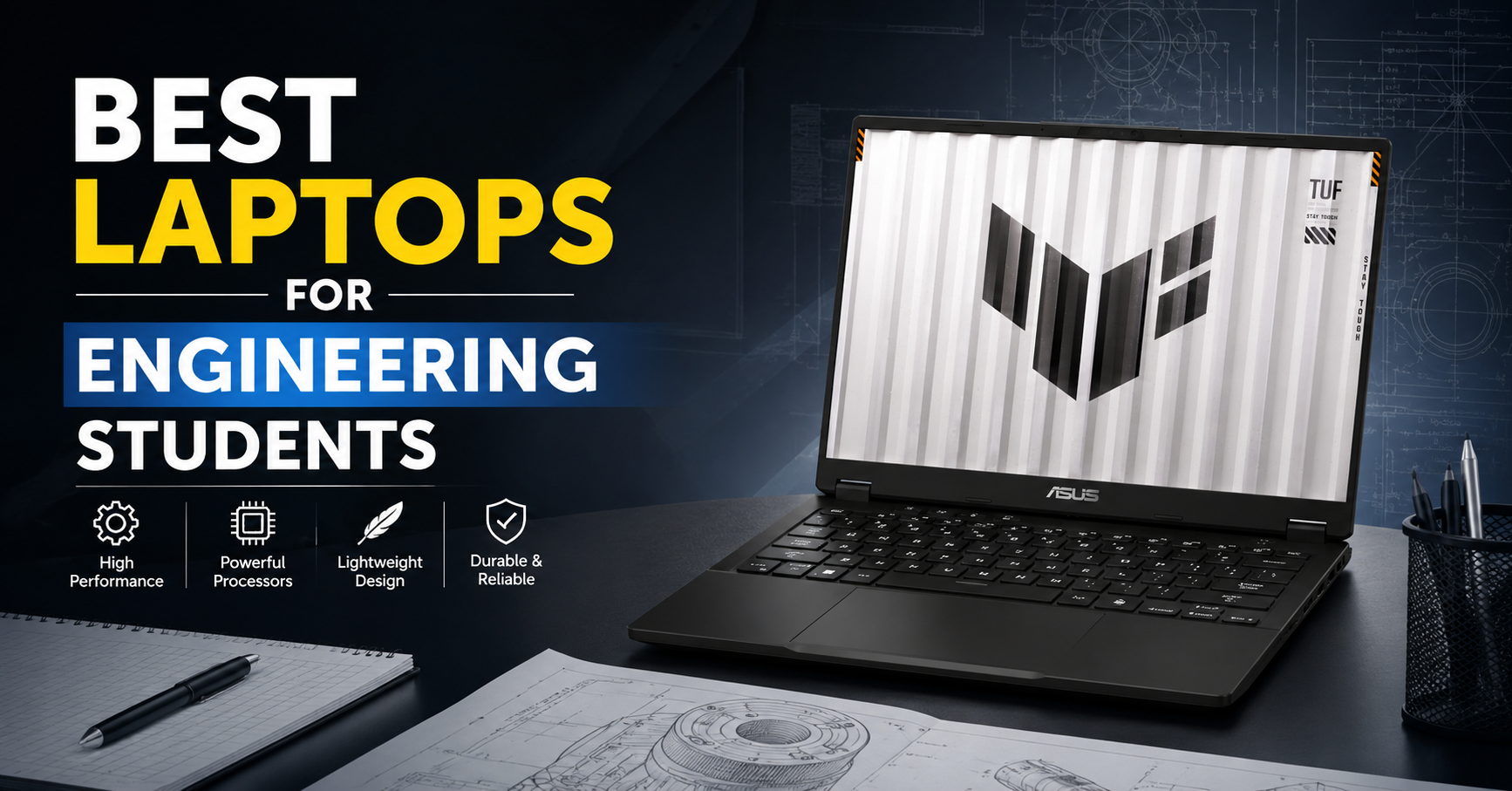
Engineering students use laptops very differently from regular college students. You are not only opening PDFs and PowerPoint presentations; you also run heavy IDEs, simulation tools, CAD software, MATLAB, coding environments, and sometimes even basic video editing or 3D work. A slow or underpowered laptop can make labs, projects, and online exams very frustrating. That is why choosing one of the Best Laptops for Engineering Students in your first or second year can save you from lag, slow performance, and random system hangs throughout your degree.
At the same time, every student’s situation is different. Some branches (like CSE, IT, ECE) focus more on coding, virtual labs, and small simulations, while others (like Mechanical, Civil, Architecture) use 3D, CAD, and graphics‑heavy software more often. Hostellers may need strong battery life and build quality, while day‑scholars might prefer lighter laptops for commuting. So the “best laptop for engineering students” is not one single model but a set of good options across budgets and brands.
This guide keeps things simple and Indian‑friendly. It lists 30 laptops that can handle engineering workloads, grouped across premium, mid‑range, and value picks. For each laptop, you get short, clear descriptions and quick pros and cons in plain English. You can scan this list, pick 3–4 models that match your budget, and then check offers on your favourite shopping sites or local stores.
Whether you are preparing for your first year of BTech, already in 3rd or 4th year, or planning a master’s with heavy software usage, this list will help you choose a laptop that can survive 4–5 years of assignments, labs, projects, and placements. The idea is simple: buy once, buy right, and then focus on learning and building projects instead of fighting with a laggy machine.
Top 30 Best Laptops for Engineering Students (India‑friendly)
1. Apple MacBook Air 13 (M3)
The MacBook Air 13 with M3 chip is a great choice for CSE/IT students who live mostly in coding, browsing, and light creative tools. It is extremely thin and light, so carrying it between college, hostel, and home is effortless. Battery life is excellent and easily lasts a full day of classes plus evening coding sessions. For web development, app development, Python, and most software tools, it is more than powerful enough. If your college work is mostly programming and online labs, this is a strong all‑rounder.
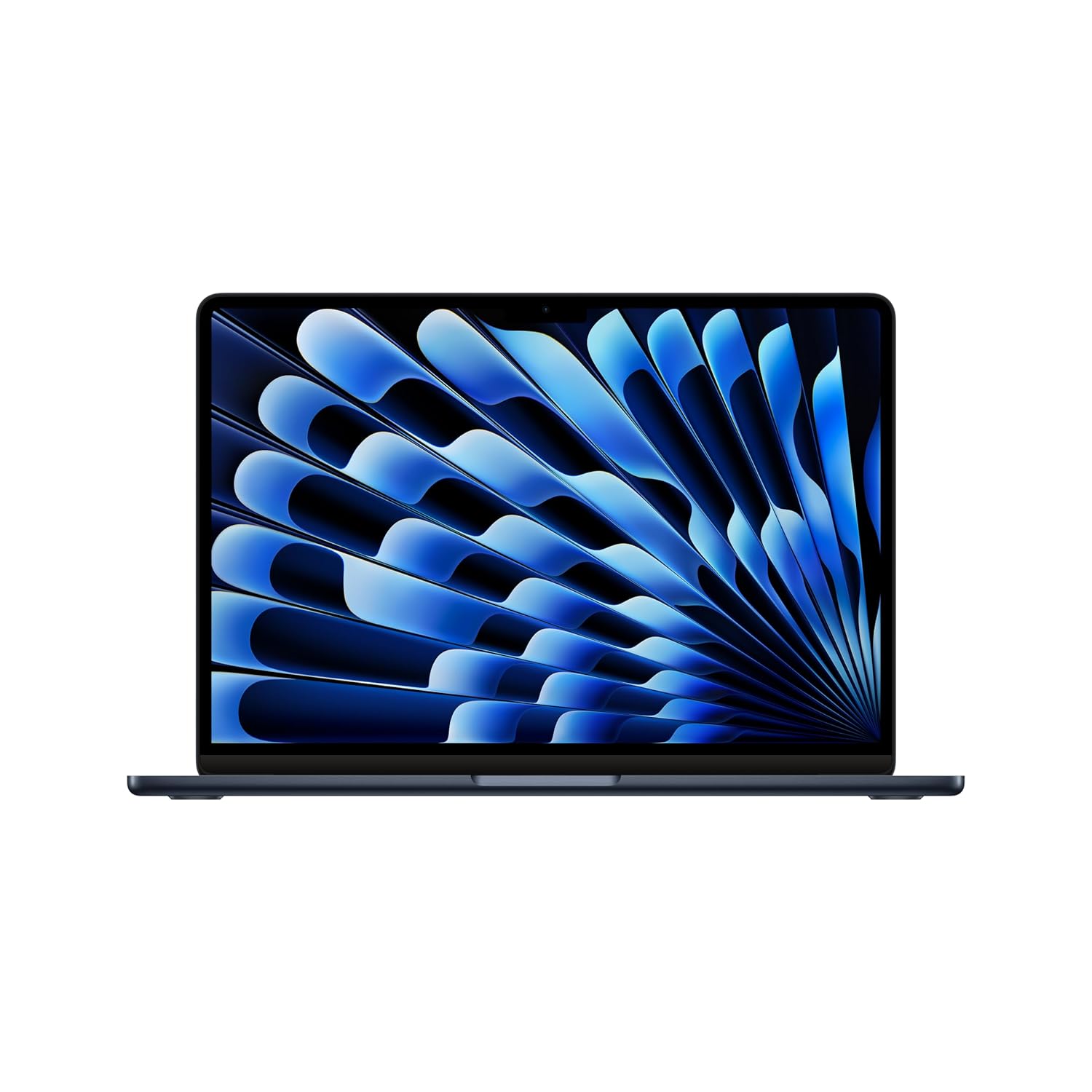
Supercharged by M3 — The blazing-fast MacBook Air with the M3 chip is a super-portable laptop that sails through work and play.
2. Apple MacBook Air 15 (M3)
The MacBook Air 15 offers the same efficiency as the 13‑inch model but with a larger display. That extra screen space helps when you are working with code on one side and documentation on the other, or following along with video lectures. It is still relatively light and slim for a 15‑inch laptop. For CSE, IT, electronics, and even light design work, it feels fluid and responsive. If you prefer big screens but don’t want a heavy machine, this model fits well.
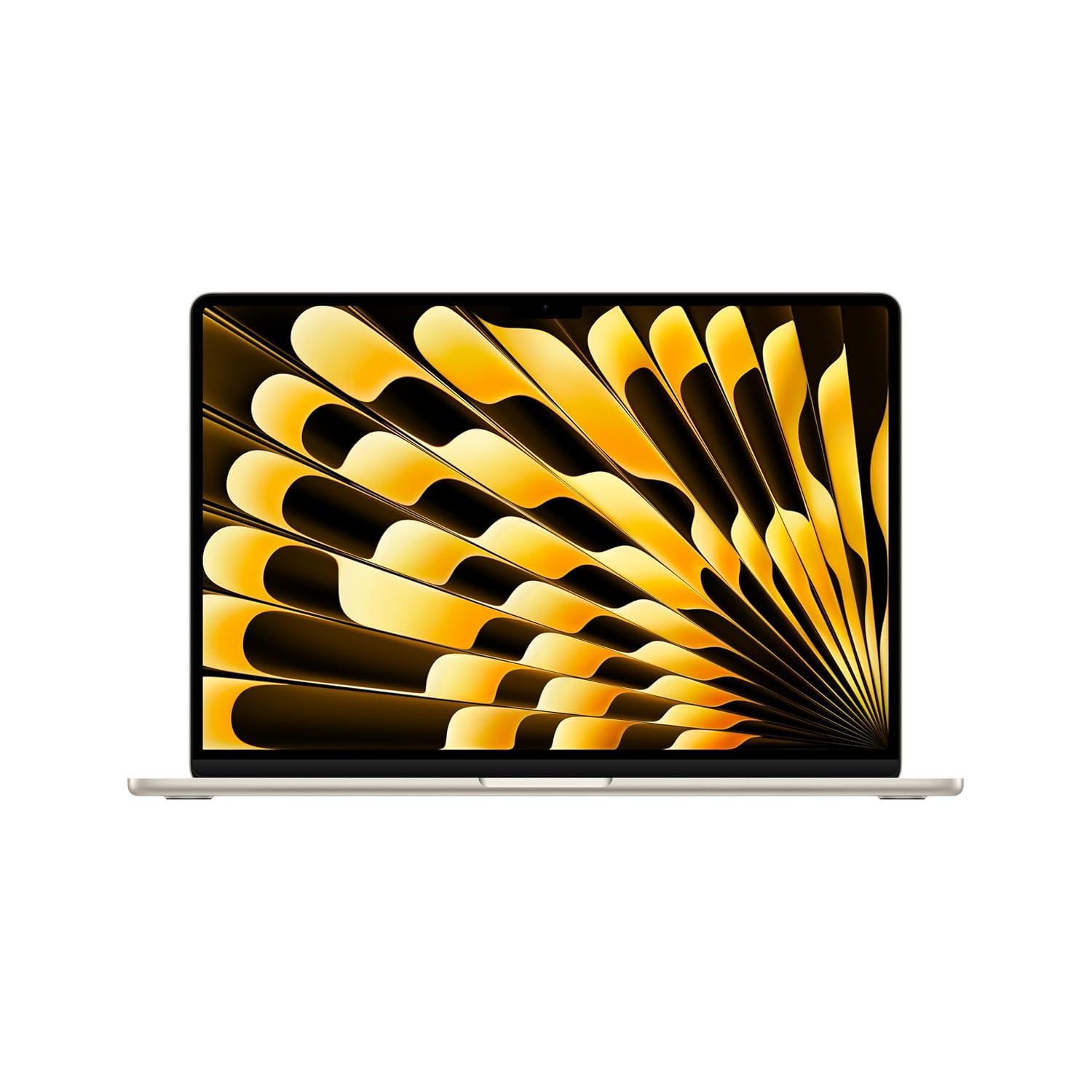
Supercharged by M3 — The blazing-fast MacBook Air with the M3 chip is a super-portable laptop that sails through work and play.
3. Apple MacBook Pro 14 (M3 Pro)
The MacBook Pro 14 is ideal for engineering students who plan to do heavier work like video editing, machine learning experiments, or 3D rendering. It delivers much more power than the Air, with active cooling and better sustained performance. The display is excellent for reading, coding, and design. It is still portable enough for daily carry. If your budget allows and you want a machine that feels “pro” for many years, this is a very strong choice.
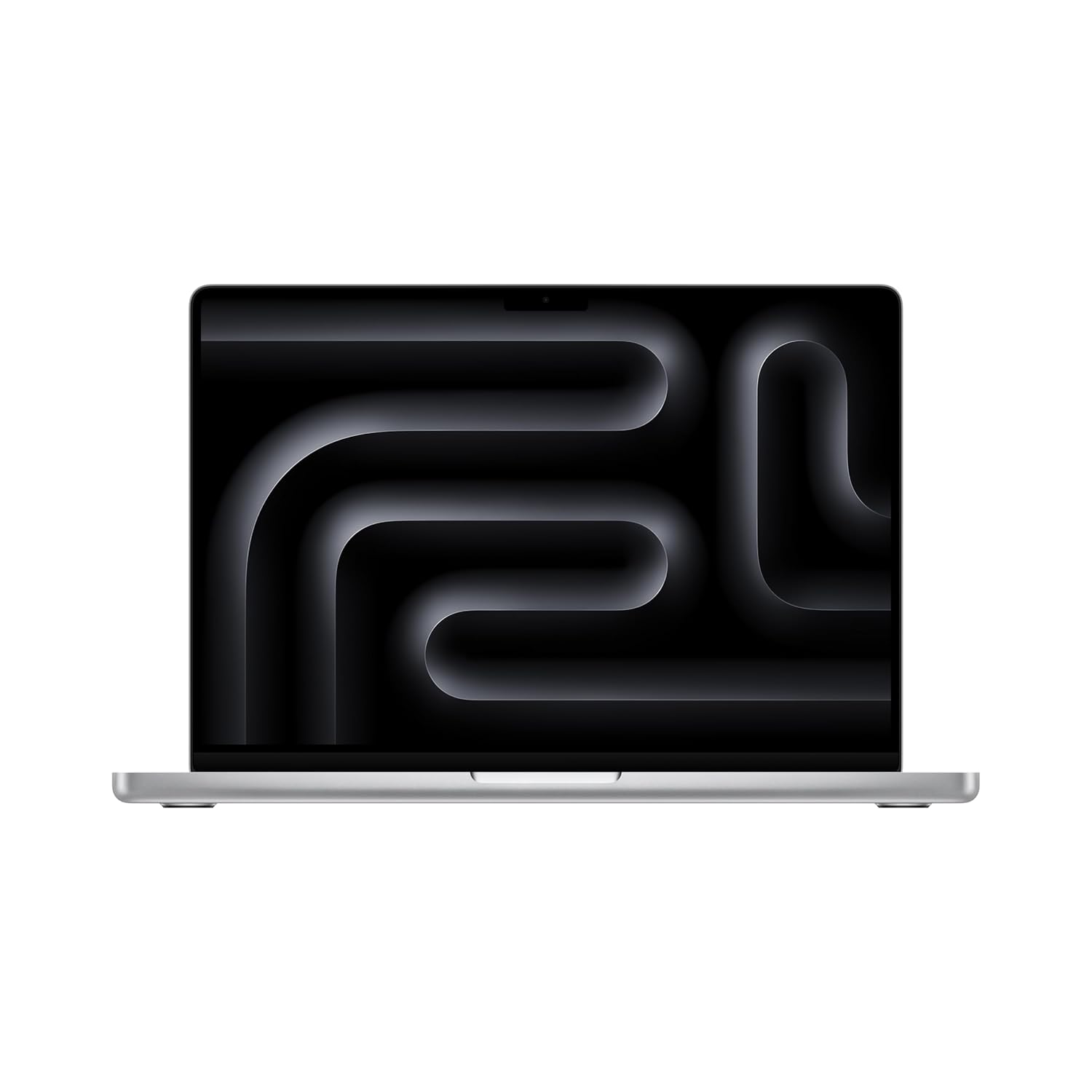
SUPERCHARGED BY M3 — With an 8-core CPU and 10-core GPU using hardware-accelerated ray tracing, the Apple M3 chip can help you blaze through everyday multitasking and take on pro projects like editing thousands of photos or 4K video.
4. Dell XPS 13
The Dell XPS 13 is a premium Windows ultrabook suited for engineering students who want an elegant but powerful machine. It has a compact body with very thin bezels, making it easy to carry. Performance is strong enough for coding, simulation tools, and heavy multitasking. The display is bright and high‑quality, great for long reading sessions. This laptop fits well if you want something premium that also looks professional for internships and placements.

Processor: Built In AI Snapdragon X Elite X1E-80-100, (Up to 4.00GHz) 42MB Cache, 12 Cores // RAM & Storage: 32GB, LPDDR5X, 8448MT/s, 1TB SSD
5. Dell XPS 15
The Dell XPS 15 adds more power and a larger display for students who want a serious all‑rounder. The 15‑inch screen is great for CAD, coding, and media consumption. With strong CPUs and optional discrete GPUs, it can handle heavy tools used in mechanical, civil, and architecture courses. It is also a great content‑creation machine. If you want one laptop that can act like a mini‑workstation and still be carried to class, this is a top pick.

Processor: Built In AI Snapdragon X Elite X1E-80-100, (Up to 4.00GHz) 42MB Cache, 12 Cores // RAM & Storage: 16GB, LPDDR5X, 8448MT/s, 512GB SSD
6. Lenovo ThinkPad E14
The ThinkPad E14 gives you classic ThinkPad reliability at a more student‑friendly price. It has an excellent keyboard, which matters when you type a lot of code, lab reports, and project documentation. Build quality is sturdy, so it can handle daily travel and rough use in labs. Performance is good enough for coding, simulations, and office tools. It is a great fit if you value durability and typing comfort.
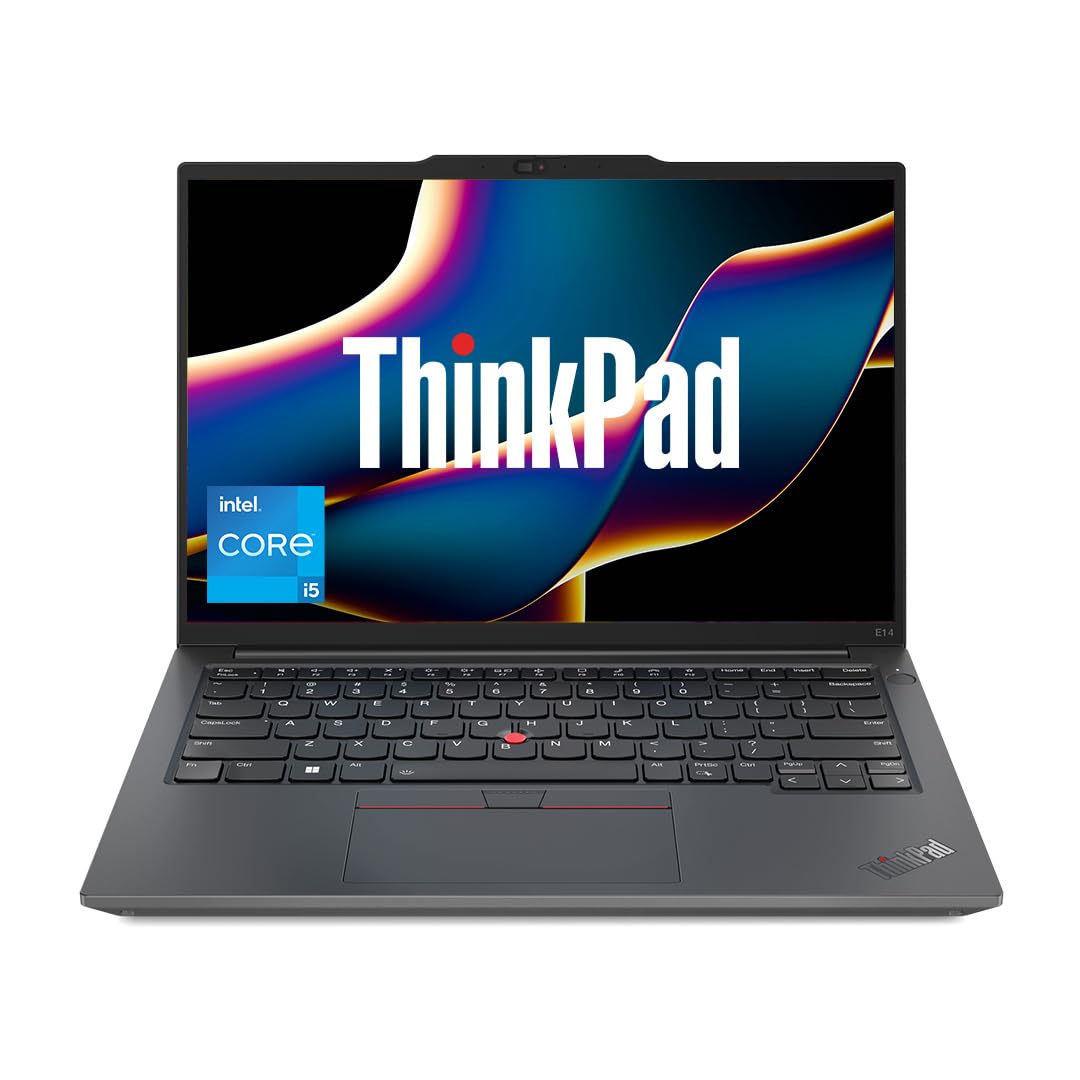
ThinkPad Reliability tested on 12 MIL-STD-810H Methods and 22 Procedures | Body Material: Aluminium (Top) | Built to withstand rugged usage and can handle accidental knocks, drops, and even spills
7. Lenovo ThinkPad T14
The ThinkPad T14 is a more premium business laptop known for durability and long life. It is perfect for students who plan to use the same machine for college and then for early career jobs. With strong CPUs and good battery, it handles coding, VMs, and analytics well. The keyboard and trackpad are among the best. If you like a no‑nonsense, robust machine, this is a very safe choice.
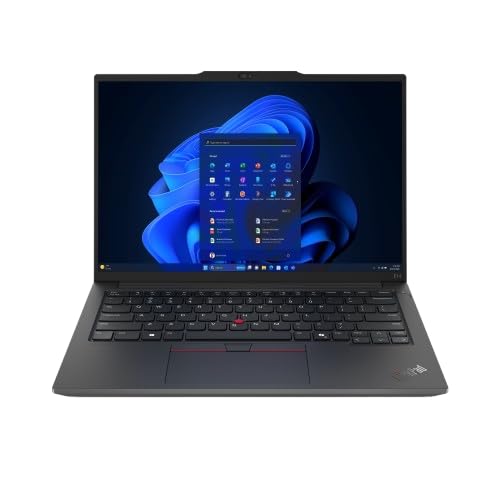
Why ThinkPad – Invest in What Lasts: ThinkPad may cost more than everyday laptops, but it’s built to last longer, perform better, and reduce downtime. Built on IBM’s legendary engineering DNA, it’s designed for reliability, security, and long-term performance. It’s made for ambitious professionals, creators, and students who want both power and polish – with features that keep you moving confidently through work and life.
8. Lenovo Legion 5
Lenovo Legion 5 is a gaming laptop that doubles as a powerful engineering machine. It comes with strong CPUs and dedicated GPUs, making it suitable for CAD, simulations, ML practice, and even game development. The cooling system is robust, so it can run heavy loads for longer. If you study mechanical, civil, or fields where 3D and simulation are common, this is a very useful option.
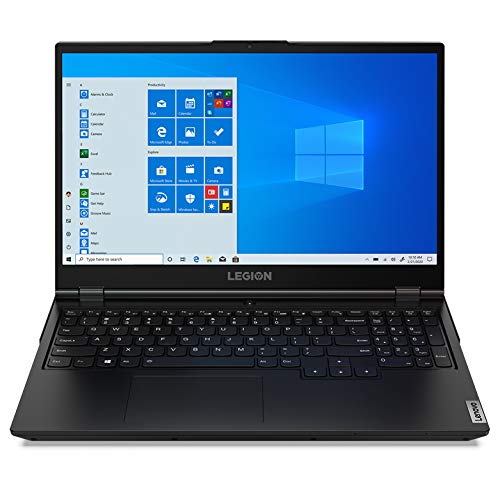
AMD Ryzen 5 4600H (6C / 12T, 3.0 / 4.0GHz, 3MB L2 / 8MB L3) Processor, NVIDIA GeForce GTX 1650 Ti 4GB GDDR6 Graphics, Windows 10 Home 64 bit Operating System
9. HP Victus 15
HP Victus 15 is a popular mid‑range gaming laptop that works well for engineering students. With modern Intel/AMD processors and RTX‑class GPUs, it can handle AutoCAD, SolidWorks, MATLAB, and similar tools quite comfortably. The price‑to‑performance ratio is usually attractive, especially during sales. It is ideal if you want power on a tighter budget.
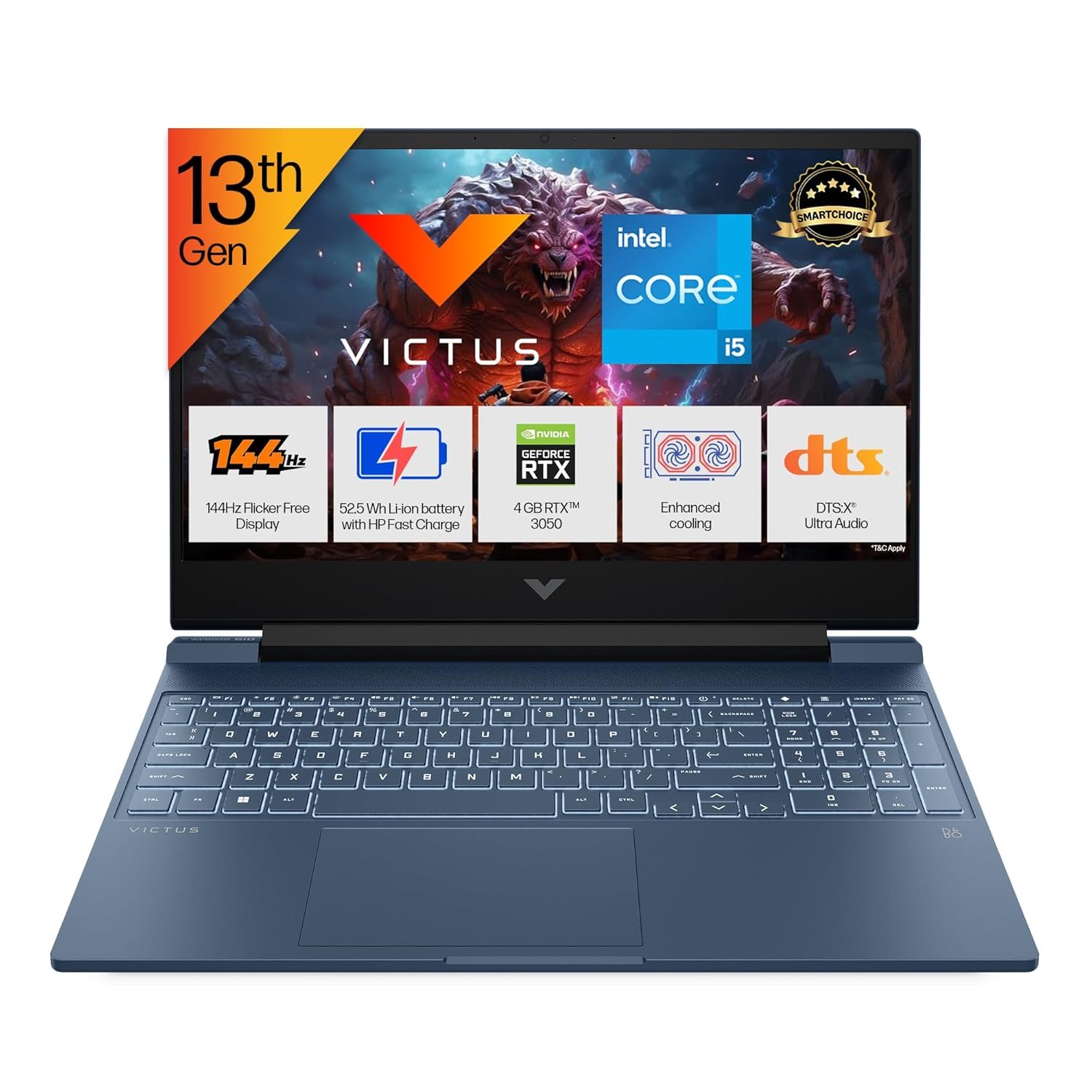
Processor, Memory & Storage: Intel Core i5-13420H (up to 4.6 GHz with Intel Turbo Boost Technology, 12 MB L3 cache, 8 cores, 12 threads)| Memory: 16 GB DDR4-3200 MT/s (1 x 16 GB)| Storage: 512 GB PCIe Gen4 NVMe M.2 SSD
10. HP Omen 16
The HP Omen 16 is a high‑performance gaming laptop suited for heavy engineering workloads. It has powerful CPUs and GPUs, making it ideal for 3D simulations, rendering, and parallel computing practice. The cooling system is designed for long gaming sessions, which also helps during long lab sessions. If you know you will use GPU‑heavy software, Omen 16 is a strong candidate.
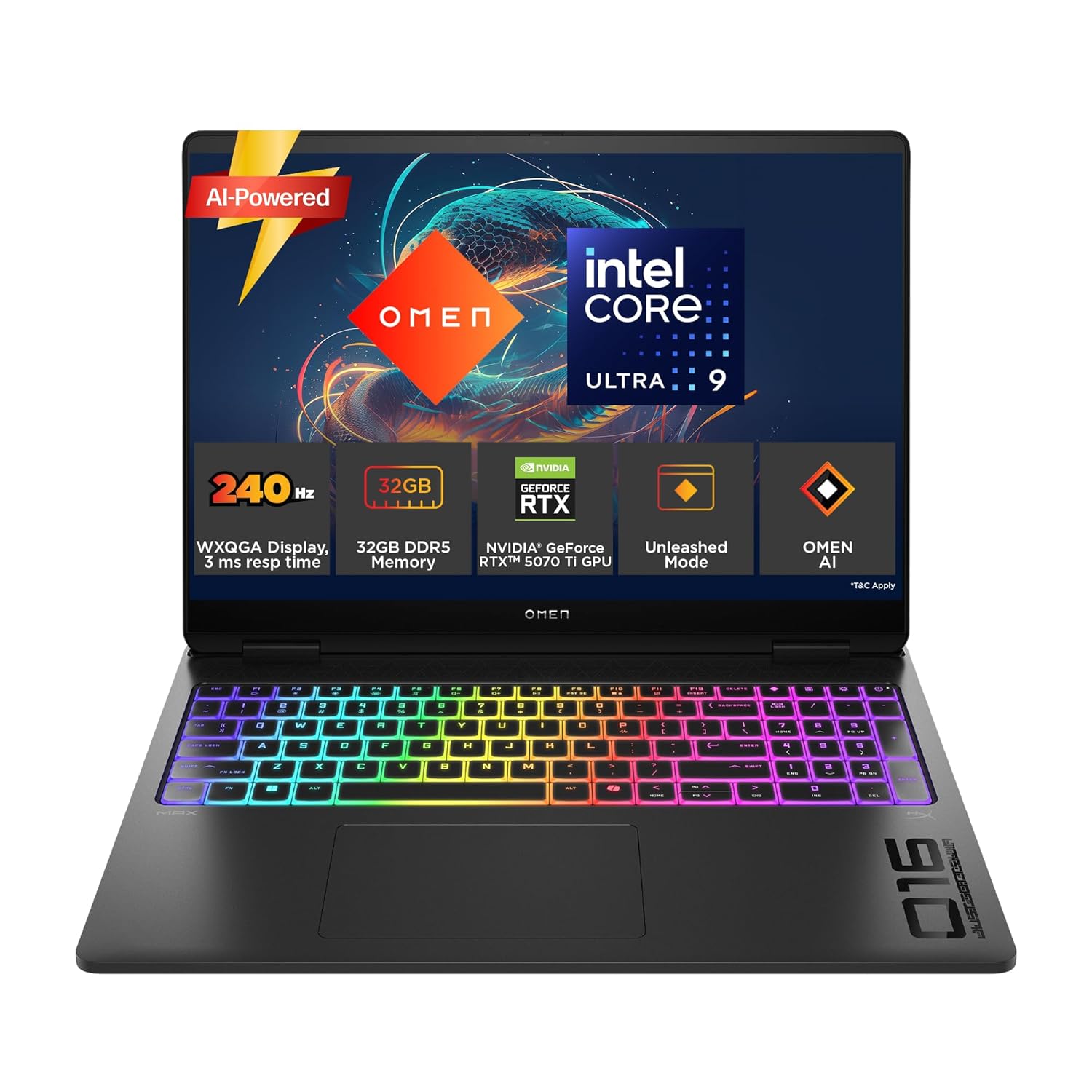
Processor, Memory & Storage: Intel Core Ultra 9 275HX (up to 5.4 GHz with Intel Turbo Boost Technology, 36 MB L3 cache, 24 cores, 24 threads)| Memory: 32 GB DDR5-5600 MT/s (2 x 16 GB)| Storage: 1 TB PCIe Gen4 NVMe M.2 SSD
11. HP Pavilion 14
The HP Pavilion 14 is aimed at students who want a balanced, mid‑range laptop without going full gaming. It is light enough for daily commute and has enough power for coding, basic CAD, and simulations. The design is simple and professional, so it looks fine in classroom and internship environments. It is a good pick for CSE/IT/ECE students with moderate needs.
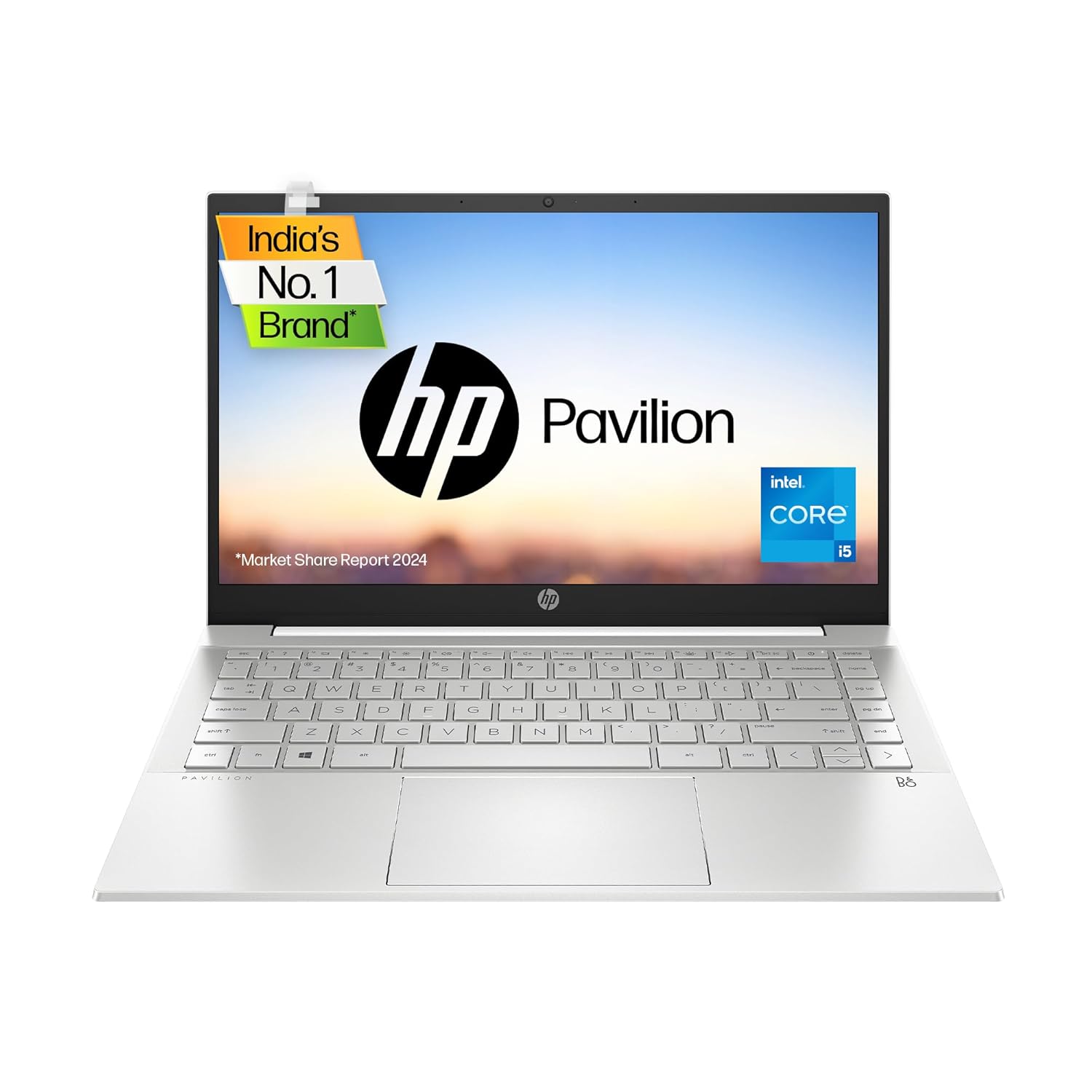
Processor: Intel 11th Gen Core i5- 1155G7 (up to 4.5 GHz with Intel Turbo Boost Technology(2g), 8 MB L3 cache, 4 cores, 8 threads)
12. HP Envy x360 14 / 15
HP Envy x360 is a 2‑in‑1 laptop that appeals to engineering students who like touch and pen input. You can use it in laptop mode for coding and in tablet mode for handwritten notes, diagrams, and circuit sketches. Performance is solid for everyday engineering work and light creative tasks. It suits those who value flexibility and design.
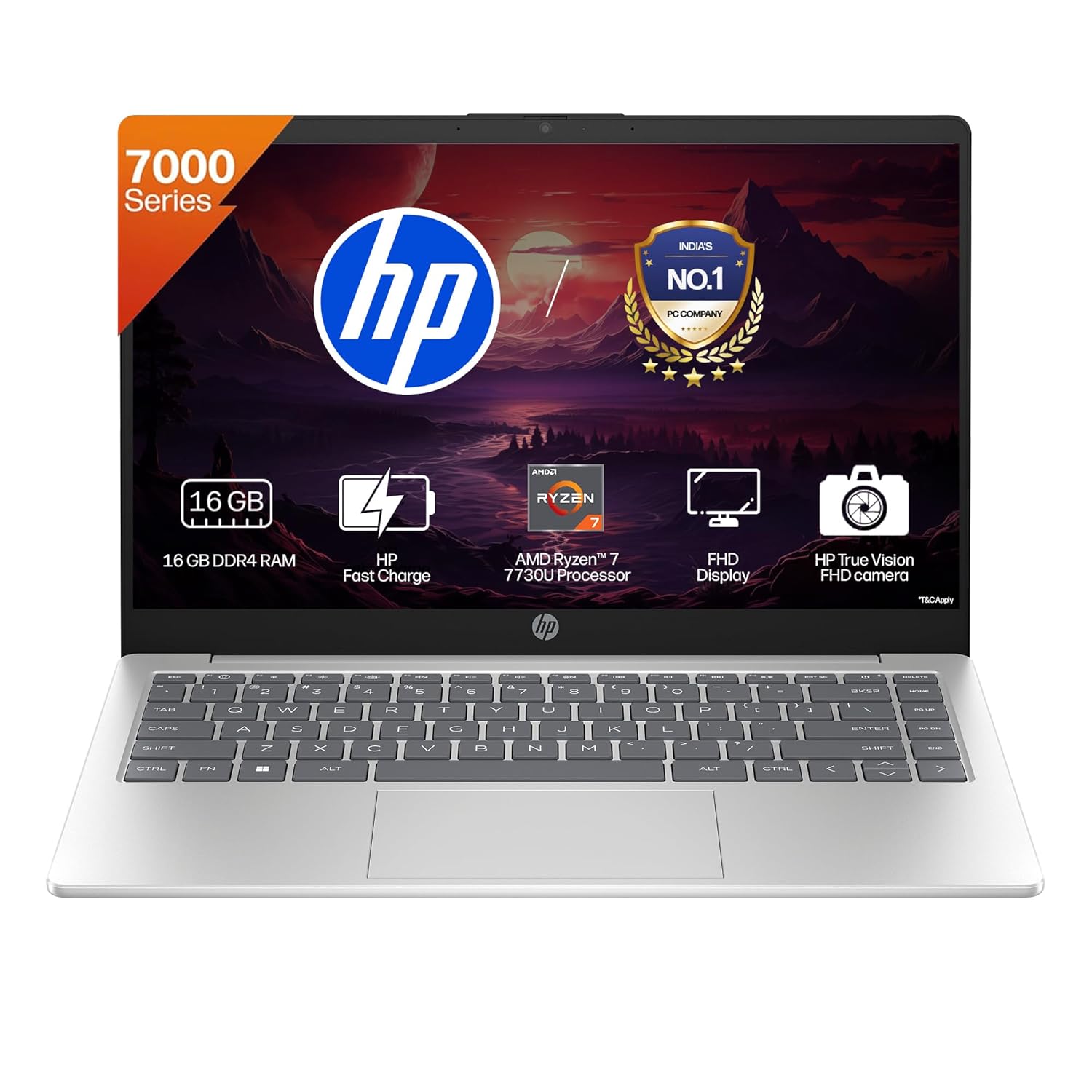
Processor, Memory & Storage: AMD Ryzen 7 7730U (up to 4.5 GHz max boost clock, 16 MB L3 cache, 8 cores, 16 threads)| Memory:16 GB DDR4-3200 MT/s (1 x 16 GB)| Storage: 512 GB PCIe NVMe M.2 SSD
13. Asus Vivobook 16
The Asus Vivobook 16 gives a big 16‑inch screen at a reasonable price. This is very useful for engineering students who work with large diagrams, code windows, and complex spreadsheets. With current‑gen CPUs and enough RAM, it works nicely for coding and simulations. It is more of a productivity machine than a gaming device.
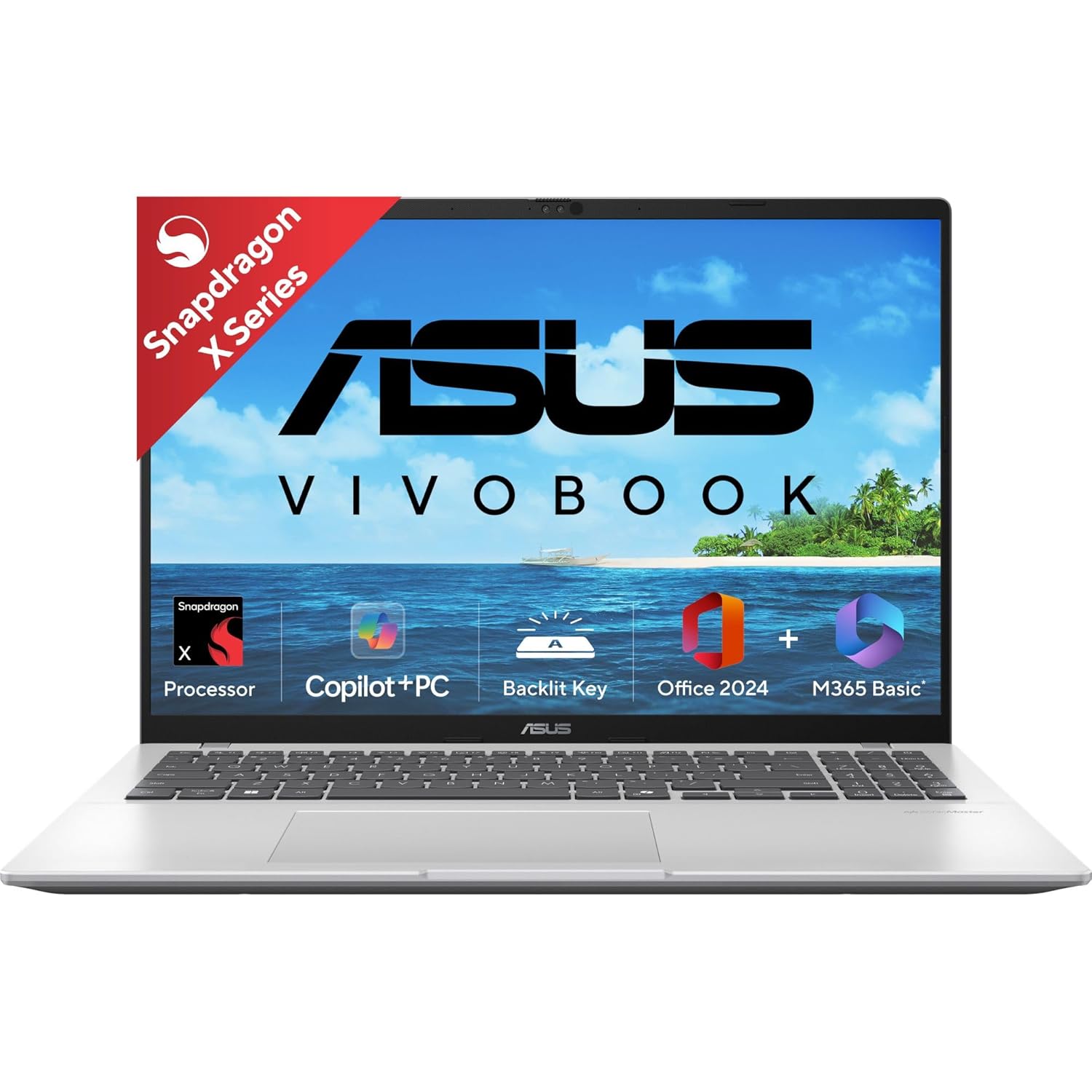
Processor : Snapdragon X X1 26 100 Processor (30MB Cache, up to 2.97GHz, 8 cores, 8 Threads) Qualcomm Hexagon NPU up to 45TOPS
14. Asus Vivobook Pro 15 OLED
Vivobook Pro 15 OLED is great for engineering students who also care about visuals, such as those doing design, UI/UX, or content creation. The OLED display offers deep blacks and rich colours. With powerful CPUs and discrete GPUs, it can handle CAD, coding, and editing. It is a nice hybrid of creator and engineering laptop.
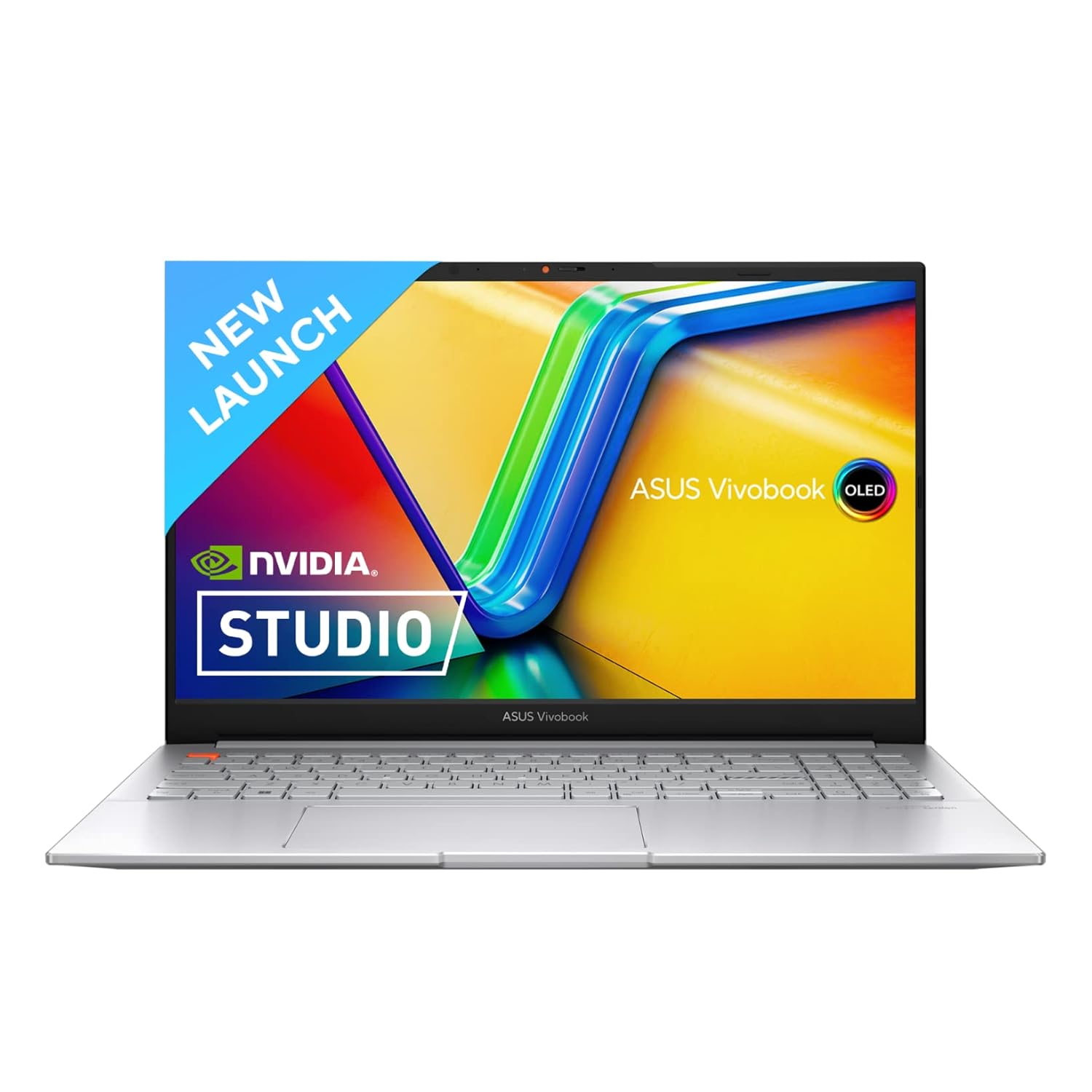
Processor : Intel Core i5-13500H Processor 2.6 GHz (18MB Cache, up to 4.7 GHz, 12 cores, 16 Threads)
15. Asus TUF Gaming F15
Asus TUF F15 is a durable gaming laptop suitable for engineering students who need performance on a budget. It comes with i5/i7 processors, RTX GPUs, and a robust build. This combination helps with simulations, 3D models, and heavy IDEs. The TUF branding also means some extra durability for daily use.
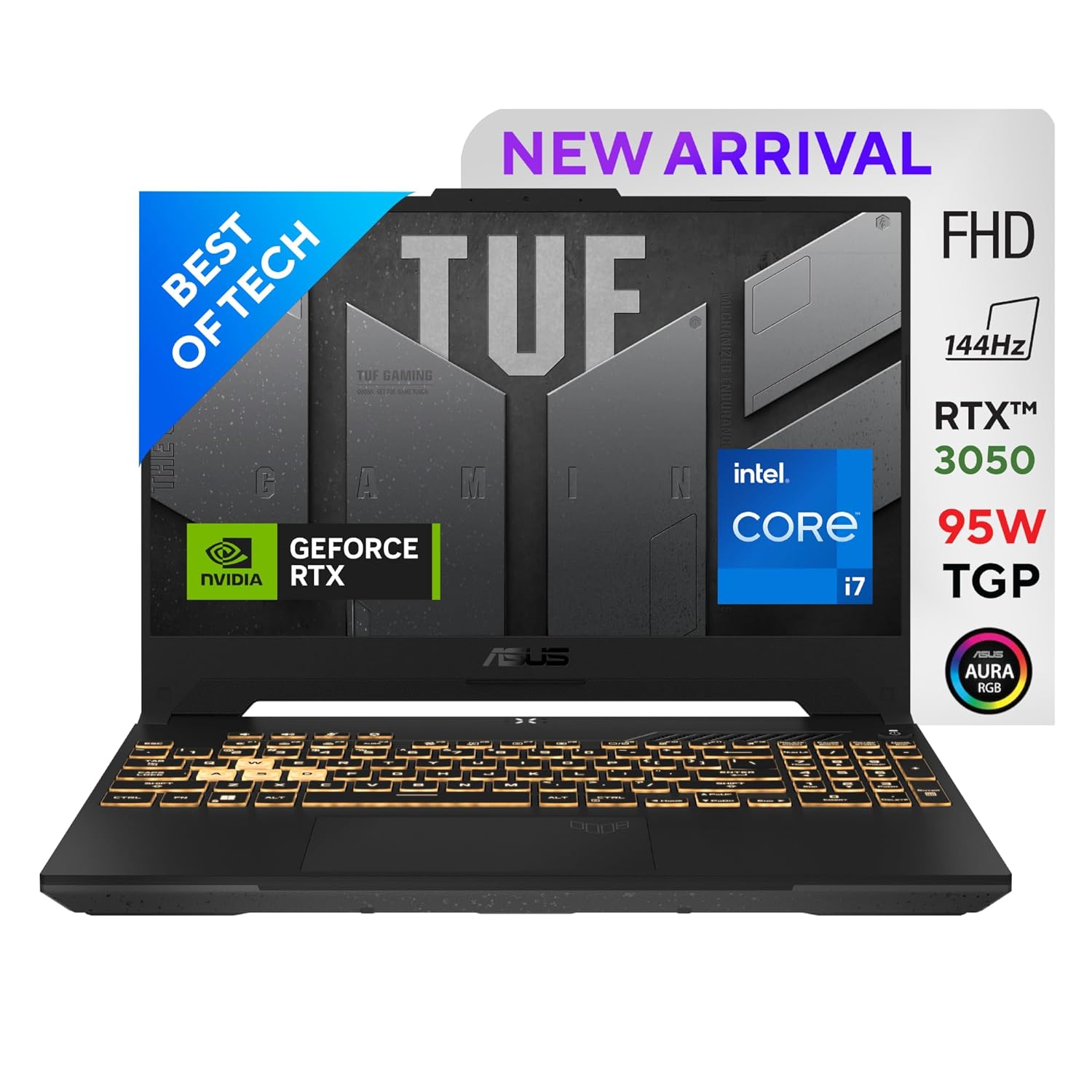
Processor : 12th Gen Intel Core i7-12700H Processor 2.3 GHz (24M Cache, up to 4.7 GHz, 14 cores: 6 P-cores and 8 E-cores) Delivers smooth gameplay
Also Read Suggested Articles :
Best gaming laptop under 70000
30 Best Laptops For Students In India
Best Lightweight Laptops for College Students in India
50 Best Laptops for Video Editing in India
30 Best Laptops for Music Production
16. Asus ROG Zephyrus G14
The Zephyrus G14 is a compact yet powerful laptop, popular with engineering students who want performance in a small body. It offers strong CPUs and GPUs with relatively low weight. Battery life is also better than many heavy gaming laptops. It is suitable for those who move between home, library, and lab often but still need serious power.
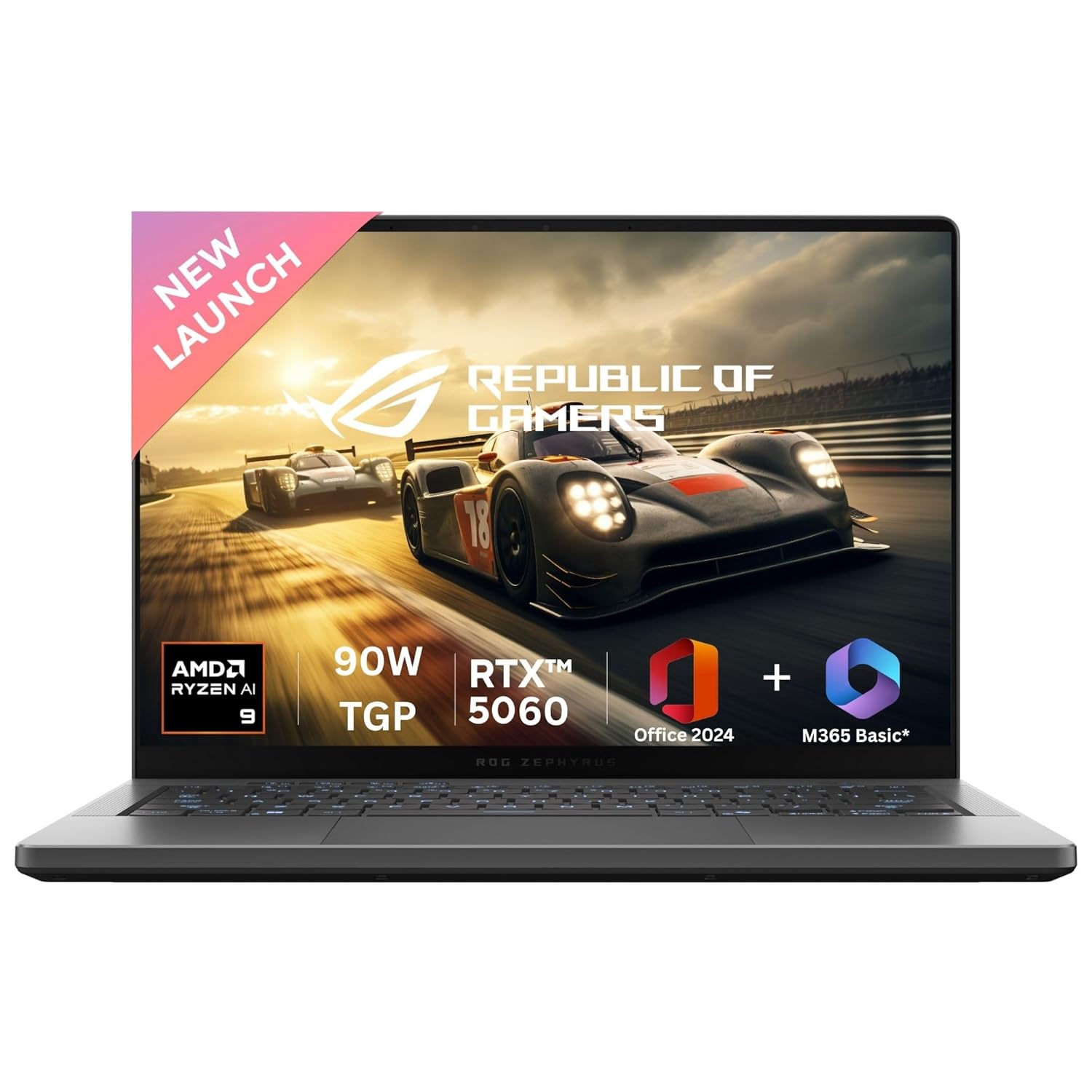
Processor : AMD Ryzen 9 270 Processor 4.0GHz (24MB Cache, up to 5.2GHz, 8 cores, 16 Threads) AMD XDNA NPU up to 16TOPS
17. Acer Aspire 7
Acer Aspire 7 is a very popular option for Indian engineering students on a budget. When configured with Ryzen 5/i5, 16 GB RAM, and a small RTX GPU, it can handle coding and entry‑level 3D or simulations. It looks more subtle than full gaming laptops, so it fits better in formal settings. It’s a good “value powerhouse” if you watch the specs carefully.
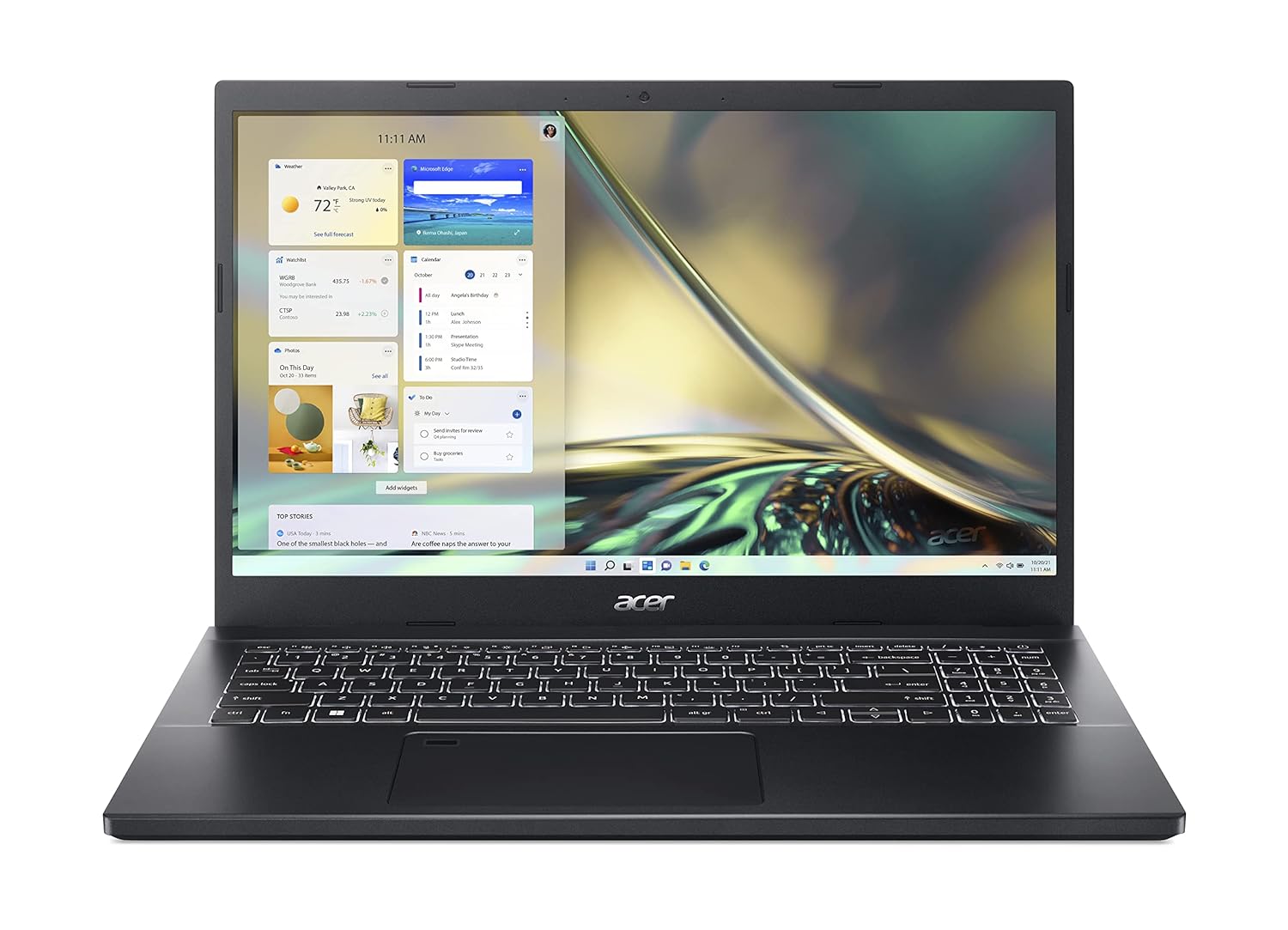
High Performance : Encounter high speed processing with the latest 12th Gen Intel Core i5-1240P Processor that ensure smooth gaming experience
18. Acer Nitro 5
Acer Nitro 5 is a classic budget gaming laptop that also serves engineering students well. It offers strong CPUs, GPUs, and easy upgradability for RAM and storage. This makes it suitable for heavy CAD, coding, and simulation tools. It’s especially good if you want to learn game development or graphics programming.
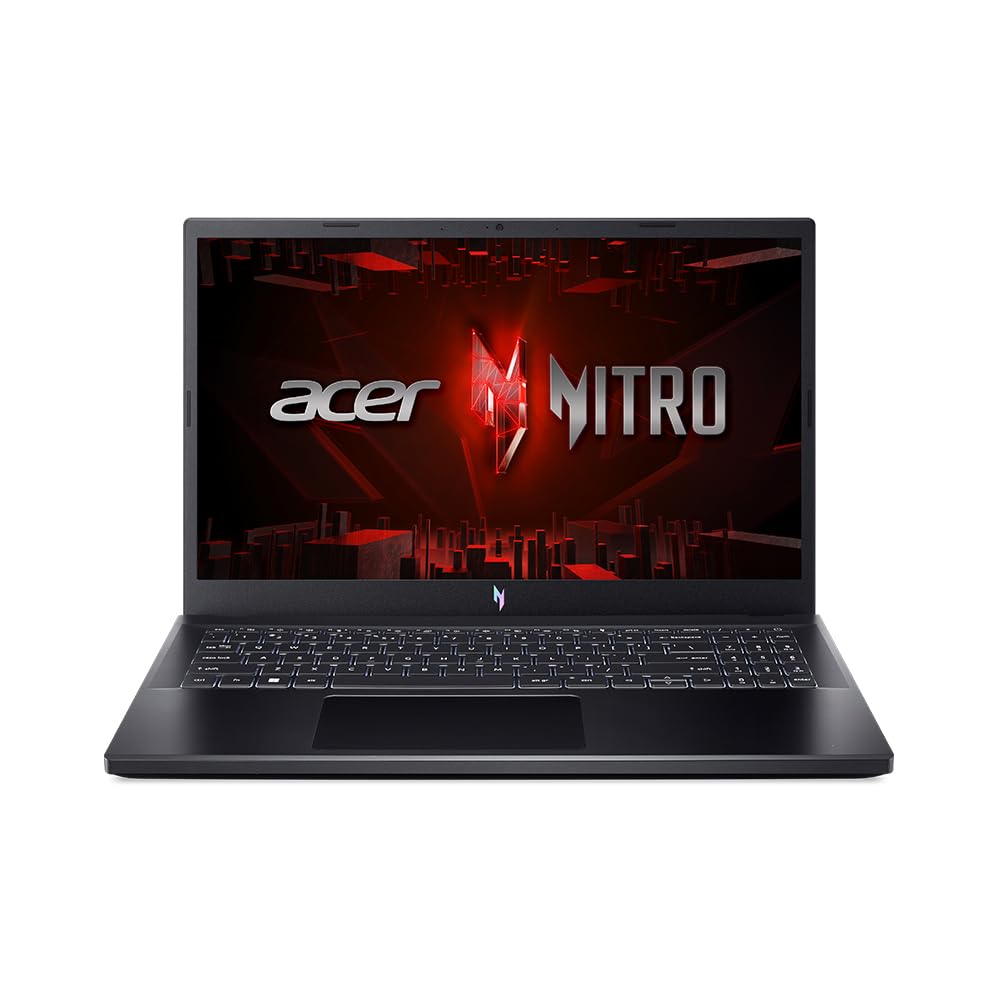
Processor: Intel Core i5-13420H processor (2.1 GHz base clock, up to 4.6 GHz max boost clock, 12 MB L3 cache, 8 cores)| Memory: 1*16 GB of DDR5 system memory Upgradable up to 32 GB of DDR5 system memory (Memory Frequency: Up to 5200 MT/s)| Storage: 512 GB , PCIe Gen4, 16 Gb/s, NVMe (Upgradable Upto 2*1 TB SSD)
19. Acer Swift Go 14
Acer Swift Go 14 is for students who prefer thin‑and‑light laptops but still want decent power. It handles coding, basic simulations, and regular multitasking well. The 14‑inch size and low weight are perfect for carrying around campus. It’s a better fit for CSE/IT streams rather than heavy 3D work.
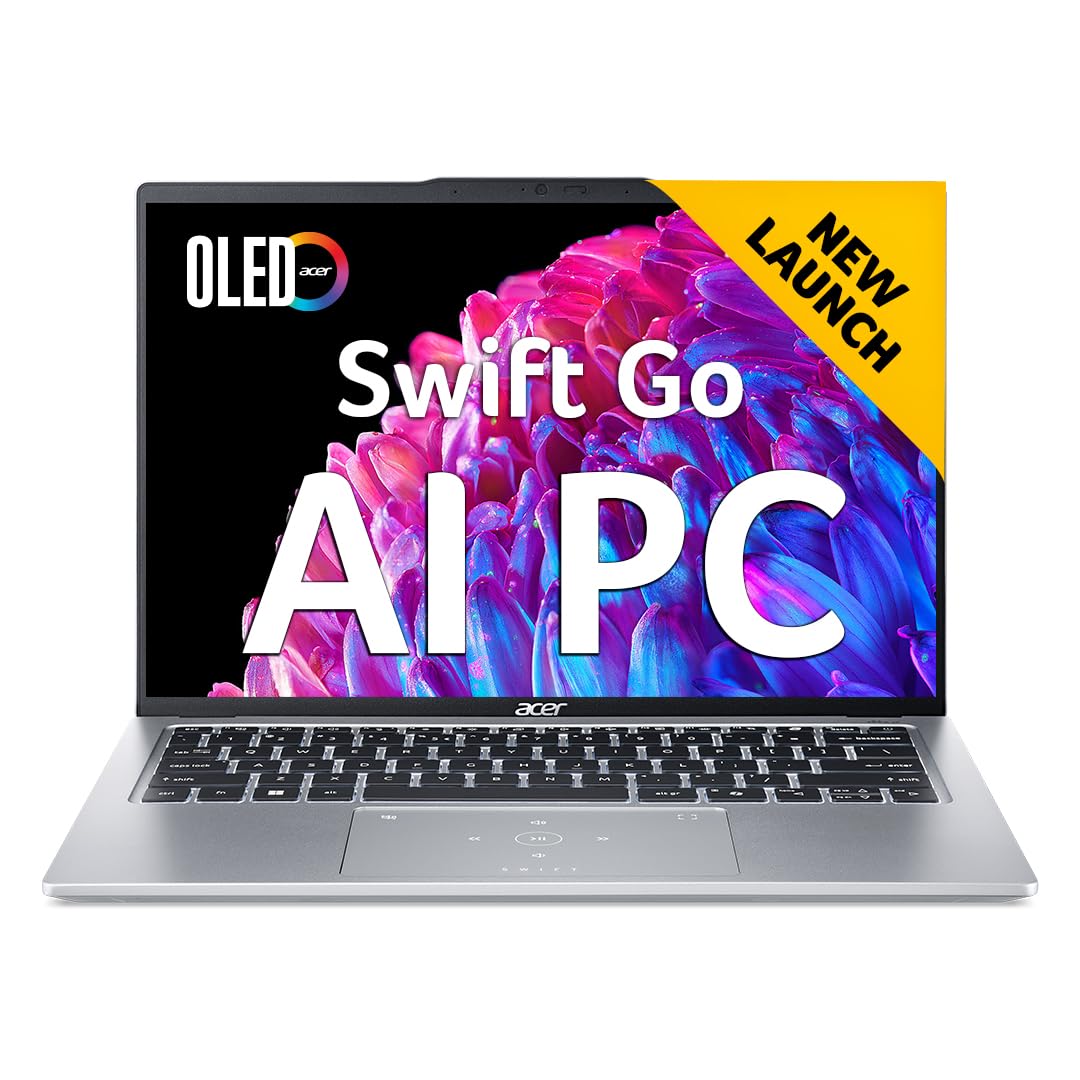
AI-Enabled Intel Processor: Intel Core Ultra 7-155H Processor with 4.8 GHz (Max Turbo Frequency) and Integrated Intel ARC Graphics
20. Acer Swift X (14/16)
The Acer Swift X series adds dedicated graphics to the Swift body, making it suitable for light‑to‑moderate graphics workloads. It is a nice middle ground for students who want some GPU power without a huge gaming laptop. It works well for light 3D, video editing, and ML practice, along with regular engineering tools.
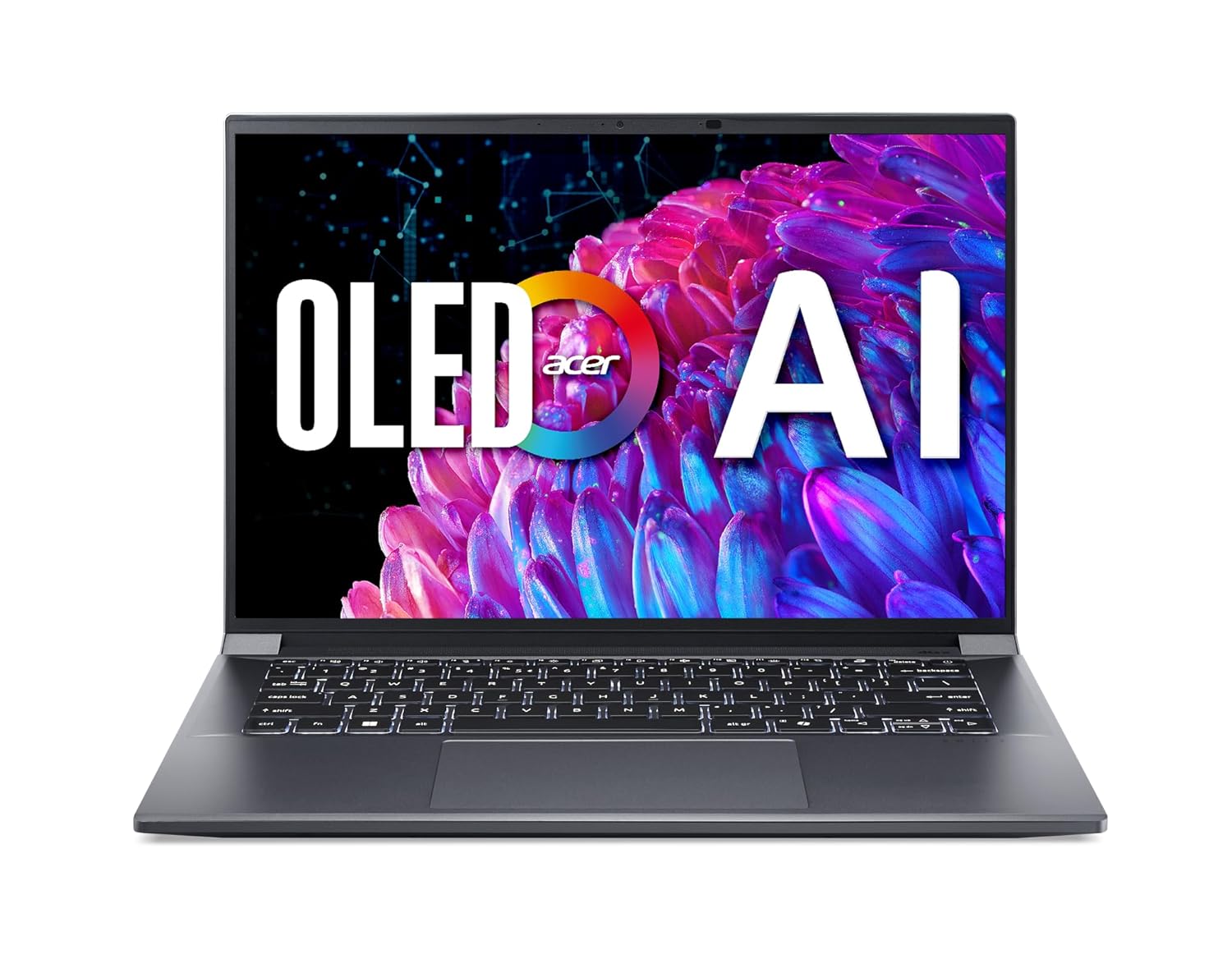
A Powerhouse of Performance: Intel Core Ultra 7 processor with Intel AI Boost delivers a dedicated engine to help unlock AI experiences on the PC, the next level in immersive graphics, and high-performance low power processing, so you can confidently get more done in less times while unplugged.
21. Microsoft Surface Laptop
Surface Laptop is a clean, premium Windows notebook ideal for engineering students who value design and portability. It is great for coding, browsing, and document work, and can handle moderate simulations. The high‑quality display and keyboard make long study sessions more comfortable. It fits best where software needs are not extremely heavy.
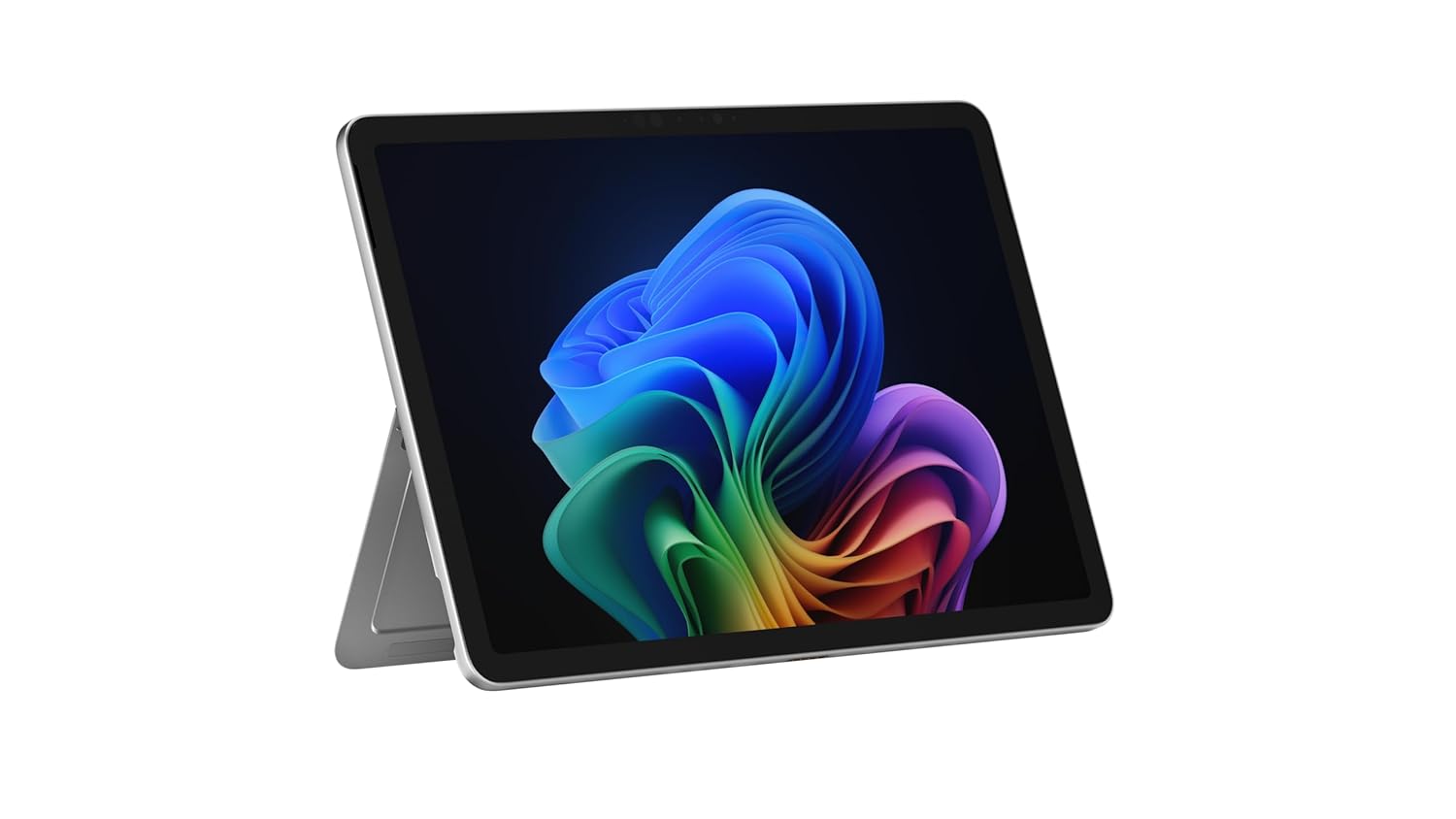
The Power of a Laptop, the Flexibility of a Tablet – Surface Pro 12” is a 2-in-1 device that adapts to you. Use it as a tablet for on-the-go tasks, prop it up with the built-in kickstand, or attach the Surface Pro Keyboard (sold separately) to turn it into a full laptop.
22. Microsoft Surface Pro (with keyboard)
Surface Pro, with its detachable keyboard, is excellent for students who want tablet flexibility plus full Windows. It can run normal engineering software while also working as a note‑taking tablet in lectures. The kickstand and pen support help with drawing circuits, diagrams, and formulas. It’s best for lighter to mid‑level workloads.
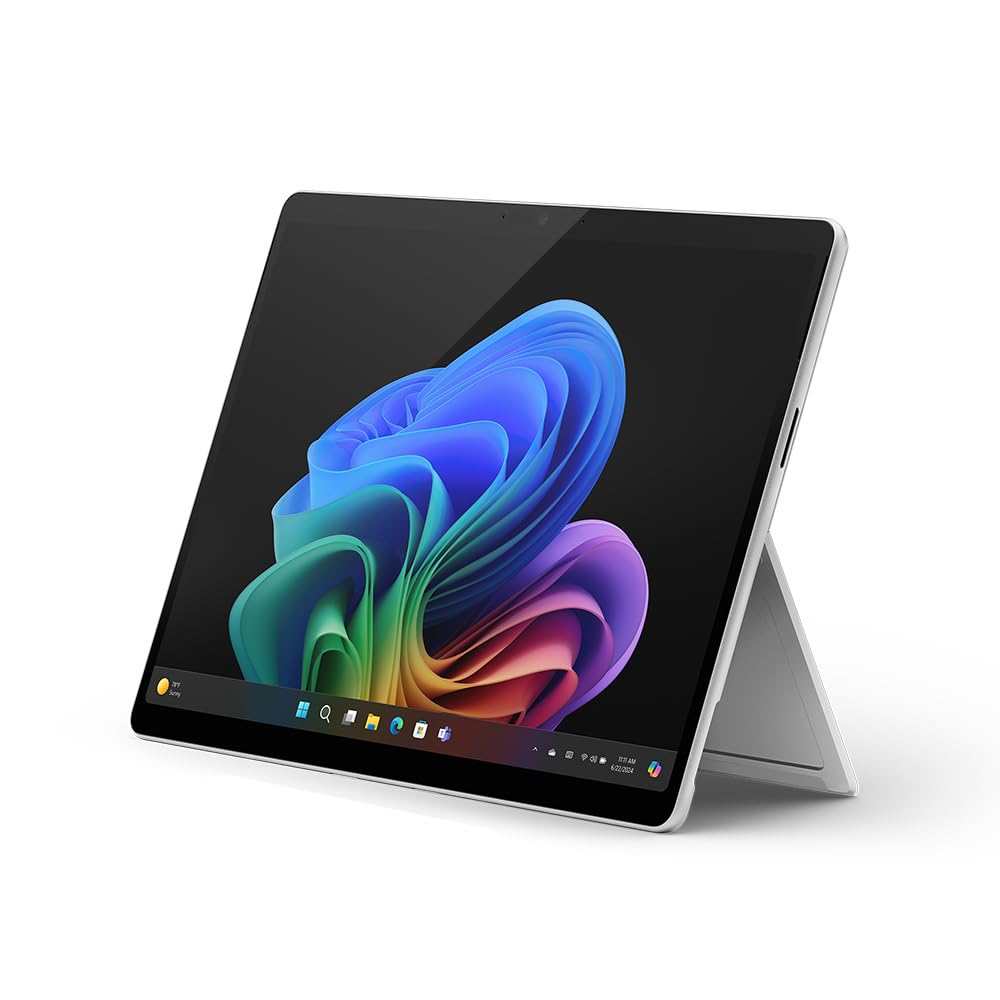
Copilot+ PC: A new era of AI. The fastest, most intelligent Surface ever
23. Samsung Galaxy Book3/Book4
Samsung Galaxy Book series offers slim, modern laptops that pair well with Galaxy phones. They are good for coding, online labs, and general engineering tasks. The displays are usually bright and pleasant to use. If you are already in the Samsung ecosystem, this laptop can integrate nicely with your phone and tablet.
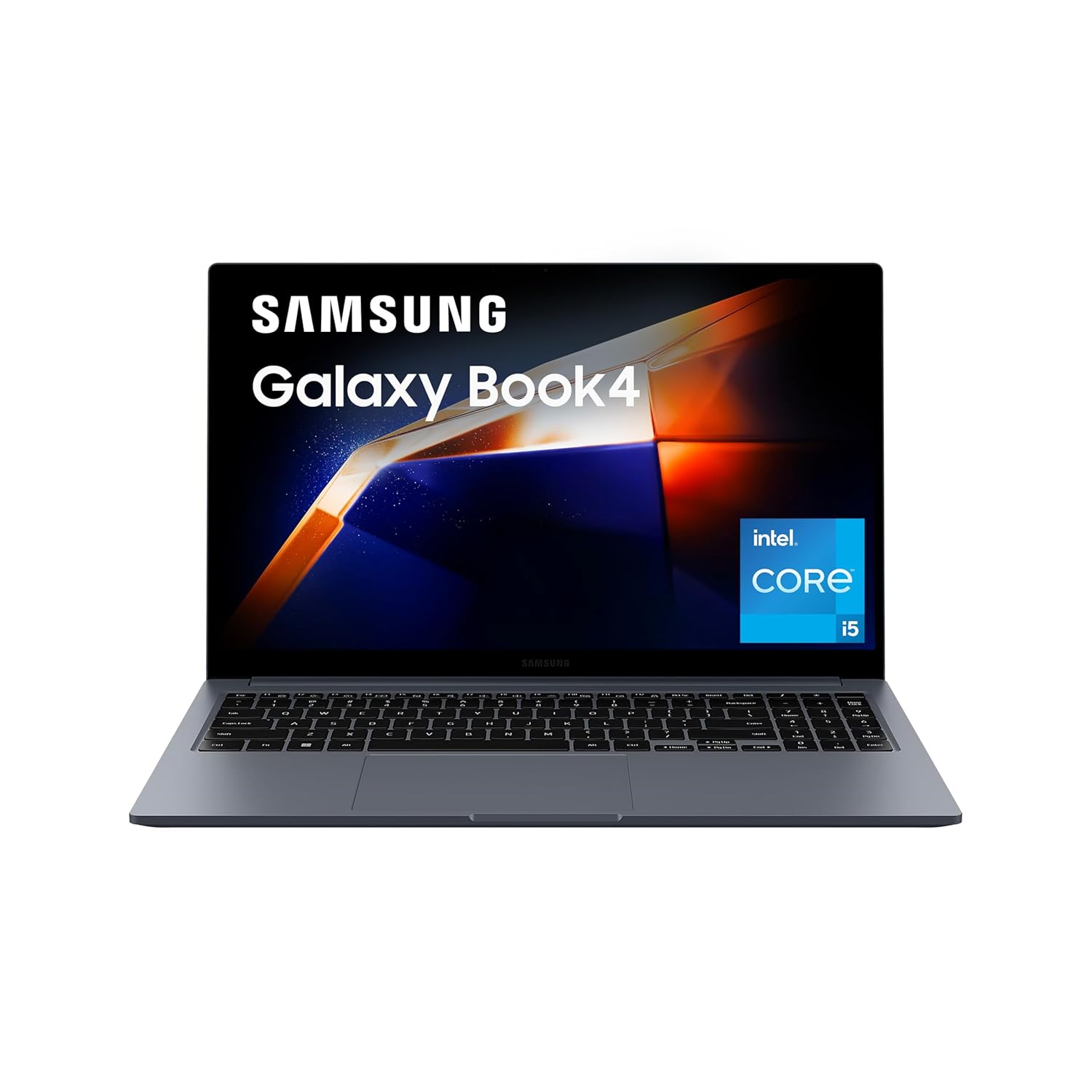
Processor: Intel Core i5 Processor 1335U (1.3 GHz Up to 4.6 GHz 12 MB Smart Cache) | Memory: 16 GB LPDDR4X Memory | Storage: 512GB SSD| Intel Iris XE Graphics
24. Xiaomi RedmiBook / Notebook Pro
Xiaomi’s RedmiBook or Notebook Pro series are budget‑friendly laptops with decent specs for engineering usage. They aim to give strong CPUs and good RAM/SSD at lower prices. For students focusing mainly on coding, online tools, and light simulations, they work quite well. They are especially attractive if you want maximum specs for minimum spend.
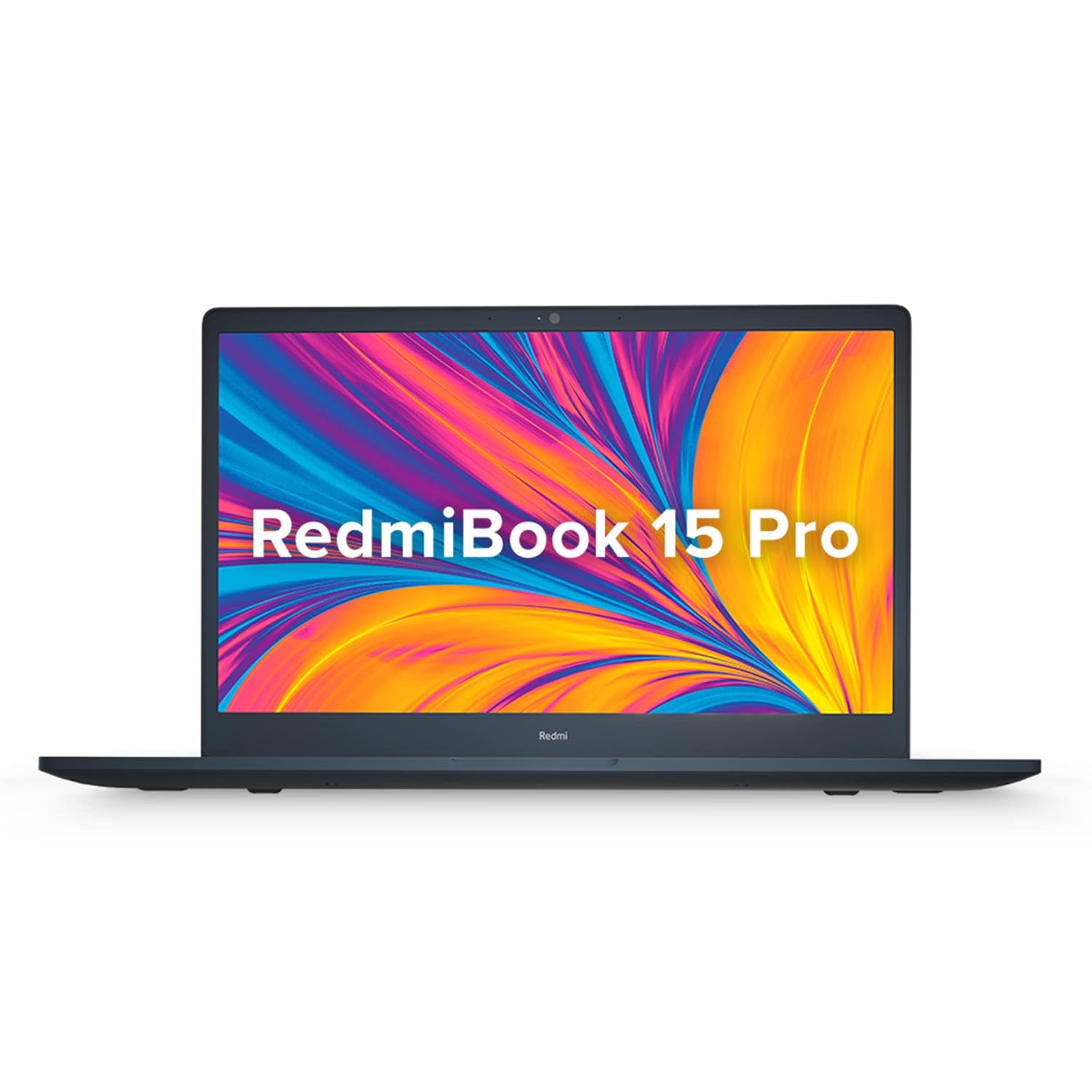
Processor: 11th Gen Intel Tiger Lake Core i5-11300H Processor | Speed: 3.1GHz (Base) – 4.4GHz (Max) | 4 Cores | 8 Threads | 8MB Cache | Intel UHD Graphics
25. Realme Book (Slim)
Realme Book Slim is a stylish, thin‑and‑light laptop aimed at younger users. It handles coding, browsing, and basic tools smoothly. The display is sharper than many budget laptops, making it pleasant for reading and content. It fits best for CSE/IT students who want a good‑looking machine with enough power for standard tasks.
realme Book (Slim) Core i3 11th Gen
8 GB/256 GB SSD/Windows 10 Home
26. Infinix InBook X2 / X3
Infinix InBook series offers aggressive pricing with decent specs, making them interesting for first‑year students with limited budget. They work fine for coding basics, online classes, and document work. While not meant for heavy CAD or simulations, they can handle simple projects and smaller tools. Good as an entry‑level machine or backup laptop.
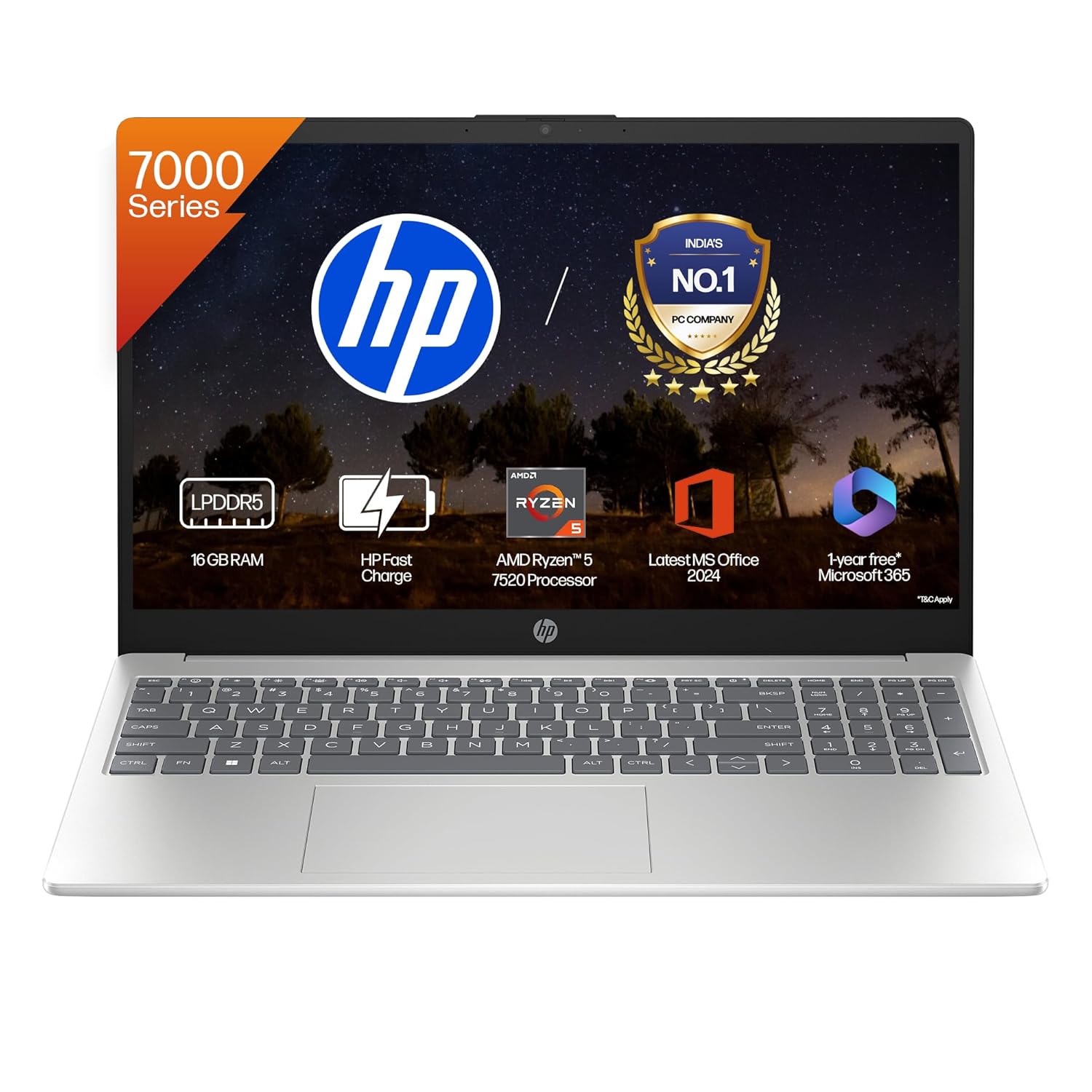
【4-core AMD Ryzen 5 7520U】Unleash superior performance with a processor optimized for efficiency. Its 8 threads, and 4MB L3 cache offer smooth multitasking and quick response times.
27. Dell Inspiron 14 / 15
Dell Inspiron series is a trusted, mid‑range laptop line commonly used by Indian students. It offers stable performance for coding, everyday tools, and some light graphics workloads. The larger 15‑inch variants are better for CAD and spreadsheets. They are a safe, comfortable choice if you want something reliable without going premium.
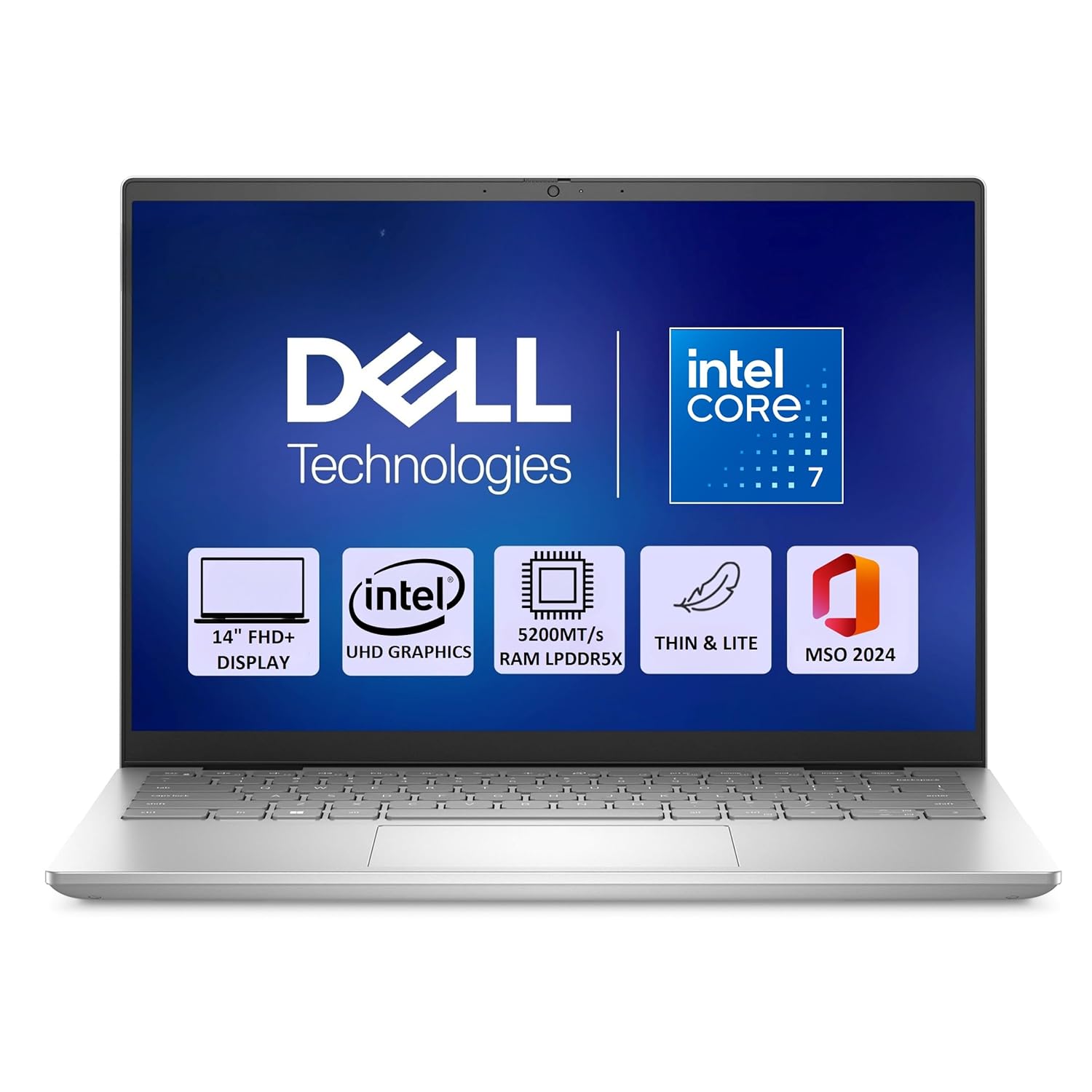
RAM: 16GB, 2x8GB, LPDDR5X, 5200MT/s & Storage: 512GB SSD
28. Lenovo IdeaPad Slim 3
IdeaPad Slim 3 is a budget‑friendly laptop that still delivers enough power for lighter engineering work. With the right configuration (modern i5/Ryzen 5 and SSD), it handles coding, online labs, and basic tools well. It is light and simple, making it easy to carry. Good if you are in early years and your budget is limited.
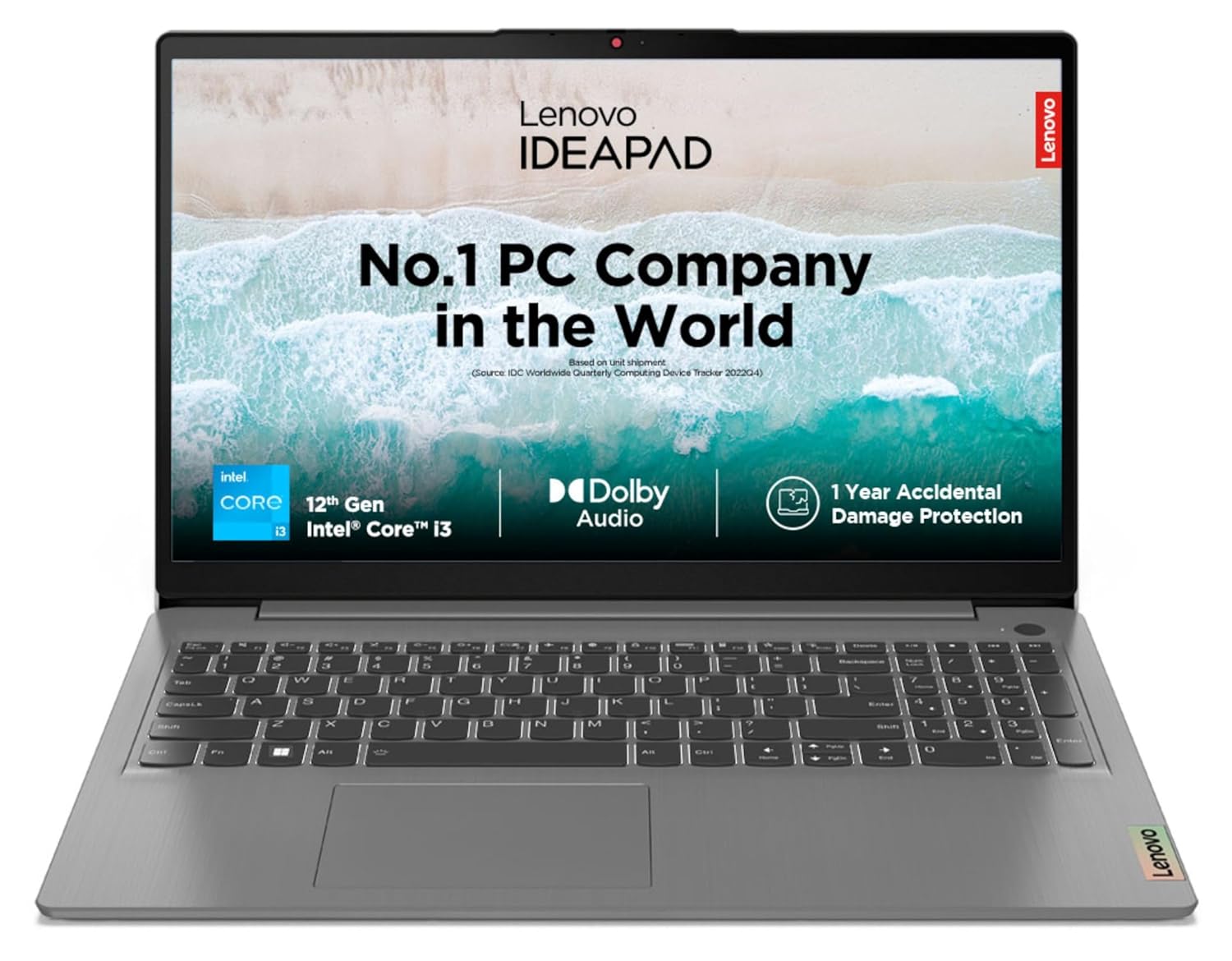
Processor: 12th Gen Intel Core i3-1215U | Speed: 6C (2P + 4E) / 8T, P-core 1.2 / 4.4GHz, E-core 0.9 / 3.3GHz, 10MB Cache
29. Lenovo IdeaPad Gaming 3
IdeaPad Gaming 3 is a step up from Slim series, adding dedicated graphics at lower cost than Legion. It is a good choice for students who want GPU power for simulations, some 3D work, and occasional gaming. With enough RAM and SSD, it can handle demanding workloads better than plain budget laptops.
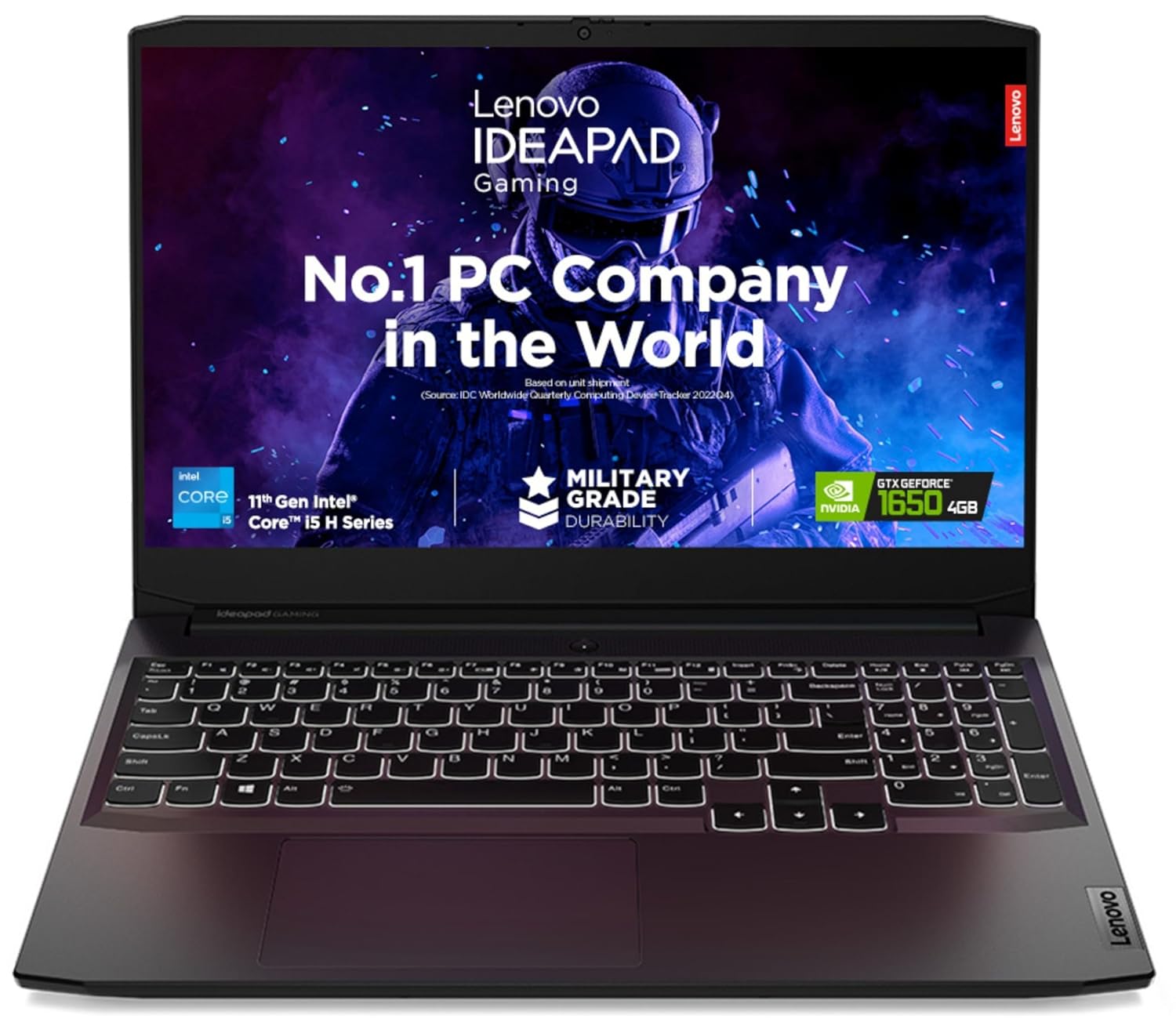
Processor: Intel Core i5-11320H | Speed: 3.2 GHz (Base) – 4.5 GHz (Max) | 4 Cores | 8 Threads | 8MB Cache
30. A “spec template” laptop: i5 / Ryzen 5 or above, 16 GB RAM, 512 GB SSD, optional RTX entry GPU
Finally, many brands sell laptops that match a simple spec template perfect for most engineering students. If you get at least Intel Core i5 or Ryzen 5 (latest generation), 16 GB RAM, 512 GB SSD, and optional RTX 2050/3050‑class GPU, you will be fine for 4 years of BTech in most branches. Focus on these specs first, then check best value across brands.
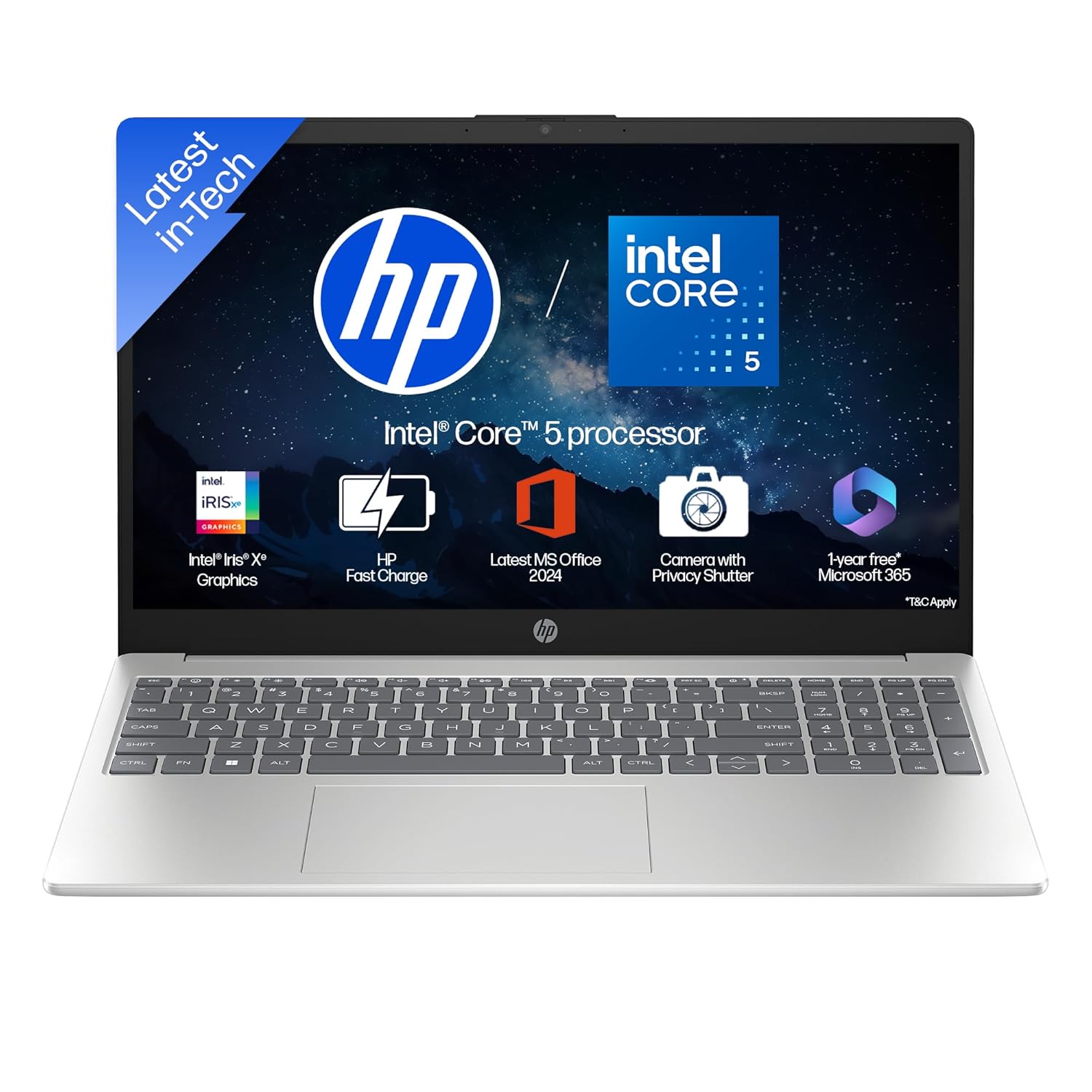
Processor, Memory & Storage: Intel Core 5-120U (up to 4.6 GHz with Intel Turbo Boost Technology, 12 MB L3 cache, 10 cores, 12 threads)| Memory:16 GB DDR4-3200 MT/s (2 x 8 GB)| Storage: 512 GB PCIe NVMe M.2 SSD
FAQs – Best Laptops for Engineering Students
1. How much RAM is enough for engineering students?
For most engineering students, 16 GB RAM is the sweet spot. It keeps coding tools, browsers, and simulation software running smoothly together. If you do heavy 3D, ML, or large simulations, 32 GB RAM is even better, but not mandatory for everyone.
2. Do I need a dedicated graphics card (GPU)?
You do not always need a GPU. For CSE/IT and basic ECE work, a strong integrated GPU with a good CPU is usually enough. However, if you are in Mechanical, Civil, Architecture, or want to run a lot of CAD/3D/ML workloads, an entry‑level RTX GPU (like 2050/3050/4050) makes your life much easier.
3. Which processor is best for engineering students?
Look for at least Intel Core i5 / Core 5 or AMD Ryzen 5 from recent generations. For heavier use (lots of simulations, VMs, ML), Ryzen 7 or Intel i7 is a good upgrade. Apple M‑series chips (like M2 or M3) are also excellent if your tools support macOS or can run via web/VM.
4. Is a MacBook good for engineering students in India?
MacBooks are great for CSE/IT, electronics, and fields where most tools are web‑based, code‑based, or available on macOS. But some specific Windows‑only CAD/simulation software may not run natively. If your branch uses a lot of Windows‑centric tools, check your department’s software list before choosing a Mac.
5. What screen size is best for engineering?
14‑inch is a good balance between portability and comfort for most students. If you work heavily with CAD drawings, complex spreadsheets, or long timelines, 15.6‑inch or 16‑inch gives more space. You can also combine a 14‑inch laptop with an external monitor at home/hostel for the best of both worlds.
6. Is HDD storage okay for engineering laptops?
Avoid HDD‑only laptops. Always choose SSD (preferably NVMe) because it makes booting, app launching, and compilations much faster. If you need more space for movies or archives, you can add an external hard drive later.
7. How long should an engineering student laptop last?
If you buy a laptop with at least a recent i5/Ryzen 5, 16 GB RAM, and SSD, it should comfortably last 4–5 years of your degree with proper care. You may only need to clean, maybe upgrade storage, and manage thermals for it to stay smooth throughout college.
Conclusion
For an engineering student, a laptop is not just for notes and Netflix; it is your lab partner, coding machine, simulation box, and sometimes even your mini‑workstation. The right laptop combination, a decent CPU, at least 16 GB RAM, SSD storage, a comfortable keyboard, and (when needed) a dedicated GPU – will save you from late‑night crashes and slow project builds, especially when deadlines are tight.
Instead of chasing only big names or the “most powerful” system, match your choice to your branch and style of work. CSE/IT students can prioritise portability and battery life, while mechanical, civil, and architecture students may lean towards laptops with better graphics and bigger screens. Use this top‑30 list as a starting point: shortlist 3–5 models that fit your budget, check current offers and availability, and then choose the one that balances performance, portability, and price for your own engineering journey.