Editing video is one of the heaviest tasks you can do on a laptop, so you cannot just buy any random machine and hope it will be smooth. When you work with long timelines, colour grading, effects, 4K footage, or multiple camera angles, the laptop needs a strong CPU, powerful graphics, fast SSD, and at least 16–32 GB RAM. If any one of these parts is weak, you will face lag, crashes, or very slow export times.
At the same time, different creators in India and globally have different needs. A wedding filmmaker or YouTuber might carry the laptop on shoots and want good battery and portability. A full‑time editor or agency staff may keep the laptop docked to a big monitor and prefer more power over slim design. Some people mainly use Adobe Premiere Pro and After Effects; others love DaVinci Resolve, Final Cut Pro, or CapCut. So the “best laptop for video editing” depends on how heavy your projects are and which software you use.
In this guide, you will see 50 carefully chosen laptops that handle video editing well, from premium MacBook Pros and creator machines to gaming laptops that double as strong editors. The focus is on real‑world editing performance, display quality, thermals, and value for money, not just raw specs. For each laptop, you get a clear description plus pros and cons in simple English, so you can quickly shortlist 2–3 models that fit your budget and editing style.
Whether you are an Indian YouTuber, Instagram/Reels creator, wedding filmmaker, short‑film director, or agency editor working for clients around the world, these laptops will help you cut, grade, and export your videos faster. A better editing laptop saves you hours every week, lets you try more creative ideas, and ultimately helps you upload more consistently – which is the real key to growth on YouTube and social platforms.
Top 50 Best laptops for video editing
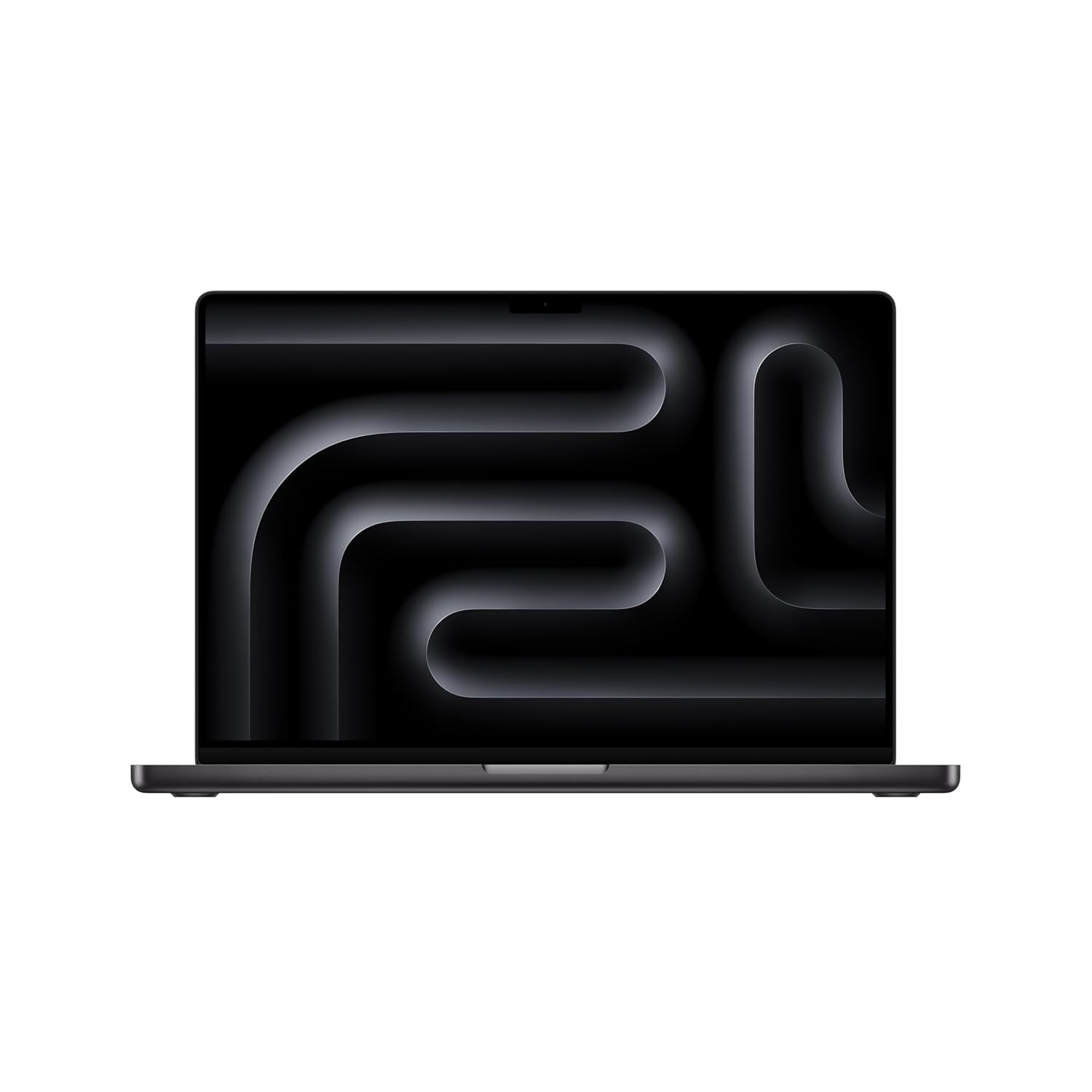
1. Apple MacBook Pro 14 (M4)
The MacBook Pro 14 with M4 chip is one of the best all‑round laptops for video editing today. It can easily handle 4K timelines, heavy colour grading, and multiple layers in Final Cut Pro, Premiere Pro, or DaVinci Resolve. The mini‑LED display is bright, sharp, and very colour‑accurate, which is important when you deliver work to clients and platforms. Battery life is excellent for such a powerful machine, so you can edit even when away from a plug point. If you want a portable but serious editing machine, this is a top choice.
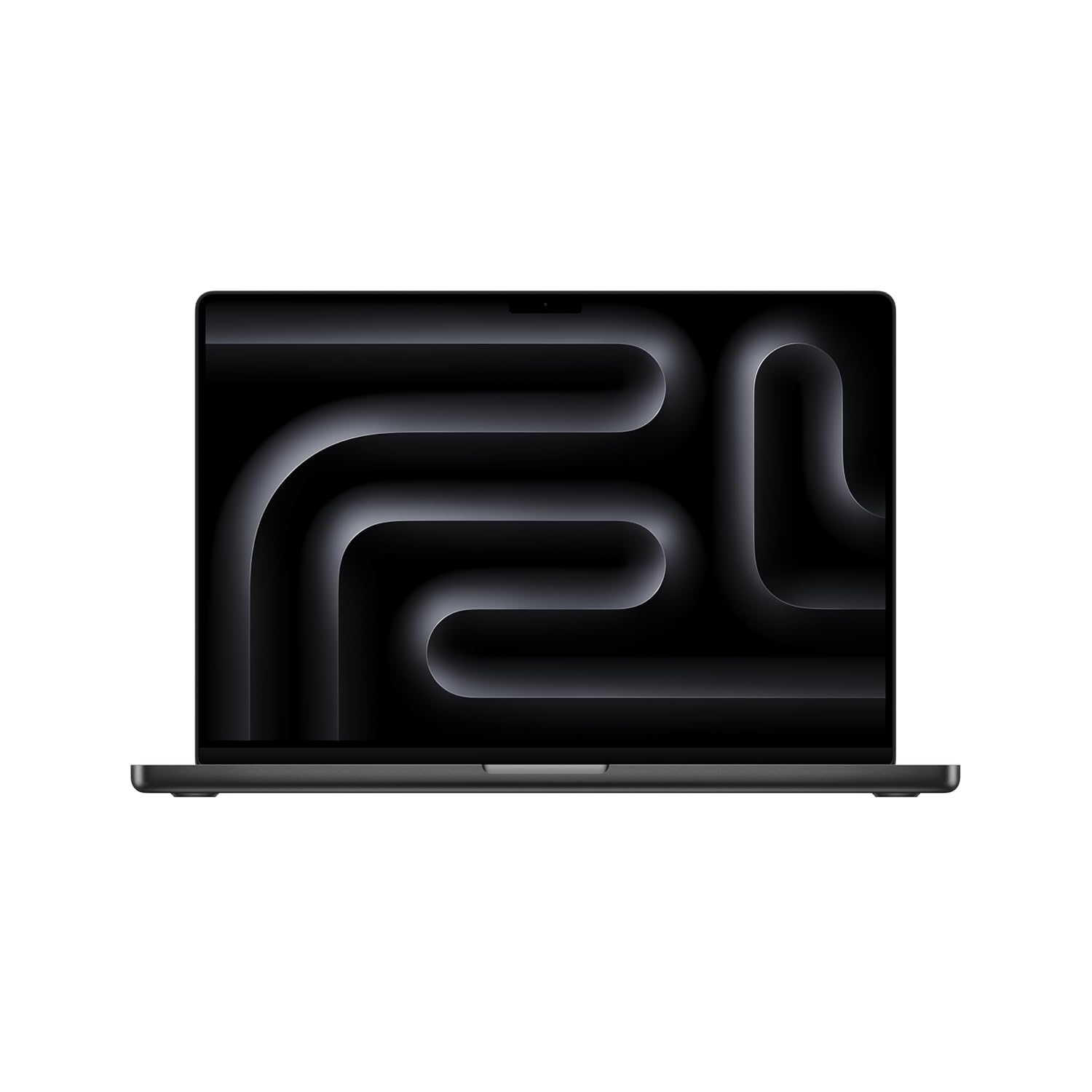
SUPERCHARGED BY M4 PRO OR M4 MAX — The 16″ MacBook Pro with the M4 Pro or M4 Max chip gives you outrageous performance in a powerhouse laptop built for Apple Intelligence. With all-day battery life and a breath taking Liquid Retina XDR display with up to 1,600 nits peak brightness, it’s pro in every way.
2. Apple MacBook Pro 16 (M4 Pro / Max)
The MacBook Pro 16 is a desktop‑class video editing workstation in laptop form. With M4 Pro or M4 Max, it can chew through 4K and even 8K projects, heavy effects, and long timelines. The big 16‑inch display gives you plenty of space for timeline, scopes, and bins. Thermals are well‑controlled, so performance stays stable on long exports. This machine is ideal for full‑time editors, studios, and filmmakers who want top performance with long battery life.
SUPERCHARGED BY M4 PRO OR M4 MAX — The 16″ MacBook Pro with the M4 Pro or M4 Max chip gives you outrageous performance in a powerhouse laptop built for Apple Intelligence. With all-day battery life and a breathtaking Liquid Retina XDR display with up to 1,600 nits peak brightness, it’s pro in every way.
3. Apple MacBook Air 15 (M4)
The MacBook Air 15 M4 is a surprisingly capable laptop for creators who mostly edit Full HD and light 4K content. It is thinner and lighter than the MacBook Pro, but still powerful enough for YouTube, Reels, and wedding highlight videos with moderate effects. The larger 15‑inch screen makes editing more comfortable compared to the 13‑inch Air. Battery life is excellent, and the fanless design keeps things silent. It is perfect for creators who want a portable Mac for mid‑level editing.
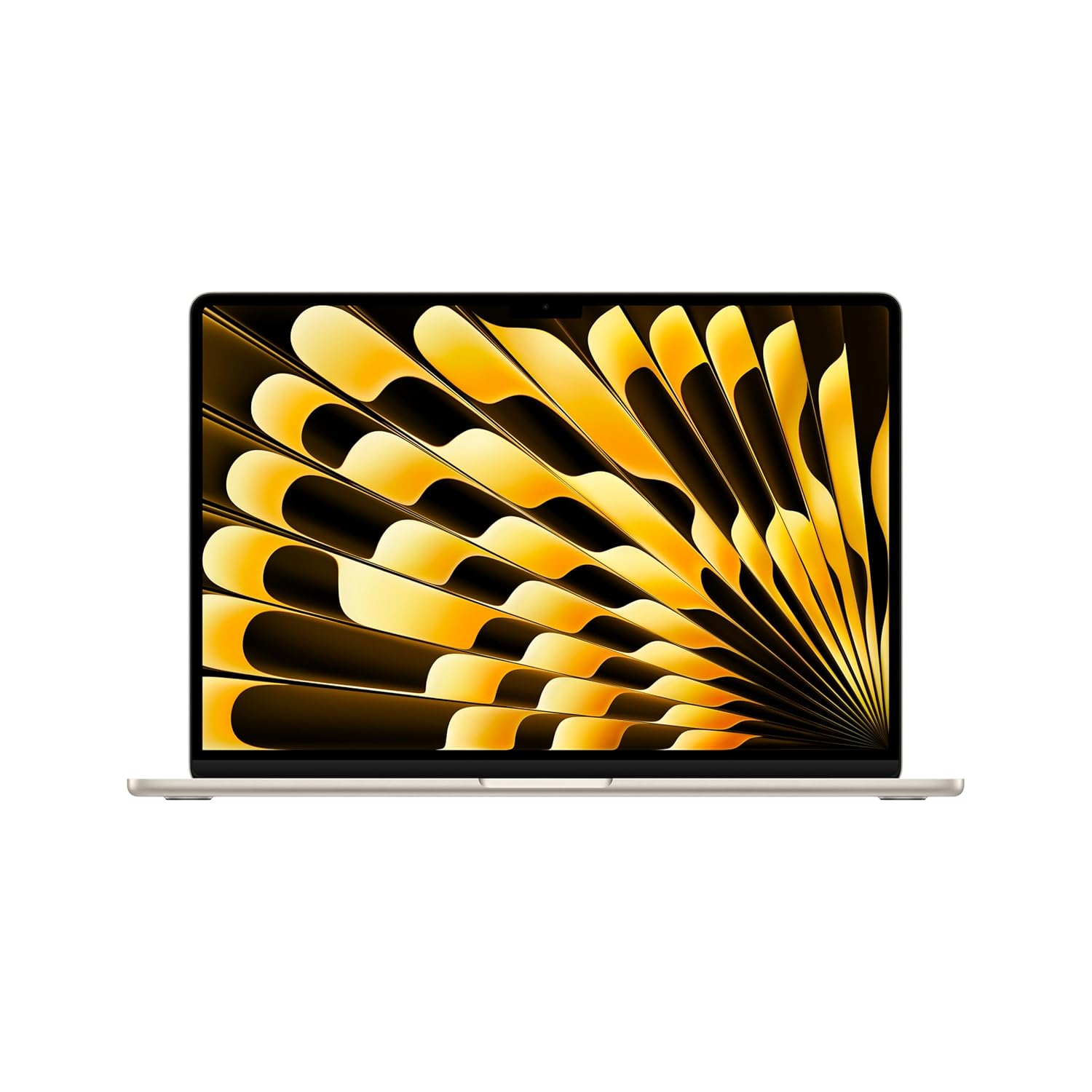
SPEED OF LIGHTNESS — MacBook Air with the M4 chip lets you blaze through work and play. With Apple Intelligence,* up to 18 hours of battery life* and an incredibly portable design, you can take on anything, anywhere.
4. Apple MacBook Air 13 (M3/M2)
The 13‑inch MacBook Air with M3 or M2 is an excellent starter laptop for video editors who mainly work in 1080p. It can handle simple 4K timelines if you are careful with effects and layers. The compact size is great for students, vloggers, and creators who edit on the move. Battery life and efficiency are very strong, and macOS is well‑optimised for creative apps. This is ideal if you are entering video editing and want a laptop that also works as a daily machine.
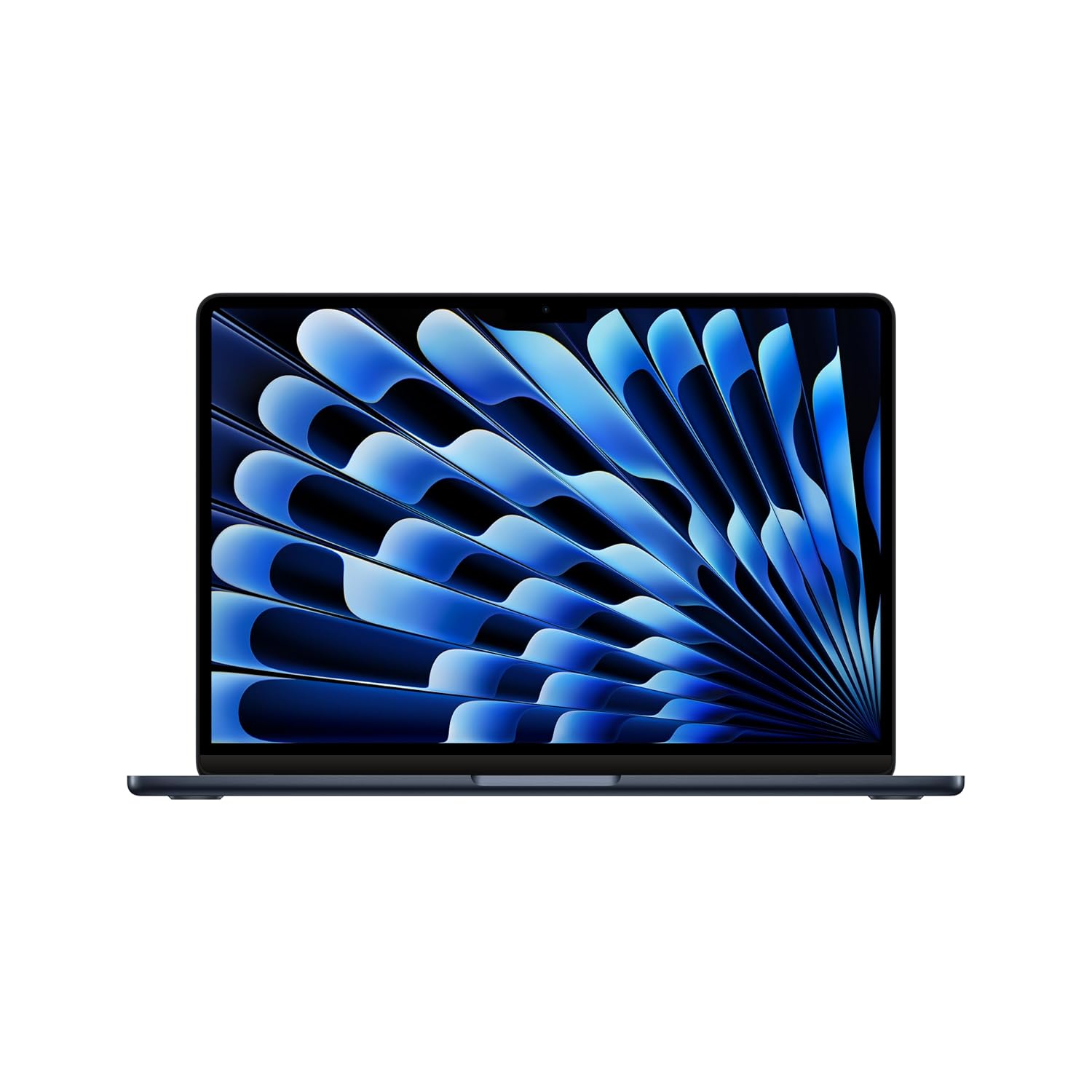
Supercharged by M3 — The blazing-fast MacBook Air with the M3 chip is a super-portable laptop that sails through work and play.
5. Asus ProArt P16
The Asus ProArt P16 is a creator‑focused laptop built specifically for tasks like video editing, motion graphics, and colour work. It packs powerful CPUs, RTX 40‑series GPUs, and a stunning OLED display with great colour accuracy. The large 16‑inch screen gives you room for timelines and colour scopes. ProArt features help fine‑tune colour and workflow settings. This is one of the best Windows laptops for serious editors who want both power and a great display.
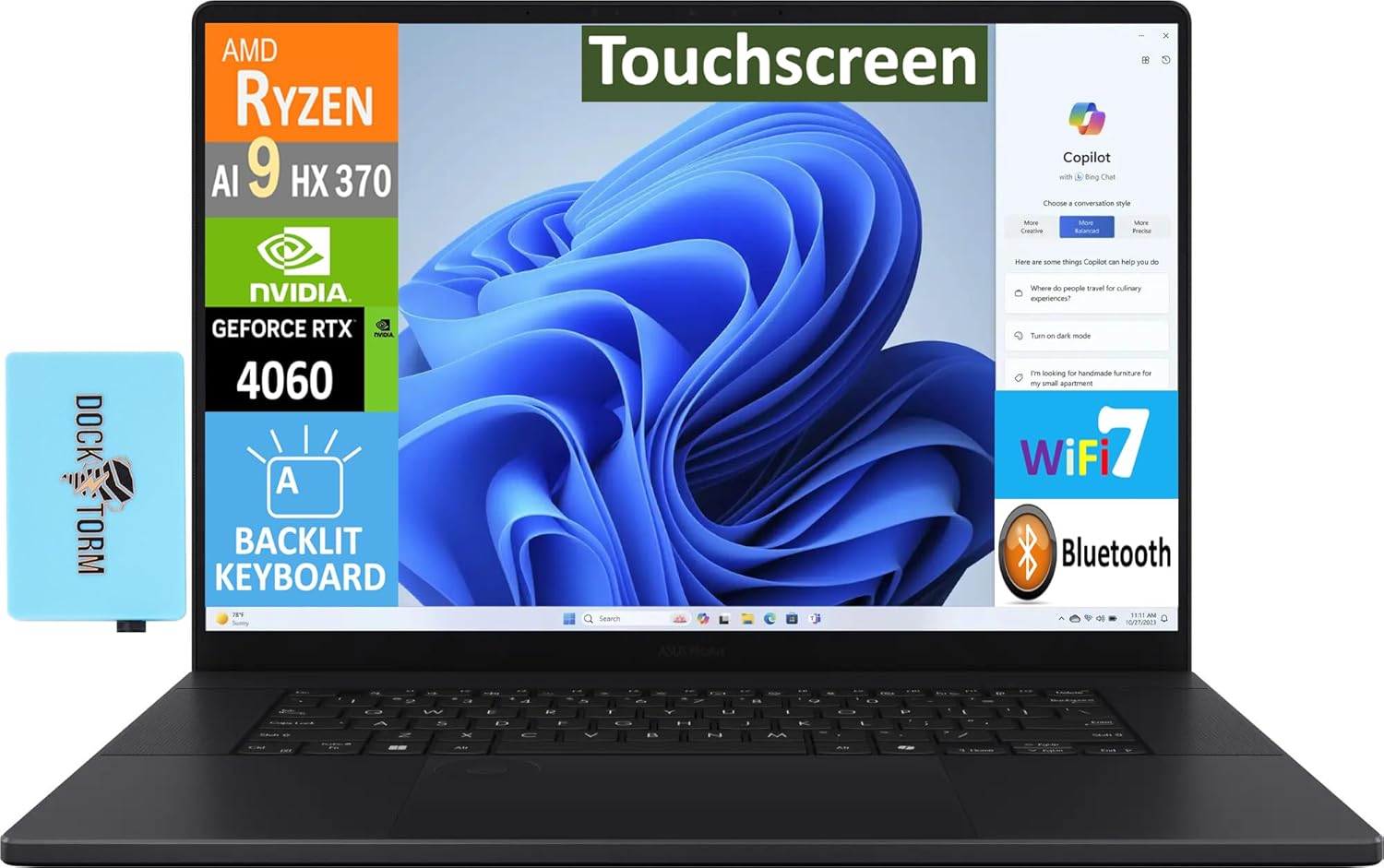
【Upgraded】 Seal is opened for Hardware/Software upgrade only to enhance performance. 16.0″ AMOLED 4K (3840×2400) 60Hz Touchscreen Display; 802.11be, Bluetooth 5.4, Webcam, Backlit KB Standard Keyboard
6. Lenovo Slim Pro 9i 14.5″
The Lenovo Slim Pro 9i is a portable Windows laptop that still has serious editing power. It offers high‑end Intel chips, strong GPUs in many variants, and a high‑resolution display with good colour coverage. Despite the power, the laptop remains relatively thin and stylish. It works well for editors who want a Windows alternative to the MacBook Pro 14. If you often move between home, office, and studio, this is a very flexible choice.
AI Enabled Processor: AMD Ryzen AI 9 365 (10C / 20T, 2.0 / 5.0GHz, 10MB L2 /24MB L3)| Cores:-10 | Threads:- 20 | Cache:- 24MB
7. Lenovo ThinkPad P1 Gen 7
The ThinkPad P1 Gen 7 is a mobile workstation aimed at professionals using Premiere Pro, Resolve, and other heavy tools daily. It brings workstation‑grade CPUs and GPUs, robust cooling, and ISV certifications for many apps. The display options are high‑quality and suitable for colour‑sensitive work. You also get ThinkPad’s legendary keyboard and build quality. This is ideal for production houses, agencies, and freelancers who need a reliable Windows workhorse.

PORTABLE AND COMPATIBLE DESIGN — The 16″ ThinkPad P1 Gen 7 combines premium power and compatibility of professional software to elevate your work-anywhere experience. Include 90Whr battery with fast-charging reaches 80% in 1 hour, while the sleek aluminum body without case weight (only 4.03 lbs). Certifications from Independent Software Vendors (ISVs) and MIL-STD 810G ensure your most critical applications will run reliably on this workstation laptop: AutoCAD, CREO, SolidWorks, ANSYS, MATLAB.
8. Dell XPS 15
The Dell XPS 15 is a popular creator laptop combining strong performance with a premium design. It offers powerful Intel CPUs, RTX GPUs, and a beautiful display in a relatively compact 15‑inch body. The build quality feels high‑end, and the keyboard and trackpad are comfortable for long editing sessions. It’s a great choice if you want one laptop for editing, content creation, and everyday work.
Processor: AMD R5-7520U, 4MB L3 Cache up to 4.30 GHz, 4 Cores
9. Dell XPS 16
The Dell XPS 16 expands the XPS concept into a larger, more powerful form, suited for serious creators. It brings stronger GPUs, larger cooling, and more room for a big, high‑quality display. For video editors, the extra screen space is very helpful for complex timelines. Performance is strong enough for demanding 4K and even 6K workflows. It’s ideal if you want a stylish but serious Windows editing laptop.

Processor: New Intel Core Ultra 7 155H (up to 4.80 GHz, 16 Cores, 24MB Cache)
10. Dell Precision 5490
The Dell Precision 5490 is a compact workstation laptop for professionals who want reliability and certifications. It packs workstation‑grade hardware in a smaller body, making it easier to travel with. Performance is strong enough for heavy editing, grading, and rendering tasks. The screen is sharp and colour‑accurate, suitable for pro work. This laptop fits editors who need something more robust than a consumer machine but still fairly portable.
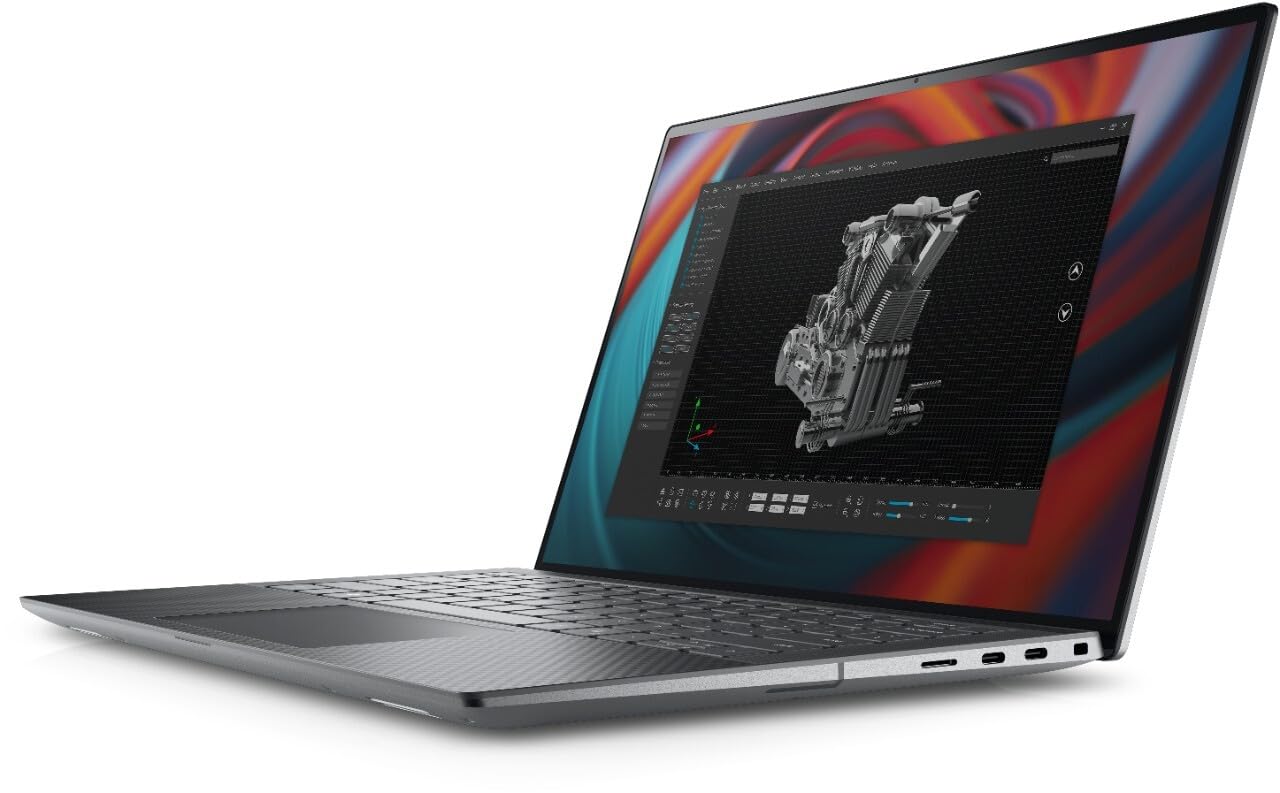
With 32 GB of memory, users can run many programs without losing execution
11. Microsoft Surface Laptop Studio 2
Surface Laptop Studio 2 is a flexible creator laptop with a unique tilting screen. It combines powerful CPUs and Nvidia graphics with a high‑quality touch display. You can pull the screen forward for drawing, storyboarding, and timeline scrubbing. Performance is strong enough for editing and motion graphics work. It’s ideal if you like pen input and want a creative workstation that also looks clean and modern.
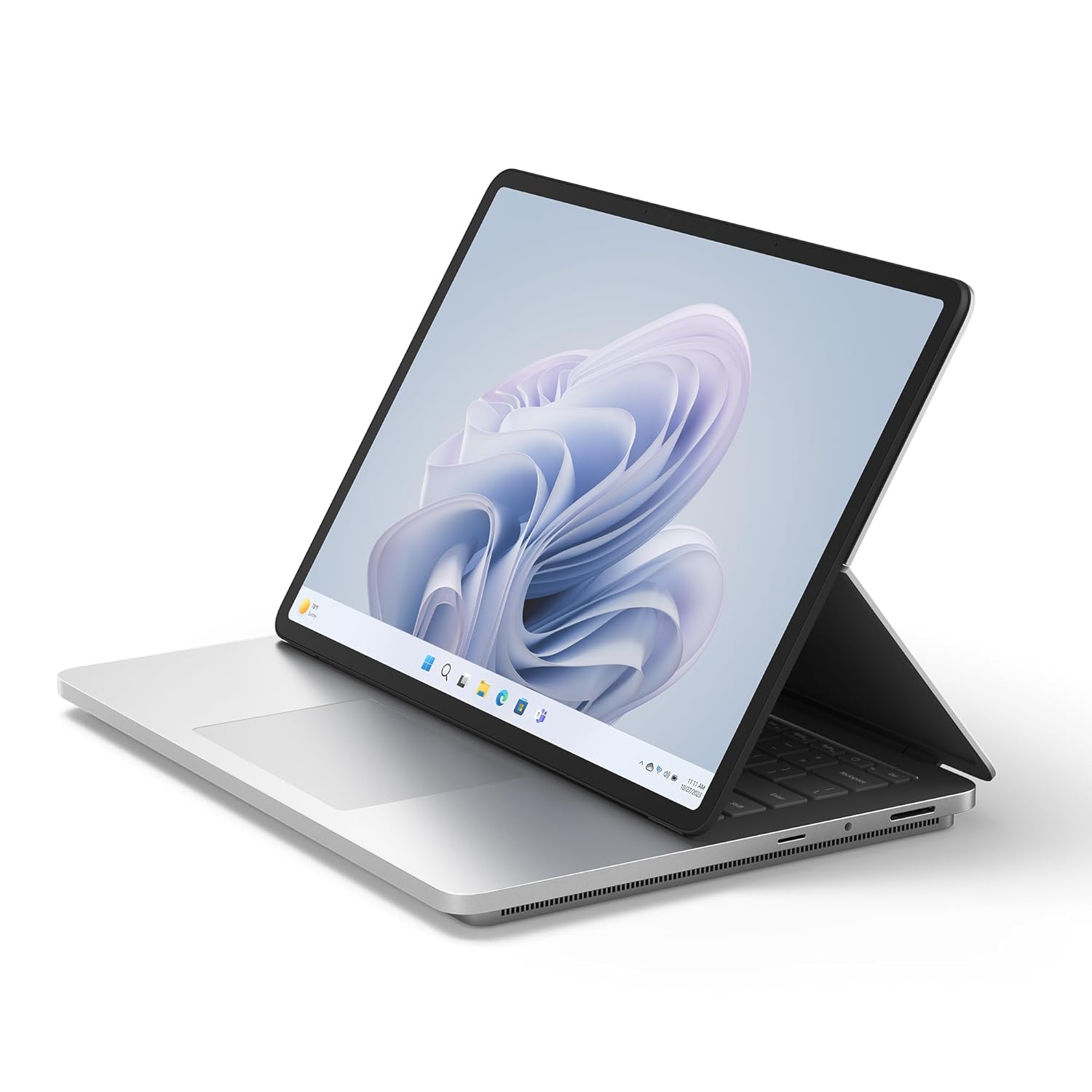
Built to power your biggest ideas – Get incredible performance for the most demanding workloads with Intel Core processors built on the Intel Evo platform, delivering over 2x more power than before.
12. Asus ROG Zephyrus G16
The Asus ROG Zephyrus G16 is a gaming laptop that doubles as a powerful video editing machine. It offers high‑end CPUs, RTX 40‑series GPUs, and good cooling in a relatively slim chassis. The display is bright and fast, with good colour coverage in many variants. For editors who also game or need a strong GPU for effects and AI tools, this is an excellent option.
Processor, Memory & Storage : AMD Ryzen AI 9 465 Processor 2.0GHz (34MB Cache, up to 5.0GHz, 10 cores, 20 Threads); AMD XDNA NPU up to 50TOPS | Memory : LPDDR5X 32GB RAM | 1TB M.2 NVMe PCIe 4.0 SSD
13. Asus ROG Zephyrus Duo 16
The Zephyrus Duo 16 has a second screen above the keyboard, which can be very useful for video editors. You can keep your timeline or tool panels on the lower screen and preview on the main display. Under the hood, it carries powerful CPUs and GPUs suitable for serious editing work. This laptop is ideal for creators who want unique workflow advantages and don’t mind a slightly heavier machine.
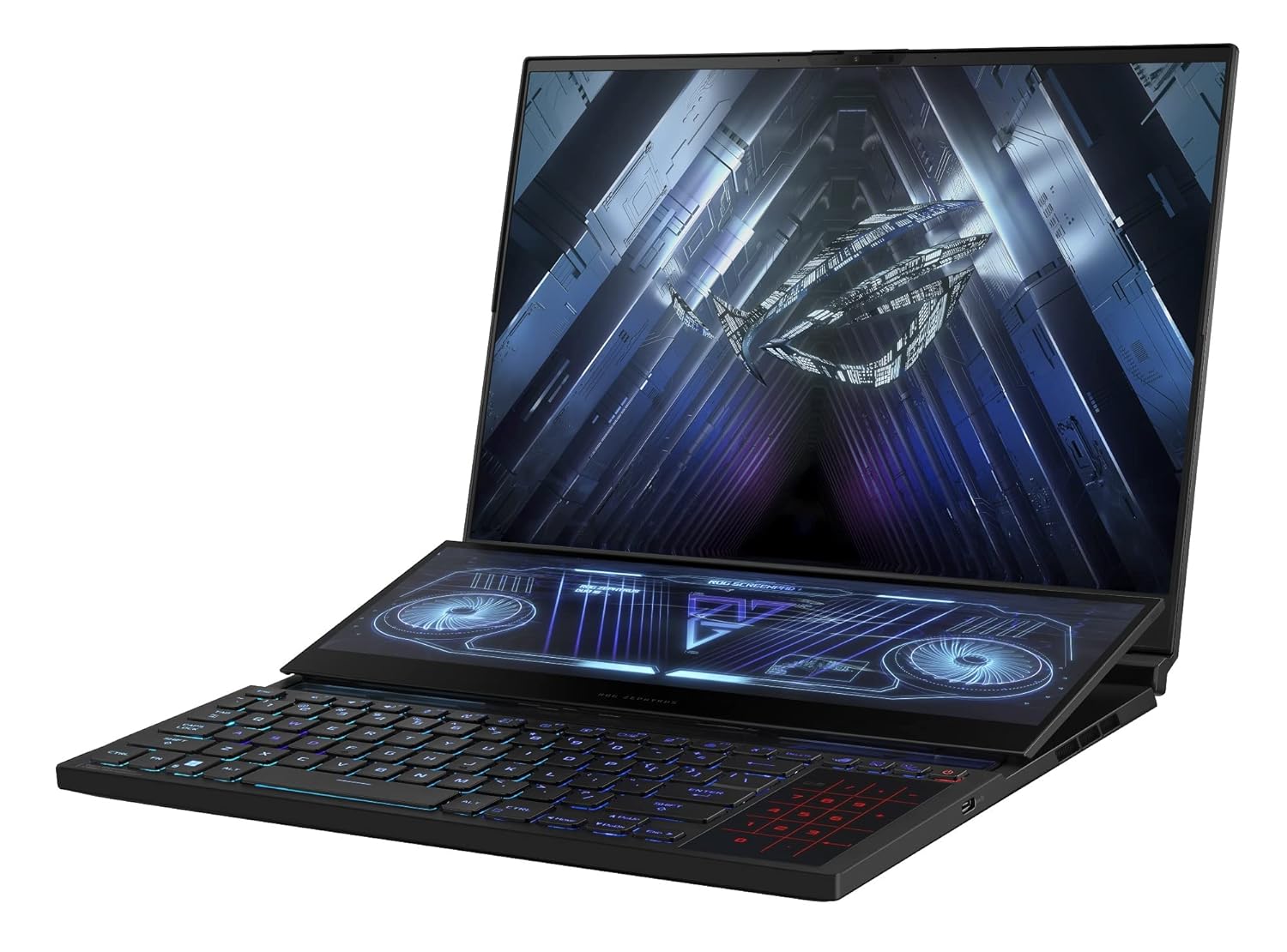
Processor: AMD Ryzen 9 6900HX Mobile Processor (8-core/16-thread, 20MB cache, up to 4.9 GHz max boost)
14. Asus ROG Strix Scar 16
The ROG Strix Scar 16 is a high‑end gaming laptop that’s also great for demanding video editing. It packs very fast CPUs and GPUs, plus a high‑refresh, high‑quality display. Cooling is strong, so it can sustain performance for long renders and complex timelines. This machine is well‑suited for editors who also play AAA games or work on VFX and 3D tasks.
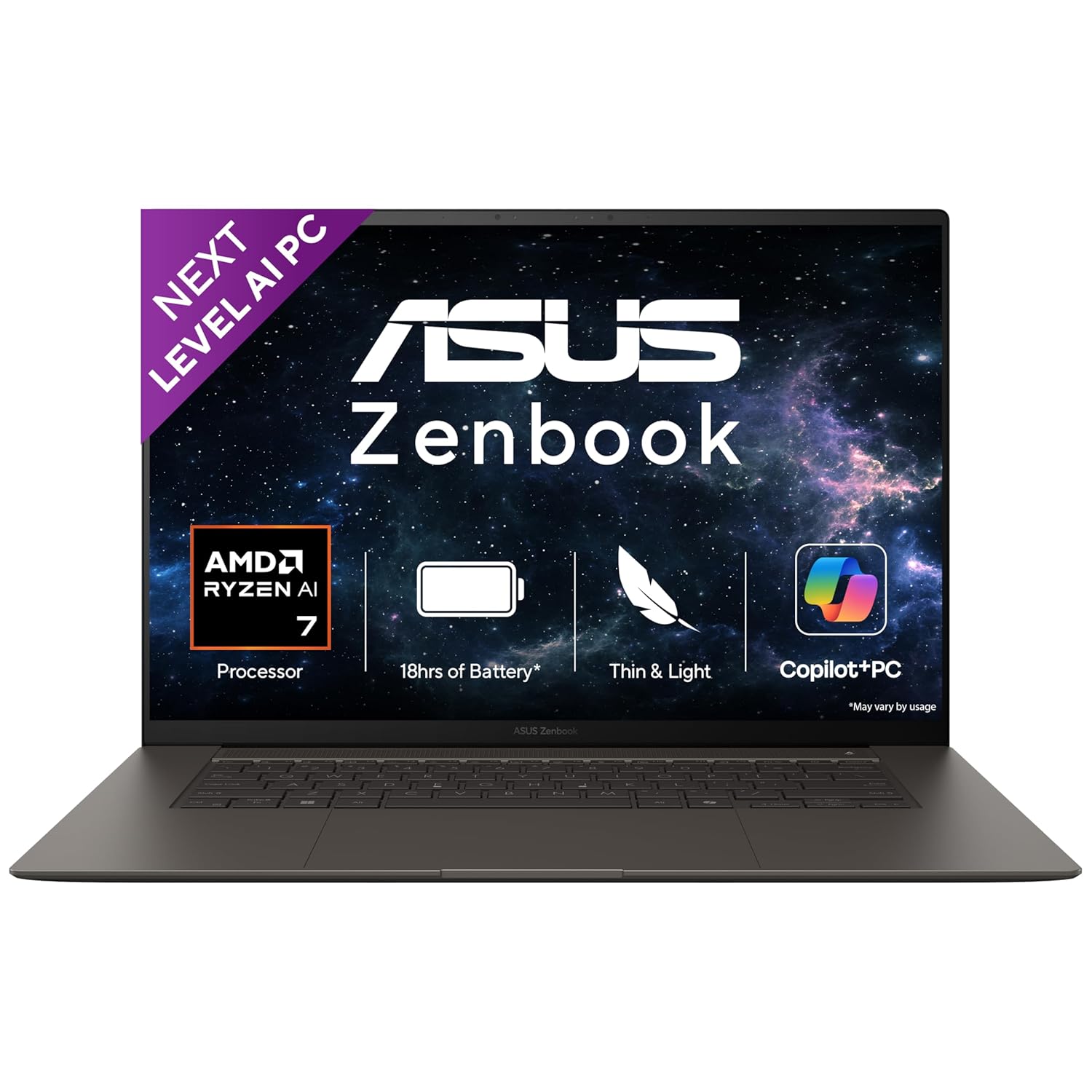
Processor : AMD Ryzen AI 7 350 Processor 2.0GHz (24MB Cache, up to 5.0GHz, 8 cores, 16 Threads); AMD XDNA NPU up to 50TOPS
15. MSI Creator A16 AI+
The MSI Creator A16 AI+ is built for creators with a mix of AMD CPUs and Nvidia RTX GPUs. It offers strong performance in editing software and comes with a high‑quality display suitable for colour work. The design is more professional than many gaming laptops. If you want a dedicated creator machine that is still reasonably portable, this is a solid choice.
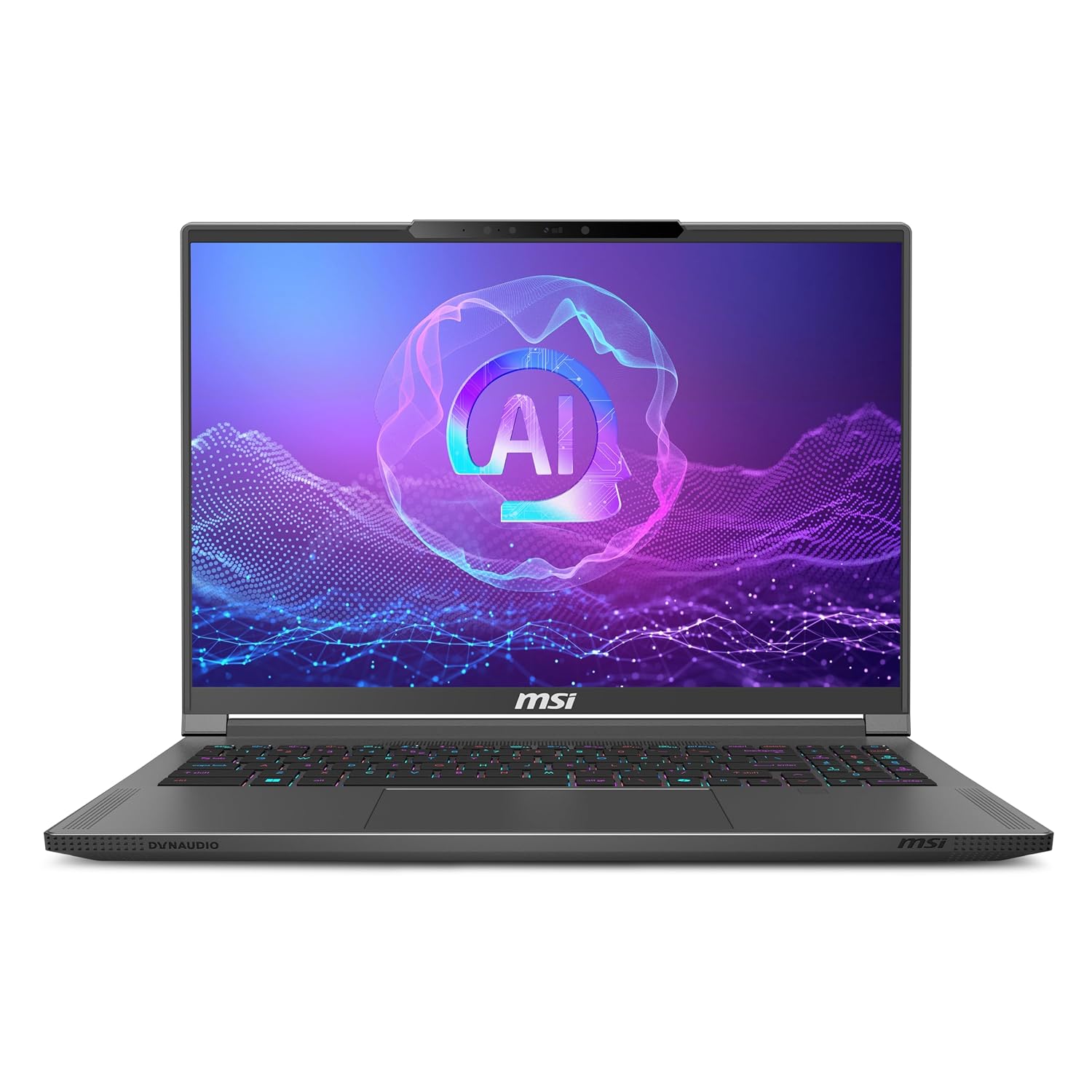
AI Built-in: Dive into a world of generative AI tools and digital assistants on advanced AI PCs powered by AMD Ryzen AI 9 365 processors.
16. MSI Creator Z16
The MSI Creator Z16 is a premium 16‑inch laptop focused on content creators. It has powerful Intel CPUs, strong GPUs, and a high‑refresh, colour‑accurate display in a stylish chassis. Performance is enough for heavy editing and motion graphics work. The bigger screen helps with complex timelines and multi‑layer compositions. It suits professionals who want both design and performance.
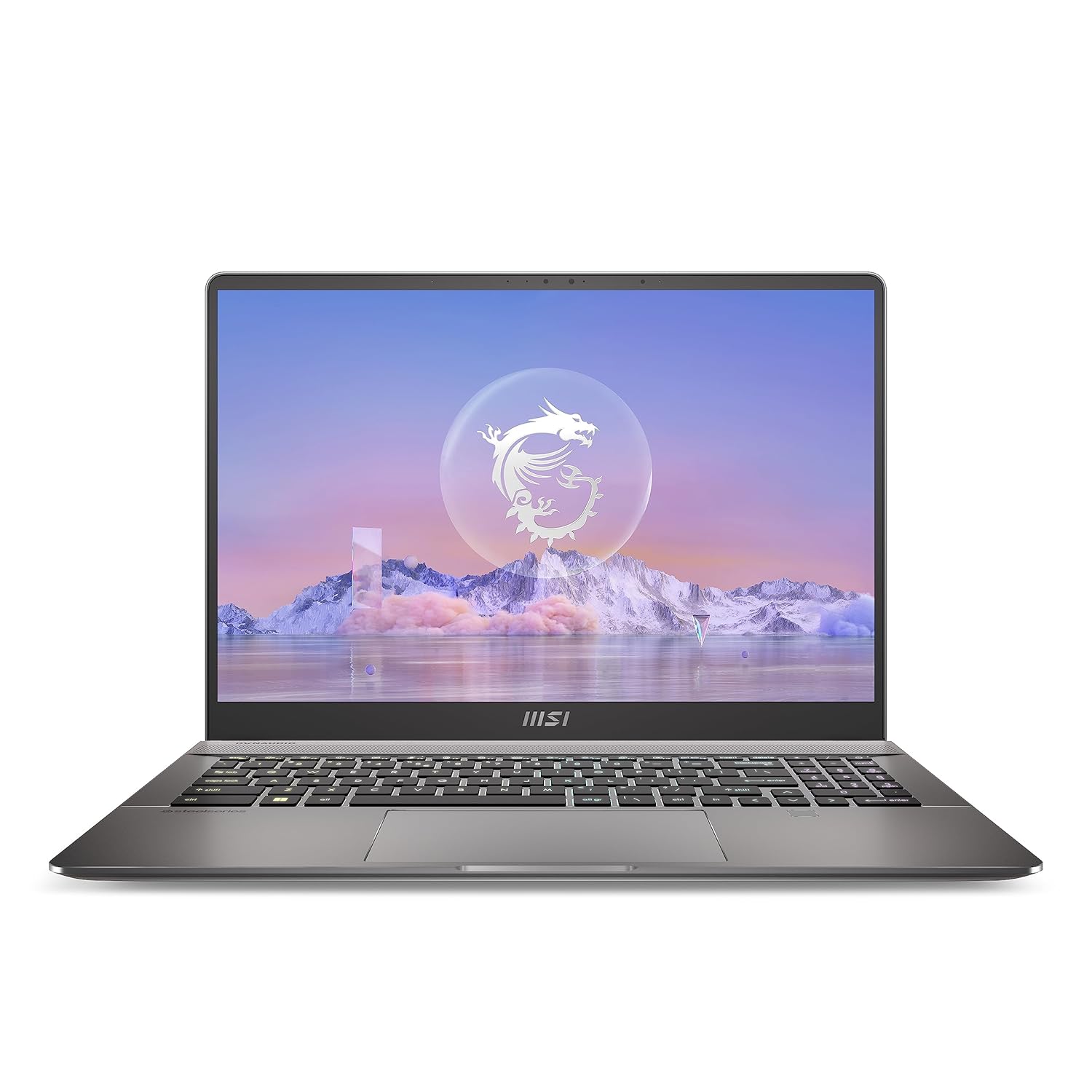
Processor: 13th Generation Intel Core i7-13700HX Up To 5.0GHz
17. MSI Katana / Pulse series (RTX)
The MSI Katana and Pulse gaming series offer RTX graphics and strong CPUs at competitive prices. These laptops are good for creators who want editing power but are okay with a gaming design. With RTX 3050/4050‑class GPUs and 16 GB or more RAM, they handle 1080p and 4K editing well. They are a good value choice if you need GPU acceleration for effects without paying workstation prices.
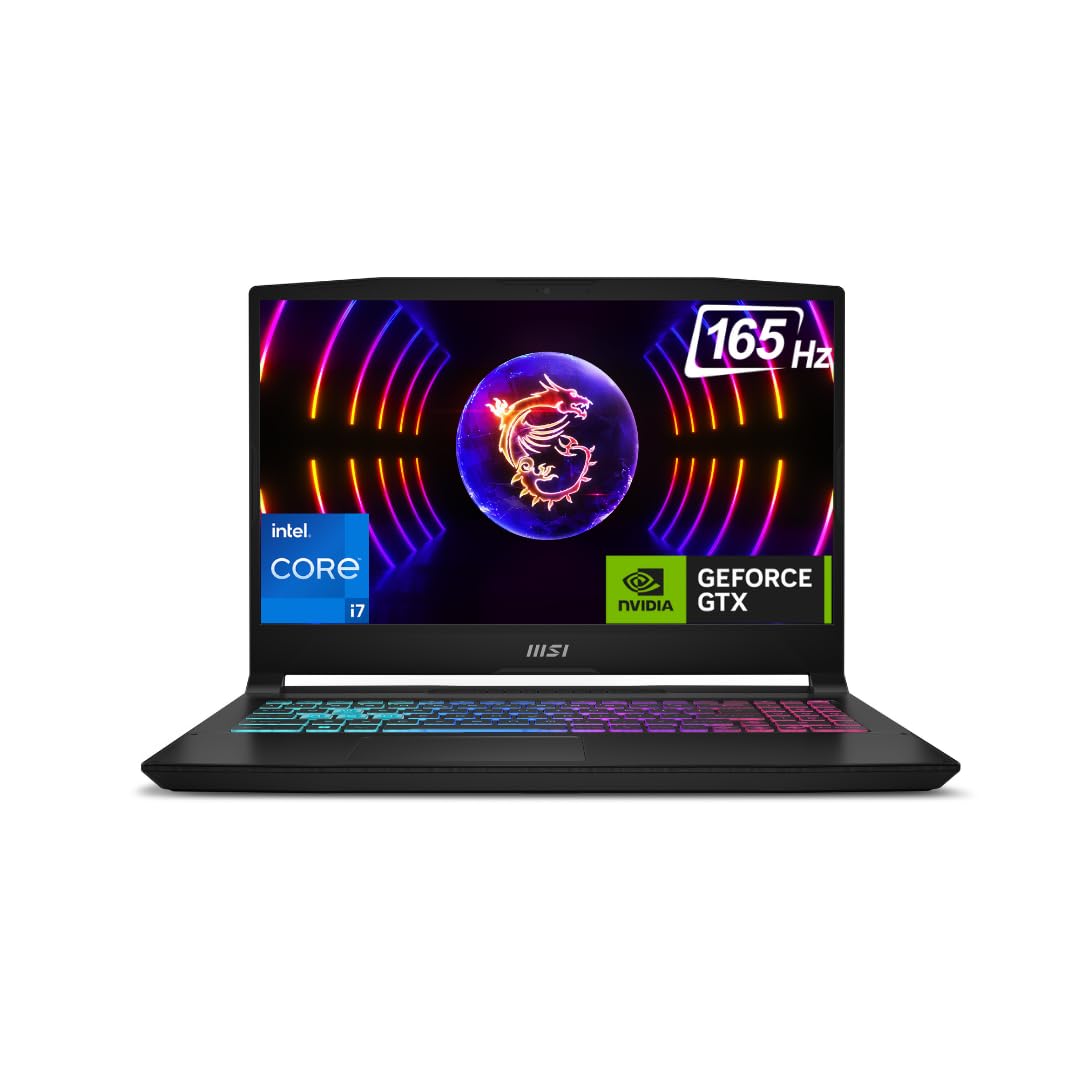
AI Enabled Processor: Intel Core Ultra 7 155H Up To 4.8GHz
18. HP ZBook Studio
The HP ZBook Studio is a mobile workstation designed for professionals on the move. It balances workstation power with a slimmer design than older ZBooks. You get strong CPUs, pro‑grade GPUs, and a good display for editing and grading. It’s aimed at editors, motion designers, and 3D artists who need certified hardware but still travel.
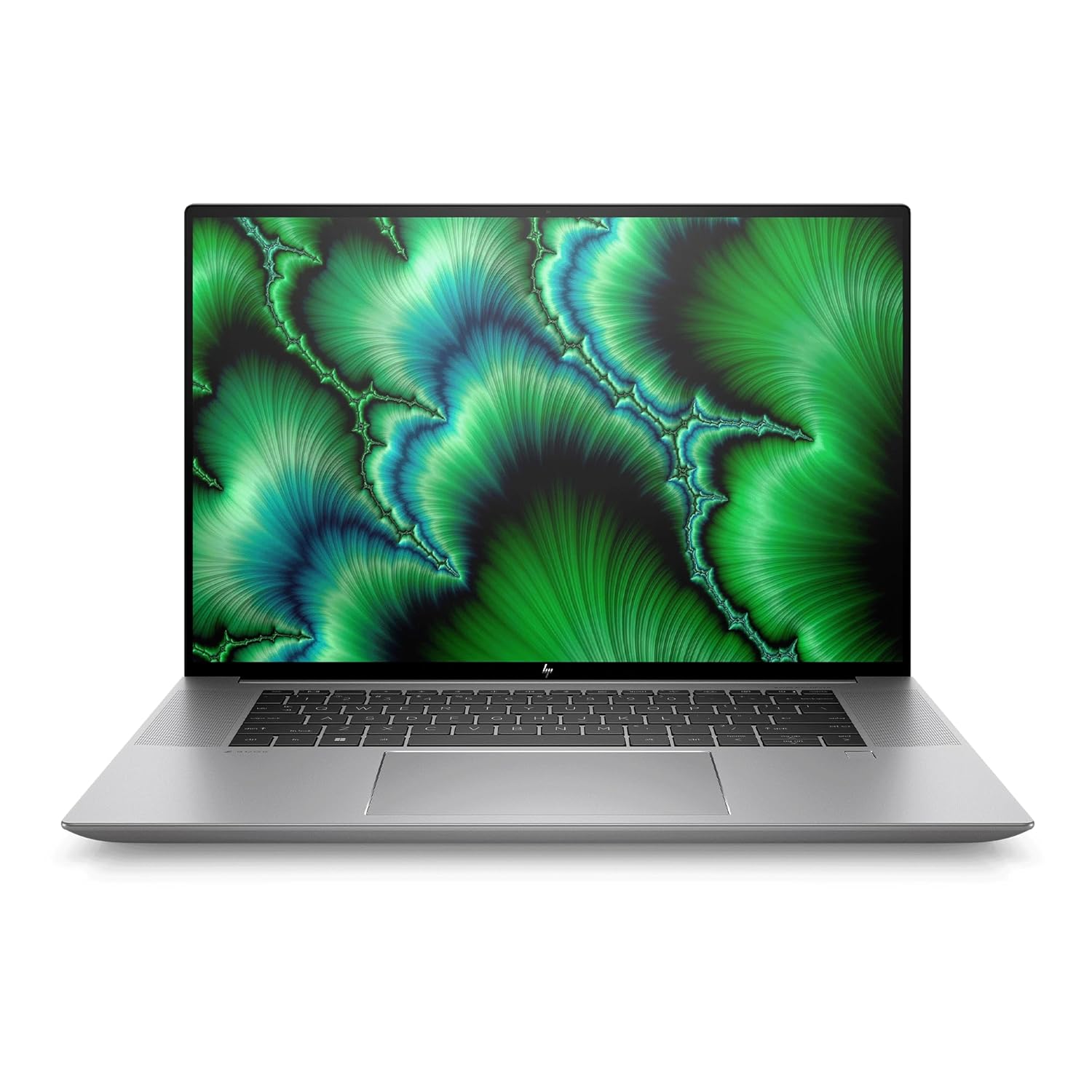
Processor: Intel Core i7-12700H (up to 4.7 GHz with Intel Turbo Boost Technology, 24 MB L3 cache, 14 cores, 20 threads)|Memory: 16 GB DDR5-4800 MHz RAM (2 x 8 GB) | Storage: 1 TB PCIe NVMe TLC SSD
19. HP Omen 16 / Omen Max 16
The HP Omen series is gaming‑focused but powerful enough for professional video editing. With Intel or AMD CPUs and RTX GPUs, these laptops can handle 4K timelines and effects without much trouble. The larger screen and strong cooling help during long renders. If you want a machine for both gaming and editing and don’t mind gaming style, this is a solid option.
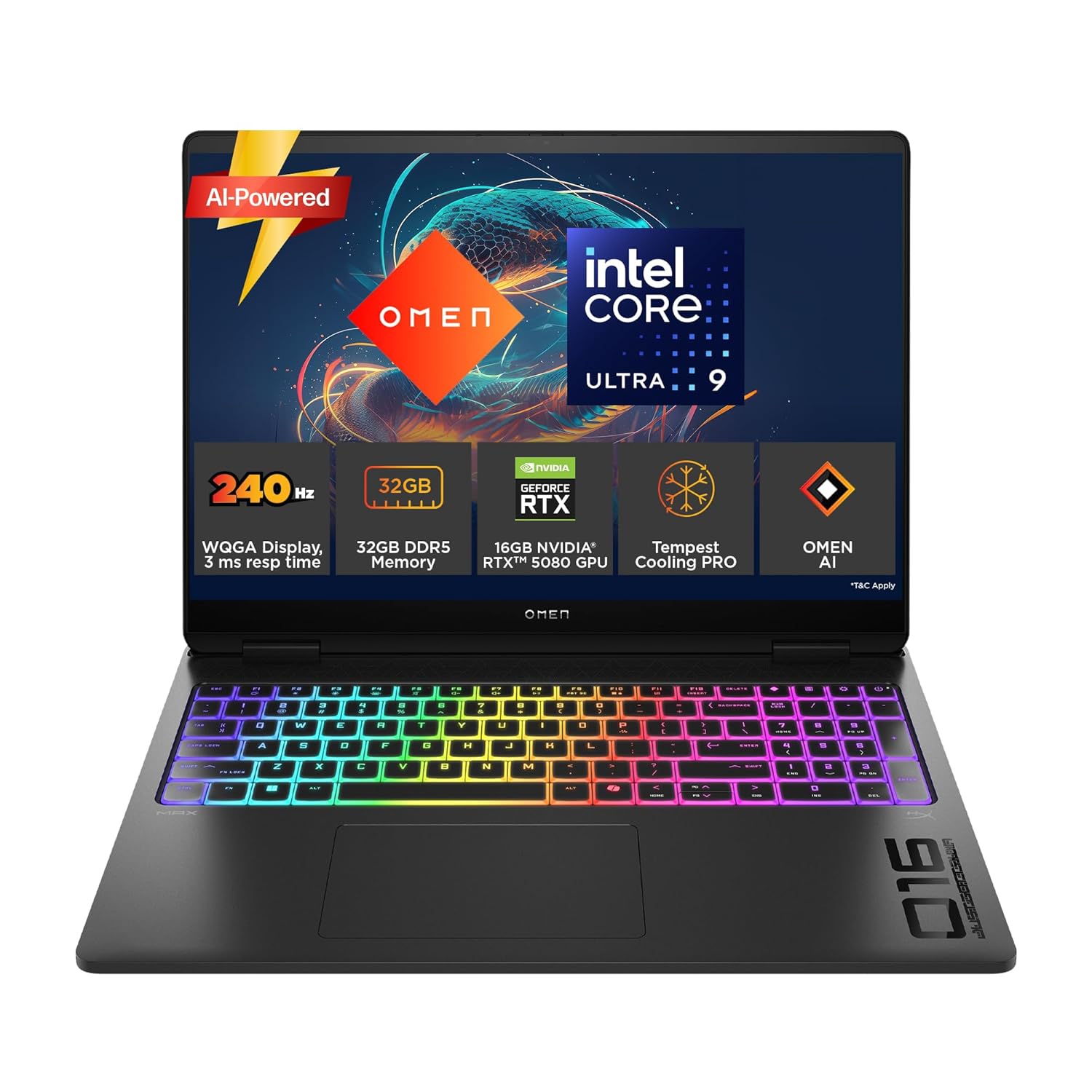
24-core, 24-thread CPU with 36MB L3 cache. Turbo up to 5.4GHz. Delivers elite multitasking, real-time AI acceleration, and lightning-fast responsiveness for AAA gaming, 3D rendering, and demanding creative workflows.
20. HP Victus 15/16
HP Victus laptops are budget‑friendly gaming machines that also work well for editing. With i5/i7 or Ryzen 5/7 CPUs, 16 GB RAM, and RTX 2050/3050‑class GPUs, they are great for Full HD and basic 4K editing. They offer good performance for the price, making them popular among students and beginner creators. If you want a first editing laptop that can handle YouTube and freelance projects, this is a smart choice.
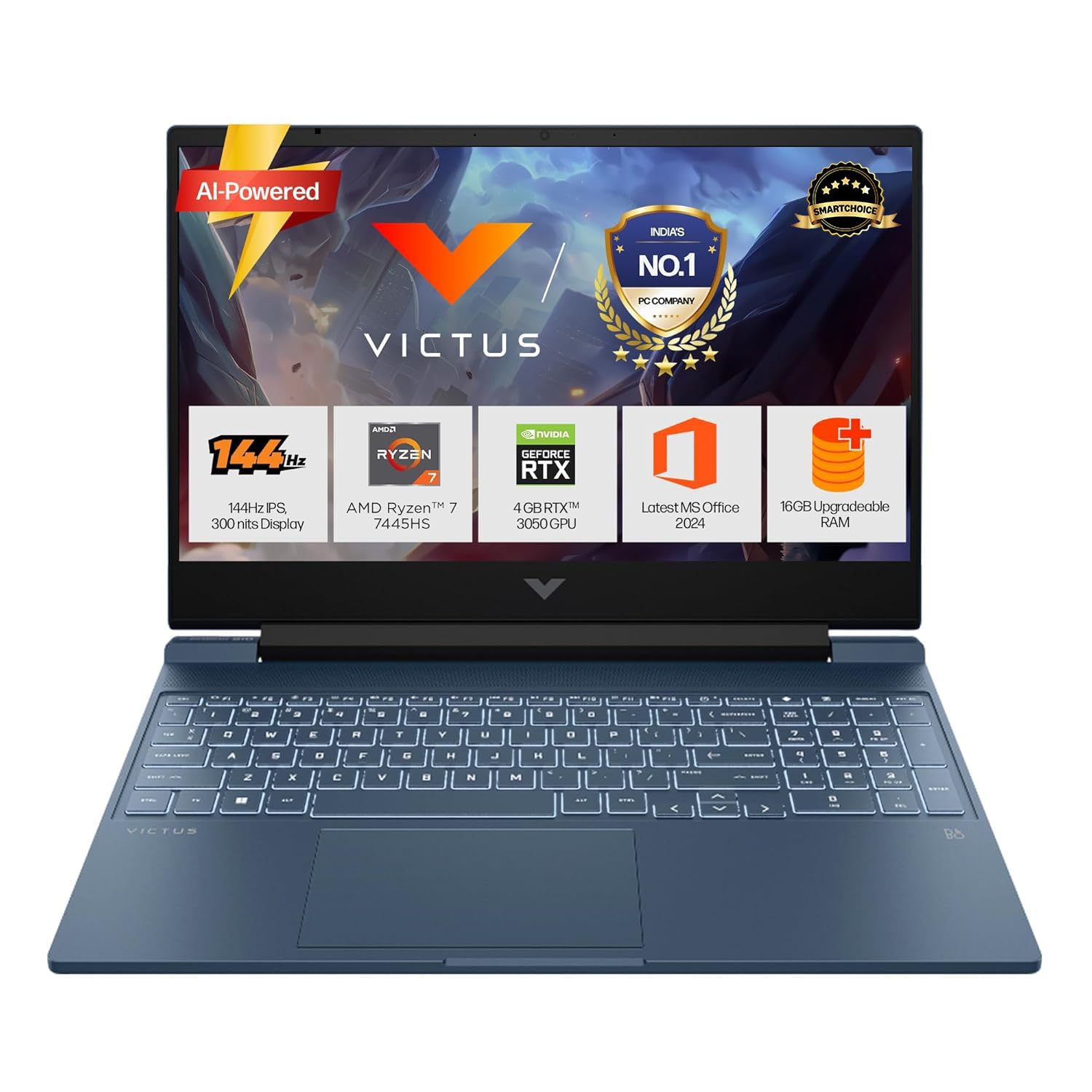
Processor, Memory & Storage: AMD Ryzen 7 7445HS (up to 4.7 GHz max boost clock, 16 MB L3 cache, 6 cores, 12 threads) | Memory: 16 GB DDR5-5600 MT/s (1 x 16 GB) | Storage: 512 GB PCIe Gen4 NVMe M.2 SSD
21. HP Envy x360 15
The HP Envy x360 15 is a 2‑in‑1 laptop that suits creators who want touch and pen input as well as editing power. With Ryzen or Intel processors and decent GPUs, it handles mid‑level editing projects. The touch display is useful for scrubbing timelines and previewing content. It’s ideal if you want one machine for editing, drawing, and daily use.
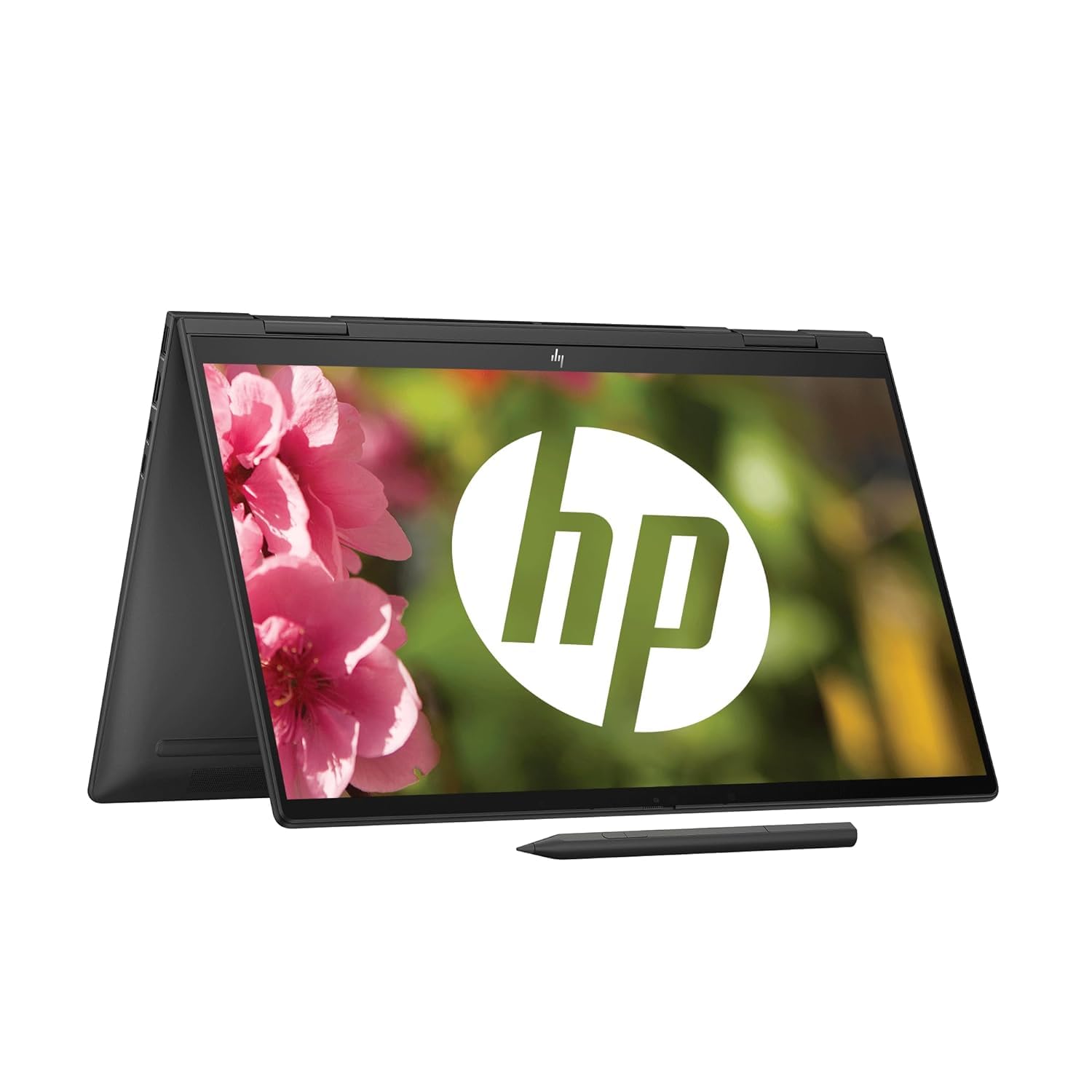
Processor: AMD Ryzen 5 7530U (up to 4.5 GHz max boost clock, 16 MB L3 cache, 6 cores, 12 threads)| Memory: 16 GB LPDDR5-5200 MHz RAM (onboard)|Storage: 512 GB M.2 PCIe NVMe SSD
22. HP Spectre x360 14
The HP Spectre x360 14 is a premium convertible laptop that can handle editing along with everyday tasks. It features strong Intel chips, integrated or light discrete graphics, and a high‑quality OLED or IPS display. For editors focusing on Full HD and moderate 4K, this machine is powerful enough while staying very portable. It’s great for creators who value design as much as performance.
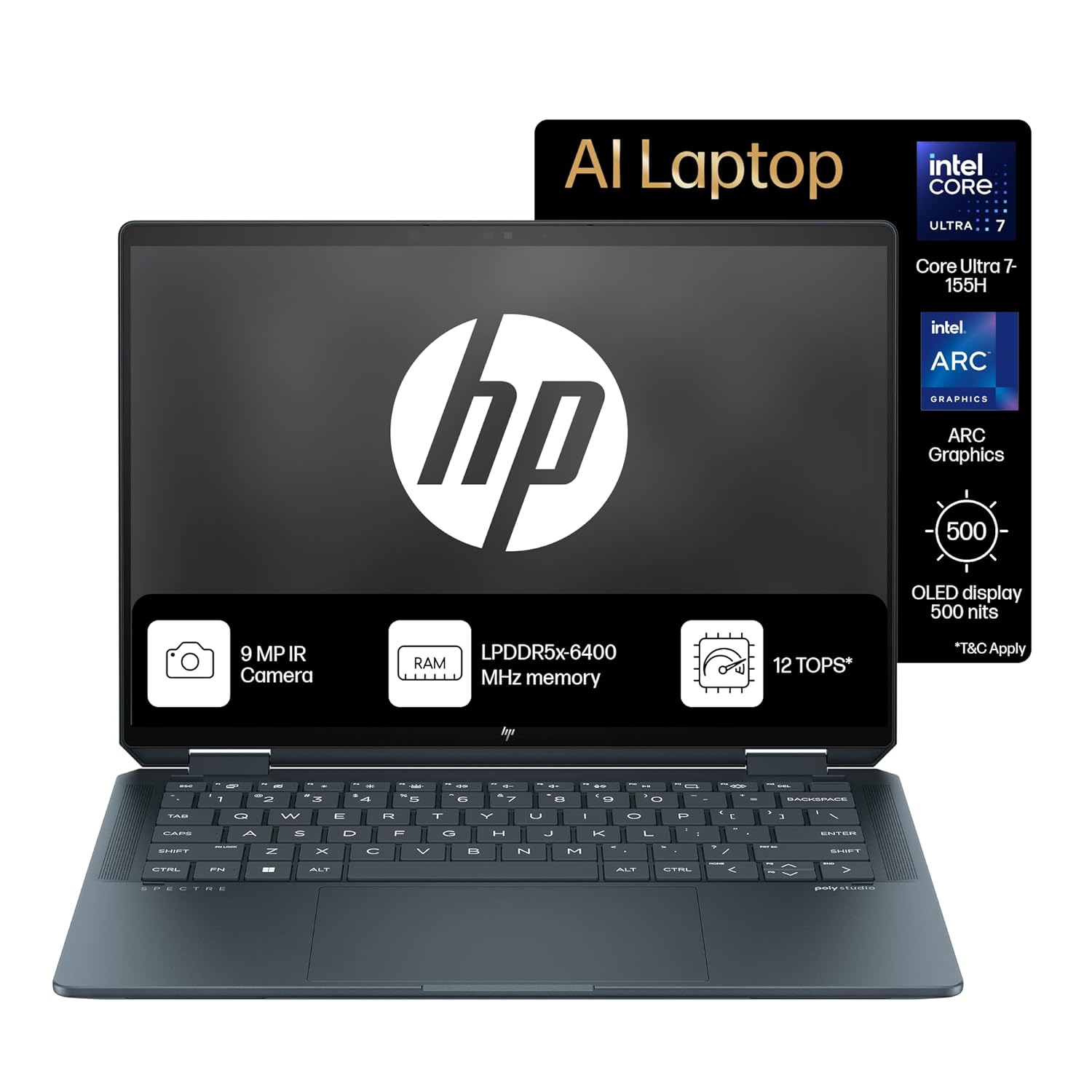
【16-core Intel Core Ultra 7 155H】Experience task-crushing performance and the power of built-in AI technology with the latest Intel processor featuring 22 threads and 24MB L3 cache.
23. Lenovo Legion Slim 5
The Lenovo Legion Slim 5 is a gaming‑creator hybrid that offers strong performance in a relatively thin body. With RTX GPUs and capable CPUs, it can handle complex timelines and effects. The display is good for both gaming and content creation, with decent colour. It is a nice choice for editors who want power but also care about portability and style.
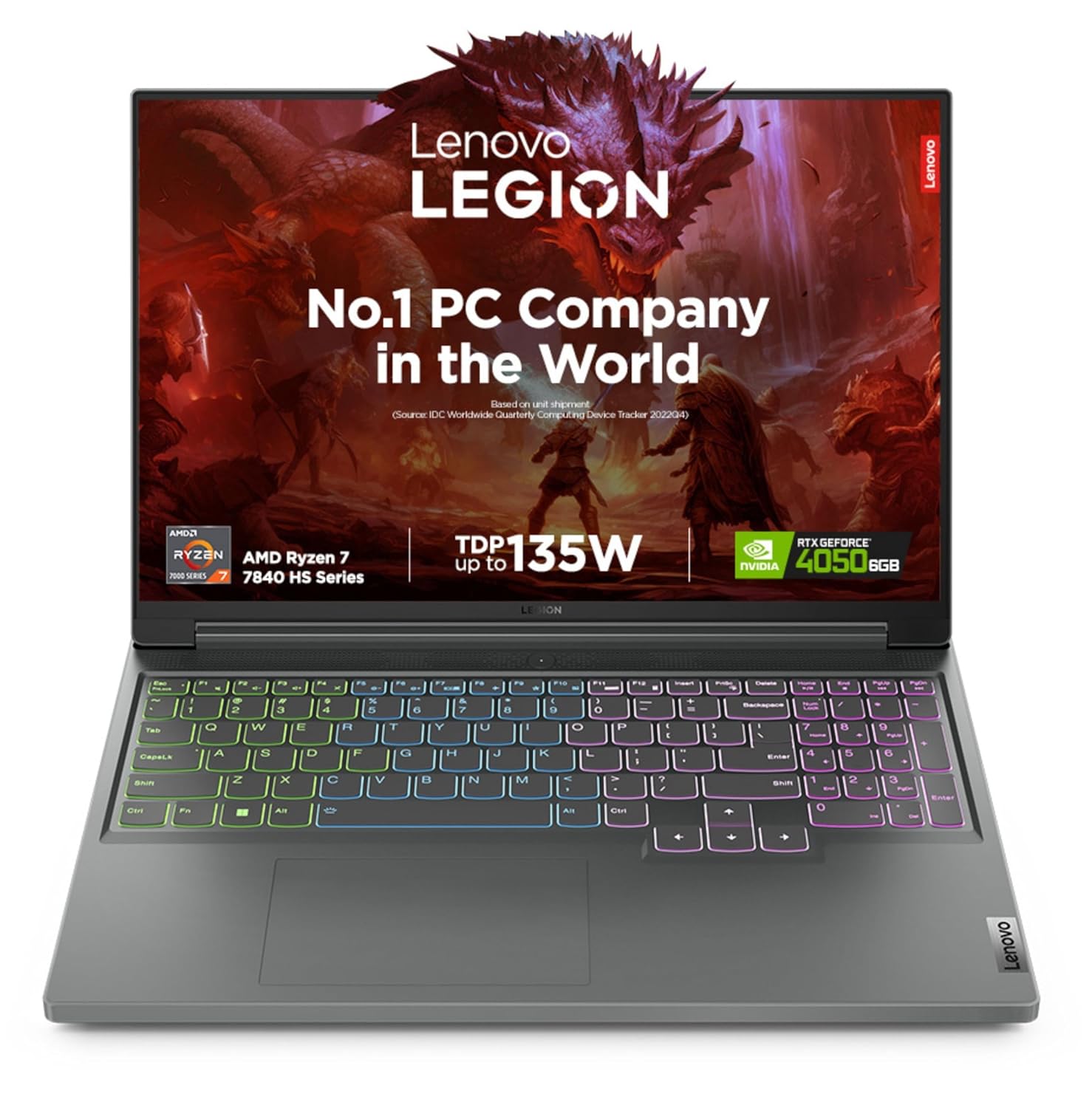
Processor: AMD Ryzen 7 7840HS | Speed: 3.8 GHz (Base) – 5.1 GHz (Max) | 8 Cores | 16 Threads | 16 MB Cache
24. Lenovo Legion 7/7i
The Legion 7 series is a high‑end gaming line that translates very well to pro editing. These laptops offer top‑tier CPUs and GPUs, strong cooling, and large, fast displays. They are great for 4K editing, heavy timelines, and GPU‑accelerated effects. For editors who double as gamers or work with 3D, this is a powerful option.
Processor: Intel core i7-14700HX |20C (8P + 12E) / 28T, P-core 2.1 / 5.5GHz, E-core 1.5 / 3.9GHz, 33MB
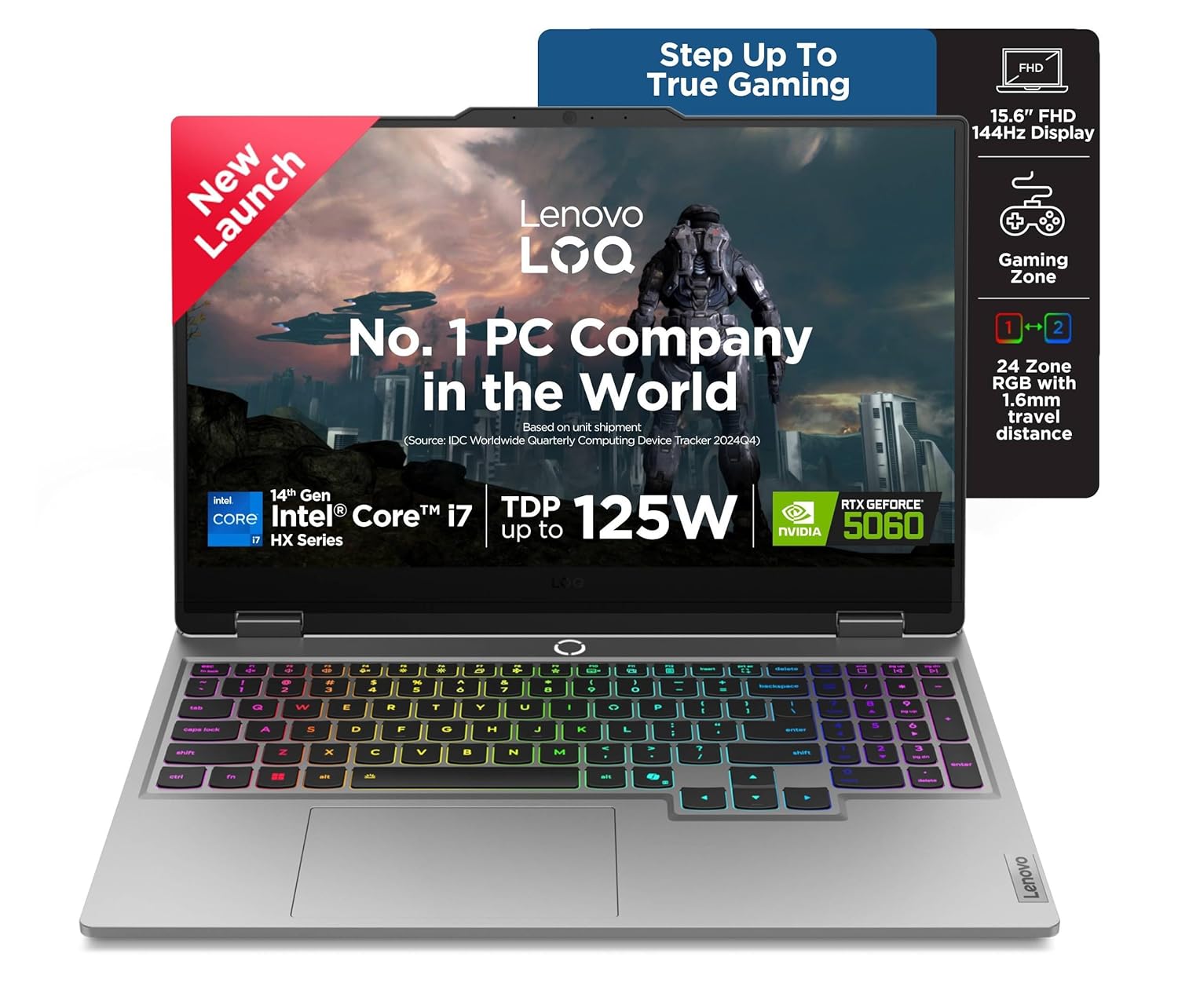
25. Lenovo LOQ 15
The Lenovo LOQ 15 is recommended as a great entry‑level editing laptop with gaming‑class hardware. It combines mid‑range CPUs and GPUs with a decent display and good thermals. This makes it excellent for beginners doing 1080p and starter 4K projects. If you want a practical, affordable way into GPU‑based editing, LOQ 15 is a solid pick.

Processor: Intel Core i5-12450HX | Speed: 2.4GHz (Base) – 4.4GHz (Max) | 8 Cores | 12 Threads | 12MB Cache
Also Read Suggested Blogs :
Best Laptops Under ₹90,000 in India
Top 10 Best Lightweight Laptops for College Students
30 Best Laptops For Students In India
Best gaming laptop under 70000
10 Best Laptops for Interior Designers
26. Asus TUF Gaming A16
The Asus TUF Gaming A16 gives a lot of power for heavy editing jobs at a reasonable price. It features strong AMD CPUs and GPUs and a sharp, bright display. Upgradability for RAM and storage is another plus. It suits editors who need power and do not mind extra weight and fan noise during heavy work.
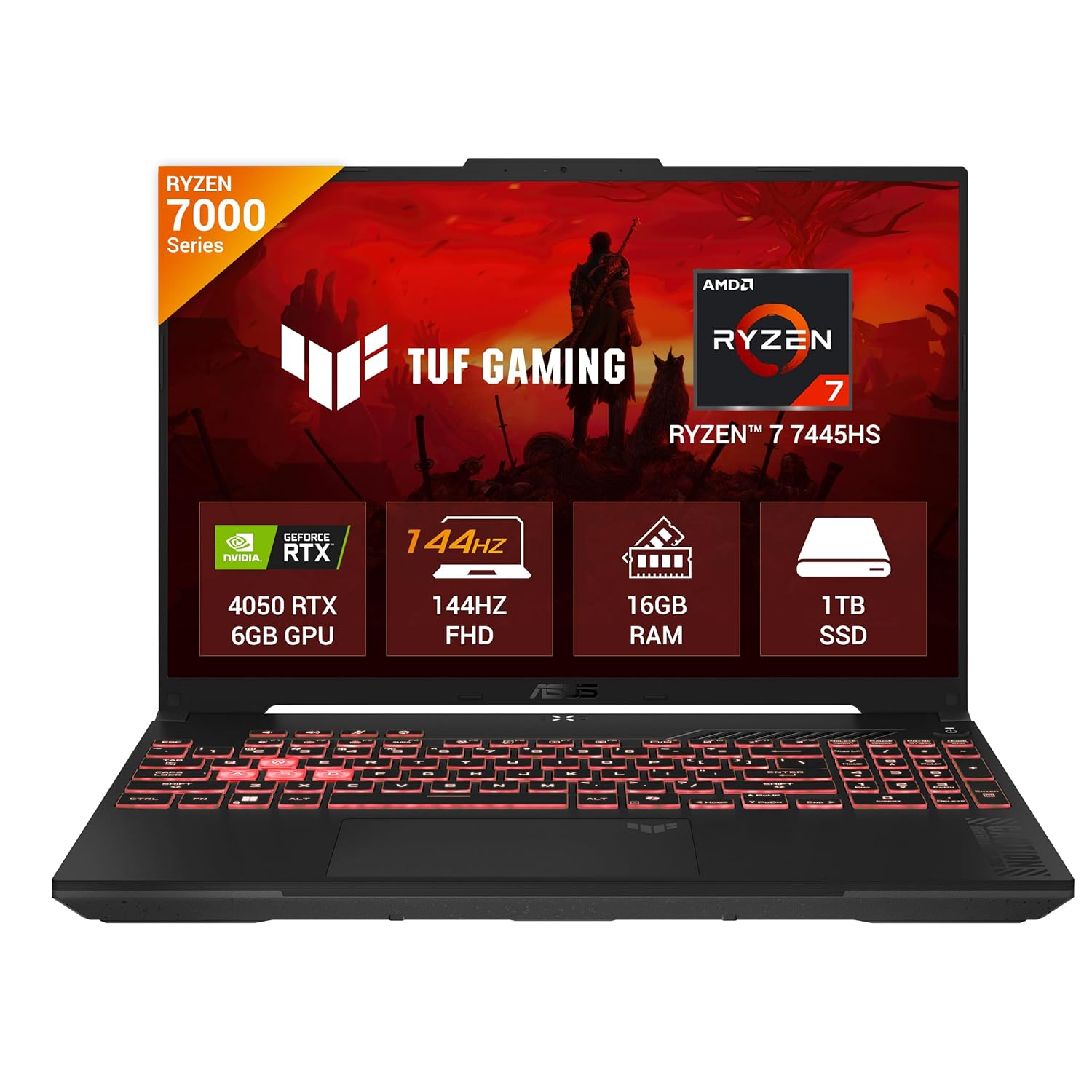
Processor : AMD Ryzen 7 7445HS Processor 3.2GHz (22MB Cache, up to 4.7GHz, 6 cores, 12 Threads)
27. Asus Vivobook S14 OLED
The Asus Vivobook S14 OLED is a thin and light laptop with a beautiful OLED display. It is best for editors who mainly work on Full HD and simple 4K projects but want top‑class colours. The OLED screen makes footage look rich and offers deep blacks, great for grading. It’s a good option if you want a portable machine with high visual quality and moderate editing power.
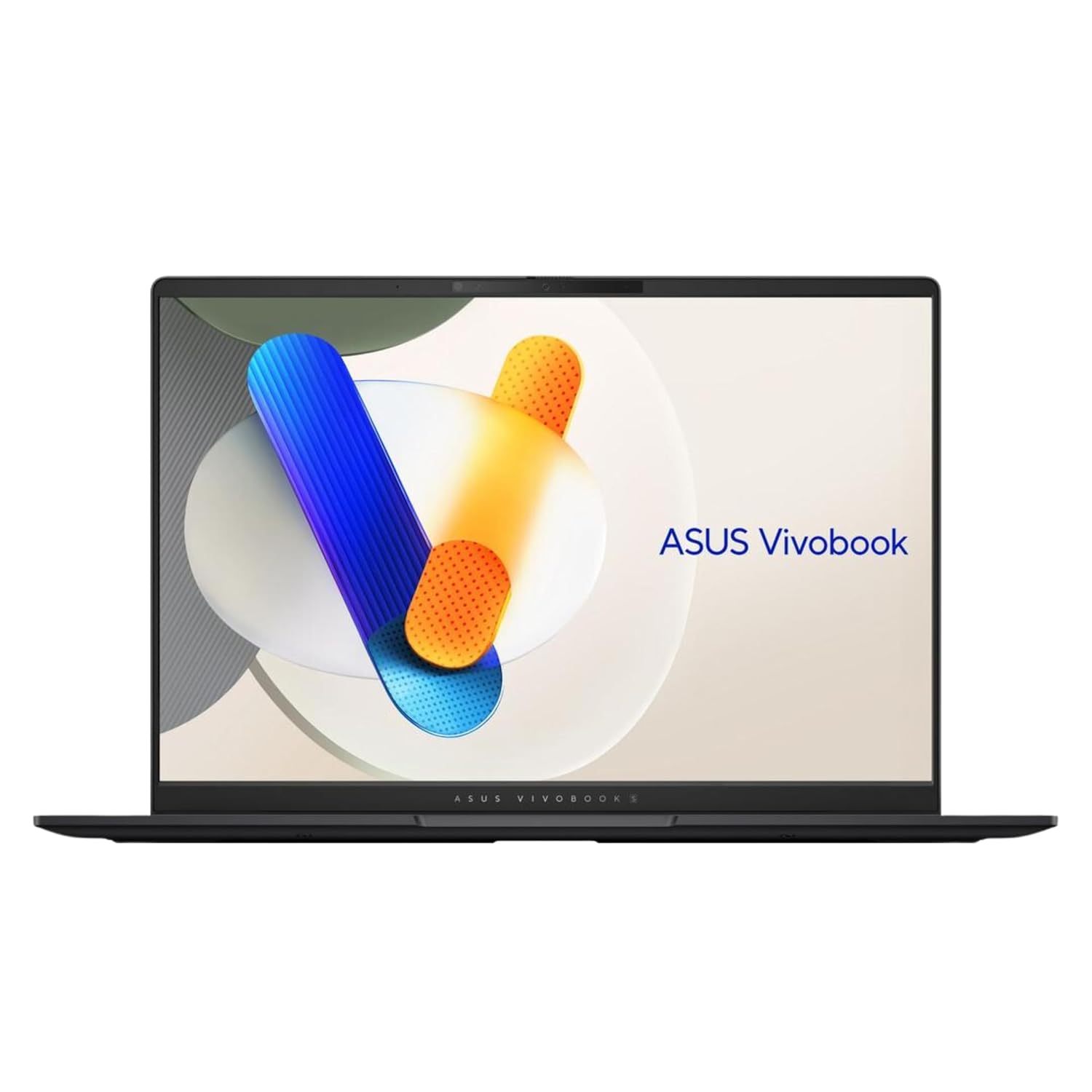
DISPLAY — 14” WUXGA OLED (1920 x 1200) 16:10 120Hz NanoEdge display, 100% RGB color gamut, and 500 nits peak brightness
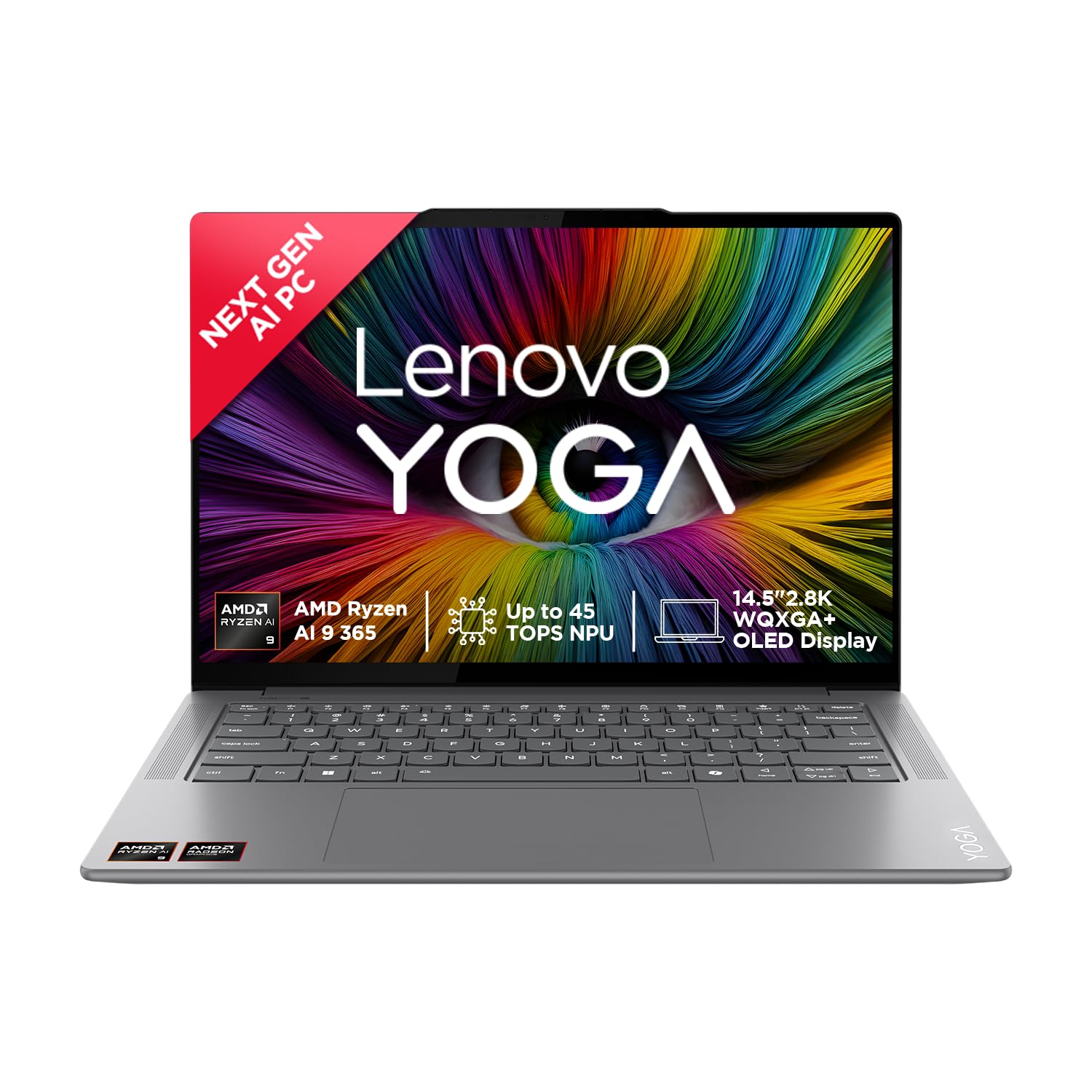
28. Lenovo Yoga Slim 7x
The Lenovo Yoga Slim 7x is a thin laptop with a high‑quality screen that still manages good editing performance. It has enough power for 1080p and moderate 4K editing, and the display looks great for watching and grading footage. Its slim design is perfect for travelling creators. It serves best as a portable editing laptop for mid‑level work.
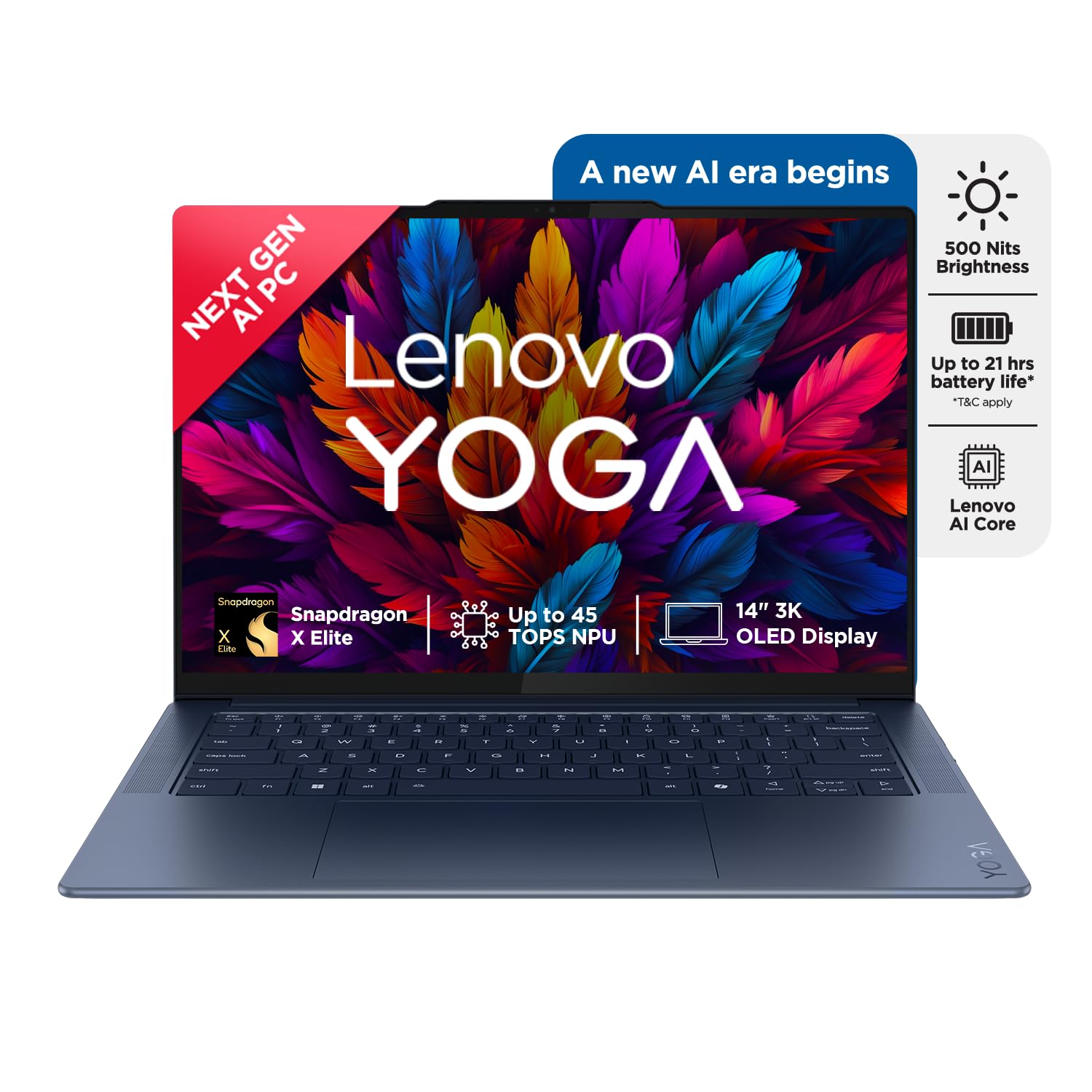
Built in-AI Processor: Snapdragon X Elite X1E-78-100, 12C, Max Turbo up to 3.4GHz, 42MB | NPU:- Qualcomm Hexagon NPU integrated in Snapdragon X Elite, up to 45 TOPS
29. Lenovo Yoga 9i (Aura Edition)
The Yoga 9i Aura Edition is a premium 2‑in‑1 with an OLED display and strong performance. It suits creators who split time between editing, drawing, and general work. The display is vibrant and bright, and the speakers are excellent. For Full HD and moderate 4K editing, this machine feels smooth while staying stylish and portable.
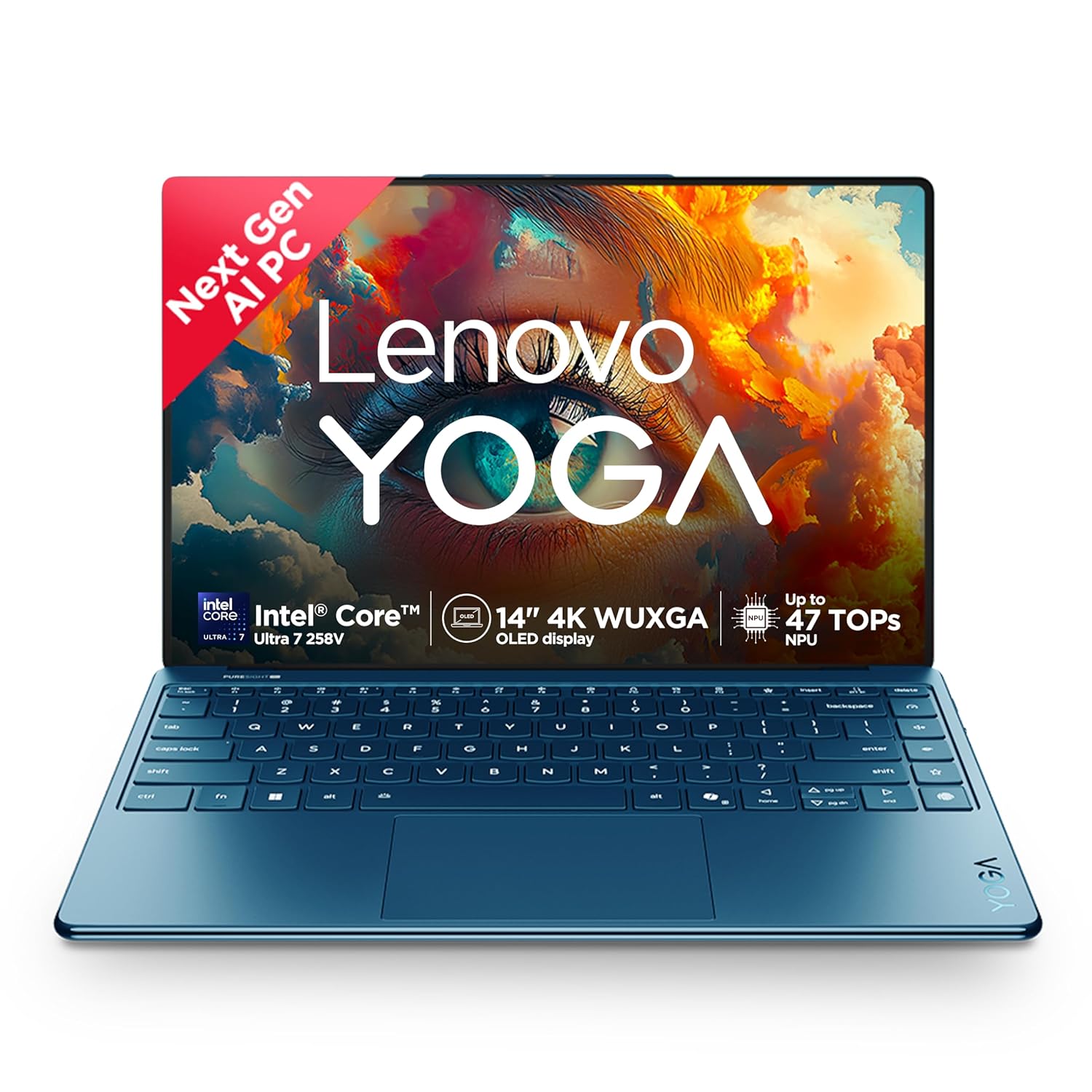
Processor: Intel Evo Core Ultra 7 258V | 8C (4P + 4LPE) / 8T, Max Turbo upto 4.8GHz | 8 Cores | 8 Threads | Cache: 12MB || NPU: Integrated Intel AI Boost, up to 47TOPS
30. Asus ProArt PX13 / P13
The Asus ProArt PX13 is a more compact ProArt creator laptop, sometimes in a 13‑inch convertible form. It focuses on colour‑accurate displays and decent CPU/GPU performance in a small body. This makes it attractive for editors who travel often and work mainly on lighter projects. It is especially useful for content creators and colour‑sensitive tasks on the go.

AI Enabled Processor : AMD Ryzen AI 9 365 Processor 2.0GHz (34MB Cache, up to 5.0GHz, 10 cores, 20 Threads), AMD XDNA NPU up to 50TOPS
31. Acer Nitro V 16
The Acer Nitro V 16 is a budget‑friendly gaming laptop that works well for editing. It offers modern Intel/AMD CPUs, RTX 40‑series GPUs, and a decent display at a lower price point. This makes it ideal for editors on a budget who need GPU power. It’s a strong pick for YouTubers and students who want good performance without premium costs.
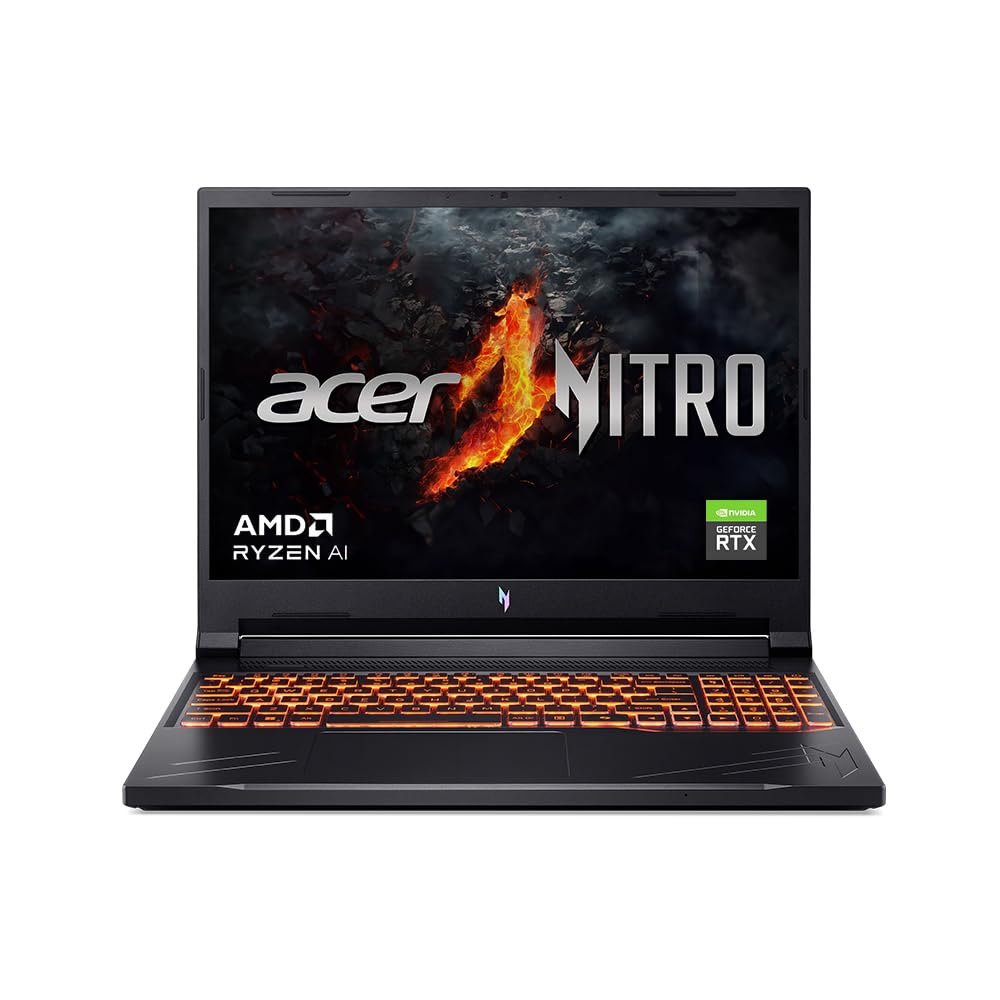
Processor: AMD Ryzen 7-8845HS processor – 8 cores, max turbo up to 5.1 GHz | RAM: 16 GB of DDR5 system memory, upgradable to 32 GB (Memory Frequency: Up to 5600 MT/s)
32. Acer Nitro V 15
Similar to the 16‑inch model, the Nitro V 15 is a slightly more compact gaming laptop that’s still strong for editing. It offers solid performance for 1080p and entry‑level 4K editing. The 15‑inch screen is easier to carry around. This is a good mid‑range choice for editors who want performance but need a slightly more portable form.
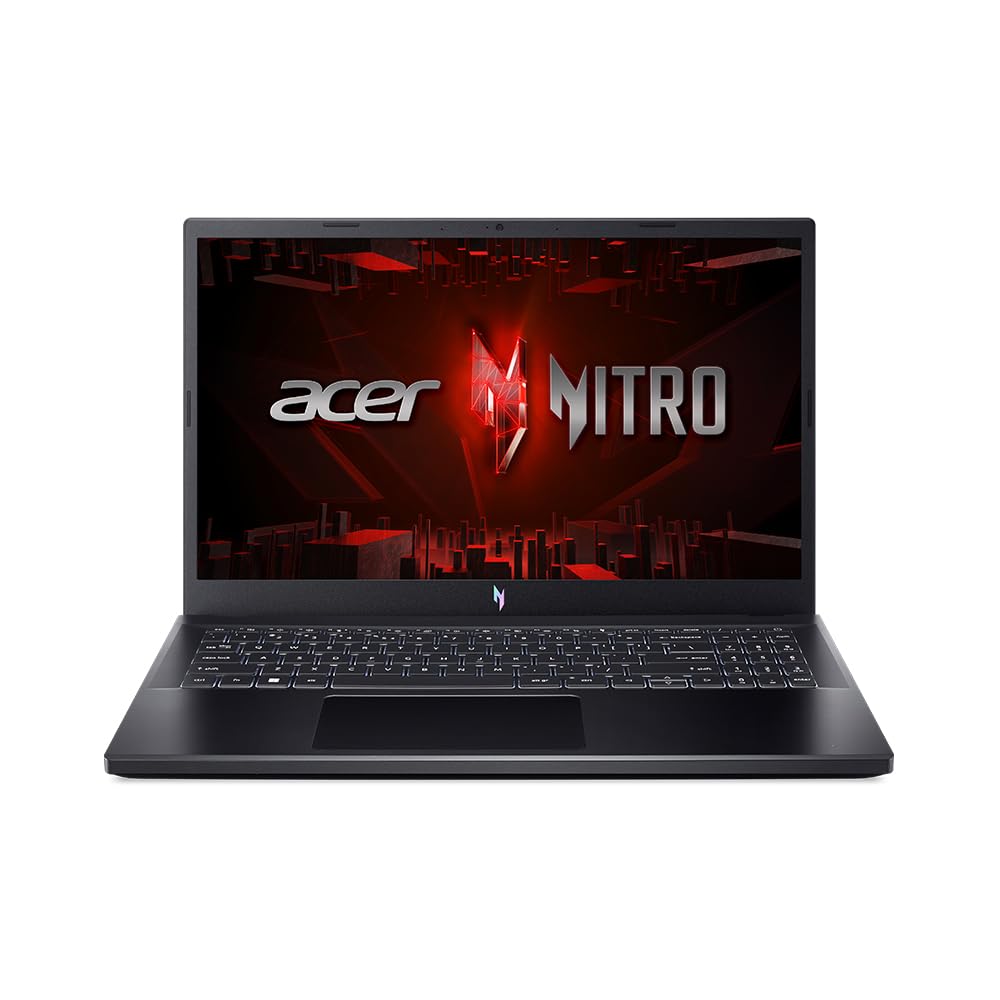
Processor: Intel Core i5-13420H processor (2.1 GHz base clock, up to 4.6 GHz max boost clock, 12 MB L3 cache, 8 cores)| Memory: 1*16 GB of DDR5 system memory Upgradable up to 32 GB of DDR5 system memory (Memory Frequency: Up to 5200 MT/s)| Storage: 512 GB , PCIe Gen4, 16 Gb/s, NVMe (Upgradable Upto 2*1 TB SSD)
33. Acer Swift X 14 / 16
The Acer Swift X line offers creator‑friendly performance in a thinner laptop with discrete graphics. It is lighter than most gaming machines but still has RTX‑class GPUs. This makes it great for editors who value portability. The displays are decent for creation, and performance is enough for serious 1080p and lighter 4K work.

A Powerhouse of Performance: Intel Core Ultra 7 processor with Intel AI Boost delivers a dedicated engine to help unlock AI experiences on the PC, the next level in immersive graphics, and high-performance low power processing, so you can confidently get more done in less times while unplugged.
34. Acer Aspire 7 (RTX)
The Acer Aspire 7 with RTX GPUs is a budget‑to‑mid‑range laptop often recommended for editing on a budget. With i5/Ryzen 5 and RTX 3050‑class graphics plus 16 GB RAM, it can handle YouTube editing and basic 4K work. The design is more understated than big gaming laptops. It’s a good choice for Indian creators and students with tighter budgets.
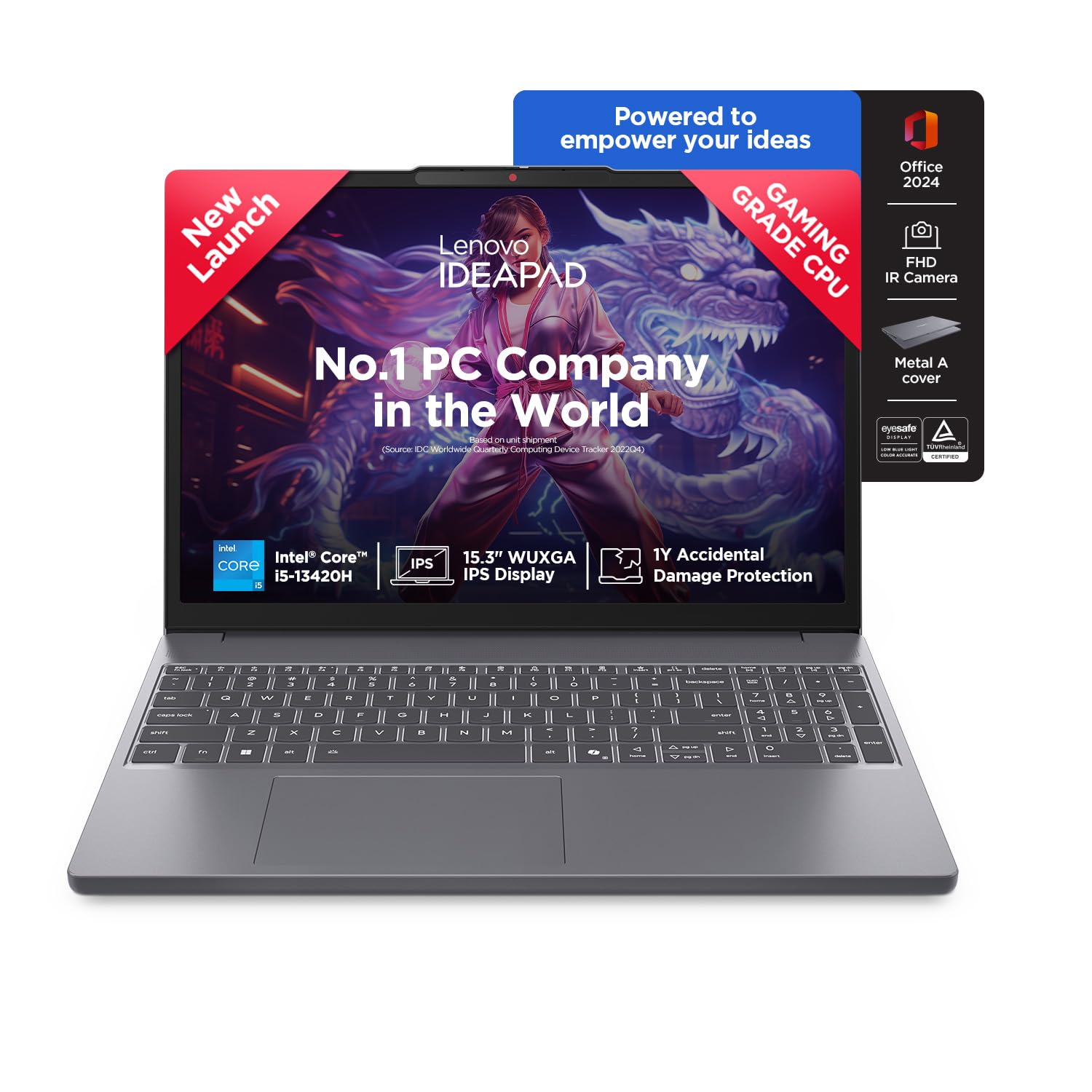
Processor: Intel Core i5-13420H | Speed: 2.1 GHz (Base) – 4.6 GHz (Max), E-core 1.5 / 3.4GHz | 8 Cores | 12 Threads | 12MB Cache
35. Asus TUF Gaming F15
The Asus TUF F15 is another gaming laptop popular among budget editors. With modern i5/i7 + RTX GPUs and 16 GB RAM, it can power through 1080p and basic 4K projects. The TUF series emphasises durability, which is useful if you carry it around often. It is a good balance between power, price, and ruggedness.
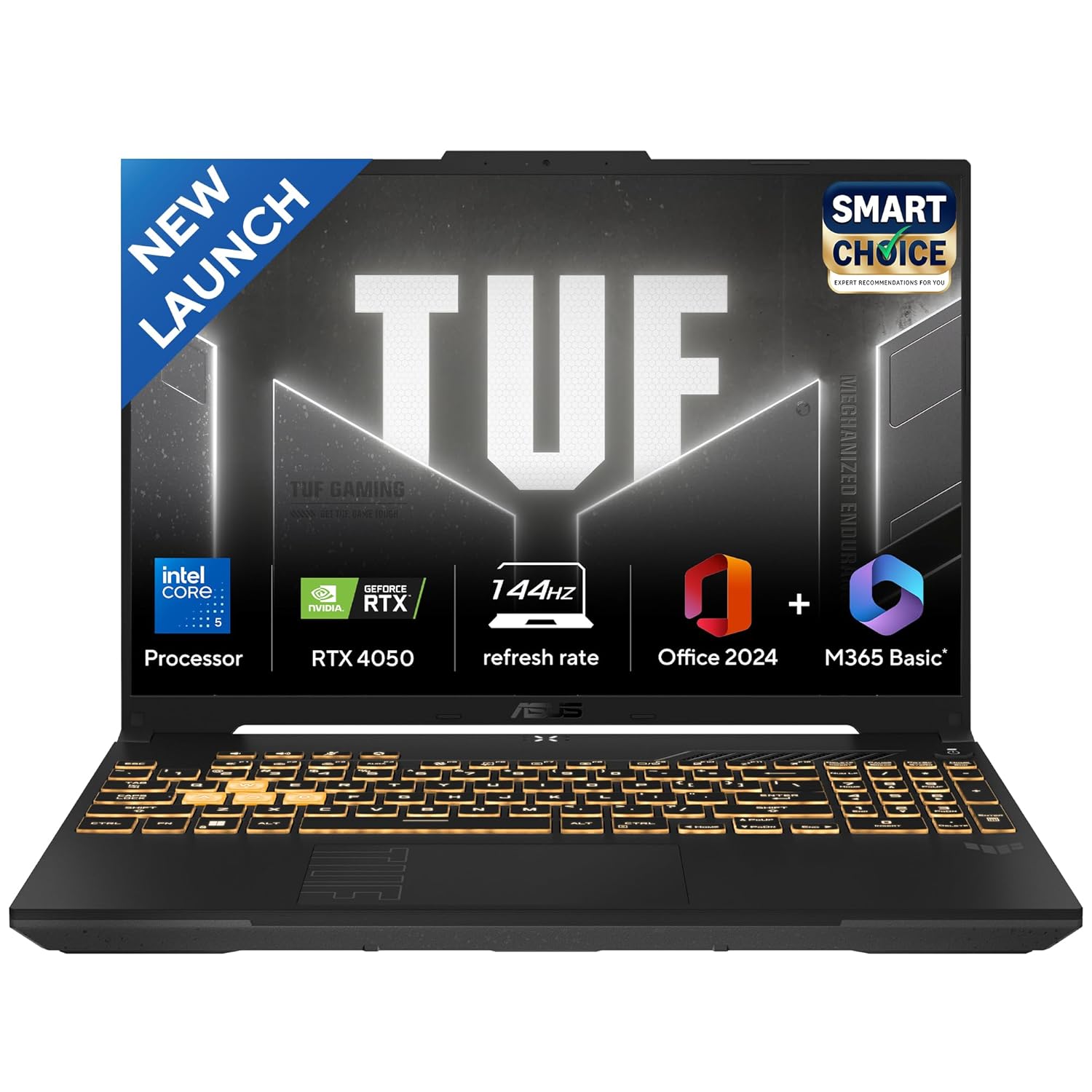
Processor : Intel Core 5 Processor 210H 2.2 GHz (12MB Cache, up to 4.8 GHz, 8 cores, 12 Threads)
36. Dell G15 / G16
The Dell G15/G16 gaming series offers RTX graphics and solid CPUs in a more budget‑friendly design. These laptops can handle serious editing work for YouTube and client jobs. The larger G16 gives more timeline space and room for cooling. They are good choices if you prefer Dell’s service and want a work + play laptop for editing and games.
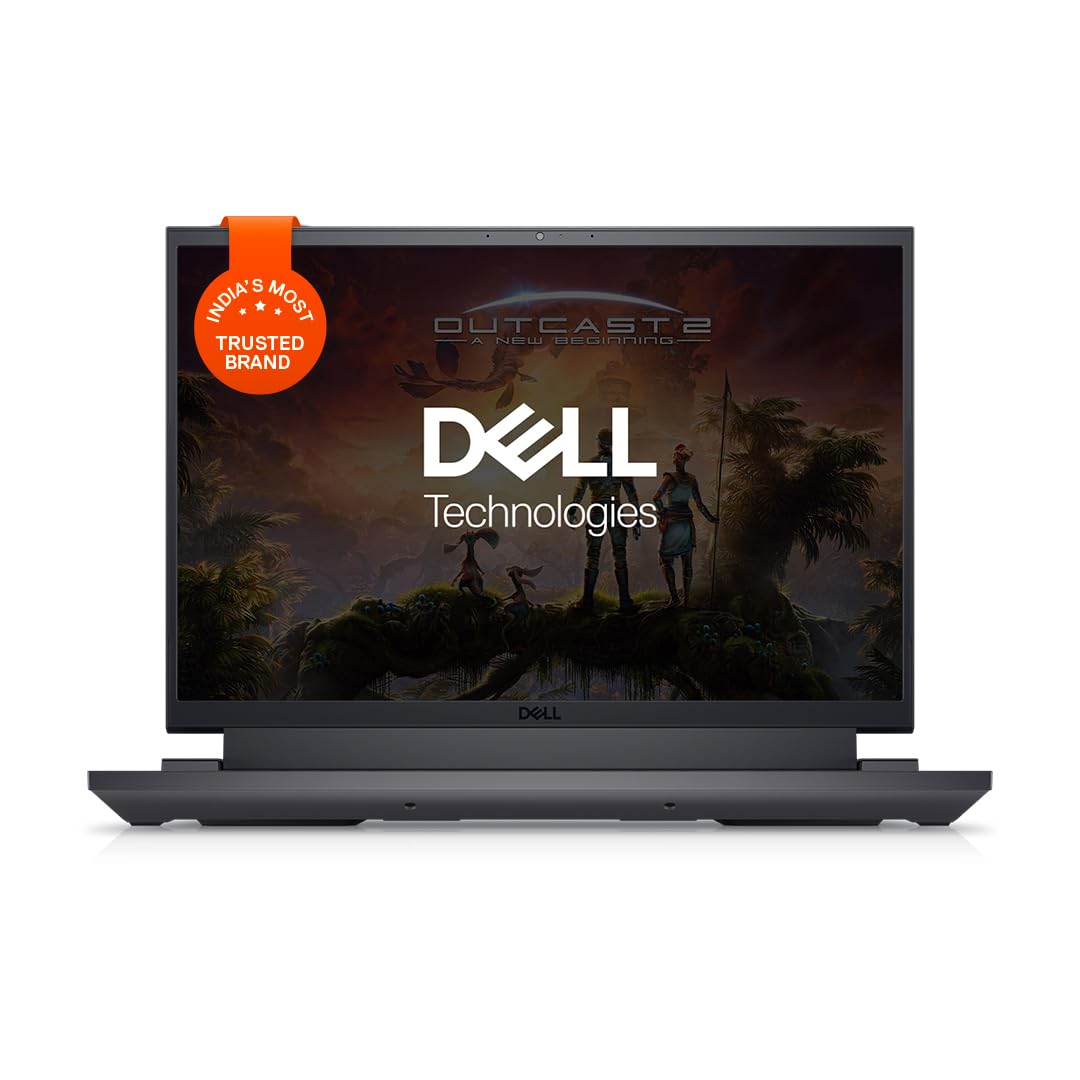
Processor: 13th Generation Intel Core i7-13650HX Processor (up to 4.90 GHz, 14 Cores, 24MB Cache)
37. Razer Blade 16
The Razer Blade 16 is a slim, premium gaming laptop that also functions very well as a creator machine. It combines high‑end CPUs and GPUs with a metal build and colour‑accurate displays. Performance is excellent for editing 4K and heavy projects. It’s ideal for editors and streamers who want a powerful but stylish laptop and don’t mind premium pricing.
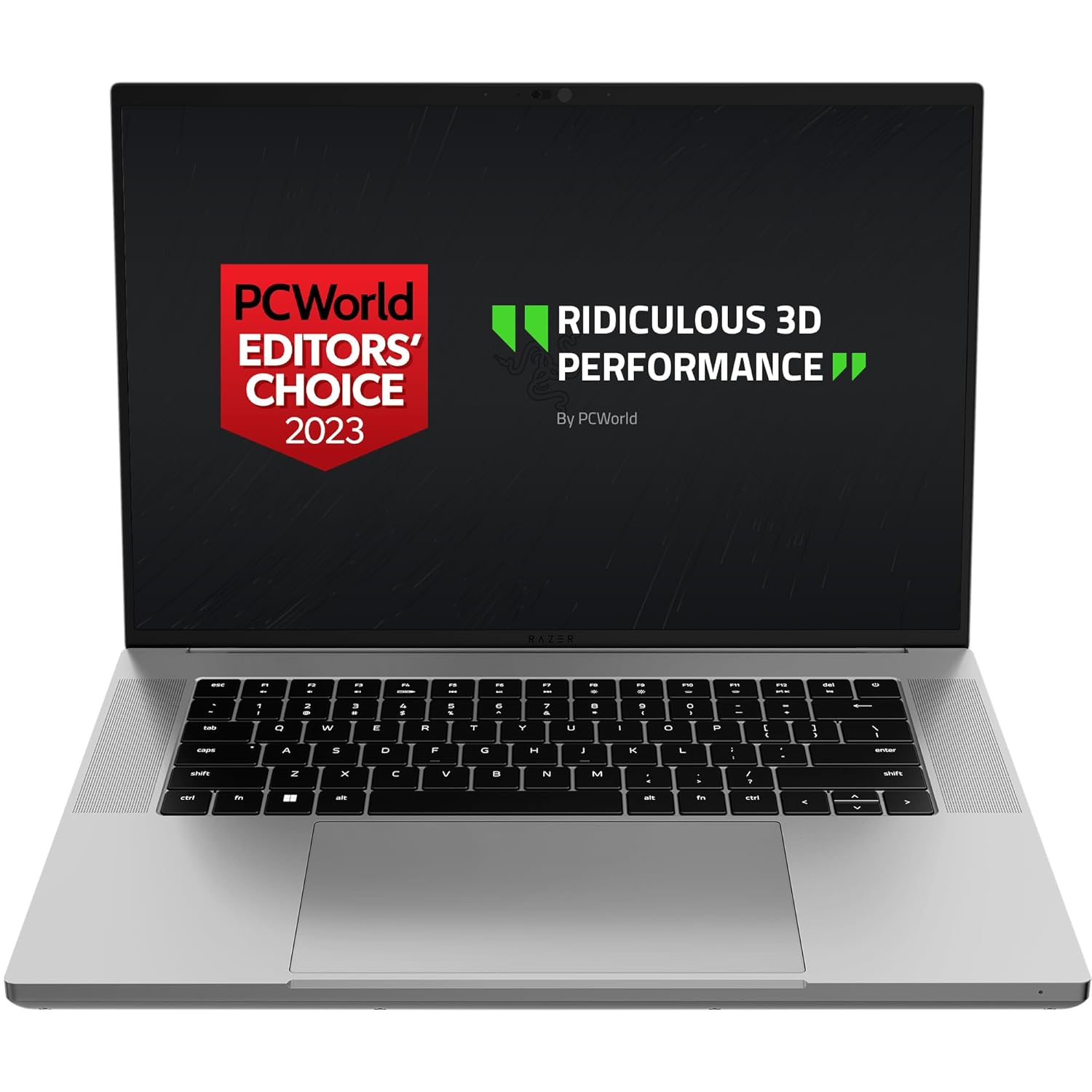
Experience insane performance and ultra-portability with the Razer Blade 16—featuring more graphics power per inch than any other 16” gaming laptop. Armed with the world’s first dual-mode mini-LED display, witness quality you can’t unsee with UHD+ 120 Hz and FHD+ 240 Hz native resolutions.
38. Razer Blade 18 / Titan‑class rivals
Large 18‑inch machines like Razer Blade 18 or MSI Titan 18HX give near‑desktop power and massive screens. They are perfect for editors who mostly work at a desk but still need a “portable” machine. With the fastest CPUs and GPUs, they can handle the heaviest workloads, including 8K projects, complex VFX, and 3D. These are true desktop replacements for serious professionals.

Processor: Intel core i7-14700HX |20C (8P + 12E) / 28T, P-core 2.1 / 5.5GHz, E-core 1.5 / 3.9GHz, 33MB
39. Framework Laptop 16 (with GPU module)
The Framework 16 is a modular, repairable laptop that can include a discrete GPU module. This makes it interesting for editors who care about sustainability and long‑term upgrades. Performance is strong with modern CPUs and GPUs, enough for serious editing if configured well. It’s best for tech‑savvy creators who like to customise their machines.
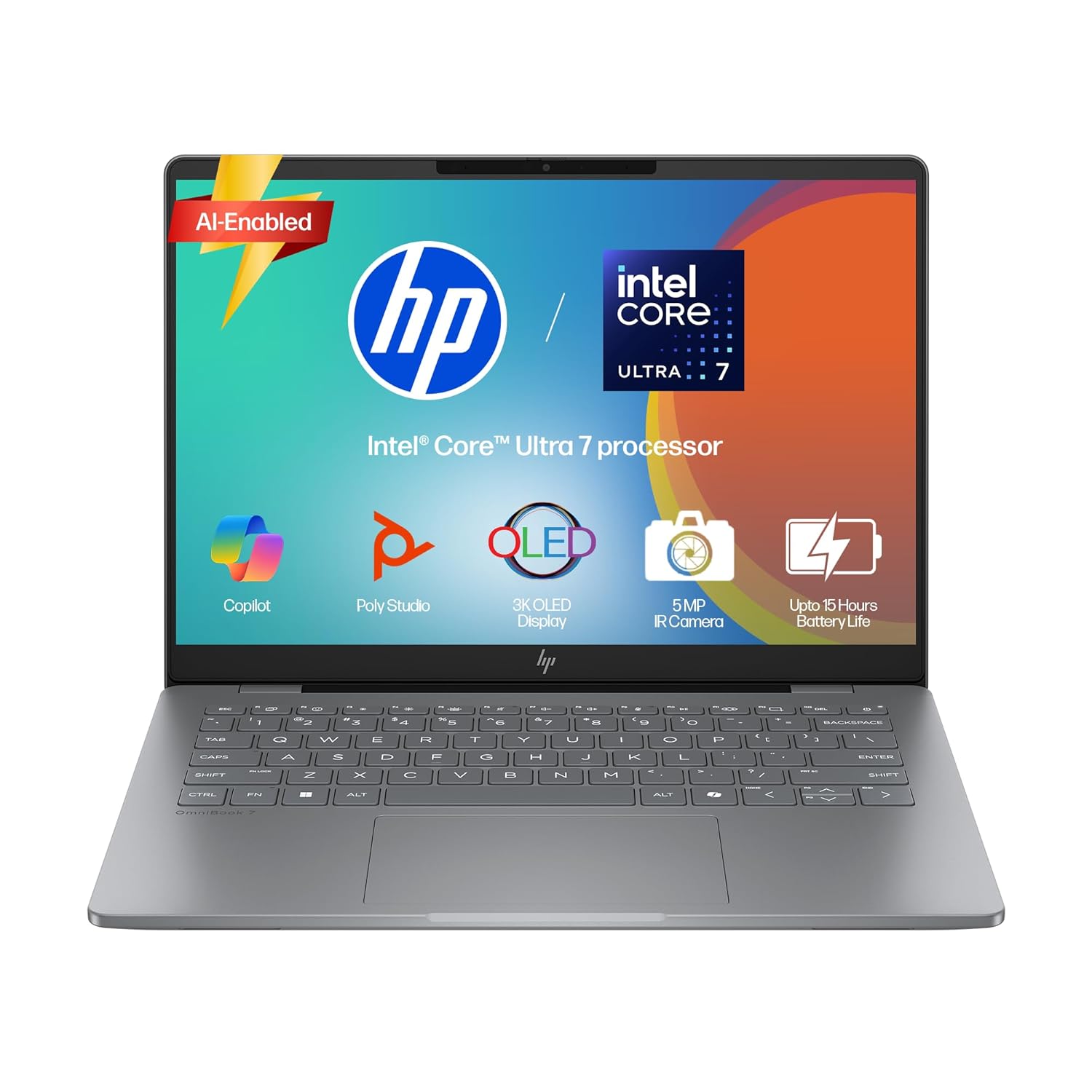
Processor, Memory & Storage: Intel Core Ultra 7 255H (up to 5.1 GHz with Intel Turbo Boost Technology, 24 MB L3 cache, 16 cores, 16 threads)| Memory: 32 GB LPDDR5-7467 MT/s (onboard)| Storage: 1 TB PCIe Gen4 NVMe M.2 SSD
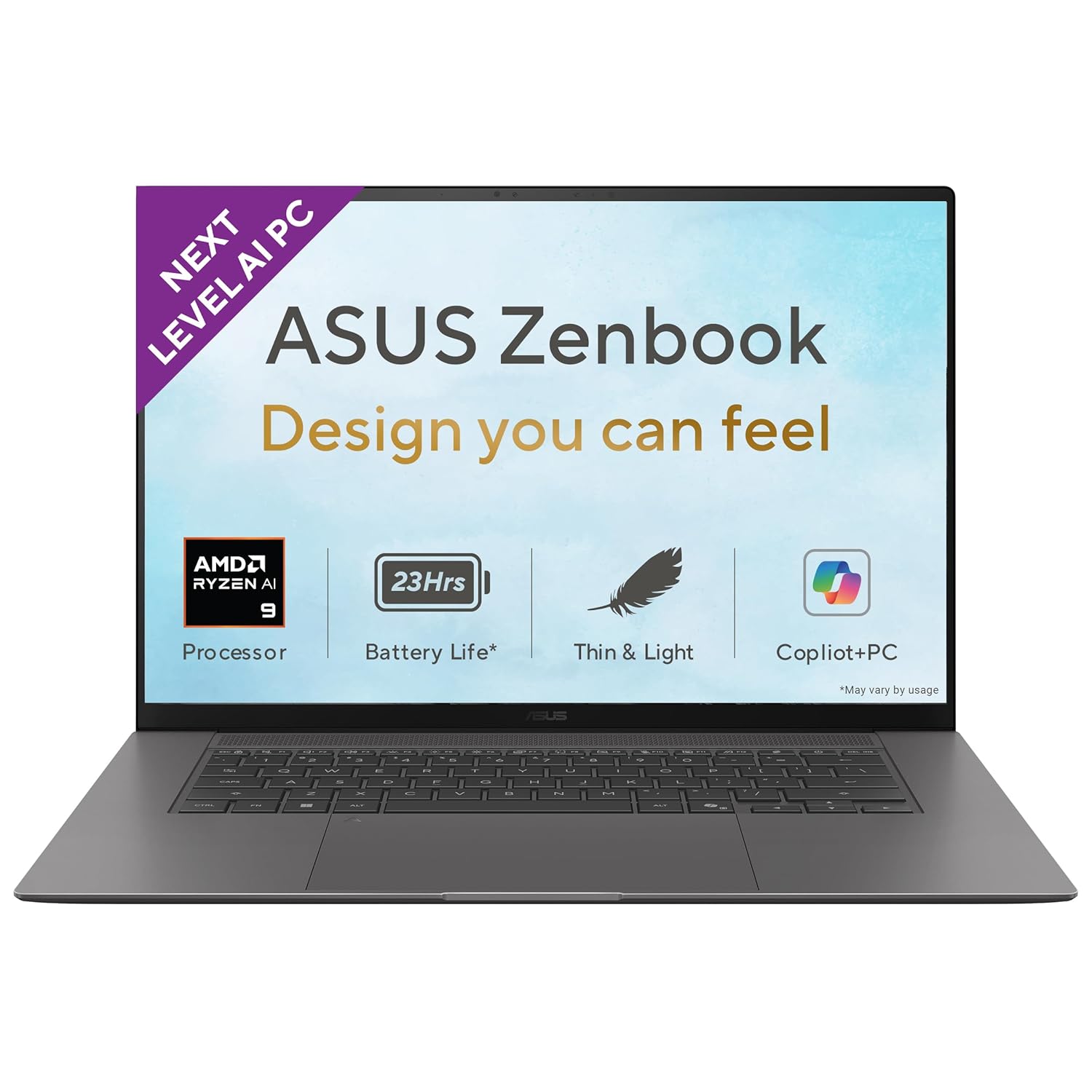
40. Microsoft Surface Laptop 7 (Copilot+)
The latest Surface Laptop with Copilot+ chips focuses on AI and efficiency but still handles moderate editing tasks. It’s good for creators who mostly cut 1080p or light 4K content and love Microsoft’s design. The display is sharp and colours are good. For heavy editing, other options on this list are stronger, but this works well for lighter workflows plus office tasks.
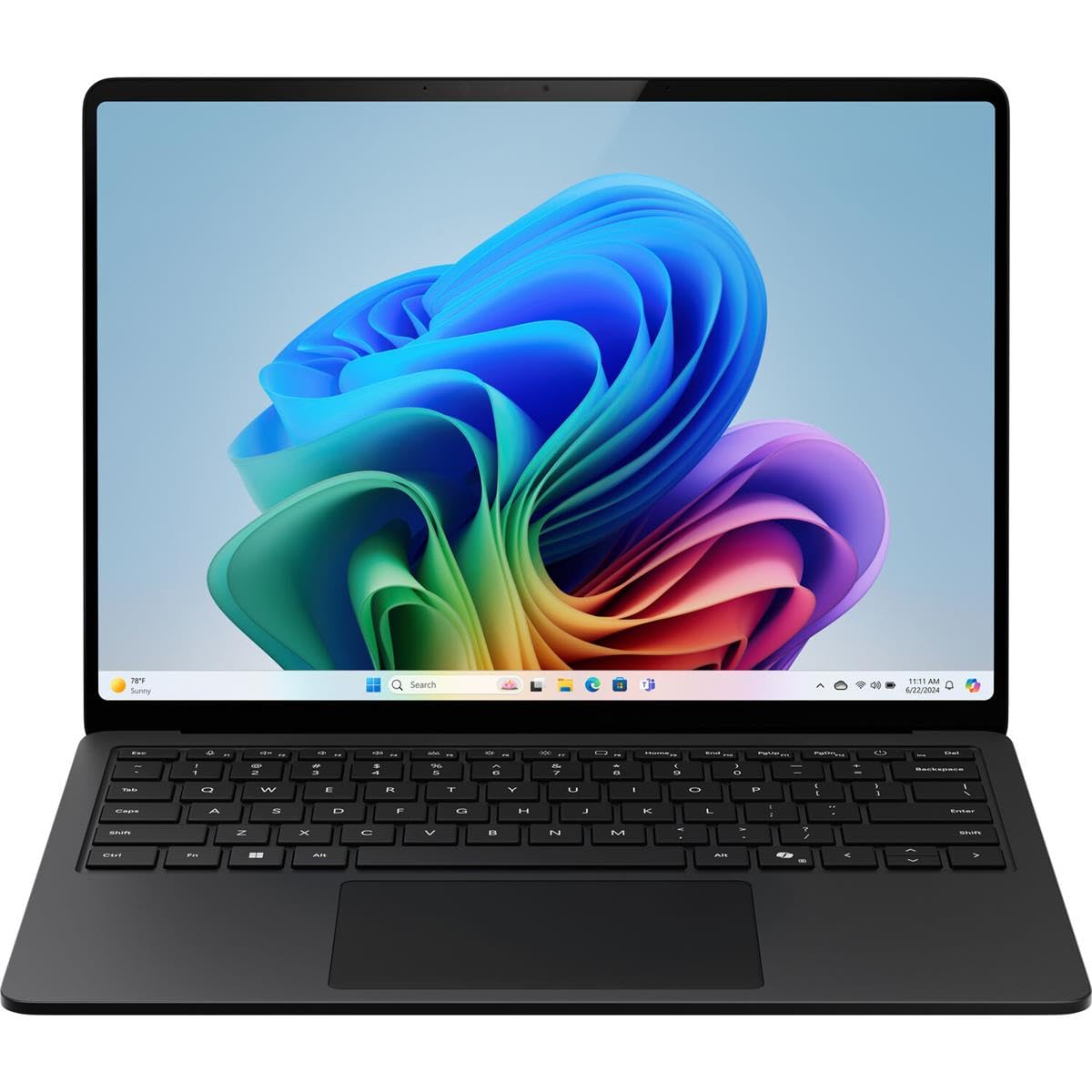
With 32 GB of memory, you can run numerous programs simultaneously without any degradation in performance.
41. Samsung Galaxy Book4 Ultra
The Galaxy Book4 Ultra combines Intel CPUs and RTX GPUs in a slim, premium chassis. It is a good Windows alternative for creators who also own Samsung phones. The display is sharp and colour‑rich, and performance is solid for 4K editing. It’s ideal for creators who want a sleek machine for editing plus everyday use.
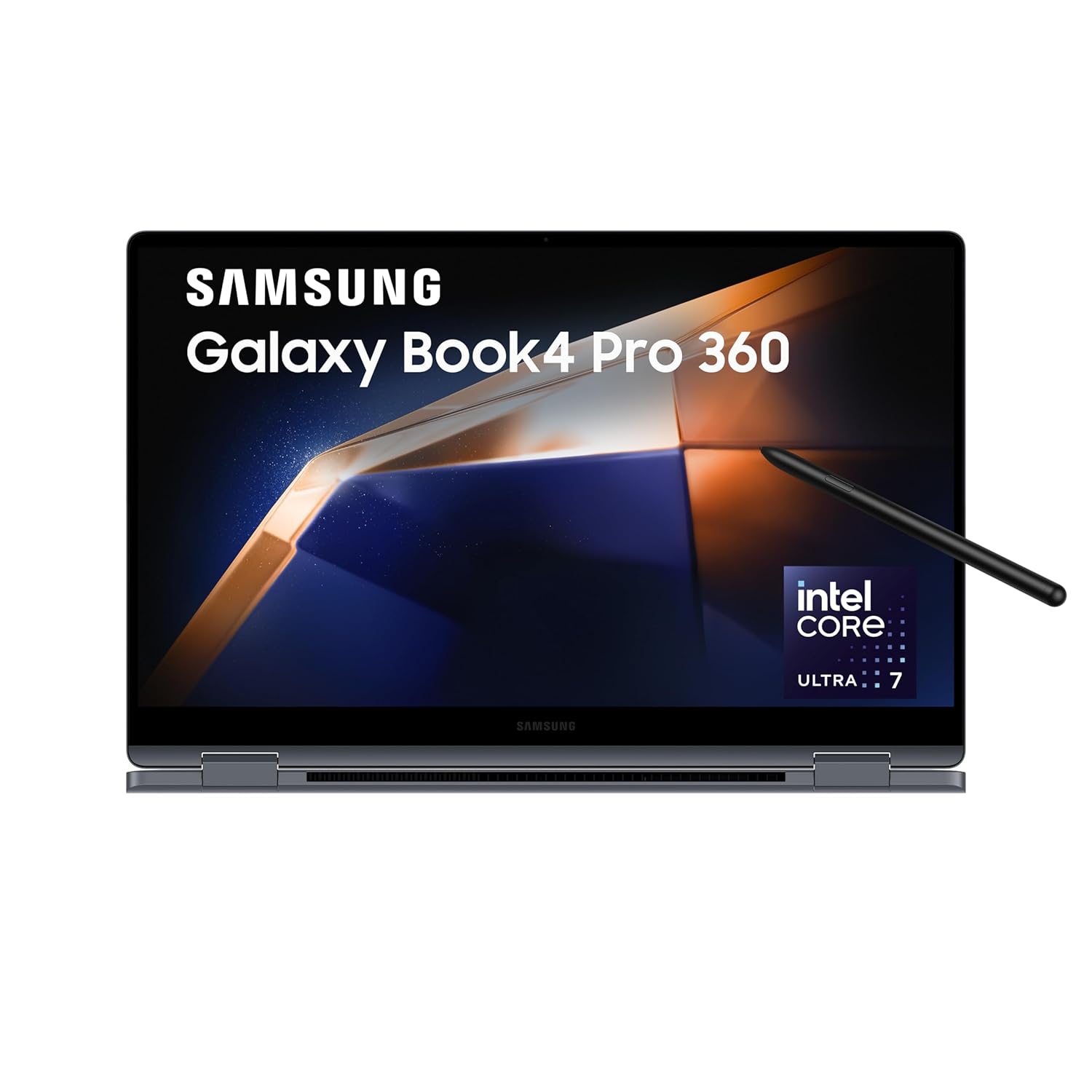
Processor: AI enabled Intel Evo Core Ultra 7 155H (3.8 GHz base clock, up to 4.8 GHz max boost clock, 24 MB L3 cache, 16 cores(6P + 8E + 2LPE) | Memory: 16GB DDR5X RAM, Expandable upto 32 GB | Storage: 1TB SSD
42. Samsung Galaxy Book3 / Book4 Pro 16
The Galaxy Book Pro series offers big, high‑quality screens and decent GPUs in thin bodies. They are strong for editors who want a large canvas without a very heavy laptop. Performance suits Full HD and moderate 4K editing workflows. They also work well for business and everyday tasks.
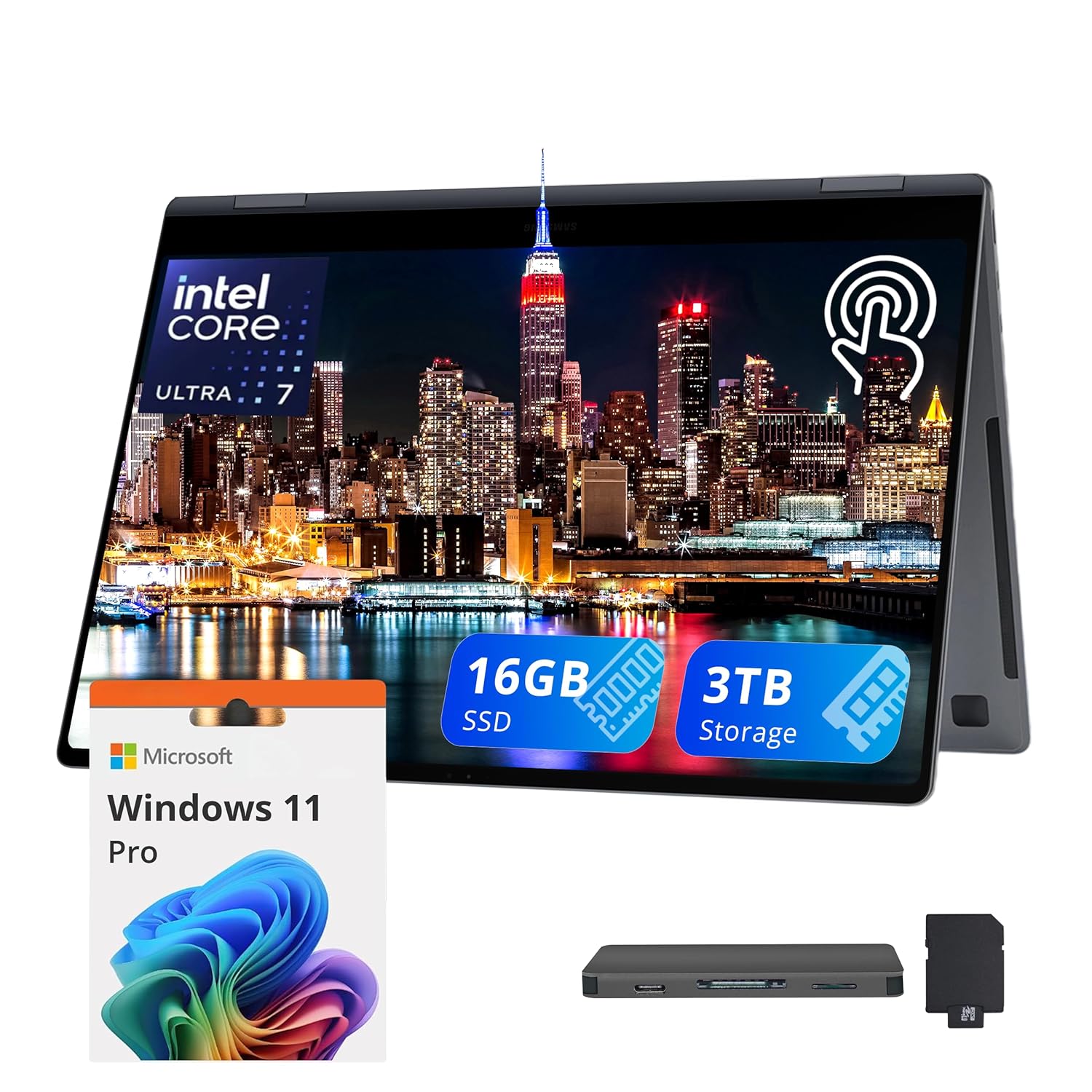
【Upgraded】Seal is opened for upgrade only, 1-Year warranty on Upgraded RAM/SSD from Snowbell, and original 1-Year Manufacture warranty on remaining components.【16″ 3K AMOLED Touchscreen Display】With 16″ 3K (2880×1800) AMOLED touchscreen (400nits, 120Hz) display, take your digital interactions to the next level and dive into a virtual experience like never before. 【2-in-1 Design】Convert to a tablet with the flip of a screen around a 360° hinge.
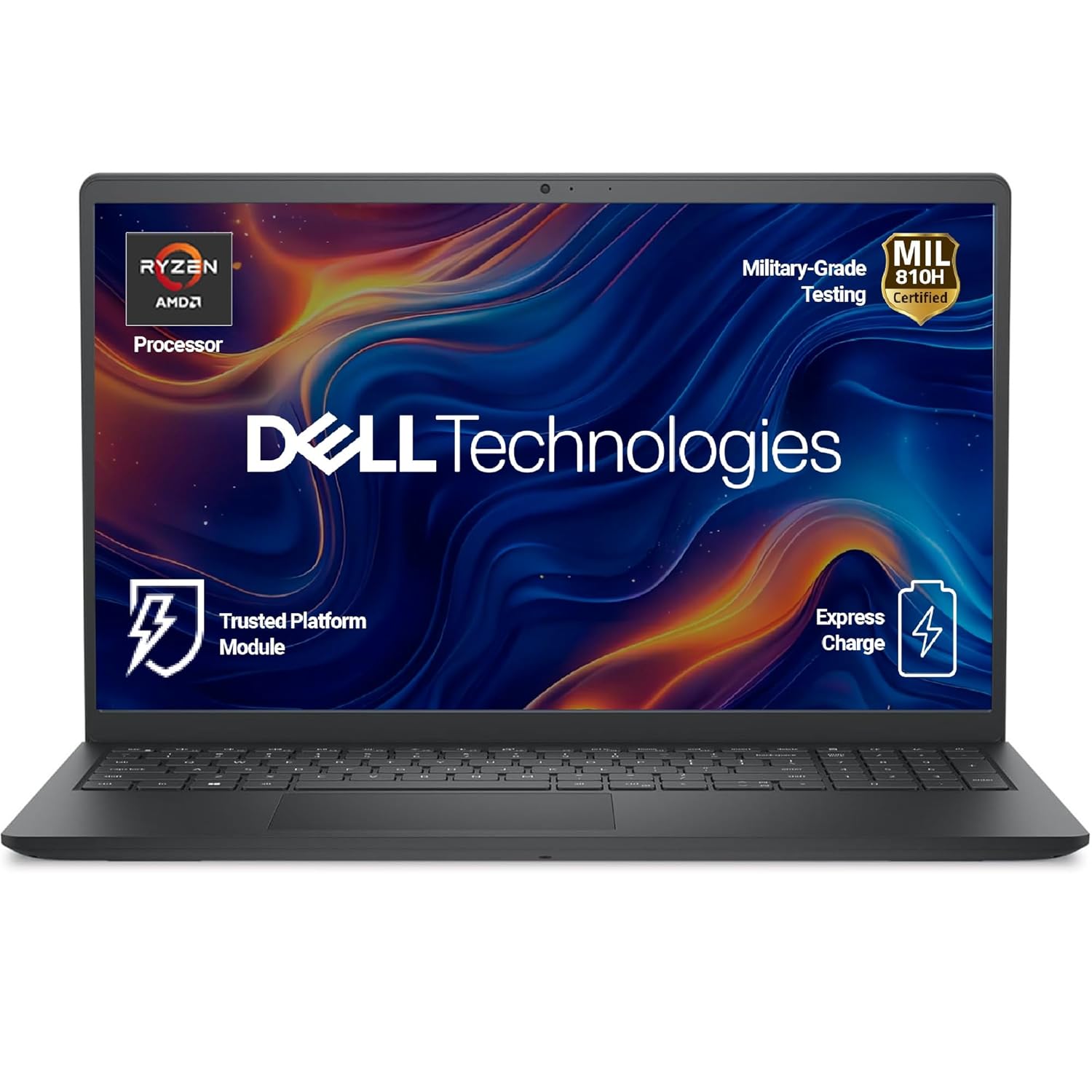
43. HP Pavilion Gaming / HP 15 (RTX)
HP Pavilion Gaming and some HP 15 models with RTX graphics are popular in India for budget editing. With i5/Ryzen 5 and RTX 2050/3050, plus 16 GB RAM, they are enough for 1080p and early 4K work. These are ideal if you are just starting your editing journey and want value.

【4-core AMD Ryzen 5 7520U】Unleash superior performance with a processor optimized for efficiency. Its 8 threads, and 4MB L3 cache offer smooth multitasking and quick response times.
44. Asus Vivobook Pro 15/16 (OLED)
Vivobook Pro models with OLED screens and RTX graphics are popular creator laptops. They offer strong CPUs, GPUs, and beautiful OLED displays at competitive prices. This combination is excellent for editors who want accurate colours and strong performance. It’s a great mid‑to‑upper range choice for serious YouTubers and freelancers.
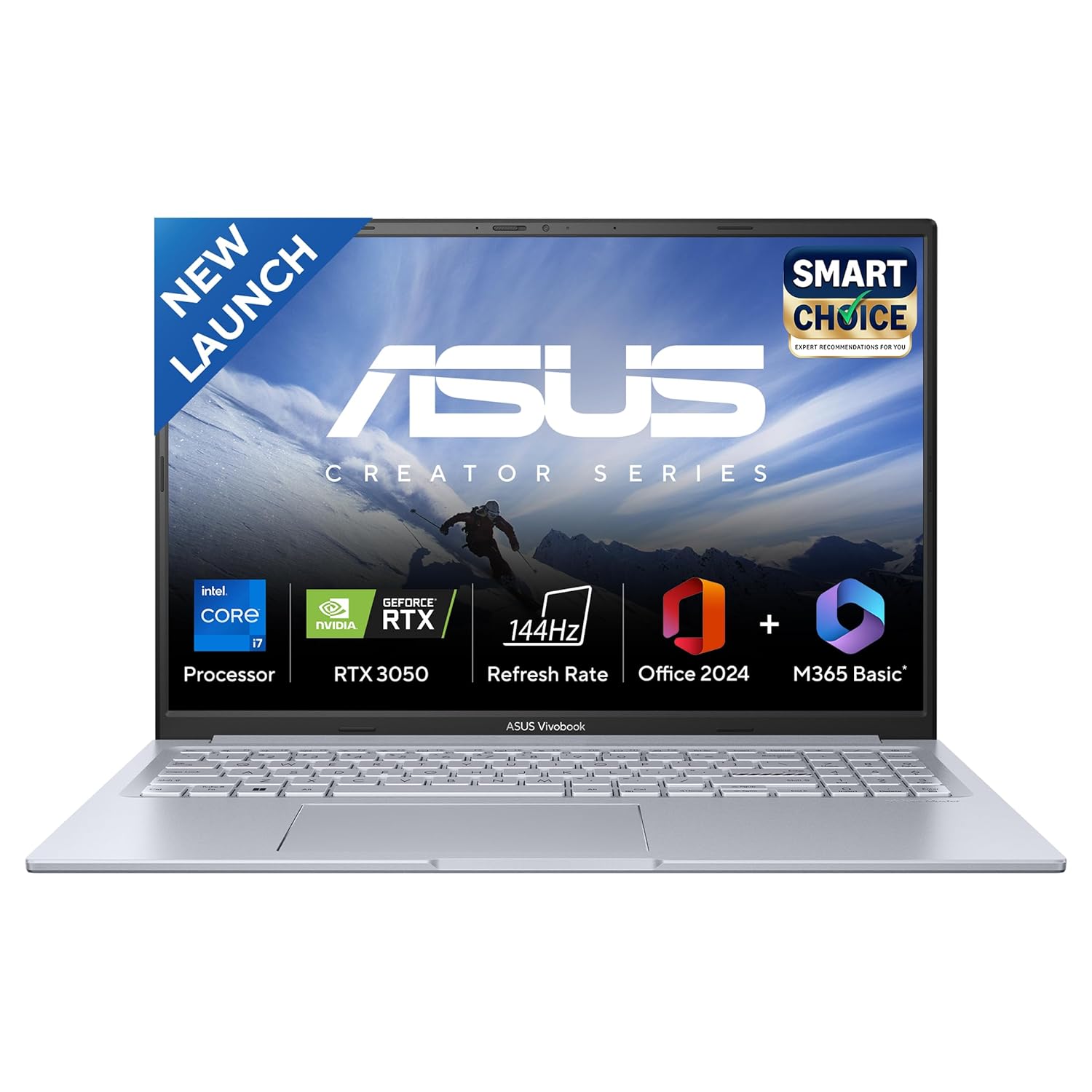
Processor : Intel Core i7-13620H Processor 2.4 GHz (24MB Cache, up to 4.9 GHz, 10 cores, 16 Threads)
45. Asus Vivobook 16X (RTX)
The Vivobook 16X with discrete graphics is a big‑screen laptop that performs well for editing. It offers a 16‑inch display, strong CPUs, and RTX‑class GPUs at relatively good prices. This is ideal for editors who want larger screen real estate but can’t go to top‑tier creator prices yet.

Processor : Intel Core i7-13620H Processor 2.4 GHz (24MB Cache, up to 4.9 GHz, 10 cores, 16 Threads)
46. Lenovo IdeaPad Gaming 3/5 (RTX)
IdeaPad Gaming models with RTX GPUs are value‑oriented machines good for editing and gaming. They offer mid‑range CPUs and GPUs, enough for serious 1080p editing and moderate 4K work. These are common picks in India for students and creators moving up from basic laptops.
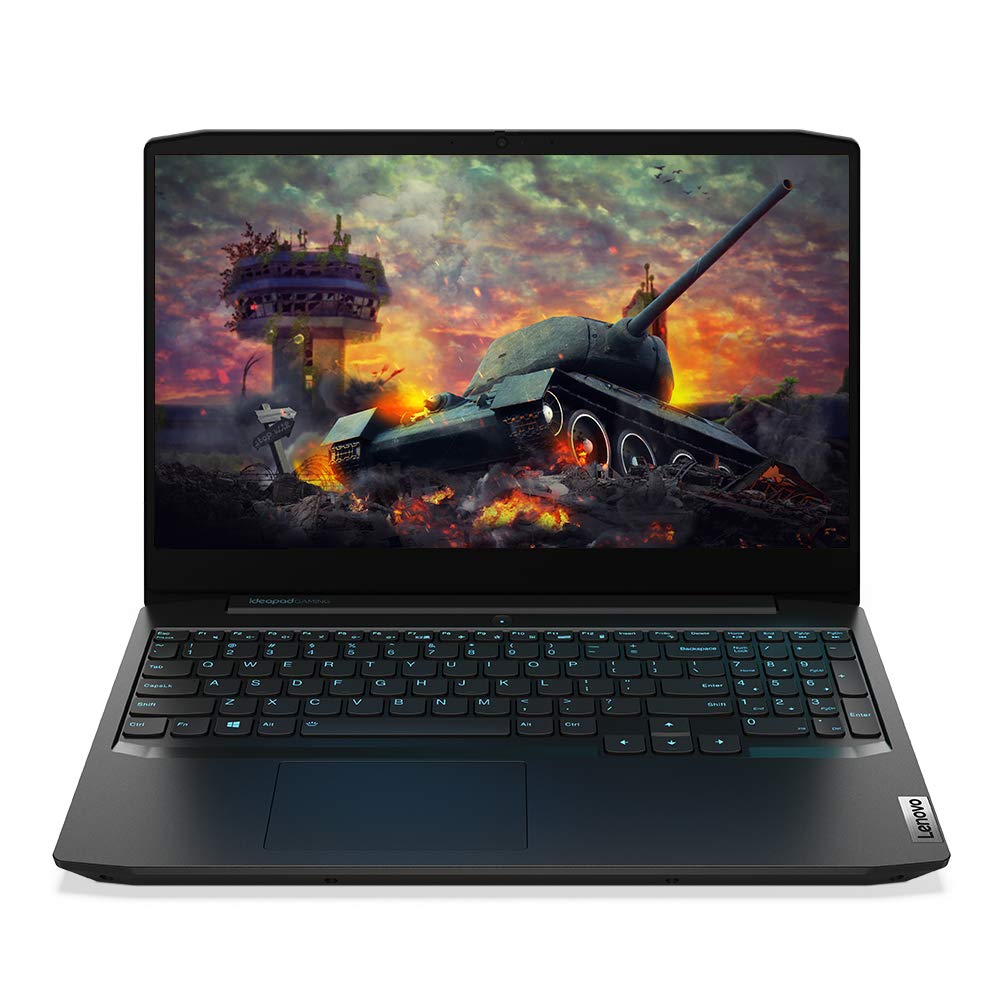
Processor: 4th Gen AMD Ryzen 5 4600H | Speed: 3.0 GHz (Base) – 4.0 GHz (Max) | 6 Cores | 3MB L2 & 8MB L3 Cache
47. Lenovo Legion Pro 5
The Legion Pro 5 is a powerful gaming‑creator laptop with strong thermals and performance. It’s very capable for heavy editing, including 4K with lots of effects. The screen is large and good for both games and timelines. This is a robust choice if you want near‑workstation performance at a slightly lower price.

Processor: Intel Core Ultra 7 255HX | 20C (8P + 12E) / 20T, Max Turbo up to 5.2GHz, 30MB
48. Gigabyte Aero / Aorus Creator series
Gigabyte Aero and some Aorus creator models focus on colour‑accurate screens and Nvidia GPUs. They provide strong performance and calibrated displays that work well for editing and grading. These machines are suitable for freelancers and studios who want Windows laptops tuned for content creation.
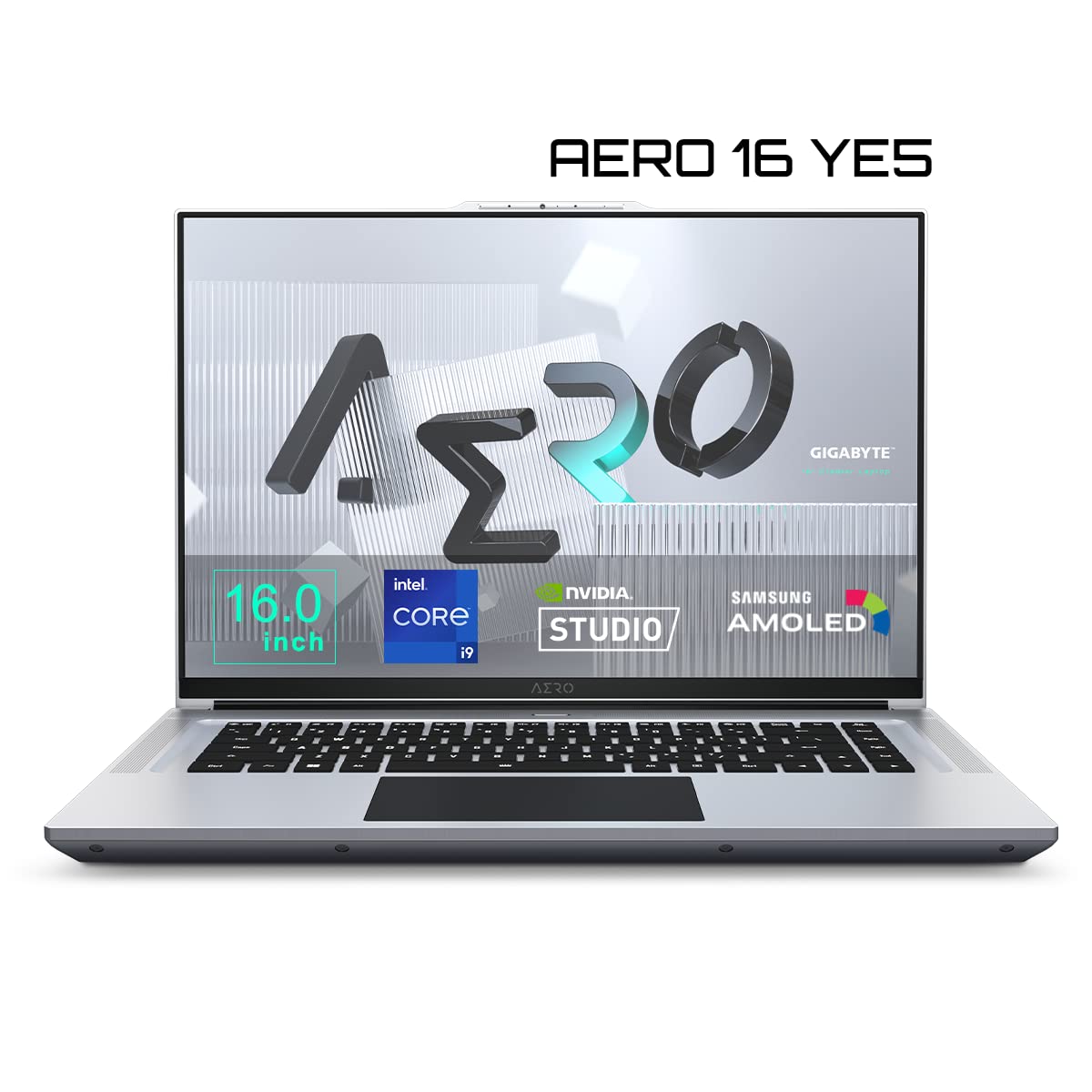
Windows 11 Home. Windows 11 Pro – GIGABYTE recommends Windows 11 Pro for business / Microsoft Office 365
49. Apple MacBook Pro 13 (M2, legacy)
Older 13‑inch MacBook Pro models with M2 are still fine for lighter editing workflows. They handle 1080p and simple 4K projects well and offer better active cooling than MacBook Air. For budget‑conscious Mac users, picking these on discount can be a good deal. They’re ideal for intermediate creators who don’t need the latest and greatest.
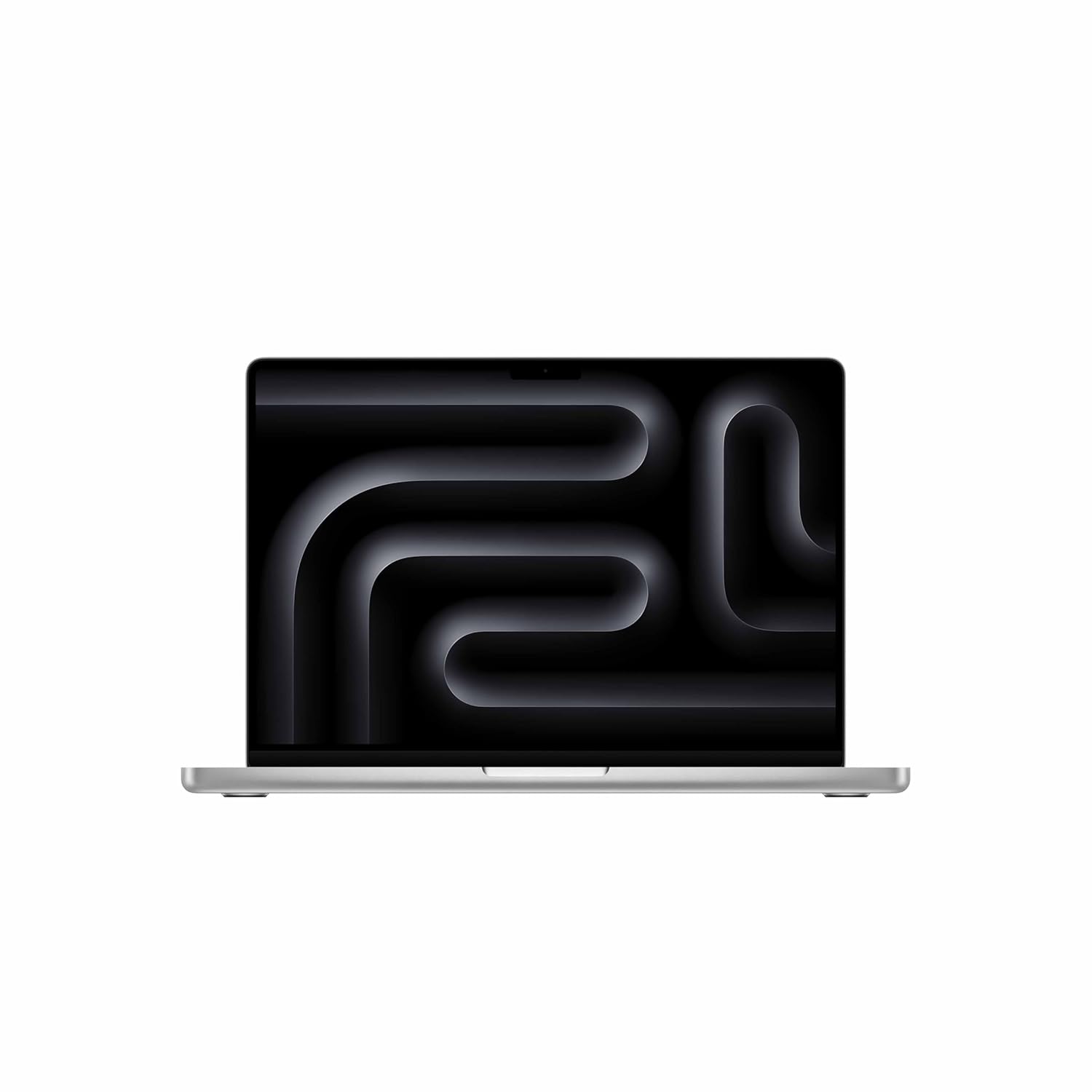
SUPERCHARGED BY M5 — The 14″ MacBook Pro with M5 brings next-generation speed and powerful on-device AI to personal, professional and creative tasks. Featuring all-day battery life and a breathtaking Liquid Retina XDR display with up to 1,600 nits peak brightness, it’s pro in every way.
50. Any laptop with i7/Ryzen 7 + RTX 3050/4050 + 16–32 GB RAM
Finally, many brands sell laptops that meet a “sweet spot” spec for editing: i7 or Ryzen 7, RTX 3050/4050, 16–32 GB RAM, and 512 GB–1 TB SSD. Even if the exact model name changes by year or market, this configuration is excellent for most editors. When shopping, you can use this as a simple template to filter laptops across brands.
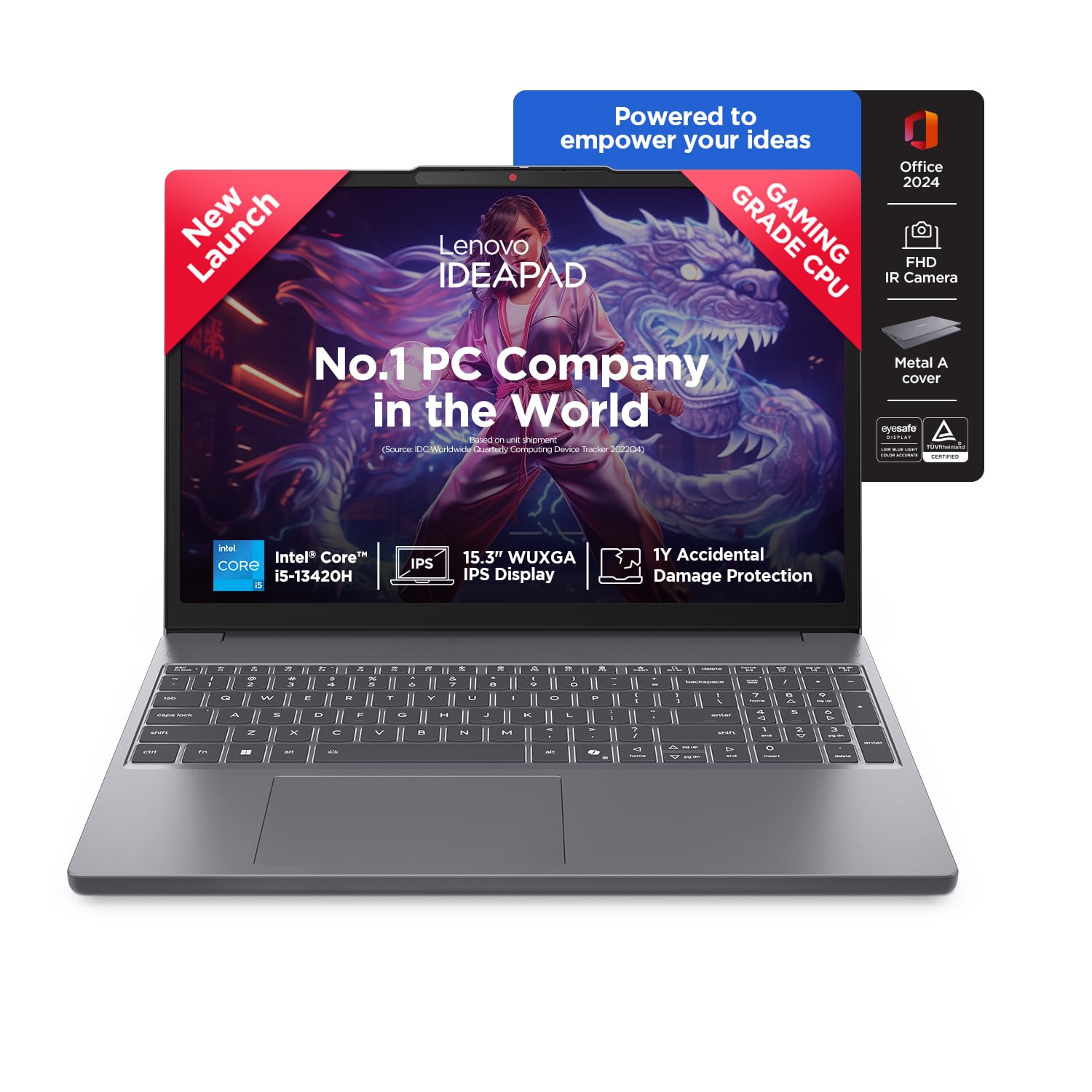
Processor: Intel Core i5-13420H | Speed: 2.1 GHz (Base) – 4.6 GHz (Max), E-core 1.5 / 3.4GHz | 8 Cores | 12 Threads | 12MB Cache
FAQs – Best laptops for video editing
1. How much RAM do I need for video editing?
For smooth editing, aim for at least 16 GB RAM; 32 GB is strongly recommended if you work with 4K, multiple layers, or long timelines. 8 GB is not enough for professional editing today.
2. Which is better for video editing, Mac or Windows?
Both can be excellent: MacBook Pro models with M‑series chips are very efficient and perform strongly in Final Cut Pro and other apps, while Windows laptops with RTX GPUs offer great performance and flexibility with more hardware choices. Your choice depends on software preference and budget.
3. Do I really need a dedicated GPU for editing?
If you only do light 1080p editing, integrated graphics can work, but for 4K, heavy effects, and fast exports, a dedicated GPU (Nvidia RTX or similar) makes a big difference. Resolve especially benefits from a strong GPU.
4. What processor should I look for in a video editing laptop?
Look for Intel Core i7/i9 or AMD Ryzen 7/9 (latest generations), or Apple M‑series chips like M2/M3/M4 for Macs. More cores help with rendering, while higher single‑core speeds keep the interface responsive.
5. How important is the laptop display for video editing?
Very important – you need at least an IPS display with good brightness and colour accuracy, and ideally a panel that covers sRGB and a large part of DCI‑P3. OLED and mini‑LED screens look great, but it’s best if they’re properly calibrated.
6. Can a gaming laptop be used for professional video editing?
Yes, many gaming laptops are excellent for editing because they have strong CPUs, GPUs, and good cooling; you just need to ensure the display quality and colour accuracy are acceptable for your work. Some editors connect an external colour‑accurate monitor for final grading.
7. How much storage do I need for video editing?
At minimum, get a 512 GB SSD, but 1 TB or more is better if you handle a lot of footage. For large projects, combine laptop SSD with external SSDs or fast HDDs for archives.
Conclusion
Picking the best laptop for video editing is really about balancing raw power, display quality, and budget with the kind of projects you actually work on. A full‑time editor cutting 4K documentaries or wedding films needs a very different machine from a student doing YouTube vlogs or Instagram Reels. When you focus on 16–32 GB RAM, strong CPU, capable GPU, fast NVMe SSD, and a colour‑accurate screen, even mid‑priced laptops can deliver professional results and shorten your export times.
The 50 laptops in this guide give you clear options across Mac, creator laptops, workstations, gaming machines, and high‑value mid‑range models, so you can match the hardware to your workflow and budget. Use this list as a starting point: shortlist 3–5 models that fit your price range, then compare display quality, thermals, and upgrade options before buying. That way, your next laptop will not just “run” your editing software – it will let you edit faster, try more creative ideas, and publish more often, which is what truly grows your channel or client work in the long run.